What is the Onichans in my Bed Addon for Minecraft PE/Bedrock?
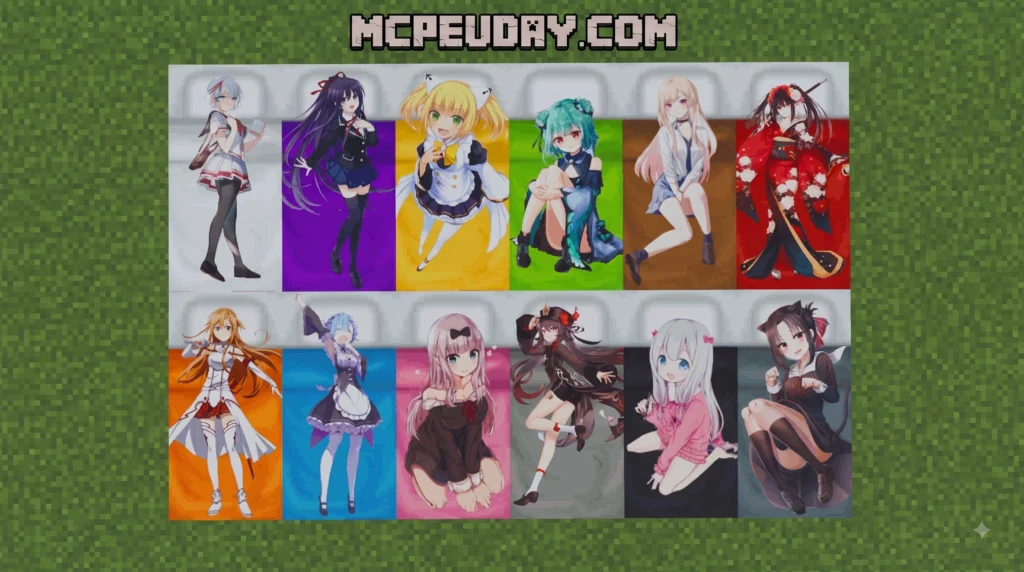

The Onichans in my Bed Addon for Minecraft PE/Bedrock brings custom anime-inspired entities, active combat abilities, and unique RPG progression mechanics into your game. Designed specifically for Minecraft Bedrock versions 1.20 and 1.21, it transforms standard survival mechanics by introducing specialized character paths, interactive companion mobs, and distinct skill sets.
Rather than relying purely on basic sword strikes or traditional armor sets, the addon introduces tactical ability windows, special items, custom spell tokens, and smooth animated character traits. Whether you are battling high-tier custom mobs, exploring custom world encounters, or upgrading your core stats through deep progression branches, the overall experience feels like a complete anime RPG overhaul inside Minecraft Pocket Edition and Bedrock Edition.
For players who enjoy survival worlds but want more action and character identity, this addon adds a stronger sense of direction to each playthrough. You are not just gathering resources and fighting mobs at night; you are gradually building a combat style, testing abilities, and preparing for bigger encounters. This makes it useful for solo survival, roleplay maps, private servers with friends, or showcase worlds where custom animations and anime-themed mobs are the main attraction.
| Feature Category | Default Minecraft Bedrock | Onichans in my Bed Addon |
|---|---|---|
| Mob Entities | Vanilla aggressive/passive mobs | Anime-themed entities & interactive companions |
| Combat System | Weapon swinging & block holding | Active skill windows, tactical bursts & abilities |
| Progression | Leveling via XP for enchantments | RPG stat allocation, trait unlocks & Awakenings |
| Custom Items | Basic tools, armor & potions | Power reset items, skill tokens & custom gear |
| Animations | Standard player model movement | Custom attack, ability & idle animations |
Playable Characters and Core Mechanics in the Onichans in my Bed Addon for Minecraft PE/Bedrock
The addon introduces distinct character roles, each possessing unique combat traits and active skills. Instead of static passive buffs, characters utilize active burst windows that trigger tactical power boosts during intense battle encounters.
For instance, rather than permanently dealing massive static damage, players can activate temporary power windows that dramatically increase movement speed, dodge probability, and attack output. Custom visual effects and model animations accompany these abilities, giving actions an authentic anime style. Companion entities can also spawn or be summoned to interact directly with players, aiding in boss battles or offering unique trading routes for rare gear and specialized items.
The core loop is simple enough for new MCPE players to understand, but it still rewards practice. Timing your burst window before a dangerous enemy attack, saving a defensive skill for low health, or combining movement boosts with ranged attacks can make a major difference. Because these mechanics sit on top of Bedrock survival gameplay, you can still mine, craft, farm, build bases, and explore normally while using the addon features when combat becomes more demanding.
Progression, RPG Leveling, and Awakenings in the Onichans in my Bed Addon for Minecraft PE/Bedrock
To keep survival gameplay balanced and rewarding over long playthroughs, the Onichans in my Bed Addon for Minecraft PE/Bedrock integrates a structured RPG leveling and progression system:
- Level 5 (Mindset Unlock): Unlocks foundational stat points and basic character techniques, allowing players to start specializing their combat style.
- Level 30 (Training & Skill Scaling): Grants access to core combat abilities, stamina scaling, and physical training regimens designed for mid-game survival.
- Level 40 (Passive Traits): Activates permanent passive bonuses, such as enhanced movement speed, health regeneration bursts, or defensive resistance.
- Level 50 (Ultimate Awakenings): Unlocks full Awakening modes, unleashing high-damage ultimate abilities, transformed visual appearances, and screen-clearing strike combinations.
This staged progression helps prevent the addon from feeling overpowered immediately after installation. Early-game players can learn the basics, mid-game players can start shaping a defined build, and late-game players can chase Awakening abilities as a long-term goal. If you are adding the pack to a survival series, this structure also gives each episode or session a clear sense of advancement.
How to Install the Addon: 3 Easy Steps & Experimental Settings
Installing the addon on mobile devices (Android/iOS) or Windows PC takes just a few minutes. Because this mod utilizes custom animation routines and modern Bedrock script engines, following the setup steps carefully ensures optimal performance and prevents missing textures.
Before starting, check that your Minecraft Bedrock app is updated to a supported version and that you have enough free storage for both the Resource Pack and Behavior Pack. Addons with custom models, sounds, particles, and scripts can be larger than simple texture packs, so a stable internet connection is recommended during download and import. If you are testing the addon for the first time, create a backup of any important world before applying new packs.
- Download and Import Files: Acquire both the Behavior Pack (BP) and Resource Pack (RP)
.mcaddonor.mcpackfiles. Open the downloaded files directly to launch Minecraft PE/Bedrock and import both packs automatically into your game storage. - Activate Packs in World Settings: Create a brand-new world or select an existing world for testing. Navigate to Resource Packs and Behavior Packs in the world settings side menu, locate the addon, and click Activate for both pack components to link them to your world.
- Toggle Experimental Features: Scroll down to the Experiments tab in world settings and enable the required toggles so all custom entity scripts, items, and UI windows load properly.
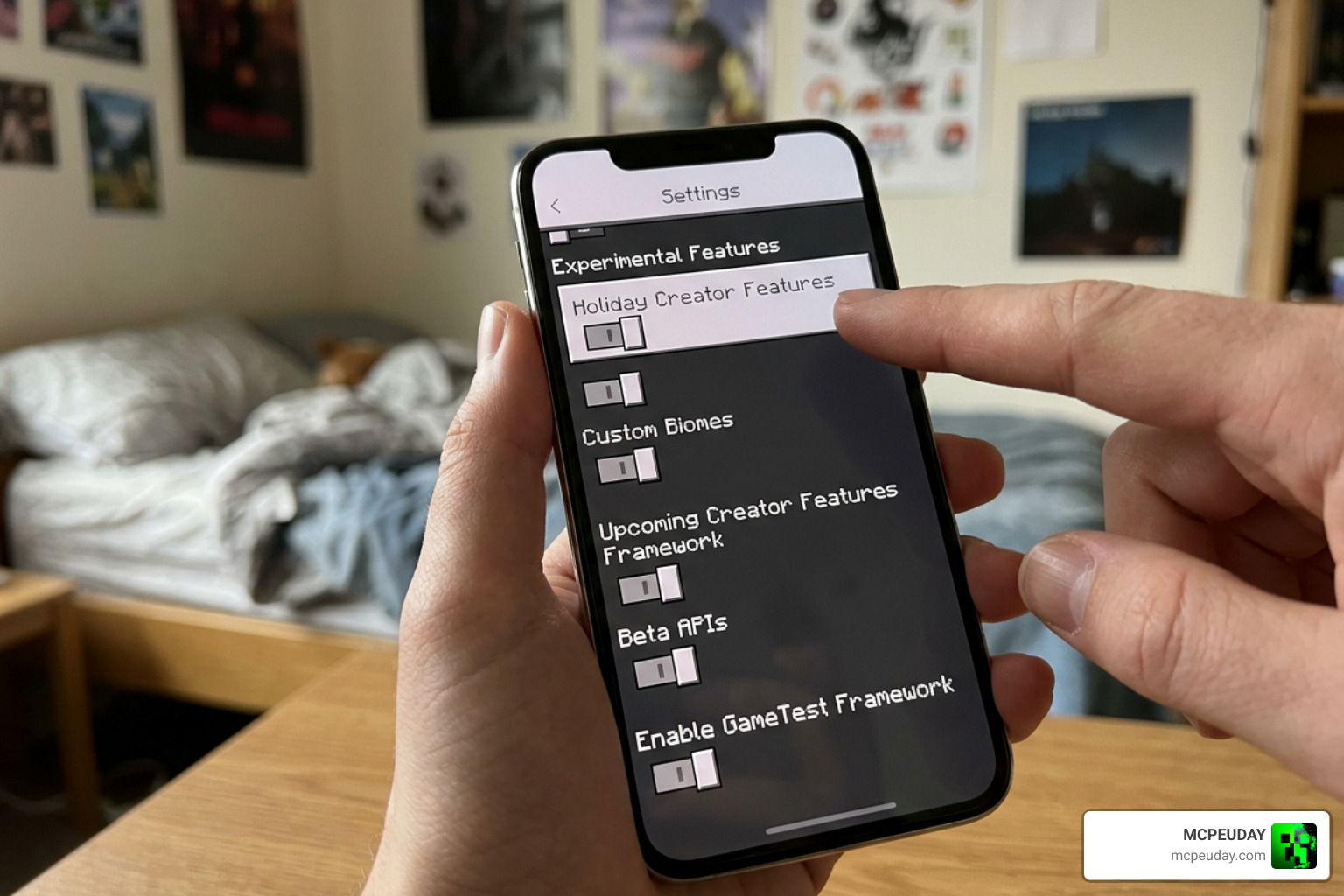
Make sure the following toggles are switched ON before loading into your world:
- Holiday Creator Features
- Upcoming Creator Features
- Beta APIs
- Molang Features
Enabling these experimental toggles guarantees that custom skill scripts, particle displays, and dynamic damage multipliers function without throwing script errors or missing texture placeholders.
After the world loads, open your inventory or creative menu and confirm that the addon items appear correctly. If entities look invisible, items show purple-and-black textures, or abilities do not activate, return to world settings and confirm that both the BP and RP are active at the same time. In most cases, installation issues come from enabling only one pack component or forgetting one of the experimental settings.
Gameplay Guide: Ability Activation, Power Resets, and Device Performance
Activating abilities in the Onichans in my Bed Addon for Minecraft PE/Bedrock is intuitive and seamless across both touch screens and controllers. Most core combat abilities are triggered by sneaking (crouching) while holding specific skill tokens or selecting abilities directly from the custom interface. Sneaking initiates tactical burst windows, allowing you to deal swift physical damage or invoke magical shields during critical combat moments.
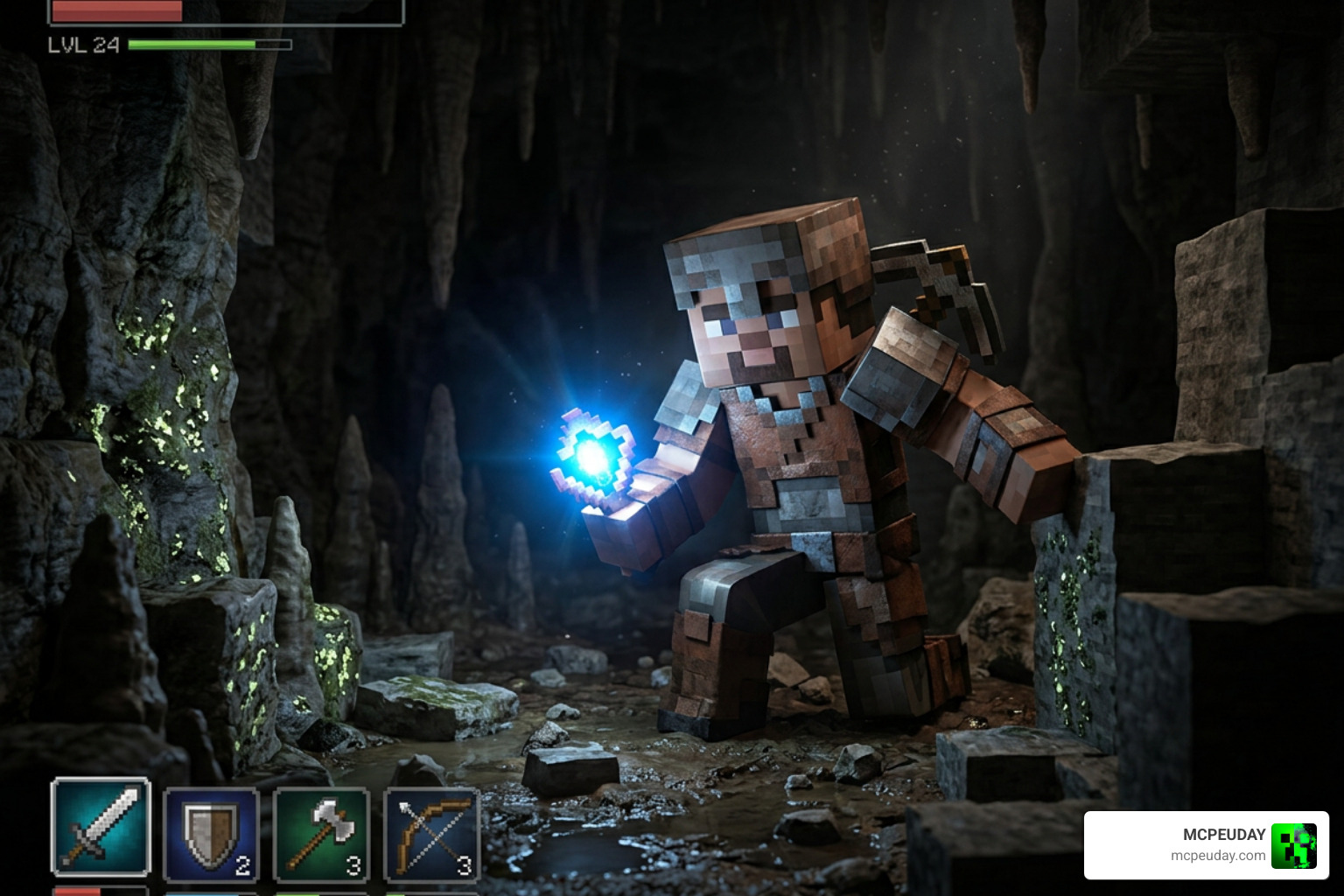
When learning the addon, it is best to test abilities in a safe area before entering a cave, raid, or boss-style fight. Try each token, observe its cooldown or timing window, and learn whether it is better for movement, damage, defense, or support. This prevents wasted skill activations during survival combat and helps you decide which character path fits your preferred playstyle.
Resetting Character Powers
If you want to change your main character path, reallocate your attribute stats, or reset your tree for a fresh combat strategy, specific in-game items like Limiter Pills or Impairment Chips allow you to strip stats, remove active cybernetic or magical attachments, and reset your RPG tree cleanly without needing to delete your save file or create a brand-new world.
Power reset items are especially helpful when you move from early-game exploration to late-game combat. A build that works well for gathering resources may not be ideal for stronger custom mobs, so being able to respec keeps your world flexible. It also encourages experimentation with different ability combinations instead of locking you into one setup permanently.
Mobile Device Optimization Steps
To maintain smooth performance on mobile devices during visual-heavy Awakenings and combat sequences, follow these recommended optimization steps:
- Ensure your mobile device (Android/iOS) has at least 3 GB of RAM available for smooth asset streaming.
- Lower your Particle Render Distance and overall chunk render distance in Video Settings to prevent frame rate dips during particle-heavy skill executions.
- Close all background applications before launching resource-heavy Bedrock worlds to free up CPU cycles.
- Always apply heavy entity addons to new worlds to avoid block generation bugs and entity ID conflicts.
If performance still drops during large fights, reduce the number of active companion entities and avoid stacking multiple heavy addons in the same world. Shaders, high-resolution textures, and script-heavy gameplay packs can all compete for memory on mobile devices. For the smoothest experience, test one addon at a time, then add extra packs only after confirming that the world remains stable.
Frequently Asked Questions
Is the Onichans in my Bed Addon compatible with other anime mods?
Yes, the addon is compatible with most general skin packs, shader packs, and quality-of-life utility addons. However, combining it with other heavy mods that alter core player models, replace standard UI screens, or execute competing script engines may lead to interface overlap or script conflicts.
How do you remove or reset character powers in the addon?
You can consume specialized reset items such as Limiter Pills or Impairment Chips found in craftable recipes or trader inventories. These items safely wipe your current unlocked stat points and skill trees, giving you full freedom to reassign your abilities without losing overall world progress.
What are the minimum system requirements for mobile devices?
We recommend an Android or iOS mobile device with at least 3 GB of RAM and a capable quad-core or octa-core processor. This hardware profile ensures stable frame rates during high-intensity skill triggers, companion entity spawns, and explosive particle visual effects.
Conclusion
The Onichans in my Bed Addon for Minecraft PE/Bedrock brings a rich blend of anime action, custom companion mobs, dynamic combat bursts, and engaging RPG progression straight to your mobile or PC device. By following our simple 3-step installation process and enabling the required experimental settings, you can dive straight into high-powered survival combat and character Awakenings.
For the best experience, install both the Resource Pack and Behavior Pack, start with a clean test world, and adjust your video settings before triggering particle-heavy abilities. Taking a few minutes to set up the addon properly can prevent common problems such as missing textures, inactive scripts, or frame rate drops on mobile hardware.
Looking for more top-tier mods, shaders, and gameplay packs to customize your game? Head over to our Minecraft Bedrock Mods and Addons section to discover the latest releases, installation guides, and downloads at MCPEUDAY!