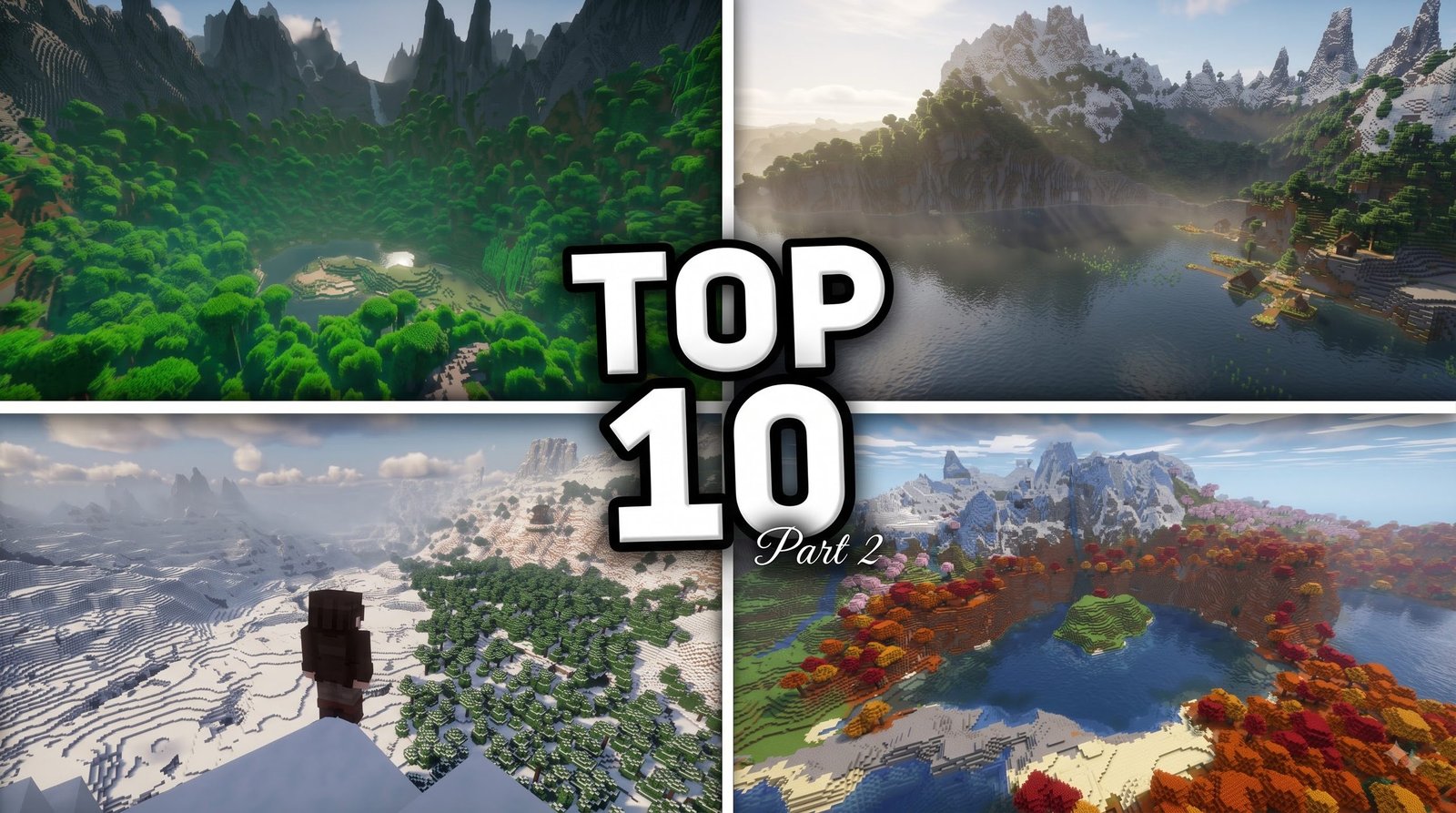
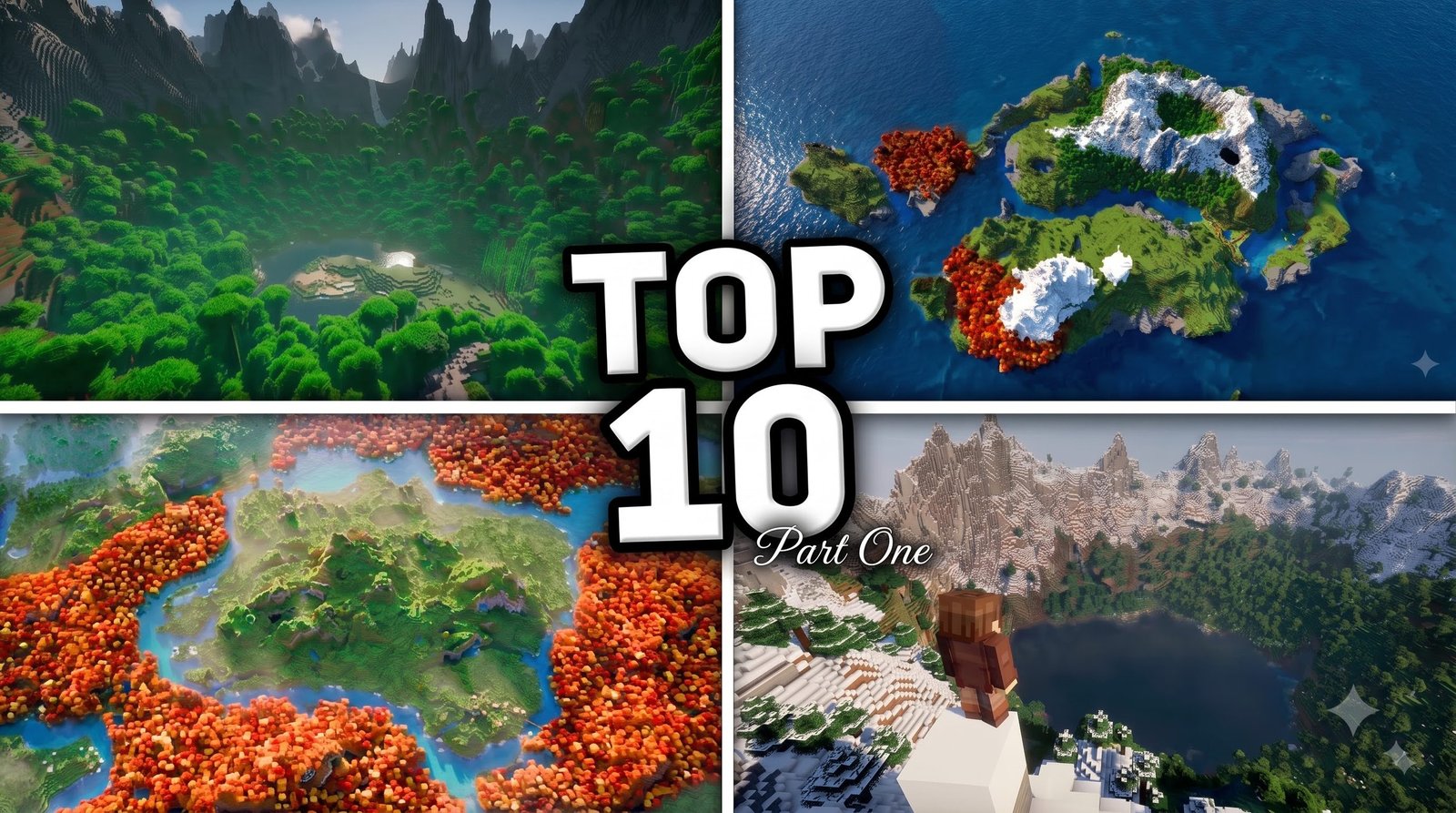
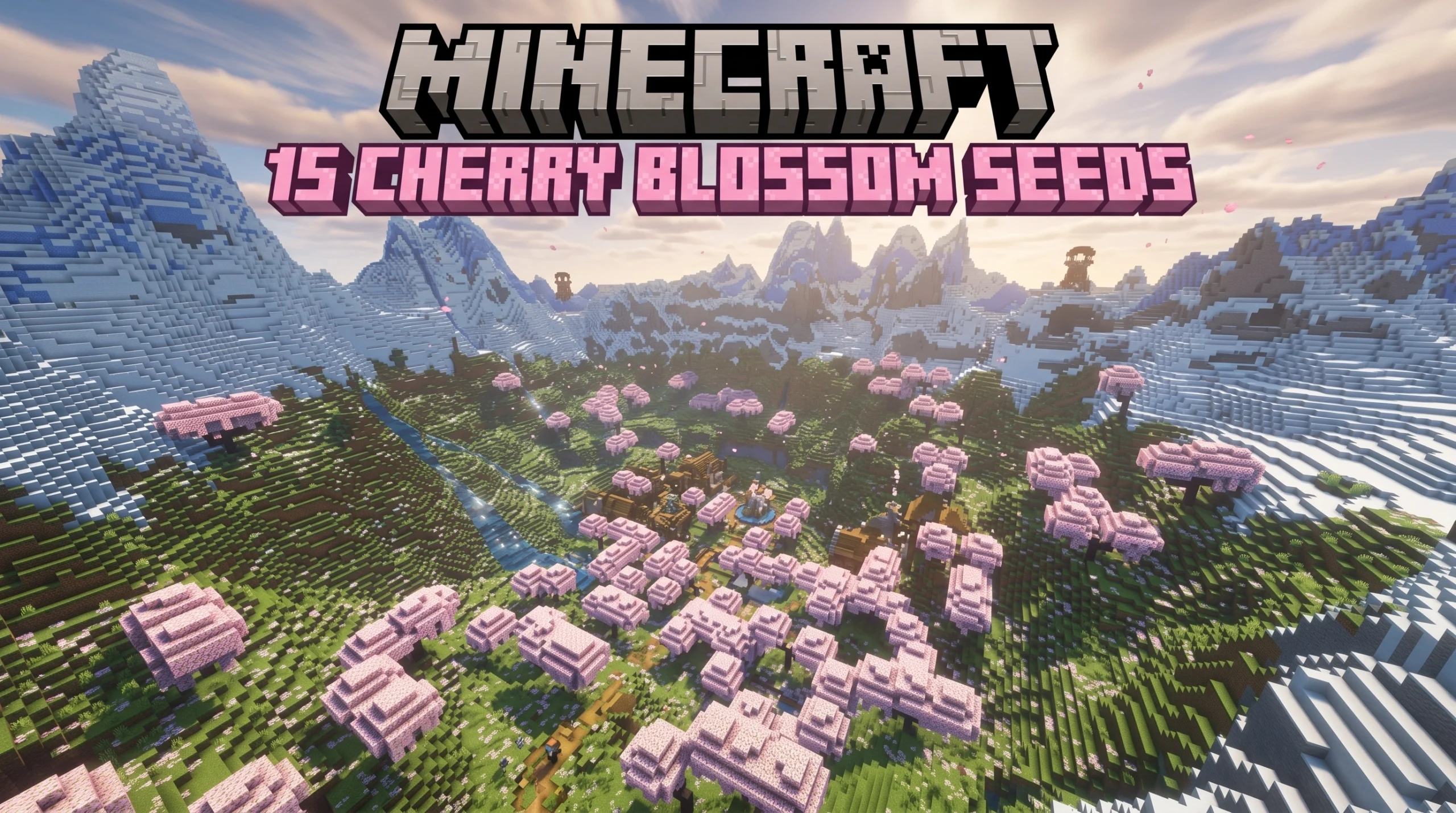
If you're diving into MCPE addons, shaders, texture packs, seeds, maps, etc, you're in the right place — here's a quick overview of what each one does:

| Type | What It Does | Best For |
|---|---|---|
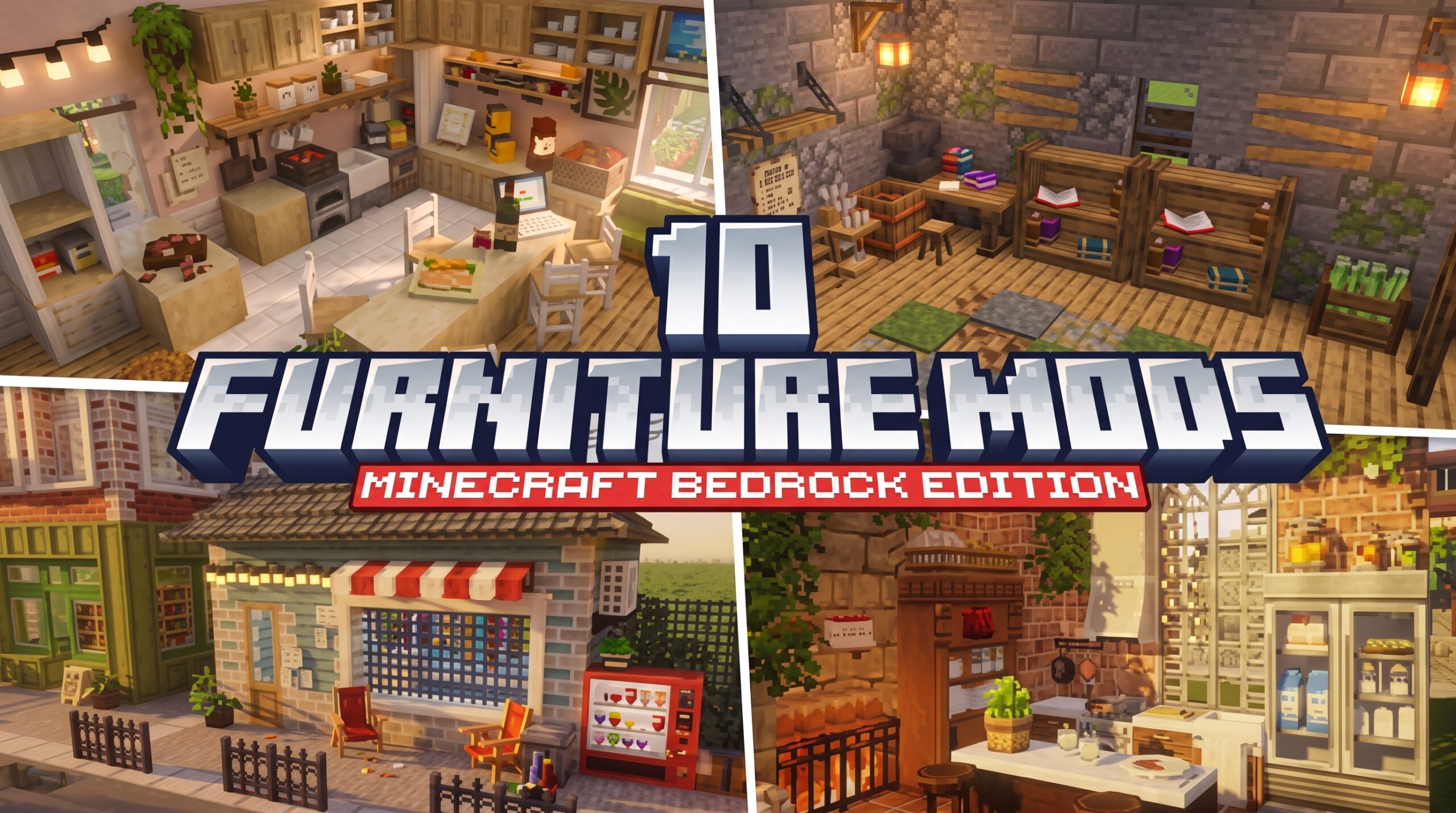
| Addons | Add new mobs, items, mechanics, and gameplay systems | RPG, guns, furniture, horror |
| Shaders | Overhaul lighting, shadows, water, and sky visuals | Realistic or stylized graphics |
| Texture Packs | Reskin blocks, items, and UI | Custom art styles (16x, 32x, 64x) |
| Seeds | Generate specific world layouts on spawn | Islands, villages, dungeons |
| Maps | Pre-built worlds with custom gameplay | Bedwars, parkour, escape rooms |
Minecraft has sold over 300 million copies worldwide — and a huge part of why players keep coming back is the ability to completely change how the game looks and plays.
On Bedrock Edition (the version running on phones, tablets, and consoles), customization works differently than Java. Many popular Java shaders like BSL and Complementary don't work natively on Bedrock because of the Render Dragon rendering engine introduced in version 1.20+. But there are plenty of great Bedrock-native options — and this guide covers the best of them.
Whether you want a cinematic lighting overhaul, a fresh world to explore, or a full RPG experience on your phone, there's something here for you.

Ultimate Guide to MCPE ADDONS, SHADERS, TEXTURE PACKS, SEEDS, MAPS, ETC
Customizing your Minecraft Bedrock experience has never been more exciting. Unlike Java Edition, which often requires complex mod loaders, Bedrock uses a streamlined framework of resource and behavior packs. This makes customizing MCPE ADDONS, SHADERS, TEXTURE PACKS, SEEDS, MAPS, ETC a breeze once you know the basics.
With over 1 billion monthly active users across all Bedrock platforms, the community is constantly pumping out top-tier creations. If you want to completely revamp your gameplay loop, look no further than our curated list of the 50 Best Minecraft Mods.
To get started, here are the essential types of additions you can bring to your game:
- Gameplay Overhauls (Addons): Introduce new mechanics, magic systems, or high-tech machinery.
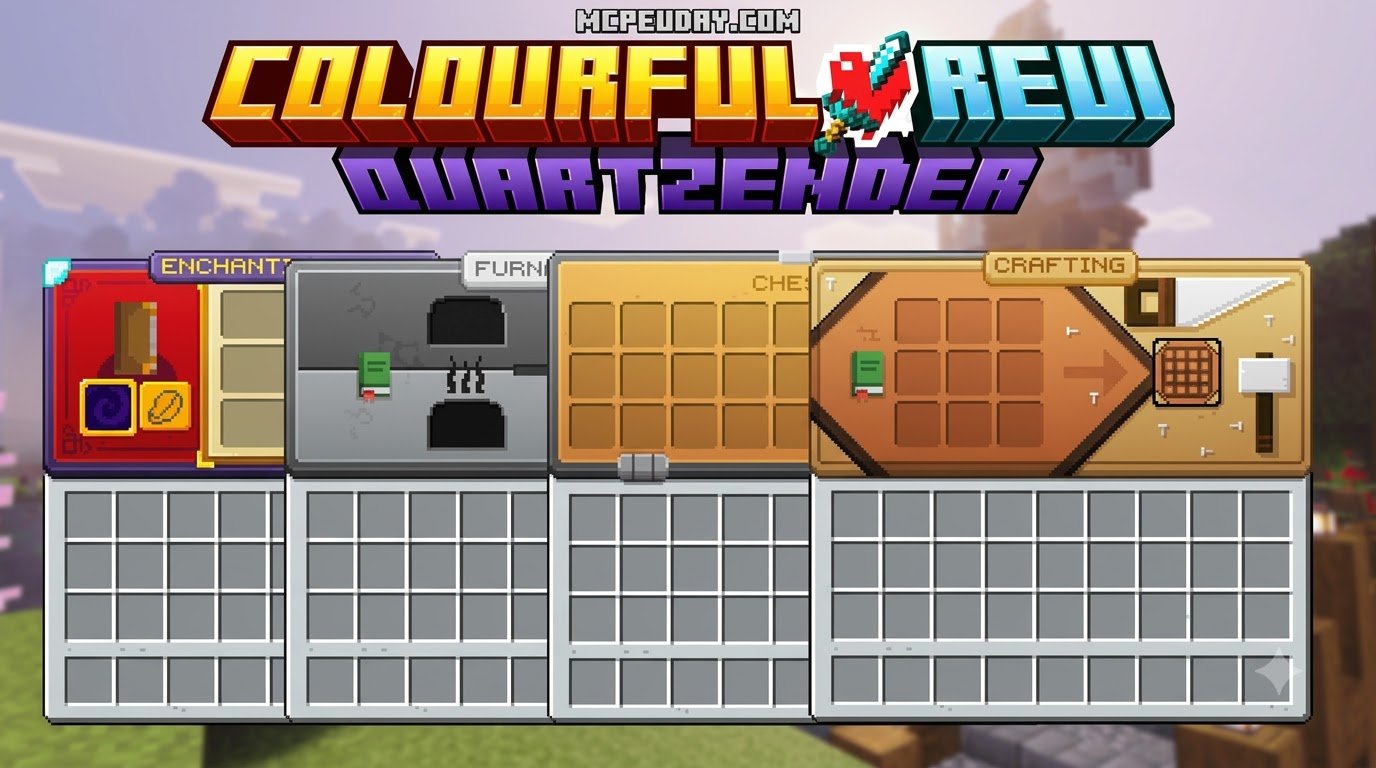
- Visual Upgrades (Shaders & Texture Packs): Change the aesthetic from ultra-realistic to a clean, cartoon style.
- World Changers (Seeds & Maps): Drop yourself into custom-built adventure zones or rare, naturally generated landscapes.
Top Addons and Maps for Bedrock Adventure
If you are tired of the standard survival loop, turning your Bedrock world into an immersive RPG is the perfect remedy. Custom maps and gameplay addons work hand-in-hand to build entirely new games inside Minecraft.
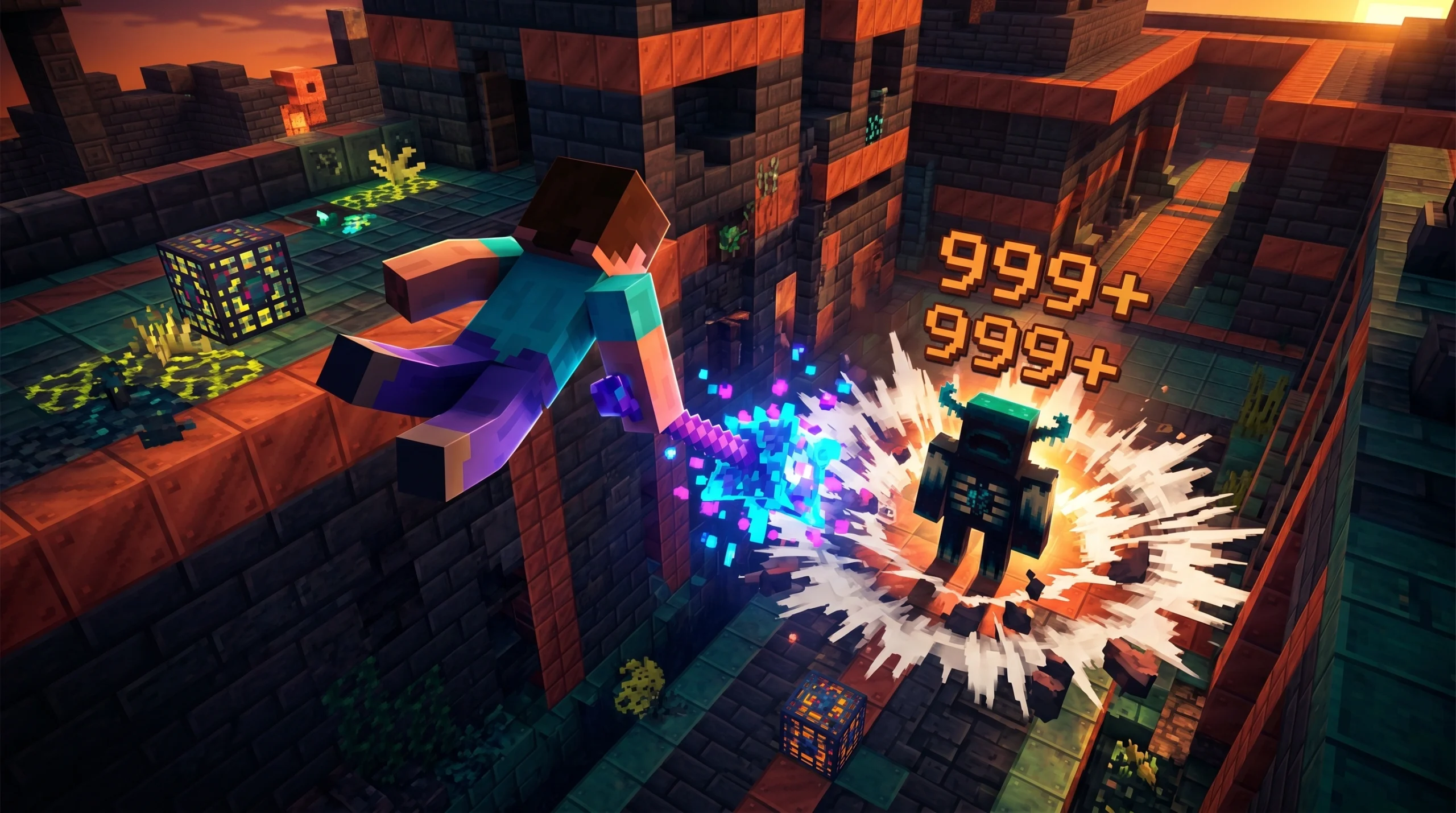
For a complete overhaul, we highly recommend the Bedrock Reimagined Addon (1.21 - 1.26) - Transform Minecraft Bedrock into an RPG Adventure. It fundamentally changes how you progress, adding fantasy attributes, challenging dungeons, and custom gear.
If you are an anime fan looking for a structured challenge, pair your world with the Solo Leveling Map Addon for MCPE, which brings intense boss fights, leveling systems, and dungeon keys right to your mobile device.
Essential Texture Packs and Seeds for World Building
Before you even touch shaders, changing your block textures and picking the right world generation seed can completely redefine your builds.
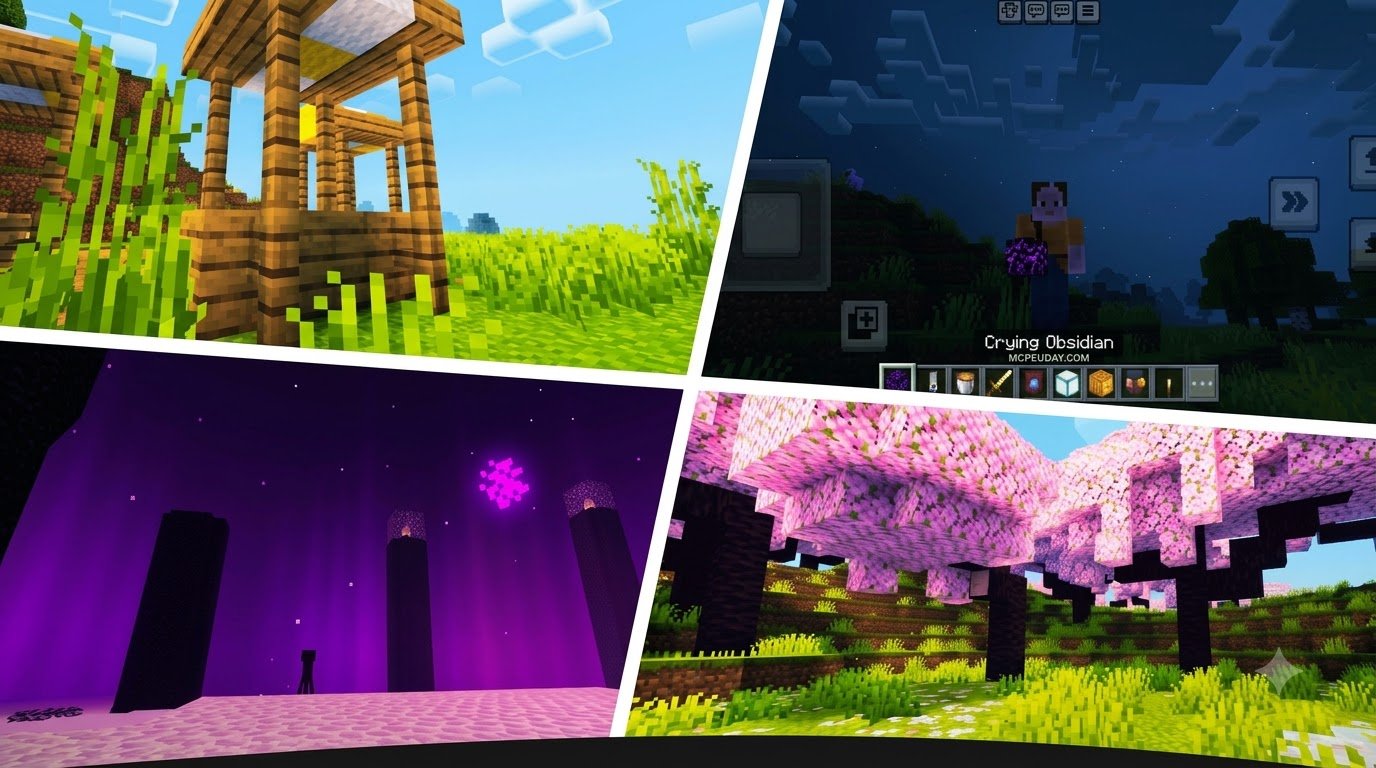
For players chasing a premium, lifelike aesthetic, the RealisCraft BE: Realistic Default Textures Pack is a must-have. It keeps the classic spirit of Minecraft but introduces incredibly clean, high-definition block surfaces. On the flip side, if you prefer a smooth, minimalist, and performance-friendly style, the Bare Bones Texture Pack simplifies your textures to match the vibrant look of Minecraft's official trailers.
Of course, a great texture pack deserves an amazing world. If you love survival island challenges or scenic coastal bases, check out our list of the 15 Best Minecraft Island Seeds to find your next perfect home.
Spotlight on Realism Visuals Shader for Minecraft PE
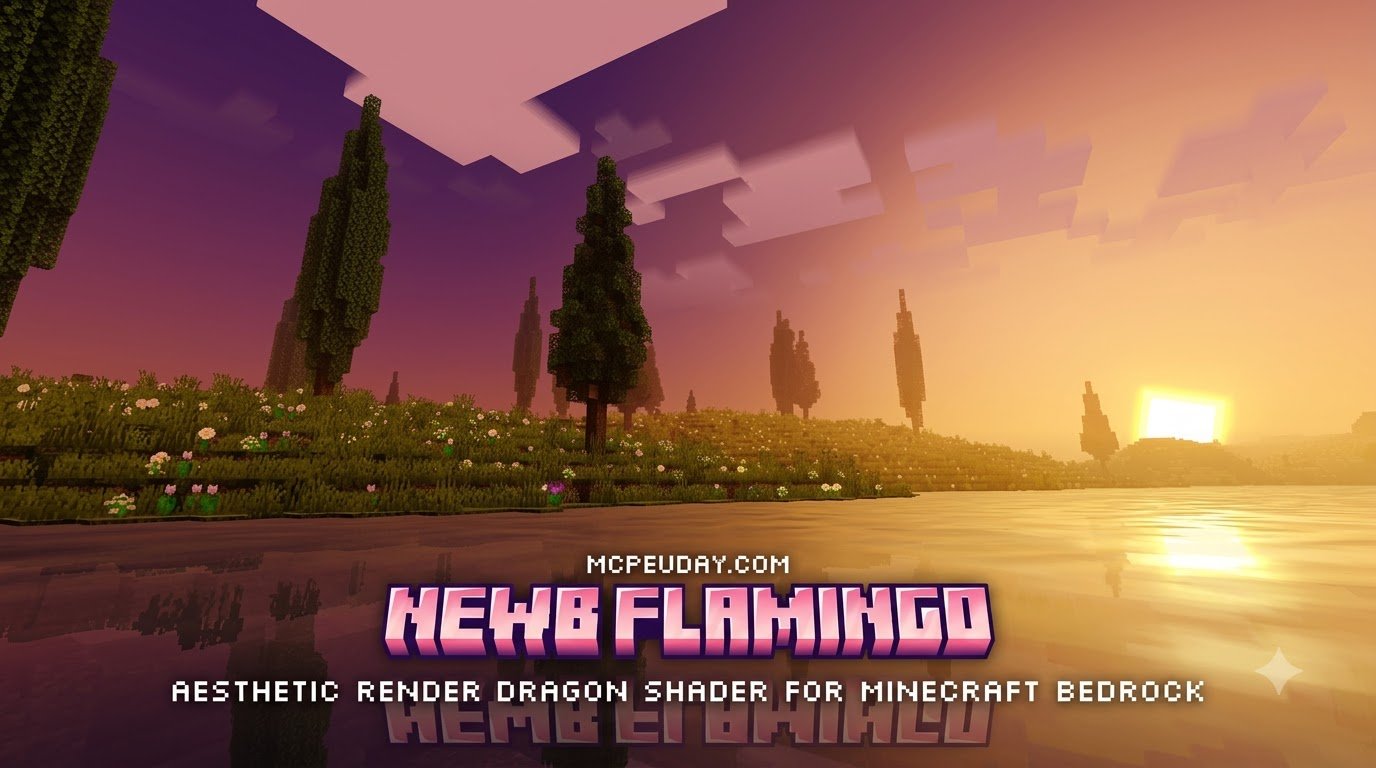
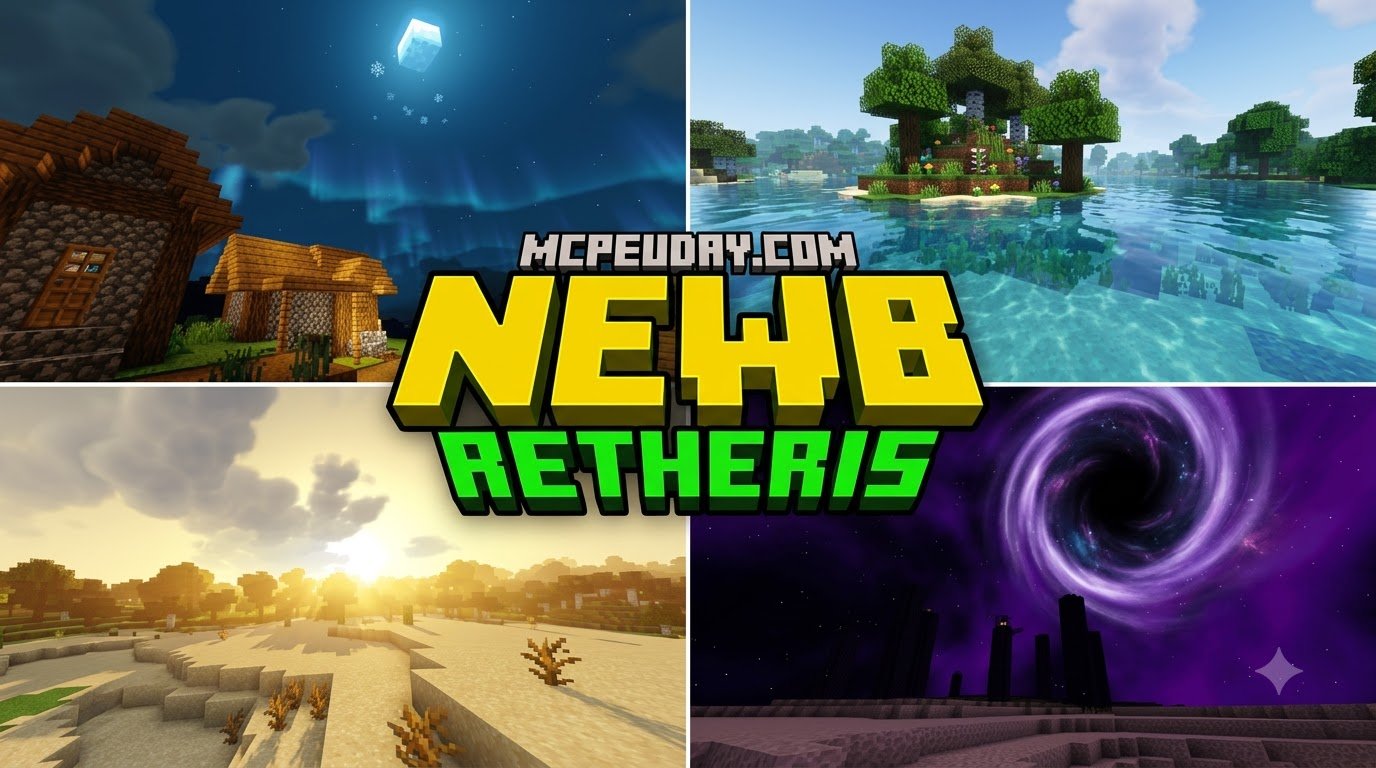
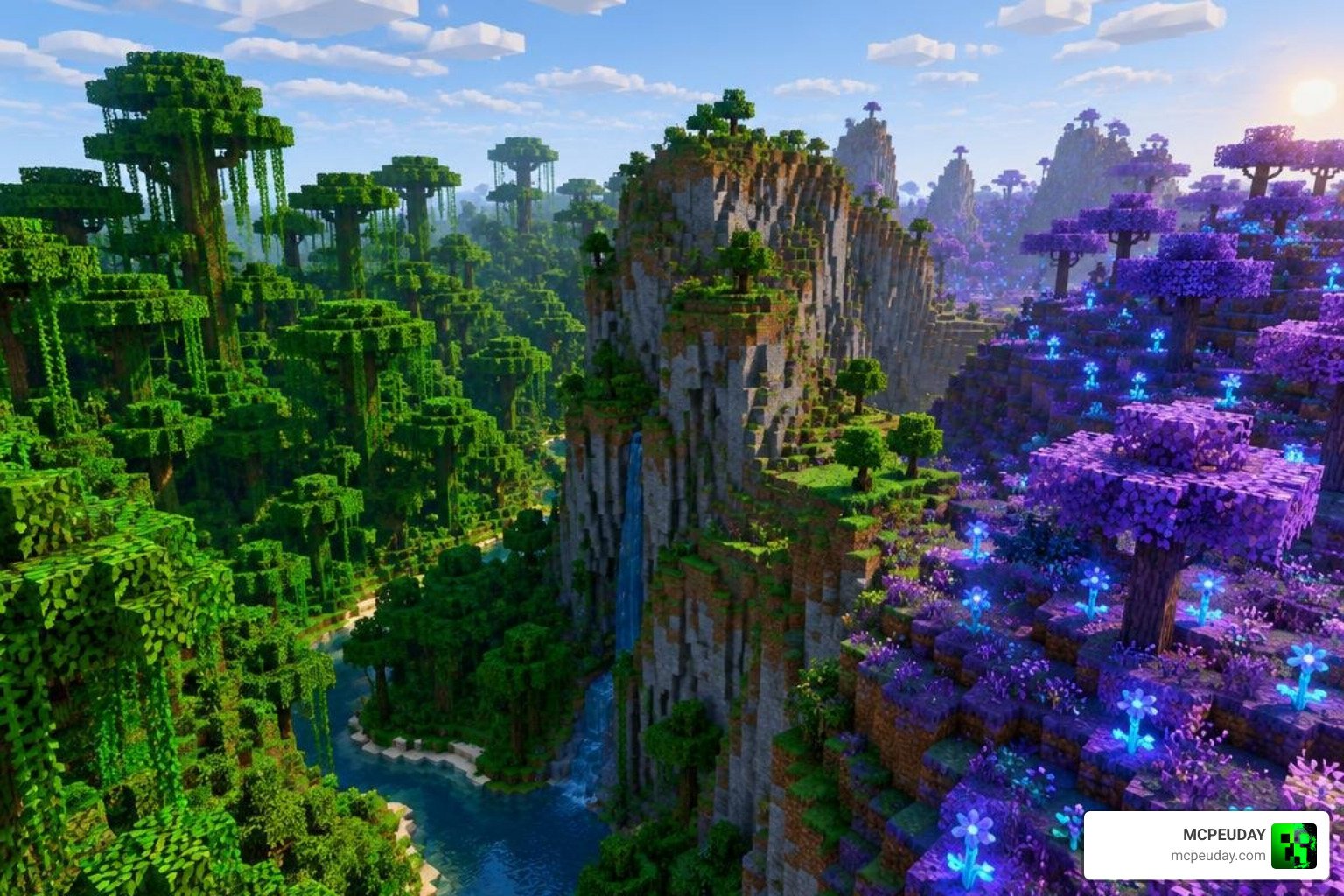
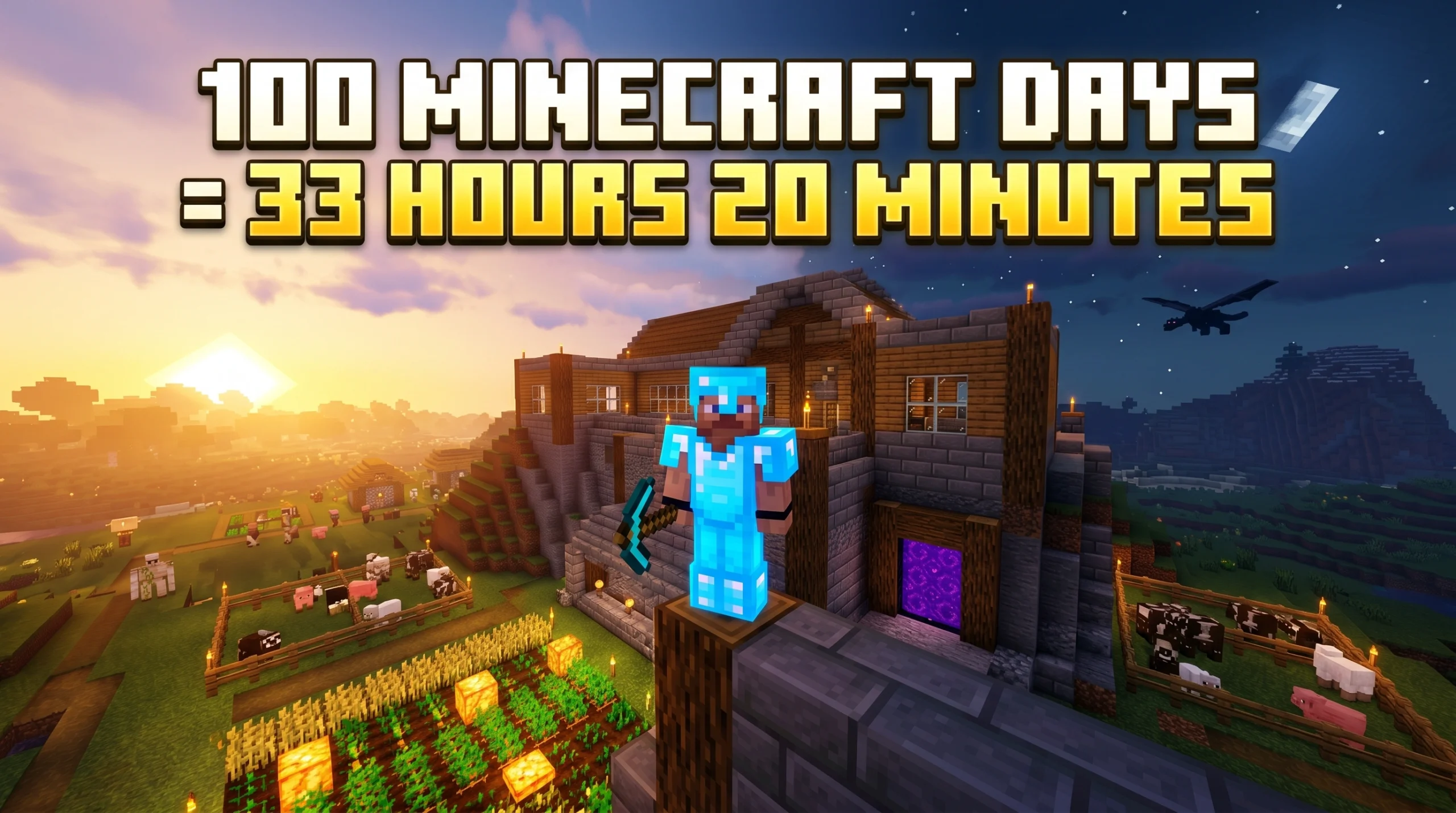
If there is one visual upgrade that stands head and shoulders above the rest for Bedrock, it is the Realism Visuals Shader. This shader is specifically designed to bring a warm, cinematic atmosphere to mobile devices without melting your GPU.

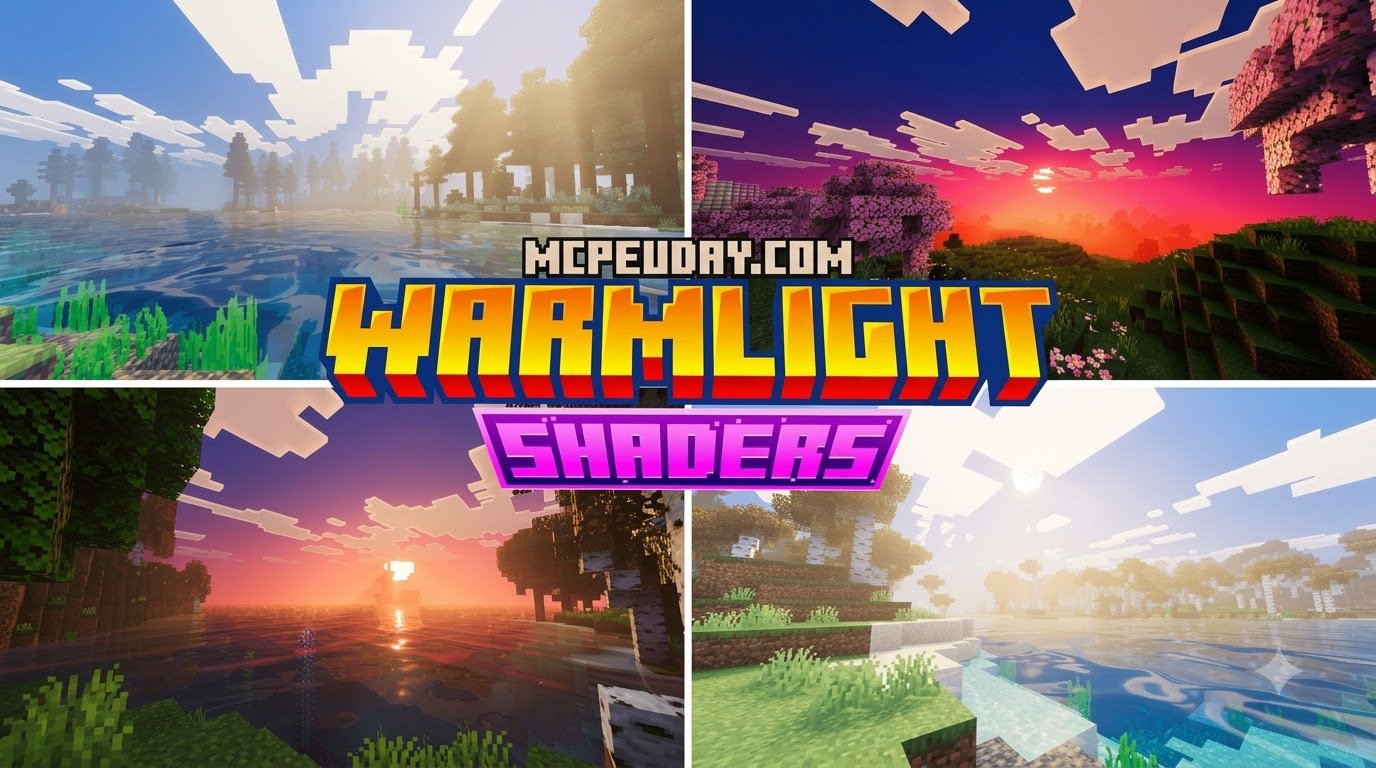
Unlike standard texture packs, the Realism Visuals Shader completely overhauls how light interacts with blocks. It introduces realistic lighting gradients, smooth sky transitions, and deep, atmospheric shadows that give forests and mountain ranges a breathtaking sense of depth. Sunrise and sunset scenes are painted with rich, warm hues, while night scenes receive a massive contrast boost to make caves and dark forests feel genuinely mysterious. Check out our list of the Best Shaders for MCPE 1.21 to see where it ranks among other top contenders.
Key Visual Features and Version Compatibility
The Realism Visuals Shader isn't just about static lighting; it features dynamic environment mapping. Key visual features include:
- Dynamic Shadows: Cast realistic shadows from trees and structures that shift naturally based on the sun's position.
- Water Reflections & Waves: Replaces the flat vanilla water with moving waves and soft reflections.
- Biome-Specific Effects: Colors shift dynamically depending on whether you are walking through a lush jungle or a cold tundra.
- Dimension Stability: Improved rendering in the Nether and the End to prevent flickering.
In terms of version compatibility, this shader is incredibly versatile. It is fully compatible with Minecraft Bedrock versions 1.17.0 all the way up to 1.26.30+.
Realism Visuals vs. Other Popular Shaders
How does the Realism Visuals Shader stack up against other popular community favorites like BSL, Complementary, or Fantasia?
While Java-native shaders like BSL and Complementary require heavy emulation or specific PC setups to run on Bedrock, Realism Visuals is built from the ground up for mobile architecture. It strikes a perfect balance between the performance-friendly, cartoonish look of Fantasia and the heavy, resource-intensive calculations of true ray-tracing.
| Shader | Style | Performance Impact | Best For |
|---|---|---|---|
| Realism Visuals | Naturalistic & Cinematic | Medium | Everyday mobile survival |
| BSL / Complementary | Photorealistic (Java Port) | High | High-end PCs or flagship phones |
| Fantasia | Stylized & Vibrant | Very Low | Budget mobile devices |
For a deeper dive into these comparisons, check out our review of the 3 Best Shaders for Minecraft 1.21 - Ultra Realistic, Smooth FPS & Stunning Graphics.
Performance, Installation, and Optimization Guide
Running shaders on mobile devices can be tricky. Because Minecraft's Render Dragon engine handles lighting calculations differently than older engines, you need to manage your settings carefully to maintain a smooth 60 FPS.

How to Install MCPE ADDONS, SHADERS, TEXTURE PACKS, SEEDS, MAPS, ETC on Mobile
Ready to install? Follow these simple steps to get your custom content working on Android or iOS:
- Download the File: Ensure you are downloading a
.mcpack(for addons, shaders, and textures) or.mcworld(for maps) file. - Open with Minecraft:
- On iOS: Tap the downloaded file and select "Open in Minecraft". The game will launch and automatically import the pack.
- On Android: Use a file manager to tap the
.mcpackfile, or use specialized tools like MBLoader if you are running advanced shaders on newer Render Dragon versions.
- Activate the Pack: Go to Settings > Global Resources > My Packs, select your shader or texture pack, and click Activate.
- World Settings: For addons and behavior packs, make sure to enable them in the specific world settings before launching your game.
If you prefer using dedicated apps to browse and install content with a single click, you can safely use trusted options like:
- MCPE Addons Maps Skins Shaders - App Store - Apple
- Shaders Texture Packs for MCPE - App Store - Apple
- Mods, maps skins for Minecraft - Apps on Google Play
- Shaders Texture Packs for MCPE - Apps on Google Play
Where to Safely Download MCPE ADDONS, SHADERS, TEXTURE PACKS, SEEDS, MAPS, ETC
The internet is full of sketchy download links. To protect your device, always verify that the files you download end in .mcpack, .mcworld, or .zip (which can be renamed to .mcpack). Never run .exe or .apk files disguised as Minecraft mods. At MCPEUDAY, we thoroughly test and verify every single file we host to ensure they are 100% safe, malware-free, and optimized for your device.
Frequently Asked Questions about MCPE Customization
Does the Realism Visuals Shader require Vibrant Visuals to be enabled?
Yes. The Realism Visuals Shader relies on the built-in "Vibrant Visuals" setting in Minecraft Bedrock. You must toggle this option on in your game's video settings for the advanced lighting, dynamic shadows, and atmospheric effects to render correctly.
Why do some shaders not work on Minecraft Bedrock 1.20+?
Minecraft 1.20+ uses the Render Dragon rendering engine. This engine blocked older, traditional shader methods. To use shaders on newer versions, you must use packs specifically optimized for Render Dragon, or use tools like MBLoader (on Android) or BetterRenderDragon (on Windows).
How do I fix lag or low FPS when using shaders on mobile?
If you experience stuttering, try lowering your in-game render distance to 8–12 chunks. You can also turn off "Fancy Graphics" and "Beautiful Skies" in the video settings. Always ensure you are only running one active shader pack at a time to prevent overlapping resource conflicts.
Conclusion
Customizing your game with MCPE ADDONS, SHADERS, TEXTURE PACKS, SEEDS, MAPS, ETC is the ultimate way to keep Minecraft feeling fresh, exciting, and uniquely yours. Whether you are transforming your world into an epic fantasy RPG or simply enjoying a sunset with the Realism Visuals Shader, the possibilities are endless.
We at MCPEUDAY are dedicated to bringing you the safest, most up-to-date resources for your mobile gaming adventures. Ready to take your world to the next level? Explore more mods and addons on our platform today!