Is Minecraft Cross Platform? Here’s What You Need to Know Right Away
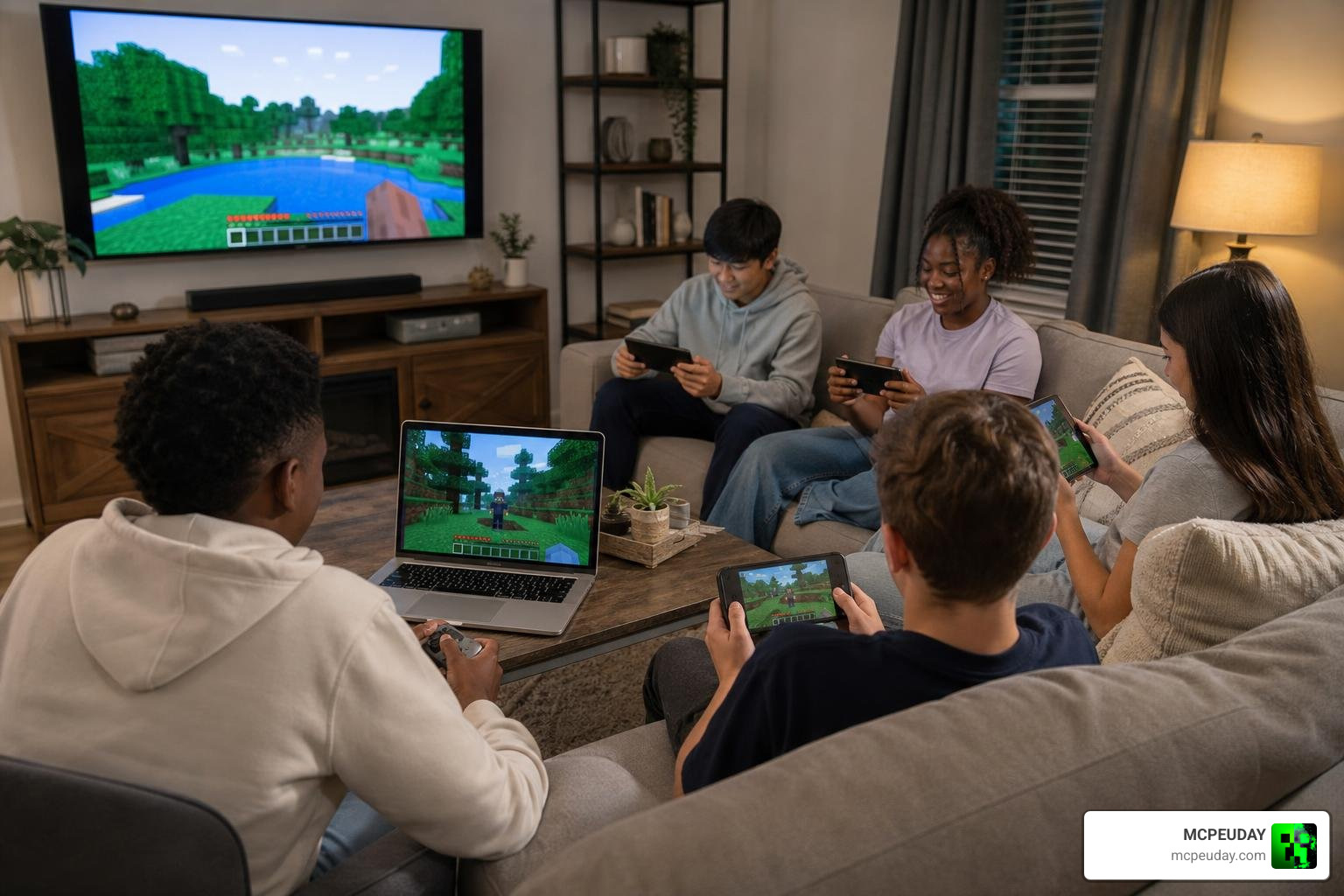
Is Minecraft cross platform? Yes — but it depends on which version you’re playing.
Here’s the quick answer:
| Edition | Cross-Platform? | Platforms Supported |
|---|---|---|
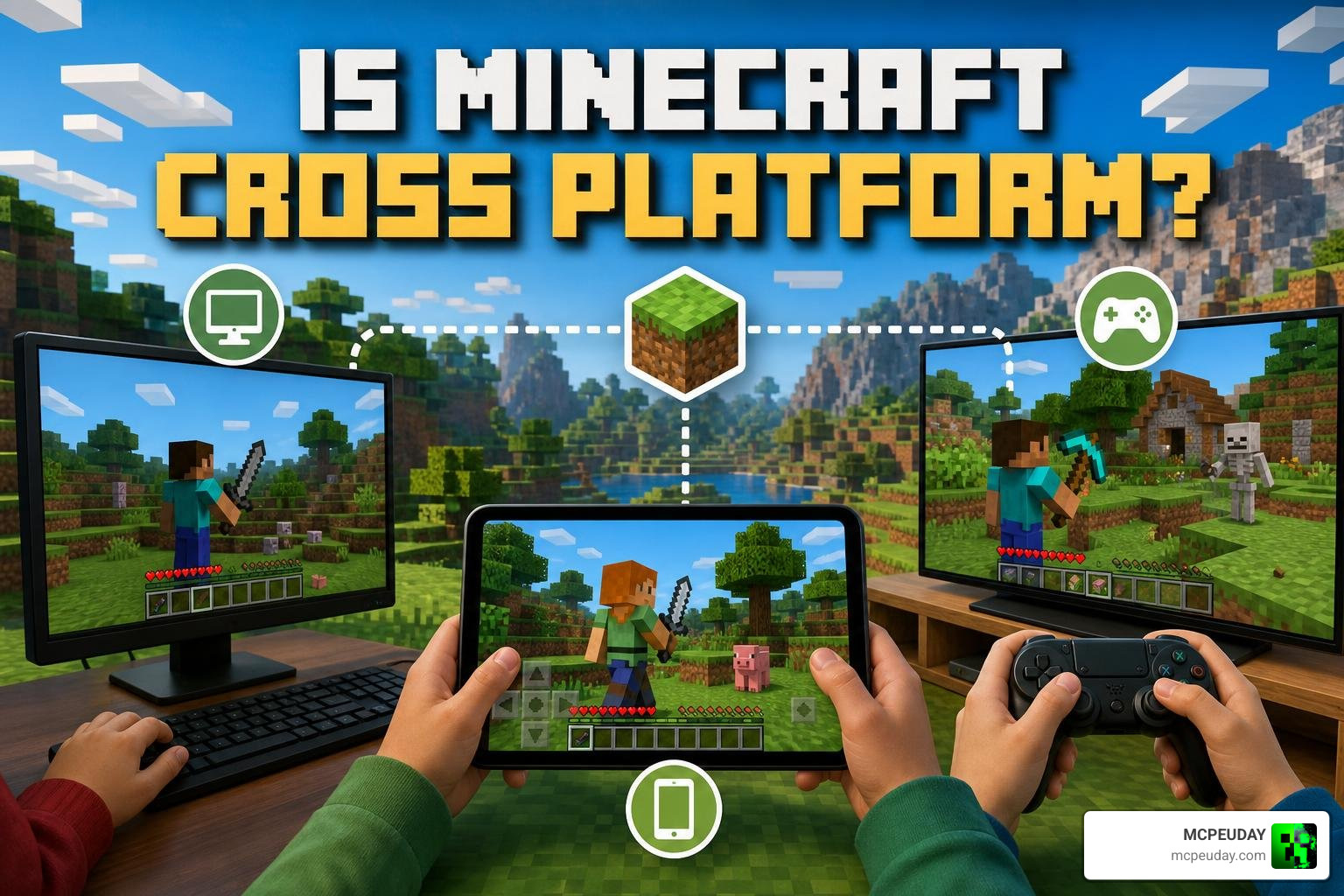
| Bedrock Edition | ✅ Yes | Xbox, PlayStation, Nintendo Switch, Windows PC, iOS, Android, Amazon Fire |
| Java Edition | ❌ No (PC only) | Windows, macOS, Linux only |
So if you and your friends are all on Bedrock Edition, you can play together no matter what device you’re each on. If anyone is on Java Edition, they can only play with other Java players on PC.
The short version: Bedrock = crossplay. Java = PC only.
Minecraft’s cross-platform support became possible through the Better Together Update, which unified the game’s code across consoles, mobile, and PC under what we now call Bedrock Edition.
One thing worth knowing upfront — you’ll need a free Microsoft account to play cross-platform on Bedrock. That’s true whether you’re on PlayStation, Switch, or mobile.
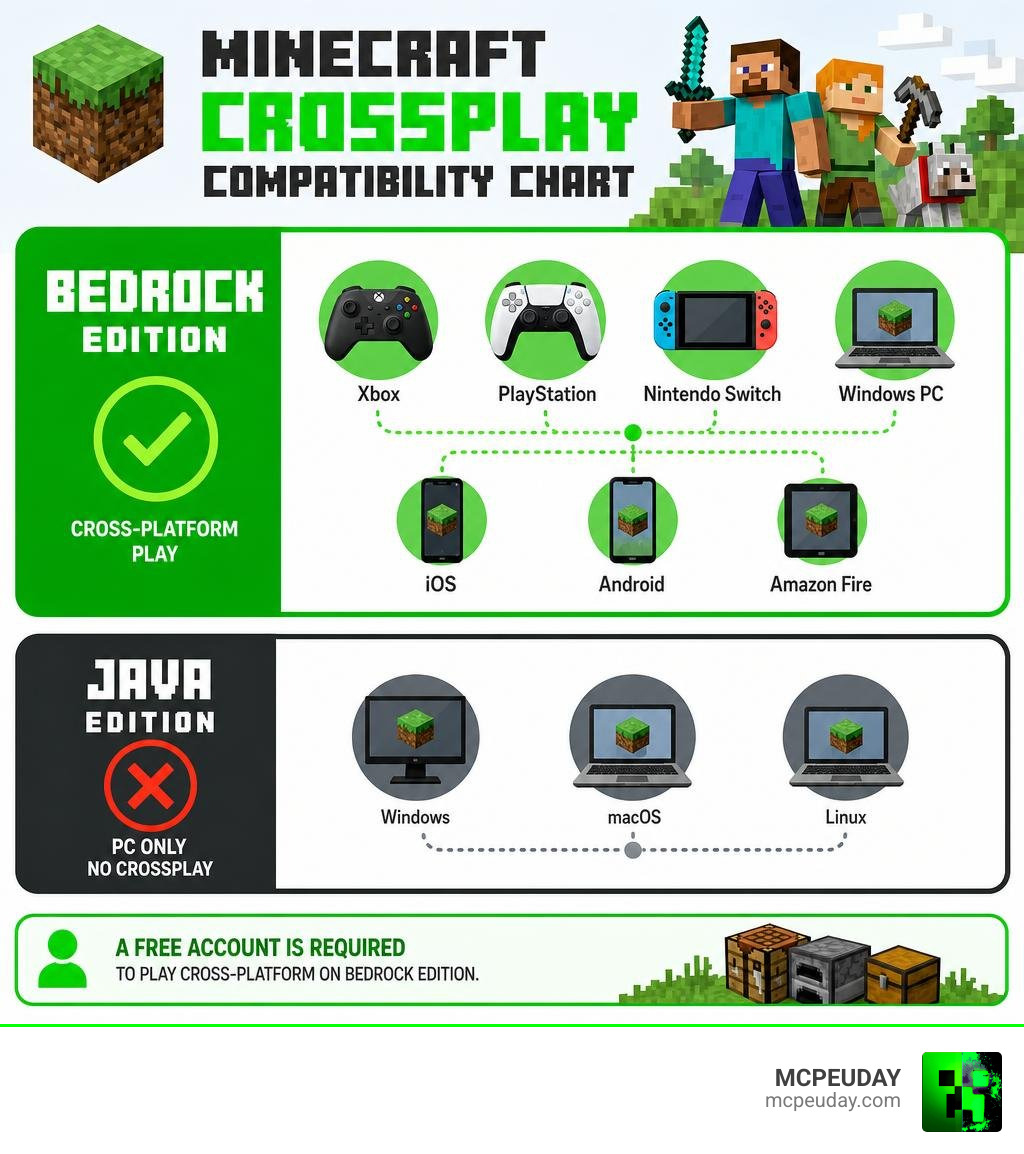
Understanding the Basics: Is Minecraft Cross Platform?
To truly grasp how multiplayer works in the blocky universe, we first have to understand what cross-platform play (or “crossplay”) actually means in the context of Minecraft. In the early days, if you owned Minecraft on an Xbox 360, you were isolated in your own little world, only able to build with other Xbox 360 players. The same went for PlayStation users, PC users, and mobile crafters.
That all changed with a monumental shift in the game’s development: the introduction of a unified codebase. Instead of writing entirely separate games for every single device, Mojang developed the Bedrock Engine. This engine allows a player on an iPad in the United States, a player on a PlayStation 5 in Jaipur, and a player on a high-end Windows gaming PC to all connect to the exact same game world. Because the underlying code is identical, the devices can speak to each other seamlessly.
To make this magic happen, Microsoft introduced a universal identity system. No matter what console or device you boot up, Minecraft relies on a free Microsoft account to manage your friends list, sync your marketplace purchases (like skins and texture packs), and handle multiplayer authentication.
If you are curious about the technical history behind this massive merger, you can read all the details in the official Better Together FAQ. This update laid the groundwork for the modern, interconnected Minecraft community we enjoy today in 2026.
Bedrock vs. Java Edition Compatibility
When trying to figure out if your squad can play together, the very first question you must ask is: “Which edition of the game are we running?”
Minecraft is split into two primary multiplayer ecosystems. To help you visualize how this works, we have put together a comprehensive comparison table below:
| Feature | Bedrock Edition | Java Edition |
|---|---|---|
| Primary Platforms | Windows 10/11, Xbox, PlayStation, Nintendo Switch, iOS, Android, Chromebook | Windows, macOS, Linux |
| Codebase | C++ (Optimized for cross-device performance) | Java (Highly moddable, desktop-focused) |
| Native Crossplay | Yes (Across all Bedrock devices) | Yes (Only between Windows, Mac, and Linux) |
| Controller Support | Native (Plug-and-play on all platforms) | Requires mods or external software mapping |
| Official Servers | Featured partner list available natively | Custom IP connection required |
| Modding Style | Add-ons and Marketplace content | Community-made jars, fabric, and forge mods |
As you can see, the platform limitations of each edition dictate who you can invite to your world. Let’s break down these two editions further to see why this split exists.
Why Bedrock Edition Is Minecraft Cross Platform by Default
If your goal is hassle-free console gaming and playing on the go, Bedrock Edition is your best friend. It was built from the ground up to support multiplayer across wildly different hardware. Because it is written in C++, it is incredibly lightweight, allowing mobile devices to run the game smoothly alongside powerful home consoles.
Whether you are on an Xbox Series X, a PlayStation 5, a Nintendo Switch, or a smartphone, you are running Bedrock. This means that is minecraft cross platform is a resounding yes for this ecosystem. You can easily host a local world on your phone and have your friend join from their Nintendo Switch while sitting on the same couch.
For a deeper dive into how this crossplay ecosystem operates across consoles and PCs alike, check out the guide on Is Minecraft cross-platform? Bedrock, Java, and console cross-play explained.
How Java Edition Limits Who Can Play Together
On the other side of the fence sits Java Edition. This is the original version of Minecraft, beloved by desktop purists, developers, and hardcore modders. Java Edition runs exclusively on PC platforms, including Windows, macOS, and Linux.
Natively, Java Edition players cannot crossplay with Bedrock Edition players. They exist in a separate multiplayer ecosystem. While this might feel limiting, Java Edition’s open-source nature allows for incredible, deep modding experiences that Bedrock cannot easily replicate.
However, the gaming community is famous for breaking down barriers. If you want to see how far modders will go to bridge gaming gaps, take a look at how developers are pushing boundaries with projects like the Minecraft and Hytale Crossplay Mod.
How to Set Up Crossplay on Different Platforms
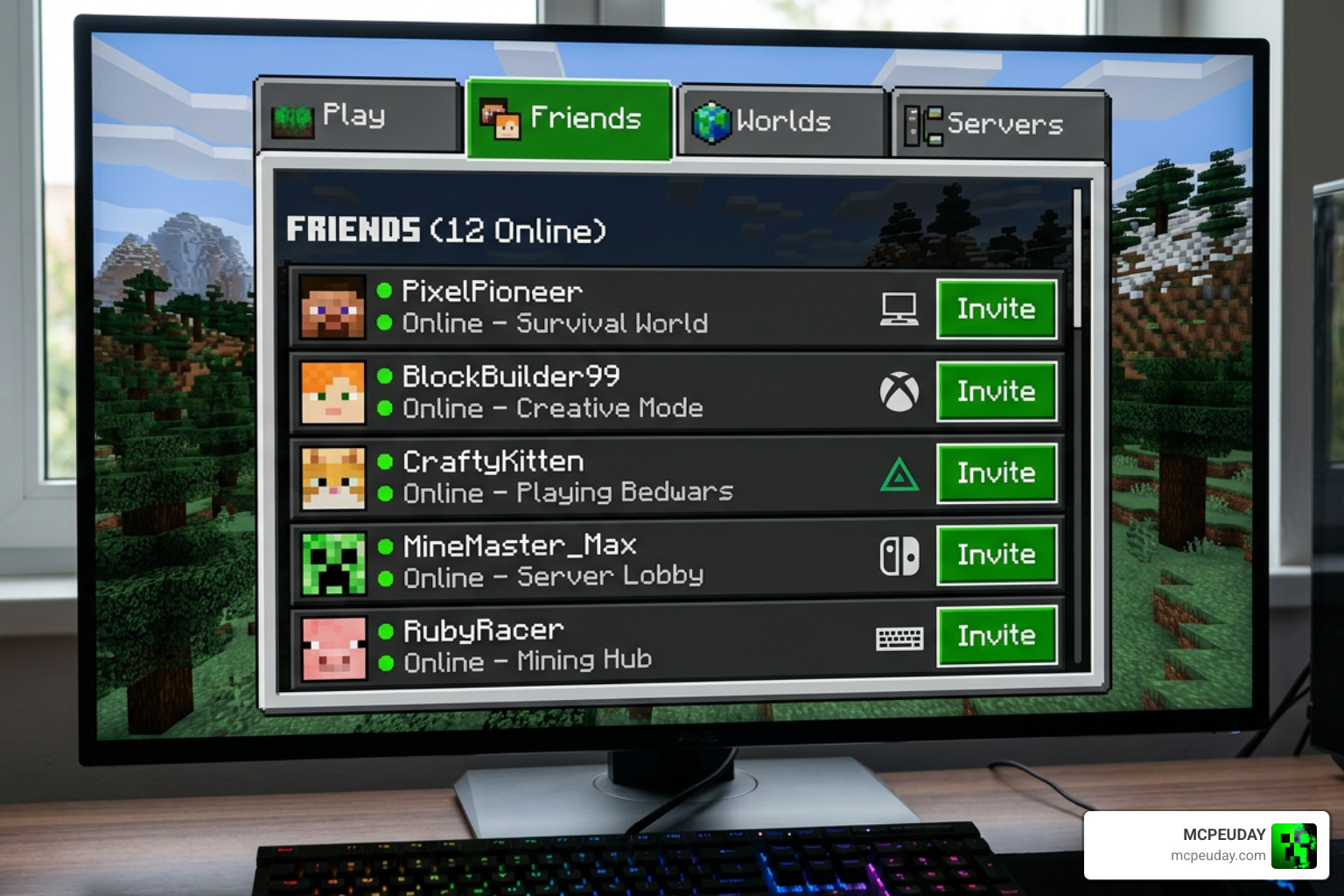
Ready to start building with your friends? Setting up crossplay is relatively straightforward, but there are a few platform-specific steps you need to follow. Let’s walk through the setup process step-by-step.
Setting Up Crossplay on Consoles and Mobile
To play with friends on consoles (Xbox, PlayStation, Nintendo Switch) and mobile devices (iOS, Android), you must first ensure that everyone has linked a free Microsoft account to their game.
- Create and Link Your Microsoft Account: When you launch Minecraft on your console or mobile device, click the “Sign In” button on the main menu. Follow the on-screen prompts to link your console profile to a Microsoft/Xbox Live account.
- Add Your Friends: Go to the main menu and select Play. Navigate to the Friends tab and click Add Friend. Enter your friend’s unique Xbox Gamertag. Once they accept your request, they will appear in your active friends list.
- Configure World Settings: Before launching your world, click the edit button (the pencil icon) next to the world you want to host. Go to the Multiplayer tab and make sure Multiplayer Game is toggled on. You can also adjust player permissions here (e.g., “Friends of Friends” or “Invite Only”).
- Launch and Invite: Load into your world. Once inside, open the pause menu and click Invite to Game. Select your friends from the list and send the invites. They will receive a notification on their device to join your game!
That console players will need active online subscriptions (like Nintendo Switch Online, PlayStation Plus, or Xbox Game Pass) to access online multiplayer features. For a comprehensive walkthrough of these steps tailored for 2026, take a look at Minecraft Crossplay Explained: How to Play With Friends Across Every Platform in 2026.
Bridging the Gap: Is Minecraft Cross Platform Between Java and Bedrock?
What happens if you are a Java player on PC, but your best friend only has a Nintendo Switch? Officially, Mojang does not support crossplay between Java and Bedrock. However, third-party server administrators have found a brilliant workaround using a tool called GeyserMC.
GeyserMC is a server-side plugin that translates Bedrock network packets into Java packets (and vice versa) in real-time. By installing GeyserMC alongside a companion plugin called Floodgate (which handles Microsoft account authentication), a Java server can allow Bedrock players to join seamlessly.
While this setup requires some technical know-how to host, it is an incredible way to keep your entire community together without forcing anyone to buy a different version of the game.
Using Minecraft Realms for Seamless Crossplay
If you want an always-online world but don’t want to leave your own PC or console running 24/7, Minecraft Realms is the ultimate solution.
Realms are personal, cloud-hosted multiplayer servers managed directly by Mojang.
- Realms for Bedrock Edition (often sold as Realms Plus for $7.99/month) allows up to 11 players (you + 10 friends) to play simultaneously. It supports full cross-platform play across consoles, mobile, and Windows.
- Realms for Java Edition is limited strictly to PC platforms (Windows, Mac, Linux) and does not support Bedrock connections.
One of the best features of a Bedrock Realm is that it includes automatic backups and allows you to access your world from any Bedrock device you own. To compare pricing plans and find the right server for your needs, visit the official Realms Servers for Bedrock & Java page.
Frequently Asked Questions about Minecraft Crossplay
Navigating cross-platform gaming can raise a lot of questions. Here are some of the most common queries we receive from players trying to get their multiplayer sessions up and running.
Do console players need an online subscription for crossplay?
Yes. While a Microsoft account is completely free, console manufacturers require you to have their premium online service active to play games online.
- PlayStation: Requires PlayStation Plus.
- Xbox: Requires Xbox Game Pass (Core or Ultimate).
- Nintendo Switch: Requires Nintendo Switch Online.
Note: PC and mobile players do not need any additional online subscriptions to play multiplayer.
What are the most common crossplay issues and how do you troubleshoot them?
If you are having trouble connecting, check these three common culprits:
- Version Mismatch: Minecraft updates frequently. In 2026, version numbers look a bit different (with Java around 26.1.1 and Bedrock around 26.12). Ensure all players have updated their game to the latest available version on their respective app stores or launchers.
- NAT Type Issues: On consoles, a “Strict” or “Type 3” NAT configuration can prevent you from connecting to other players. Enabling UPnP (Universal Plug and Play) on your home router usually resolves this.
- Microsoft Account Privacy Settings: If a player is using a child account, their privacy settings might block multiplayer. A parent will need to log into the Xbox privacy settings page and set “Join Multiplayer Games” to “Allow.”
Can mobile players join a PC Minecraft world?
Yes, absolutely! As long as the PC player is running the Bedrock Edition (downloaded from the Microsoft Store on Windows 10/11) and not the Java Edition. If both of you are running Bedrock, the mobile player (on iOS or Android) can easily join the PC-hosted world via the Friends tab.
Conclusion
Is minecraft cross platform? Yes, it is one of the most cross-compatible games in history! Thanks to the Bedrock Engine, players on almost any modern device can join forces, share resources, and build massive worlds together. Whether you are playing on a phone during your lunch break or hosting an epic build session on your console at home, the possibilities are endless.
At MCPEUDAY, we want to help you make your shared worlds look and feel as incredible as possible. If you are playing on PC or mobile and want to elevate your graphics, check out our curated list of jaw-dropping visual upgrades on our MCPEUDAY Shaders Category.
Grab your pickaxe, sign into your Microsoft account, invite your friends, and start crafting!
