Scroll down to D0vvnl0ad
Download OneBlock Map for Minecraft PE/Bedrock
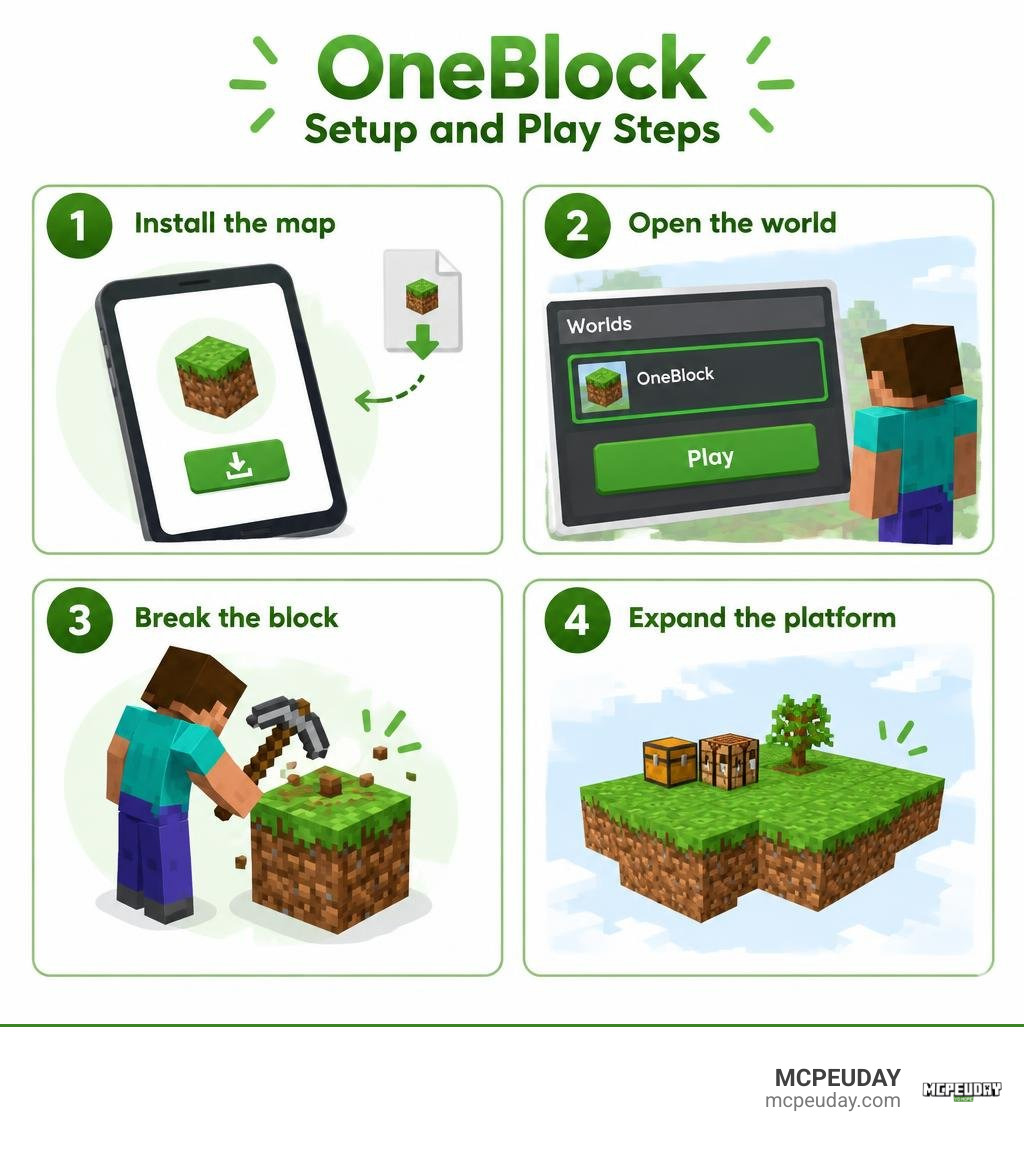
To play OneBlock on your phone or tablet, download a Bedrock-compatible OneBlock map or its installer app. If you use the app, tap its install button, then open Minecraft and look for the new world in your world list. Start the world, crouch near the edge, and break the center block to gather resources without falling into the void.
Each new block helps you expand your platform and survive the map’s later phases. This guide covers setup, early-game tips, and fixes if the world does not appear or starts to lag.
What is the OneBlock MAP for Minecraft PE/Bedrock and How It Works
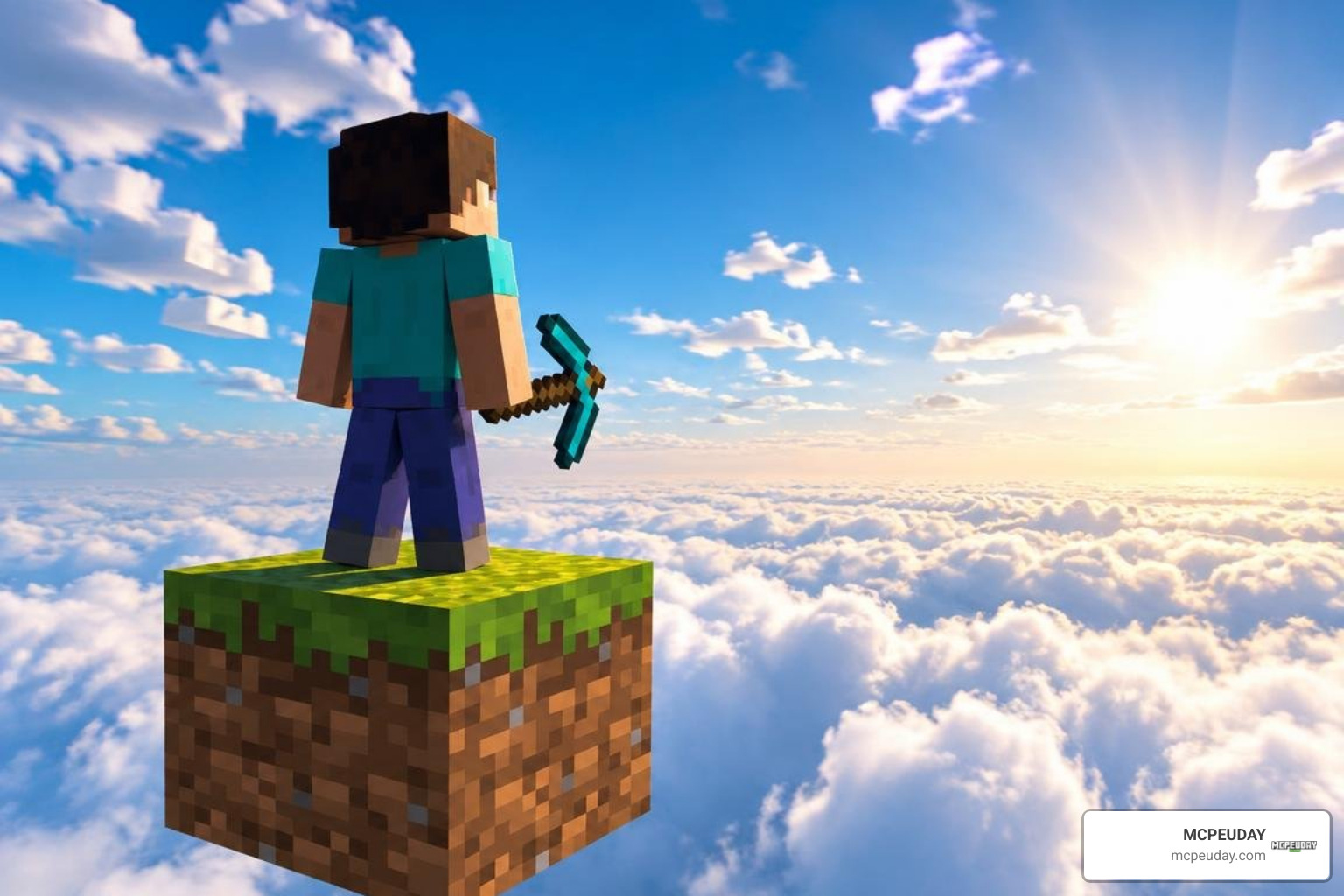
Skyblock completely changed how we play survival, but OneBlock takes the concept to its absolute extreme. Instead of starting with a cozy tree and a tiny dirt island, you spawn floating in the endless void on top of a single block.
Every time you mine this starting block, it instantly regenerates into another material. At first, you will get simple dirt, wood, and stone. As you continue breaking it, the block begins cycling through higher-tier materials, chests filled with rare loot, and even live mobs.
Your ultimate goal is to build out a functional floating base, gather sufficient gear, create portals, and eventually travel to the End dimension to defeat the Ender Dragon. If you have played our classic One Block Map, you already know how addictive this resource-gathering loop can be.
Core Gameplay Mechanics and Infinite Block Regeneration
The magic of this survival map lies in its dynamic regeneration engine. Unlike standard survival worlds where you wander across thousands of blocks exploring biomes, here the entire universe comes directly to your feet.
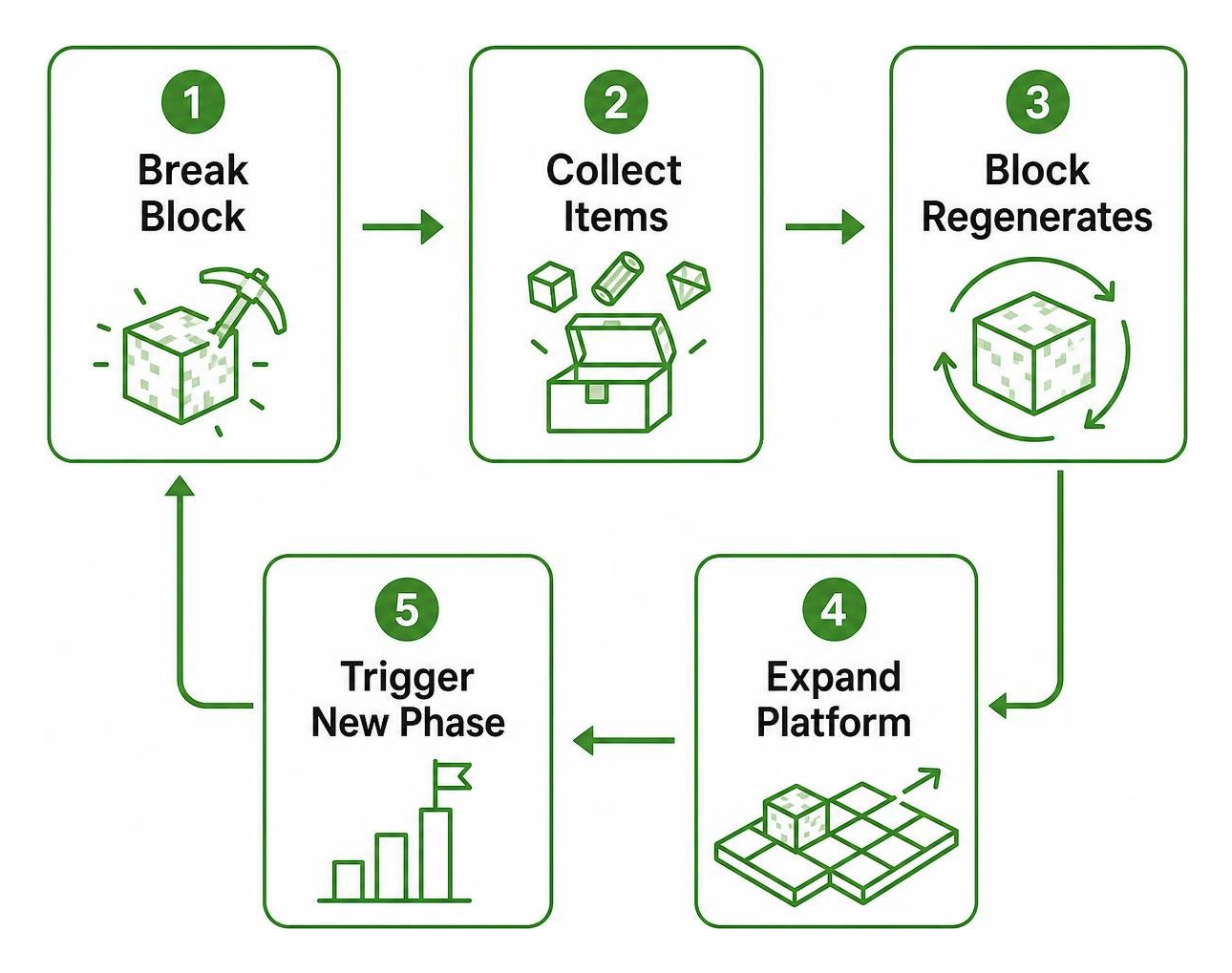
Breaking the block triggers several potential outcomes:
- Standard Raw Materials: You gather dirt, logs, stone, and ores to construct platforms and tools.
- Chest Drops: Surprise chests pop up containing essential survival gear, rare saplings, lava buckets, and seeds.
- Passive Mobs: Friendly creatures like cows, sheep, and chickens appear on top of the block, providing food, wool, and renewable breeding opportunities.
- Hostile Spawns: Monsters like creepers, zombies, and silverfish spawn without warning, demanding quick reflexes so they do not blast you into the void.
Surviving Across the Progressive Map Phases
The game is divided into distinct progressive phases. Every time you break a set number of blocks, you advance to a new phase themed around specific biomes and dimensions. The block adapts its loot table accordingly, introducing harder materials and dangerous enemies.
| Phase Name | Typical Block Counts | Common Resources | Mob Spawns | Key Milestones & Loot |
|---|---|---|---|---|
| 1. Plains / Forest | 0 – 350 | Dirt, Grass, Oak Logs, Clay | Cows, Chickens, Pigs, Sheep | Basic wood tools, tree saplings, seeds |
| 2. Underground | 351 – 1,000 | Cobblestone, Coal, Iron Ore | Zombies, Skeletons, Spiders | Iron armor, stone structures, basic weapons |
| 3. Snow / Taiga | 1,001 – 2,000 | Snow, Ice, Spruce Logs, Clay | Wolves, Foxes, Strays | Water sources, cold biome crops |
| 4. Desert / Jungle | 2,001 – 3,500 | Sand, Cactus, Jungle Logs, Melons | Husks, Ocelots, Parrots | Glass smelting, exotic farm crops |
| 5. Nether | 3,501 – 5,500 | Netherrack, Soul Sand, Quartz, Gold | Piglins, Blaze, Wither Skeletons | Brewing supplies, Netherite scrap, portals |
| 6. Mansion / Dark Forest | 5,501 – 7,500 | Dark Oak, Cobblestone, Bookshelves | Vindicators, Evokers, Witches | Totems of Undying, emeralds, enchanted books |
| 7. The End | 7,501+ | End Stone, Obsidian, Purpur | Endermen, Shulkers, Silverfish | Eyes of Ender, Stronghold portal activation |
App Features, Data Safety, and Technical Compatibility
For players who prefer fast mobile setups, installer utilities like the popular One Block Map for Minecraft on Google Play streamline everything. Developed by Mr. Sittisak Leelatawornchai, this application carries a strong 4.5 to 4.6-star rating across more than 274,000 user reviews. Updated to support recent releases, the utility eliminates the hassle of manually extracting .mcworld or .zip archives into internal storage directories.
Key Features and One-Click Setup
- 1-Click Installation: Downloads and imports the world directly into Minecraft PE in less than 10 seconds.
- Integrated Recipe Browser: Check built-in crafting guides directly inside the app whenever you encounter unfamiliar items.
- High-Resolution Screenshots: Preview the map layout and platform configurations before loading your world.
- Offline Functionality: Once downloaded, you do not need an active server connection to launch or play your survival world.
System Requirements and Data Privacy
The app is rated Everyone 10+ (for fantasy violence) and has minimal hardware demands, running smoothly on Android devices that support Minecraft Bedrock.
On the privacy front, Google Play’s data safety profile confirms that:
- No User Data Collected: The tool does not harvest personal details, location metrics, or account credentials.
- No Third-Party Sharing: Your activity and device information stay private.
- Data Encrypted in Transit: Network interactions for map downloads are secured via standard transport encryption.
How to Download and Install the Map Fast
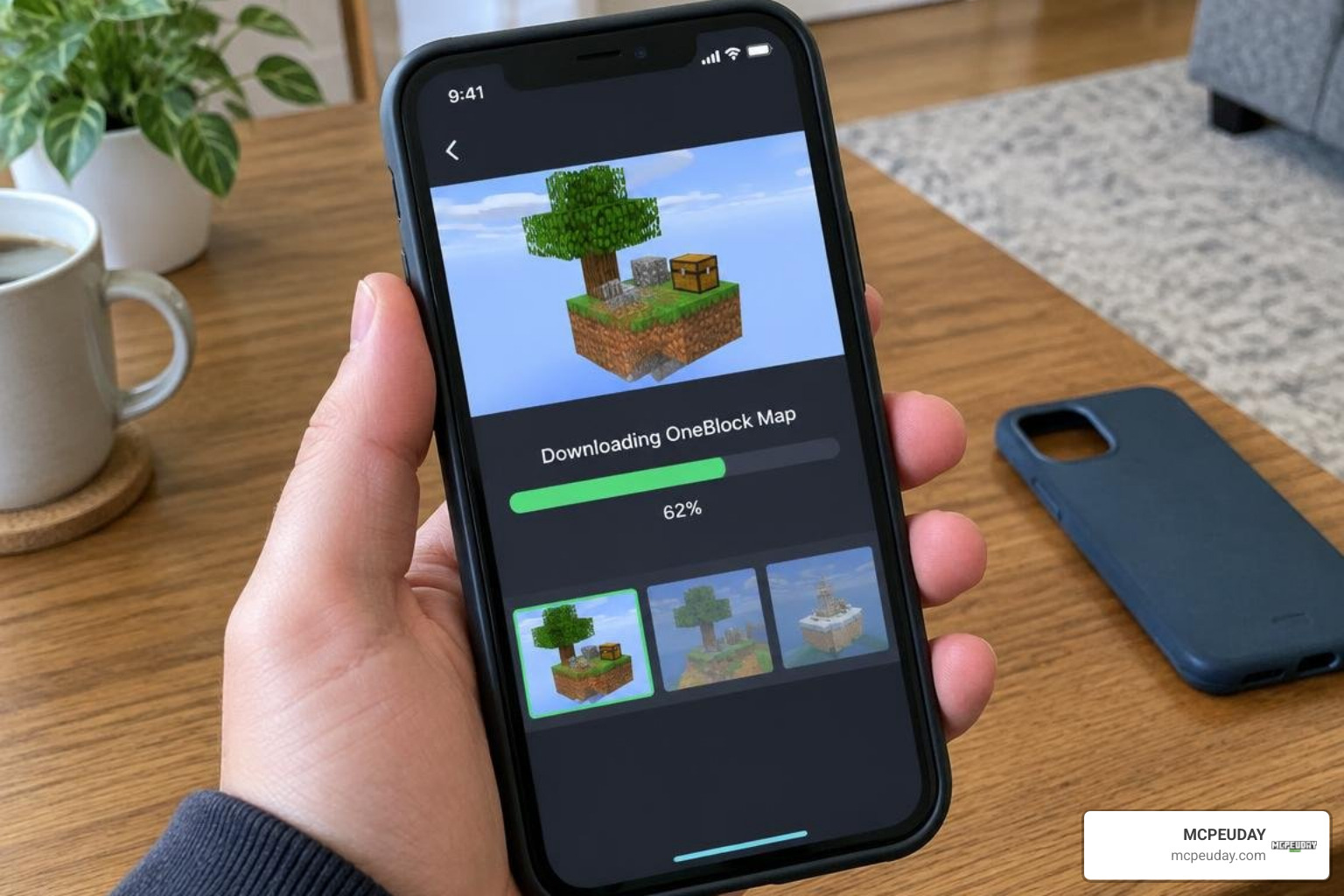
Installing custom content on Bedrock Edition used to mean opening file explorers, hunting down games directories, and manually pasting world folders. Today, the process is streamlined and beginner-friendly.
Installing OneBlock MAP for Minecraft PE/Bedrock on Mobile Devices
- Download the Installer: Head to the Google Play Store and install the utility application on your Android device.
- Launch and Select Language: Open the app and choose your preferred language from the settings menu.
- Trigger the 1-Click Install: Tap the download and install button. Grant basic storage permissions if prompted so the app can transfer the world file.
- Open Minecraft Bedrock: The app will automatically launch Minecraft PE. You will see an “Import Started” banner at the top of your screen, followed by “World Import Successful.”
- Start Your Adventure: Navigate to your Play menu, locate the newly imported OneBlock world at the top of your list, and jump in!
Troubleshooting Lag and Map Performance Issues
As your floating sky base expands across thousands of blocks, mobile performance can sometimes dip. If you experience frame drops or stuttering:
- Lower Your Render Distance: In Minecraft’s video settings, drop your render distance to 8–12 chunks. Because you are surrounded by empty void, high render distances only waste memory rendering empty space.
- Clear Stray Entities and Floating Items: When mobs fall into the void, they can linger before despawning. Use slabs or fences to keep items and animals securely on your platforms.
- Turn Off Fancy Graphics: Disabling smooth lighting, beautiful skies, and fancy leaves can give older phones an immediate 15–20 FPS boost.
Essential Progression Tips and Gameplay Strategies
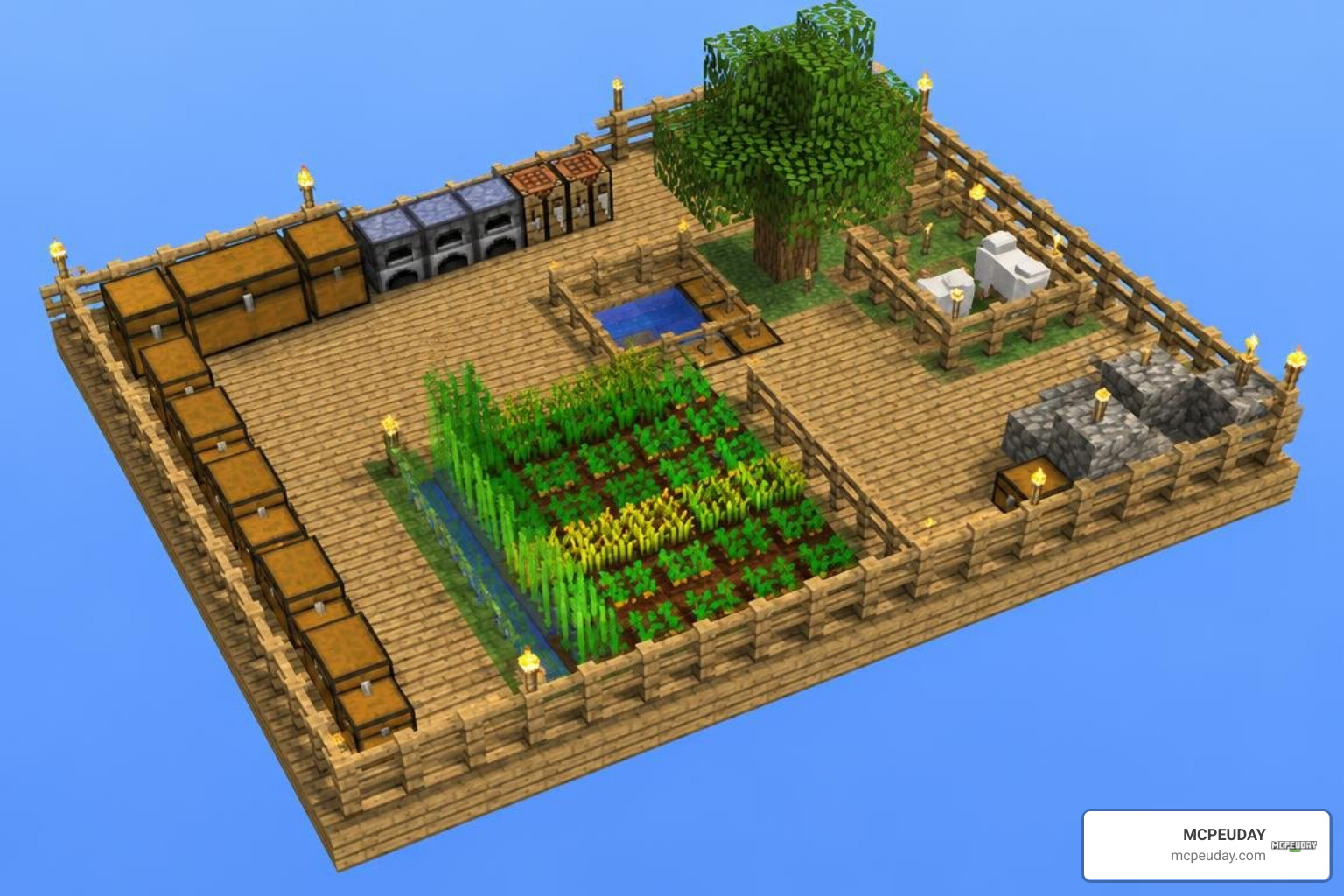
Starting in the void leaves zero room for error. A single accidental step off the edge sends all your collected resources into oblivion.
Mastering Progression in OneBlock MAP for Minecraft PE/Bedrock
- Always Crouch While Mining: Keep your sneak button locked while breaking the starting block. This prevents your character from walking off the ledge when new blocks appear or when items nudge you backward.
- Build an Immediate Perimeter: As soon as you gather your first 10 pieces of wood, craft slabs and build a 3×3 platform around the central block. Using slabs doubles your surface area per wood block!
- Separate Your Storage Area: Place your chests at least 4 to 5 blocks away from the center tile. If a creeper spawns on the block and explodes, your storage chests will remain safe.
- Create an Infinite Water Source: Once you obtain two water buckets (or ice blocks), craft a 2×2 water pool immediately. Water is your lifeline for catching yourself during accidental falls and generating cobblestone.
Critical Safety Habits and Mob Management
- Light Up Expanded Platforms: Neutral mobs require light to prevent hostile spawns on your wooden floorboards. Keep torches placed every 5 blocks.
- Pen Your Animals Promptly: When cows, sheep, and pigs spawn, nudge them into fenced enclosures away from your mining zone so they do not push you off.
- Build a Combat Trench: In later phases, hostile mobs appear frequently. Dig a 1-block recessed pit or build a half-slab barrier around the spawner block to swipe at enemy legs without taking direct hits.
Alternative Custom Challenges and Bedrock Maps
If you love the intensity of sky-based survival and want to test other unique game modes, our community hosts plenty of incredible alternatives:
- Tryzzs One Block World: A fresh community spin on the single-block formula featuring customized loot tables and unique phase milestones.
- Lucky Skyblock Map: Classic floating island survival combined with randomized lucky blocks that drop game-changing rewards or chaotic traps.
- Lucky Block Race Map: A competitive multiplayer racing map where breaking blocks either grants speed boosts or throws wild obstacles in your path.
Parkour, Training, and Survival Map Additions
Looking to sharpen your movement skills and combat techniques before tackling the Ender Dragon? Check out these top picks:
- Biome Spiral Parkour Map: Ascend a massive spiral tower featuring distinct jumps themed after every Minecraft biome.
- Amixi Practice Map: Perfect your water bucket clutches, bridge building, and PvP mechanics in a controlled training arena.
- Achievement Unlocked Map: An optimized world designed to help you quickly complete every survival achievement in Bedrock Edition.
Frequently Asked Questions About OneBlock Map
Is the OneBlock Map app free and safe to use?
Yes, the installer application on Google Play is completely free to download and use. It contains standard ad support to fund development, does not collect personal user data, and uses encrypted data transfers for downloads.
Is this map officially affiliated with Mojang Studios?
No. OneBlock for Minecraft PE is an unofficial, community-created survival modification. It is not endorsed by, affiliated with, or produced by Mojang Studios or Microsoft.
What should I do if the map lags as my world expands?
Reduce your in-game render distance to 8–10 chunks, disable fancy video settings, limit your farm animal counts, and ensure dropped items are picked up quickly so they do not burden your device’s memory.
Conclusion
Surviving on a solitary floating block is one of the most rewarding challenges in Minecraft Bedrock. From the humble beginnings of your first oak log to creating an automated sky fortress and entering the End dimension, the journey tests every bit of your game knowledge.
Ready to discover even more incredible worlds, mini-games, and custom survival challenges? Head over to MCPEUDAY and explore our complete Bedrock maps collection to download your next adventure today!