The One Block Map: Everything You Need to Know Before You Play
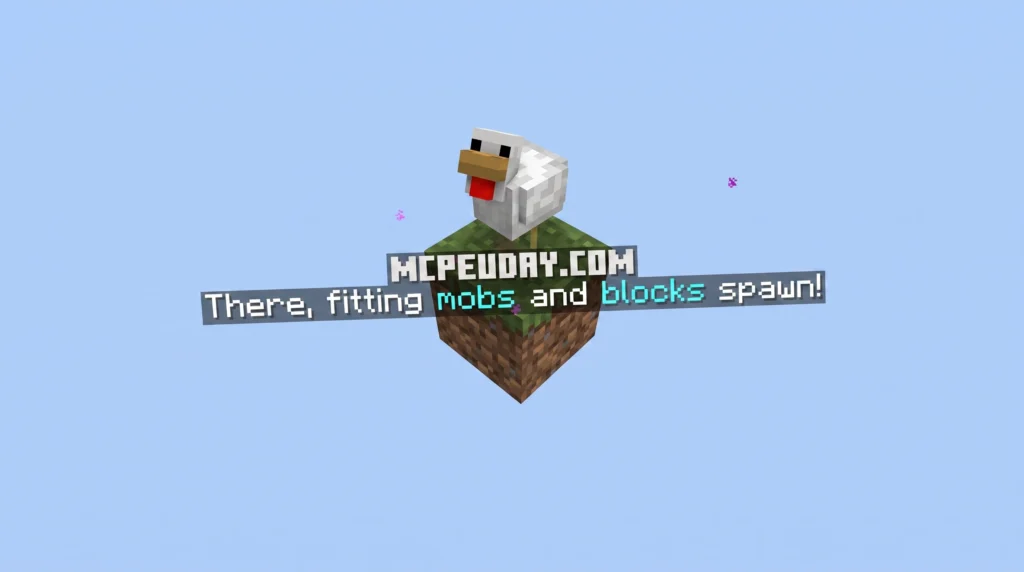
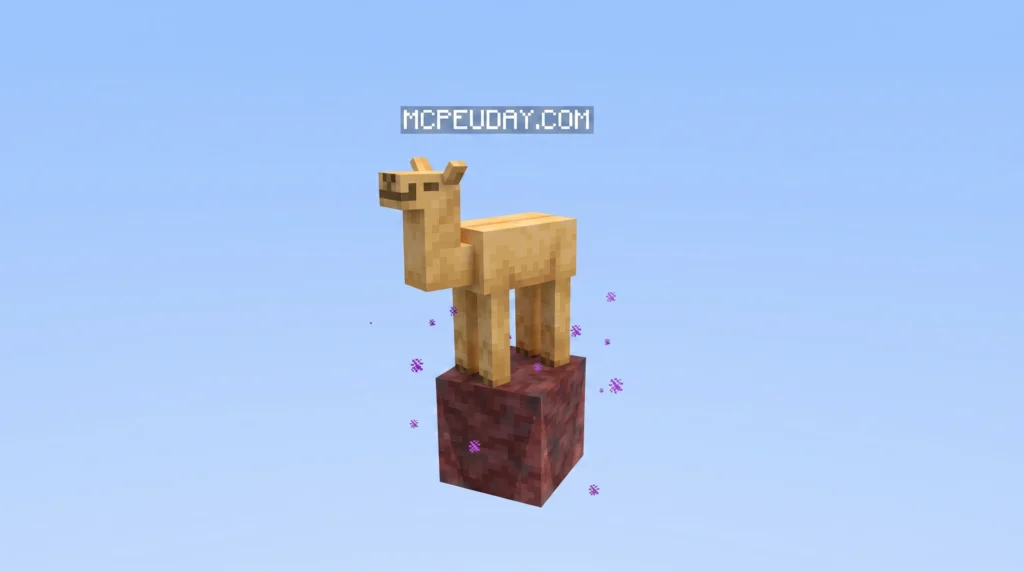
A One Block Map is a Minecraft survival challenge where you start on a single floating block in the middle of the void — and every time you mine it, it regenerates into something new.
Quick answer for what it is and how to get started:
- Download a One Block map from a trusted online source
- Install it by importing the
.mcworldfile (Bedrock/PE) or placing it in your world saves folder (Java) - Spawn on your single block and crouch immediately to avoid falling into the void
- Mine the block repeatedly — it regenerates with new blocks, mobs, and chests
- Progress through themed phases (Plains, Forest, Nether, and more) until you defeat the Ender Dragon
It sounds almost too simple. One block. Endless void. No trees, no caves, no starting island.
But that single block has pulled in tens of millions of players worldwide, across Java, Bedrock, and mobile editions. The concept is easy to understand in about ten seconds — yet it can keep you hooked for dozens of hours.
Think of it as the next evolution of the classic SkyBlock format. Instead of starting on a small island with a tree and a chest, you get nothing but a single regenerating block. Every mine is a surprise. Every phase brings new dangers. And the endgame — defeating the Ender Dragon from your self-built floating island — feels genuinely earned.
Whether you’re playing solo or with friends, on a phone or a PC, there’s a version of this map built for you. This guide will walk you through exactly how to download it, install it, and start surviving in under an hour.
What is a One Block Map and How Does It Work?
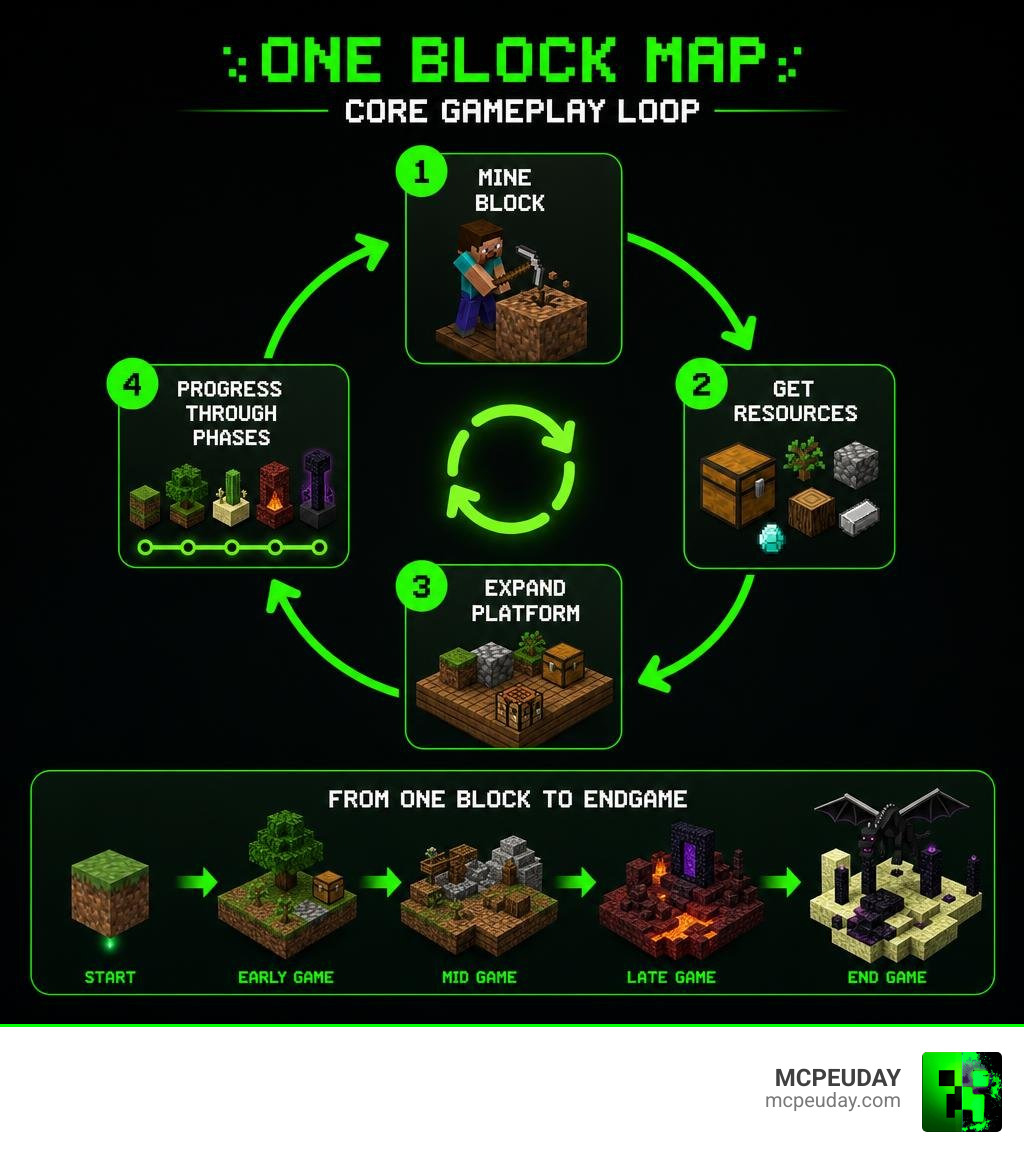
At its core, a One Block Map is a beautiful exercise in minimalism. You spawn on a single block suspended in space. When you break this block, it instantly regenerates. At first, you might get dirt, wood, or a stray pig. But as you continue to mine, the block levels up, bringing rarer resources, dangerous monsters, and chests packed with essential loot.
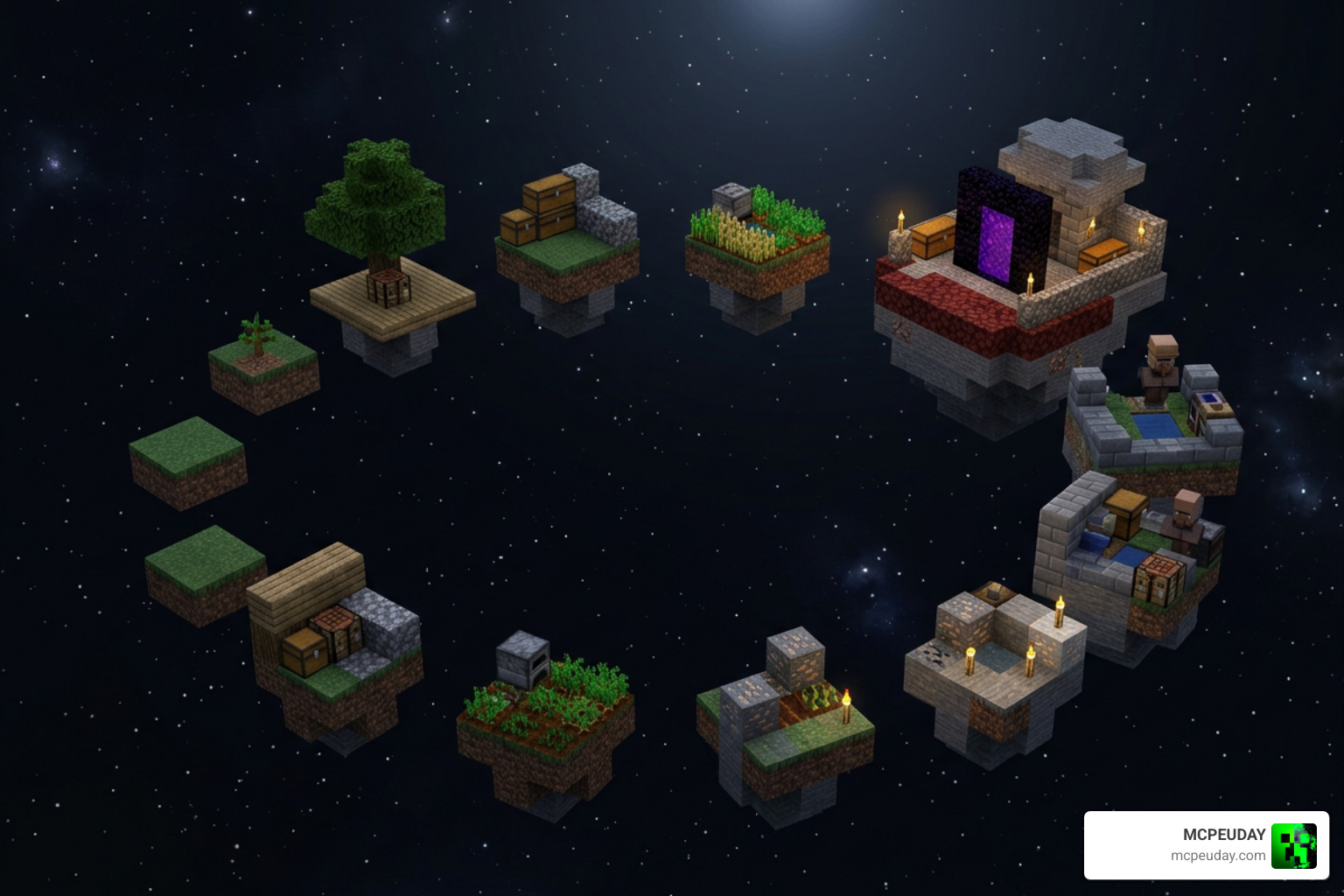
To help you visualize how this journey unfolds, we have mapped out the core gameplay loop below:
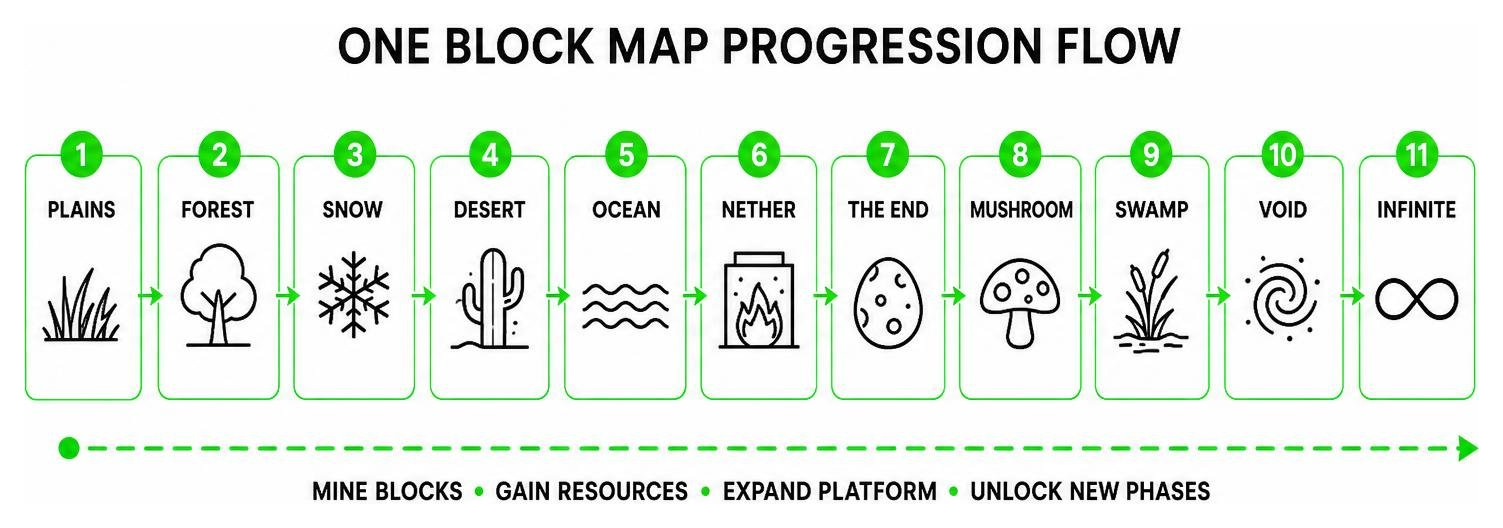
This progression system keeps the gameplay fresh. You aren’t just mining cobblestone for hours; you are actively pushing the world forward into new biomes and technical challenges.
Core Gameplay Mechanics and Progression Phases
Most classic One Block Map variations, such as the popular vanilla editions, are structured around 11 or 12 distinct progression stages. As you mine a set number of blocks, the map announces that you have entered a new phase.
Here is what you can expect as you progress through the standard 12 stages:
- Stage 1 (Plains): The gentle beginning. You will mostly mine dirt, clay, and wood, while spawning passive mobs like cows and pigs to secure your initial food supply.
- Stage 2 (Forest): More wood types, leaves, and basic survival blocks.
- Stage 3 (Cave): The mining grind starts. Stone, coal, iron, and your first hostile spawns (like zombies and spiders) appear.
- Stage 4 (Cherry Grove): A beautiful aesthetic break featuring cherry wood and pink petals.
- Stage 5 (Savanna): Acacia wood and terracotta.
- Stage 6 (Mountains): Emeralds, stone variants, and snow.
- Stage 7 (Jungle): Bamboo, jungle wood, and melons. This is also where high-tier resources like diamonds typically begin to spawn.
- Stage 8 (Desert): Sand, sandstone, and cacti.
- Stage 9 (Warden): The horror phase. Things get incredibly dangerous as sculk blocks and the Warden itself can spawn directly under your feet.
- Stage 10 (Nether): Netherrack, soul sand, quartz, and hostile piglins or blazes.
- Stage 11 (End): End stone, obsidian, and shulkers.
- Stage 12 (Infinite): The ultimate endgame. Once reached, the block generates completely random blocks and mobs from the entire game, allowing for limitless resource collection.
Throughout these phases, you must also watch out for special events. In advanced versions like OneBlock+ 2, a Red Moon event can trigger. During these terrifying nights, you cannot sleep, and hostile mobs spawn with massive stat buffs, turning your peaceful sky base into a high-stakes warzone.
How One Block Differs from Traditional Skyblock
While both modes test your ability to survive with limited space, they play very differently.
In traditional Skyblock, you start on a small L-shaped island. You are given a single tree, a chest with ice and a lava bucket, and perhaps a few seeds. Your progress relies on building a cobblestone generator and carefully rationing your initial resources. One wrong move—like turning your only lava source into obsidian—can completely ruin your run.
In a One Block Map, the single regenerating block removes the tediousness of the cobblestone generator. Instead of mining the same stone block over and over, you get a dynamic flow of varying materials. This makes the progression speed much faster and far more unpredictable. However, it also introduces a unique danger: since hostile mobs spawn directly on the block you are mining, you must constantly stay on guard. One careless click can spawn a Creeper that blows up your entire platform!
Step-by-Step Installation Guide for Java and Bedrock
Getting your hands on a One Block Map is incredibly simple, but the installation process varies depending on whether you are playing on Java Edition (PC) or Bedrock Edition (consoles, mobile, and Windows 10/11).
Before you begin, always make sure your Minecraft client version exactly matches the map’s supported version. Running a map built for version 1.21 on a newer client can break the command blocks and custom datapacks that make the block regenerate.
How to Install the One Block Map on Minecraft Java Edition
If you are playing on Java Edition, you will need to download the map file and manually place it in your game directory.
- Head over to a trusted Minecraft map repository or community site to find a One Block map.
- Download the
.ziparchive containing the world file. - Open the Run dialog on your PC by pressing
Win + R, type%appdata%\.minecraft\saves, and hit Enter. This will open your local Minecraft world saves folder. - Extract the downloaded
.zipfile directly into this folder. - Launch Minecraft, select Singleplayer, and you should see your new One Block world waiting for you at the top of the list!
How to Install the One Block Map on Minecraft Bedrock and PE
For Bedrock and Pocket Edition (MCPE) players on mobile devices or Windows, the process is even faster thanks to .mcworld files, which support automatic importing.
- The 1-Click Mobile App Route: If you are playing on an Android device, using a dedicated installer app like One Block Map for Minecraft – Apps on Google Play or One Block Maps Minecraft 2026 – Apps on Google Play can reduce your setup time to under ten seconds. These apps handle the file directory placement for you.
- The Manual .mcworld Route:
- Download the
.mcworldfile of your chosen map. - Locate the file in your device’s file manager and tap/click it.
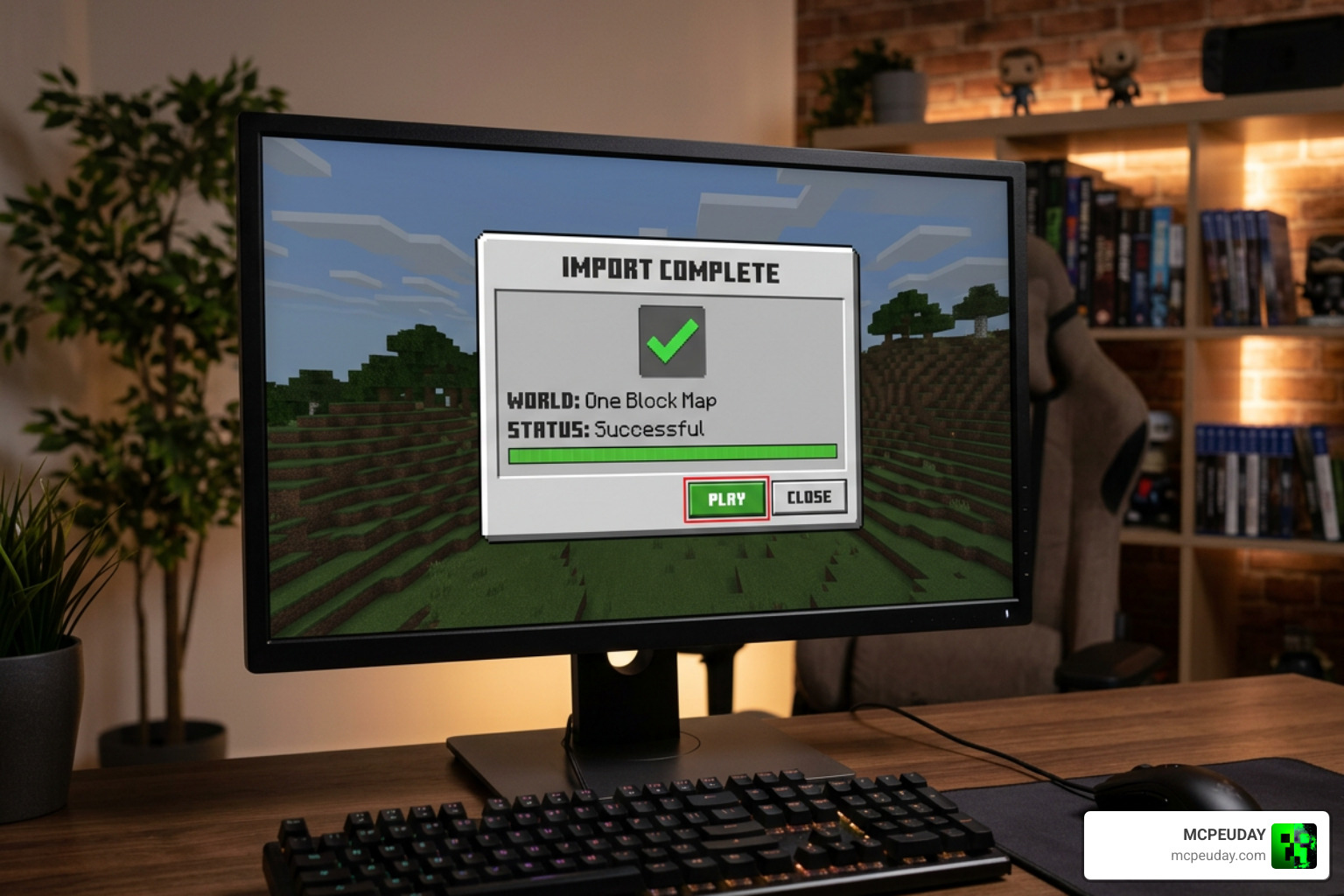
- Your device will automatically launch Minecraft and display a “World import started” notification, followed by “World successfully imported.”
- Go to your world list, click play, and start mining!
- Download the
Popular Variants of the One Block Map Genre
As the genre has grown, creators have pushed the boundaries of the single-block concept. Today, there are several unique variants to choose from depending on your preferred playstyle.
| Variant Name | Key Feature | Difficulty | Best For |
|---|---|---|---|
| Classic One Block | 10-12 progressive vanilla stages | Normal | Beginners & Purists |
| Hardcore One Block | Only 1 life, custom survival mechanics | Hardcore | Veterans |
| Giant One Block | Spawns a full chunk instead of one block | Normal | Builders |
| OneBlock+ 2 | Integrated custom addons & Red Moon | Hard | Modded Fans |
Hardcore and Giant One Block Variations
For players who find the standard game mode too easy, Hardcore One Block turns up the heat. In this mode, you only get a single life—if you slip into the void, your run is over. To make things even more realistic, some hardcore packs integrate environmental survival mechanics like thirst and temperature, forcing you to manage your physical needs while floating in space.
On the other end of the spectrum is Giant One Block. Instead of starting on a single 1×1 block, you start on a massive 16×16 chunk that regenerates. While it follows the same progression rules, it gives you a much larger starting canvas to build your base, making it perfect for cooperative multiplayer projects.
Modded and Addon-Integrated Versions
If you love modded Minecraft, versions like OneBlock+ 2 are a dream come true. These maps integrate custom Bedrock addons directly into the world file.
You can enjoy game-changing features like:
- Arcane Crops: Grow diamonds, iron, and gold directly from agricultural crops.
- Last Tree Capitator: Chop down entire trees in a single swing to speed up wood gathering.
- Harvest Replant: Automatically replants crops when you harvest them.
- Mounts of Mayhem: A mob update that introduces custom creatures like Zombie Horses and Nautilus mobs to keep you on your toes.
Frequently Asked Questions About One Block Maps
Why did I die instantly upon starting the map?
This is almost always caused by a version mismatch between your Minecraft client and the map file. If you run a map built for an older version on a newer client, Minecraft’s command block syntax changes will break the map’s underlying scripting. This prevents the initial block from spawning, causing you to fall directly into the void. Always check the map’s description page and run the exact recommended version of Minecraft.
When do diamonds start spawning in One Block?
In most standard progression maps, high-tier resources like diamonds do not appear until Phase 7 (Jungle) or Phase 8 (Desert). Be patient, keep mining, and make sure you have a secure chest to store them in so they don’t accidentally get blown up by a sudden Creeper spawn!
Can you play One Block maps in multiplayer?
Absolutely! Most modern One Block maps natively support multiplayer. You can share a single block with your friends, dividing up the labor so that one person mines while the others expand the platform, build farms, and defend the base from mob spawns. Just make sure your server difficulty is not set to “Peaceful,” or boss mobs like the Wither and Ender Dragon will fail to spawn, blocking your progression.
Conclusion
The One Block Map is a testament to how creative the Minecraft community can be. Starting with literally nothing but a single blade of grass under your feet, you can build a massive, automated floating empire and conquer the game’s toughest bosses. It is a thrilling, rewarding, and highly addictive way to experience Minecraft all over again.
Ready to take on the ultimate survival challenge? Head over to our main platform to Explore more Minecraft mods and addons and elevate your next void survival adventure today!

1 thought on “One Block Map (26.x, 1.21) – MCPE/Bedrock Map ”