What Is Tryzz’s One Block World and Why Every MCPE Player Should Try It
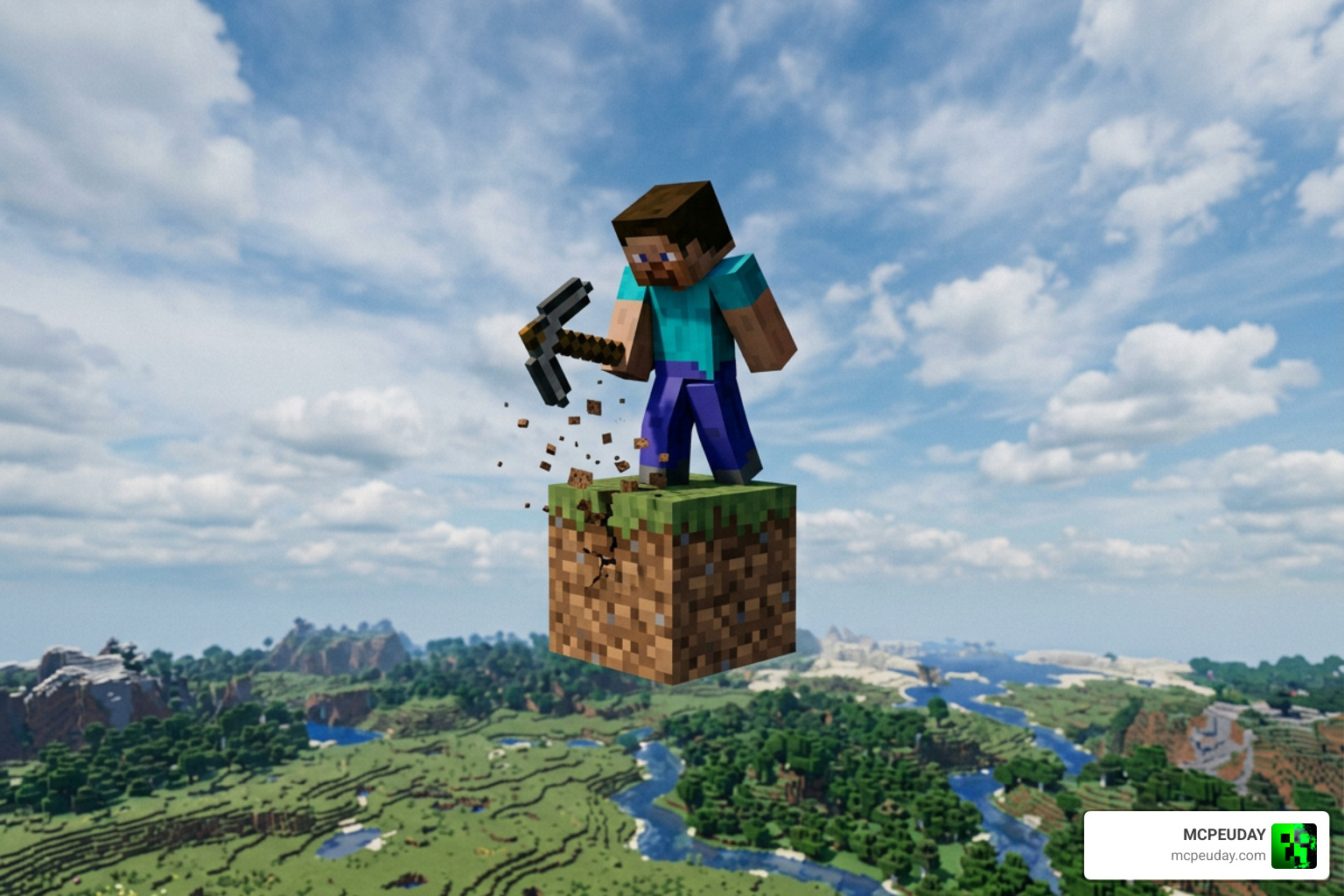
Tryzz’s One Block World is a Bedrock Edition survival map where you start on a single block floating in empty space — and breaking that block over and over is how you build your entire world.
Here’s a quick summary of what it is:
- What it is: A Minecraft PE map based on the classic One Block concept, with bug fixes and extra islands added
- How it works: Mine one repeating “magic block” to get resources, mobs, and chests across 18 biome phases
- Total content: Over 15,000 blocks spread across phases like Plains, Deep Dark, Cherry Grove, and more
- Latest version: v1.2 (6.76 MB), updated July 2026
- Where to play: Minecraft Bedrock Edition / MCPE
The idea is simple but surprisingly deep. One block. Endless progression. Real survival stakes — because one wrong step and you fall into the void.
With 61.8k downloads and active updates, this map has built a solid following in the Bedrock community. Version 1.2 fixed some frustrating bugs too, like blocks dropping twice and loot chests spawning completely empty.
I’m UDAY GAMER from MCPEUDAY, and in this guide I’ll walk you through everything — from downloading the map correctly to surviving your first few phases.
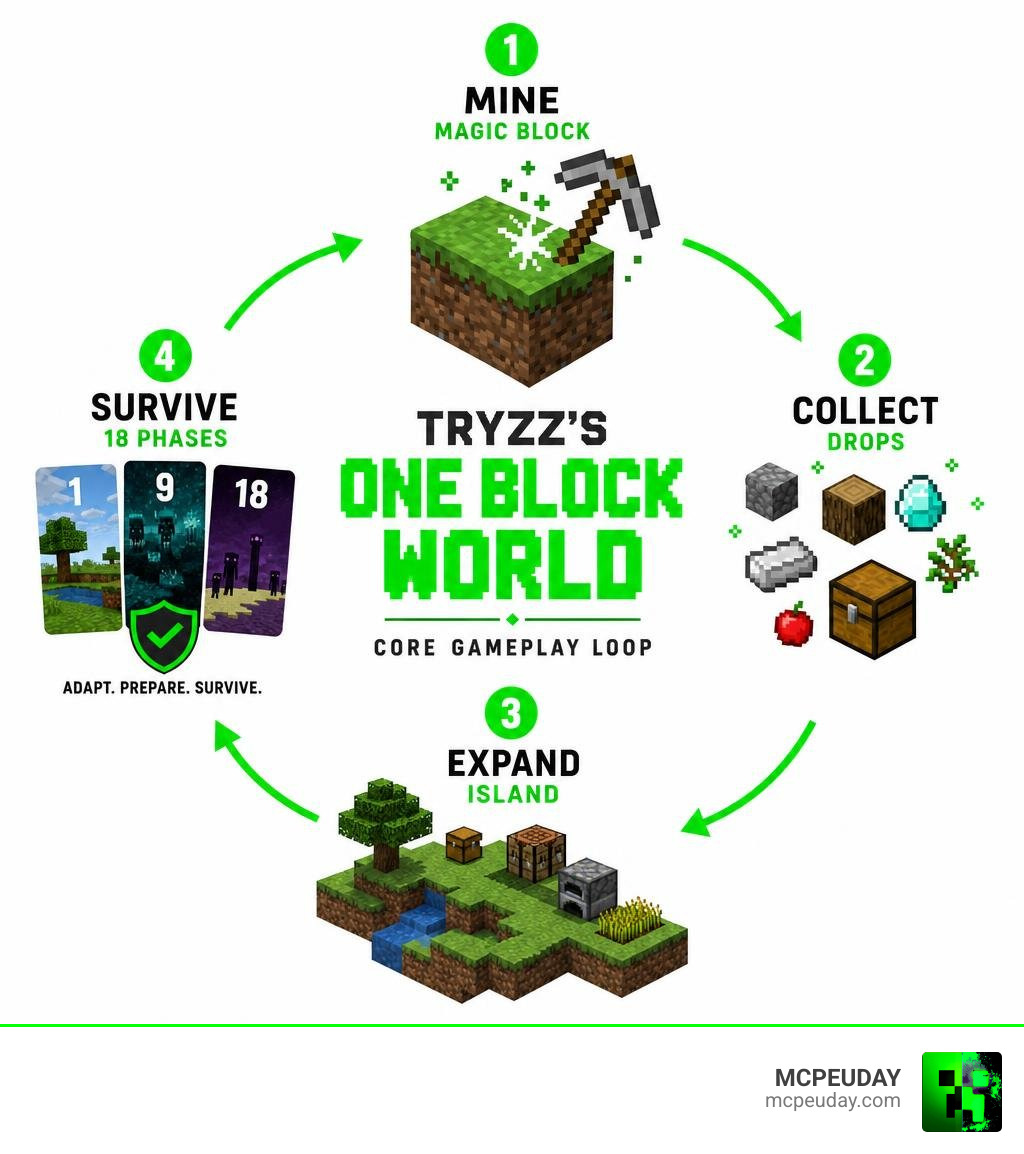
Overview of Tryzz’s One Block World Mechanics and Features
The original One Block survival concept was created by IJAminecraft for Java Edition, but custom map makers have brought tailored adaptations to Minecraft PE and Bedrock Edition. Tryzz’s One Block World takes this iconic baseline and optimizes it specifically for mobile and Bedrock players.
Instead of starting in a traditional endless world with trees and structures, you generate into a clean void. Beneath your feet is a single solitary block. Whenever you mine this block, another block immediately appears in its place. Over time, the blocks you receive evolve into rarer materials, wood types, ores, utility blocks, and even chest loot tables.
Gathering materials allows you to expand your platform outwards from the center. You use dirt and wood to lay foundations, construct safety perimeters, and craft essential survival tools. As your territory grows, so does your capacity to store items, farm animals, and construct specialized rooms.
Key Gameplay Features in Tryzz’s One Block World
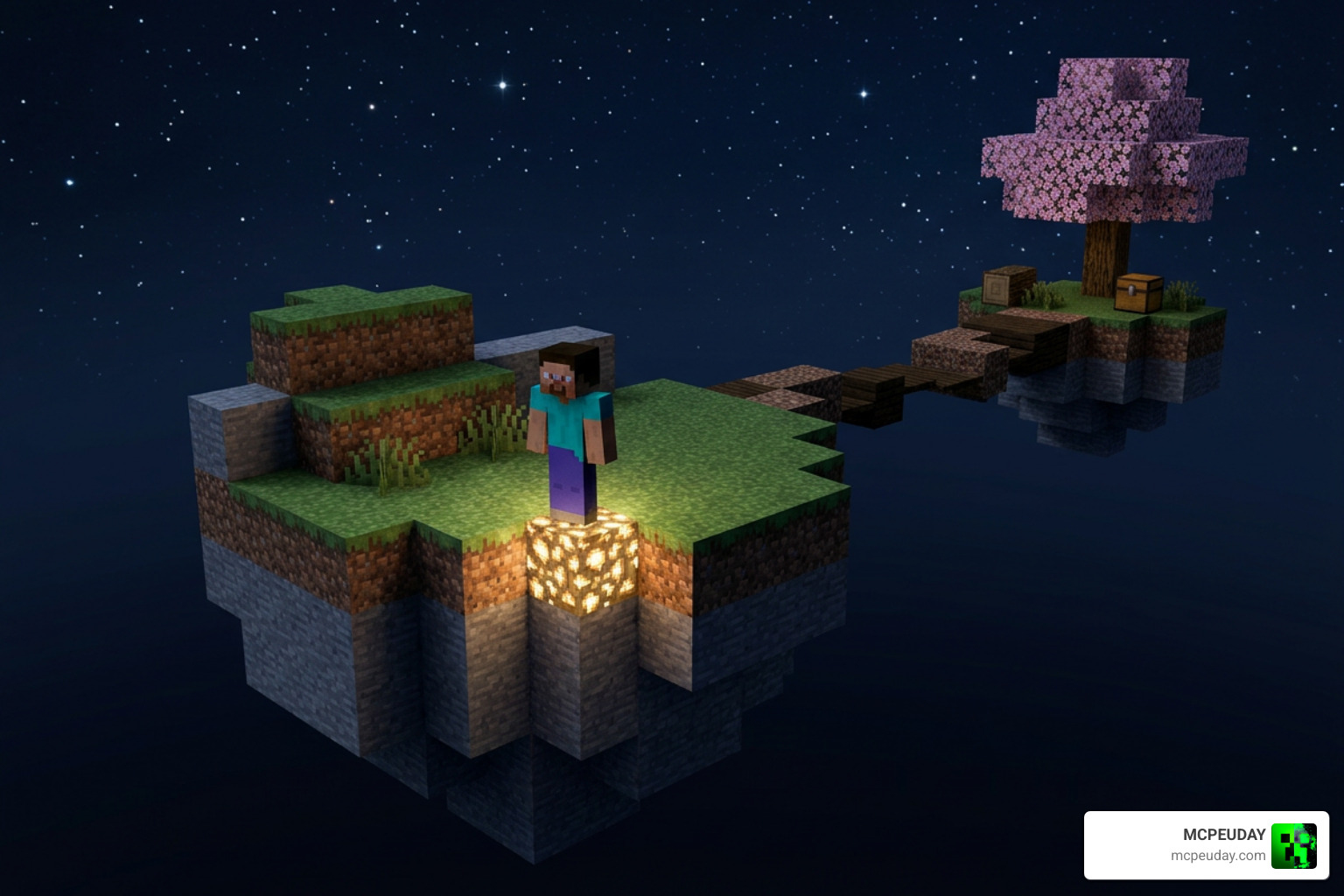
What elevates Tryzz’s One Block World above basic custom maps is its focus on stability and subtle expansion. Earlier iterations of mobile One Block maps frequently suffered from script glitches, but version 1.2 introduces critical improvements:
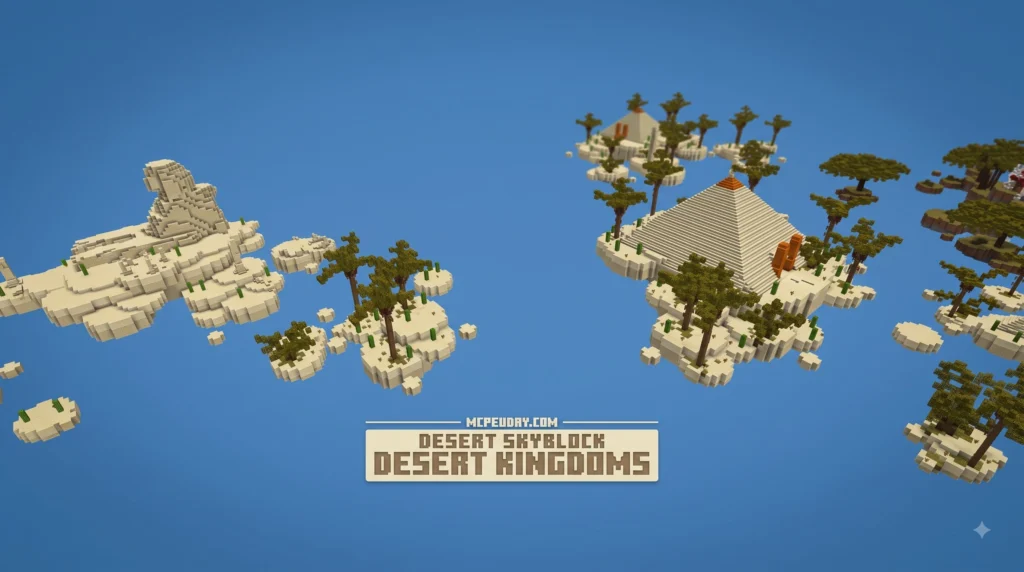
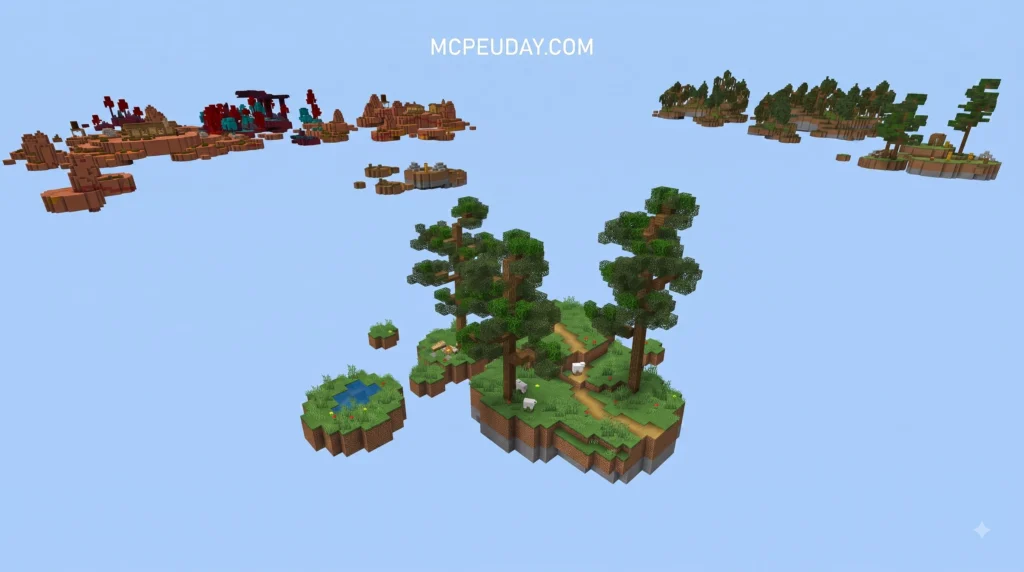
- Supplementary Exploration Islands: In addition to your primary base, supplementary custom islands generate at distant offsets in the void, giving you distant milestones to bridge toward.
- Behavior Pack Double Drop Fix: In older builds, breaking a magic block would occasionally drop two items at once or duplicate blocks into your inventory. The v1.2 behavior pack resolves this script desynchronization.
- Loot Table Fixes: Chests spawning on top of the magic block now reliably populate with context-appropriate loot rather than opening up completely empty.
- Optimized File Footprint: At just 6.76 MB, the world file imports smoothly across mobile phones, tablets, and consoles without causing memory lag.
Understanding the 18 Biome Phases and Magic Block Mechanics
The main progression loop relies on 18 distinct phases containing over 15,000 individual blocks before cycling. Each phase is themed around a specific Minecraft biome or dimension, changing the nature of items, blocks, chests, and mobs that appear under your pickaxe.
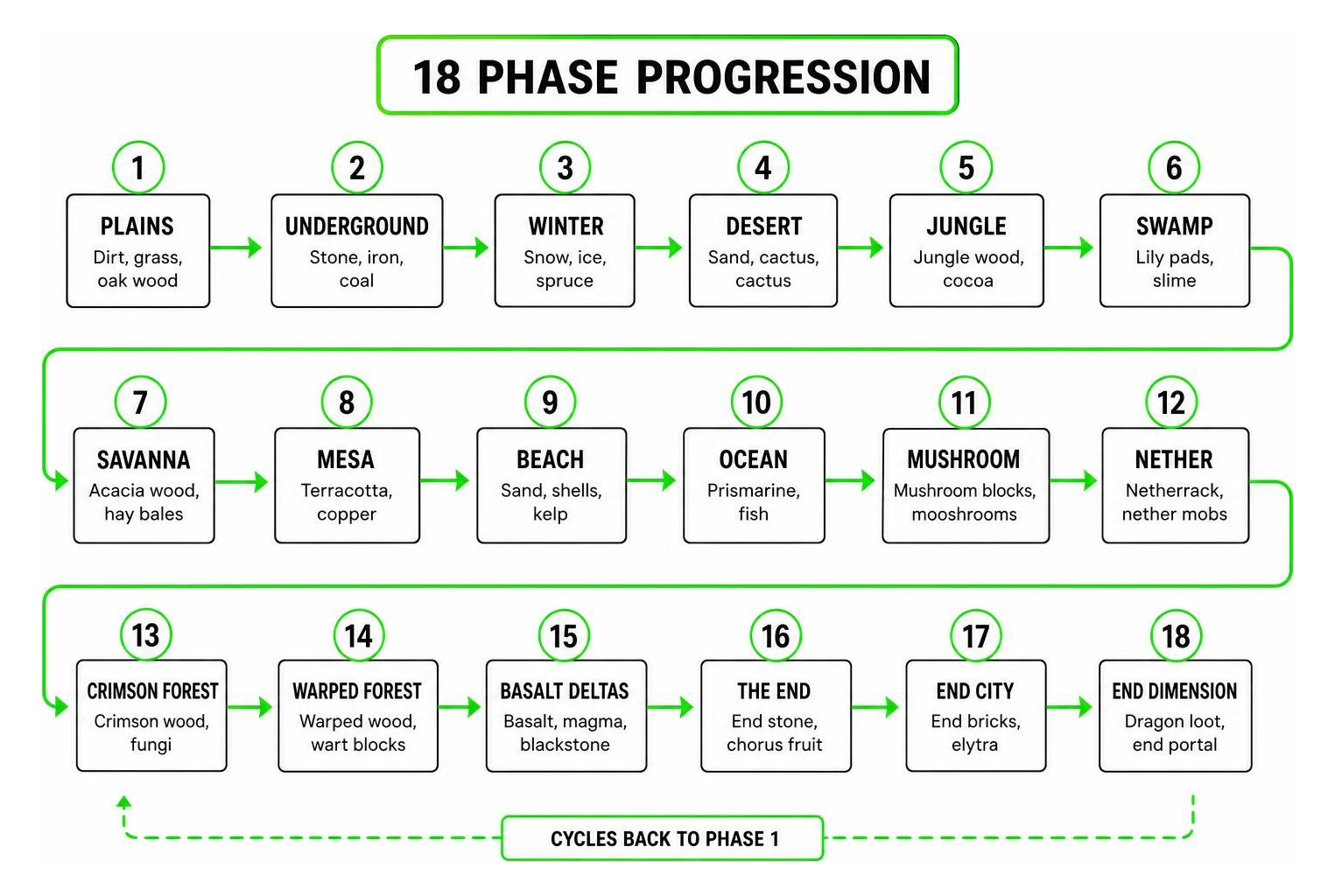
The magic block can be identified by the bright green particle effects emitting from its center. As you mine through phase milestones, the block transitions seamlessly across all 18 themes:
- Plains: Basic dirt, grass, oak wood, and friendly farm animals.
- Underground: Stone, iron ore, coal, and early caves.
- Winter: Snow, ice, spruce logs, and stray mobs.
- Ocean: Prismarine, sponge, sand, and kelp drops.
- Jungle: Jungle wood, vines, bamboo, and cocoa beans.
- Swamp: Mud, clay, lily pads, and witch spawns.
- Dungeon: Mossy cobblestone, monster spawners, and loot chests.
- Desert: Sandstone, cacti, and husks.
- The Nether: Netherrack, soul sand, quartz, and hostile Nether mobs.
- Plenty: High-yield resources, rich ores, and bonus chest drops.
- Desolation: Basalt, blackstone, and weathered survival materials.
- Deep Dark: Sculpted deepslate, sculk blocks, and ancient materials.
- The End: End stone, purpur blocks, and chorus fruit.
- Lush Caves: Moss blocks, azalea, drip leaf, and glow berries.
- Dripstone Caves: Pointed dripstone and dripstone blocks.
- Mangrove Swamp: Mangrove wood, roots, and mud bricks.
- Meadow: Wildflowers, emeralds, and mountain vegetation.
- Cherry Grove & Jagged Peaks: Cherry blossom wood, pink petals, calcite, and high-altitude resources.
Once you exhaust the block quota of the 18th phase, the cycle loops back into a scaled progression sequence, ensuring you never run out of building materials.
How to Download and Install the Map on Minecraft PE
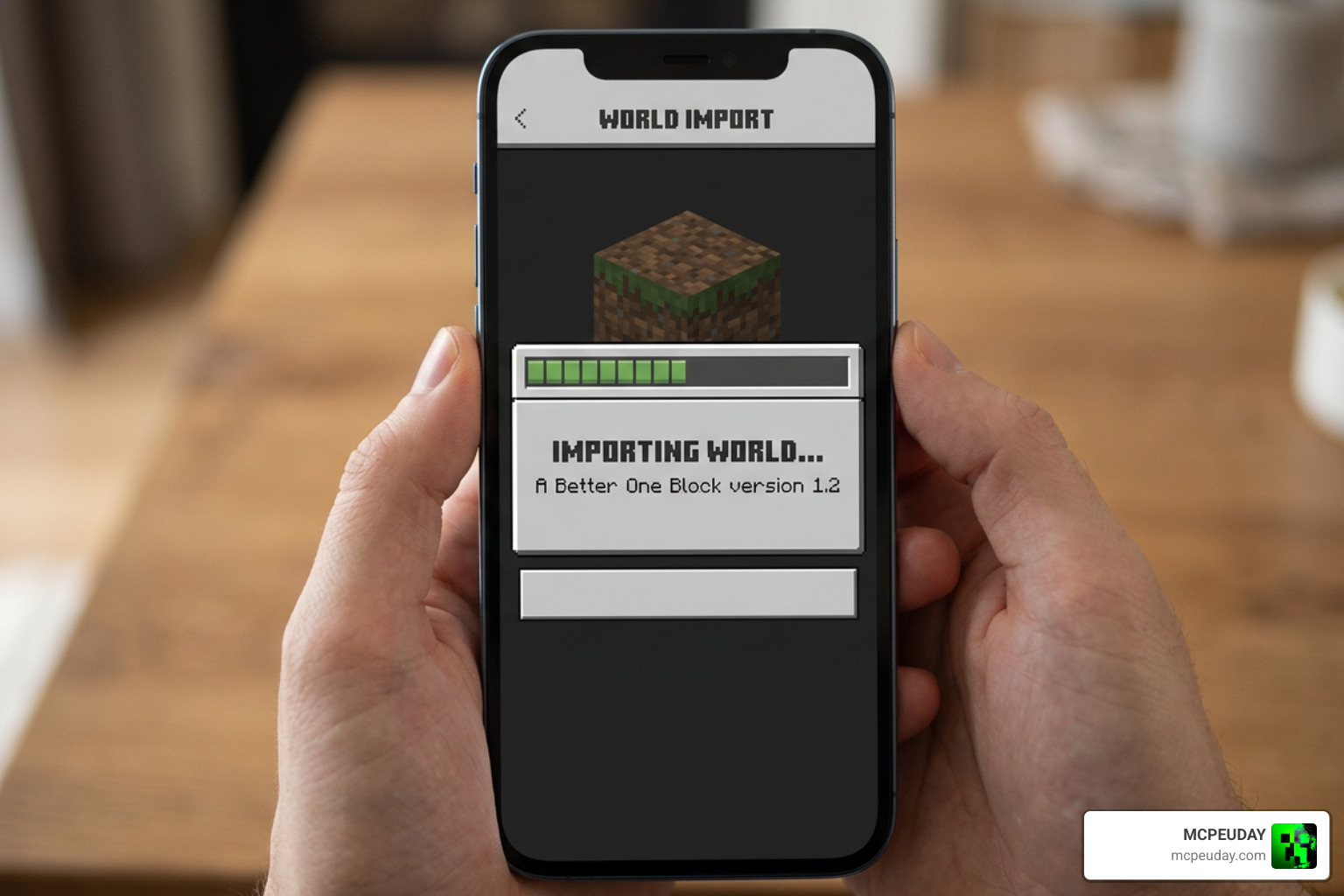
Getting Tryzz’s One Block World running on your Bedrock or MCPE device is straightforward. Follow these steps to ensure both the map and its custom behavior pack activate correctly:
- Download the Map File: Download the latest v1.2
.mcworldfile (file size approximately 6.76 MB). - Import into Minecraft: Tap or click the downloaded file. Your device will automatically launch Minecraft PE and initiate the “World Import Started” process.
- Verify Behavior Pack Activation: Before loading into the world, go to the world edit settings screen (
Edit World>Behavior Packs). Ensure the custom Tryzz behavior pack is moved to the “Active” column. This step is essential to prevent double block drops and empty chest bugs. - Set Gameplay Difficulty: We recommend setting difficulty to Normal or Hard to ensure mob spawners and drop frequencies behave as intended.
- Launch and Verify: Enter the world. You should find yourself standing on a single block floating in space emitting green particles. Mine it once to confirm items enter your inventory properly.
Key Survival Strategies and Boss Objectives
Surviving in a void world requires disciplined inventory management and tactical positioning. Here are our top survival strategies for mastering Tryzz’s One Block World:
- Build Crouch Boundaries First: Never stand directly on the magic block while mining without holding down the sneak/crouch button. Sneaking prevents your character from slipping off the edge when a block unexpectedly converts into water or air.
- Slab and Wall Isolation: Expand your floor using bottom half-slabs to double your building area per wood plank. Build a 3-block high perimeter wall around your central mining spot to contain aggressive mobs.
- Chest Storage Management: Craft double chests immediately. Keep your rarest items stored at least 5 to 10 blocks away from the central magic block so unexpected creeper spawns do not destroy your main stockpile.
- Water Bucket Safety Net: Place a water source block near your central platform so it flows down into the void. If you ever fall, you can catch the waterfall stream to climb back up safely.
- Ultimate Goal – The End Dragon: The main objective is to gather enough End Stone, Eyes of Ender, and portal materials from the Nether and End phases to build an End Portal framework, enter The End dimension, and defeat the Ender Dragon.
Mastering Tryzz’s One Block World Mob Spawns and Void Hazards
Hostile mob spawns represent the single greatest threat to your island in Tryzz’s One Block World. When mining through aggressive phases like The Nether, Dungeon, or Deep Dark, a creeper, skeleton, or blaze can pop into existence on the exact block you are standing on.
Listen closely for ambient mob sounds while breaking blocks. If you hear a hiss, rattle, or grunt, immediately tap your shield button or back up onto your secured platform. Surrounding your central block with trapdoors or fences ensures that newly spawned mobs cannot instantly knock you backward into the void.
If a mob spawner block drops during a dungeon phase, quickly place torches on all sides before broken light conditions trigger endless mob waves.
Tryzz’s Better One Block Map vs. AOneBlock BentoBox Plugin
Players often confuse Tryzz’s One Block World for Minecraft Bedrock with the popular AOneBlock plugin developed for Java Edition servers running the BentoBox framework. While both share the core mechanic of a single renewable magic block, their architectural purpose and target audiences differ significantly.
| Feature | Tryzz’s Better One Block Map | AOneBlock BentoBox Plugin |
|---|---|---|
| Platform | Minecraft Bedrock Edition (MCPE/iOS/Android/Windows) | Minecraft Java Edition (Dedicated Servers) |
| Format | .mcworld standalone world file | Server plugin JAR (BentoBox Addon) |
| Target Audience | Casual singleplayer & local multiplayer players | Server administrators & public network hosts |
| Configuration | Built-in behavior pack scripts | Highly customizable YAML configuration files |
| Phases | 18 curated Bedrock biome phases | 18 customizable phases with custom NBT support |
| Extra Content | Built-in custom exploration islands | MythicMobs, ItemsAdder, and Nexo integrations |
| GitHub Community | Independent map release | 91 stars, 36 forks, 513 contributions by top devs |
If you want an instant, setup-free experience on your phone, tablet, or console, Tryzz’s map is designed precisely for you. If you are running a large Java multiplayer server with custom economy plugins, AOneBlock on BentoBox fits that administrative use case.
Frequently Asked Questions
What happens after completing all 18 phases in the map?
Once you finish mining through all 15,000 blocks across the 18 phases (ending in Jagged Peaks and Cherry Grove), the block pool seamlessly loops back to the Plains phase. You retain all collected inventory, island structures, and gear, allowing you to farm rare materials endlessly.
Why were loot chests empty or blocks dropping twice in earlier versions?
In pre-1.2 releases of the map, certain Bedrock behavior pack scripts caused item entity desynchronization upon block destruction, leading to doubled drops. Additionally, unindexed loot tables resulted in chest blocks generating without items. Downloading and applying version 1.2 completely resolves both issues.
How do I identify and recover the magic block if it disappears?
The magic block is always located at the exact coordinate center of your starting island and is visually distinguished by floating green particle effects. If your magic block turns into a fluid like water or lava, simply scoop or block the fluid with a solid block (like cobblestone) and break it to reset the generator. In rare cases where the generator halts completely, dying or relogging into the world forces the world behavior pack to regenerate the center magic block.
Conclusion
Tryzz’s One Block World provides one of the most polished, enjoyable survival challenges available for Minecraft PE and Bedrock Edition. With its fix for double item drops, functional loot chests, extra void islands, and 18 diverse biome phases, it transforms a simple single-block concept into hundreds of hours of survival entertainment.
Whether you are expanding your base into a floating castle or preparing for the ultimate battle against the Ender Dragon, taking the right approach to preparation and void safety makes all the difference.
If you are looking for even more ways to customize your Minecraft experience with custom maps, texture upgrades, and game mechanics, Explore popular Minecraft mods and addons on MCPEUDAY!

1 thought on “Tryzz’s One Block World (26.x, 1.21) – MCPE/Bedrock Map”