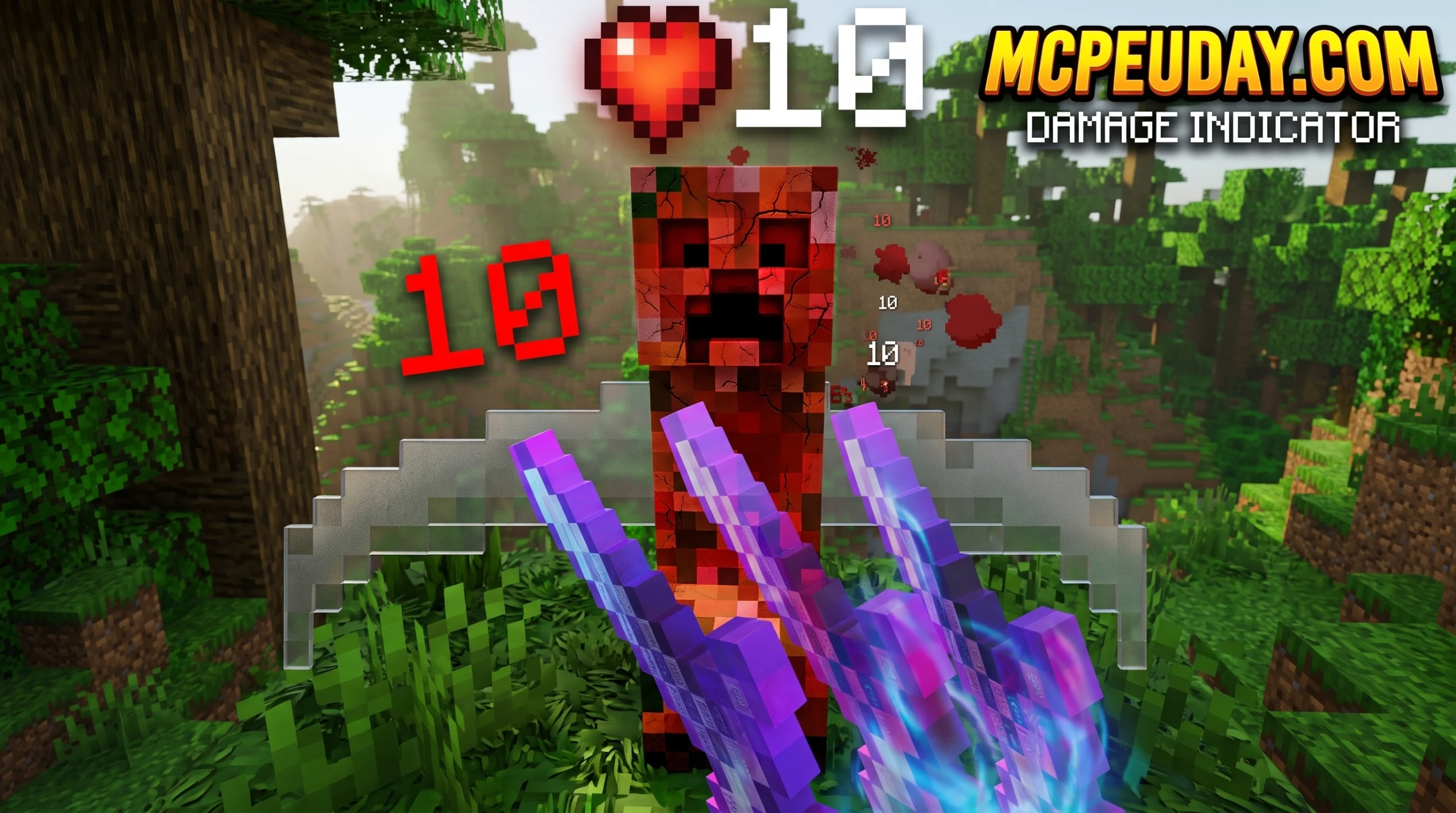
What Is a Damage Indicator Addon and Which One Should You Get?
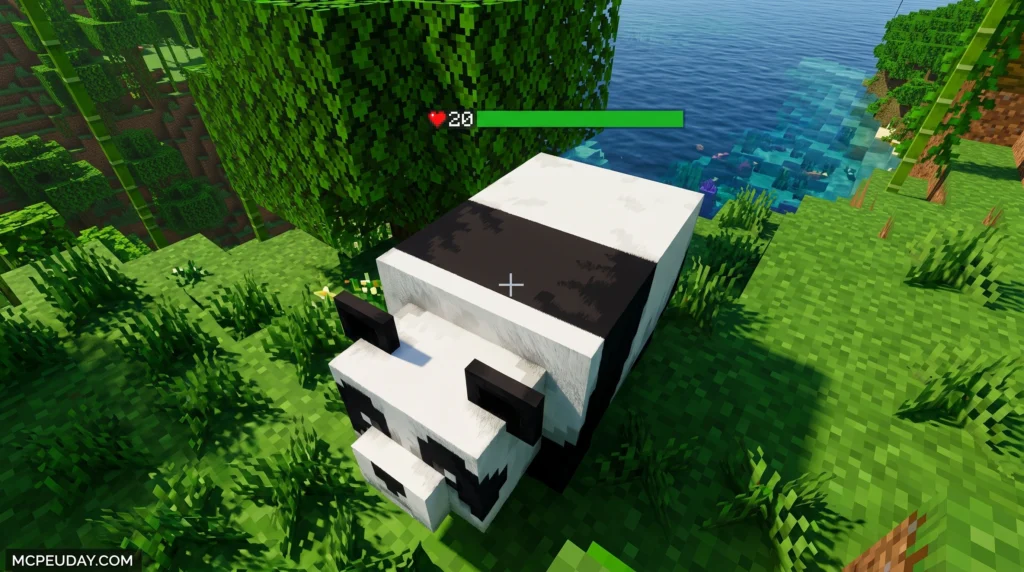
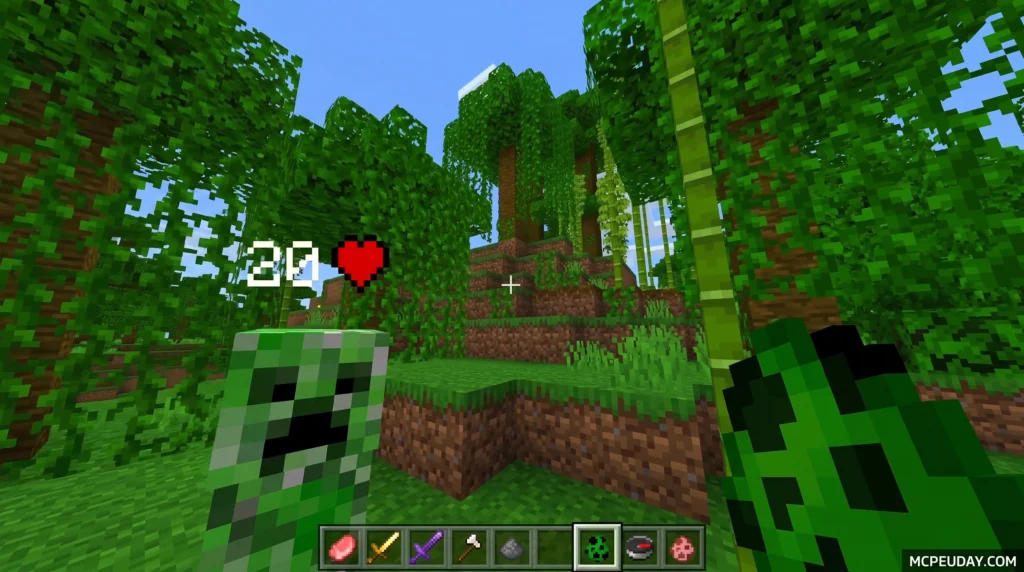
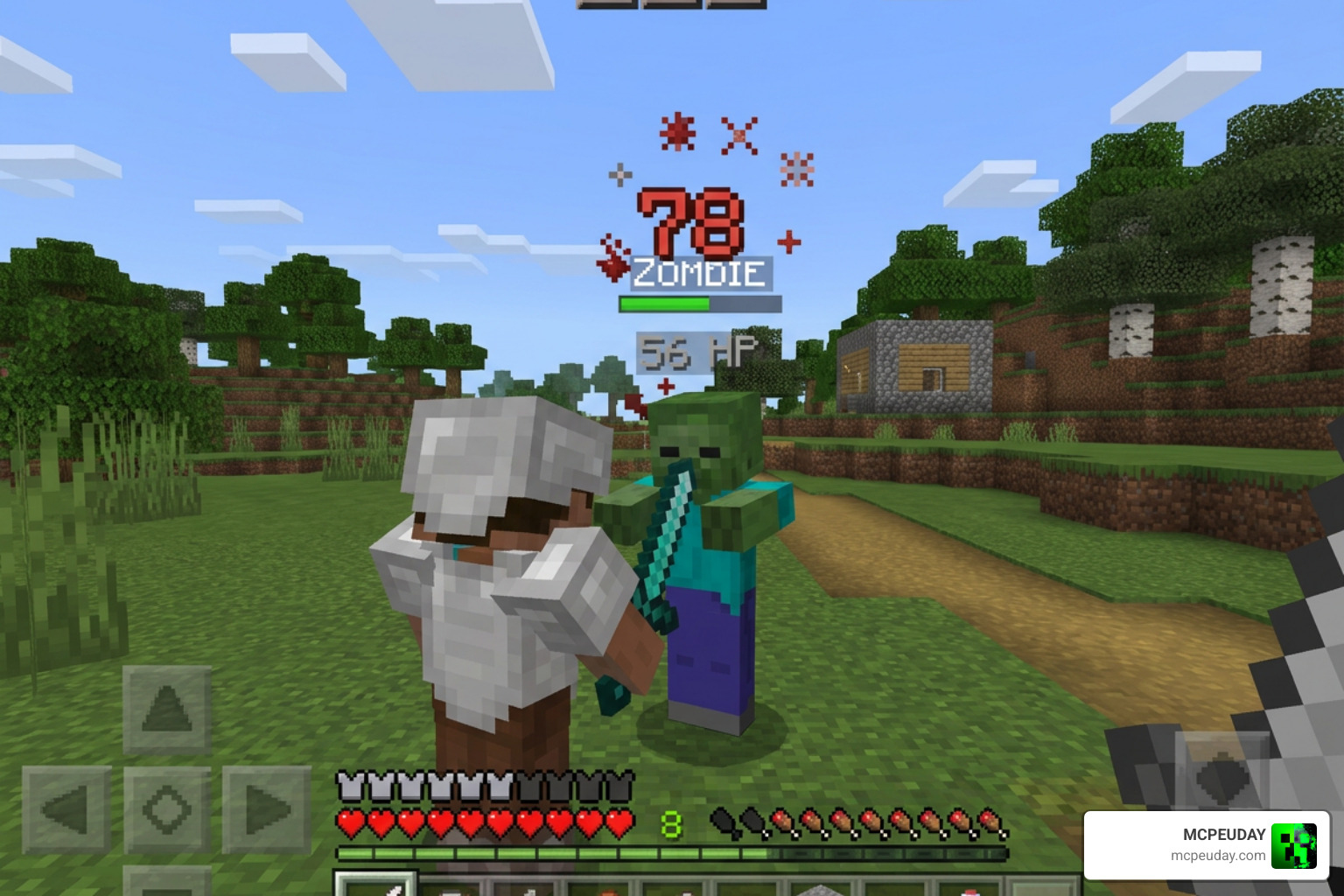
A Damage Indicator Addon is a mod, plugin, or script that shows floating damage numbers above enemies when you hit them in Minecraft — turning bland combat into a satisfying, RPG-style experience.
Here are the top options available right now (July 2026):
| Option | Platform | Best For |
|---|---|---|
| Health and Damage Indicator v4.0 | Bedrock / MCPE | Singleplayer & SMP, all entities |
| RPG Damage Indicators Add-On | Bedrock | Deep customization, target dummies |
| DamageIndicator (Spigot/Paper) | Java Edition | High-performance servers |
| Damage Indicator (lightweight) | Java Edition | Simple hologram display |
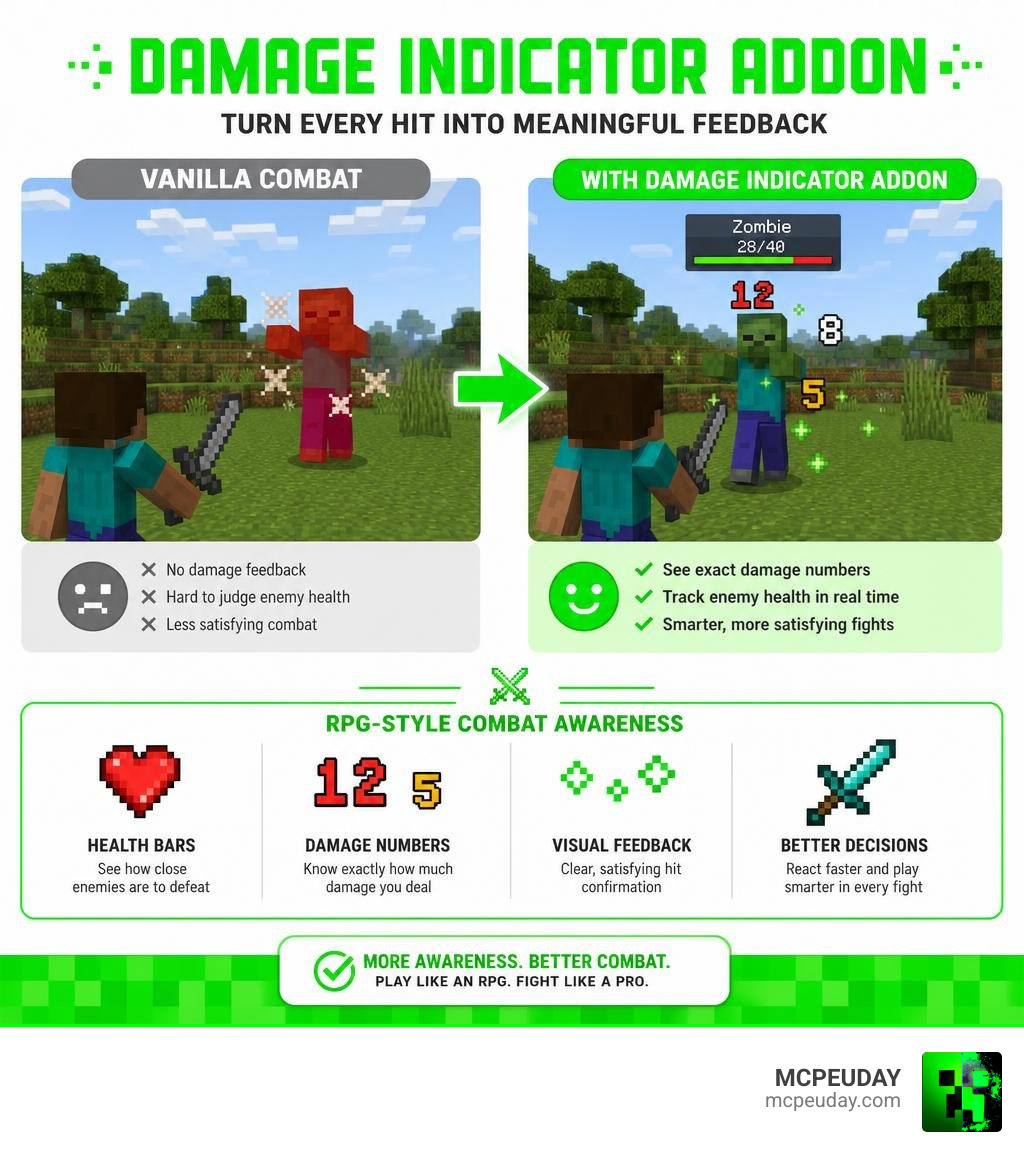
Vanilla Minecraft gives you almost no visual feedback when you fight mobs. You hit a skeleton, it flashes red — and that’s it. You have no idea how much damage you dealt or how close it is to dying.
Damage indicator addons fix that. They pull real-time combat data and display it right on your screen, the way games like Diablo and World of Warcraft have done for years.
Whether you’re playing Bedrock Edition on mobile, running a Java server with 100+ players, or building a full RPG experience, there’s a damage indicator solution built for your setup.
This guide compares the best ones so you can pick the right fit fast.
Why You Need a Damage Indicator Addon in Minecraft
Let’s face it: vanilla Minecraft combat can feel a bit like hitting a brick wall. You swing your sword, hear a generic thud, and pray the zombie drops before you do. By introducing RPG elements through a Damage Indicator Addon, you immediately change the rhythm of battle.
In standard gameplay, the lack of visual feedback makes it difficult to gauge the effectiveness of your weapons. For example, when you apply enchantments like Sharpness, Smite, or Bane of Arthropods, you cannot easily see the exact numerical difference in damage output unless you consult the official Minecraft Wiki to calculate the math manually. A damage indicator solves this by displaying the exact numbers in real time, allowing you to see precisely how much extra damage your enchanted netherite sword deals compared to a standard iron sword.
Real-time indicators show you exactly how much health a mob has left, letting you prioritize targets in a crowded dungeon. If you hit a critical strike, you are rewarded with a giant, colorful number popping off the mob’s head. It turns every encounter into a dynamic, satisfying exchange. This is especially useful during intense boss fights, such as battling the Ender Dragon or the Wither, where understanding the boss’s remaining health pool helps you coordinate attacks with your teammates.
Best of all, these indicators work beautifully alongside other visual upgrade mods. For instance, combining combat feedback with the Durability Viewer Addon gives you complete control over your interface, ensuring you always know the status of your gear and your enemy’s health at a single glance. This synergy transforms the default user interface into a highly informative HUD, perfect for both survival enthusiasts and competitive PvP players.
Top Damage Indicator Addon Options for Bedrock and Java (July 2026)
The Minecraft landscape is split between Java Edition and Bedrock Edition (MCPE). Fortunately, developers have built incredible tools for both. Let’s look at the absolute best options available in July 2026.
Health and Damage Indicator Addon v4.0 for Bedrock
If you play on Bedrock Edition, the Health and Damage Indicator Addon v4.0 is the undisputed king. This massive update introduced a dedicated script version that tracks all entities in the game.
Unlike older versions that struggled with newly added mobs, v4.0 fully supports the spooky Creaking, camels (fully resolving previous camel error logs), and custom marketplace entities. The developers also updated the player.json file to ensure full compatibility with custom player personas. It is lightweight, updates in real time, and is built to run smoothly on mobile devices, consoles, and Windows. By utilizing the modern Bedrock Scripting API, this addon bypasses the limitations of older resource-heavy methods, ensuring that your game runs at a stable 60 FPS even during chaotic raids.
RPG Damage Indicator Addon for Bedrock
For players who want an immersive, high-fantasy aesthetic, the RPG Damage Indicator addon is a fantastic choice. This addon is famous for its deep customization, boasting over 2,000 possible combinations for how your damage numbers look and behave.
One of its standout features is the inclusion of customizable target dummies. You can place these dummies down and configure them with different armor simulation levels to test your weapons. It is the ultimate tool for theorycrafting and testing out custom gear sets. Whether you want to test the DPS of a rapid-fire crossbow or the single-hit burst damage of a mace, these dummies provide accurate, real-time feedback.
High-Performance Server Plugins for Java Edition
If you run a Java Edition server (like Spigot or Paper), you have to worry about server performance. Traditional mods spawn armor stands to display floating text, which can quickly lag out a server with dozens of active players.
Modern server plugins like DamageIndicator Spigot solve this by being 100% packet-based. Instead of spawning actual physical entities in the world, the server sends visual packets directly to the players’ clients. This means zero performance impact, even on servers with over 100 players. You can find many of these high-performance resources on community hubs like SpigotMC, where developers constantly optimize packet handling.
For server admins who want gorgeous visual setups, the Damage Indicator & Healthbar plugin supports advanced MiniMessage formatting, RGB gradient hex codes, and smart damage merging (which combines rapid hits from fast-attack weapons into a single, clean number). This ensures that your server’s combat looks clean, professional, and completely lag-free.
Key Features, Customization, and Installation
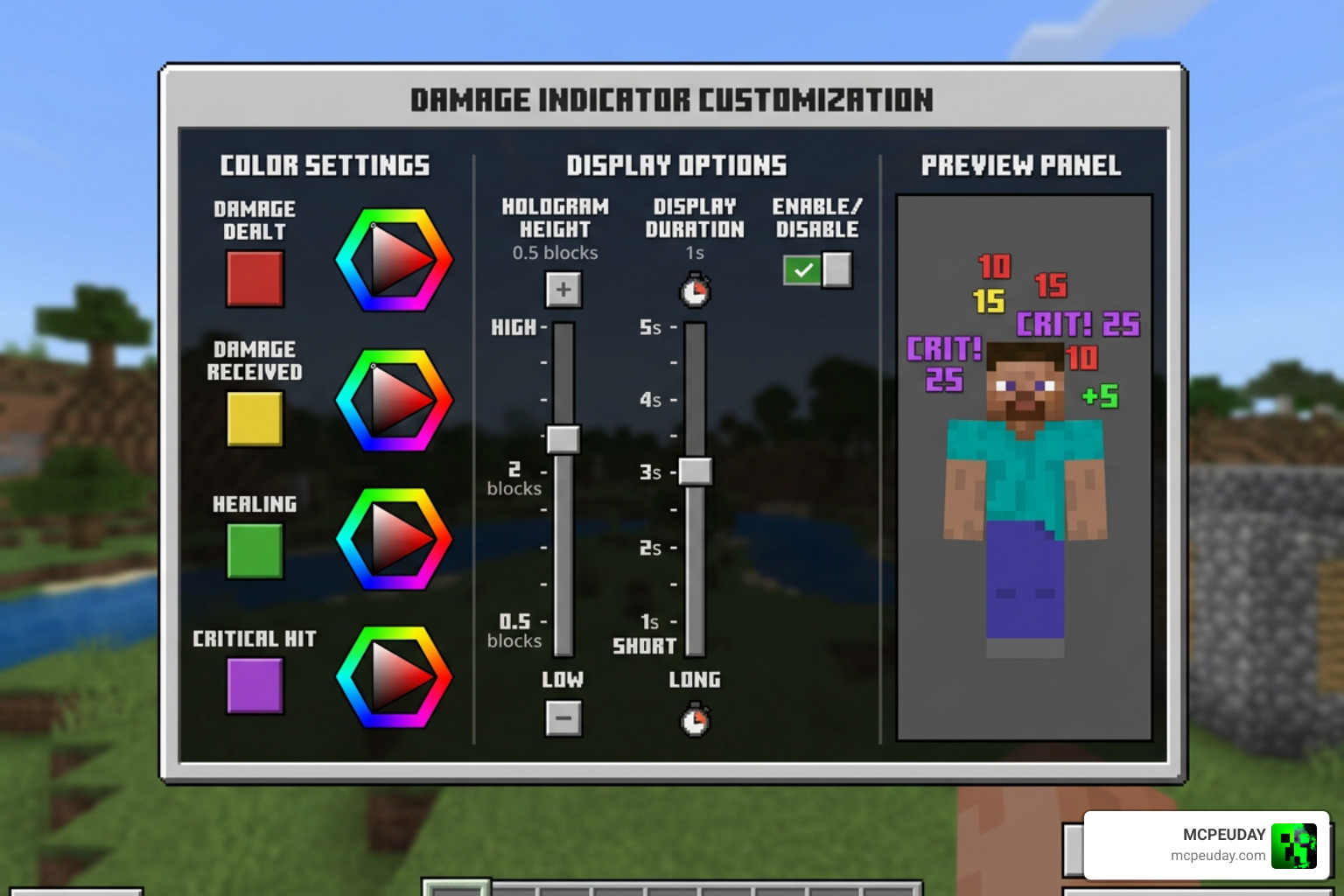
When choosing a Damage Indicator Addon, customization is everything. You don’t want giant clunky numbers blocking your view during an intense boss fight. Modern addons allow you to customize:
- Colors & Fonts: Set unique colors for regular damage, critical hits, poison damage, and healing.
- Hologram Physics: Adjust how long the numbers float in the air (typically 1.5 seconds) and how high they bounce.
- Smart Merging: Combines rapid attacks (like sweep attacks or quick bow shots) so your screen isn’t flooded with tiny numbers.
Comparing Mod Types
To help you decide which style of indicator fits your setup, here is how client-side mods, server-side plugins, and script-based addons compare:
| Feature | Client-Side Mods | Server-Side Plugins | Script-Based Addons |
|---|---|---|---|
| Installation | Requires client loader (Forge/Fabric) | Drag-and-drop into server folder | Behavior & Resource Packs |
| Performance | Great for singleplayer | Excellent (packet-based, lagless) | Optimized for mobile/Bedrock |
| Vanilla Compatibility | No server support needed | Players do not need to install anything | Works natively on Bedrock |
| Best Pairings | Durability Armor Viewer Addon | Custom RPG server setups | More Tools Addon |
Step-by-Step Installation Guide
To get your damage indicators up and running, follow these simple installation steps depending on your platform:
For Bedrock Edition (MCPE / Windows / Consoles)
- Download the Files: Download both the Behavior Pack and Resource Pack
.mcpackfiles from MCPEUDAY. - Import to Minecraft: Double-click or tap on the downloaded files. Minecraft will automatically launch and import them.
- Configure World Settings: Go to your world settings, navigate to the “Resource Packs” and “Behavior Packs” tabs, and activate the addon.
- Enable Experiments: Ensure that “Beta APIs” or “Upcoming Creator Features” are toggled on in your world settings, as the script engine requires these permissions to track entity health accurately.
For Java Edition (Singleplayer Mods)
- Install a Mod Loader: Ensure you have Forge or Fabric installed.
- Add to Mods Folder: Download the damage indicator mod
.jarfile and place it into your.minecraft/modsdirectory. - Launch the Game: Start Minecraft using your mod loader profile, and the indicators will be active immediately.
For Java Edition (Spigot/Paper Servers)
- Download the Plugin: Download the plugin
.jarfile. - Upload to Server: Place the file into your server’s
pluginsfolder. - Restart and Configure: Restart your server to generate the configuration files. You can then open the
config.ymlfile to customize colors, fonts, and display durations.
If you are using older setups, you might still use Block Launcher, but the modern script engine has made installation virtually seamless across all devices.
Frequently Asked Questions About Damage Indicator Addons
Do damage indicator addons cause lag on multiplayer servers?
No, provided you use the right version. Modern Java plugins use packet-based displays that do not spawn entities (like armor stands), making them 100% lagless even with 100+ active players. On Bedrock, the v4.0 script engine is highly optimized to ensure it won’t impact your frame rates on mobile devices.
Can I customize the colors and fonts of the damage indicators?
Absolutely! Most high-quality addons and plugins allow you to edit a configuration file. You can use RGB hex codes, customize the prefix and suffix symbols (like adding a heart emoji next to health indicators), and set separate formats for critical hits or status effect damage like poison and fire.
Does the v4.0 script version support all Minecraft entities?
Yes! Thanks to the latest scripting API updates, the v4.0 addon tracks damage across all vanilla entities, including newly added mobs like the Creaking, as well as custom entities added by other third-party mods.
Conclusion
Adding a Damage Indicator Addon to your Minecraft setup is one of the easiest ways to instantly make combat feel modern, engaging, and rewarding. From tracking your exact damage output to knowing exactly when a boss is about to fall, it bridges the gap between classic sandbox survival and deep RPG gameplay.
At MCPEUDAY, we love sharing resources that make your worlds more immersive. If you want to take your gameplay setup even further, check out our Best Minecraft Horror Mods for Java & Bedrock 2026 Guide to find the perfect spooky mobs to test your new damage indicators on!
2 thoughts on “Damage Indicator Addon (26.x, 1.21) – MCPE/Bedrock Mod”