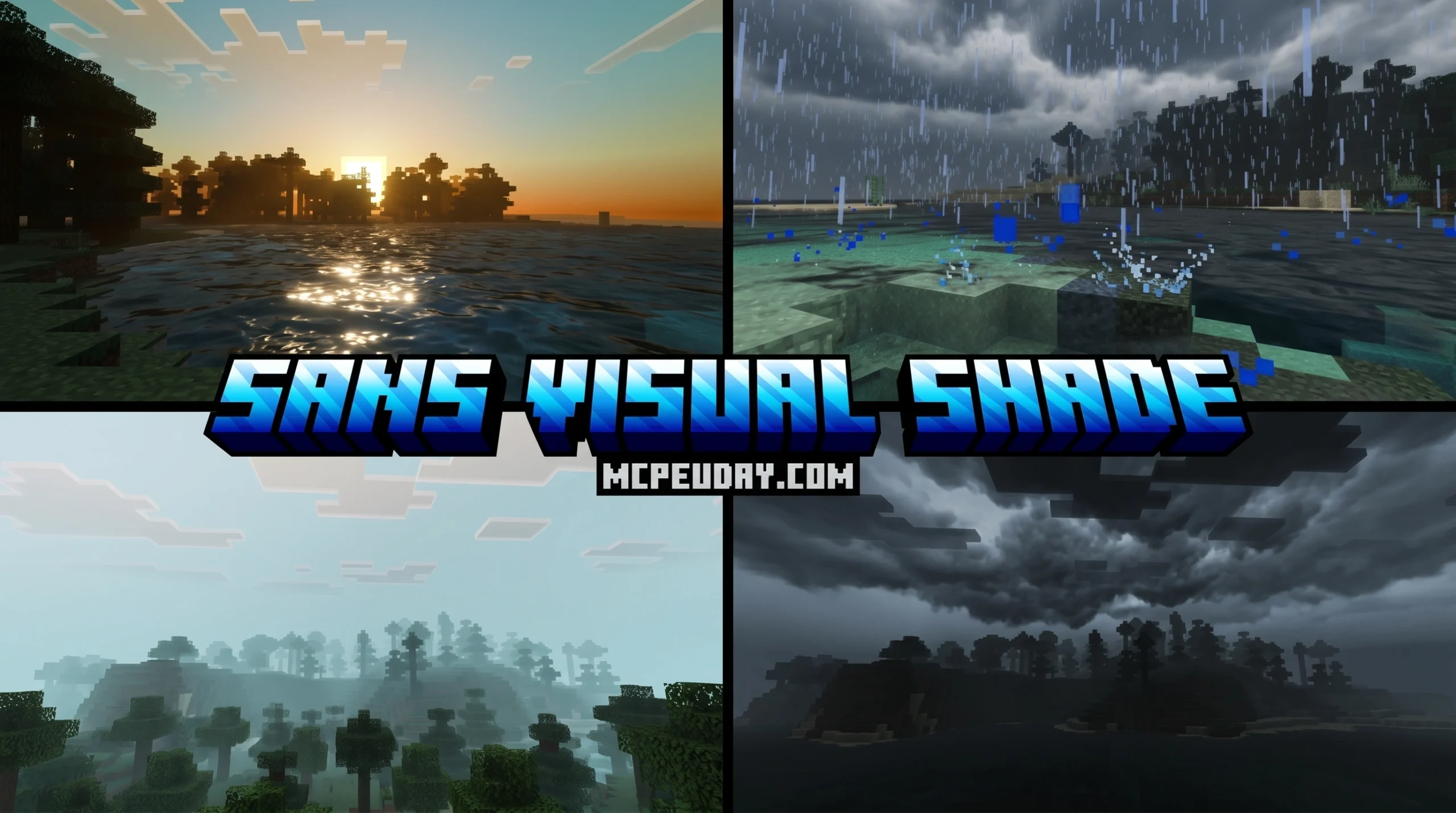
What the Sans Visual Shader Does for Your Minecraft PE Experience
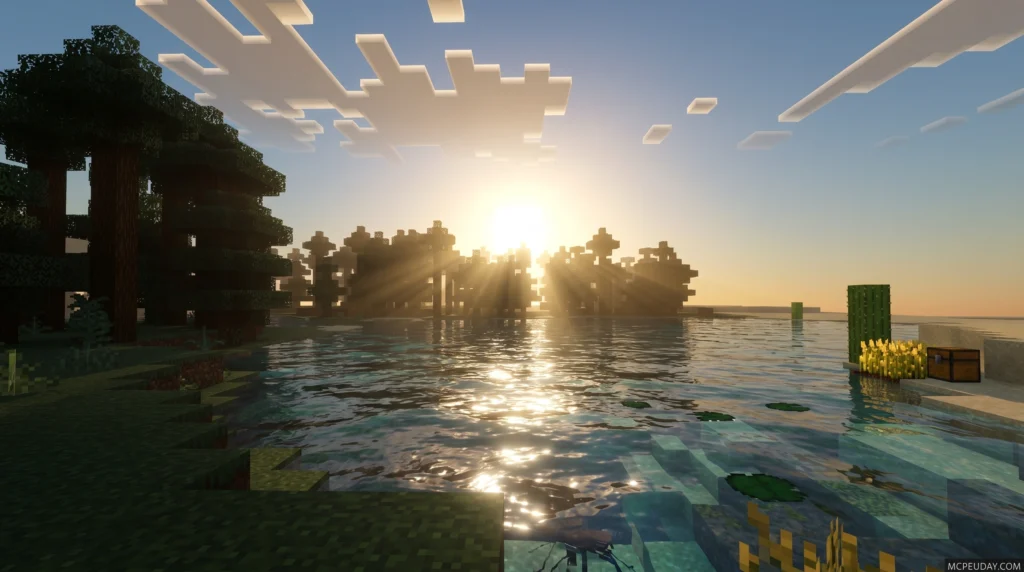
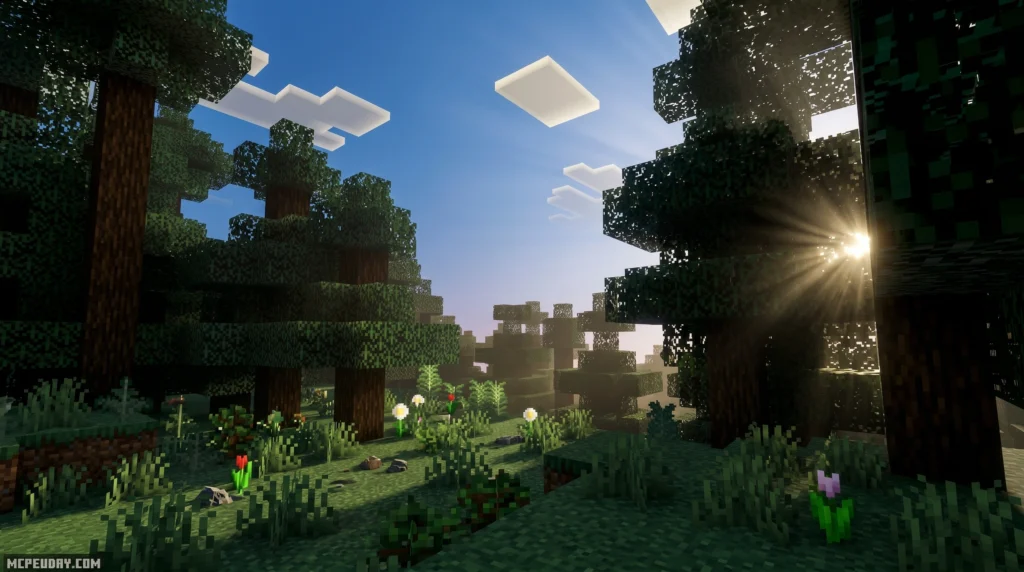
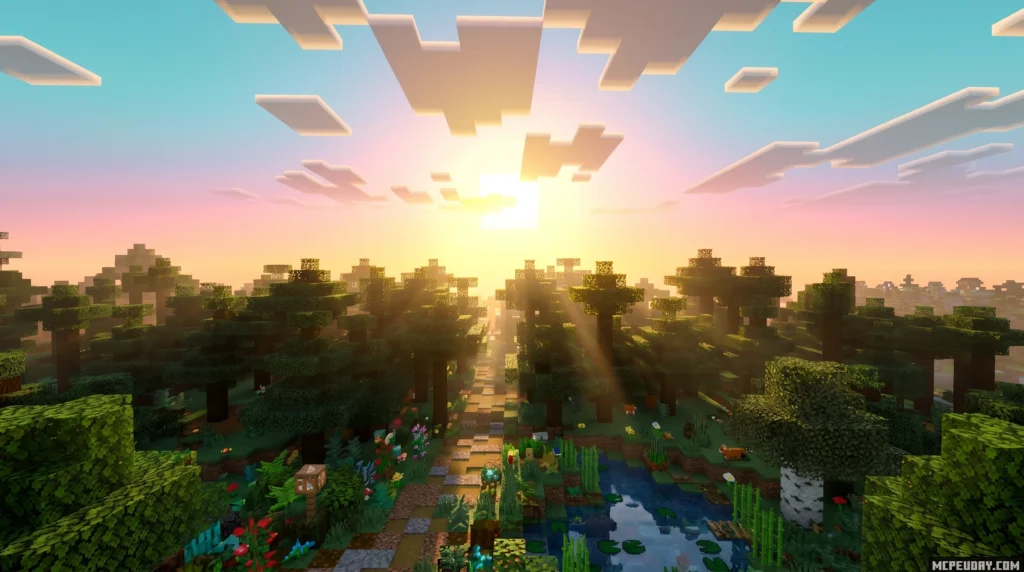
The Sans Visual Shader is a Minecraft PE/Bedrock shader inspired by the Undertale character Sans, designed to give your game a fresh, balanced visual overhaul without making your world too dark to see.
Quick answer for what you need to know:
- What it is: A shader pack for Minecraft PE/Bedrock Edition (versions 1.21 and 26.x)
- What it does: Improves lighting, color, and shadow quality using a carefully calculated system that keeps details visible
- How to get it: Download the
.mcpackfile and activate it through your Resource Packs settings - Works on: MCPE and Bedrock Edition — not Minecraft Java Edition
- Performance: Designed to be lightweight enough for mobile devices
If you want richer visuals without sacrificing playability, this shader is worth a look. It strikes a balance that a lot of other shaders miss — better colors and lighting, but nothing so heavy that your game turns into a slideshow.
The shader’s unique angle is its carefully tuned color and lighting system. Unlike shaders that crank up contrast and leave dark areas unreadable, this one keeps every corner of your world visible and detailed.
Read on for installation steps, performance tips, and how to stack it with other resource packs.
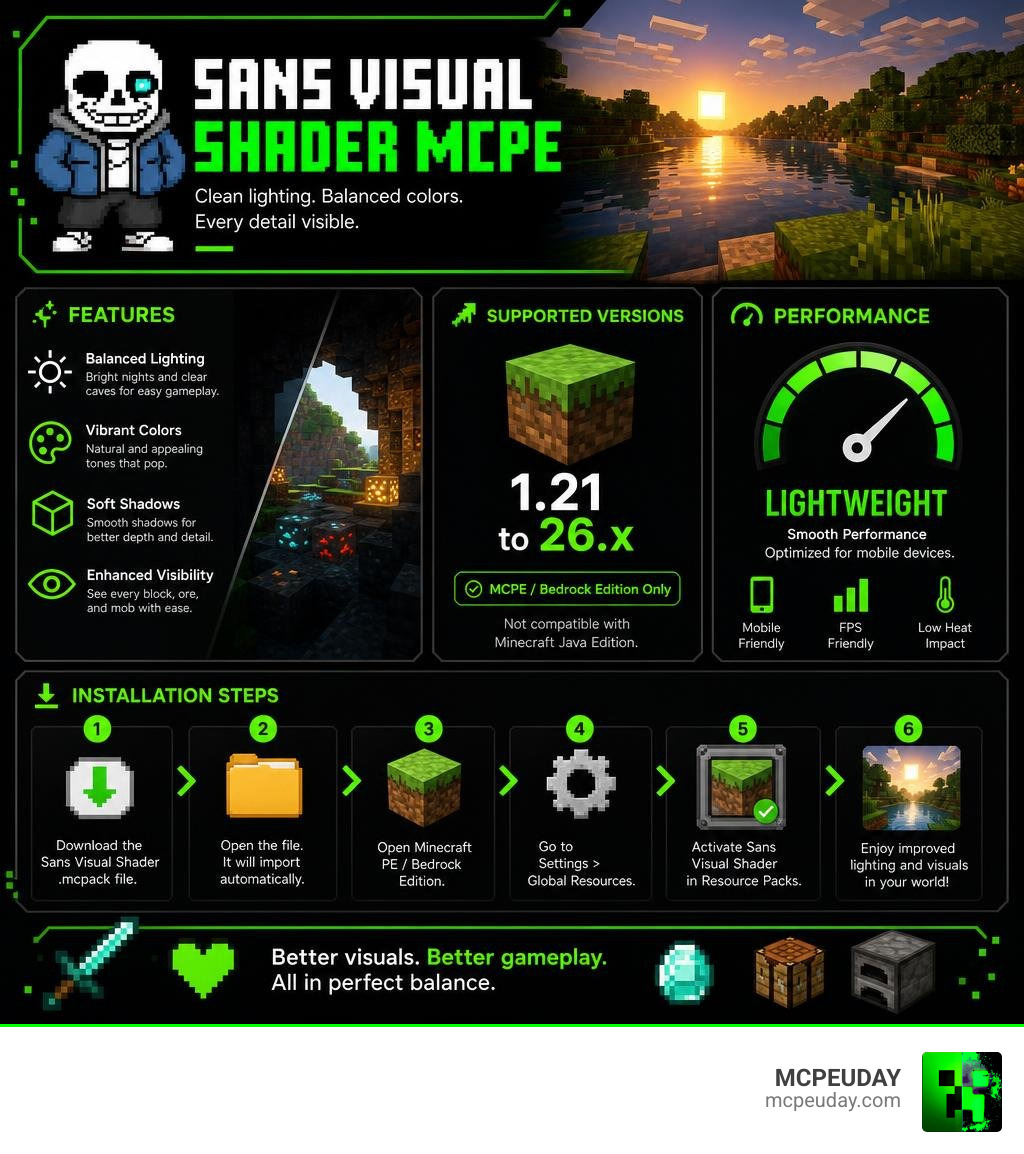
What is the Sans Visual Shader for MCPE/Bedrock?
When we look at the massive library of graphics packs available on MCPEUDAY, the Sans Visual Shader stands out as a unique, community-driven creation. Named in honor of the iconic, blue-jacketed Undertale character, this shader brings a cool, clean, and slightly stylized aesthetic to Minecraft Bedrock Edition.
Many traditional shaders throw realism at your screen by darkening nights and caves to a pitch-black degree. While this looks atmospheric, it makes actual gameplay incredibly frustrating. The Sans Visual Shader solves this by using a calculated color and lighting system. It ensures that even in the deepest caverns or during the dead of night, you can still see block outlines, ores, and approaching mobs without squinting.
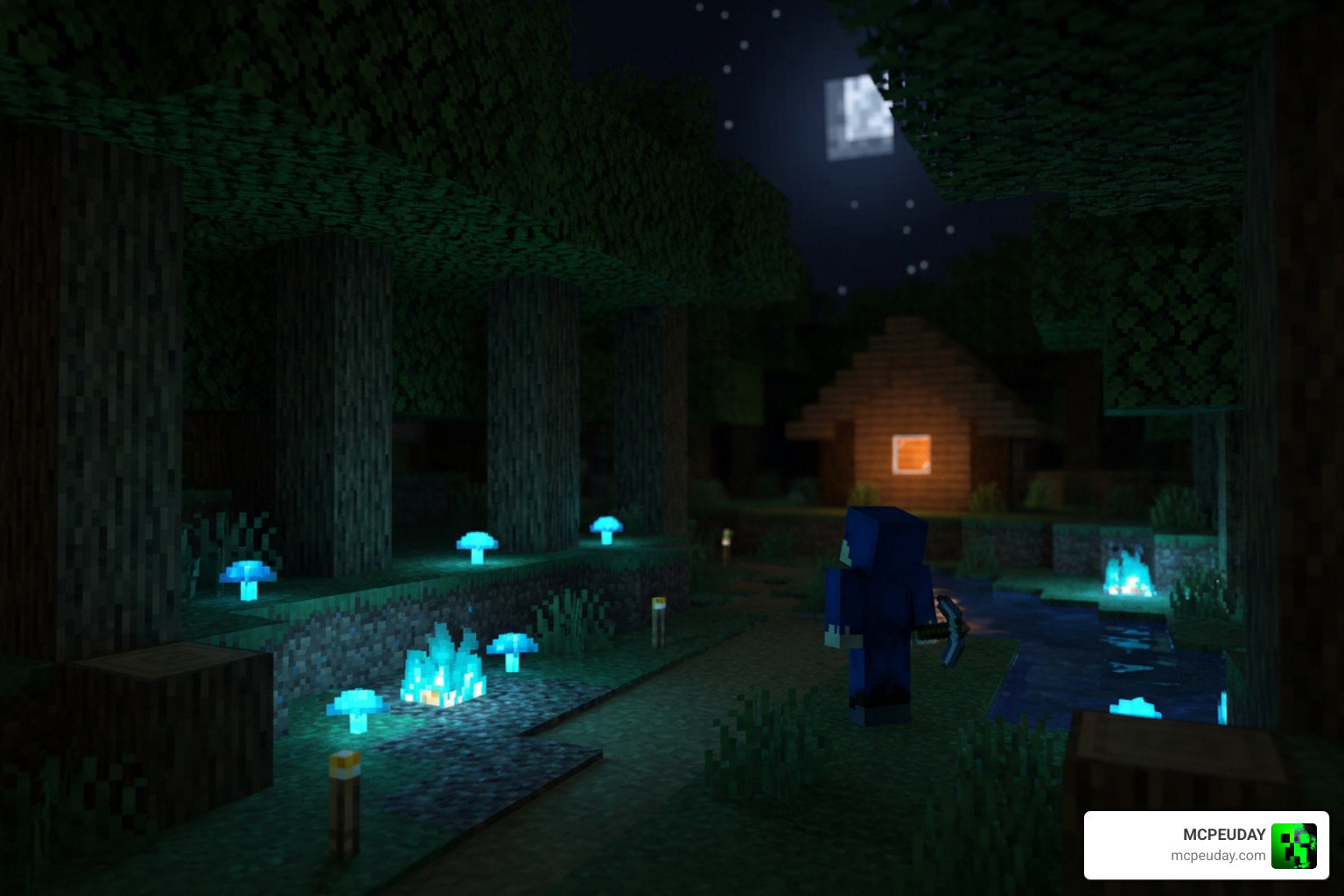
To appreciate how much of a difference a well-optimized shader makes compared to the vanilla game, check out this Shaders vs No Shaders: Minecraft Building Comparison to see how shadows and color depth can completely transform your builds.
Key Visual Features of the Sans Visual Shader
The visual signature of this shader is built on three main pillars:
- Intelligent Color Preservation: Instead of washing out your textures under bright sunlight, it enhances the natural saturation of Minecraft blocks. Green pastures look lush, and deserts feel warm without blinding you.
- Soft Shadow Depths: Shadows are soft and realistic, casting gentle gradients around structures rather than blocky, harsh black lines.
- High Night-Time Visibility: Nights are given a beautiful, cool blue tint (a subtle nod to Sans’s theme) that keeps the world dark enough to feel like night, yet clear enough to navigate safely.
For players who love a vibrant, lively game world, this approach offers a similar visual upgrade to other popular packs, as seen in the Definitive Vibrant Visuals Shaders for Minecraft.
Supported Minecraft PE/Bedrock Versions (1.21 and 26.x)
As we move through 2026, compatibility is a major priority for us. The Sans Visual Shader fully supports Minecraft PE/Bedrock versions 1.21 and the newer 26.x releases.
Because Mojang uses the RenderDragon rendering engine for Bedrock platforms, older shader formats no longer function. This shader has been specifically coded to work within the modern RenderDragon environment, ensuring you do not get those annoying pink-and-black missing texture glitches. If you are looking for other modern options that run beautifully on these versions, you can also check out our guide on the Newb X Unwind Shader For Minecraft Pe Mcpe 1 21.
How to Use Sans Visual Shader at the Same Time
One of the most common questions we get is whether you can run the Sans Visual Shader alongside other resource packs to create a truly customized aesthetic. The short answer is yes—but you have to understand how Minecraft Bedrock handles its active pack stack.
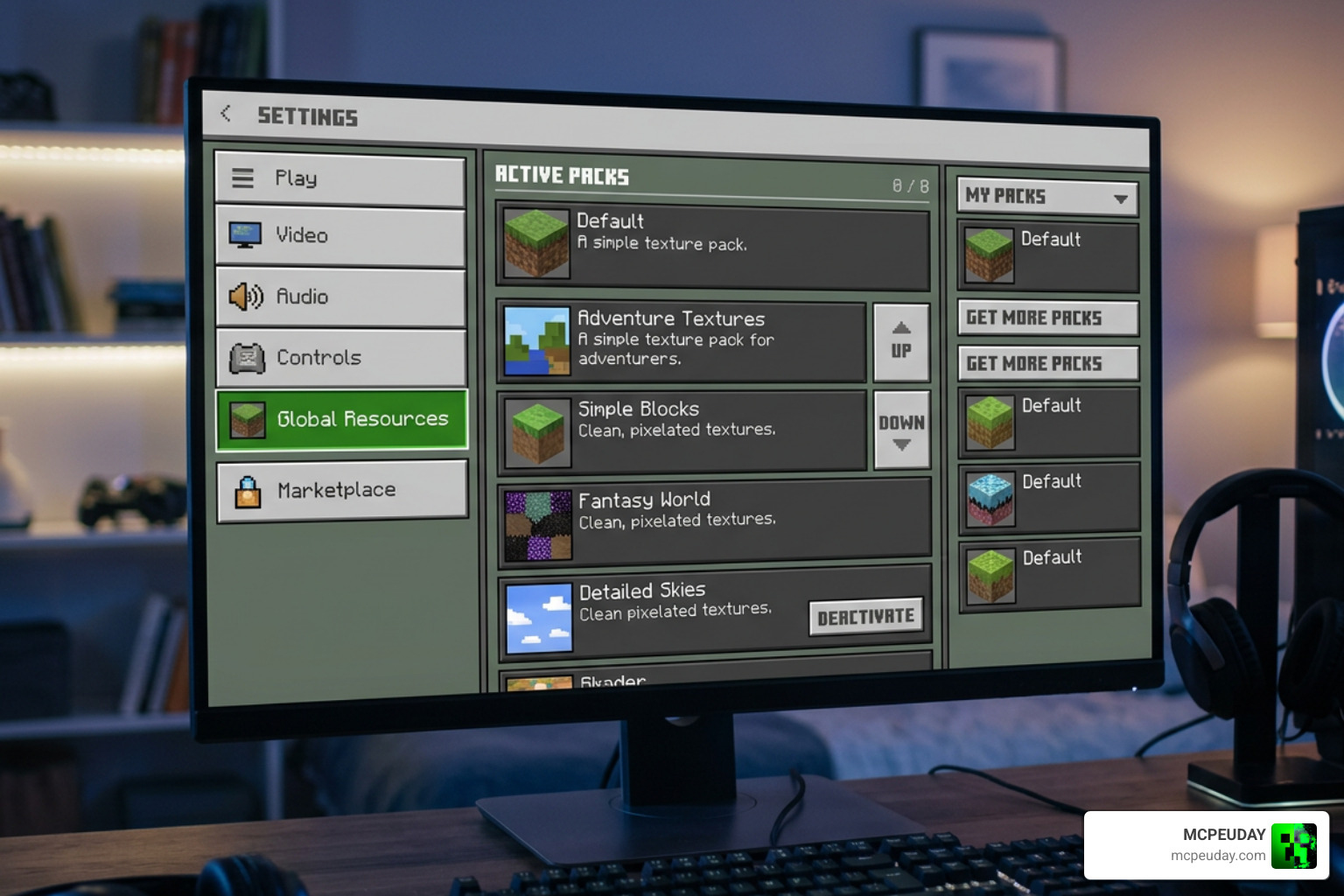
Because Bedrock does not allow two heavy shader engines to run simultaneously (which would crash the RenderDragon engine), “using them at the same time” refers to combining this shader with texture packs, custom skyboxes, or utility overlays. To get a complete overview of how the system handles these configurations, take a look at our How To Turn On Shaders In Minecraft 2026 Guide Java Bedrock Mcpe Setup Fast Mcpeuday.
Step-by-Step Installation Guide for MCPE
Getting the shader up and running on your mobile device or Windows 10/11 PC is simple. Follow these steps:
- Navigate to our dedicated category/shaders section and download the official
.mcpackfile for the Sans Visual Shader. - Locate the downloaded file on your device. On Android or iOS, tapping the file should automatically open Minecraft and initiate the import process. On PC, simply double-click the file.
- Once the game says “Import Successful,” go to Settings > Global Resources.
- Click on My Packs, locate the shader, and click Activate.
- Launch your world and enjoy the upgraded graphics!
Combining the Sans Visual Shader with Other Resource Packs
To combine this shader with your favorite 3D textures, PvP packs, or custom sky designs, you must respect the game’s load order. Minecraft loads packs from the bottom of the list to the top. This means whatever is at the very top of your active list has the final say on what appears on your screen.
- Top Priority: The Sans Visual Shader (to ensure its custom lighting and fog systems override vanilla settings).
- Middle Priority: Your preferred texture or resource pack, such as the Newb X Unwind Shader resources.
- Bottom Priority: Vanilla Minecraft resources.
By structuring your active list this way, the game will apply your custom block textures first, and then overlay the gorgeous blue-tinted lighting and shadow profiles of the Sans shader right on top of them.
Performance Impact and Shader Weight Comparison
When choosing a graphics pack, performance is just as important as visual quality. Shaders are generally categorized by “weight”—ranging from Feather weight (almost zero performance impact) to Heavy weight (requires high-end hardware).
The Sans Visual Shader is categorized as a Light weight shader. It offers a massive visual jump over vanilla Minecraft while remaining light enough to run smoothly on mid-range mobile devices.
| Shader Name | Performance Weight | Average FPS Impact | Best Suited For |
|---|---|---|---|
| Sans Visual Shader | Light | Minimal (5-10% drop) | Mid-range phones, tablets, and budget PCs |
| Newb X Unwind | Feather | Extremely Low (0-5% drop) | Low-end devices, older mobile phones |
| FQ Shader | Medium | Moderate (15-20% drop) | Modern gaming phones, mid-range PCs |
| Heavy Realistic Shaders | Heavy | High (30%+ drop) | High-end gaming PCs and consoles |
If you are gaming on an older phone and need to keep your frame rate locked at a buttery-smooth 60 FPS, we highly recommend checking out our review of the Newb X Unwind Shader For Minecraft Pe Mcpe Best Realistic Shader For Low End Devices.
Optimization and Best Practices for Low-End Devices
If you experience slight stuttering or battery drain while running the shader, you do not have to uninstall it. Instead, try these quick optimization tips:
- Reduce Render Distance: Dropping your render distance by just 2 to 4 chunks can instantly restore 15+ frames per second.
- Disable Fancy Bubbles and Beautiful Skies: While the shader provides its own sky and fog elements, turning off some of the game’s native “fancy” toggles in the video settings menu frees up processing power.
- Keep Smooth Lighting On: The shader relies on Minecraft’s smooth lighting engine to calculate its custom color gradients, so keeping this enabled actually prevents visual glitches.
For a deeper dive into maximizing your visual quality without turning your phone into a hand-warmer, read our guide on the Newb X Unwind Shader For Minecraft Ultra Realistic Graphics Smooth Fps Stunning Visuals.
Frequently Asked Questions about Sans Visual Shader
Can I run Sans Visual Shader alongside other realistic shaders?
No, you cannot run two active shaders at the same time. The RenderDragon engine will experience a conflict, resulting in either a crash, a black screen, or default vanilla graphics. If you want to explore other single-shader options, check out our curated list of the Top 5 Best Realistic Shaders For Mcpe.
Why is my screen black or glitched after installing the shader?
This usually happens if you are running an outdated version of Minecraft Bedrock or if your device’s graphics cache is overloaded. To fix this, try clearing your game cache, disabling any other active resource packs, and ensuring your game is fully updated to version 1.21 or 26.x.
Does this shader work on Minecraft Java Edition?
No. The Sans Visual Shader is built specifically for the Bedrock codebase (using the .mcpack format) and is optimized for mobile devices and Windows 10/11 Bedrock. Java Edition uses a completely different rendering pipeline (OptiFine or Iris/Oculus), which requires .zip shader packs.
Conclusion
At the end of the day, the Sans Visual Shader is a fantastic addition to any Bedrock player’s toolkit. It honors its Undertale inspiration with a beautiful, clean, and highly visible color palette while remaining light enough to protect your frame rate. Whether you are exploring dark caves or building massive structures under the stars, this shader makes sure you see every detail clearly.
Ready to explore even more ways to upgrade your game’s graphics? Check out our ultimate showcase of the Best Shaders For Mcpe 1 21 2026 Top 3 Realistic Minecraft Pe Shaders to find the absolute perfect match for your device!