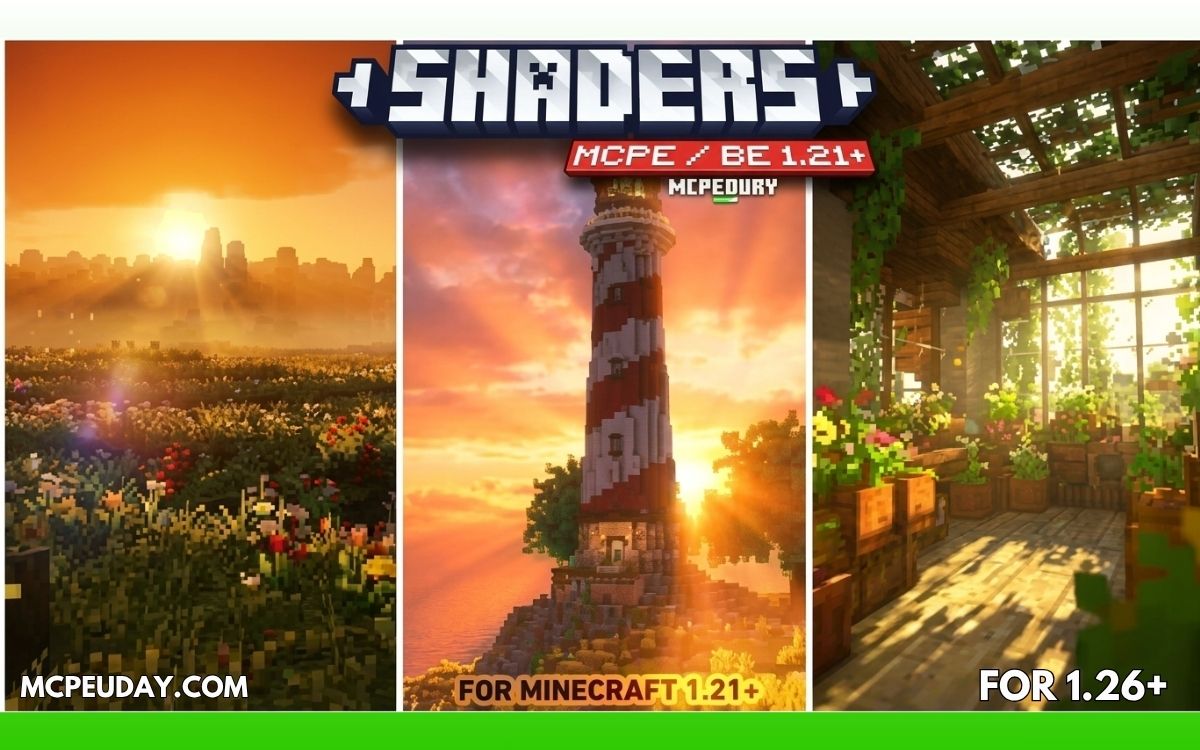
Minecraft Pocket Edition (MCPE) is fun, but its default graphics feel basic. That’s where realistic shaders for MCPE come in. Shaders completely change the visual experience by adding realistic lighting, dynamic shadows, water reflections, waving trees, and smooth sky effects.
In this article, we’ll explore the Top 5 BEST Realistic Shaders for MCPE that are optimized for mobile devices and give your world a console-level, real-life look without heavy lag.
Unlimited Shaders – https://mcpeuday.com/category/shaders/
BEST Realistic Shaders For MCPE 1.21+
5. Amin Shader for Minecraft PE
Upgrade your MCPE graphics with Revolution Vibrant Visual Shaders. Enjoy realistic lighting, shadows, water, and sky effects. Fully compatible & easy to install.
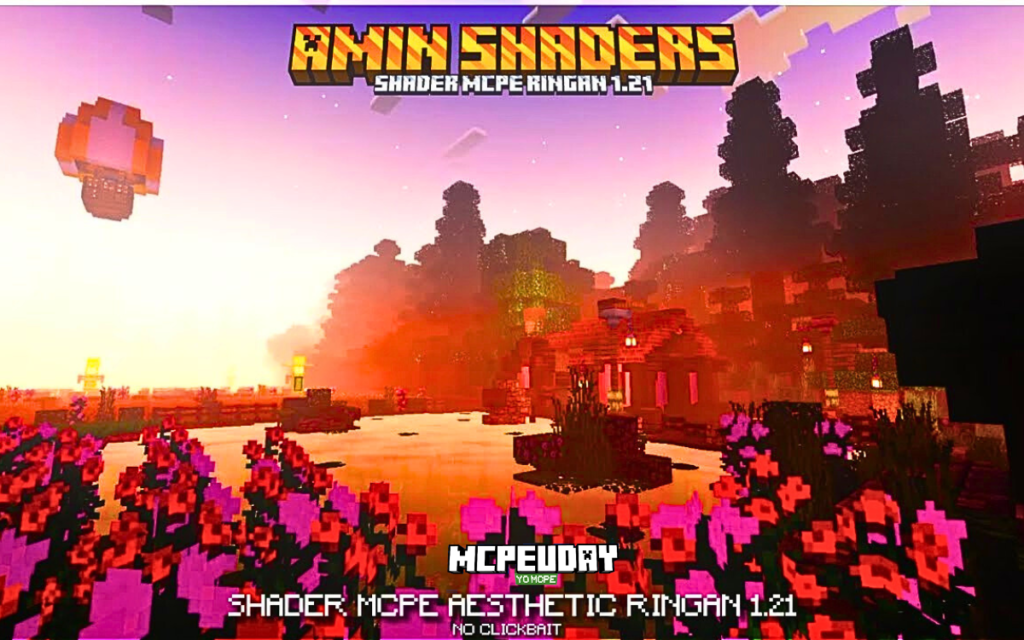
Amin Shader is a Render Dragon compatible shader pack made specifically for:
- Minecraft PE (Android/iOS)
- Minecraft Bedrock (Windows 10/11)
Unlike Java shaders, Bedrock shaders work as:
It enhances:
- Sky gradients
- Water reflections
- Subtle shadow depth
- Night atmosphere
- Light bloom effects
It does NOT modify core engine lighting like Java RTX-style shaders — because Render Dragon limits deep lighting changes.
Download Shader
4. Prizma Visuals Shaders
Prizma Visuals Pack upgrades Minecraft’s visuals with vibrant colors, improved lighting, smooth shadows, and immersive effects, giving your world a modern, cinematic, and eye-catching look.
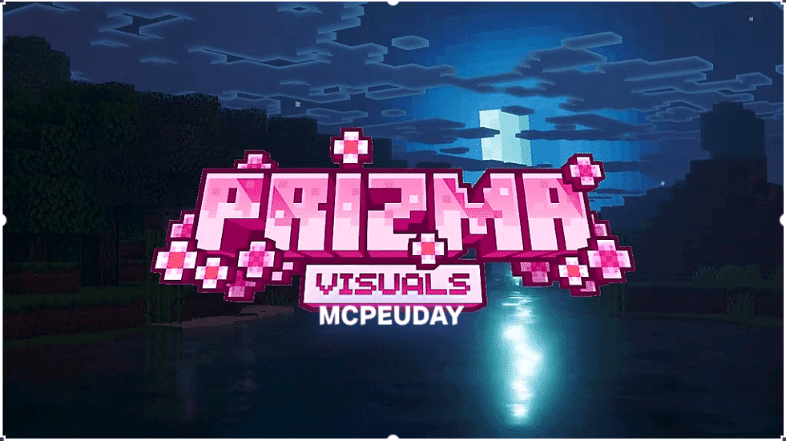
This shader pack is specially designed for MCPE and Bedrock Edition, making it perfect for players who want beautiful graphics on both low-end and high-end devices.Minecraft is known for its simple block-style graphics, but many players want a more visually impressive experience without losing the game’s original charm. Prizma Visuals Pack is a high-quality Minecraft visual texture pack designed to enhance lighting, colors, and overall atmosphere while keeping performance smooth. This pack is perfect for players who want better graphics without using heavy shaders.
Download Shader
3. Solitude Shader
If you’ve been browsing shader packs for Minecraft, you’ve likely come across Solitude Shader — one of the most elegant shader packs that makes your game look beautiful without huge performance loss.
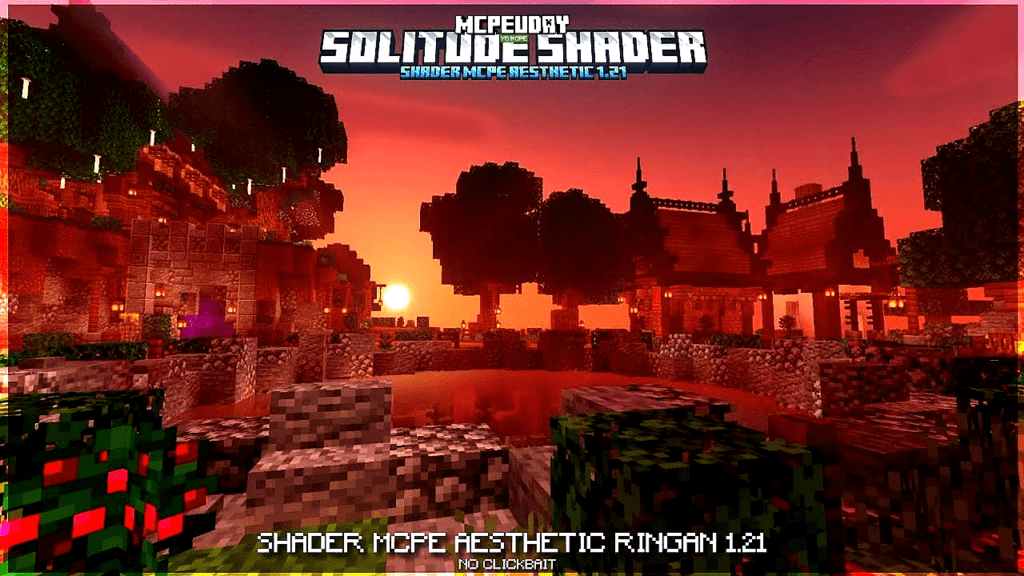
Solitude Shader is a shader pack for Minecraft that focuses on:
Unlike ultra-realistic shaders (which require powerful GPUs), Solitude aims for balance — good visuals with decent performance.
Download Shader
2. LOWRES Shader
If you play Minecraft and your PC struggles with heavy shaders, you’ve probably searched for something that:
- Looks good
- Doesn’t kill FPS
- Works on low-end PCs
- Is beginner-friendly
That’s exactly where NEWB X Lowres Shaders come in.
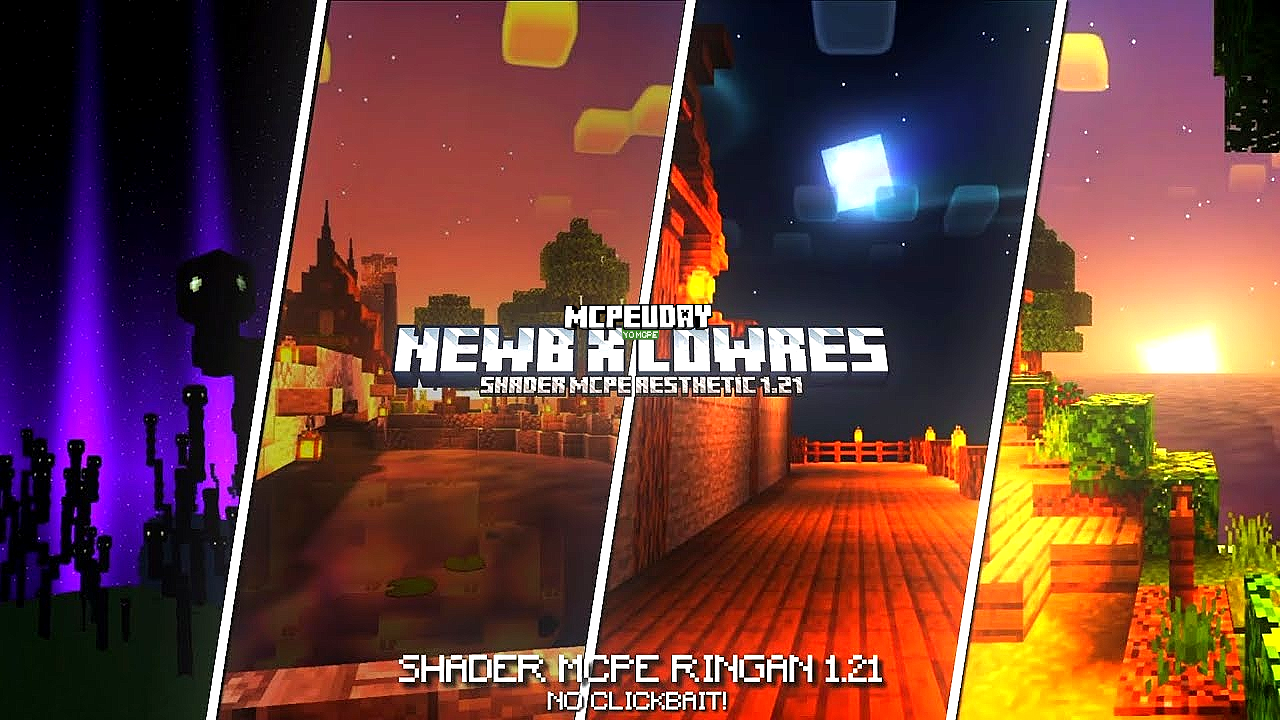
In this guide, I’ll explain in simple terms:
- What NEWB X Lowres Shaders are
- How they work
- How to install them
- Best settings for smooth performance
- Whether they’re worth using
Download Shader
1. AZIFY Natural Shader
AZIFY Natural Shader transforms Minecraft PE with realistic lighting, smooth shadows, enhanced water effects, and optimized performance, delivering stunning natural visuals without lag on low-end devices.
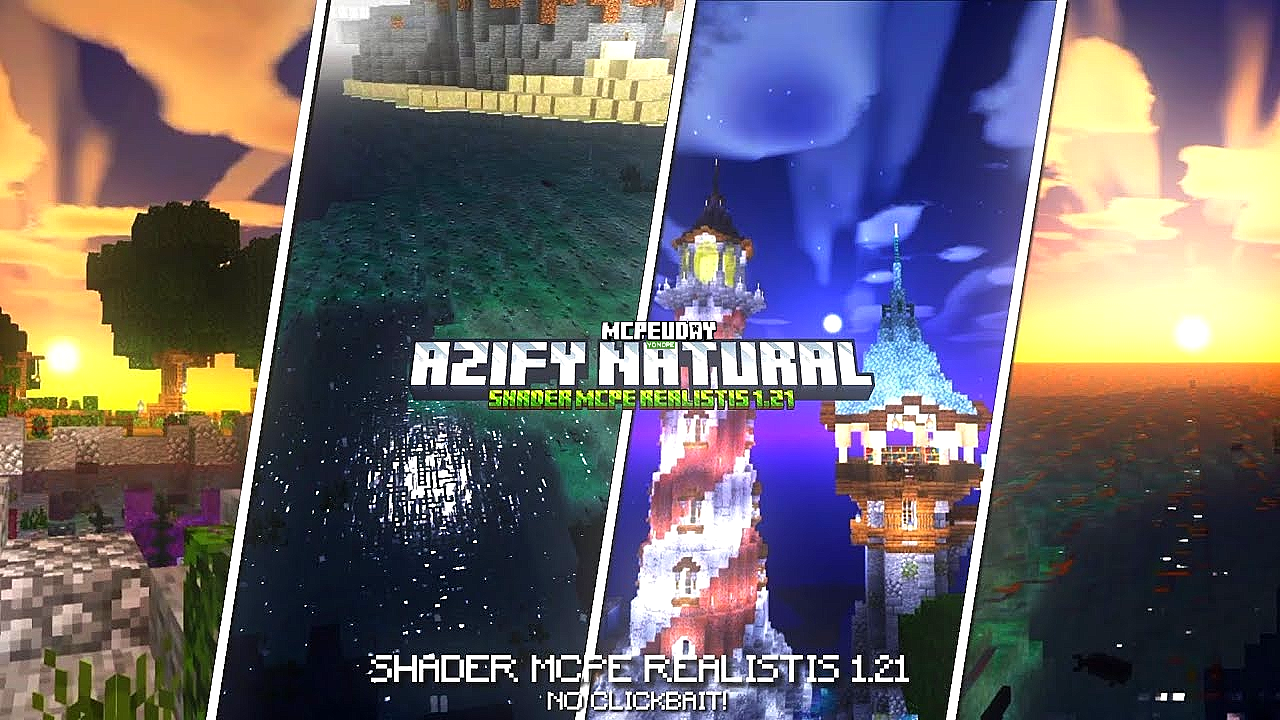
If you’re looking for a realistic shader for Minecraft Bedrock Edition that enhances visuals without reducing performance, AZIFY Natural Shader is one of the best options available right now.
Download Shader
📥 How to Install Shaders in MCPE
- Download the shader (.mcpack or .zip file)
- Open Minecraft Pocket Edition
- Import the shader file
- Go to Settings → Global Resources
- Activate the shader
- Restart your world
✅ Why Use Realistic Shaders in MCPE?
- Better visuals and immersion
- More enjoyable gameplay
- Enhanced screenshots and videos
- PC-like graphics on mobile
🏁 Conclusion
If you want to upgrade your Minecraft Pocket Edition experience, these Top 5 BEST Realistic Shaders for MCPE are the perfect choice. Whether you have a low-end phone or a powerful device, there’s a shader here for everyone. Try them out and turn your Minecraft world into a real-life masterpiece.
❓ Frequently Asked Questions (FAQ)
❓ Are shaders safe for MCPE?
Yes, shaders are safe as long as you download them from trusted sources.
❓ Do shaders cause lag in MCPE?
Some shaders may cause lag on low-end devices, but lightweight shaders like ESBE 2G are optimized for smooth performance.
36 thoughts on “5 BEST Realistic Shaders For MCPE 1.21+”