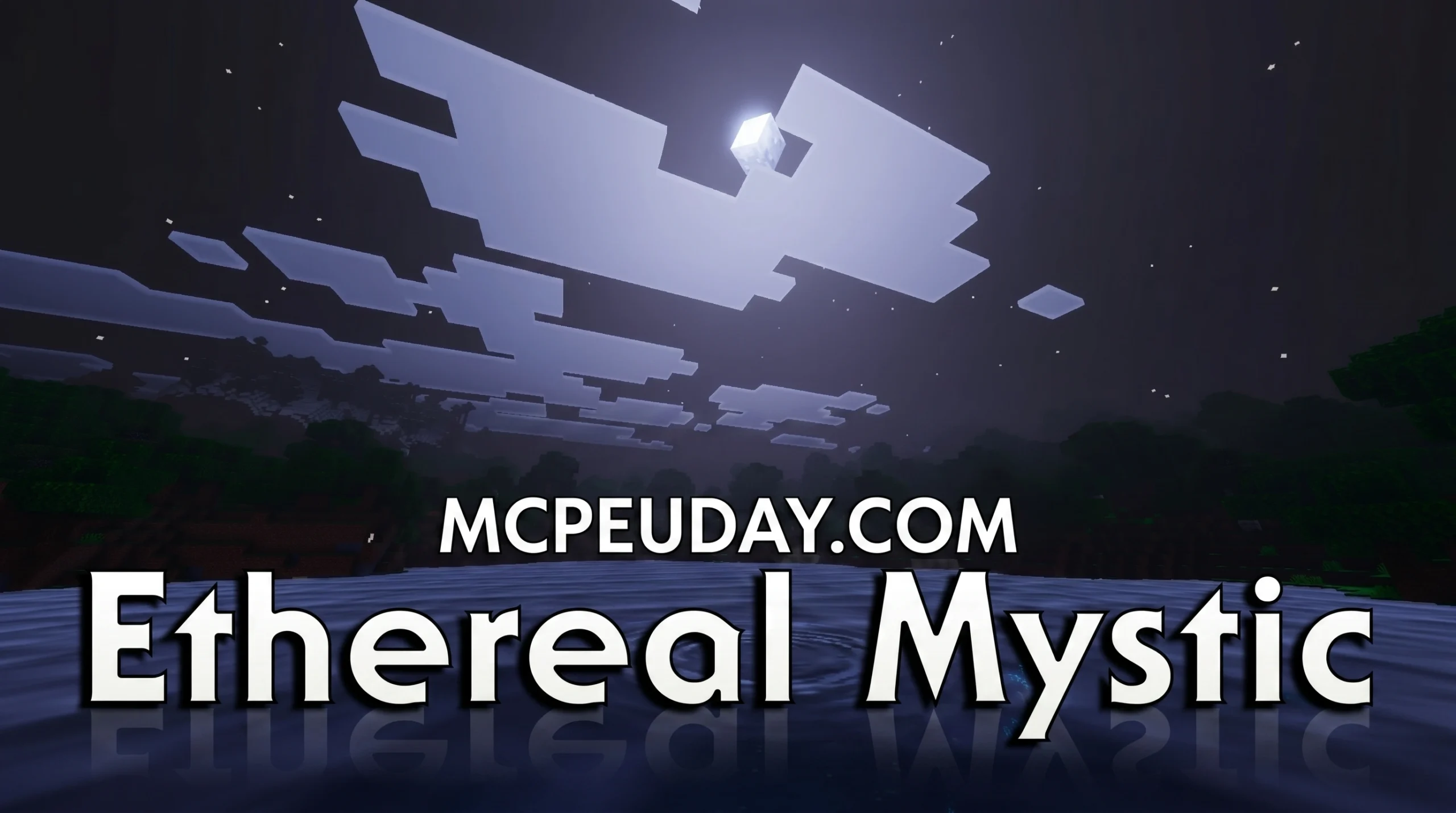
What the Ethereal Mystic Shader Does to Your Minecraft World
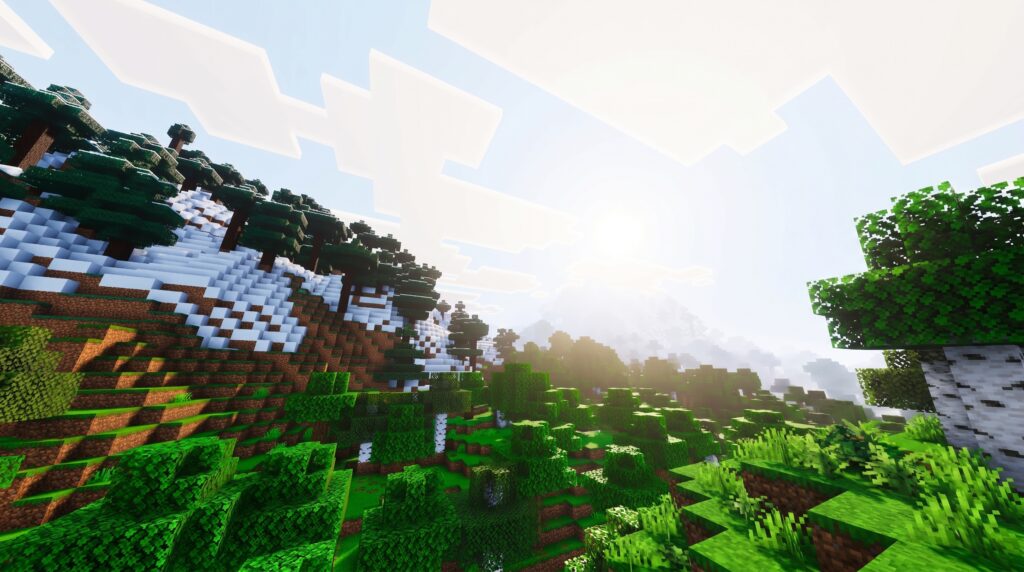
The Ethereal Mystic Shader is a visual enhancement pack for Minecraft Bedrock Edition that transforms the game’s default look into a dreamy, cinematic fantasy world.
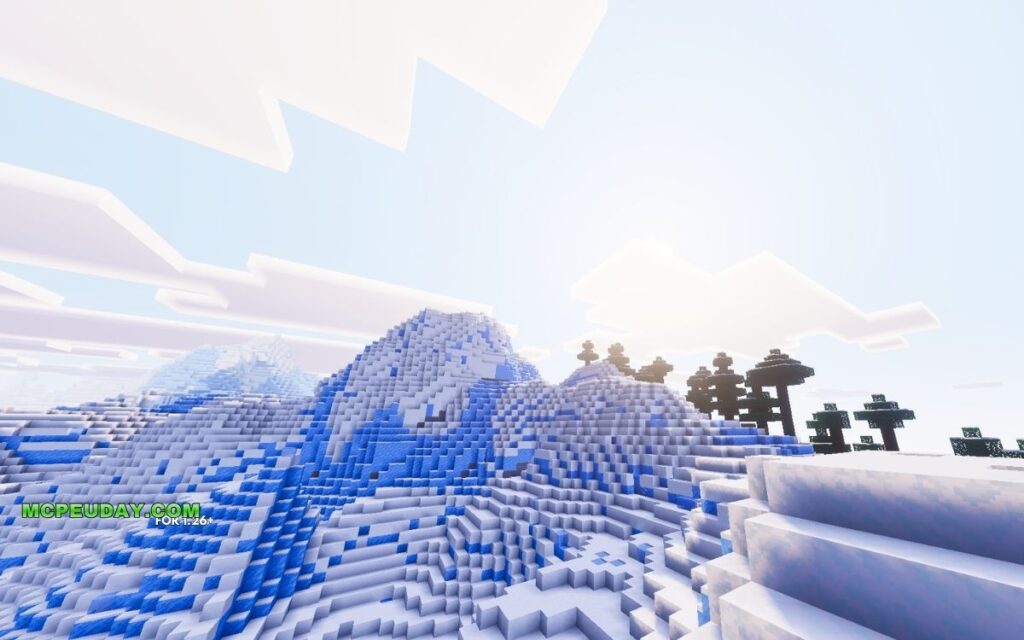
Quick answer for what it includes:
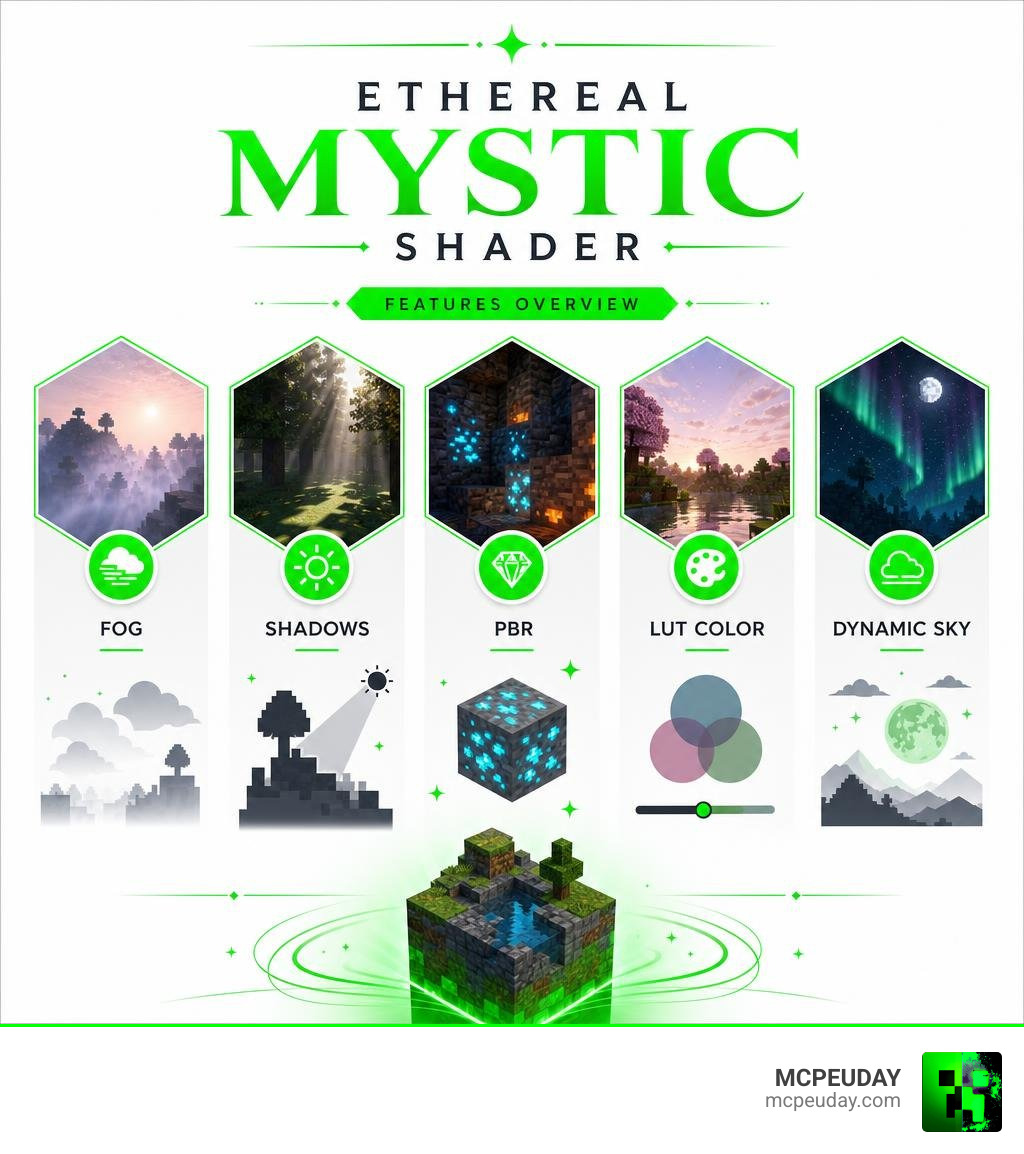
- Volumetric fog and soft shadows
- Dynamic sky and moonlit atmosphere
- Flowing water and waving foliage
- LUT color grading for a low-saturation, dreamlike tone
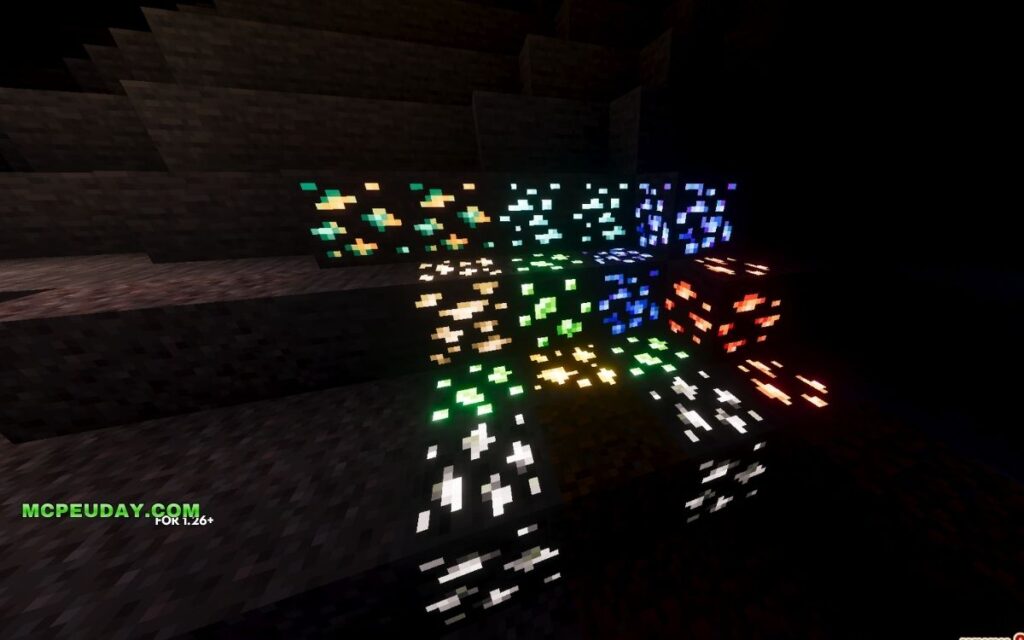
- PBR rendering on ores for a glowing effect in dark caves
It comes as a .mcpack file (2.31 MB) and is available to download on MCPEDL, where it holds a 3.6 rating.
The shader is built on the foundation of the Natural Mystic Shaders project — a GLSL-based Bedrock shader designed for realism. The Ethereal Mystic version leans into a more magical and atmospheric direction, making it a popular pick for players who want their world to feel less blocky and more cinematic.
Whether you’re exploring caves, watching a sunset, or wandering through a forest, this shader adds a layer of visual polish that vanilla Minecraft simply doesn’t have.
What is the Ethereal Mystic Shader?
To truly appreciate what this pack brings to the table, it helps to look at where it came from. The Ethereal Mystic Shader is a specialized fork of the popular Natural Mystic Shaders project, originally created by developer depressed-pho.
The original Natural Mystic Shaders repository on GitHub is a beloved piece of community history. It boasts 34 stars, 3 forks, 34 watchers, and 40 open issues, with 10 official releases culminating in version 1.9.0 released on May 9, 2021. Written primarily in GLSL (OpenGL Shading Language) (65.3%), with supporting code in Shell (15.8%), M4 (13.6%), Makefile (3.4%), and C (1.9%), it was built to push the limits of mobile rendering. This open-source foundation allowed other developers to build upon the code, leading to the creation of various forks that cater to different aesthetic preferences.
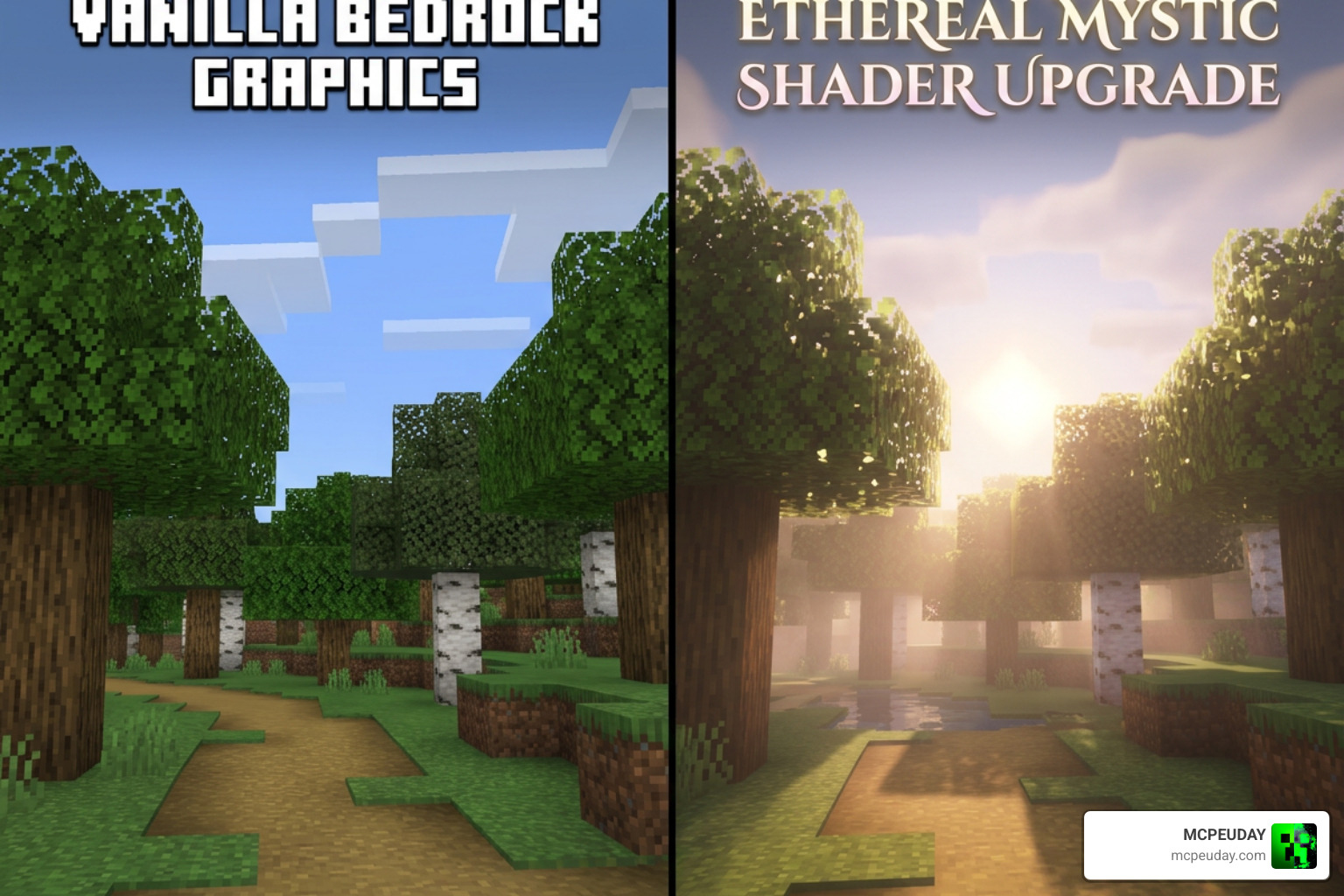
Our team at MCPEUDAY loves how the Ethereal Mystic fork takes that highly technical GLSL foundation and reshapes it. While the original project aimed for raw realism, this version targets a dreamy, magical aesthetic designed specifically for the Bedrock engine. It replaces the harsh, bright colors of vanilla Minecraft with a moody, low-saturation look that feels like an interactive fantasy film. The developers of this fork carefully adjusted the shader’s parameters to emphasize soft lighting and atmospheric depth, making it perfect for roleplay, adventure maps, or simply enjoying a more relaxed survival experience.
If you are looking to download the pack directly, you can head over to the Ethereal Mystic Shader | Minecraft PE Texture Packs – MCPEDL page to grab the 2.31 MB file. For players exploring other visual overhauls, we also recommend checking out our list of the Top 5 Best Realistic Shaders for MCPE to see how it compares to other top-tier options.
Key Visual Features and Graphic Enhancements
What makes the Ethereal Mystic Shader stand out in a crowded sea of mobile graphics packs? It is all about the atmosphere. Instead of just making things brighter, it completely alters how light, color, and shadows interact with your world.
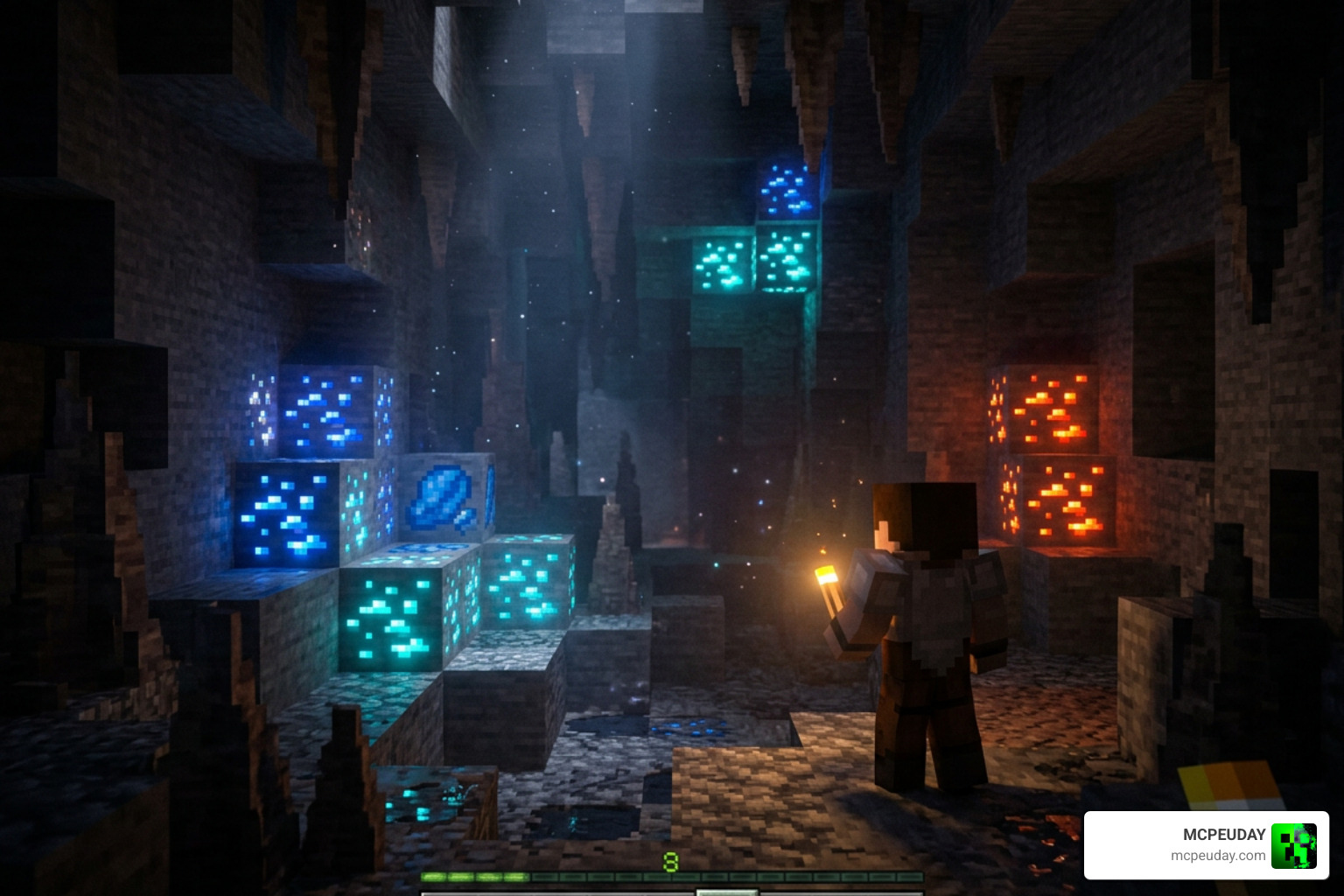
Here are the core visual features that define this pack:
- PBR Rendering for Ores: Deep underground, you will notice a massive difference. Ores utilize Physically Based Rendering (PBR) to emit a soft, arcane glow in the dark, making mining feel incredibly immersive. This means you can spot valuable resources like diamond, redstone, and gold from a distance, even in pitch-black caverns.
- Volumetric Fog: Low-lying fog rolls through valleys and deep forests, adding a sense of scale and mystery to your builds. The density of the fog changes dynamically based on the time of day and weather conditions, creating a truly living environment.
- LUT Color Grading: By utilizing Lookup Tables (LUT) for color correction, the shader achieves a low-saturation, dreamlike color palette that feels soft on the eyes. This cinematic grading shifts the game away from its default neon-like brightness toward a more mature, artistic color scheme.
- Soft Shadows: Say goodbye to harsh, perfectly square shadows. Light filters naturally around blocks and structures, creating realistic penumbras that soften as they stretch further from the light source.
- Dynamic Sky: The sky features smooth transitions during sunrises and sunsets, moving away from the default blocky appearance. The sun and moon are rendered with soft glows, casting realistic light shafts through the clouds.
If you want to see how these features stack up against other modern rendering options, take a look at our Best Render Dragon Shaders for MCPE 1.21 Tested on Real Devices 2026 Guide.
Atmospheric Lighting in Ethereal Mystic Shader
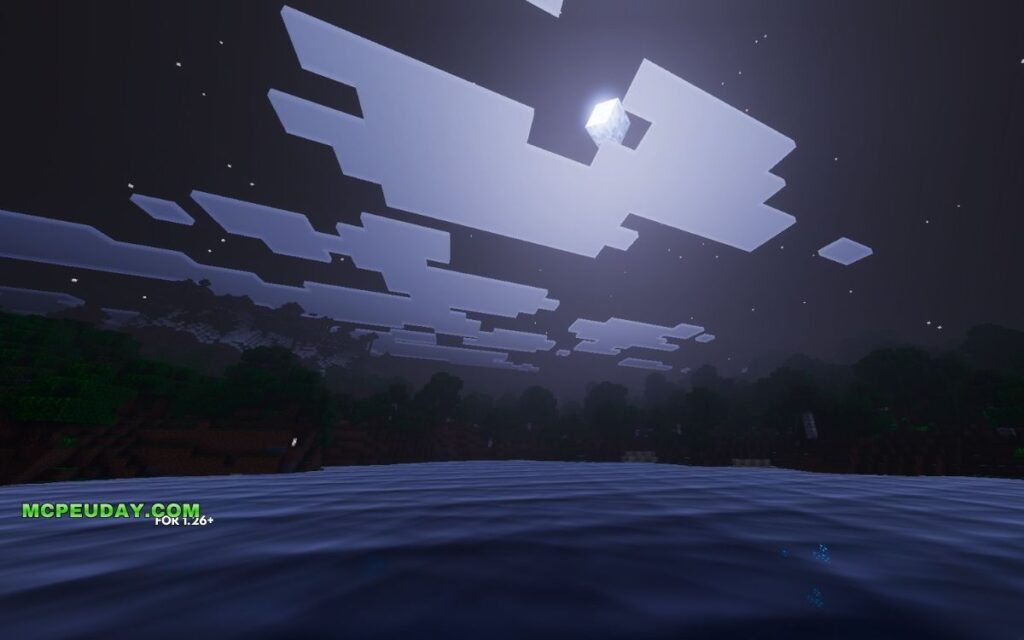
The lighting model in this shader is where the magic really happens. At night, the pack introduces a deep, cool moonlight atmosphere that makes night exploration feel like a fantasy adventure. The shadows cast by the moon are subtle yet distinct, guiding your path through the dark.
To balance the dark nights, torch light flickering has been finely tuned to cast a warm, dancing glow on surrounding walls. This creates a cozy, safe-haven feeling when you are inside your base or exploring deep underground. The engine also utilizes exposure adjustment and custom tone mapping, meaning your virtual eyes will adjust naturally when stepping out of a dark cave into the bright sun, mimicking real-world human vision.
Water and Foliage Waves in Ethereal Mystic Shader
Nature feels alive when you use this pack. The water waves are smooth and fluid, featuring camera-angle dependent transparency. This means looking straight down into a lake reveals a clear view of the lakebed, while looking across the horizon reflects the sky beautifully. The water also reacts to light sources, showing beautiful specular highlights during the day and reflecting the moon’s glow at night.
Foliage and leaves also have subtle waving animations, making forests feel breezy and dynamic. This is paired with custom, non-blocky clouds that float lazily across the sky, replacing the default white squares with soft, natural shapes. The wind effect is synchronized across different plant types, ensuring that grass, tall grass, and leaves all sway in harmony with the virtual breeze.
Compatibility, Installation, and Configuration
The Ethereal Mystic Shader is packaged as a lightweight 2.31 MB .mcpack file, making it incredibly easy to download and import. It is highly optimized for mobile platforms, particularly iOS and Android devices, ensuring that players do not need a high-end gaming rig to enjoy beautiful graphics.
While the shader runs beautifully out of the box on older Bedrock engines, players on modern Minecraft Bedrock 1.21+ may need to adjust their expectations due to Mojang’s modern rendering engines. Historically, this shader has run exceptionally well on iOS devices (like the iPad Pro) and various Android hardware. The optimization ensures that even during intense gameplay moments, such as fighting hordes of mobs or rendering large-scale builds, the frame rate remains stable.
For advanced users, the shader settings cannot be changed via an in-game GUI. Instead, you must perform a manual configuration. This is done by renaming the .mcpack file to a .zip file, extracting it, and editing the configuration header file located at src/shaders/glsl/natural-mystic-config.h using any text editor. Within this file, you will find various #define statements that control specific graphical features. For example, you can comment out #define WAVING_LEAVES to disable leaf animations, which can significantly boost performance on older mobile devices. Once you have customized the settings to your liking, simply re-zip the folder, change the extension back to .mcpack, and import it into Minecraft.
To help you decide which platform is best for your setup, here is a quick performance comparison:
| Platform | Average FPS | Visual Fidelity | Stability | Recommended Settings |
|---|---|---|---|---|
| iOS (iPad Pro / Modern iPhone) | 55 – 60 FPS | Excellent | High | Default / High |
| Android (Mid-Range Device) | 40 – 50 FPS | Very Good | Medium | Shadows Toggled to Medium |
| Android (High-End Device) | 60 FPS | Excellent | High | Max Settings |
For more options that deliver excellent frame rates, don’t miss our guide to the 3 Best Shaders for Minecraft 1.21 Ultra Realistic Smooth FPS Stunning Graphics.
Frequently Asked Questions About Ethereal Mystic Shader
Is Ethereal Mystic Shader compatible with Render Dragon?
The Render Dragon engine, which powers Minecraft Bedrock 1.21 and beyond, has changed how traditional GLSL shaders function. While older versions of Minecraft Bedrock ran GLSL shaders natively, modern versions require specific material packs or patched clients to utilize custom PBR rendering and advanced lighting. Always ensure your game version matches the active shader capabilities.
How do you customize the shader settings?
Because there is no in-game menu, customization requires editing the source files. You must unpack the .mcpack file, navigate to the GLSL folder, and open natural-mystic-config.h. Inside this file, you can disable specific heavy effects—such as volumetric fog or complex shadows—to boost your performance on lower-end devices.
What are the system requirements for this shader?
Thanks to its small file size of 2.31 MB, the shader is highly accessible. It runs best on iOS devices, such as the iPad Pro, as well as modern Android phones with decent graphics processing power. It does not require a high-end gaming PC to look stunning.
Conclusion
At MCPEUDAY, we believe the Ethereal Mystic Shader is an absolute gem for players who want to step away from the hyper-saturated, blocky look of vanilla Minecraft and dive into a soft, moonlit fantasy world. Its combination of glowing PBR ores, volumetric fog, and custom GLSL lighting makes it one of the most atmospheric packs available for Bedrock mobile players.
If you are ready to explore even more gorgeous graphics upgrades, be sure to read our curated list of the Best Shaders for MCPE 1.21 2026 Top 3 Realistic Minecraft PE Shaders to find the absolute perfect look for your next survival adventure!
1 thought on “Ethereal Mystic Shader (26.x, 1.21) – MCPE/Bedrock Shader”