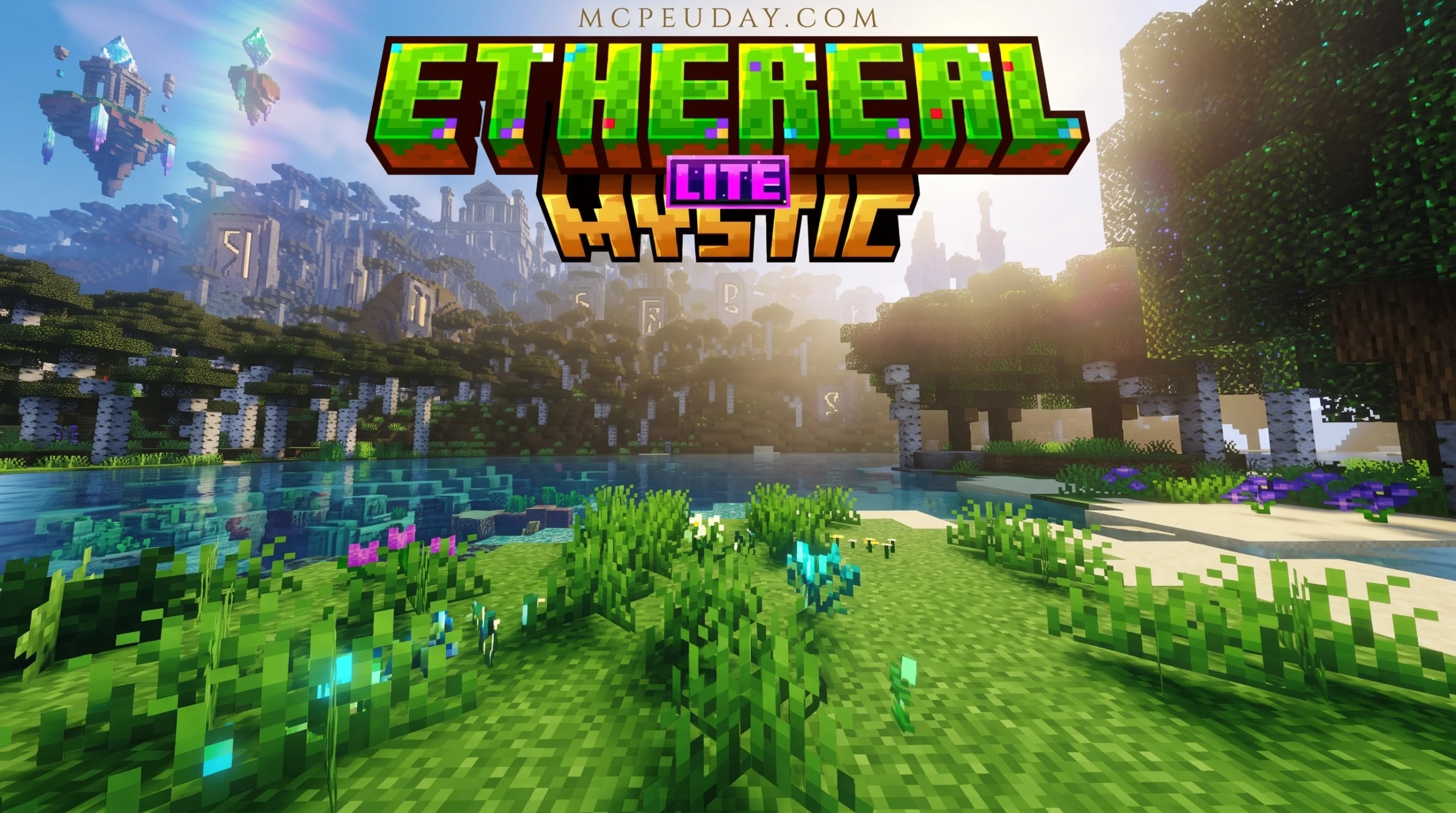
What the Ethereal Mystic Lite Shader Does to Your Minecraft World
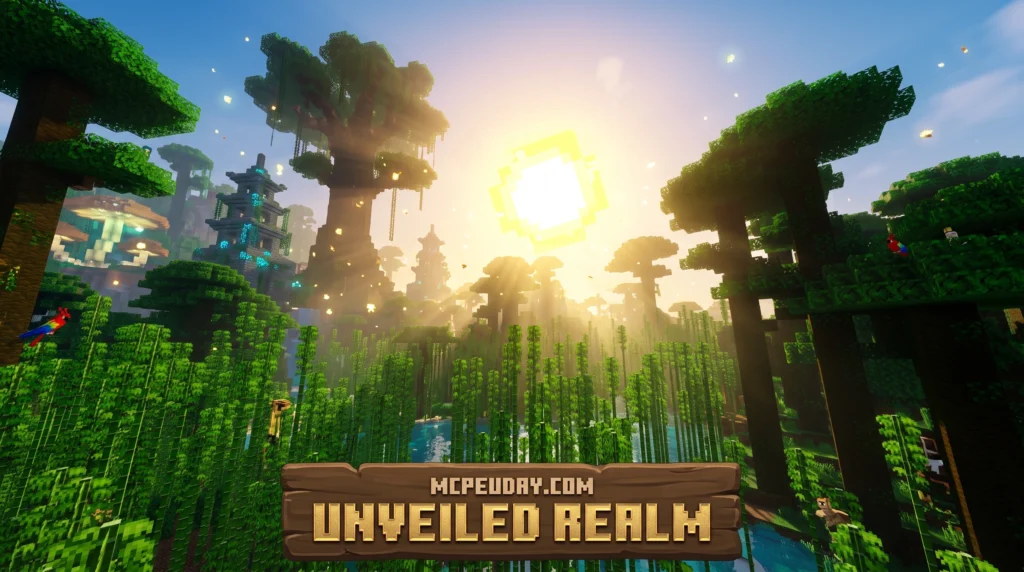
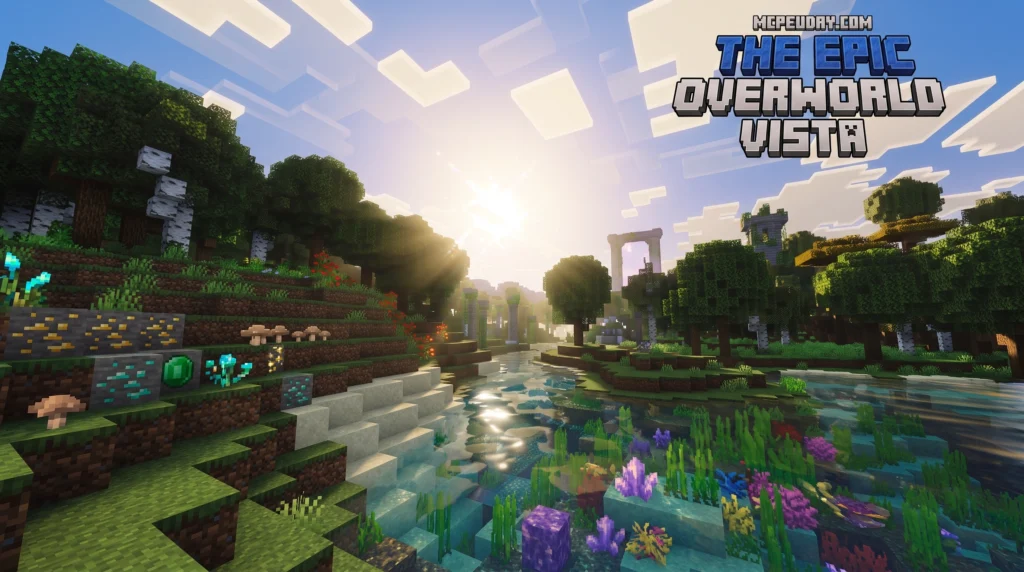
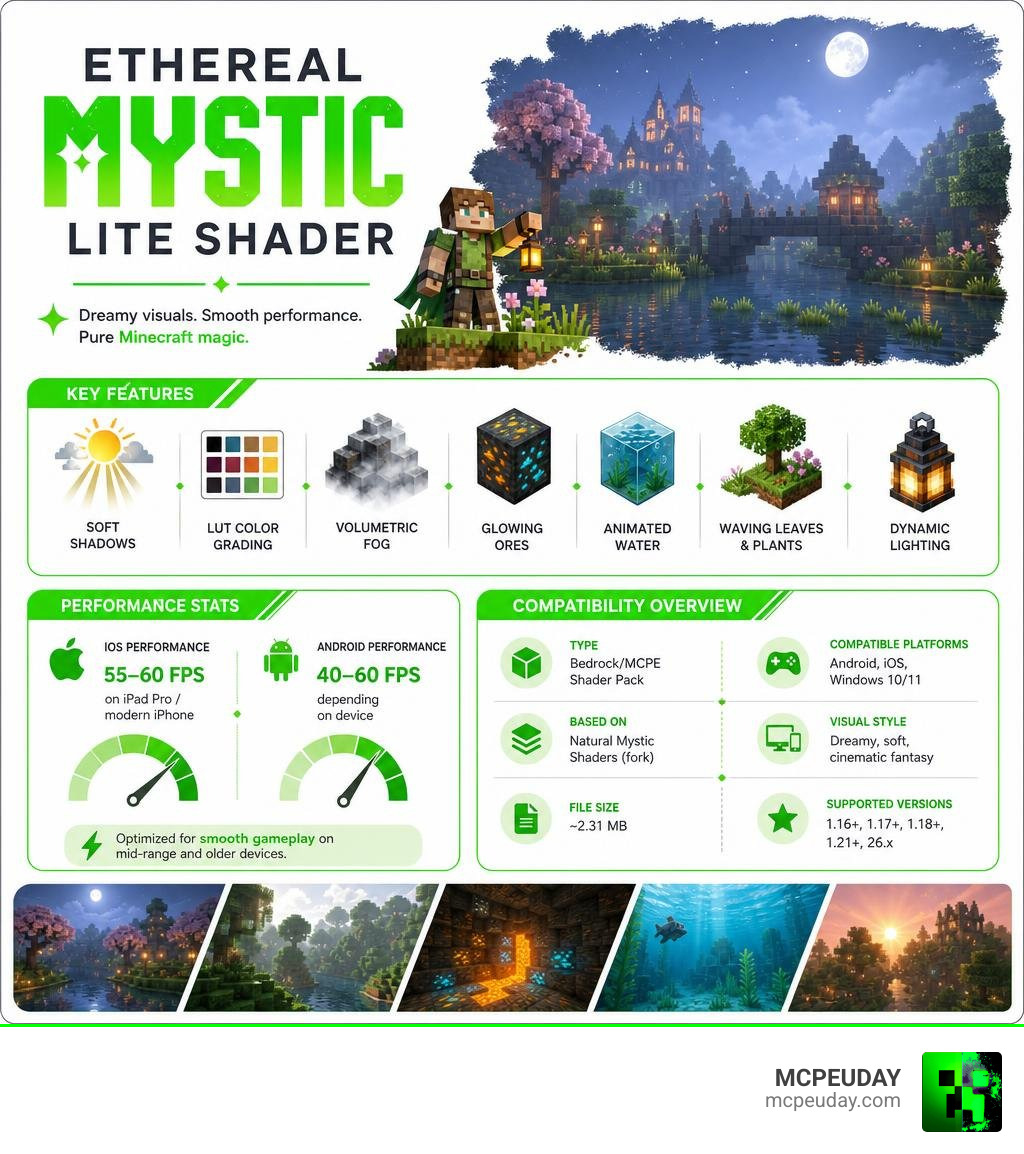
The Ethereal Mystic Lite Shader is a lightweight visual enhancement pack for Minecraft Bedrock Edition that transforms the game’s default look into a dreamy, cinematic fantasy world — without destroying your FPS.
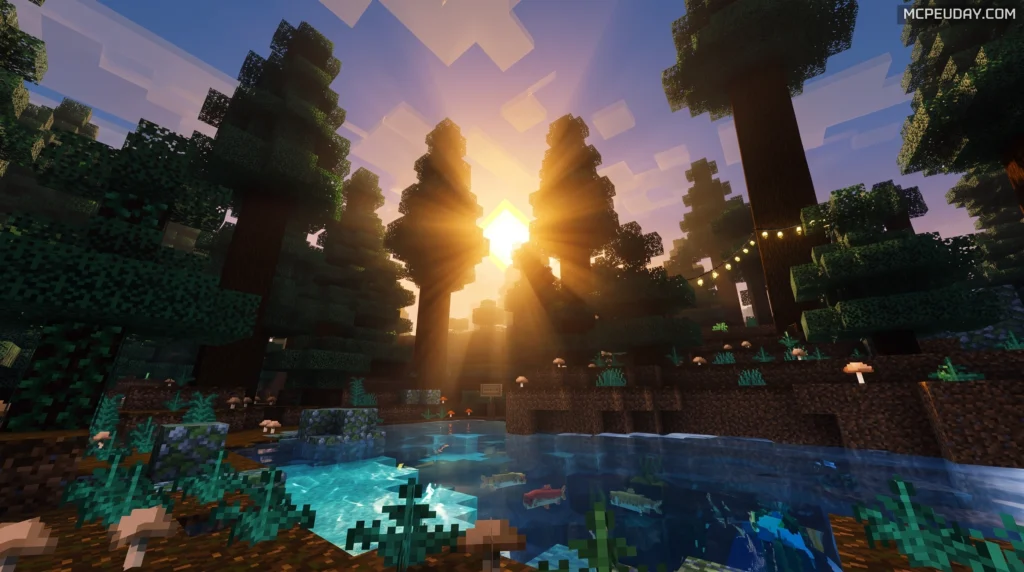
Here’s what you need to know at a glance:
| Feature | Details |
|---|---|
| Type | Bedrock/MCPE Shader Pack |
| Based On | Natural Mystic Shaders (fork) |
| File Size | ~2.31 MB |
| Supported Versions | 1.16+, 1.17+, 1.18+, 1.21+, 26.x |
| Compatible Platforms | Android, iOS, Windows 10/11 |
| Visual Style | Dreamy, soft, cinematic fantasy |
| Key Effects | Soft shadows, LUT color grading, volumetric fog, glowing ores, animated water |
| Performance (iOS) | 55–60 FPS on iPad Pro / modern iPhone |
| Performance (Android) | 40–60 FPS depending on device |
Unlike heavier shader packs, the Lite version is built to run well on mid-range and older devices — so you get beautiful visuals without the slideshow.
Think soft moonlit blue tones, glowing ores in pitch-black caves, and misty forests with waving leaves. It’s less about photorealism and more about making Minecraft feel like a fantasy film.
What is the Ethereal Mystic Lite Shader?
To understand this visual masterpiece, we first need to look at what shaders actually do. If you have ever wondered What are Shaders in Games, they are essentially programs that calculate rendering effects on graphics hardware to produce highly realistic lighting, shadows, and atmospheric details. You can learn more about how shaders work in modern game engines on the Shader Wikipedia page.
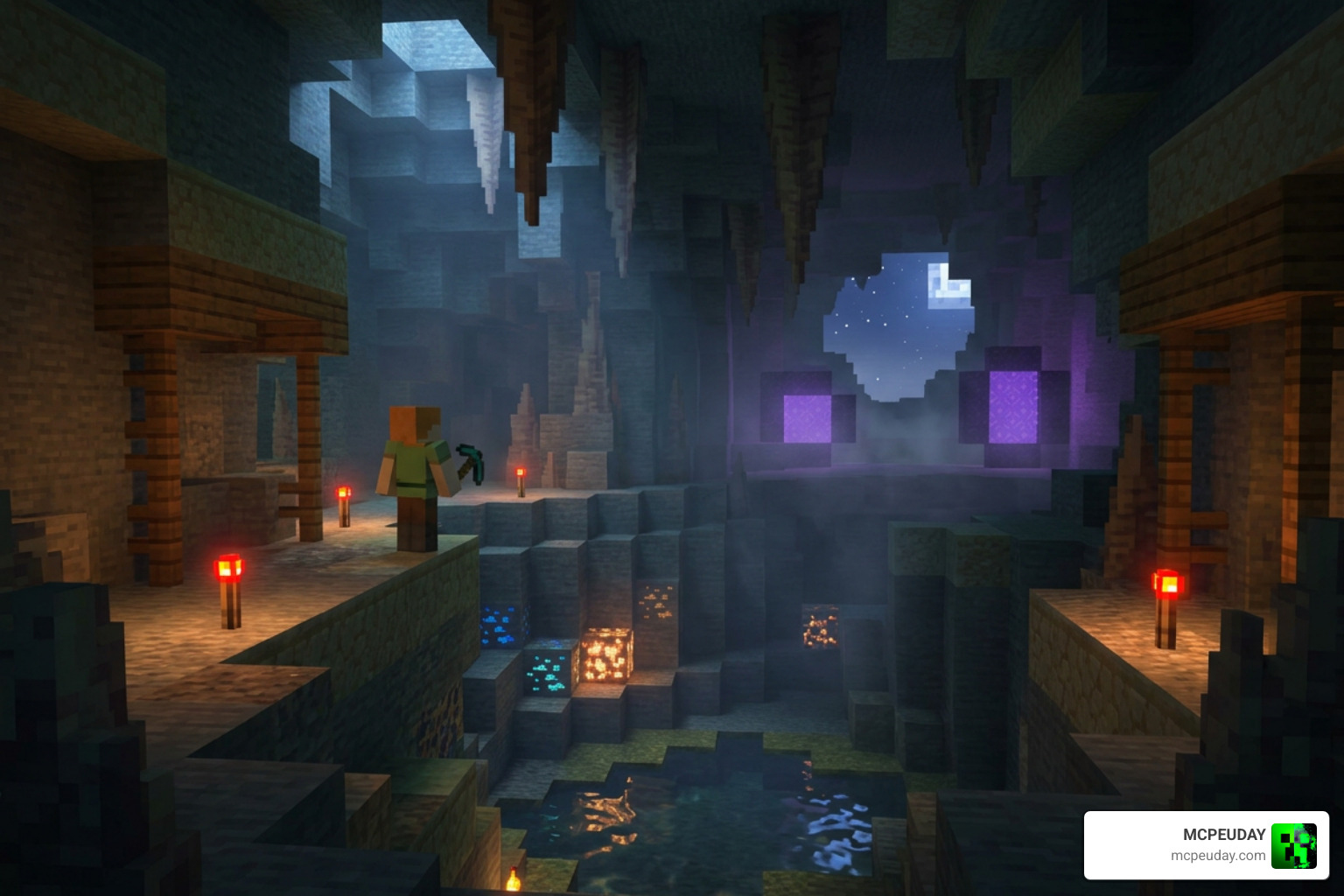
The Ethereal Mystic Lite Shader is a specialized graphics modification designed specifically for Minecraft Bedrock Edition. It is a creative fork of the legendary Natural Mystic Shaders (originally developed by depressed-pho). While the original project aimed for realistic, harsh lighting, this “Ethereal” spin-off shifts the aesthetic focus completely. It steers away from stark, blinding realism and moves toward a soft, dreamlike fantasy world.
By utilizing custom Look-Up Table (LUT) color grading, the shader bathes your world in rich, low-saturation tones, cool moonlit blues, and warm, flickering torchlight. It turns every sunset, rainy day, and cave exploration into an interactive fantasy adventure. This unique approach to color theory ensures that the game feels cozy and mysterious rather than overly bright or artificially saturated.
Key Differences: Original vs Ethereal Mystic Lite Shader
When comparing the standard Ethereal Mystic pack to the Ethereal Mystic Lite Shader, the primary difference lies in performance optimization.
The original version features heavy processing demands that can cause stuttering on older mobile phones. The Lite version, however, is a highly optimized, lightweight build. It strips away redundant calculation loops while preserving the core visual upgrades.
With a compact file size of just 2.31 MB, the Lite version ensures that players on budget hardware can still enjoy the magical aesthetic of the Ethereal Mystic Shader 26 X 1 21 MCPE Bedrock Shader without experiencing severe frame drops. This makes it an ideal choice for multiplayer servers where performance consistency is critical for all players.
Visual Features and Graphic Enhancements
Do not let the “Lite” tag fool you; this pack is loaded with stunning graphic enhancements:
- LUT Color Grading: Gives the environment a cinematic, faded fantasy look with beautiful blue and violet undertones at night.
- Volumetric Fog and Mist: Adds deep atmospheric layers to forests and mountain ranges, creating a sense of mystery.
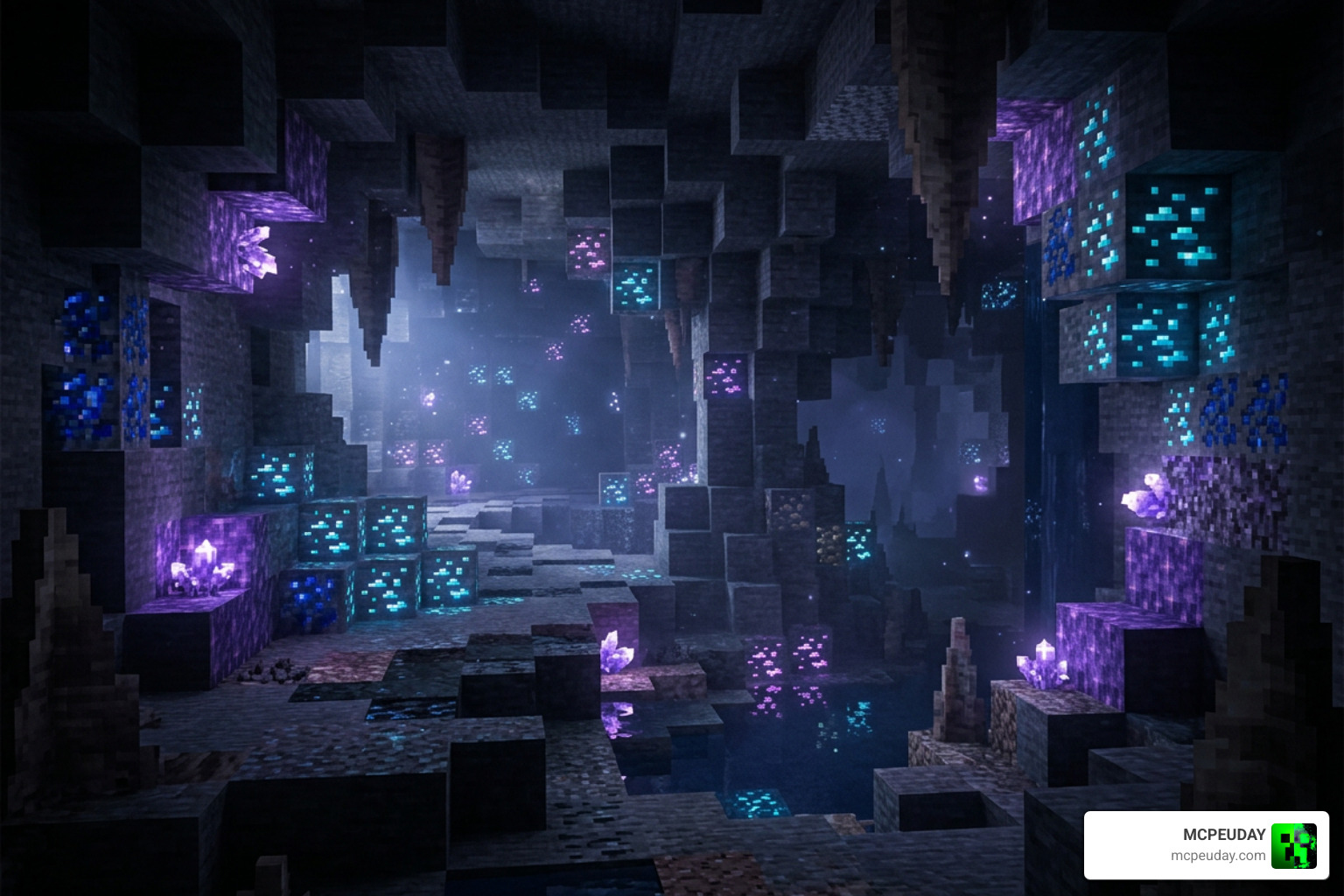
- PBR Rendering for Ores: This is a fan favorite! Ores in dark caves emit a pulsing, magical glow, making mining runs incredibly immersive.
- Soft Shadows and Dynamic Sky: Sunsets and sunrises transition smoothly with soft, realistic shadow casting.
- Waving Foliage and Water Waves: Grass, leaves, and water surfaces gently wave and ripple, making the entire world feel alive.
These features work in perfect harmony to redefine your gameplay. For instance, when you step into a dense jungle biome, the combination of volumetric fog filtering through the waving canopy and the soft, filtered sunlight creates a breathtaking, cinematic atmosphere that standard Minecraft simply cannot replicate.
Compatibility, Performance, and System Requirements
One of the biggest concerns for Bedrock players is performance. Shaders are notorious for turning mobile devices into literal pocket heaters. Fortunately, the Ethereal Mystic Lite Shader is exceptionally well-optimized.
If you are looking for a reliable Minecraft Shaders Download for Android or iOS, this pack is one of the most stable options available today in July 2026.
Here is how the shader performs across different devices:
| Device Category | Average FPS | Visual Fidelity | Stability |
|---|---|---|---|
| iOS (iPad Pro / Modern iPhone) | 55–60 FPS | Excellent | High |
| High-End Android | 60 FPS | Excellent | High |
| Mid-Range Android | 40–50 FPS | Very Good | Medium-High |
| Low-End Android / iOS | 30–40 FPS | Good | Medium (with tweaks) |
Running Ethereal Mystic Lite Shader on Low-End vs High-End Devices
On high-end devices like an iPad Pro or a flagship Android phone, the shader easily hits a locked 60 FPS with maximum render distance. The visual fidelity is breathtaking, with sharp shadows and smooth animations.
On mid-range and low-end devices, the shader still maintains highly playable frame rates (40–50 FPS). If you experience minor stuttering on a budget phone, you can easily disable heavier features like waving leaves in the configuration file to boost your performance. It is easily one of the top choices on our list of the 15 Best Minecraft PE Shaders June 2026. This flexibility ensures that you do not have to upgrade your hardware just to enjoy a beautiful game.
Render Dragon and Version 1.21+ Compatibility
Since Mojang introduced the Render Dragon engine, traditional shaders have struggled to run on newer Minecraft Bedrock versions. The Render Dragon engine changed how graphics are processed, moving away from older rendering pipelines and making many classic shader packs obsolete overnight.
Fortunately, the Ethereal Mystic Lite Shader is fully compatible with Minecraft 1.21+ and 26.x. However, depending on your platform, modern Render Dragon versions may require patched clients or specific material packs to load custom GLSL code correctly. This is because the engine restricts direct modification of shader files on certain platforms. We highly recommend checking out our guide on the 10 Top Minecraft PE Shaders June 2026 Best Realistic MCPE Shaders to stay updated on the latest Render Dragon workarounds and installation techniques.
How to Install and Customize the Shader
Installing the shader on your mobile device or PC is a straightforward process. By importing the resource pack directly into your game, you can instantly upgrade your visuals without needing complex third-party mod managers.
To get started, follow this simple step-by-step sequence:
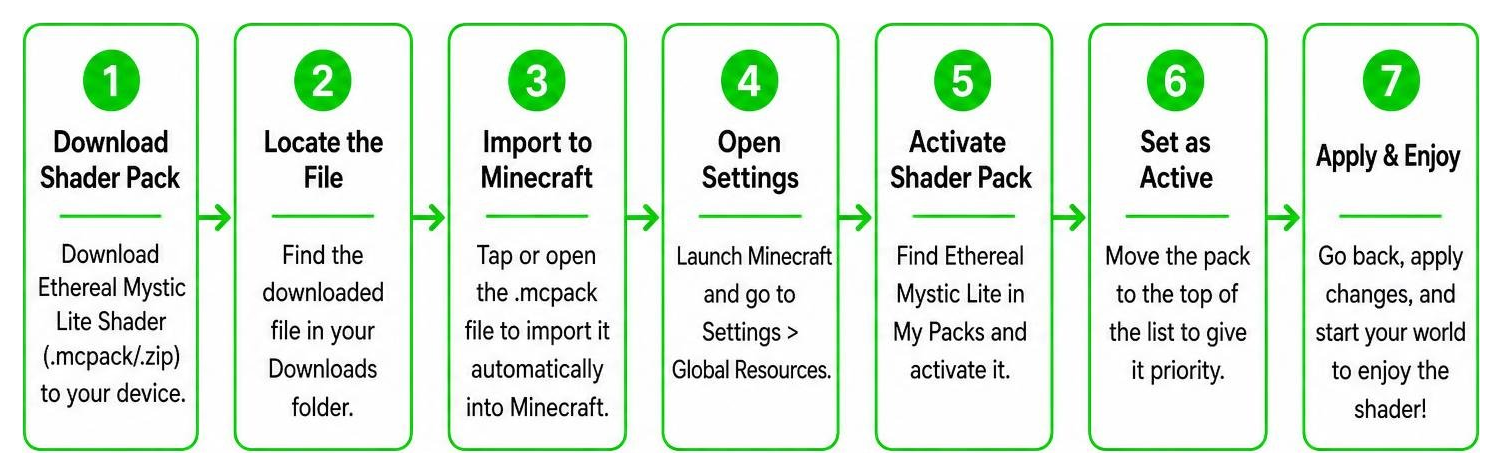
For a more detailed, platform-specific breakdown, you can read our comprehensive guides on How to Get Shaders in Minecraft and How to Turn on Shaders in Minecraft 2026 Guide Java Bedrock MCPE Setup Fast MCPEUday.
Customizing Settings via Config Files
If you want to squeeze even more performance out of your device, or if you want to toggle specific visual features, you can customize the shader manually! This is one of the best aspects of the Ethereal Mystic Lite Shader, as it gives power users complete control over their rendering settings.
- Download the .mcpack file and rename the extension from .mcpack to .zip.
- Extract the folder contents on your device.
- Navigate to the folder: src/shaders/glsl/.
- Open the file named natural-mystic-config.h using any text editor.
- In this file, you can manually toggle settings on or off (such as turning off waving leaves or adjusting shadow quality).
- Save the file, re-zip the folder, rename it back to .mcpack, and import it into Minecraft!
This level of customization allows you to create custom clouds, adjust exposure levels, or toggle torchlight flickering to perfectly match your preferences. It ensures that whether you prefer a high-performance setup or a maximum-fidelity visual experience, you can tailor the shader to your exact needs.
Frequently Asked Questions
If you still have questions about setting up your graphics, you can explore our dedicated Category Shaders page. Below, we have answered some of the most common queries.
Where can I safely download the shader?
For the safest experience, use MCPEUDAY’s shader resources and only download installation files from trusted, verified sources. Avoid random reuploads, shortened links, or files from unknown pages, as these may contain outdated packs, broken versions, or unsafe downloads.
How does it compare to Natural Mystic Shaders?
The original Natural Mystic Shaders repository on GitHub has 34 stars, 3 forks, and is written primarily in GLSL (65.3%). While the original project focused on realistic lighting, the Ethereal Mystic fork shifts the color palette to a dreamlike, magical fantasy style. It also adds unique features like glowing PBR ores, which are not present in the original base game. If you want to see how it stacks up against other top-tier options, take a look at our review of the 3 Best Shaders for Minecraft 1 21 Ultra Realistic Smooth FPS Stunning Graphics.
What is the file size and system impact?
At a tiny file size of just 2.31 MB, the system impact is incredibly low. It is lightweight enough to run smoothly on devices that would normally crash when loading heavier shader packs.
Conclusion
The Ethereal Mystic Lite Shader is an absolute masterpiece for Bedrock players who want to experience a soft, moonlit fantasy world without sacrificing their game’s performance. Its brilliant optimization, glowing cave ores, and dreamy color palette make it a must-have resource pack in July 2026.
If you are ready to explore more ways to upgrade your game, check out our ultimate selection of the Best Shaders for MCPE 1 21 2026 Top 3 Realistic Minecraft PE Shaders and start your next magical survival adventure today!