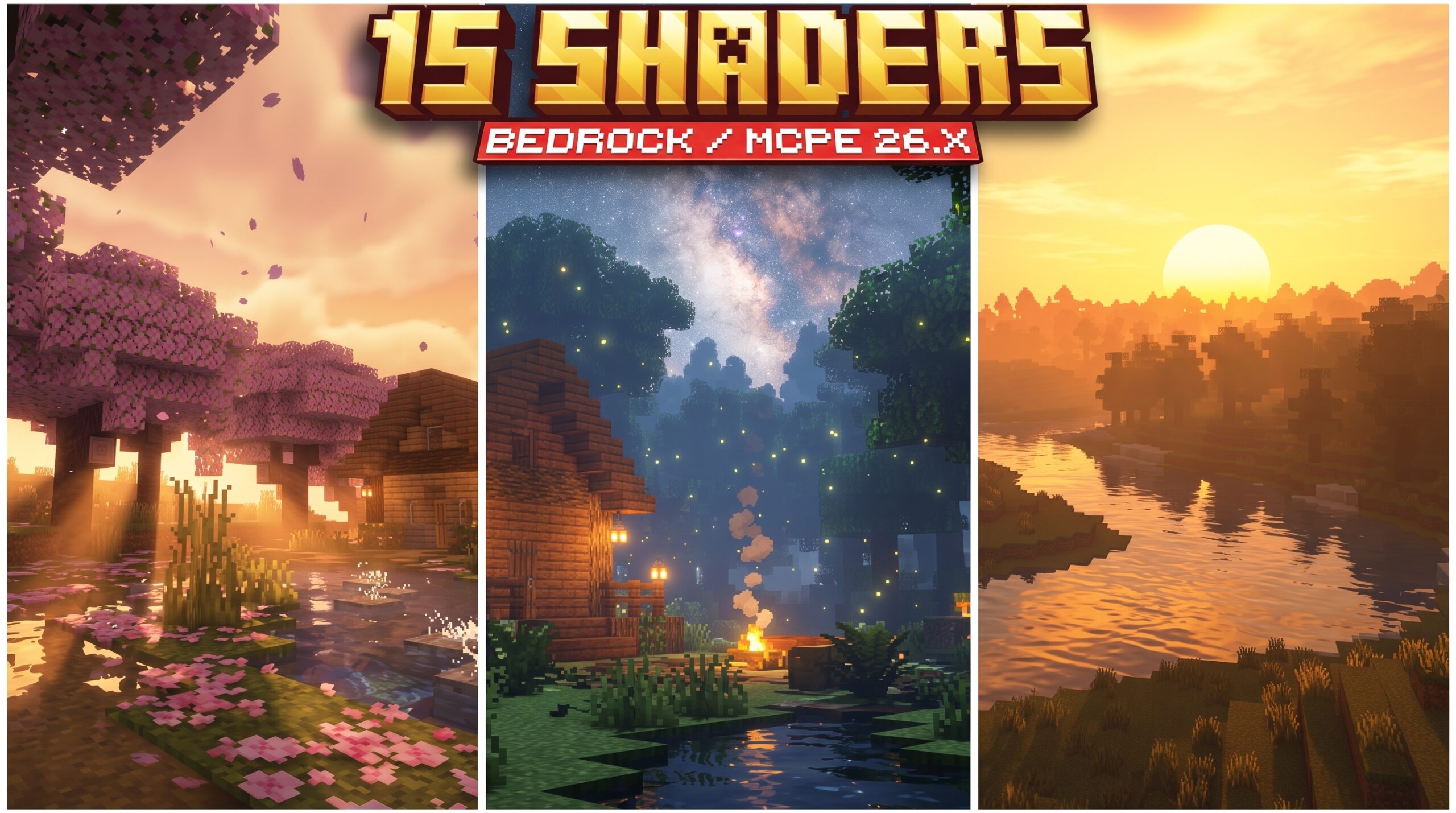
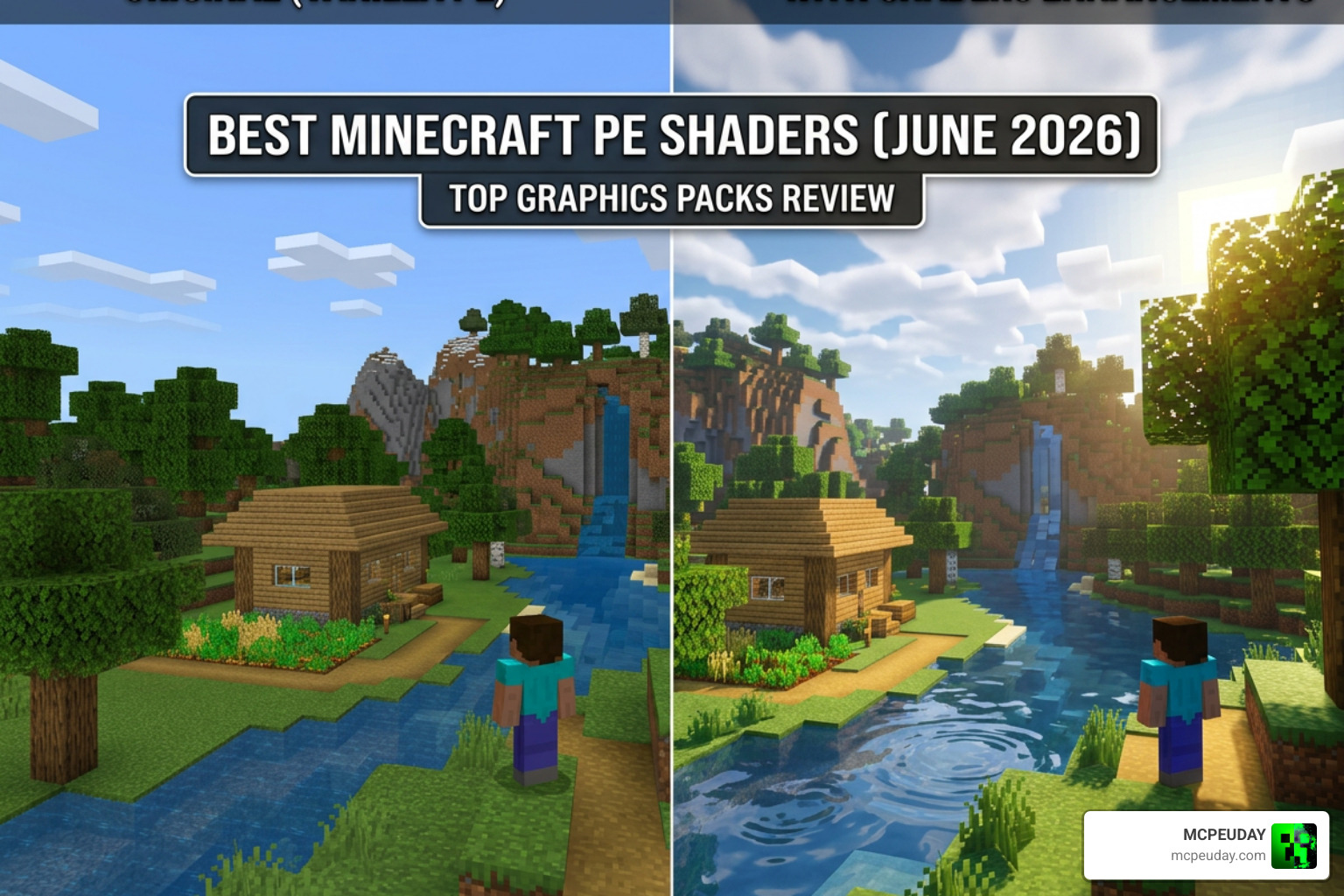
The best Minecraft PE shaders (June 2026) transform your mobile world from flat and blocky into something that looks genuinely stunning — better lighting, glowing water, realistic skies, and smoother shadows, all on your phone.
Here’s a quick look at the top picks:
| Shader | Best For | Performance Impact |
|---|---|---|
| Newb X Soleil Shader | Mid-range devices, balanced visuals | Medium |
| Newb Renewed Shader | Realistic lighting, smooth FPS | Medium |
| Sildaum Vibrant Shader | Fantasy skies, dreamy atmosphere | Medium-High |
| Mystica Shader | Galaxy nights, improved dimensions | Medium |
| Howard Visual Shader | Lightweight, waving foliage, fog | Low |
| NovaFX Visuals Shader | Deferred lighting, high-end devices | High |
| Grafika Shader | FPS boost, low-end devices | Very Low |
| Mirai Shader | Cartoon colors, budget phones | Very Low |
Shaders in Minecraft PE work differently than Java Edition. Instead of OptiFine or Iris, Bedrock Edition uses the RenderDragon engine — so you need .mcpack files, not .zip files.
The good news? Installing them on Android takes less than a minute.
Whether you’re on a flagship phone or a budget device from two years ago, there’s a shader on this list that will work for you.
Free with Minecraft Marketplace All Packs – Click and Join
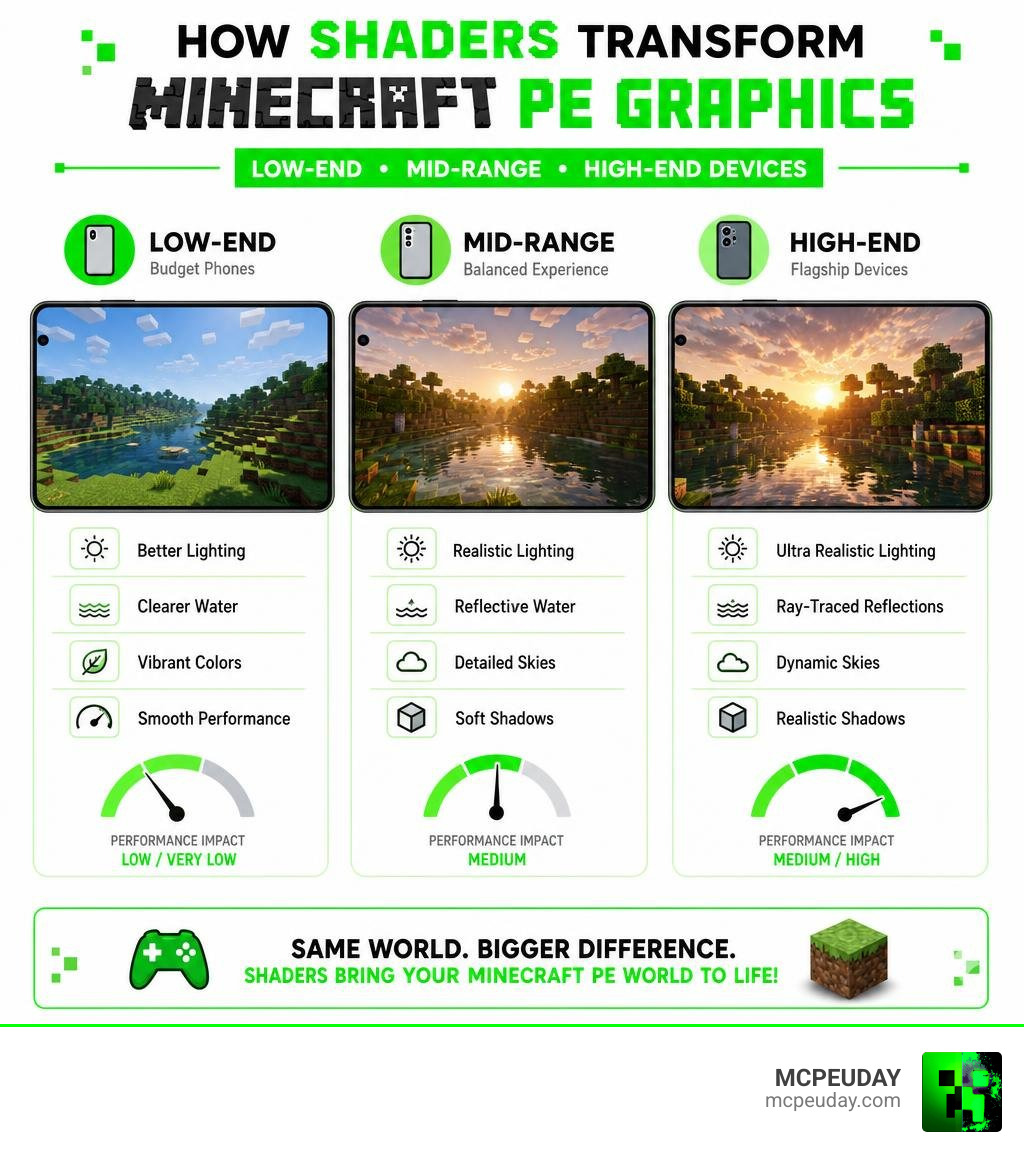
15. Newb X Soleil Shader
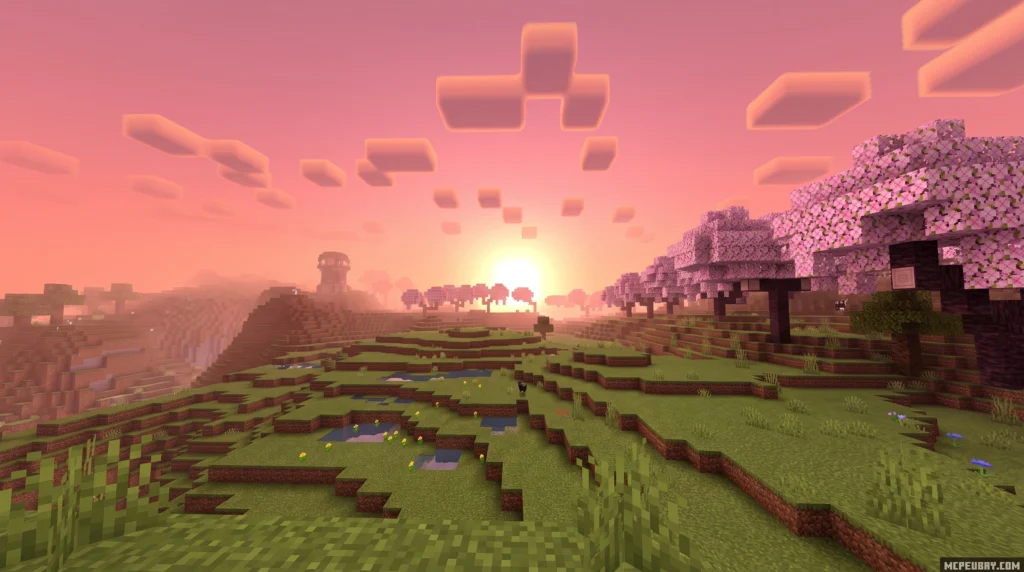
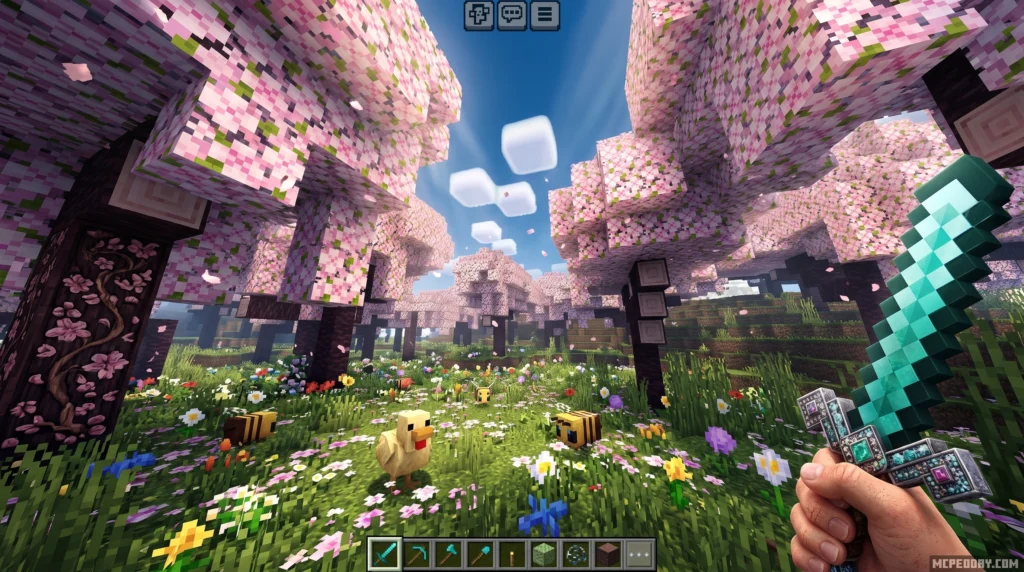
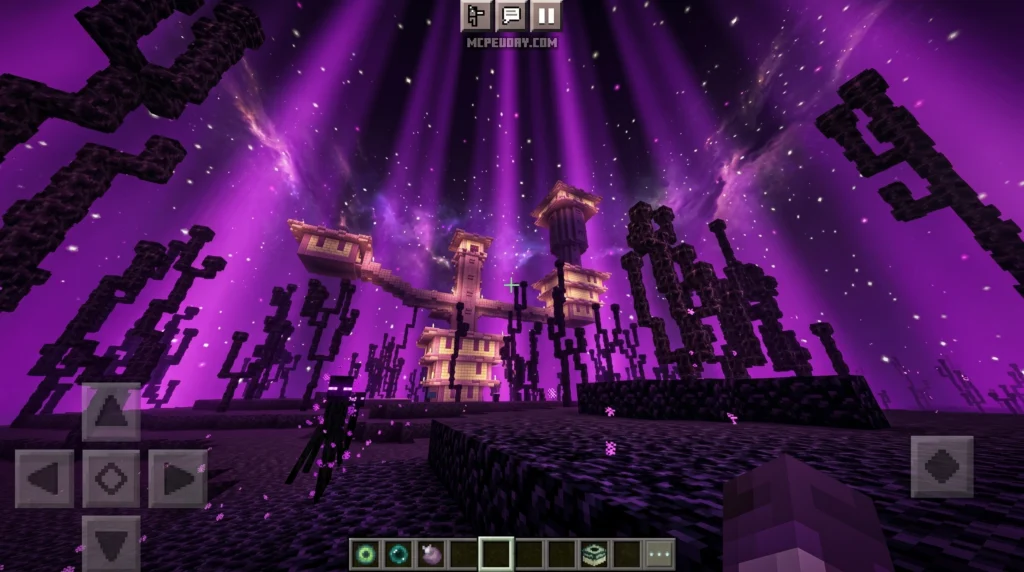
Newb X Soleil Shader is a lightweight, vanilla-style shader for Minecraft Bedrock Edition that upgrades your game’s visuals with softer lighting, richer skies, and more natural colors — without destroying your FPS.
Here’s a quick snapshot of what it offers:
- Style: Refined vanilla look with subtly desaturated, contrast-tuned colors
- Best for: Android, Windows, and iOS devices running Minecraft Bedrock 1.21+
- Key features: Enhanced lighting, midnight sky transformations, reworked End dimension, water reflections, foliage movement
- Cost: Free — community-made, open-source project
- Install method: Requires a patch tool (BetterRenderDragon on Windows, MB Loader on Android) since Bedrock doesn’t officially support custom shaders
Minecraft Bedrock’s RenderDragon engine — introduced in version 1.20 — broke compatibility for most shaders. Newb X Soleil is built specifically to work around that limitation, making it one of the more accessible options for mobile and PC players who want better visuals without a complex setup.
14. Newb Renewed Shader
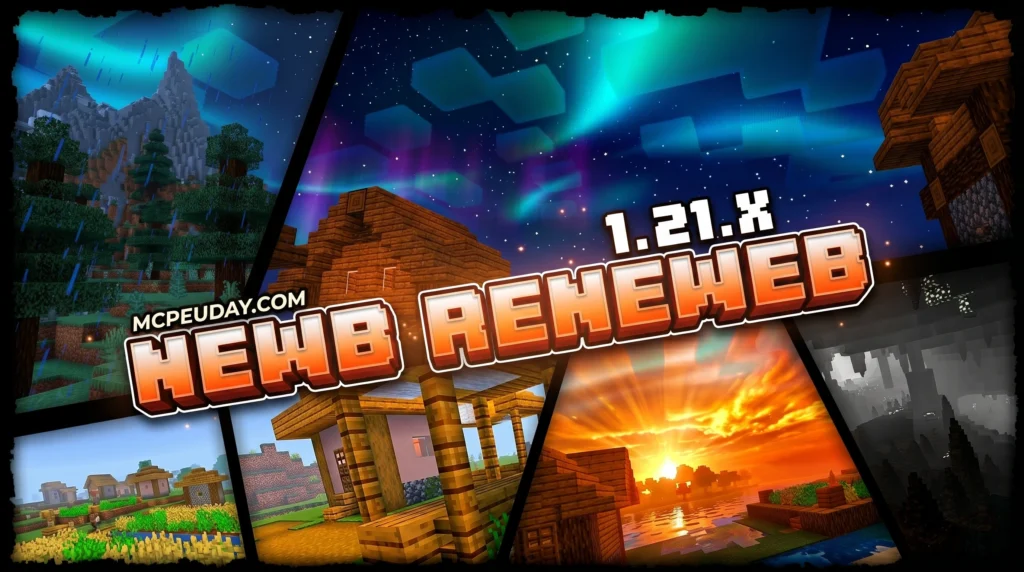
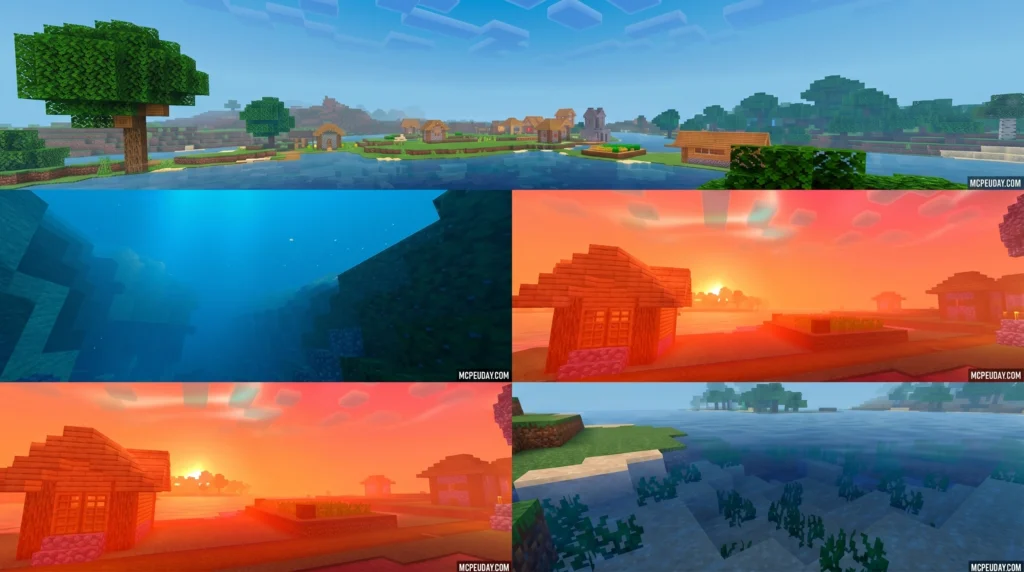
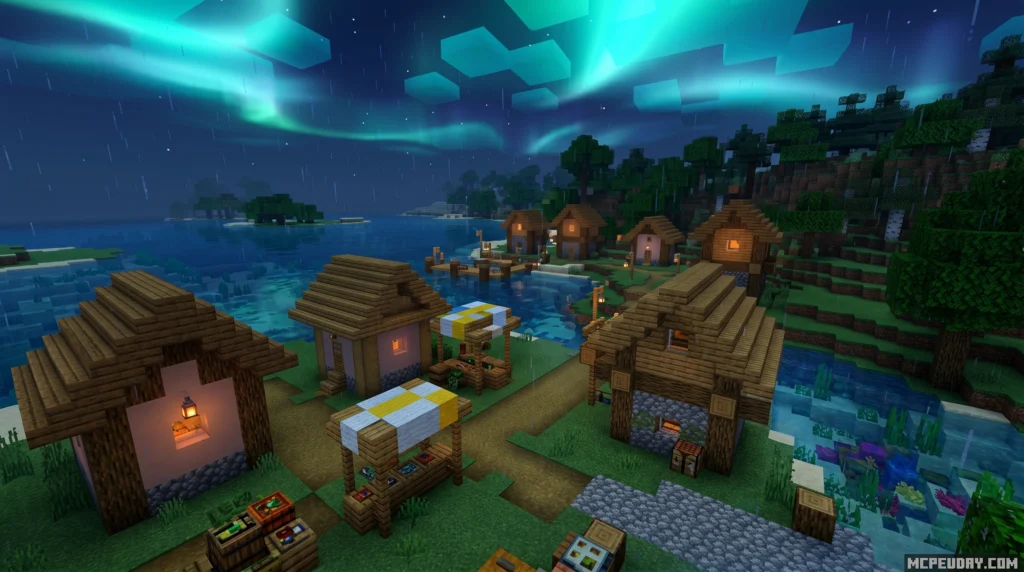
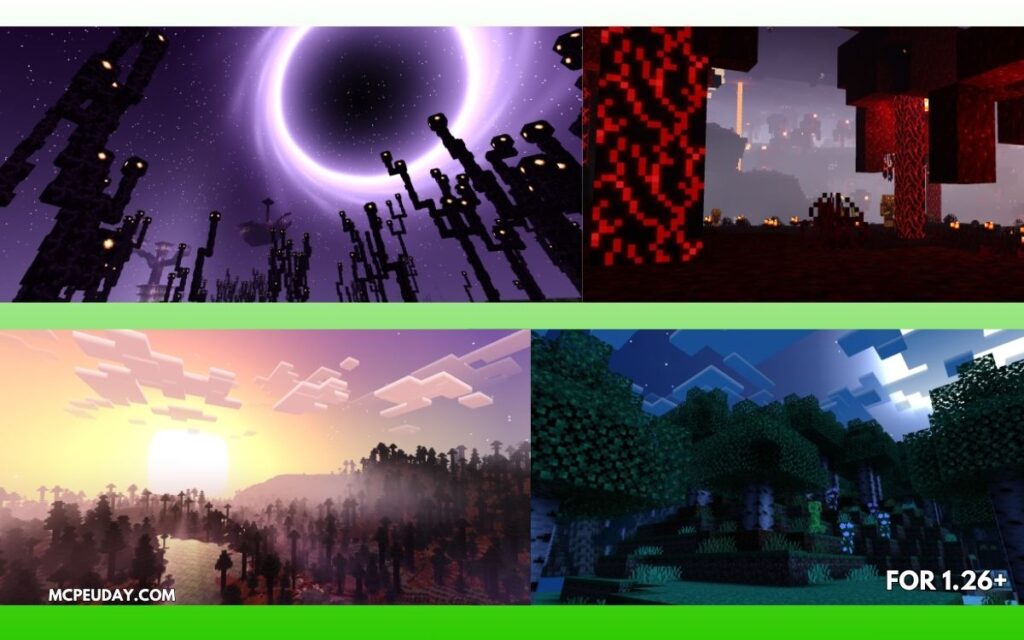
The Newb Renewed Shader is a legacy port of the original Newb Shader, rebuilt to work with Minecraft Bedrock’s RenderDragon rendering engine — giving you soft lighting, realistic water, and better fog without needing a high-end device.
Quick answer for what it is and how to get it:
- What it is: A RenderDragon-compatible shader for Minecraft Bedrock (MCPE) based on the original Newb Shader by devendrn
- Who it’s for: Players on Android, Windows, and iOS running Minecraft 1.21+
- Three versions available: Low, Medium, and Ultra — pick based on your device’s power
- What you need to install it: A patched APK (Android), BetterRenderDragon (Windows), or MB Loader app
- Key visuals: Soft lighting, realistic water reflections, 3D clouds, aurora borealis, and glowing ores
If you’ve ever wanted your Minecraft world to look genuinely beautiful without destroying your frame rate, this shader is worth your attention. It’s one of the most downloaded community shaders in the Newb family, and it runs on low-end phones — not just gaming rigs.
13. Sildaum Vibrant Shader
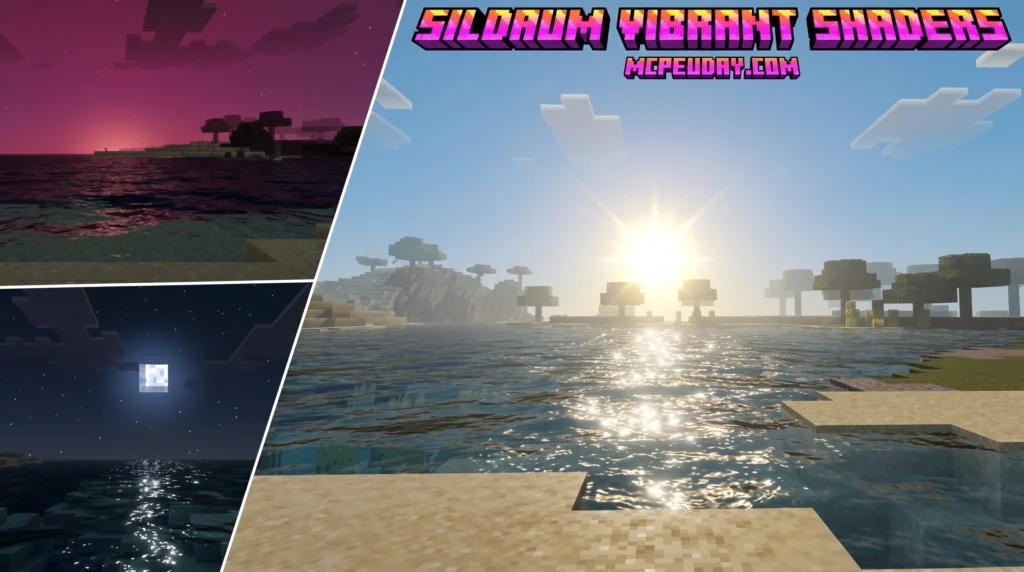
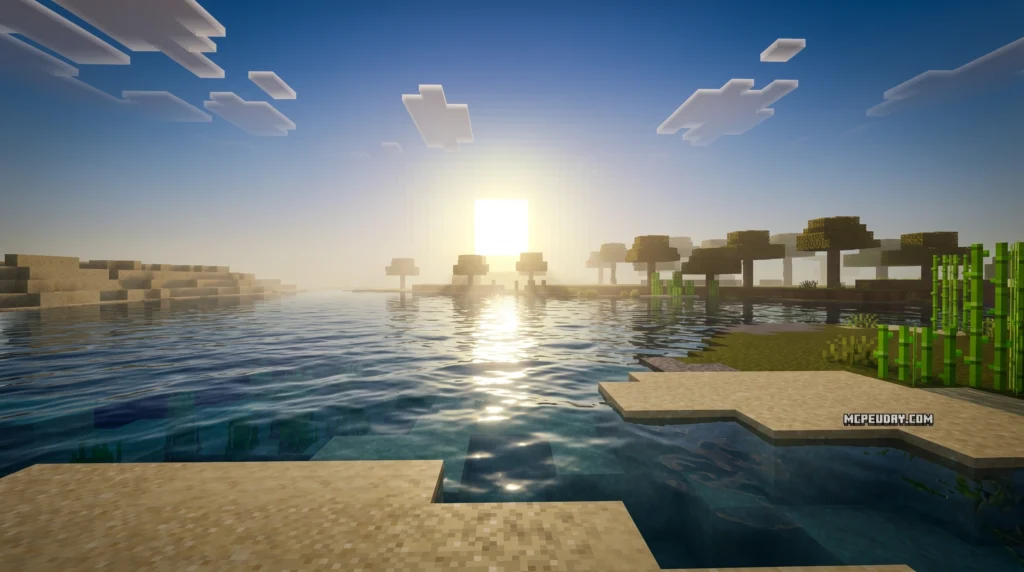
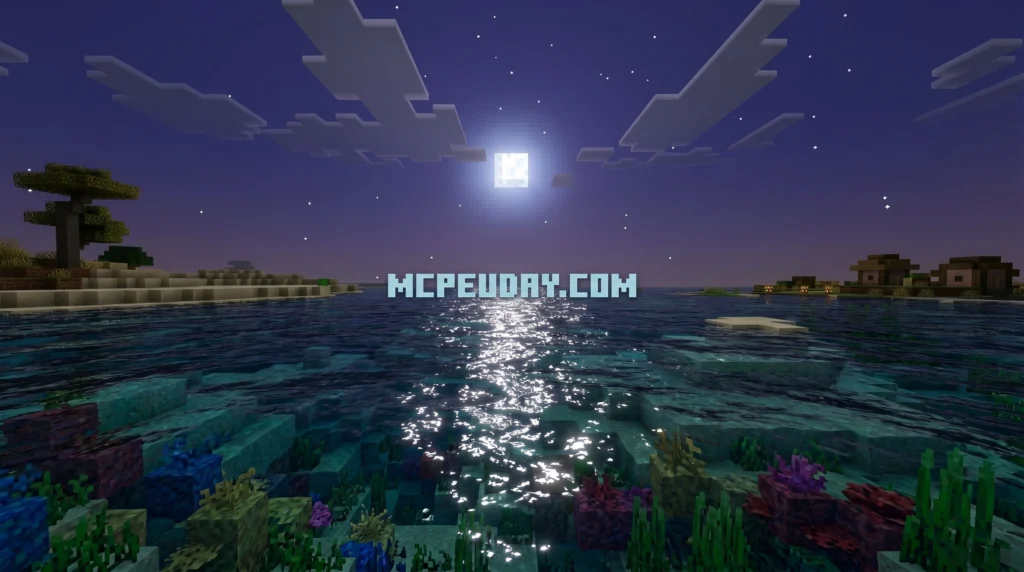
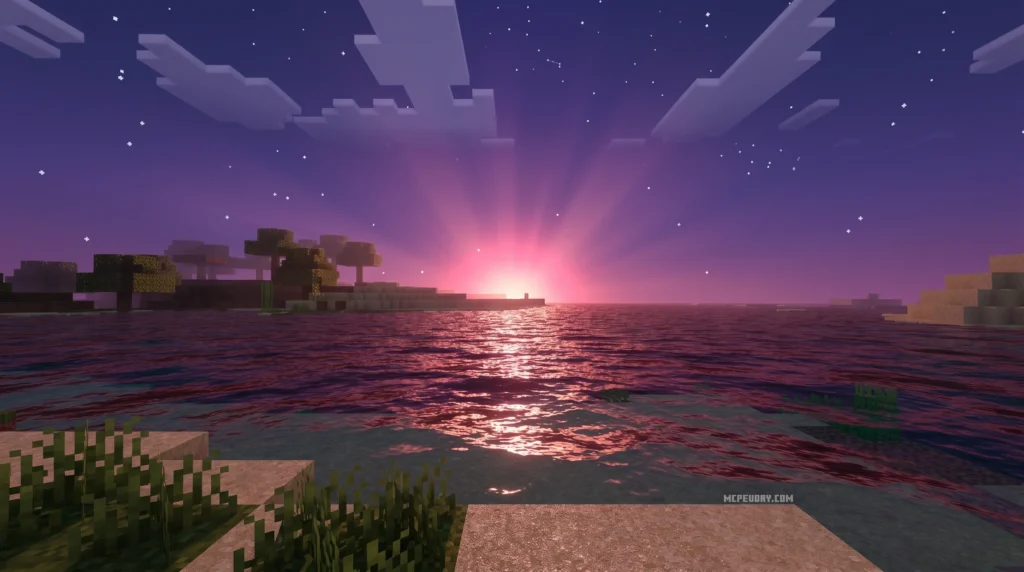
Sildaum Vibrant Shaders is a visual enhancement pack for Minecraft Bedrock Edition (MCPE) that focuses on transforming sunrise and sunset scenes with warm, cinematic lighting effects — and it’s one of the most searched shader packs among mobile Minecraft players right now. If you have ever felt that the default lighting in Minecraft Bedrock feels a bit too flat or sterile, this pack is designed to solve that exact problem by introducing rich, atmospheric tones.
Here’s a quick overview:
- What it is: A shader pack for Minecraft PE/Bedrock that adds warm color gradients, glowing horizons, and light scattering effects
- Best known for: Cinematic golden hour visuals — sunrises and sunsets look dramatically more beautiful
- Platform: Minecraft Bedrock Edition (Android/iOS/mobile)
- How to activate: Enable the “vibrant visual” setting inside your shader options
- File size: Lightweight — around 274 KB
- Rating: 5/5 based on user reviews
It is not the same as Sildur’s Vibrant Shaders, which is a completely separate, long-running shader project built for Minecraft Java Edition with over 33 million downloads. The two share a similar name but target different platforms and work in very different ways. Sildaum is specifically optimized for mobile hardware, ensuring you get beautiful visuals without sacrificing your device’s performance.
Free with Minecraft Marketplace All Packs – Click and Join
12. Mystica Shader
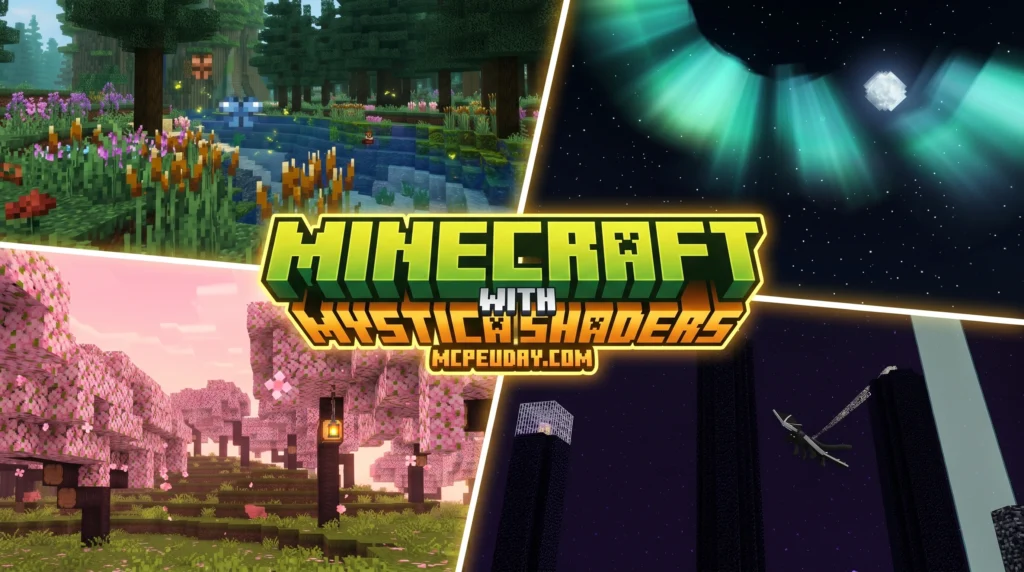
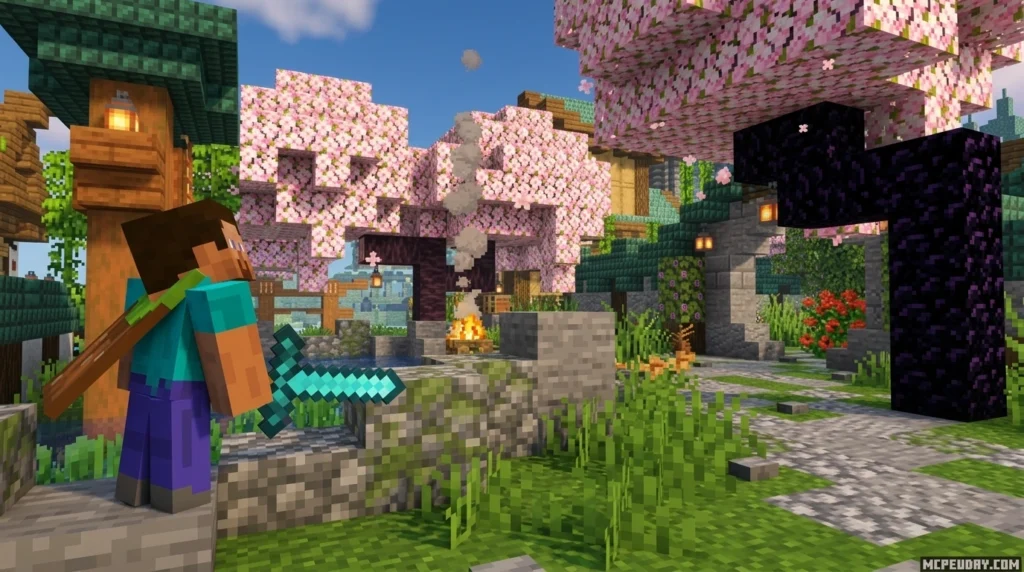
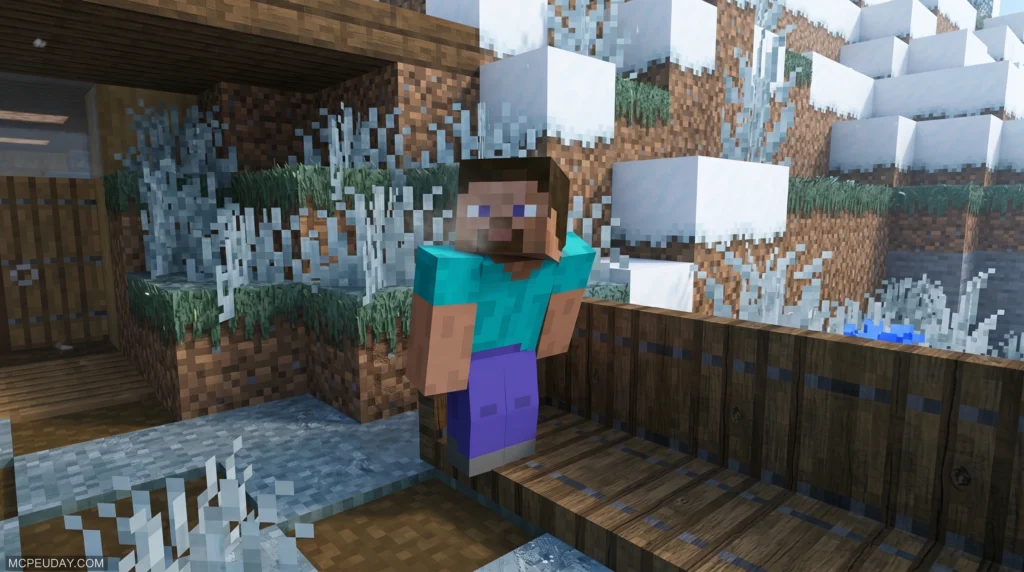
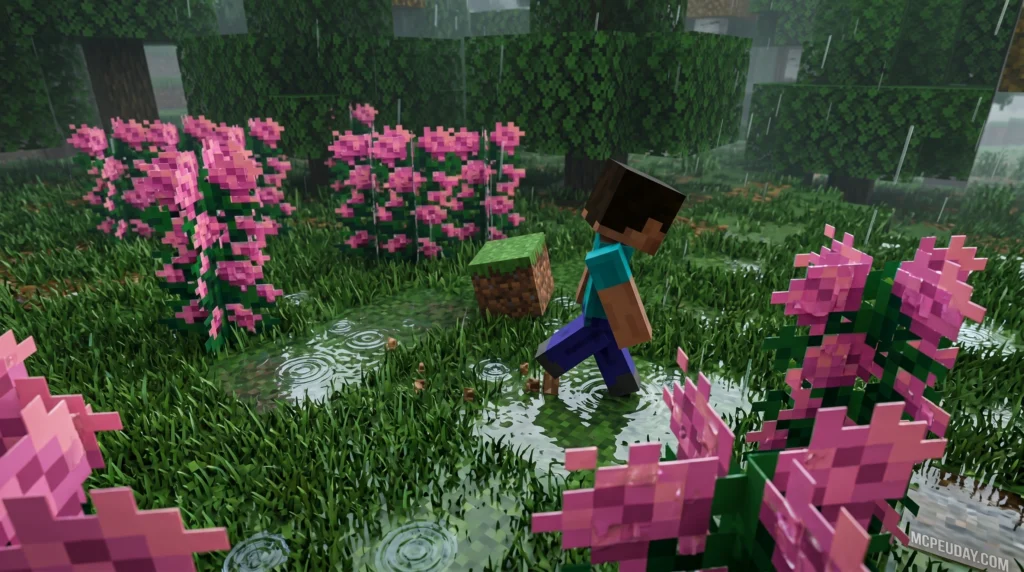
Mystica Shader is a visual enhancement pack for Minecraft PE and Bedrock Edition that adds dreamlike atmospheric fog, vibrant skies, and smooth natural lighting — all without killing your frame rate on mobile.
Here’s a quick snapshot of what it offers:
- What it is: A Render Dragon-compatible shader for MCPE/Bedrock
- Best for: Android, iOS, and Windows players on version 1.21+
- Key effects: Cinematic sunrays, soft bloom, reflective water, atmospheric fog, biome color blending
- Performance: Optimized for low-end mobile devices
- How to install: Via
.mcpackfile added to global resource packs (patched APK or BetterRenderDragon may be needed) - Downloads: Nearly 97,000 downloads with a 3.9/5 average rating
Minecraft’s vanilla visuals are fine. But once you’ve seen your world wrapped in soft morning fog and warm sunset color grading, it’s hard to go back.
11. Newb x Unwind Shader
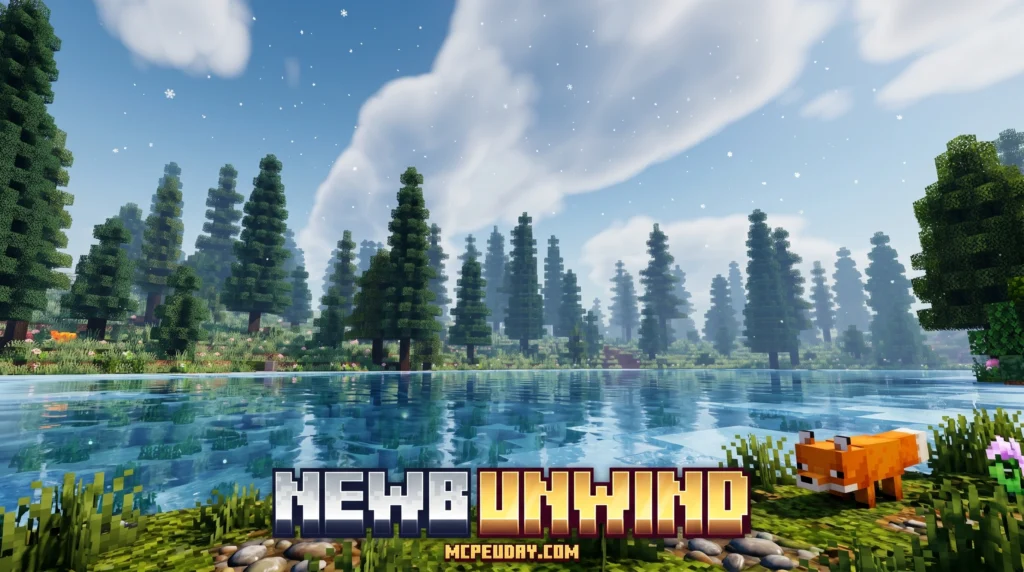
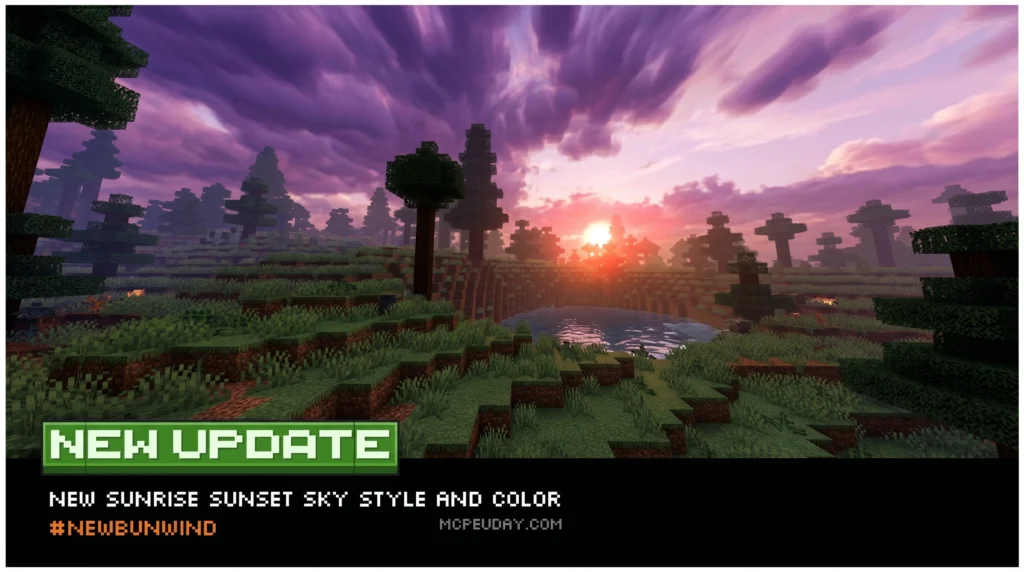
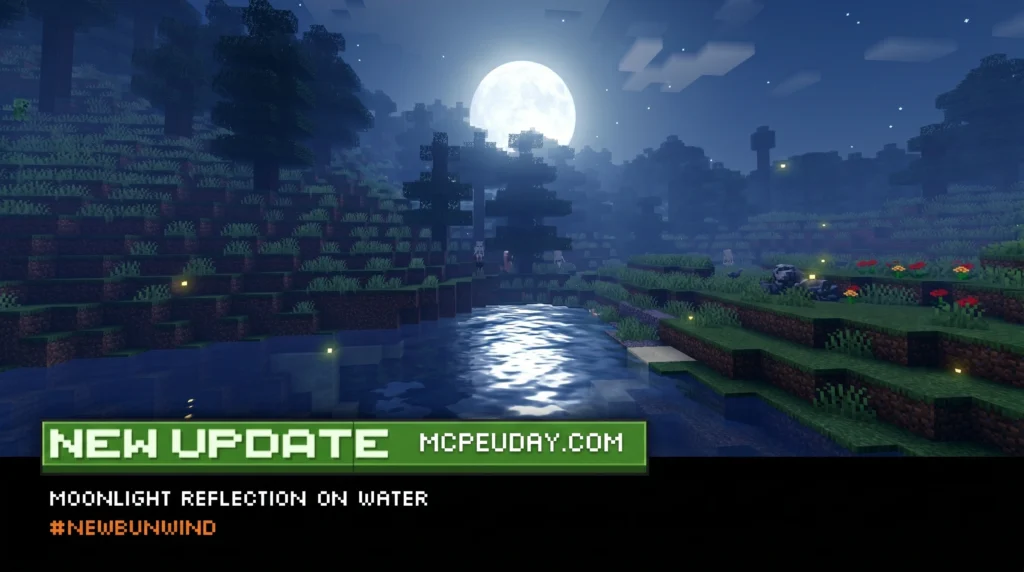
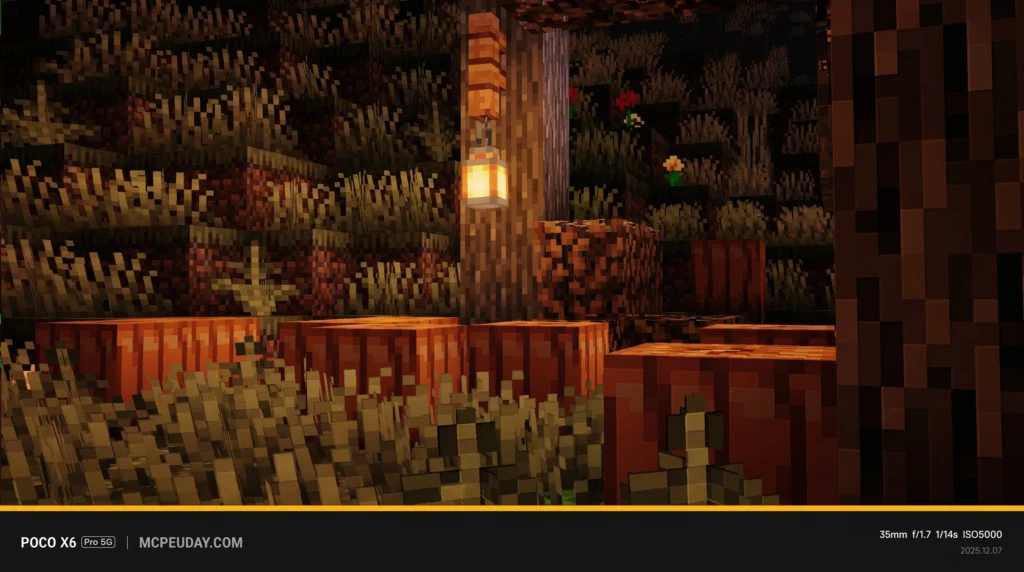
The Newb x Unwind Shader is a lightweight, aesthetic shader pack for Minecraft Bedrock Edition that gives your game calm, cozy visuals — warm tones, better lighting, improved weather effects, and a relaxing night atmosphere.
Here’s the quick install summary:
- Download the
.mcpackfile from a verified source - Install MB Loader from the Play Store
- Import the
.mcpackinto MB Loader (not Minecraft directly) - Activate the shader in Global Resources
- Adjust your in-game graphics settings and play
It supports Minecraft Bedrock 1.21.21 and above, works on Android, and is rated 4.3 out of 5 based on 31 user reviews.
10. Definitive Vibrant Visuals Shader
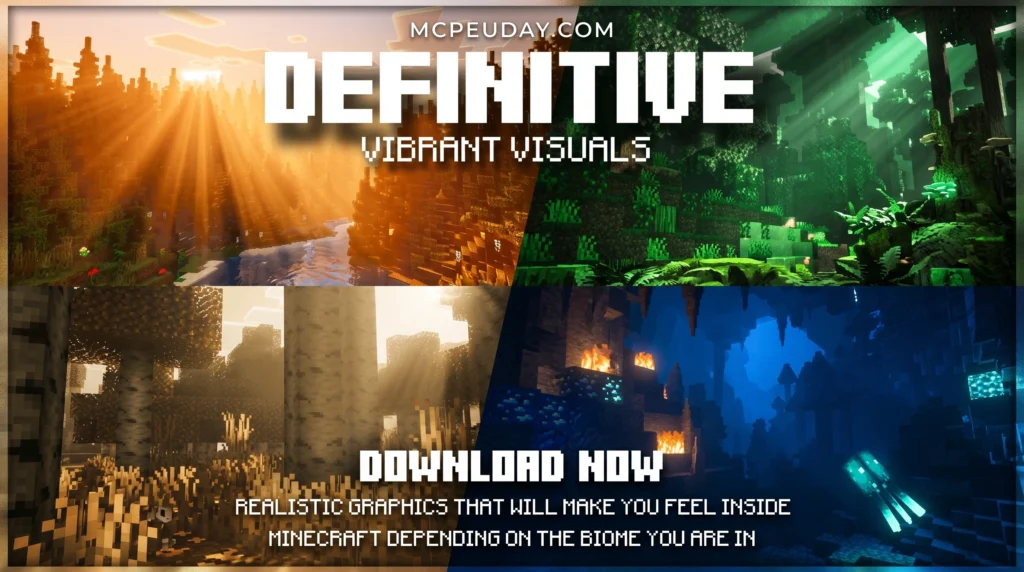
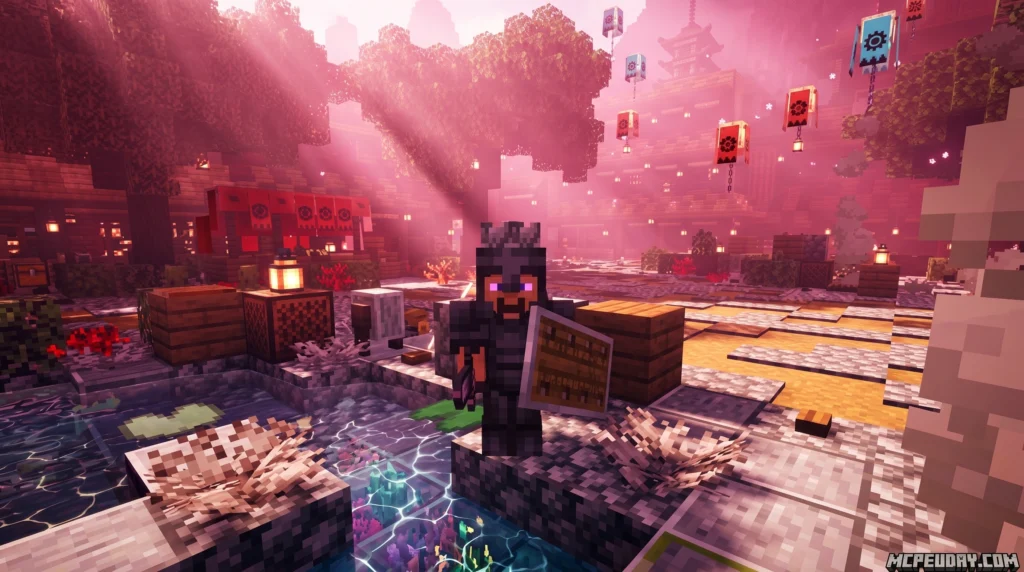
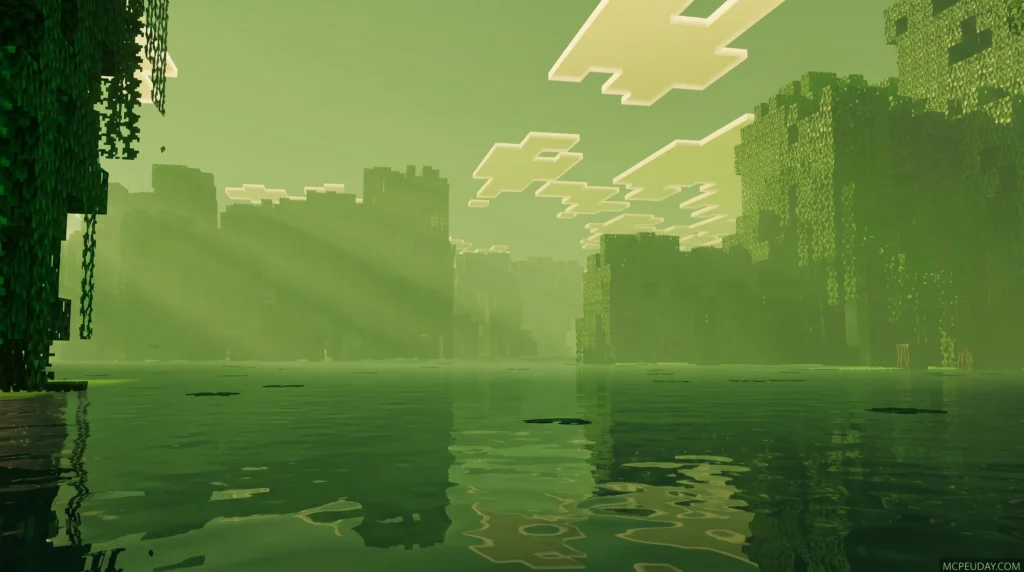
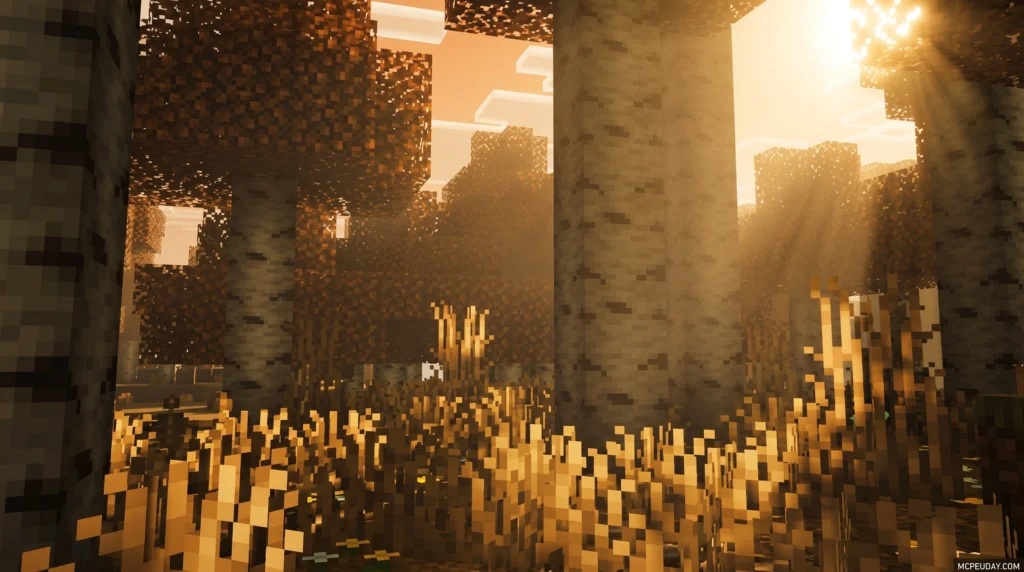
The Definitive Vibrant Visuals SHADER is a free, community-made deferred lighting pack for Minecraft Bedrock Edition that transforms your game’s visuals using PBR materials, biome-specific lighting, and realistic water effects.
Want the quick answer? Here’s what you need to know:
- What it is: A third-party texture/shader pack built on Minecraft Bedrock’s Vibrant Visuals (RenderDragon) rendering mode
- Versions available: Low (12 MB) and Default (13.81 MB)
- Where to download: MCPEDL and CurseForge (490k+ downloads)
- How to install: Import the
.mcpackfile, then go to Settings → Video → Graphics Mode → Vibrant Visuals - Requirements: Adreno 640, Mali-G68/G77, or DirectX 12FL11 GPU — plus Minecraft Bedrock beta/preview enabled
- Works on: Android, iOS, Windows, Xbox, and PlayStation 5
Minecraft’s graphics have come a long way. The official Vibrant Visuals mode gave Bedrock players a massive visual upgrade — but community creators pushed it even further. Definitive Vibrant Visuals builds on top of that foundation, adding biome-aware color tones, metallic PBR effects on tools and armor, realistic water caustics, and static lighting on torches, lava, and more.
Free with Minecraft Marketplace All Packs – Click and Join
9. Howard Visual Shader
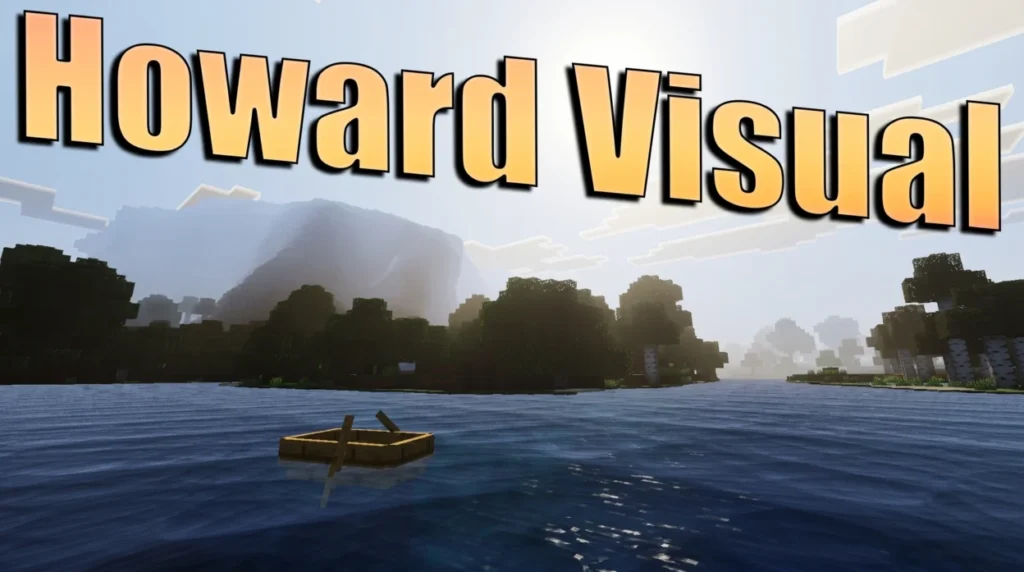
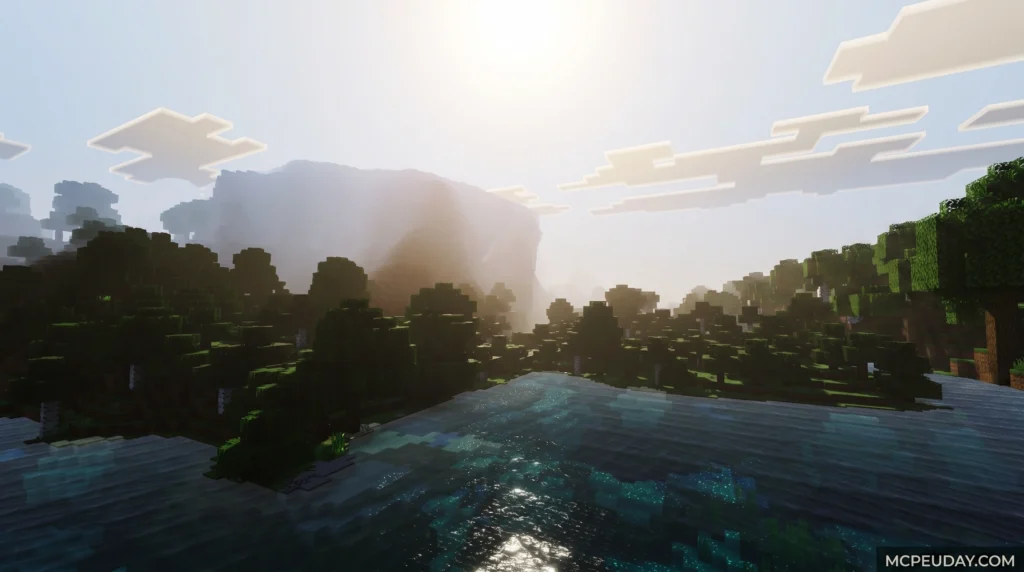
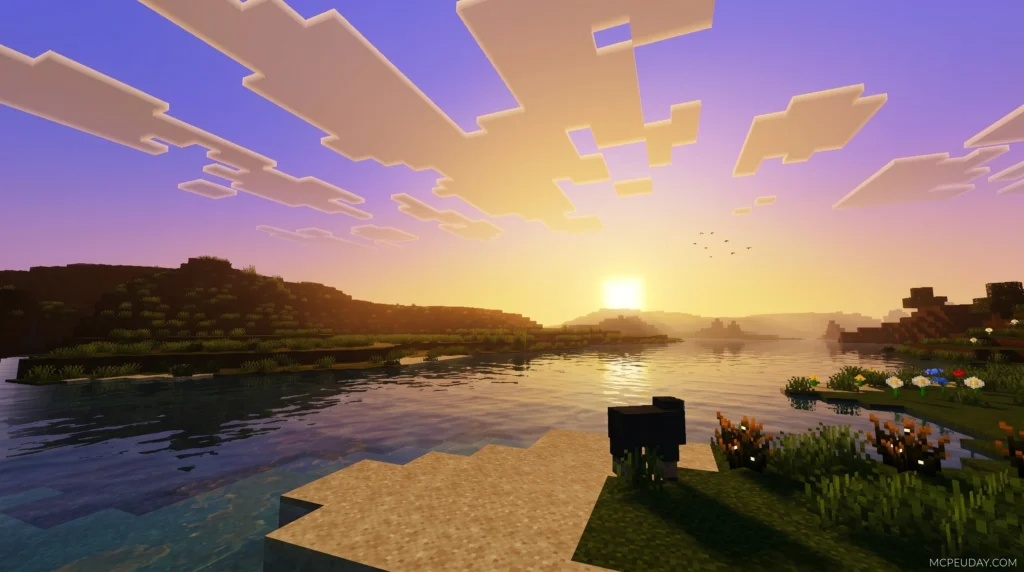
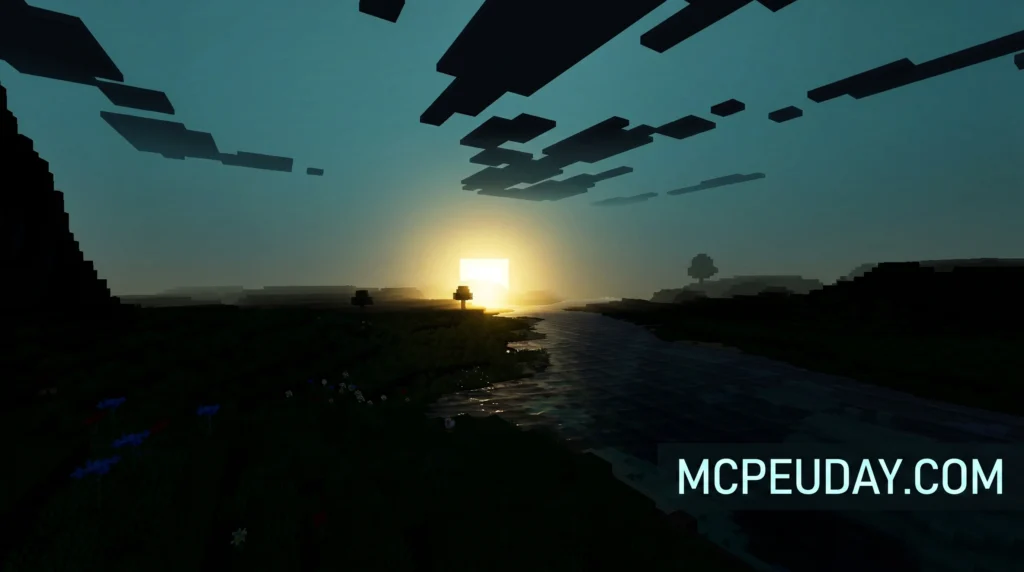
The Howard Visual Shader is a graphics enhancement pack designed for Minecraft Bedrock Edition that transforms the game’s visuals through advanced lighting, color grading, and atmospheric effects.
Quick answer for Minecraft players:
- What it is: A shader pack for Minecraft Bedrock Edition (MCPE) that improves how the game looks
- Key effects: Sun glow, sky color blending, moon reflections, dynamic water, and realistic fog
- How to get it: Download the pack and place it in your Bedrock resource packs folder
- Best for: Players on Android and other devices that support advanced graphics features
- File size: Lightweight at around 267 KB — won’t slow down your device much
So why does it stand out? Most default Minecraft worlds look blocky and flat. The Howard Visual Shader adds warmth, depth, and atmosphere that make the game feel genuinely immersive — day, night, rain, or shine.
8. NovaFX Visuals Shader
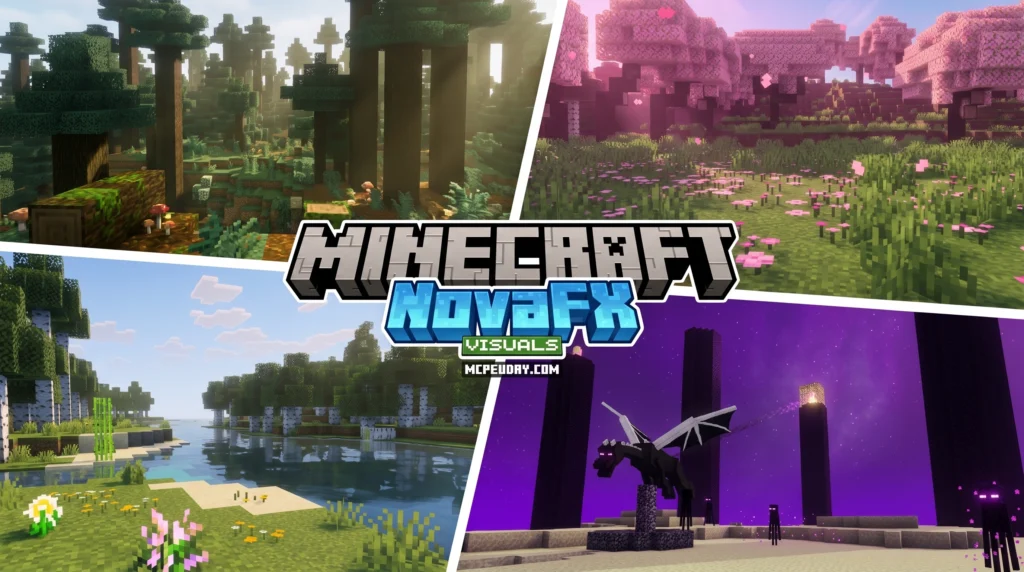
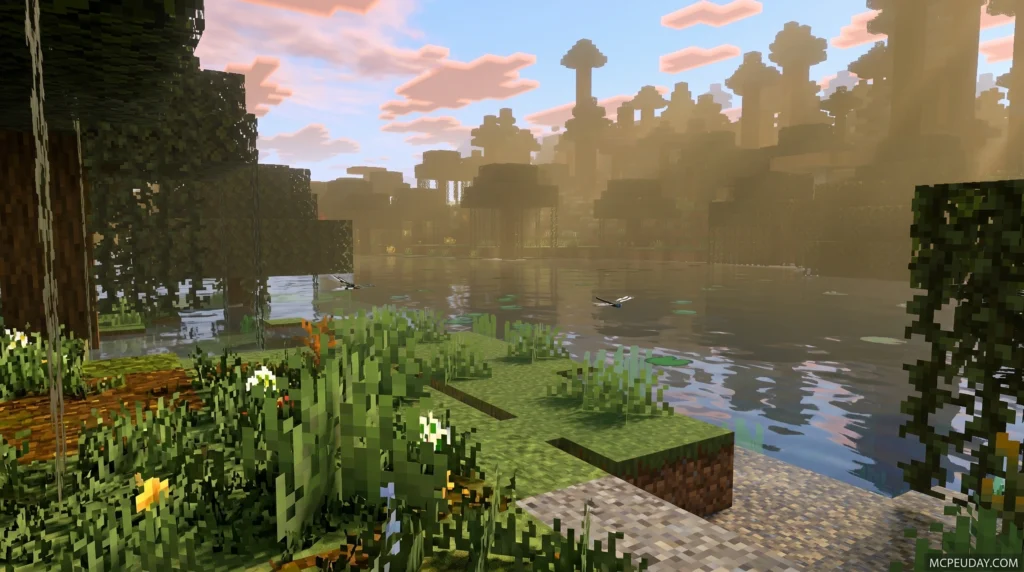
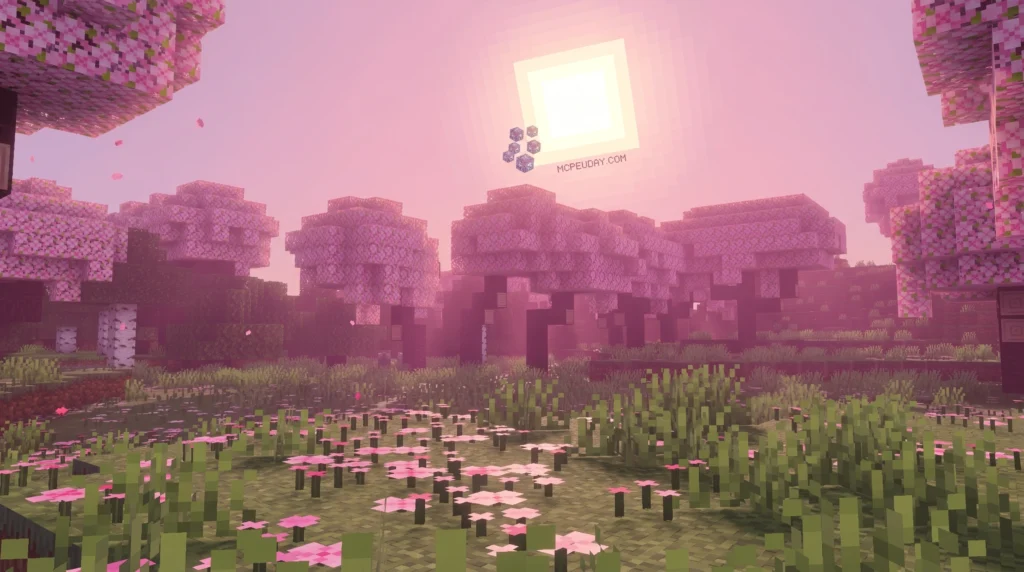
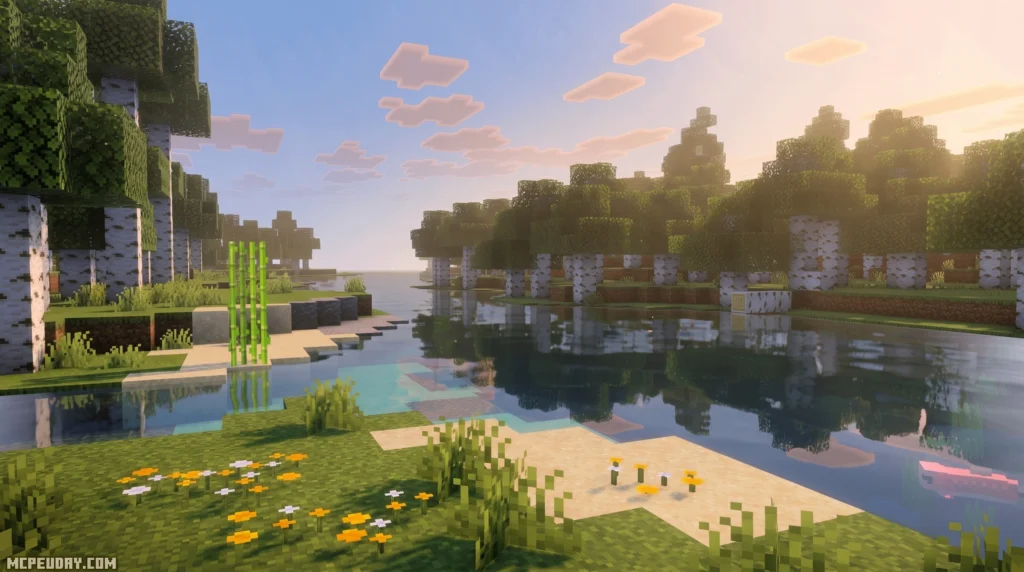
The NovaFX Visuals SHADER is a dedicated shader pack built exclusively for Minecraft Bedrock’s Vibrant Visuals rendering mode — and it’s one of the most complete visual overhauls available for Bedrock players right now.
For years, Bedrock and MCPE players had to rely on basic resource packs or unstable, third-party shader modifications that frequently broke with every minor game update. The introduction of the Render Dragon engine initially restricted custom shaders, but the release of the official deferred rendering pipeline (Vibrant Visuals) has completely changed the game. Creators now have the tools to build true, modern shaders that rival Java Edition’s OptiFine or Iris setups. The NovaFX Visuals SHADER is at the forefront of this graphical revolution.
7. Luminous Dreams Shader
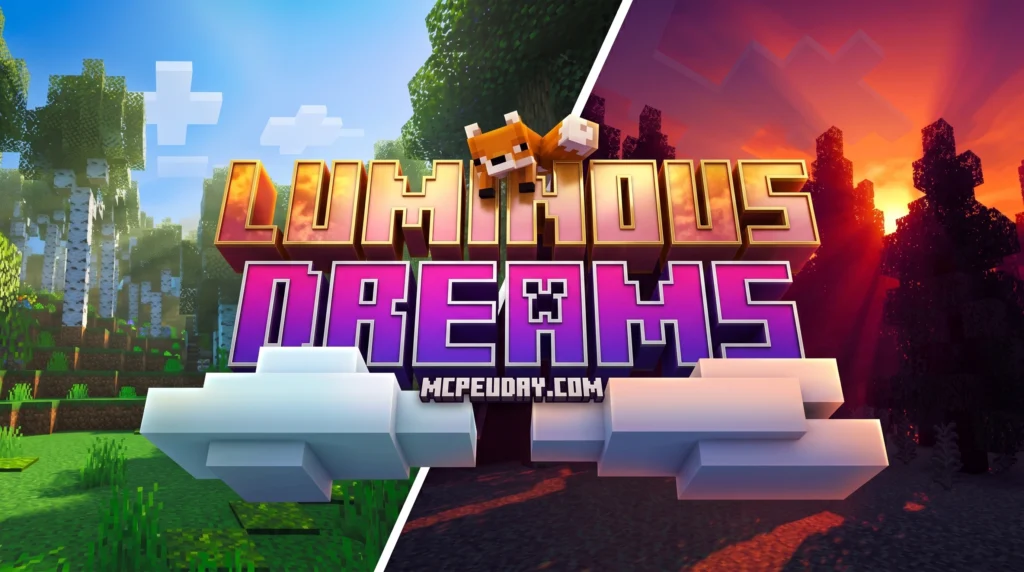
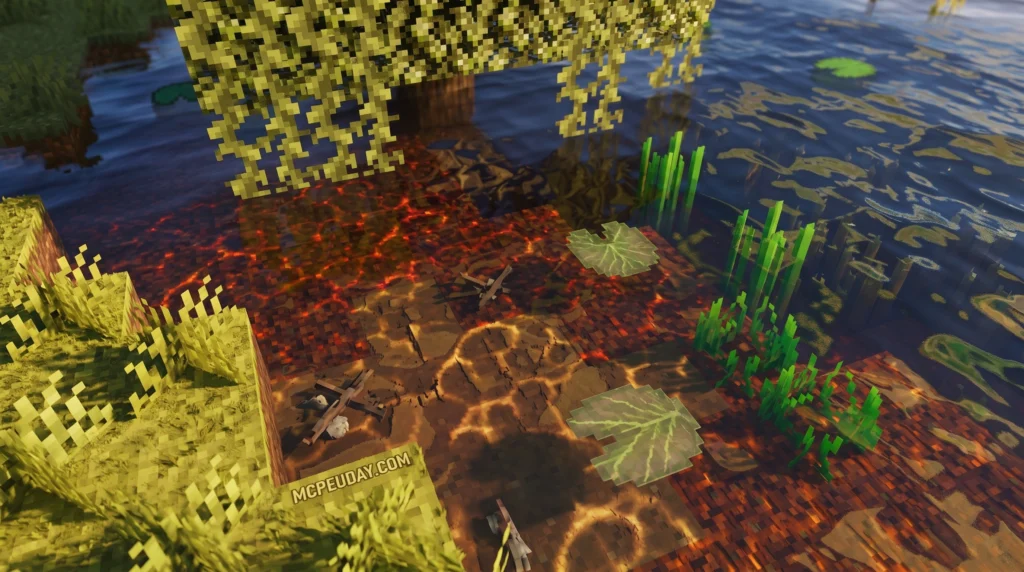
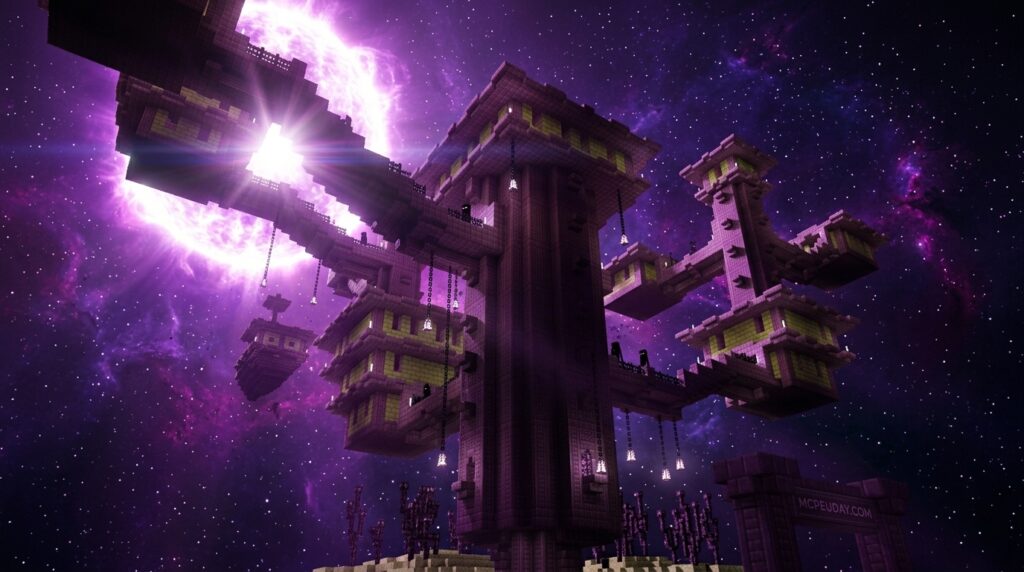
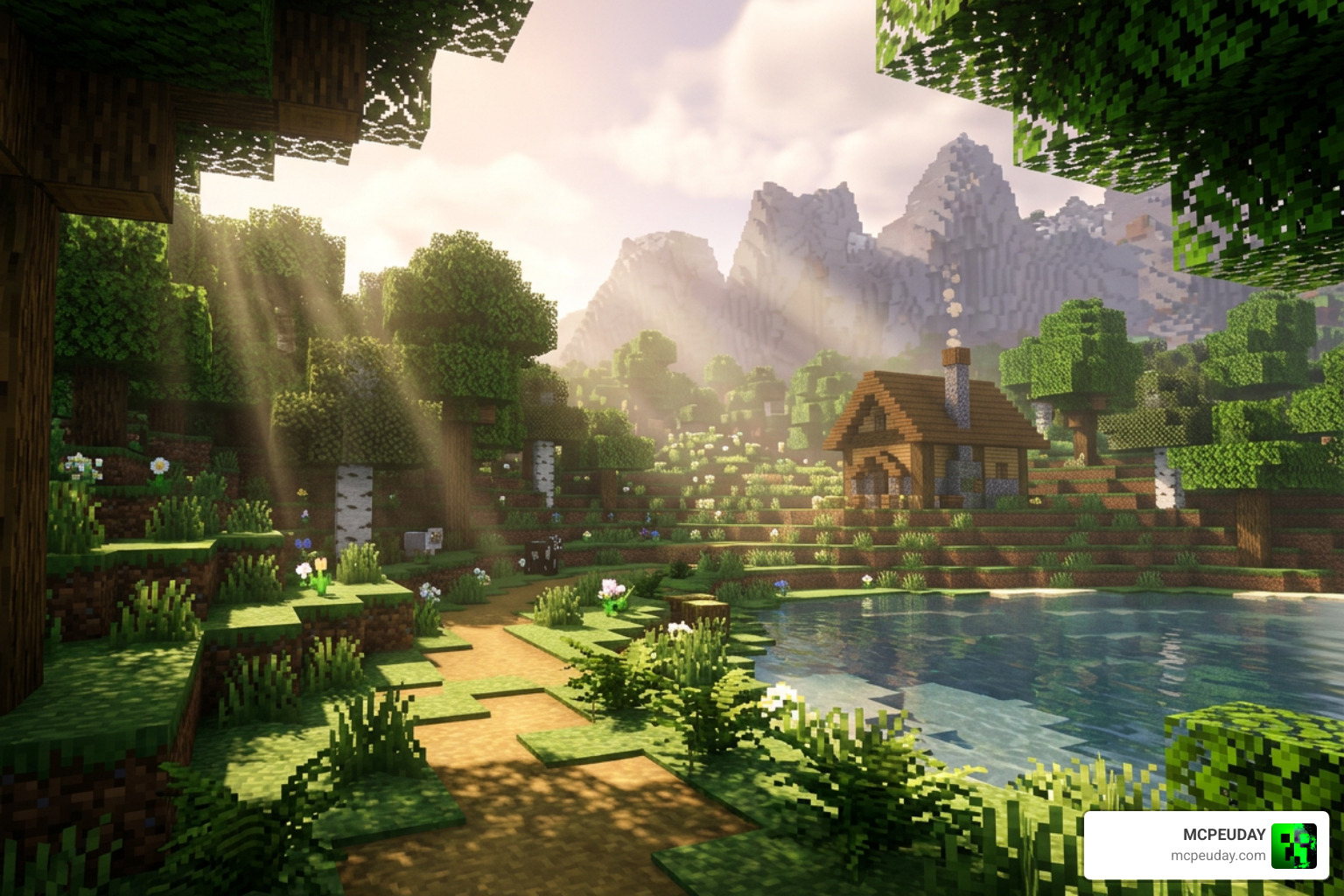
The Luminous Dreams shader is a deferred graphics pack for Minecraft Bedrock Edition that transforms your world with soft, glowing light and fantasy-style visuals — and getting it takes just a few steps.
Quick answer — how to get Luminous Dreams:
- Free version: Download the
.mcpackfile from CurseForge - Paid version: Purchase from the Minecraft Marketplace for 830 Minecoins
- Install: Open the
.mcpackfile to import it, then apply it in your world settings - Requirement: Enable the Vibrant Visuals experiment in Minecraft 1.21.80 or later
If you’ve ever felt like vanilla Minecraft Bedrock looks a little flat, you’re not alone. Millions of players have downloaded Luminous Dreams looking for exactly that fix — richer light, glowing caves, dreamlike sunsets, and water that actually moves.
6. Xiao Reimagined Shader
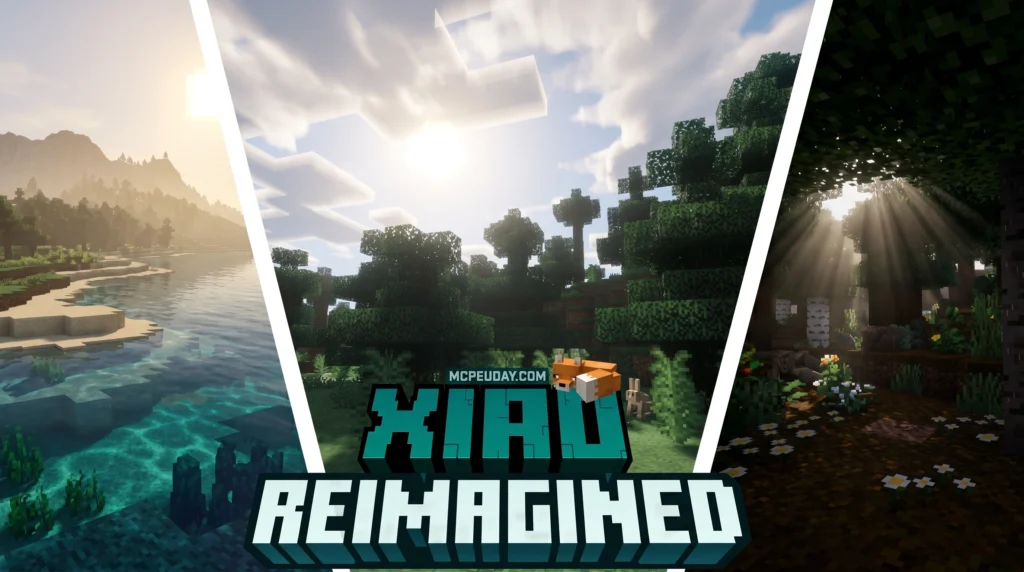
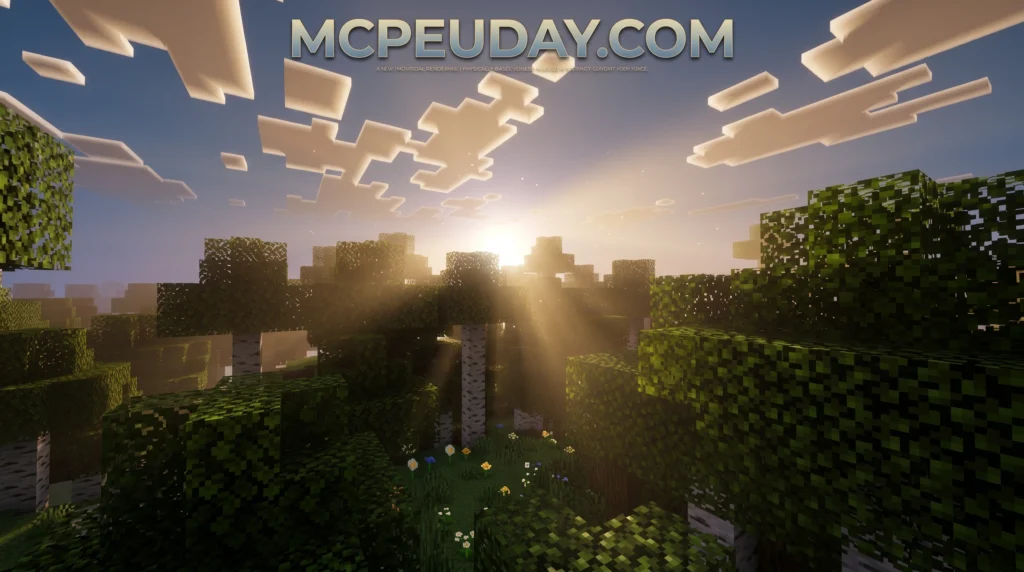
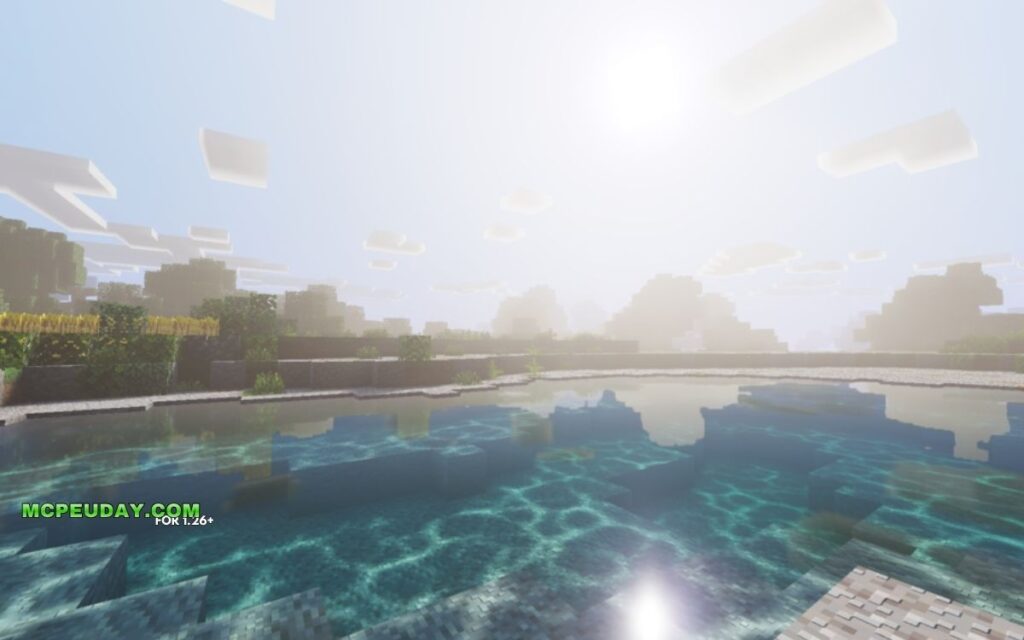
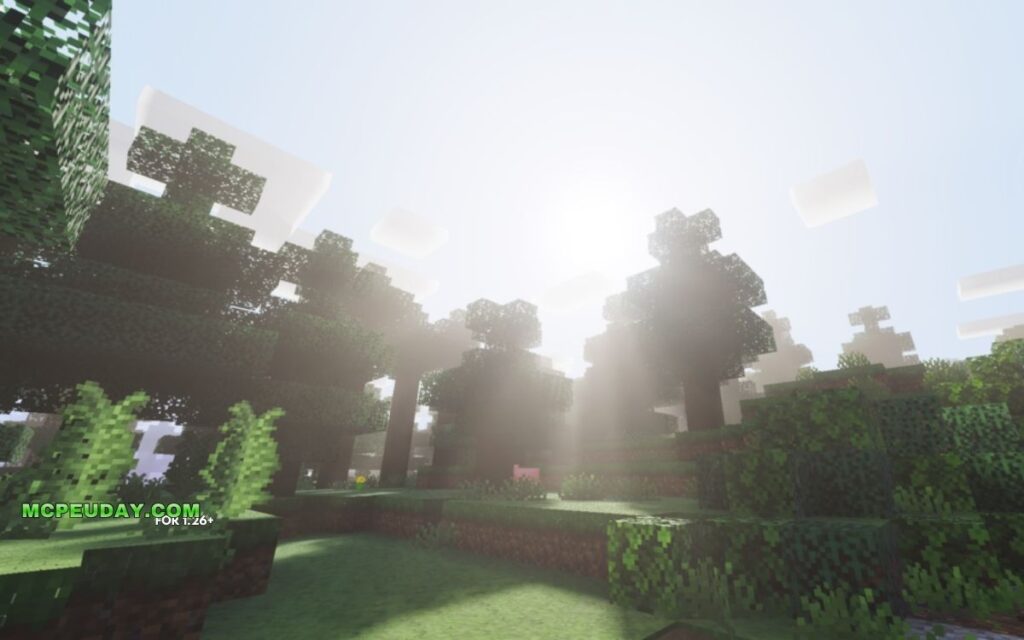
The Xiao Reimagined Shader is a free Minecraft shader pack created by XiaoCraft that upgrades your game’s visuals with soft lighting, raytraced-style water, atmospheric fog, and purple-tinted skies — without destroying your frame rate.
Here’s a quick overview:
- Creator: XiaoCraft
- Best for: Minecraft Bedrock Edition (MCPE) with Vibrant Visuals enabled
- Also works on: Java Edition (via OptiFine or Iris)
- Minimum device: Adreno 640 / Snapdragon 855, MediaTek Dimensity 1000, or DirectX 12 FL11 on PC
- Latest version: v2.3+ (requires Minecraft 1.21.90 or newer Preview/Beta)
- Downloads: 271,300+ on CurseForge
- Rating: 3.9 out of 5
It’s one of the most downloaded shaders in XiaoCraft’s catalog, which has racked up over 2.5 million total downloads across 17 projects.
Free with Minecraft Marketplace All Packs – Click and Join
5. Lumina Visuals Shader
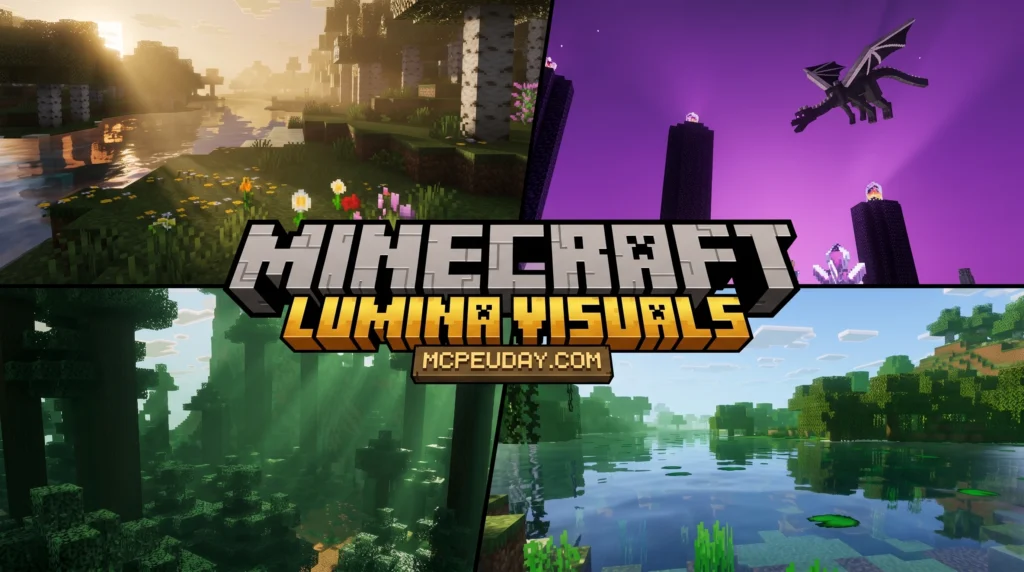
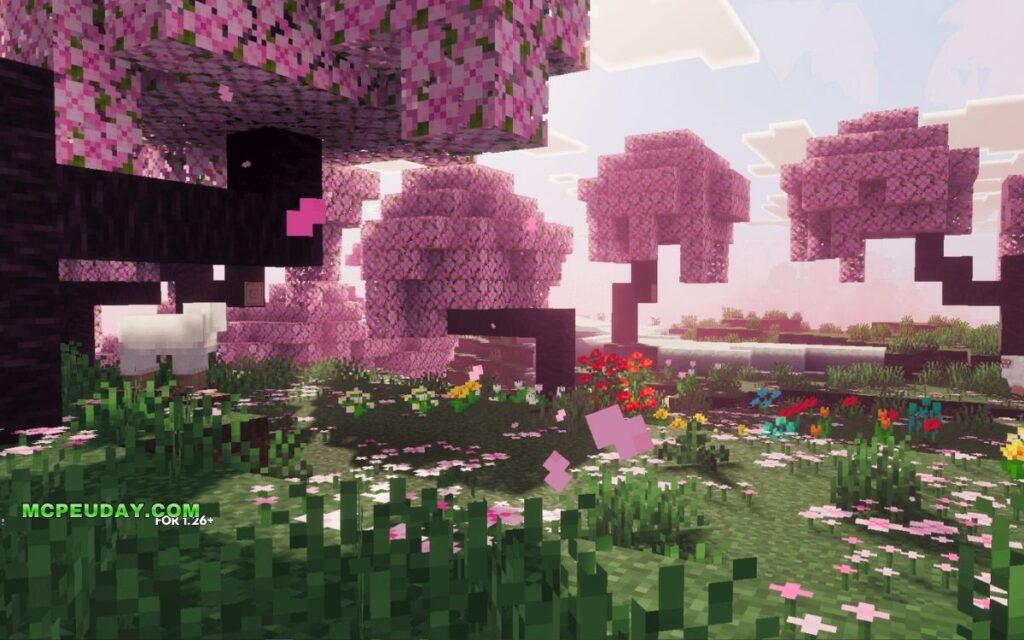
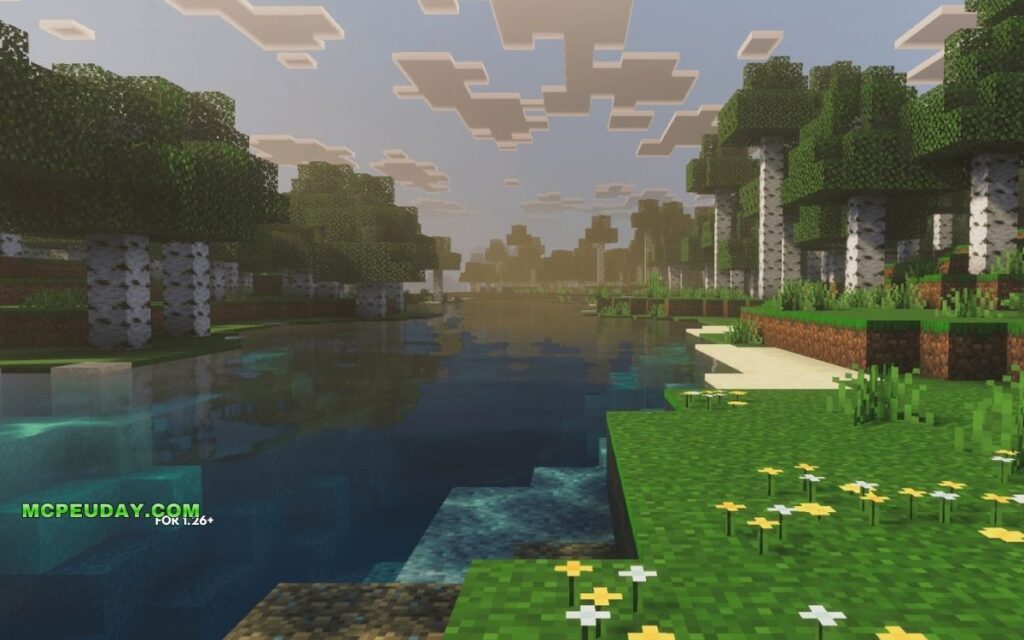
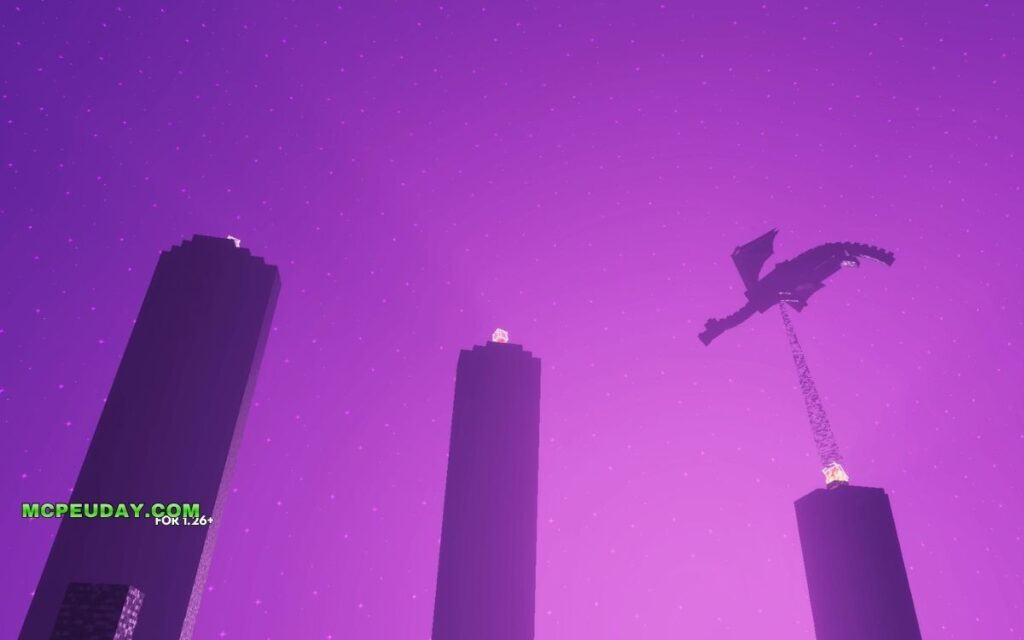
Lumina Visuals Shader is a deferred rendering shader pack for Minecraft Bedrock Edition that transforms the game’s default visuals into a cinematic, high-realism experience — without destroying your frame rate.
Quick answer for Bedrock players:
- What it is: A performance-friendly shader pack for Minecraft Bedrock/PE
- What it does: Adds cinematic shadows, reflective water, volumetric sky, and enhanced color grading
- Who made it: Published by HoneyStudios on CurseForge
- Where to get it: Download as an
.mcpackfile from CurseForge or MCPEDL - Version support: Compatible with Minecraft Bedrock 1.21 (26.x)
- Requires experimental mode: Yes, in most cases
Minecraft Bedrock’s default graphics get the job done — but they’re flat. Shadows are basic. Water looks like a texture. The sky barely changes.
4. Grafika Shader
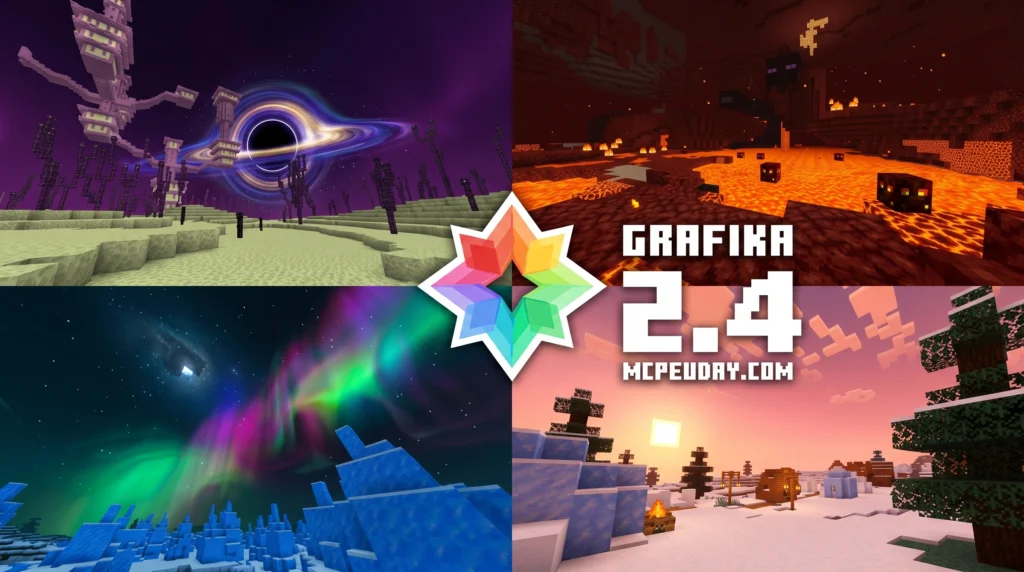
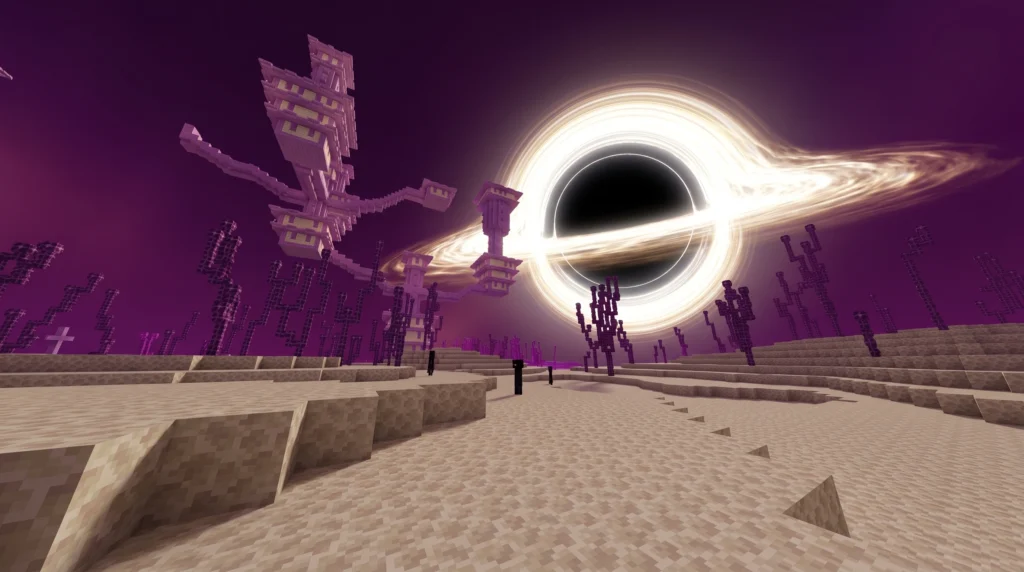
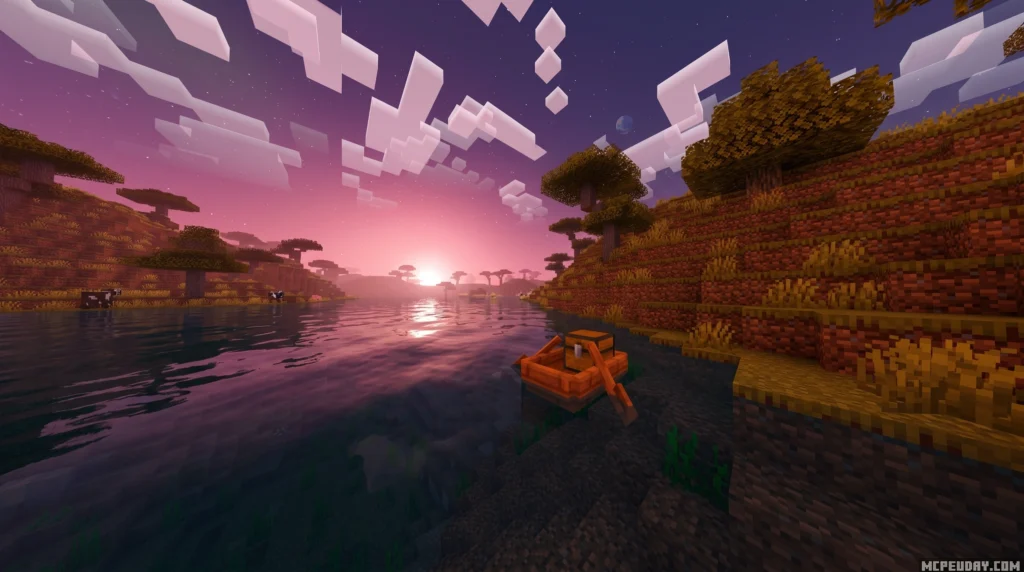
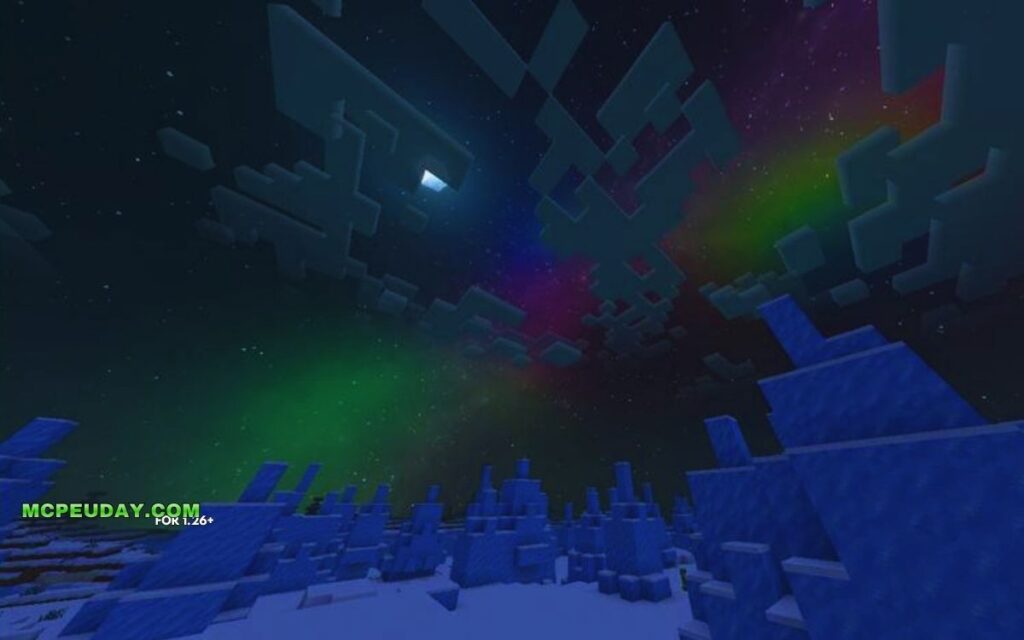
When you think of a standard graphics mod, you probably think of realistic water, waving leaves, and blinding sun rays. But Grafika Shader takes a completely different path. Instead of chasing hyper-realism, it transforms your Minecraft Bedrock edition into a beautifully stylized, cel-shaded world.
This pack works by injecting custom rendering techniques into the game engine. If you’ve ever wondered what are shaders in games, they are essentially programs that tell the game how to render lighting, shadows, and textures. While most shaders focus on realistic physical lighting, this pack uses edge-detection algorithms to draw thick, comic-book-style black outlines around every mob, block edge, and player.
3. Enhanced Vibrant Visuals Shader
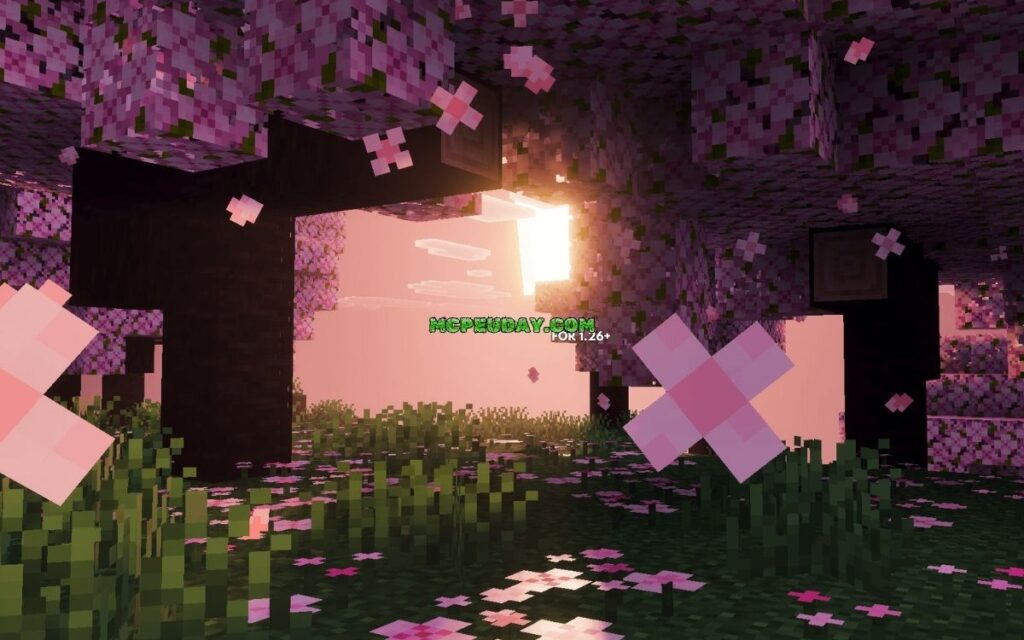
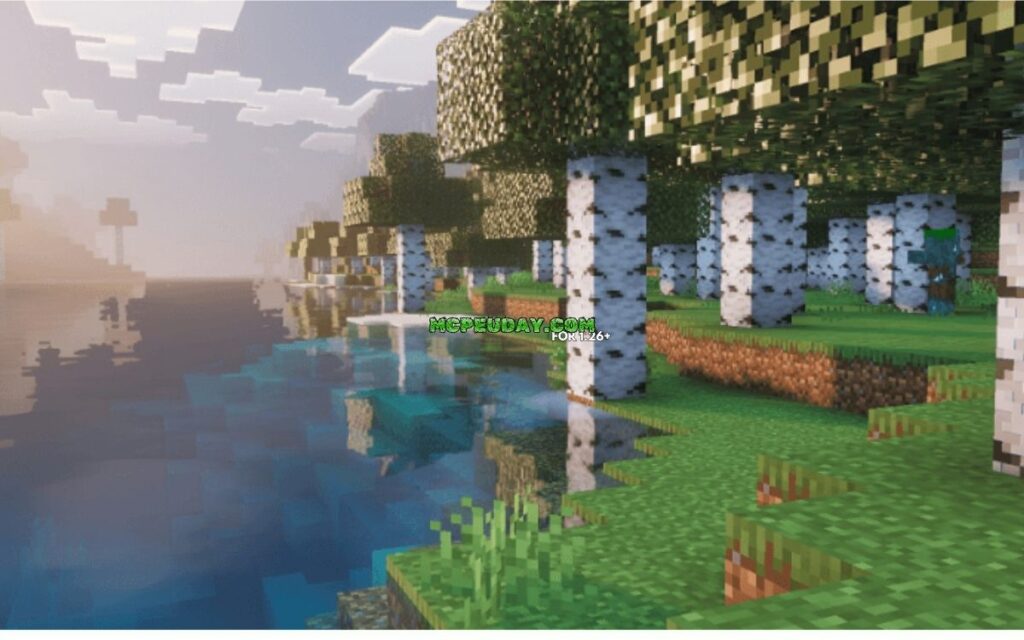
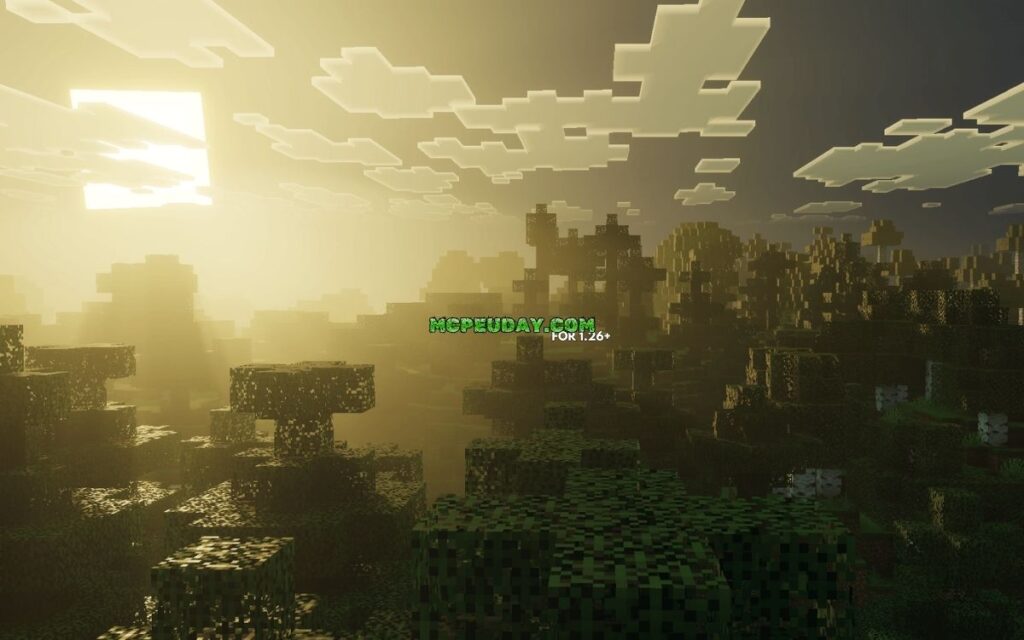
The Enhanced Vibrant Visuals Shader is a free resource pack for Minecraft Bedrock Edition that builds on top of Mojang’s official Vibrant Visuals graphics mode — adding PBR textures, biome-specific volumetric fog, improved particles, and deeper atmospheric effects that the base mode doesn’t include.
Quick answer:
- What it is: A community-made pack that extends Minecraft Bedrock’s built-in Vibrant Visuals mode
- Who made it: XiaoCraft, a creator with 2.8M total downloads across 17 projects
- Downloads: Nearly 11,000 downloads since launch
- Works on: iOS, Android, Xbox, PlayStation, and Windows
- Requires: Vibrant Visuals mode enabled in your Minecraft video settings
- Where to get it: CurseForge (free download)
Minecraft’s official Vibrant Visuals update was a huge deal. It brought directional lighting, volumetric fog, and reflective water to Bedrock Edition without needing any mods. But for players who wanted more — richer fog in specific biomes, real PBR materials on blocks, and fancier particles — the base mode still left something to be desired.
2. Velmora Visuals Shader
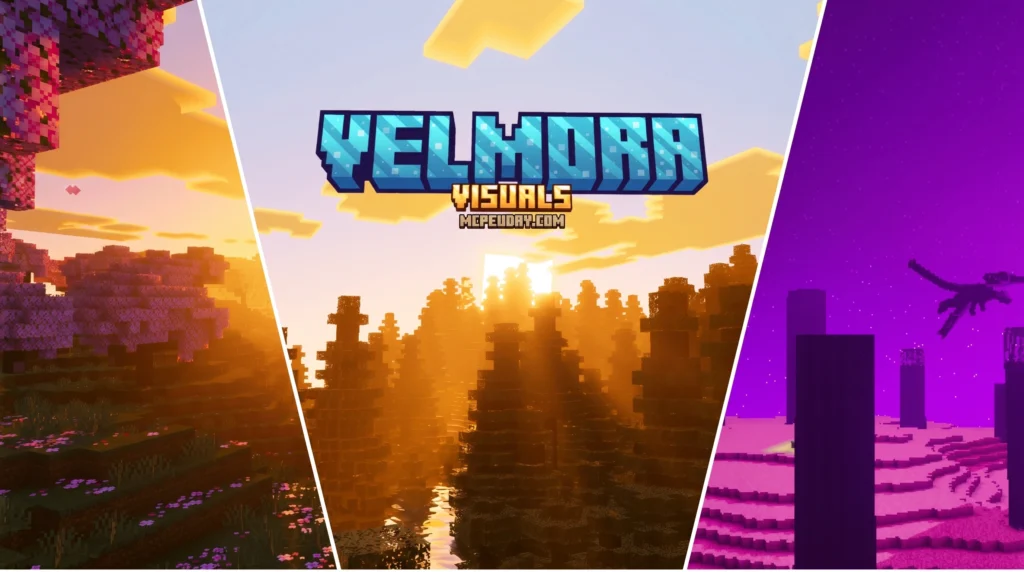

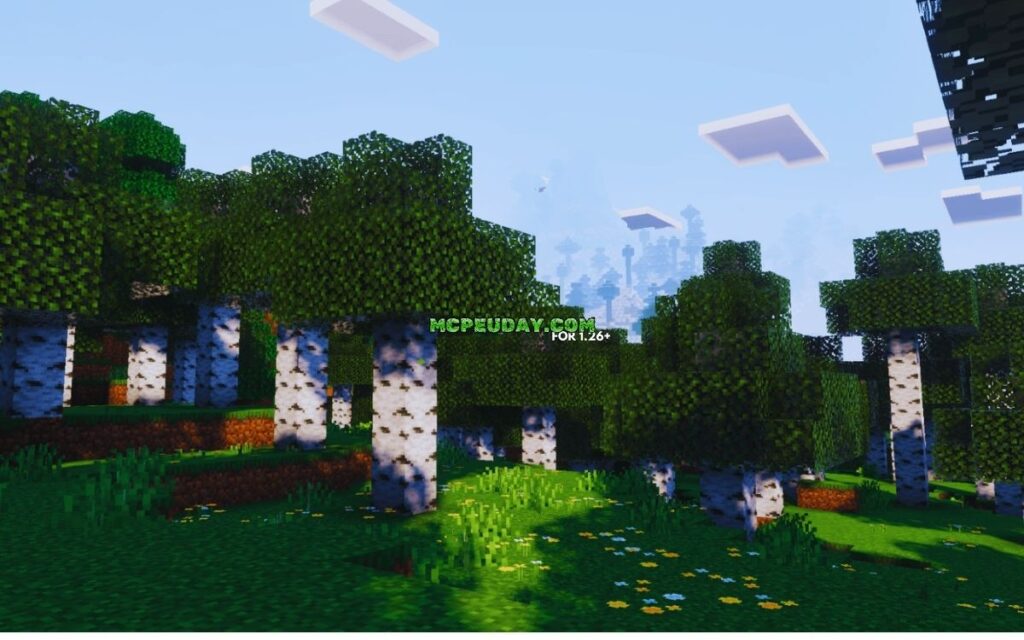
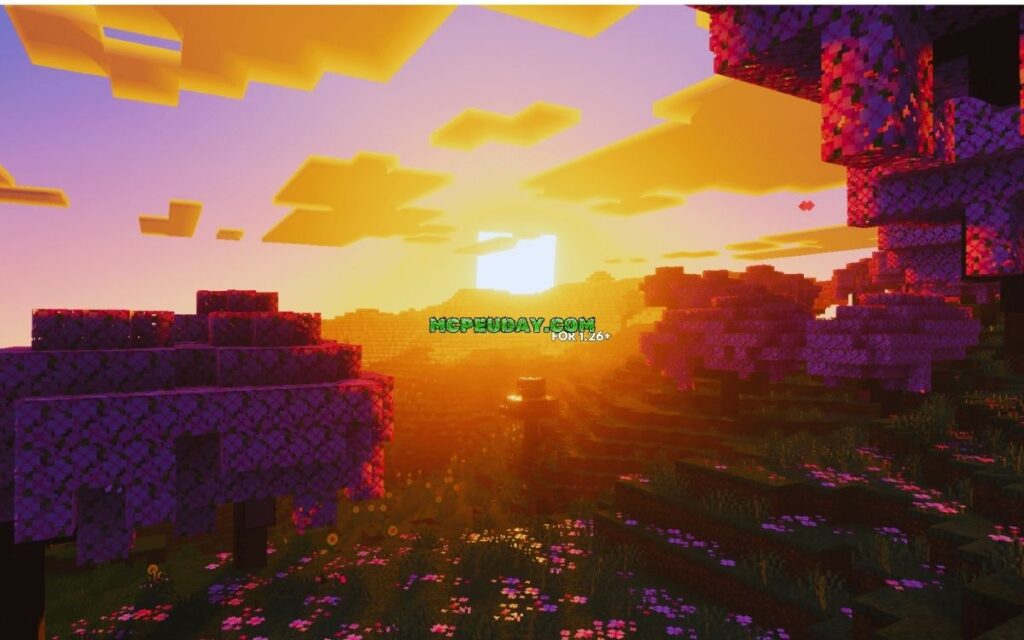
The Velmora Visuals SHADER is a free Minecraft Bedrock Edition shader pack that transforms your game into a dreamy, fantasy-style world — complete with purple and pink color tones, high-intensity sunlight, and layered fog effects.
Quick answers:
- What it is: A fantasy-themed shader for Minecraft Bedrock (MCPE) 1.21 and version 26.x
- Best for: Low-end and mid-range mobile devices wanting vibrant visuals without heavy FPS loss
- Visual style: Purple/pink tones, warm sunsets, dynamic shadows, and soft fog layers
- How to install: Download the
.mcpackfile, open it in Minecraft, then activate it under Settings → Global Resources - Cost: Free to download
Whether you play on a budget Android phone or a newer device, Velmora Visuals is built to give your Minecraft world a cinematic, fantasy look without killing your frame rate. It’s one of the standout shader options for MCPE players who want gorgeous graphics without needing high-end hardware.
Free with Minecraft Marketplace All Packs – Click and Join
1. Mirai Shader
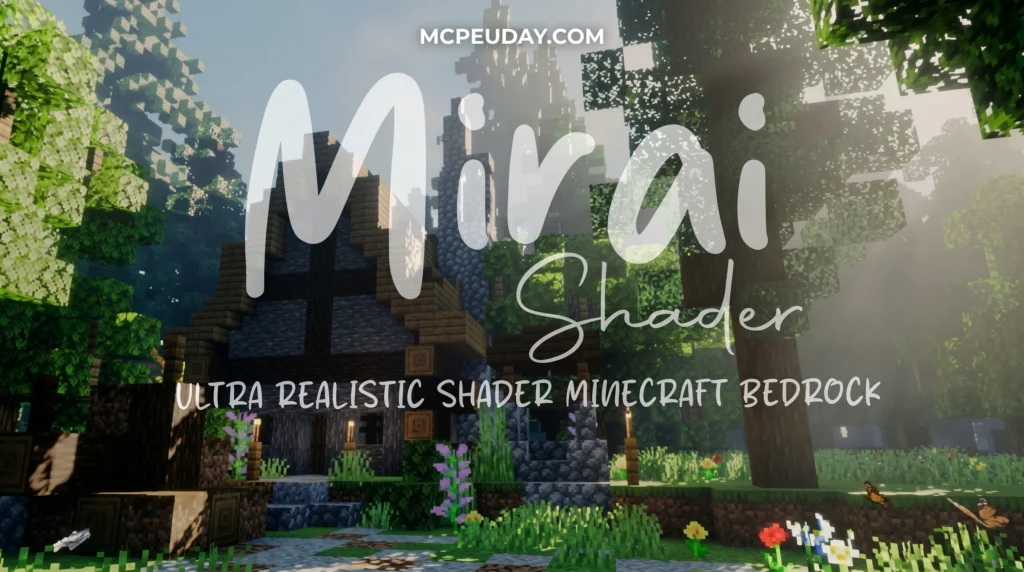
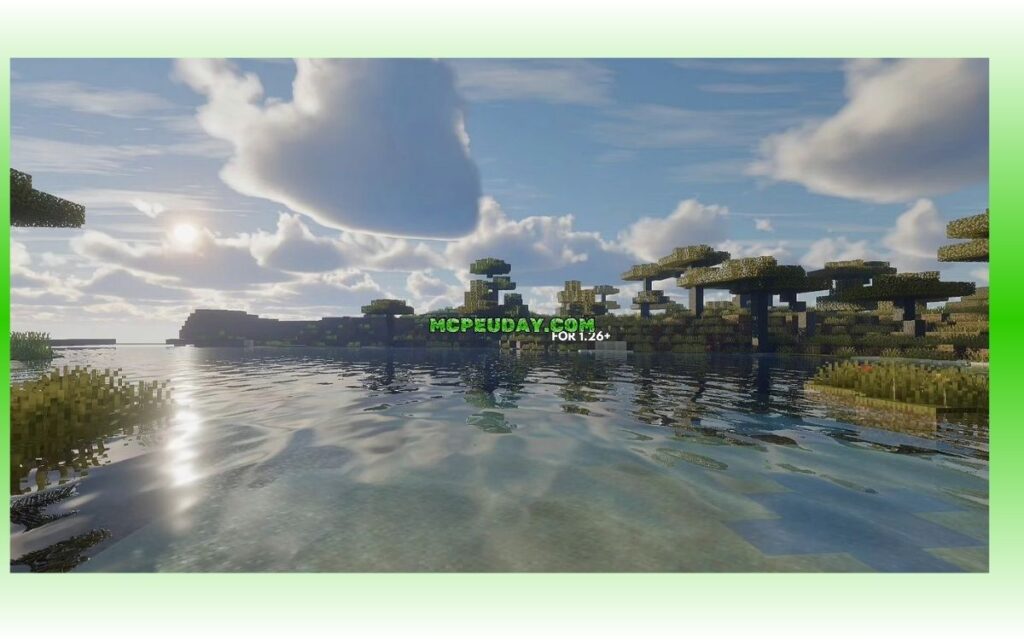
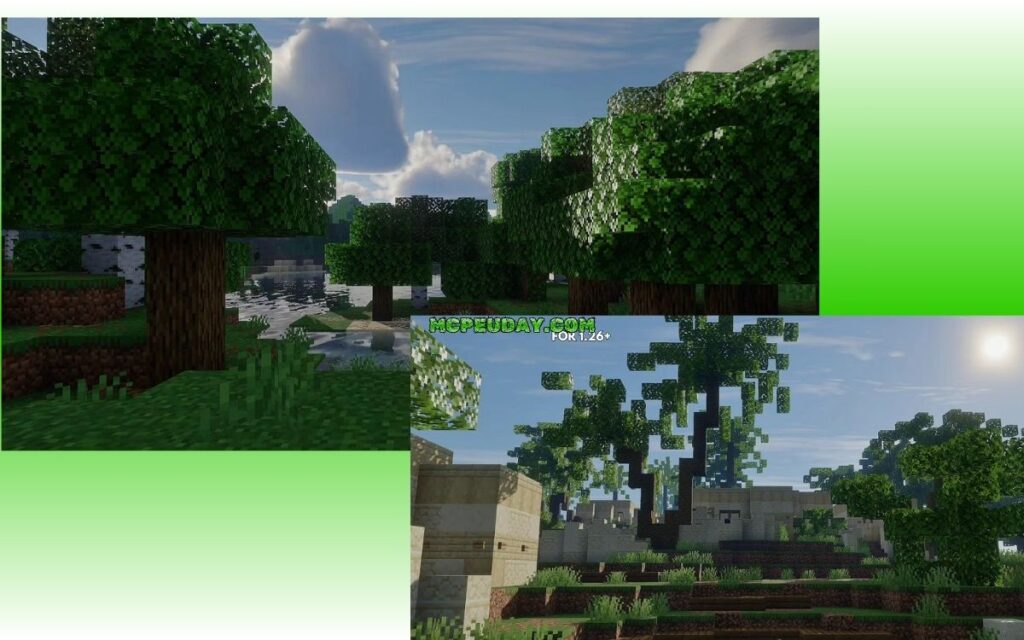
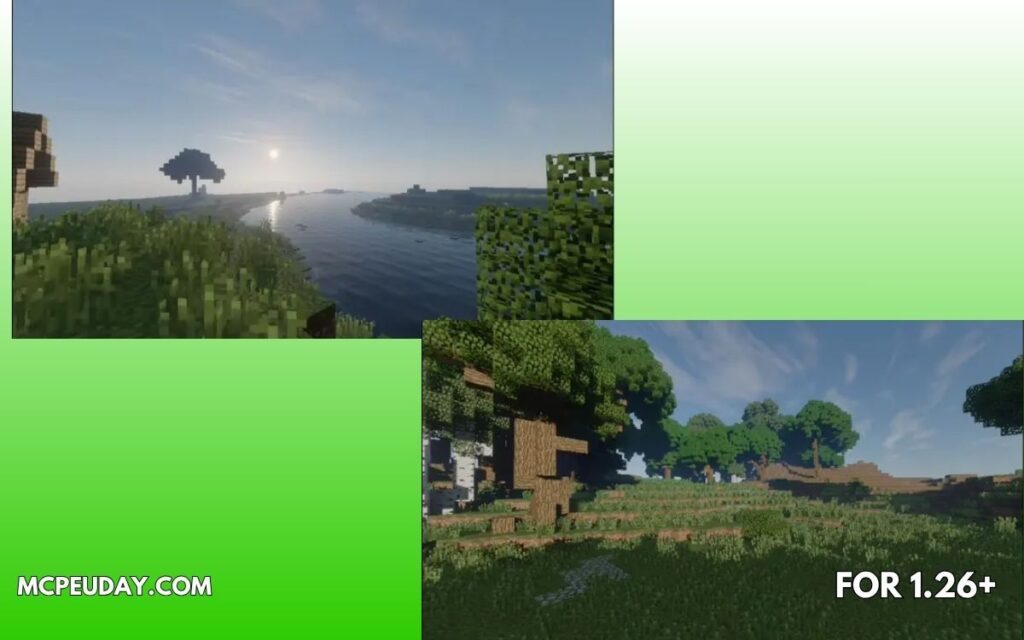
Mirai Shader is a visual overhaul resource pack for Minecraft: Bedrock Edition that rebuilds the game’s Render Dragon rendering pipeline to deliver realistic, vibrant graphics.
Quick answer for what you need to know:
- What it is: A shader pack for MCBE that modifies Render Dragon materials
- Who made it: Developer bambosan (open source on GitHub)
- Latest version: 2.1.1 (released April 2026)
- Key features: Volumetric clouds, water reflections, underwater caustics, enhanced lighting
- Device needs: Mid-range to high-end devices recommended
- Server use: Yes, fully compatible with multiplayer servers
- Other packs: Yes, compatible with other resource packs
- Where to get it: GitHub (bambosan/mirai) or download the
.mcpackfile directly
If you just want to grab it fast — download the mirai.mcpack file, import it into Minecraft, and activate it through your launcher. That’s it.
For most Minecraft players, the default Bedrock graphics feel a little flat. Mirai changes that. It rebuilds 39 or more Render Dragon materials using custom GLSL shaders and JSON config files, pushing MCBE visuals much closer to what you’d expect from a high-end game — without switching to Java Edition.
Free with Minecraft Marketplace All Packs – Click and Join
EXTRA
Why the Best Minecraft PE Shaders in June 2026 Are Worth Your Attention
What Are the Best Minecraft PE Shaders (June 2026)?
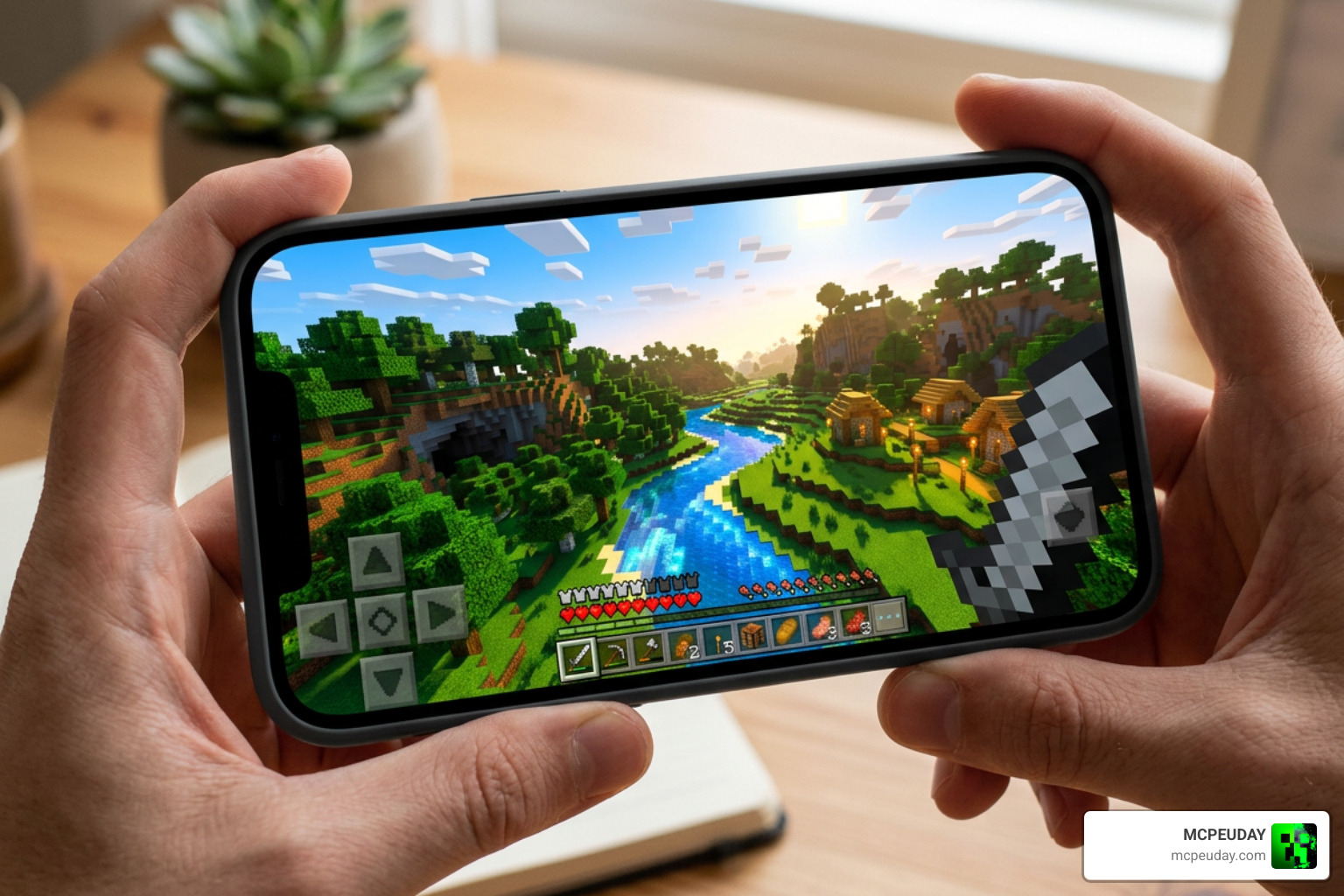
Finding the perfect shader pack is all about balancing beauty and performance. In June 2026, the mobile shading community has pushed the RenderDragon engine to its absolute limits. We now have mobile-optimized shader packs that rival the visual quality of high-end PC setups.
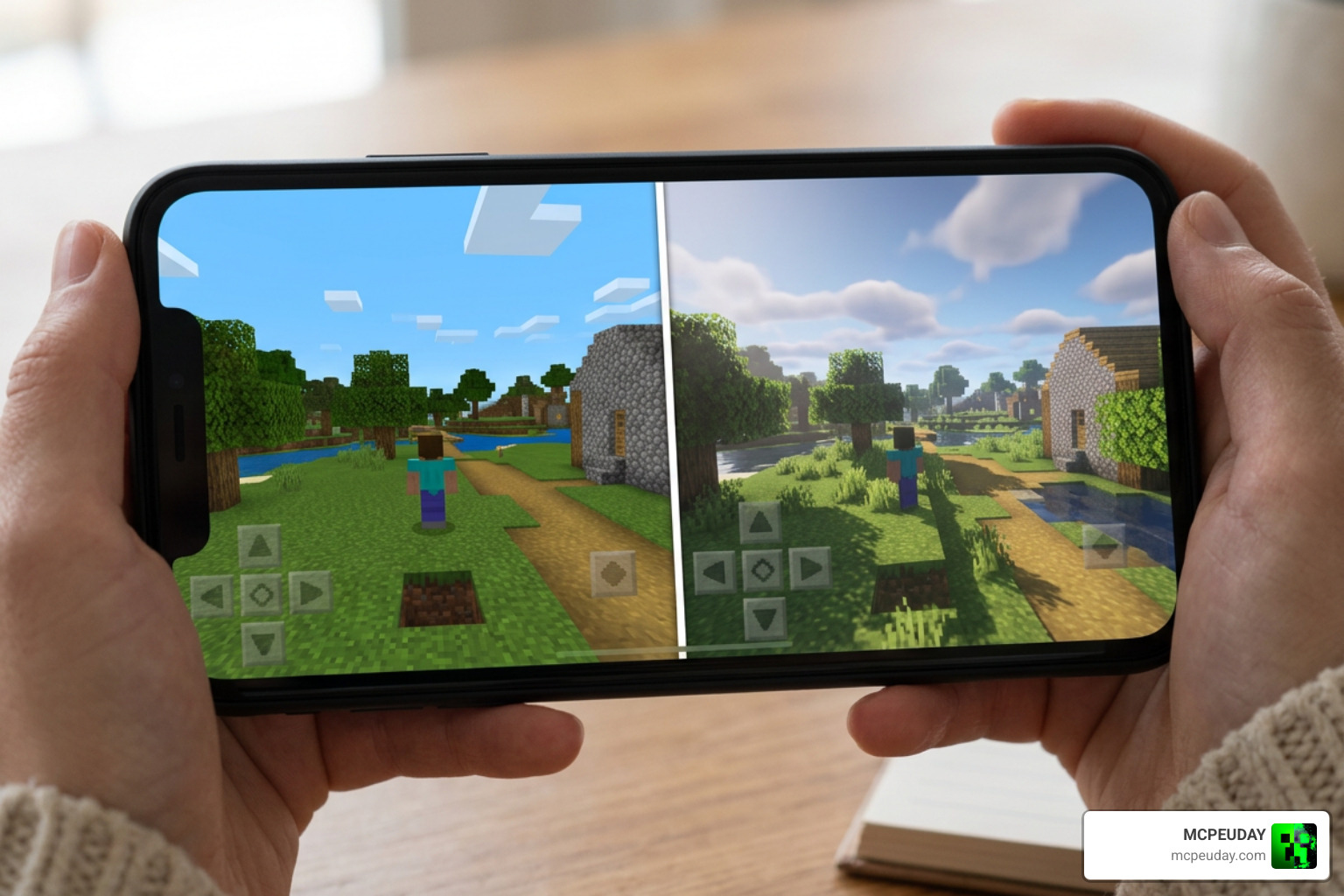
Depending on your mobile device’s capabilities, you can choose between ultra-realistic deferred lighting packs, cozy fantasy aesthetics, or ultra-lightweight performance boosters. Let’s explore the top-rated shader packs that are currently dominating the community.
Complementary and BSL: The Best Minecraft PE Shaders (June 2026) for Mid-Range Devices
If you want your world to look like a cinematic masterpiece without turning your phone into a pocket-sized radiator, Complementary Unbound and BSL Shaders are the undisputed champions.
According to community consensus, Complementary and BSL are ranked as the two best options for players who want a balanced gameplay experience. Complementary Unbound offers incredibly realistic skies, dynamic water reflections, and beautiful auto-exposure adjustments. Meanwhile, BSL Shaders provide a warm, slightly stylized, and highly customizable lighting system that makes every sunset look like a painting.
For players transitioning from PC to mobile, these packs bring that premium Java-like aesthetic directly to Bedrock. To see how these hold up against other top-tier options, check out the 10 Best Minecraft Shaders 2026 – Java and Bedrock and explore our detailed breakdown of the Best Shaders for MCPE 1.21 (2026) – Top 3 Realistic Minecraft PE Shaders.
Solas and Newb X: Best Minecraft PE Shaders (June 2026) for Fantasy Skies
If you are tired of the standard blue-and-white vanilla skybox, it is time to inject some fantasy into your world. The Solas Shader and Newb X Dragon are designed specifically for players who love dreamy atmospheres, cosmic night skies, and magical environments.
- Solas Shader: With over 3 million downloads, Solas is legendary for its volumetric light rays (godrays) and magical, glowing block effects. It makes exploring deep caves or dense forests feel incredibly cinematic.
- Newb X Dragon: This pack is a favorite for survival players who spend a lot of time looking at the sky. It introduces stunning galaxy night skies, realistic lava animations, and glowing minerals. It also fixes common rendering issues like Nether flickering. That Android players will need MBLoader to unlock its full visual glory.
To discover more packs that deliver this level of immersion, take a look at our curated list of the Top 5 Best Realistic Shaders for MCPE.
Lightweight Alternatives: RG Shader and Chromatic Visuals
What if you are playing on a budget device in the US, Russia, or India, and you still want a gorgeous game? You do not need a flagship gaming phone to enjoy beautiful graphics.
- RG Shader: Weighing in at a tiny 4.6 MB to 6.1 MB, the RG Shader is a performance-friendly masterpiece. It features shimmering water, atmospheric fog, waving foliage, and a unique touch—vibrant red birch leaves that completely change the vibe of forest biomes. It targets a stable 60 FPS even on older Android devices.
- Chromatic Visuals: If realism isn’t your goal, Chromatic Visuals is a fantastic choice. Instead of heavy lighting calculations, it uses stylized color mapping to give your world a vibrant, cartoonish, cel-shaded look. It is incredibly lightweight and brings a fresh, animated aesthetic to biomes like cherry blossom forests and swamps.
For more smooth-running options, check out our guide on the 3 Best Shaders for Minecraft 1.21 – Ultra Realistic, Smooth FPS & Stunning Graphics.
Performance, System Requirements, and Visual Styles
Before downloading the heaviest shader pack you can find, it is important to understand your device’s hardware limitations. Shaders alter lighting, shadows, colors, and water animations in real-time, which can heavily tax your phone’s processor.
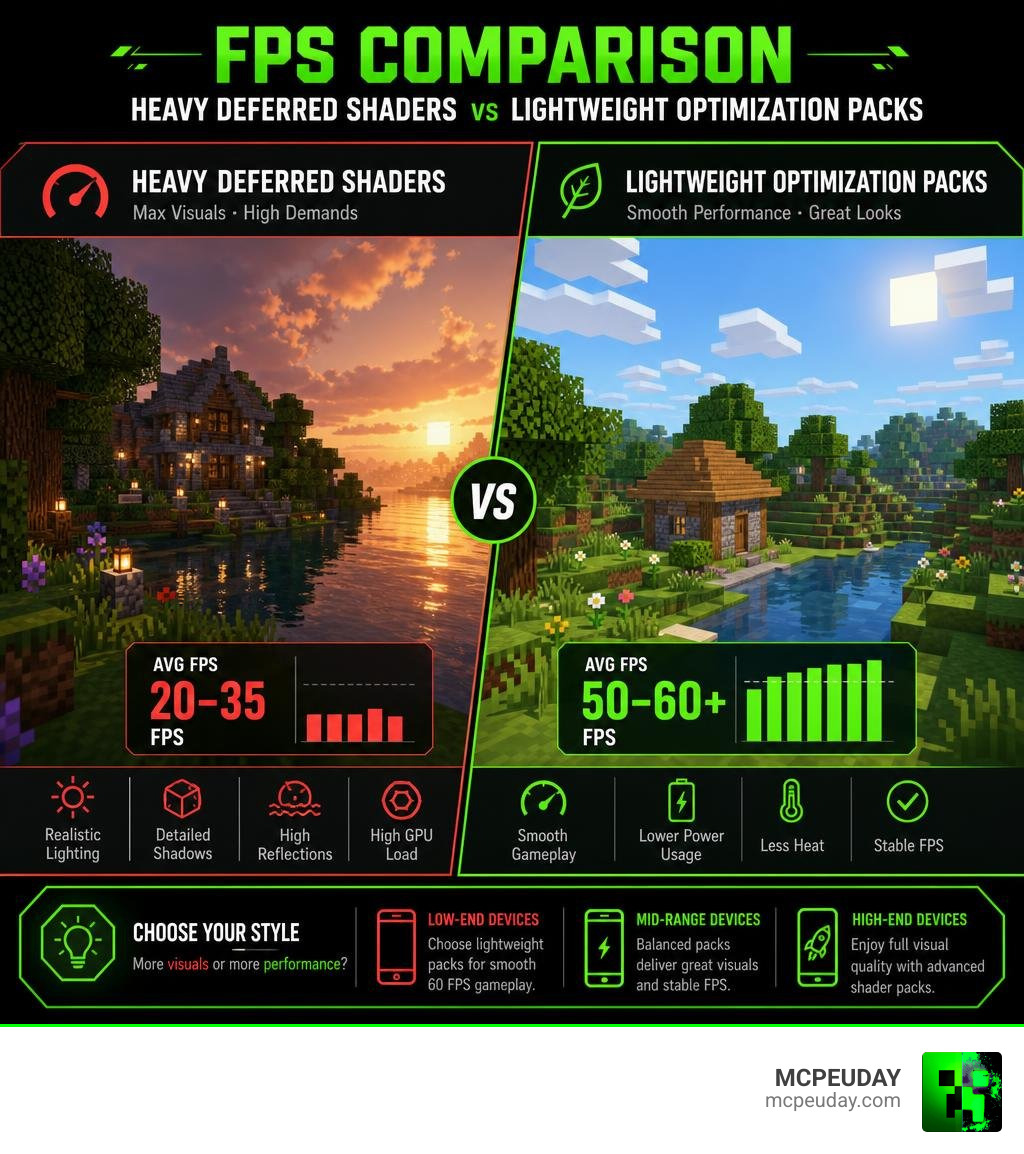
To run advanced shaders smoothly, your device needs a capable GPU. For mid-to-high-end packs, we recommend devices equipped with at least an Adreno 640, Mali-G68, Mali-G77, or Xclipse 530 graphics processor. If you want to see these performance differences in action, you can watch this video on the Top 10 BEST Minecraft Shaders!! 2026 – YouTube.
Realistic and Deferred Lighting Shaders
With recent updates to the RenderDragon engine, Bedrock Edition now officially supports deferred lighting. Shaders like Revolution Vibrant Visuals utilize this technology to generate true physically-based rendering (PBR) materials.
This means armor glints in the sunlight, wet blocks reflect the sky during rainstorms, and light bounces naturally off surfaces. However, these features require significant processing power and are best reserved for high-end mobile devices. If you want to explore the cutting edge of mobile graphics, check out our guide to the Best Render Dragon Shaders for MCPE 1.21.
Low-End Devices and FPS Boosters
If your device struggles with frame drops, you should look for optimization packs rather than heavy visual overhauls.
Packs like Gemini Ultra Boost are designed specifically to give you frames back. Instead of adding heavy rendering pipelines, Gemini improves performance by removing screen-cluttering particles, disabling heavy flipbook animations, and offering utility features like outlined ores and a see-through pumpkin overlay. It is the perfect choice for competitive PvP servers where input lag must be kept to an absolute minimum.
How to Install Shaders on Minecraft Bedrock for Android
Installing shaders on Android has become incredibly straightforward thanks to the .mcpack file format. You no longer have to manually dig through hidden system folders to enjoy custom graphics.
To get started, you can find a massive library of secure files directly via our Minecraft Shaders Download for Android page. For a broader look at the installation process across different platforms, read our How to Turn On Shaders in Minecraft (2026 Guide).
Step-by-Step Installation Guide
Follow these simple steps to install and activate your new shader pack on Android:
- Download the Shader: Download your chosen shader pack (ensure it ends in
.mcpack) from a trusted source. - Open the File: Tap the completed download notification or use a file manager to open the
.mcpackfile. Select Minecraft as the application to open it. - Wait for Import: Minecraft will launch automatically and display an “Import Started” message at the top of the screen, followed by “Successfully Imported.”
- Activate Globally: From the Minecraft main menu, go to Settings > Global Resources > My Packs. Find your shader, tap it, and click Activate.
- Adjust World Settings: For advanced shaders (like deferred lighting packs), make sure to enable experimental features like “Beta APIs” or “Upcoming Creator Features” in your specific world settings.
Troubleshooting Common Shader Issues
If you run into issues, do not panic! Here are the most common fixes:
- Black Screen / Crashes: This usually happens when you stack multiple heavy shaders. Make sure you only have one active global shader pack enabled at a time.
- Missing Textures or Flickering: If textures look broken, you may have an older version of the shader installed. Delete the old version from your storage settings before importing the new one.
- Shader Not Showing Up: Ensure the file extension is
.mcpack. If it downloaded as a.zipfile, simply rename the file and change the extension to.mcpackbefore tapping it.
Frequently Asked Questions About MCPE Shaders
Do Minecraft PE shaders work on multiplayer and Realms?
Yes! Most shaders are client-side resource packs. This means you can use them on multiplayer servers and Realms to make your own game look beautiful without affecting other players or causing server-side lag.
Do shaders significantly reduce FPS on mobile devices?
Heavy shaders that calculate real-time shadows and reflections will reduce your FPS. However, lightweight options like the RG Shader or performance-focused packs like Gemini Ultra Boost are highly optimized and have a negligible impact on your frame rates.
What is the difference between Java and Bedrock shaders?
Java Edition shaders rely on third-party mods like OptiFine or Iris to rewrite the game’s rendering engine. Bedrock Edition (MCPE) shaders are built directly on Microsoft’s native RenderDragon engine, using .mcpack files that are much easier to install on mobile devices.
Conclusion
Upgrading your mobile graphics has never been easier. Whether you want the ultra-realistic deferred lighting of Revolution Vibrant Visuals, the cozy fantasy skyboxes of Solas, or the lightweight speed of the RG Shader, we have got you covered.
At MCPEUDAY, we are dedicated to bringing you the safest, most up-to-date resources to customize your game. Ready to explore even more styles? Head over to our Minecraft PE Shaders Category and find the perfect look for your mobile world today!
7 thoughts on “15 Best Minecraft PE Shaders (June 2026)”