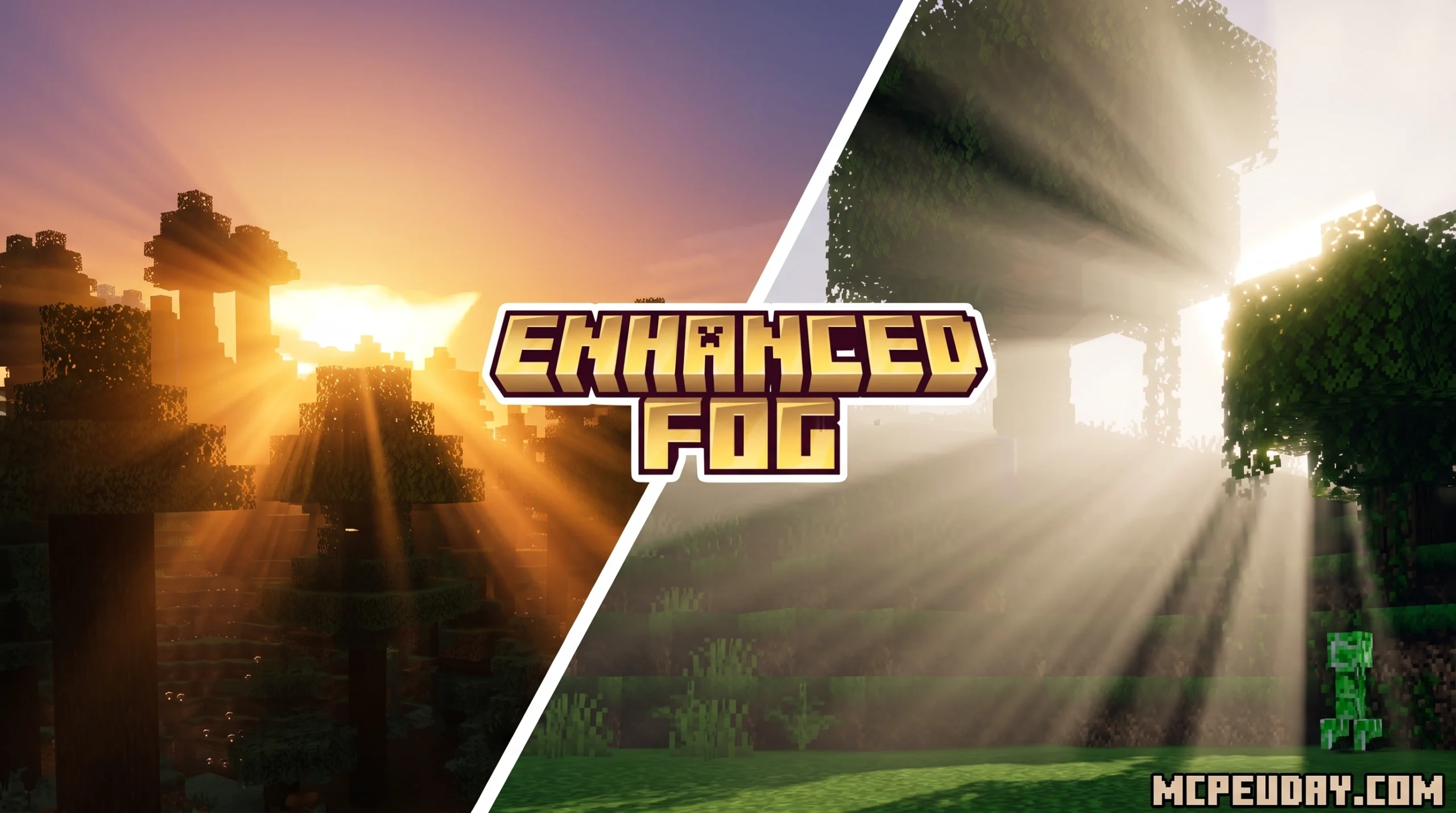
What the Enhanced Fog Shader Actually Does in Minecraft PE
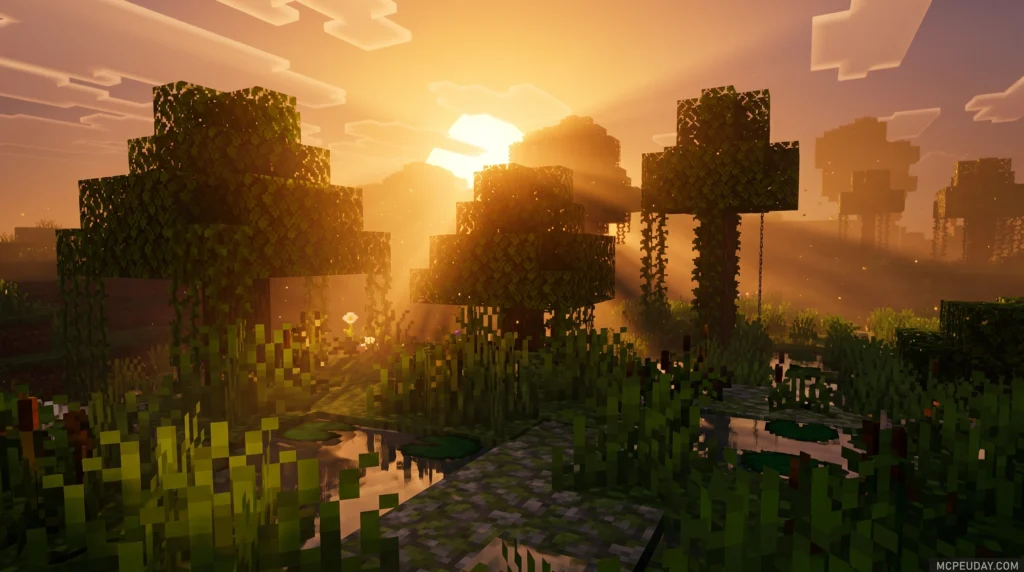
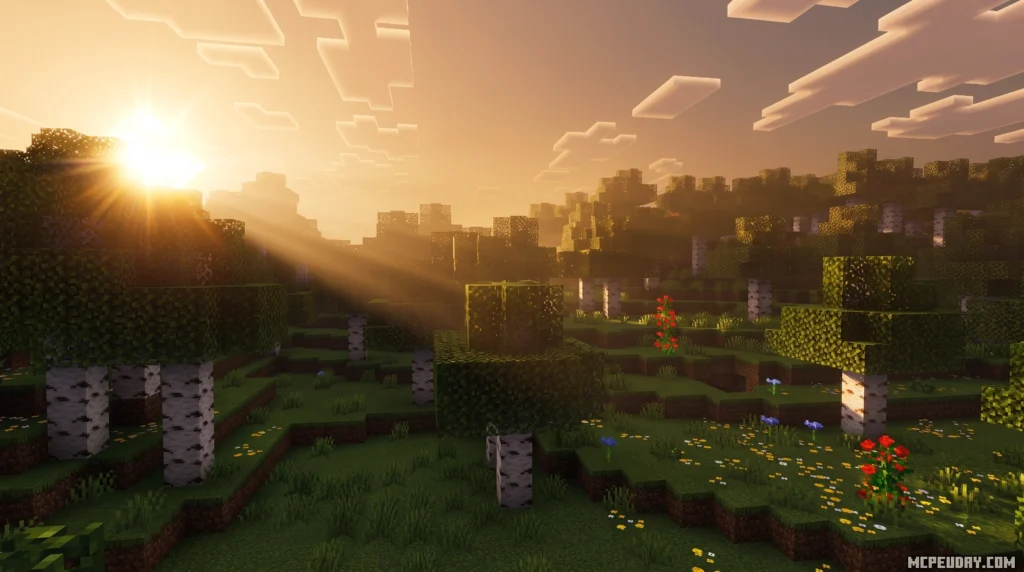
The Enhanced Fog Shader is a lightweight visual add-on for Minecraft PE/Bedrock that replaces the game’s flat, lifeless default fog with soft, natural-looking atmospheric depth — without tanking your FPS.
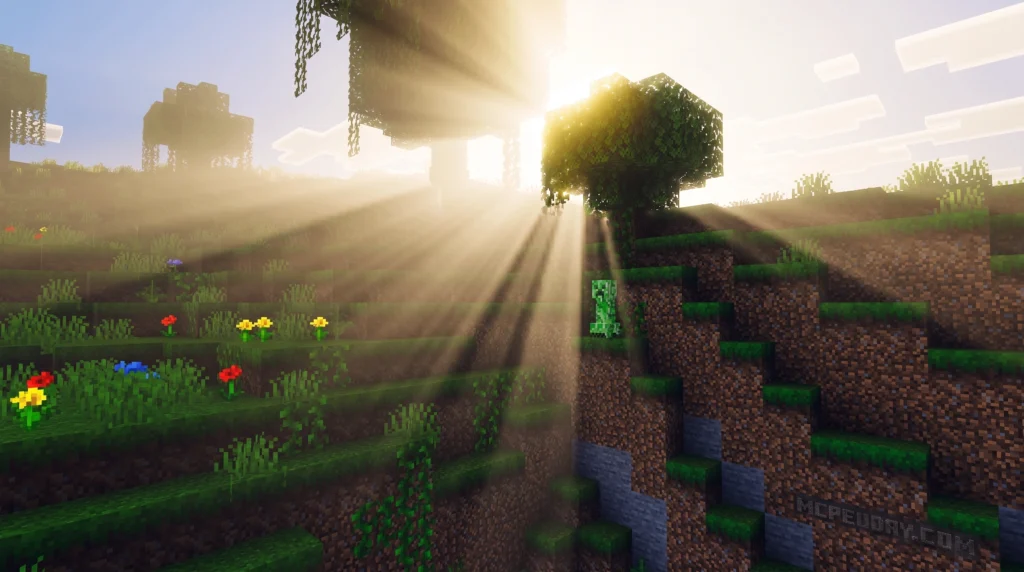
Quick answer for what it does:
- Adds smooth, distance-based fog that fades naturally into the horizon
- Layers sunbeams and light scattering over existing visuals
- Matches fog color to your current biome (swamp, cherry grove, deep dark, etc.)
- Improves underwater fog for a more immersive feel
- Works on Android and iOS with Minecraft Bedrock 1.21 and version 26.x
- Designed to be lightweight on mid-range mobile devices
If you’ve ever loaded into a Minecraft world and felt like something was missing — that cinematic haze you see in screenshots but never in your own game — this is exactly what fills that gap.
Vanilla Minecraft fog is blunt. It just cuts off the world at a flat wall of white. The Enhanced Fog Shader fixes that by making the air itself feel alive, whether you’re standing on a mountain looking into the distance or wading through a swamp at dusk.
It’s also one of the few fog add-ons built specifically for Bedrock and mobile — not ported from Java, not a heavy PC shader squeezed onto your phone.
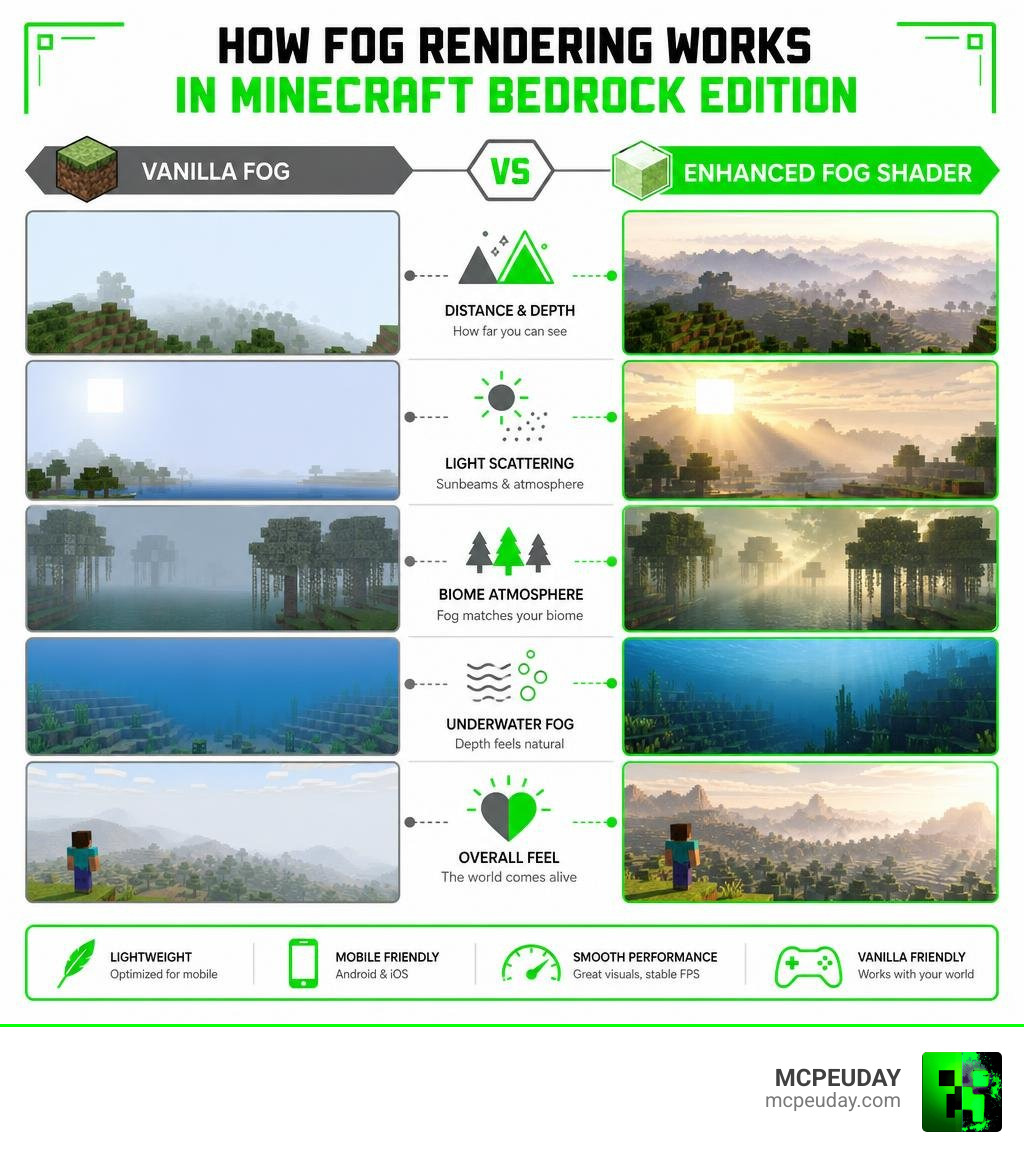
Transforming Your World with the Enhanced Fog Shader
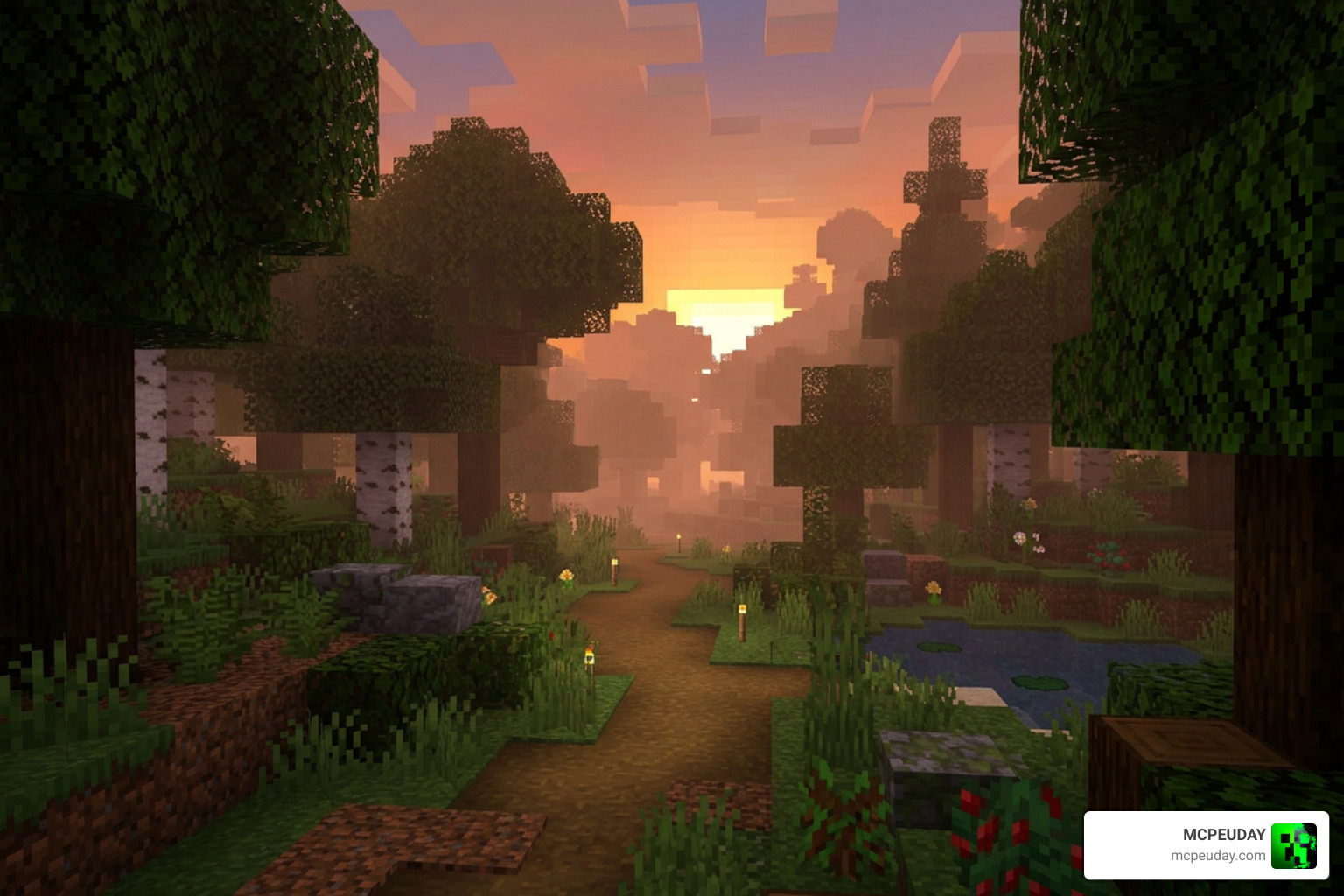
When we talk about upgrading mobile graphics, many players immediately think of heavy lighting overhauls that turn their phones into pocket-sized heaters. But changing how fog renders is actually the ultimate “graphics hack.” By manipulating the depth buffer, we can simulate the physical presence of air, dust, and moisture.
If you are new to how these modifications function behind the screen, check out our guide on What are shaders in games to understand how they interact with Minecraft’s engine.
In Minecraft Bedrock, the Render Dragon engine controls how light and geometry are rendered. The Enhanced Fog Shader works within these rendering pipelines to calculate the distance between your camera eye and the blocks in front of you. Instead of suddenly hiding distant blocks behind a hard gray wall, it applies a smooth, gradual gradient. This gives you a true sense of scale. A massive mountain range actually looks miles away because the base is nestled under a soft layer of valley haze.
Key Visual Improvements of the Enhanced Fog Shader
The visual upgrades provided by this pack are subtle but transformative:
- Atmospheric Sunbeams: When light passes through the enhanced fog, it creates soft, volumetric light rays (crepuscular rays). This makes sunrises and sunsets look incredibly cinematic.
- Intelligent Biome Color Matching: The fog isn’t just one static color. It dynamically shifts to match the environment. Swamps feel humid and green, the Deep Dark feels appropriately oppressive, and snowy wastes feel bitterly cold.
- Improved Water Immersion: Underwater visibility is completely overhauled. Instead of looking like clear blue glass, water has realistic light scattering, making deep oceans feel mysterious and deep.
- Seamless Layering: This pack is designed to play nicely with other vanilla-plus resources. For instance, players often layer it on top of Vibrant Visuals to get the absolute best of both worlds.
To see how these visual improvements look in action or to grab the files, you can find the latest compatible versions directly on MCPEUDAY.
Supported Minecraft Versions and Platforms
Compatibility can be a massive headache in the Bedrock community, but we have great news here. The Enhanced Fog Shader is fully optimized for Minecraft Bedrock 1.21 (including the 26.x versions).
Whether you play on an Android tablet, an iPad, or an iPhone, the shader functions flawlessly across mobile operating systems. It utilizes the modern rendering capabilities of Bedrock without requiring experimental features that break with every minor game update. For a broader look at how other options perform on mobile hardware, read our Best Render Dragon Shaders for MCPE 1.21 Tested on Real Devices 2026 Guide.
How to Install and Configure the Shader on MCPE
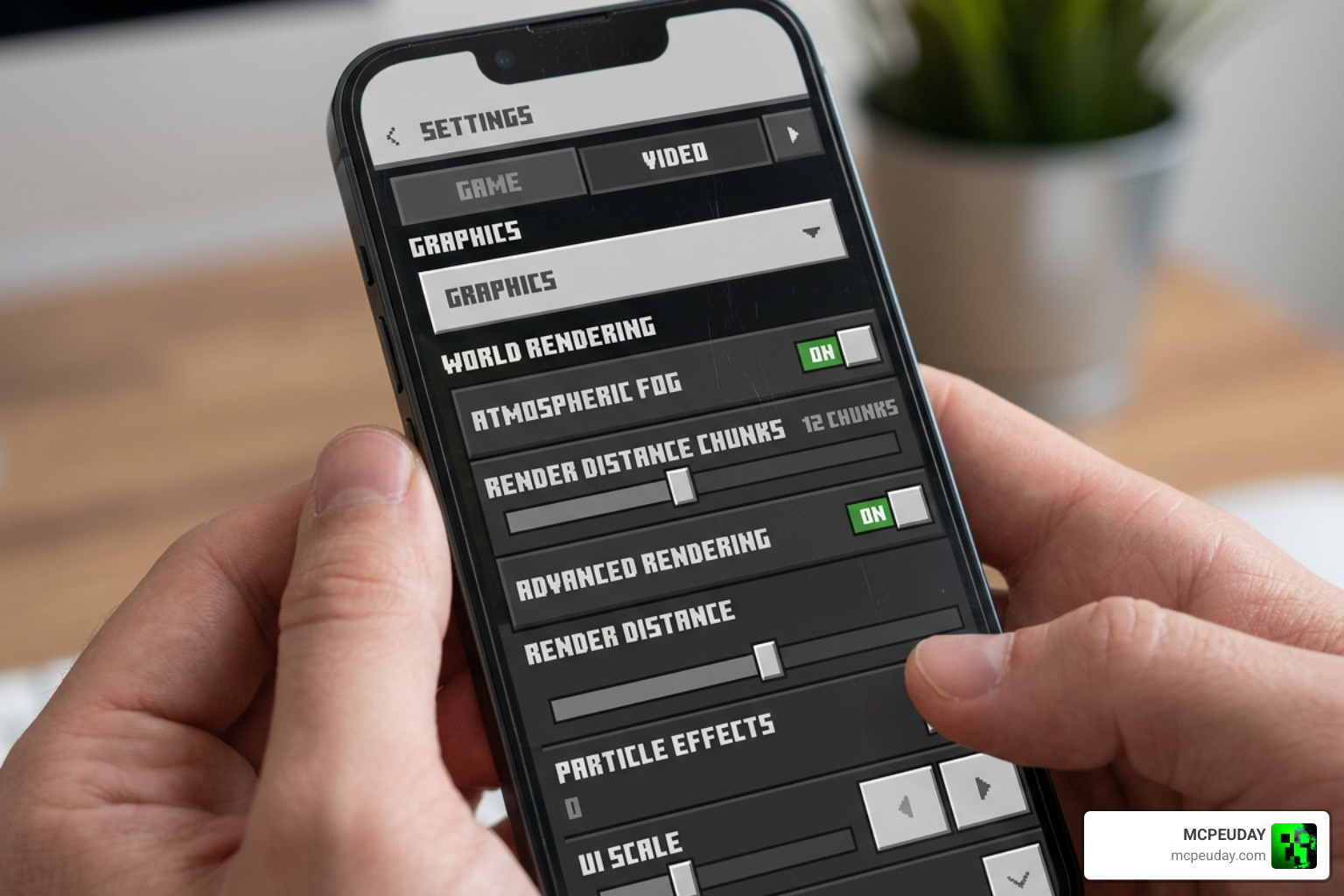
Getting the shader up and running in your world is a straightforward process, but you need to follow a few specific steps to make sure the Bedrock engine registers the files correctly. If you need a foundational walkthrough on importing visual packs, our How to Turn On Shaders in Minecraft 2026 Guide is an excellent starting point.
Step-by-Step Installation for Texture Pack vs Shader Version
The Enhanced Fog Shader can be installed either as a standalone resource pack or layered as a shader addition. Here is how to install and activate it:
- Download the Pack: Retrieve the
.mcpackfile from a trusted source. - Import to Minecraft: Tap on the downloaded file on your mobile device. Your operating system should automatically give you the option to “Open with Minecraft.”
- Verify Import: Let the game load. You should see a notification at the top of your screen saying “Import Started” followed by “Successfully Imported.”
- Apply to World Settings: Go to your World Settings (or Global Resources if you want it everywhere), navigate to Resource Packs, find the pack, and click Activate.
- Layering (If applicable): If you are using other graphics packs like Vibrant Visuals, make sure the Enhanced Fog Shader is placed on top of them in your active resource list so its fog settings overwrite the others.
- Restart the Client: Fully close Minecraft PE and launch it again to clear out the active cache and ensure the new fog values load correctly.
Customizing Your Enhanced Fog Shader Settings
Once active, you can fine-tune how the fog behaves in your world. Many versions of this pack come with a gear icon next to the active resource pack in your settings menu. Here, you can adjust:
- Fog Density: Decide whether you want a light, realistic morning mist or a dense, spooky fog perfect for survival maps.
- Water Fog Ratios: Tweak how dark and deep the oceans look when looking down from the surface.
- Biome Exclusions: If you prefer clear skies in specific biomes like deserts, you can toggle those settings off.
For developers or advanced players interested in how these fog mathematics work under the hood in external engines, you can study assets like Better Fog: Height Fog, Light Scattering & More | VFX Shaders | Unity Asset Store to see how exponential height formulas and light absorption are calculated.
Performance, Limitations, and Comparison
How does this shader hold up when things get busy? Let’s break down the technical performance and compare it to standard Bedrock alternatives.

| Shader Name | Visual Depth | FPS Impact | Device Heat | Best Suited For |
|---|---|---|---|---|
| Enhanced Fog Shader | High | Minimal (1-3% drop) | Low | Mid-range & budget mobile devices |
| Vibrant Visuals | Medium | Low | Low | General survival play |
| Sildur’s (Java Port) | High | Heavy | High | High-end mobile or PC Bedrock |
| Vanilla Fog | Low | None | None | Absolute lowest-end hardware |
Because the Enhanced Fog Shader relies on modifying the existing depth values of the game rather than injecting heavy ray-traced shadows or complex wave animations, it is incredibly friendly on your battery. Even on mid-range Android devices, you can expect a smooth, stable 60 FPS experience without your phone feeling like a hot coal.
Known Issues and API Restrictions
No pack is perfect, and because of the locked-down nature of Minecraft’s Render Dragon engine, there are a few technical quirks to keep in mind:
- Cave Sunrise/Sunset Bug: There is currently no API available in Bedrock to disable sunrise/sunset colors when you are deep underground. You might occasionally notice a faint warm glow in the fog color even while mining at Y-level -50.
- Night Fog Customization: Minecraft’s engine doesn’t allow custom night fog colors easily, meaning night transitions can sometimes look slightly bluer than intended.
- Weather Fog Limitations: There is no weather fog API for hot or dry biomes, meaning rain fog won’t dynamically appear in deserts.
- New Biomes: Biomes like the Cherry Grove and the Pale Garden require separate, manually updated fog files to render their unique pink and gray atmospheres correctly.
Suitability for Content Creators and Map Builders
If you make YouTube videos, stream, or build custom adventure maps, this shader is an absolute must-have. It adds massive spatial depth to your worlds, making structures look grander and landscapes look more professional on camera. It provides a cinematic touch that makes your screenshots stand out on social media without requiring your viewers to have a NASA-grade computer to play your maps.
Frequently Asked Questions about Minecraft Fog
Is the Enhanced Fog Shader heavy on mobile performance?
Not at all! Unlike heavy shaders that recalculate lighting and shadows in real-time, this shader primarily adjusts fog distance and color values. It has a negligible impact on FPS, making it perfect for older or mid-range phones.
Can I use this shader alongside other texture packs?
Yes! It is fully compatible with standard texture packs. Just make sure to place the Enhanced Fog Shader at the very top of your Resource Packs list so its custom fog rendering takes priority.
How do I safely download the latest version?
Always download your files from trusted community platforms. Avoid sites that force you to download executable (.exe) files or third-party installation managers. A safe Bedrock pack should always download as a .mcpack or .zip file.
Conclusion
The Enhanced Fog Shader proves that you don’t need a heavy, battery-draining shader pack to make Minecraft PE look gorgeous. By simply smoothing out the horizon, matching colors to biomes, and letting sunbeams break through the haze, it completely changes how your world feels.
If you are ready to explore more ways to elevate your game’s graphics, check out our curated list of the Best Shaders for MCPE 1.21 2026 Top 3 Realistic Minecraft PE Shaders to find the perfect match for your device! We at MCPEUDAY are committed to bringing you the best, safest, and most optimized resources to keep your blocky adventures looking stunning.
Ready to transform your world? Head over to our main hub at https://mcpeuday.com/best-shaders-for-mcpe-1-21-2026-top-3-realistic-minecraft-pe-shaders/ and grab the latest tested shader packs today!
1 thought on “Enhanced Fog Shader (26.x, 1.21) – MCPE/Bedrock Shader”