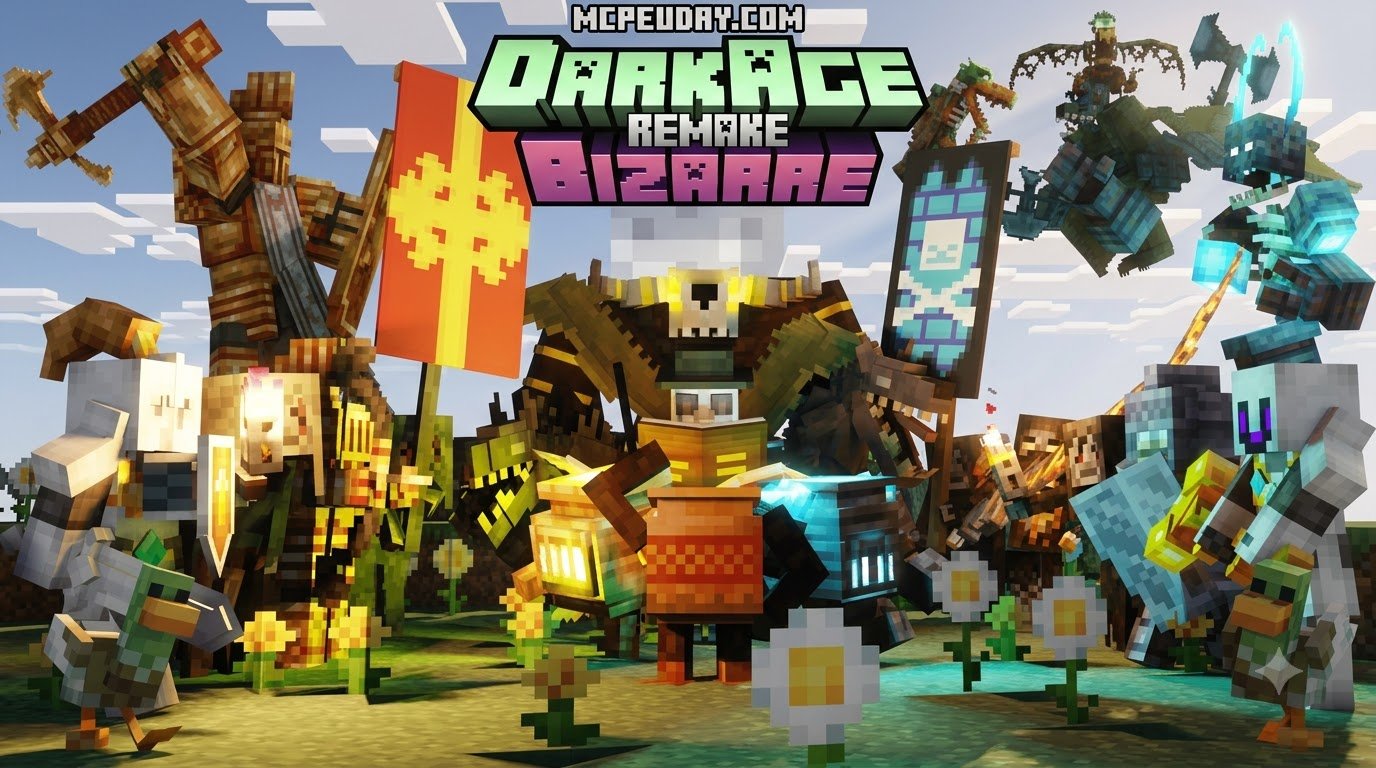
Overview of the DarkAge Bizarre Remake Addon for Minecraft PE/Bedrock
Scroll down to D0vvnl0ad
To quickly download and install the DarkAge Bizarre Remake Addon for Minecraft PE/Bedrock, download both the Resource Pack (.mcpack) and Behavior Pack (.mcpack) files, open each file to import them directly into Minecraft, and activate both packs in your world settings under Resource Packs and Behavior Packs while enabling Holiday Creator Features and Molang Features in experimental settings.
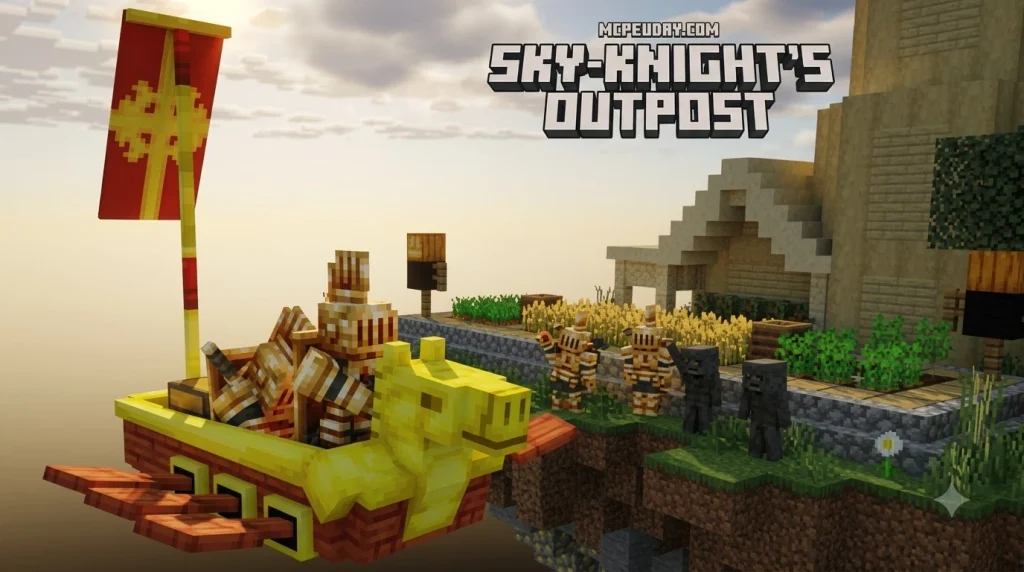
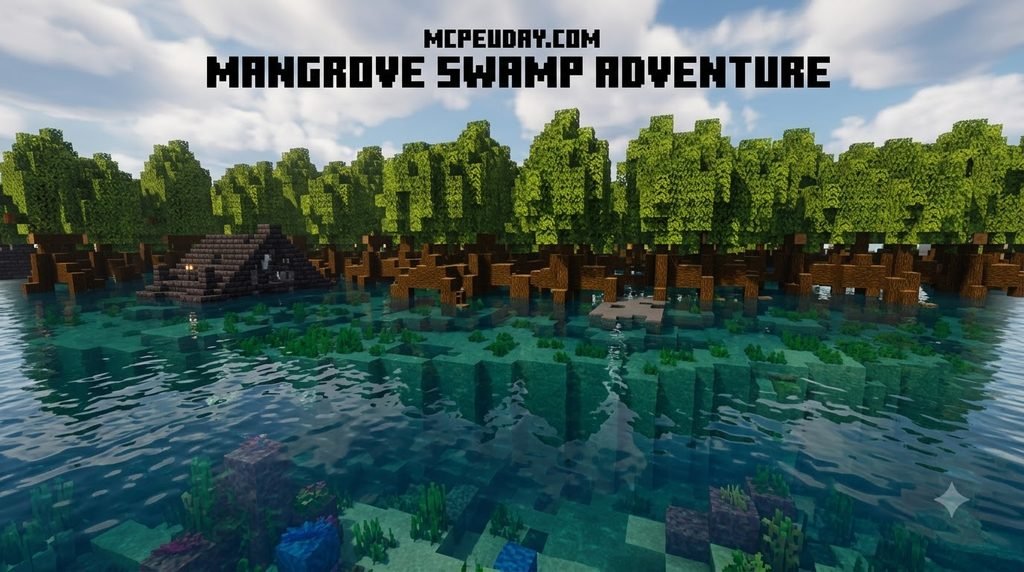
If vanilla Minecraft has started to feel too safe and predictable, the DarkAge Bizarre Remake Addon for Minecraft PE/Bedrock delivers a grim, atmospheric overhaul to your survival worlds. It introduces an assortment of dark fantasy mobs, surreal entities, and challenging encounters that keep you on edge from sunset to sunrise. Every creature comes with custom animations, unique sound design, and unpredictable attack behaviors that force you to rethink your standard combat tactics.
Whether you are exploring deep forests, navigating swamp biomes, or descending into unlit caverns, these bizarre creatures add tension to familiar biomes. The mobs are designed to blend horror aesthetics with challenging survival mechanics, ensuring that even well-equipped players must plan their expeditions carefully and establish secure fortified shelters before nightfall. Pairing this mod with a dedicated Dark Fantasy Addon elevates the experience into a full gothic survival RPG with heightened immersion.
Key Features and Changes in the DarkAge Bizarre Remake Addon for Minecraft PE/Bedrock v0.7.76
The developer community consistently refines the pack to address visual quirks, geometry errors, and performance issues across different Bedrock platforms. In the recent v0.7.76 update, the primary focus centered on texture consistency, sound synchronization, and fixing entity visibility bugs that previously disrupted immersion.
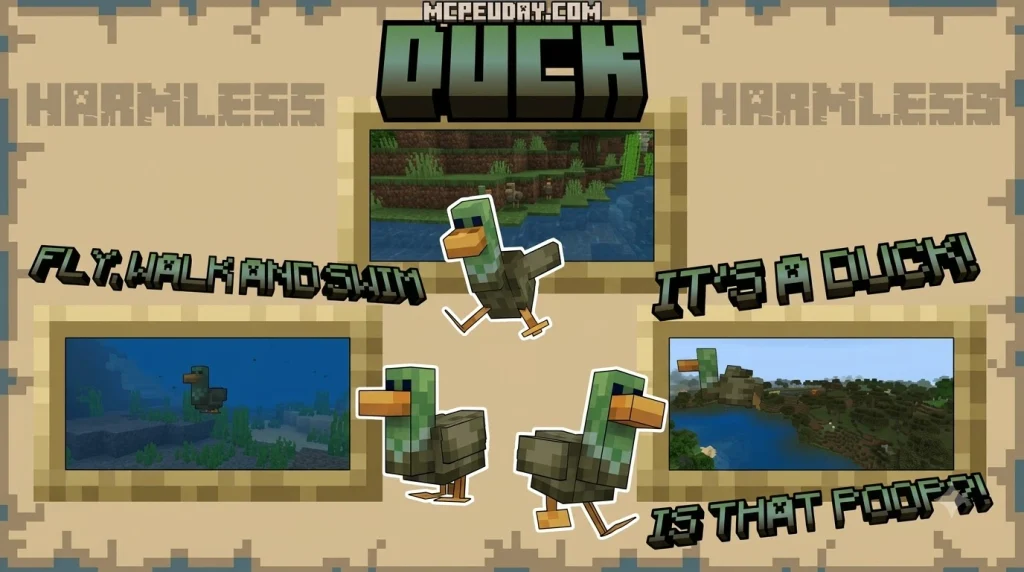
Most notably, earlier versions suffered from an amusing yet frustrating glitch where the custom duck mob was rendered completely invisible in the game world. Players would hear quacking in the distance without being able to see what was making the noise! The v0.7.76 Resource Pack update resolved this rendering bug by correcting the internal geometry paths, ensuring that the duck mob and all other custom entity models load their textures correctly without visual artifacts, floating hitboxes, or missing asset warnings.
Technical Specifications and File Sizes
To ensure smooth performance across mobile devices, consoles, and PC, the addon is divided into two separate, optimized modules:
| Pack Component | File Size | Primary Function |
|---|---|---|
| Resource Pack (RP) | 5.57 MB | Custom models, textures, animations, and sound effects |
| Behavior Pack (BP) | 583.78 KB | Entity AI logic, spawn rates, health values, and attack mechanics |
Both files must stay synchronized in your world files to prevent missing texture placeholders (the dreaded purple-and-black checkerboard patterns) or unresponsive mobs that wander without attacking or interacting with the environment.
Step-by-Step Installation Guide for Bedrock and MCPE
Installing the DarkAge Bizarre Remake addon on Minecraft Bedrock Edition is straightforward regardless of whether you play on Android, iOS, Windows, or console platforms.
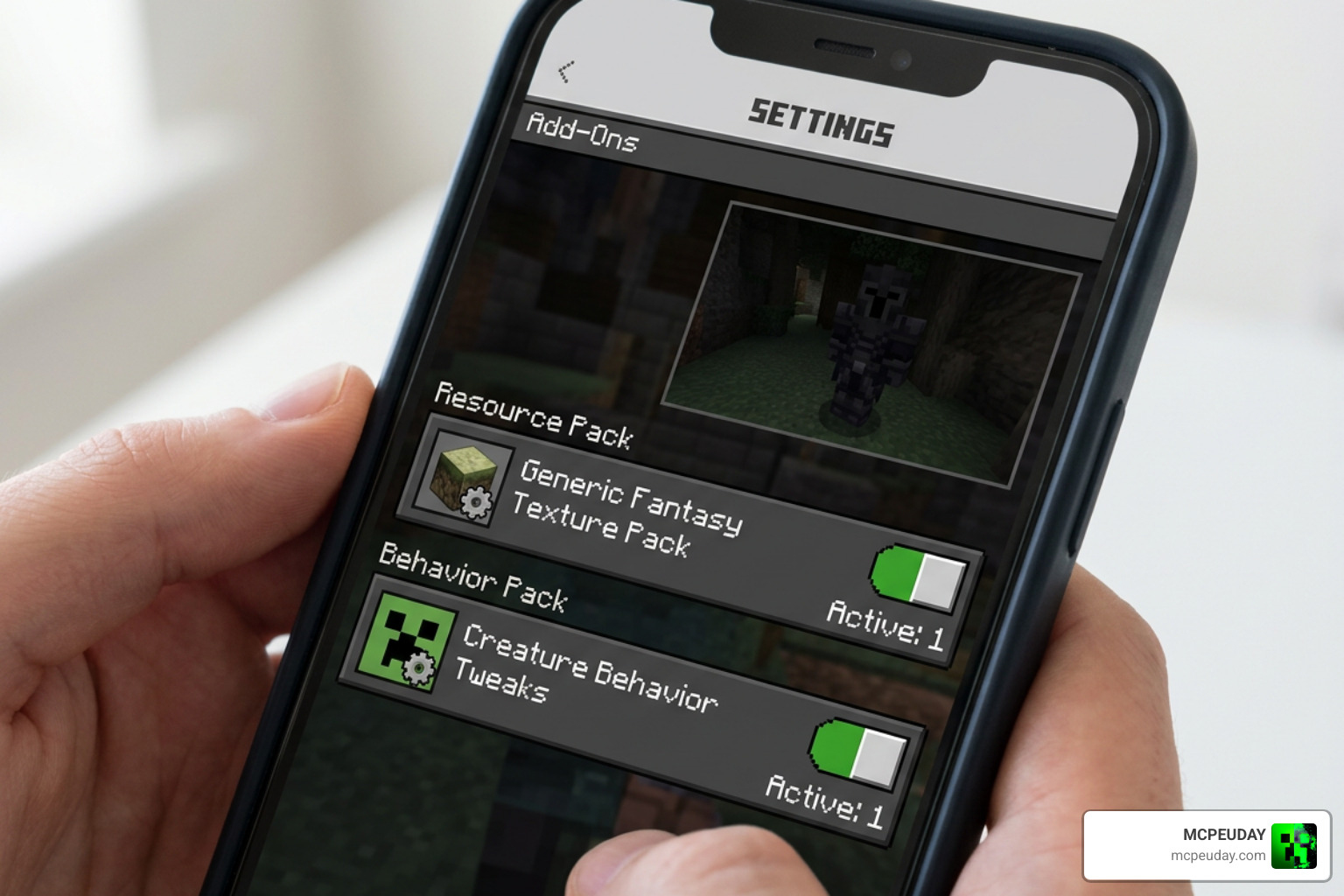
Follow this step-by-step process to get everything up and running smoothly:
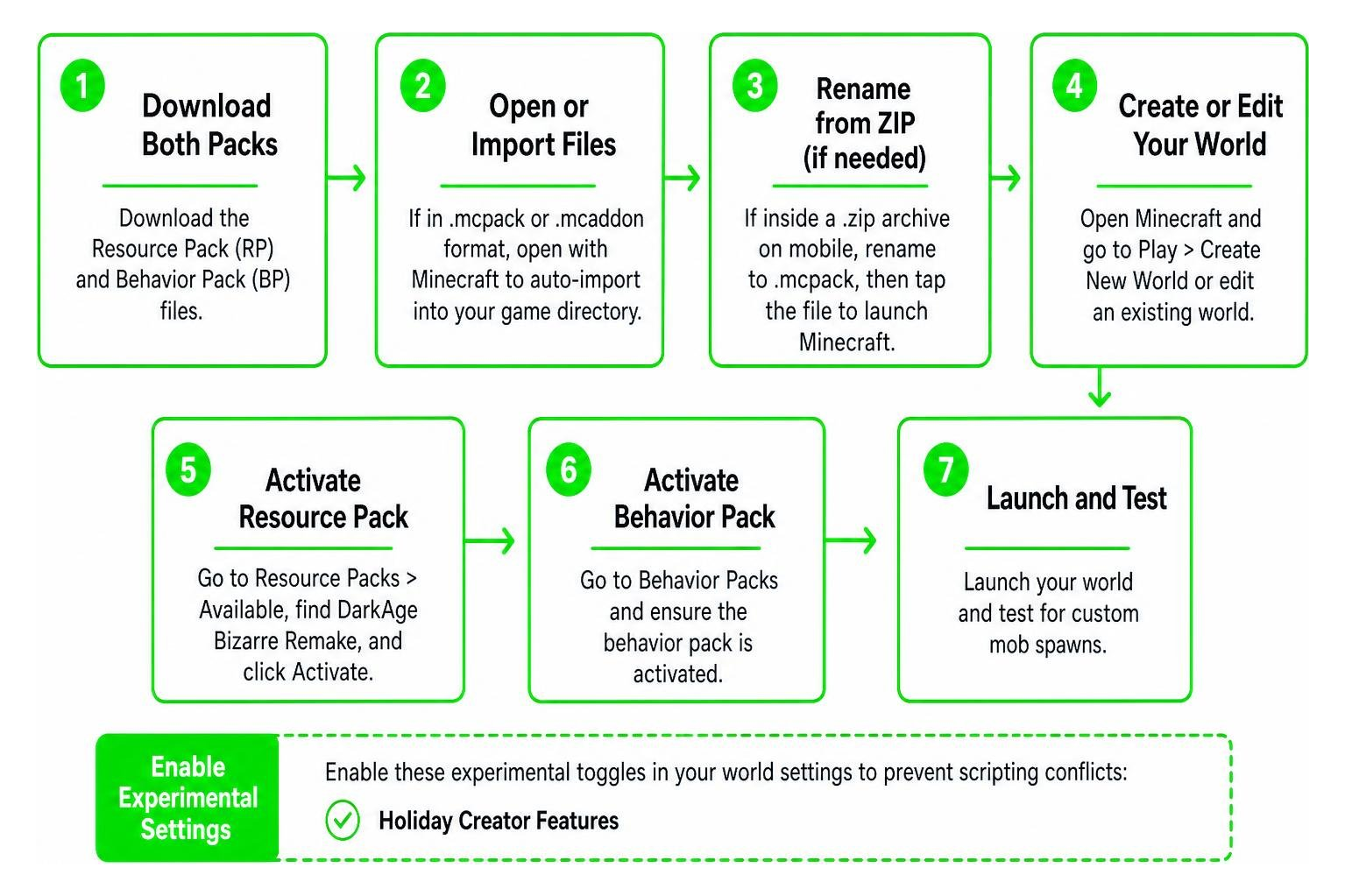
- Download both the official Resource Pack (RP) and Behavior Pack (BP) files from a trusted source.
- If the files are in
.mcpackor.mcaddonformat, tap or double-click them directly to automatically launch Minecraft and import the assets into your internal storage. - If you are downloading on Android or iOS and the files arrive inside a
.ziparchive, use a mobile file manager app to rename the file extension from.zipto.mcpack, then tap the file to open it in Minecraft. - Open Minecraft and navigate to Play > Create New World (or click the pencil icon next to an existing world to edit its configuration).
- Scroll down to the Resource Packs tab on the left sidebar, click Available, locate DarkAge Bizarre Remake, and click Activate.
- Switch to the Behavior Packs tab and verify that the corresponding behavior file is activated as well so custom AI logic functions properly.
- Scroll down to the Experiments menu on the left sidebar and toggle the necessary experimental gameplay switches.
- Launch your world and explore night biomes to test for custom mob spawns.
Enabling Experimental Gameplay Settings
Because DarkAge Bizarre Remake introduces custom entity logic, Molang animation scripts, and unique spawn rules, you must enable experimental toggles in your world settings to prevent scripting conflicts:
- Holiday Creator Features: Enables custom items, block definitions, and specialized entity interactions.
- Custom Biomes: Allows new monsters to spawn dynamically across specific terrain types without overriding standard mob caps.
- Molang Features: Ensures that custom bone rotations, complex animation controllers, and unique visual effects render without stuttering during intense combat encounters.
Activating these experimental options guarantees that models load cleanly, prevents missing texture errors or invisible mob geometries during gameplay, and ensures all custom sound triggers fire accurately.
Compatibility, Troubleshooting, and Dark Fantasy Comparisons
To create a deep medieval survival experience, you can stack DarkAge Bizarre Remake with other complementary expansions. Equipping sturdy armor from The Epic Knights Addon will give you a fighting chance against the addon’s heavier-hitting mobs. If you prefer high-tier offensive gear, combining True Weapons Addon for MCPE or the skill systems from Brutal Legends Addon for Bedrock gives you powerful attack mechanics to counter aggressive entity AI.
For world generation, exploring the ruins from Medieval Structures Addon alongside overall gameplay updates from Better on Bedrock Addon results in a fully fleshed-out dark fantasy world with challenging dungeons, atmospheric environments, and rewarding loot tables.
Comparing the DarkAge Bizarre Remake Addon for Minecraft PE/Bedrock to Other Survival Mods
How does DarkAge Bizarre Remake stack up against other dark fantasy heavyweights like Evil Worst or Fish’s Undead Rising?
- Mob Theme: While Fish’s Undead Rising focuses on classic mythological and undead terrors, and Evil Worst emphasizes grotesque horror monsters, DarkAge Bizarre Remake leans heavily into eerie, gothic, and surreal dark-fantasy designs that fit seamlessly into vanilla-plus aesthetics.
- Resource Footprint: At just over 6 MB combined, DarkAge Bizarre Remake is significantly lighter on memory than many bloated monster packs, making it ideal for mobile devices running MCPE without causing frame drops or memory leaks.
- AI and Combat Difficulty: The entity AI is fast and aggressive without relying on unfair one-hit mechanics, creating balanced combat for vanilla armor and weapon tiers while still rewarding prepared adventurers.
- Load Order Priority: When combining multiple packs, place the DarkAge Bizarre Remake Resource Pack above generic texture packs but below custom UI overhauls to ensure all entity textures take precedence.
- Multiplayer and Realm Stability: Because the resource footprint is compact, host servers and Bedrock Realms can run this addon without experiencing severe client-side de-synchronization or entity tick latency.
Frequently Asked Questions about DarkAge Bizarre Remake
Why was the duck mob invisible in earlier versions?
In releases prior to v0.7.76, an incomplete geometry path in the Resource Pack prevented the duck mob’s custom texture from rendering on the client side. The mob still existed in the world and could move or make sounds, but its model was not drawn on screen. The v0.7.76 patch resolved this geometry link, allowing the model and textures to render properly.
Do you need both the Behavior Pack and Resource Pack?
Yes. If you install only the Resource Pack, the custom items and mobs will look right, but they will lack their custom AI, attacks, and behaviors. If you install only the Behavior Pack, entities will have their logic but appear as untextured, invisible, or missing-geometry shapes. Always activate both packs simultaneously in your world settings.
Which Minecraft Bedrock versions are supported?
The addon works smoothly on modern versions of Minecraft Bedrock, including versions 1.20 and 1.21. It is fully compatible with mobile (iOS/Android), Windows 10/11, and console platforms running the Bedrock codebase.
Can you add this addon to an existing survival world?
Yes, you can apply both the Resource Pack and Behavior Pack to existing worlds by editing the world settings from the main menu. However, new custom mobs will primarily spawn in newly loaded chunks or unlit dark areas during night cycles. Backing up your world file before enabling experimental toggles is always recommended.
Conclusion
The DarkAge Bizarre Remake addon remains an outstanding pick for Bedrock players looking to transform everyday survival into an exciting, dark fantasy challenge. With its lightweight file size, quick setup, and polished v0.7.76 bug fixes, it adds plenty of variety without slowing down your game performance or requiring high-end hardware.
Whether you are wandering lonely biomes alone or building a custom horror realm with friends, these surreal entities bring a fresh layer of danger to your adventures. For more world expansions, custom weapons, and monster packs, explore our complete category of mod addons right here on MCPEUDAY!
