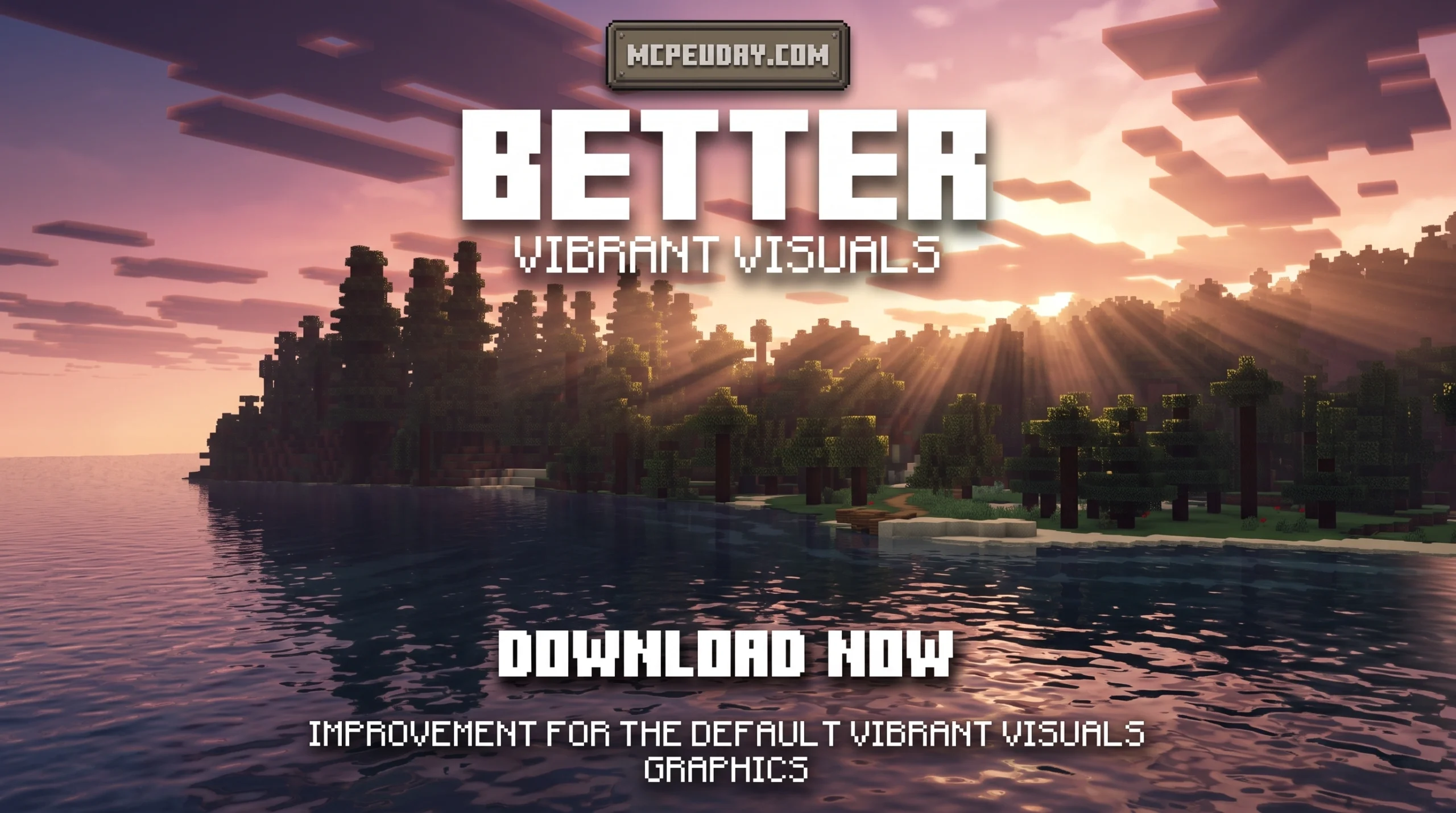
Why the Better Vibrant Visuals Shader Is Worth Your Attention
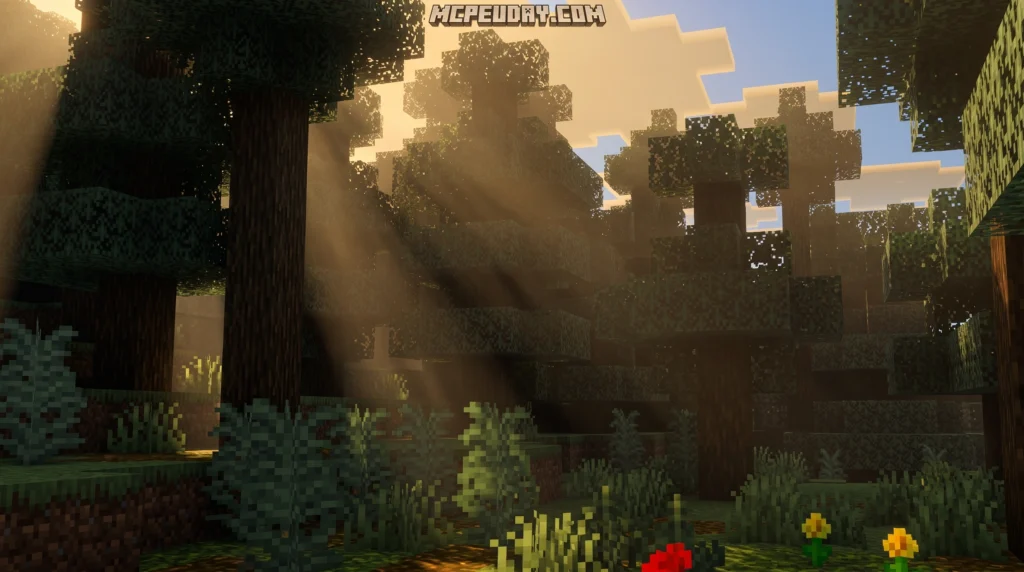
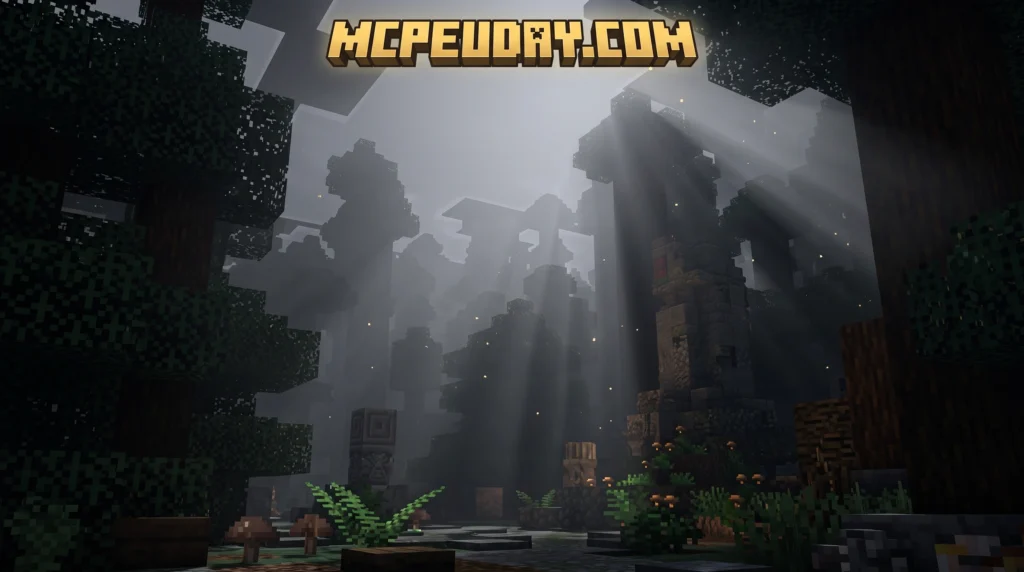
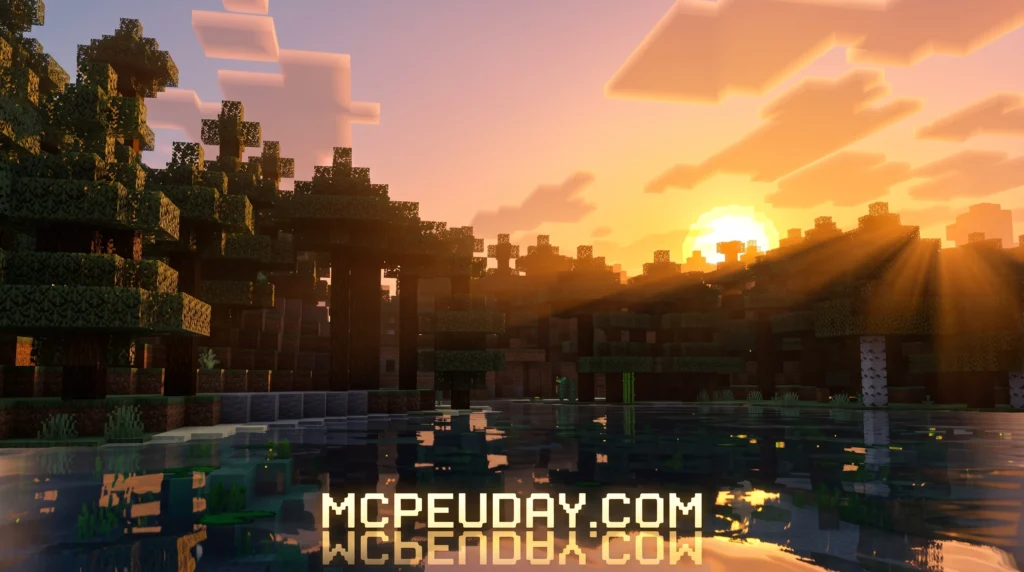
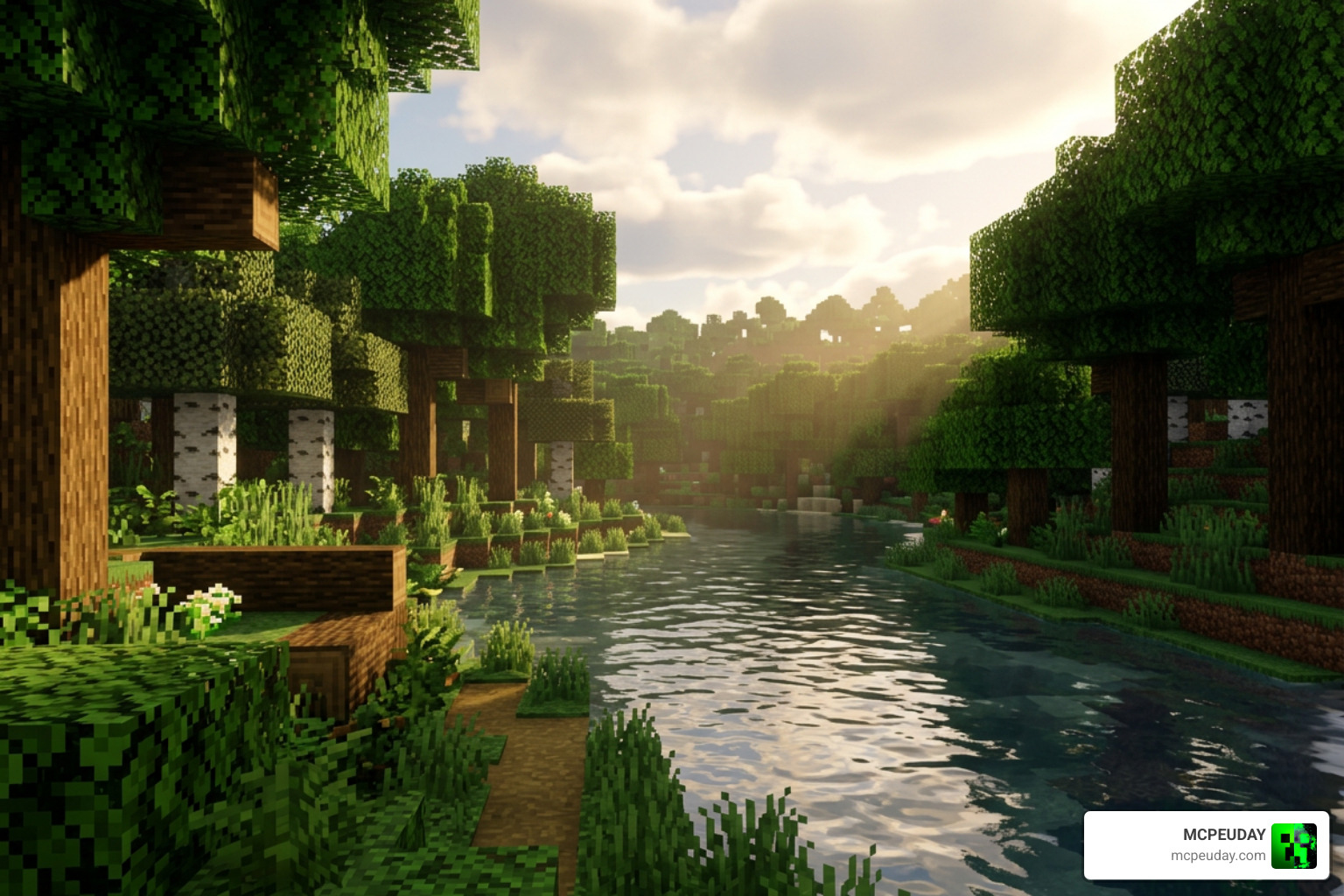
The Better Vibrant Visuals Shader is a community-made resource pack for Minecraft Bedrock Edition that builds on top of Mojang’s official Vibrant Visuals graphics mode — adding extra effects like scattered sun rays, global shadows, realistic water waves, and biome-specific fog.
Quick answer — here’s what you need to know:
- What it is: A free texture/shader pack that enhances Minecraft Bedrock’s built-in Vibrant Visuals with better colors, water, skies, and lighting
- Two versions available: Default (realistic water waves + caustics) and Vanilla (lighter, closer to standard Minecraft look)
- Requires: Minecraft Bedrock beta/preview, and a compatible GPU (Adreno 640, Mali MediaTek 1000 series, A12 Bionic, or DirectX 12 on PC)
- How to use it: Download the
.mcpackfile, open it with Minecraft, then activate it in your world or global resource settings with Vibrant Visuals turned on - Performance: The Vanilla version is the lighter option for older or mid-range devices
Minecraft’s official Vibrant Visuals feature already brings a big visual upgrade — think reflective water, volumetric lighting, and dynamic shadows. But some players feel it doesn’t go far enough. That’s exactly where Better Vibrant Visuals steps in.
It layers additional visual polish on top of what Mojang built, using the RenderDragon engine as its base. The result is a noticeably richer, more immersive look — without needing to swap out Minecraft’s entire graphics pipeline.
What is the Better Vibrant Visuals Shader?
The Better Vibrant Visuals Shader is a community-driven visual enhancement pack created by the talented developer Aleeee, who is well-known in the Bedrock community with over 6.3 million total downloads across various projects. This pack acts as a “bridge” to perfect the official Vibrant Visuals – Minecraft Wiki engine, taking the base deferred lighting features and giving them a massive aesthetic upgrade.
Instead of completely replacing the RenderDragon engine’s default pipeline, this pack optimizes and tweaks the built-in system. It cleans up the lighting values, adjusts the sky color palettes, and introduces custom physically based rendering (PBR) properties. If you have previously played around with options like the Vibrant Shader 26 X 1 21 Mcpe Bedrock Shader, you will feel right at home with the enhanced colors and atmospheric depth this shader pack provides. The developer has meticulously balanced the saturation and contrast levels to ensure that the game looks vibrant without causing eye strain during long gaming sessions.
Key Features of the Better Vibrant Visuals Shader
What makes this pack a must-have is how it handles environmental immersion. Here are the core visual upgrades we love:
- Scattered Sun Rays: Sunlight filters dynamically through leaves and structures, creating gorgeous God rays that shift as the sun moves. These rays interact beautifully with the atmosphere, casting realistic shafts of light into dark forests and deep ravines.
- Global Shadows: Real-time, pixel-aligned shadows that match your blocky surroundings perfectly instead of looking blurry or out of place. As the sun traverses the sky, these shadows stretch and rotate dynamically, adding an incredible sense of scale and time progression to your world.
- Biome-Specific Fog: The atmosphere shifts as you travel. Enjoy warm, hazy tones in hot desert biomes, chillingly crisp, cold mist in frozen areas, and dense, murky green fog in swamps. This feature makes exploration feel incredibly rewarding, as every region has its own unique mood and climate.
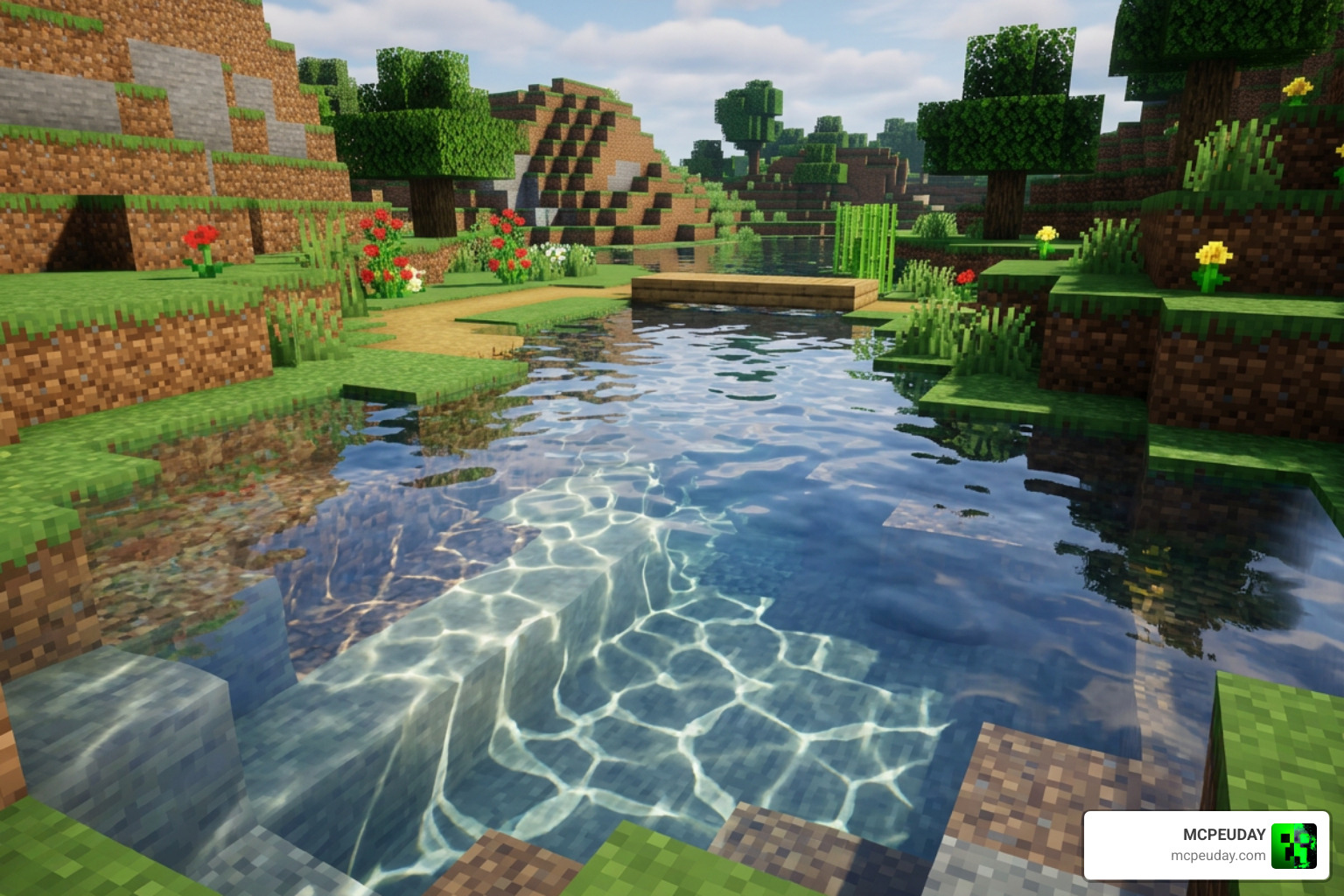
- Realistic Water Waves & Caustics: Water surfaces react to light dynamically, displaying realistic surface ripples and casting moving light patterns (caustics) on the ocean floor. When you dive underwater, you will see beautiful, shimmering light webs dancing across the sand and gravel blocks.
Default vs. Vanilla Versions
To ensure everyone can enjoy these upgrades regardless of their hardware, the creator has split the pack into two distinct versions:
- Default Version: This is the full-fat, ultra-immersive experience. It features fully dynamic, realistic water waves, complex caustics, and highly reflective surfaces. It looks absolutely stunning but requires a beefier device to run smoothly. It is ideal for players who want to capture cinematic screenshots or have high-end gaming setups.
- Vanilla Version: This is the optimized, lightweight choice. It retains the gorgeous sky colors, biome-specific fog, and cleaner lighting of the shader but keeps the standard vanilla water, clouds, and caustics. This is perfect for keeping your frame rates high on mid-range mobile devices or during intense multiplayer sessions where performance is critical.
| Feature | Default Version | Vanilla Version |
|---|---|---|
| Volumetric Lighting | Yes | Yes |
| Dynamic Fog | Yes | Yes |
| Realistic Water Waves | Yes | No (Vanilla Water) |
| Custom Water Caustics | Yes | No (Vanilla Caustics) |
| Performance Impact | Moderate to High | Low |
System Requirements and Device Compatibility
Because the Better Vibrant Visuals Shader utilizes Bedrock’s advanced Deferred Technical Preview, you cannot run this on just any basic device. It requires specific graphics hardware capable of handling physically based rendering (PBR) and advanced lighting. Traditional shaders used basic image manipulation, but deferred rendering actually calculates how light bounces off different surfaces in real-time.
According to the official requirements detailed on the Vibrant Visuals: Enable Enhanced Minecraft Graphics page, your device must meet or exceed these specifications:
- Android Mobile: GPU with Adreno 640 (Snapdragon 855), Mali-G68, Mali-G77 (MediaTek 1000 series), or Xclipse 530 and higher.
- iOS / iPadOS: Apple A12 Bionic processor or M1 chip and higher.
- Windows PC: Graphics card supporting DirectX 12 Feature Level 11 (DX12FL11) or higher.
- Consoles: High-end Xbox Series X|S and PlayStation 5 consoles natively support the underlying engine features.
If your device falls below these specifications, you may experience severe lag, visual glitches, or the game might automatically disable the deferred rendering options to prevent crashes. It is always recommended to update your graphics drivers (on PC) or system software (on mobile) to the latest version before enabling these advanced graphical features.
Step-by-Step Download and Installation Guide
Ready to transform your worlds? We have broken down the setup process to get you up and running as fast as possible.
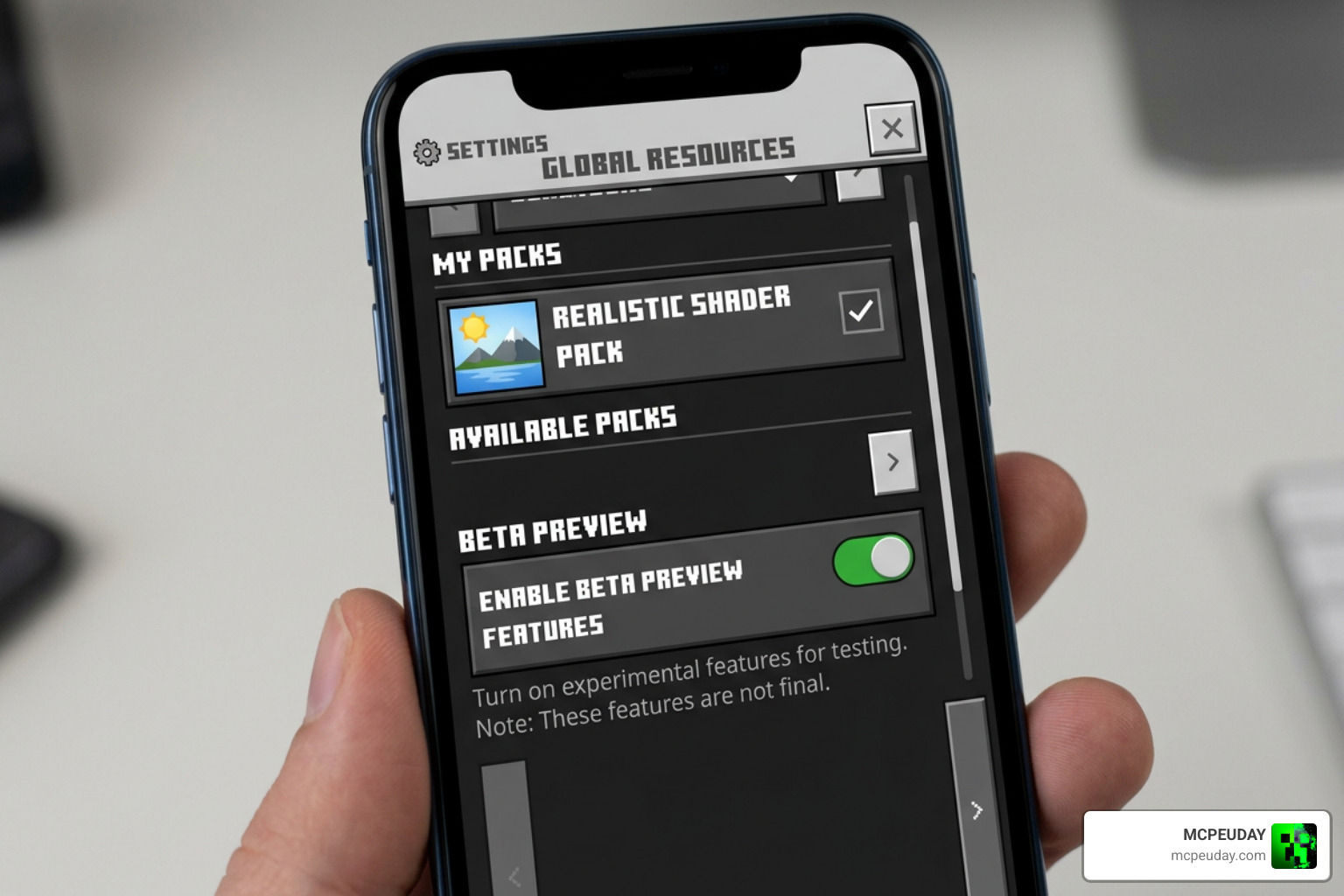
Before you begin, make sure you are running a compatible version of Minecraft Bedrock (ideally a Preview or Beta build that supports deferred rendering features). If you want to check out other variations of this style, you can also look into the Ultra Vibrant Visuals Shader For Minecraft for alternative configurations.
How to Install the Better Vibrant Visuals Shader on Bedrock
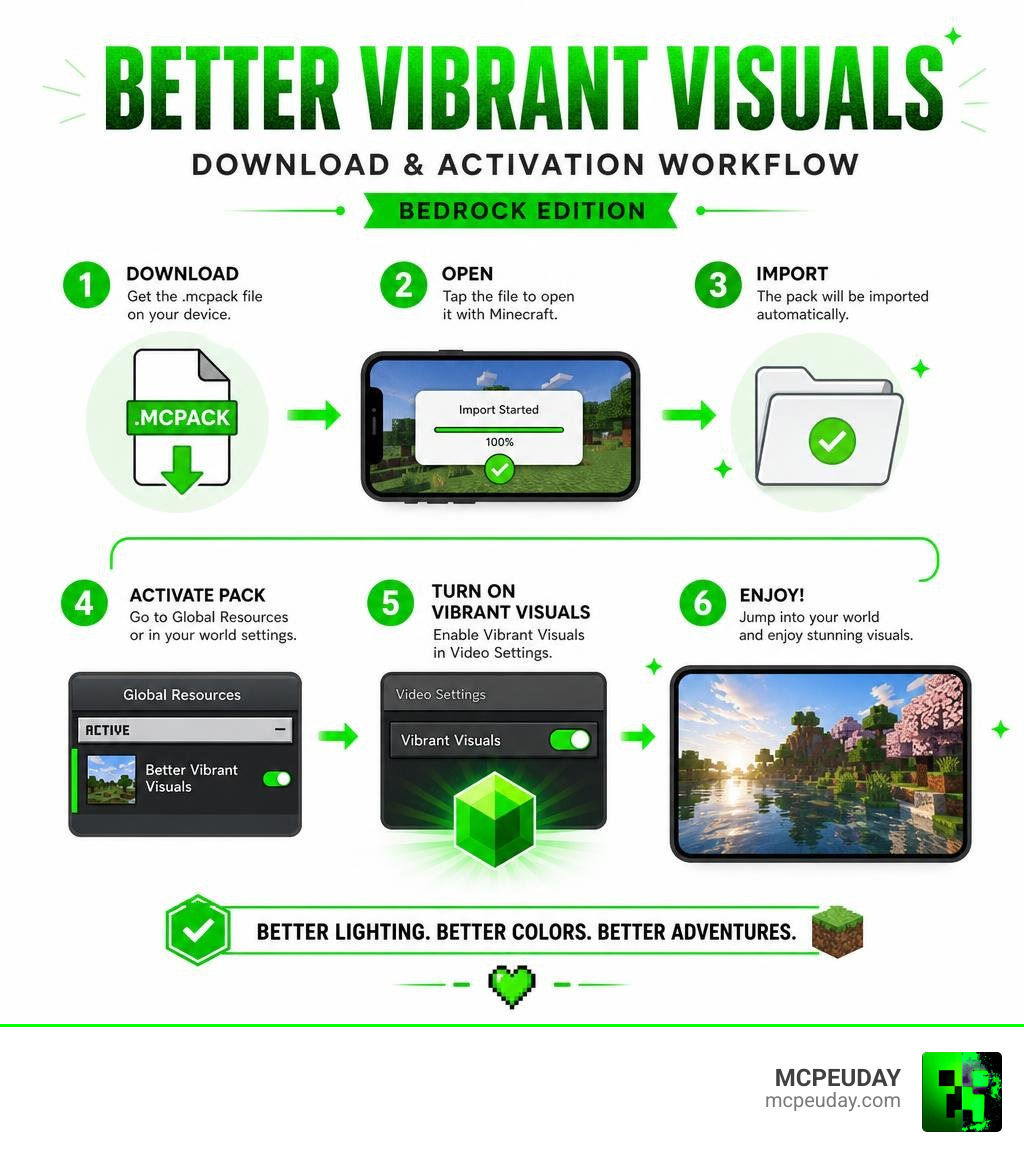
- Download the Pack: Grab the
.mcpackfile for either the Default or Vanilla version. - Import to Minecraft: Locate the downloaded file on your device and double-click or tap it. Minecraft Bedrock will open automatically and import the pack.
- Enable Preview Features: Create a new world or edit an existing one. Navigate to the Experiments tab and ensure Render Dragon Features for Creators (or the corresponding deferred graphics toggle) is turned on.
- Activate the Resource Pack: Go to your world’s Resource Packs tab, find Better Vibrant Visuals, and click Activate.
- Adjust Video Settings: Once inside your world, pause the game, go to Settings > Video, scroll down to Graphics Mode, and select Vibrant Visuals. You can adjust the Deferred Render Distance slider here to balance your performance and visual quality.
For a broader look at how this setup compares to other top-tier graphics packs, check out our guide on the Best Shaders For Mcpe 1 21 2026 Top 3 Realistic Minecraft Pe Shaders.
Frequently Asked Questions about Better Vibrant Visuals
Does Better Vibrant Visuals require the official Vibrant Visuals option?
Yes, absolutely. This pack is not a standalone shader engine; it is a custom configuration and resource set that enhances Mojang’s built-in deferred rendering pipeline. You must have a compatible device, run a world with experimental creator features enabled, and select the “Vibrant Visuals” graphics mode in your video settings for the shader effects to appear. Without these prerequisites, the pack will function as a standard texture pack without any advanced lighting.
Will this shader affect my FPS on mobile devices?
It can, especially if you are using the Default version with realistic water waves and caustics on a mid-range phone. If you notice your device warming up or your frame rate dropping below your comfort level, we highly recommend switching to the Vanilla subpack. This gives you all the beautiful lighting and fog upgrades without the heavy processing tax of dynamic water physics. Additionally, lowering your render distance and simulation distance in the game settings can help reclaim lost frames.
Can I use Better Vibrant Visuals with other resource packs?
You can use it alongside standard texture packs (like faithful or medieval styles), but you should avoid stacking it with other deferred lighting or shader packs. Overlapping shader packs will conflict, leading to broken skies, missing textures, or game crashes. Always load your main visual shader at the very top of your active resource pack list to prevent compatibility issues.
What should I do if the shader effects do not load or look broken?
If you encounter visual bugs like a completely black screen, missing shadows, or flat lighting, first verify that your device meets the hardware requirements. Next, double-check that the “Render Dragon Features for Creators” toggle is enabled in your world’s experimental settings. Finally, ensure you are running a compatible Minecraft Bedrock Preview or Beta build, as stable releases sometimes lack full support for the latest deferred rendering features.
Conclusion
The Better Vibrant Visuals Shader is the perfect way to elevate your Minecraft Bedrock experience. By fine-tuning Mojang’s official graphics engine, it delivers breathtaking sun rays, biome-specific atmospheres, and realistic water effects that make your survival worlds feel alive. Whether you are running a high-end gaming PC or playing on a modern mobile device, this pack offers a customizable, gorgeous visual overhaul that stays true to the spirit of vanilla Minecraft.
We at MCPEUDAY are dedicated to bringing you the absolute best, most up-to-date resources for your gaming adventures. If you want to explore more incredible ways to upgrade your game, Explore more Minecraft shaders on MCPEUDAY and discover our curated collection of realistic graphics packs today!
7 thoughts on “Vibrant Visuals Shader (26.x, 1.21) – MCPE/Bedrock Shader”