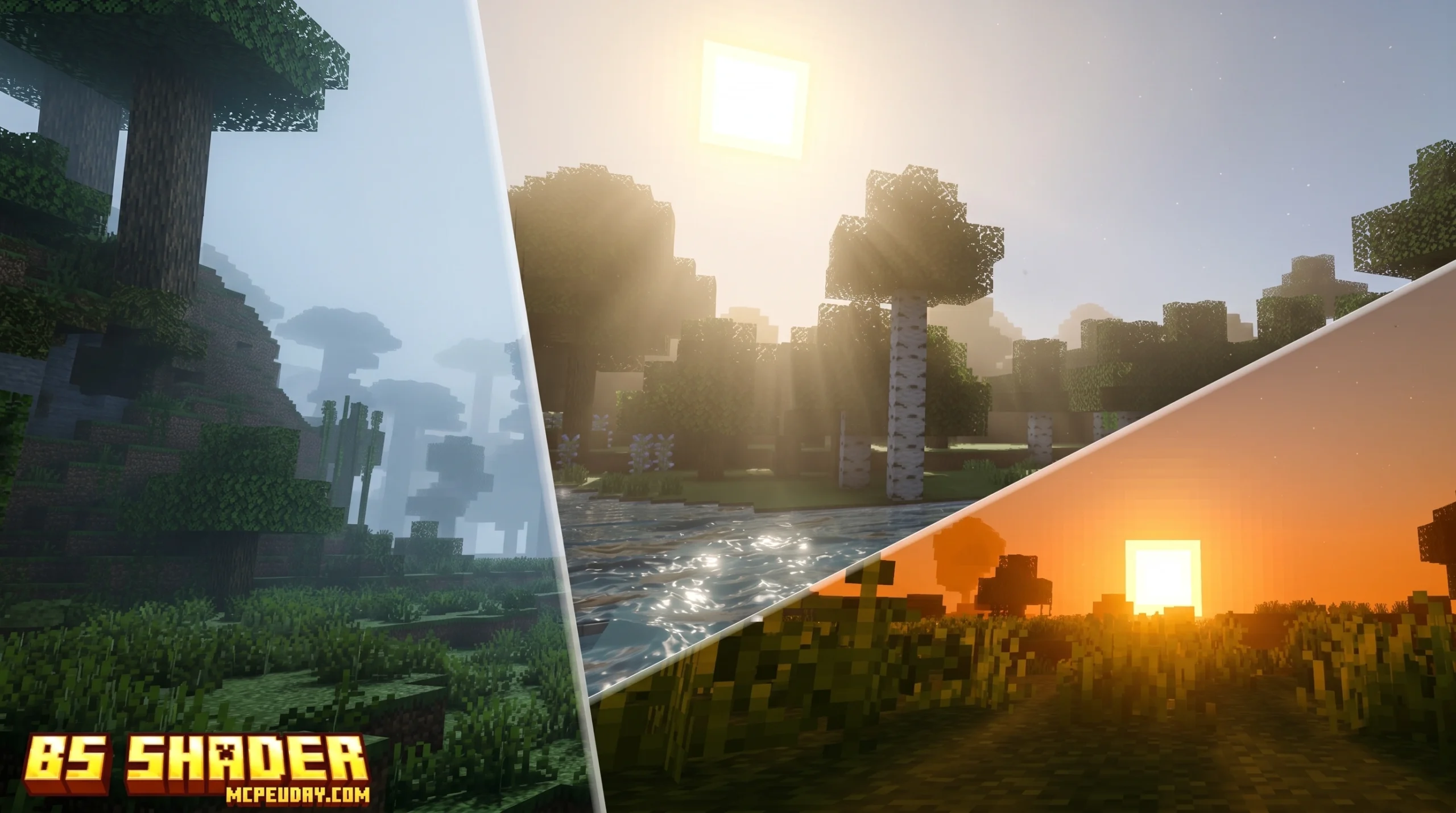
What is BS Shader — and Should You Download It?
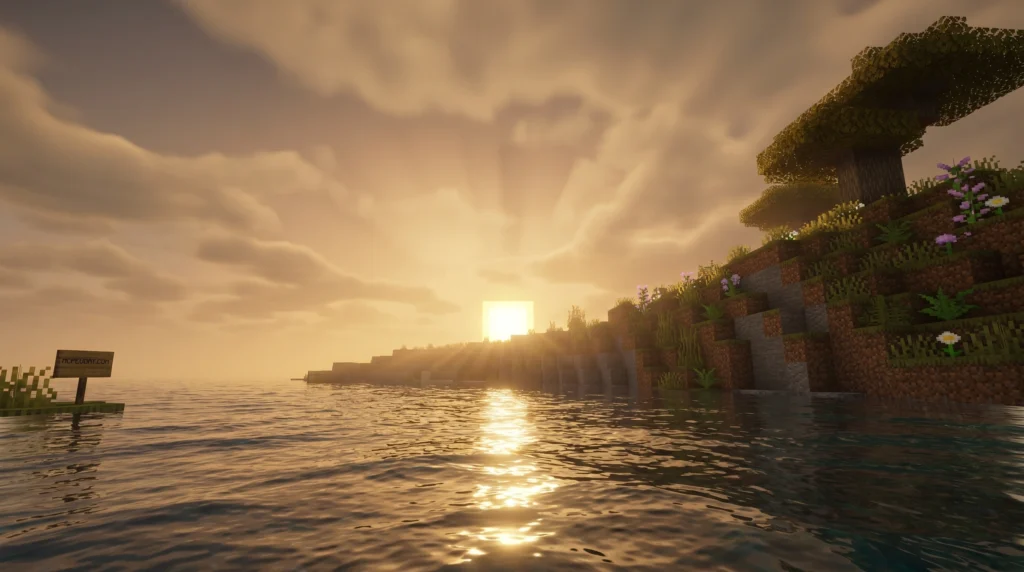
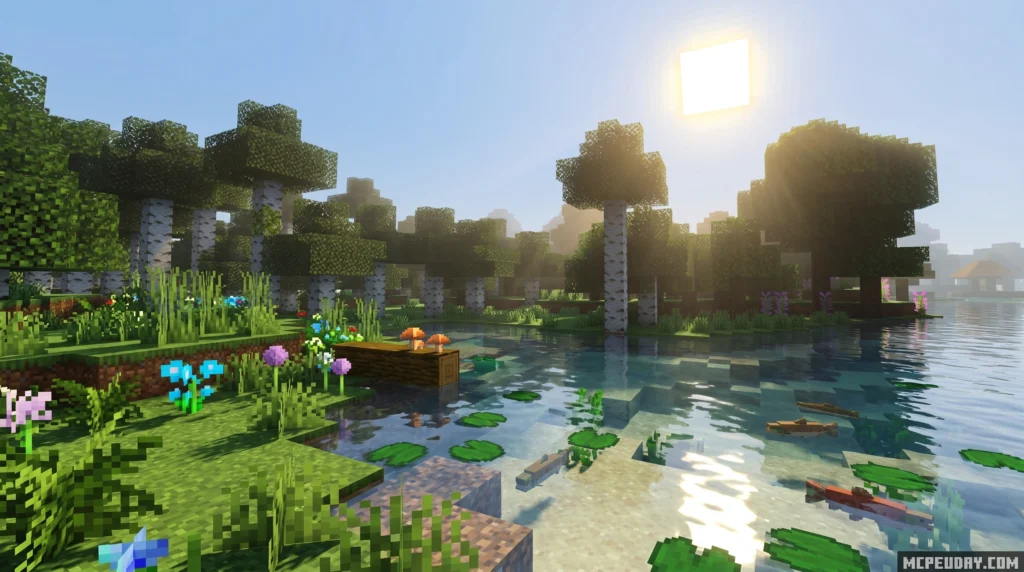
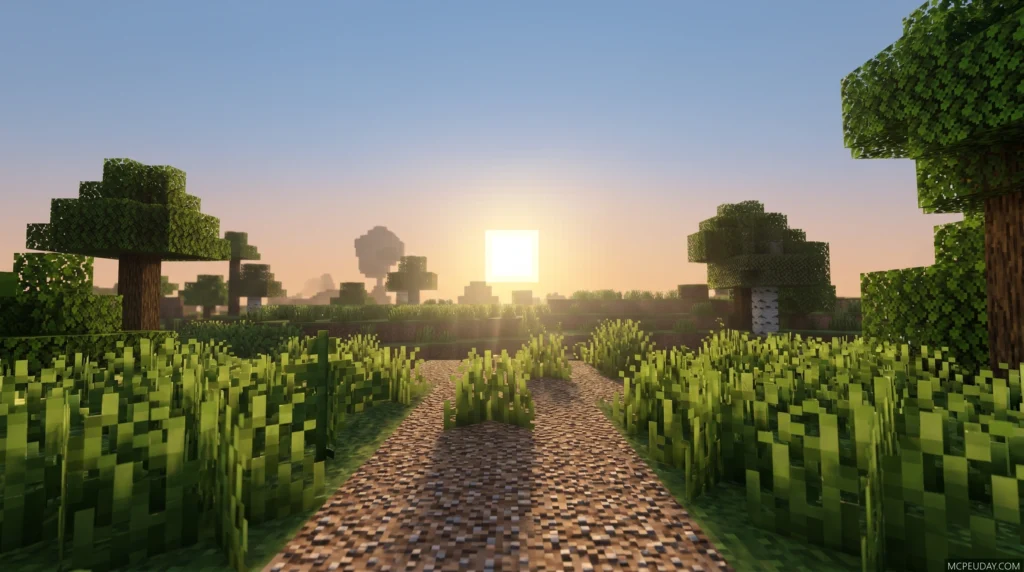
BS Shader is a visual upgrade pack for Minecraft Bedrock Edition (MCPE) that transforms the game’s look into something closer to an RPG like Monster Hunter — think deep blue water, a vivid ocean-blue sky, dramatic shadows, and warm, rich colors.
Quick answer for anyone searching for BS Shader:
- What it is: A shader for Minecraft Bedrock/MCPE (not Java Edition)
- What it does: Adds RPG-style visuals — blue skies, deep water, shadows, and warm tones
- Who it’s for: Bedrock players on Android, iOS, and Windows 10/11
- How to install: Download the
.mcpackfile and activate it under Global Resources in Minecraft settings - Does it need OptiFine or Iris? No — those are Java Edition tools; Bedrock uses its own Render Dragon engine
- Where to download: Use a trusted source like MCPEUDAY to get the correct version for Minecraft 1.21 / 26.x
If you’ve ever looked at vanilla Minecraft and thought the lighting felt flat and lifeless, you’re not alone. The default visuals were designed to run on almost anything — which means they sacrifice a lot of atmosphere.
BS Shader fixes that, specifically for Bedrock players. It’s one of the more distinct-looking shaders available for MCPE right now, leaning hard into bold, saturated colors rather than trying to look purely realistic.
Below, we’ll walk through exactly what it looks like, how to install it, and how it stacks up against other popular options.
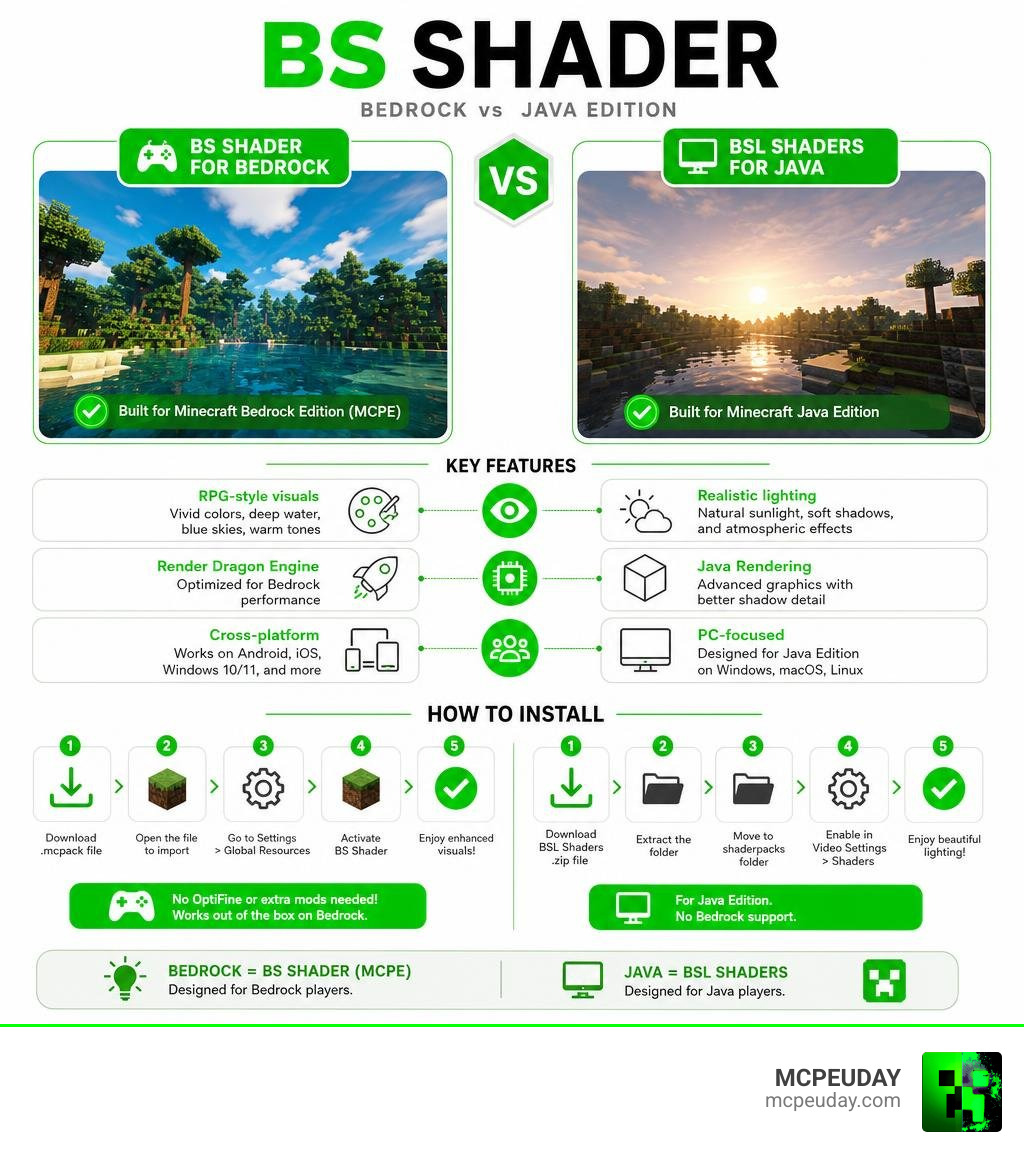
What is the BS Shader?
When you hear the term “BS Shader,” it is easy to get a bit confused. Depending on your background, you might think of a few different things. For instance, game developers working in Blender might immediately think of the Blender Shader Language, a custom shading language built to help Blender run smoothly across OpenGL, Vulkan, and Metal backends. Similarly, Unity developers might think of Better Shaders for Unity, which is a modern Surface Shader system used to stack and layer complex visual effects across different render pipelines.
But in Minecraft, the BS Shader is something entirely different. It is a dedicated, lightweight graphic enhancement pack designed specifically for Minecraft Bedrock Edition (MCPE).
Unlike Java Edition shaders that completely rewrite the game’s rendering pipeline using heavy external mods, this shader works directly within Bedrock’s built-in graphics engine. Historically, Bedrock shaders had to adapt to the Render Dragon engine, which changed how community creators could modify lighting. The BS Shader successfully works around these limitations, delivering a beautiful, stylized look without melting your mobile device or PC.
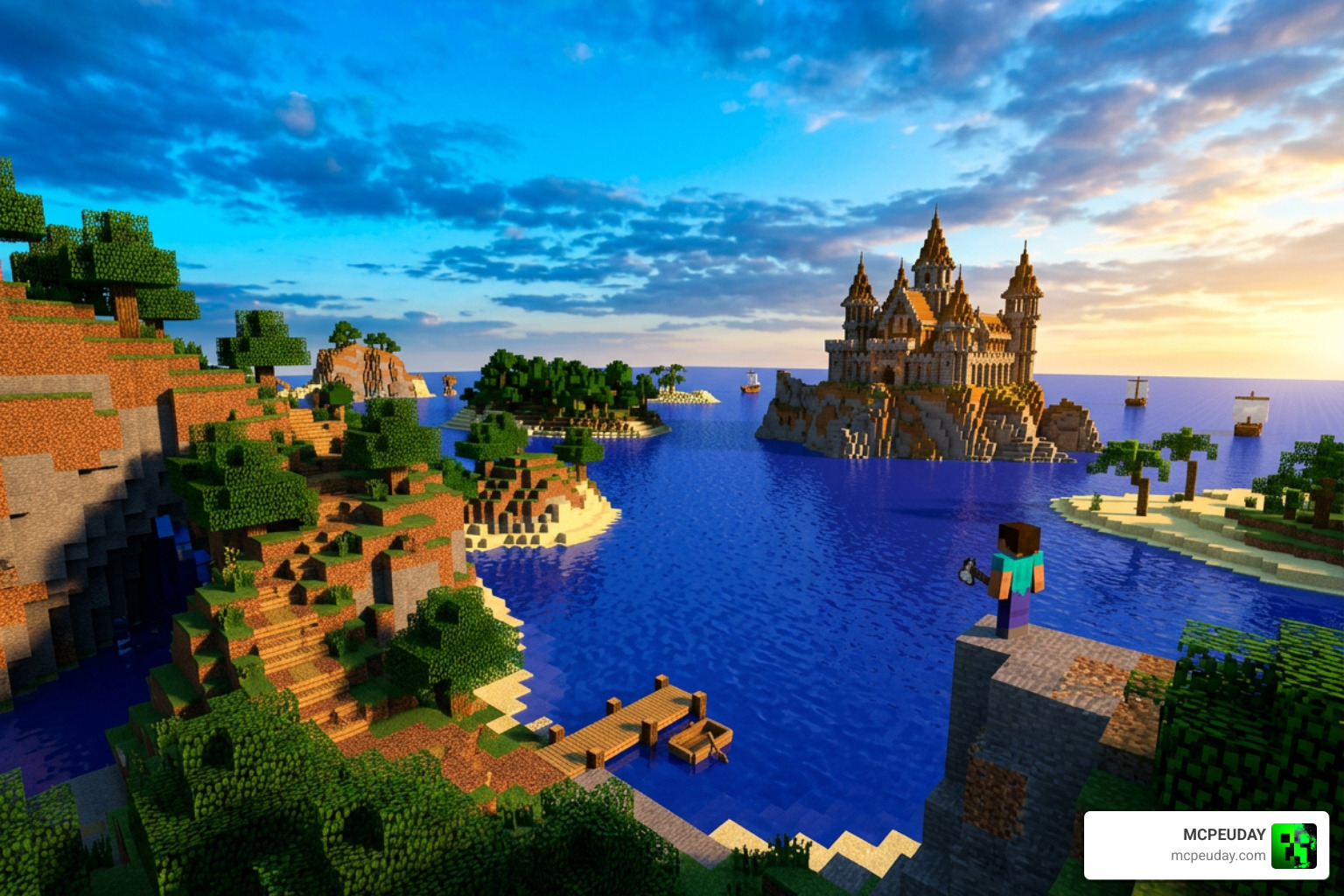
Visual Features and RPG Aesthetics
If you are looking for a hyper-realistic shader that simulates every single blade of grass with physical accuracy, this might not be your first choice. Instead, the BS Shader focuses on artistic style. It is heavily inspired by classic role-playing games like Monster Hunter, giving your Minecraft worlds a warm, adventurous, and slightly fantasy-themed atmosphere.
Here are the standout visual features you will notice immediately after activating it:
- Ocean Blue Sky: The daytime sky is transformed into a vibrant, deep ocean blue that makes exploring the overworld feel incredibly refreshing.
- Deep Blue Water: Water is no longer a flat, semi-transparent teal. It takes on a rich, deep blue hue that looks stunning when viewed from a high cliff.
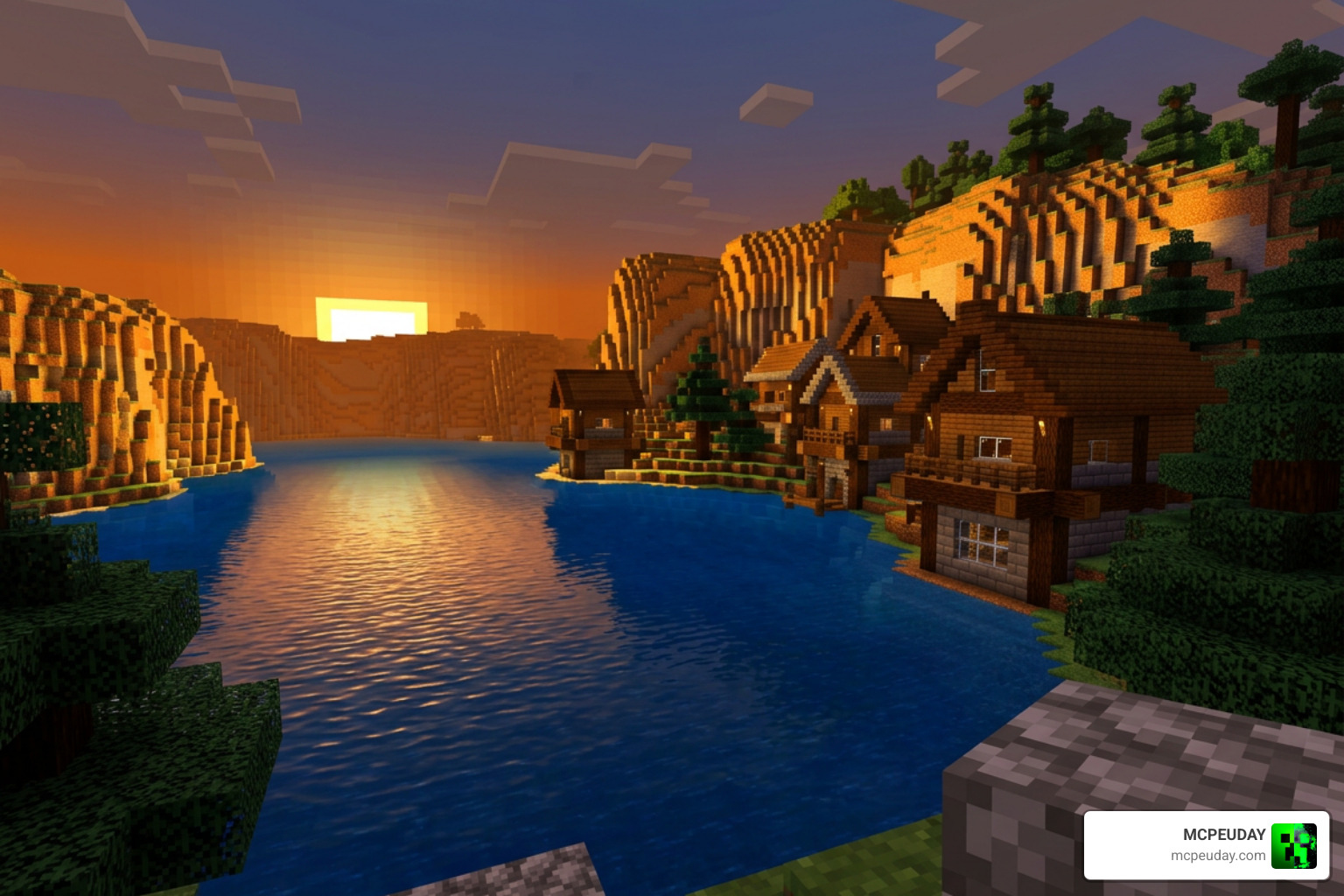
- Warm Color Palette: The overall lighting shifts toward a warmer tone. Sunsets and sunrises cast beautiful, golden hues over your builds, making your cozy wooden cabins look warmer than ever.
- Enhanced Shadow Effects: Shadows are deeper and more defined, giving your caves, forests, and valleys a much-needed sense of depth.
If you love this specific style but want to see how other creators have tackled the Bedrock engine, you can also check out the popular BSL Legacy Shader MCPE or the highly optimized BSL X Shader Improvement Shader for a slightly different take on smooth, realistic mobile graphics.
Installation Guide and Platform Compatibility
One of the best things about the BS Shader is its broad platform compatibility. Because it is built for Bedrock Edition, it runs beautifully on:
- Android devices (phones and tablets)
- iOS devices (iPhones and iPads)
- Windows 10 and Windows 11 PCs
It is fully compatible with Minecraft 1.21 and the latest 26.x updates. If you are playing on a modern mobile device or a handheld console that supports custom resource packs, you can easily run this without a massive drop in performance. For more options tested on real devices in 2026, take a look at our guide on the Best Render Dragon Shaders For MCPE 1 21.
How to Install the BS Shader on Bedrock Edition
Installing shaders on Bedrock is much easier than on Java Edition. You do not need to mess around with complex mod folders or install third-party clients. Just follow these simple steps to get started:
- Download the official
.mcpackfile for the BS Shader from our secure download section on MCPEUDAY. - Once the download is complete, locate the file on your device and tap or double-click it. Minecraft will open automatically and import the pack.
- In the Minecraft main menu, navigate to Settings.
- Scroll down on the left side and select Global Resources.
- Click on My Packs, locate the BS Shader, and click Activate.
- Go back to the main menu (the game will load the new resources for a few seconds), load into your world, and enjoy the beautiful new RPG-style graphics!
If you are also curious about how Java players handle their shader setups, you can check out this video tutorial on How to Install & Use BSL Shaders in Minecraft to see the difference in installation steps.
Performance and Comparison
When choosing a shader, performance is always the most important factor. Nobody wants to play a beautiful game that runs at 5 frames per second.
The BS Shader is highly optimized for mobile GPUs, making it perfect for low-spec devices. To give you a better idea of how it performs, here is a quick comparison table:
| Feature | BS Shader (Bedrock/MCPE) | BSL Shaders (Java Edition) |
|---|---|---|
| Target Platform | Bedrock (iOS, Android, Windows) | Java Edition (PC Only) |
| Performance Impact | Low to Moderate (Highly optimized) | High (Requires a decent dedicated GPU) |
| Primary Style | Saturated RPG, Warm Tones, Blue Skies | Bright, Colorful, Realistic, Distinct |
| Required Tools | None (Built-in Resource Pack) | OptiFine or Iris Mod Loader |
| Ideal For | Smooth mobile gameplay & low-end PCs | High-end PCs, video creation, screenshots |
For players who want to explore other lightweight options, our list of the 3 Best Shaders For Minecraft 1 21 offers a great starting point for finding the perfect balance between stunning graphics and smooth frame rates.
BS Shader vs BSL Shaders: Key Differences
It is very common to mistake the BS Shader for the world-famous BSL Shaders.
BSL Shaders, created by the incredibly talented developer Capt Tatsu, is one of the most popular Java Edition shaderpacks of all time. Across all platforms, BSL has accumulated over 81.4 million downloads by its author, with over 78.7 million downloads on CurseForge and 21.83 million on Modrinth.
While BSL Shaders includes incredibly advanced Java-only rendering effects like volumetric light, real-time shadows, ambient occlusion, bloom, depth of field, motion blur, and world curvature, it simply cannot run natively on Bedrock Edition.
That is where mobile-friendly alternatives come in. If you are on Bedrock, you can use the BS Shader for a lighter RPG feel, or try the BSL Legacy Shader MCPE and BSL X Shader Improvement to replicate that classic, bright, and colorful Java style on your phone or tablet.
Frequently Asked Questions
Is BS Shader compatible with Minecraft Java Edition?
No. The BS Shader is designed specifically for Bedrock Edition (MCPE). If you are playing on Java Edition, we highly recommend downloading BSL Shaders or checking out the BSL Legacy Shader MCPE guides to find Java-compatible alternatives.
Does BS Shader require OptiFine or Iris?
No. OptiFine and Iris are Java Edition mod loaders. Because Bedrock Edition uses its own built-in Render Dragon engine, you do not need any external mods to run the BS Shader. If you are looking for Java settings, you can check out The Ultimate BSL Shader Settings video guide.
What are the system requirements for BS Shader?
Because it is highly optimized, it will run smoothly on almost any modern mobile device (Android/iOS) or budget Windows PC. If your device can run vanilla Minecraft at a stable 60 FPS, you should be able to run this shader with very little impact on your performance.
Conclusion
Upgrading your Minecraft graphics does not have to be a complicated process. With the BS Shader, you can instantly transform your Bedrock worlds into a colorful, warm RPG adventure with just a few taps.
At MCPEUDAY, we make it our mission to bring you the safest, most up-to-date resources, mods, and shaders for both Bedrock and Java Editions. If you are ready to explore even more realistic options for your game, check out our comprehensive guide on the Best Shaders For MCPE 1 21 2026 Top 3 Realistic Minecraft PE Shaders and start building your dream world today!