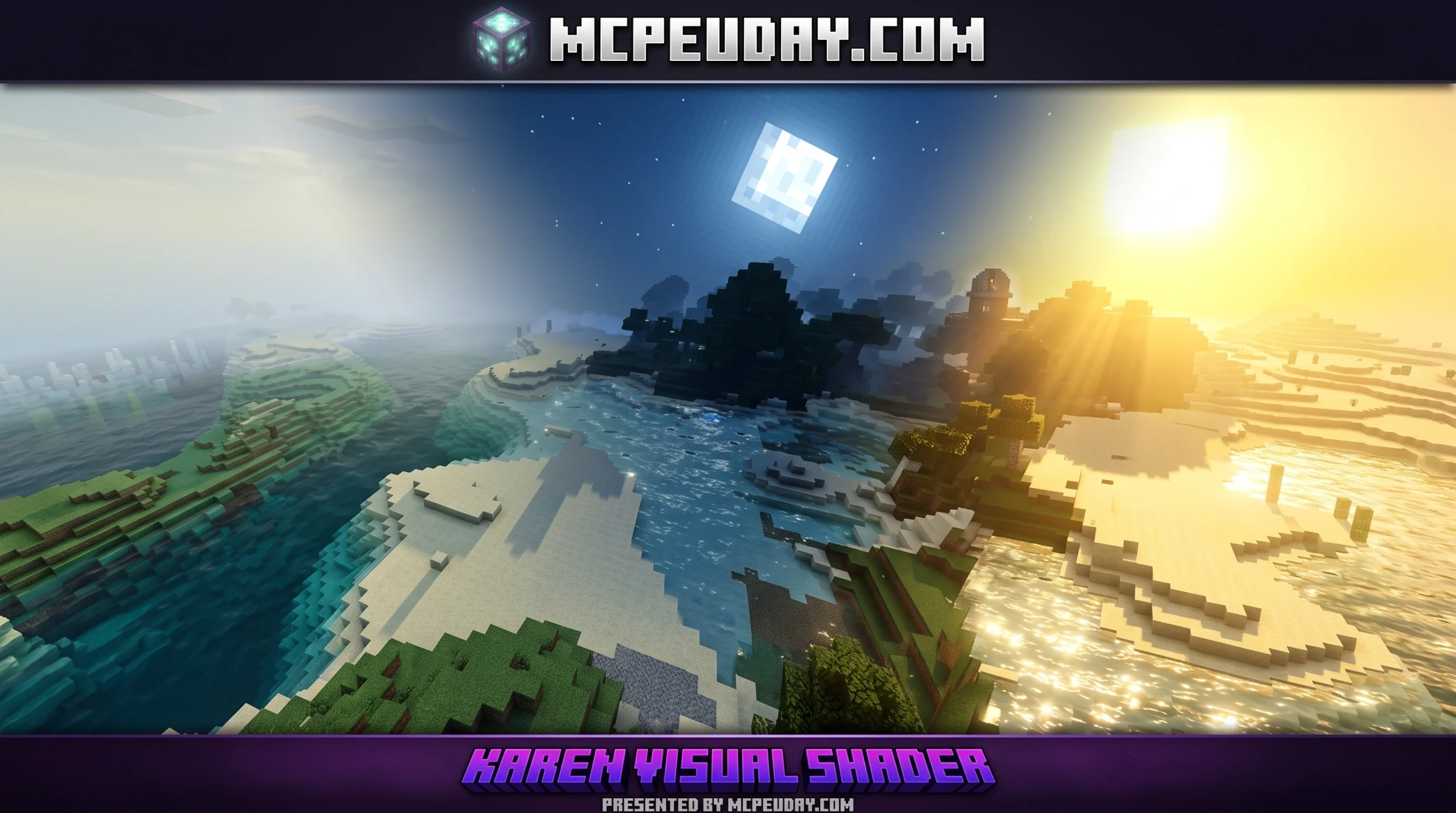
What You Need to Know About the Karen Visual Shader
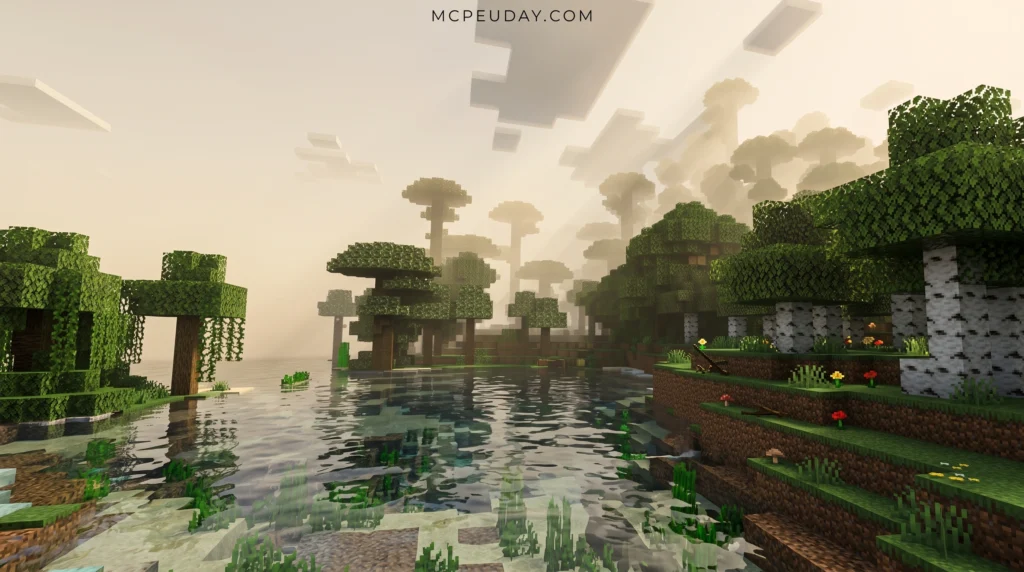
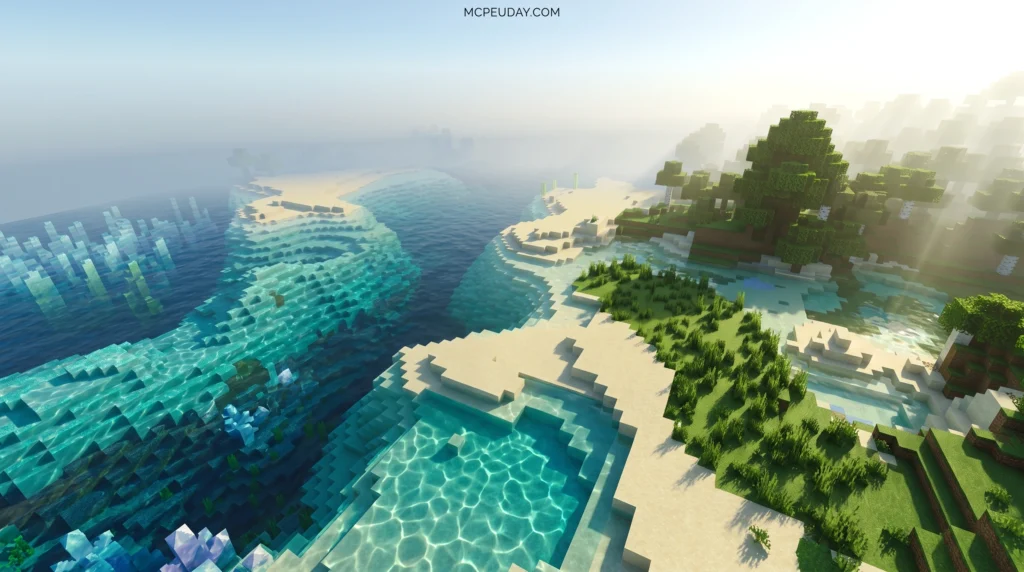
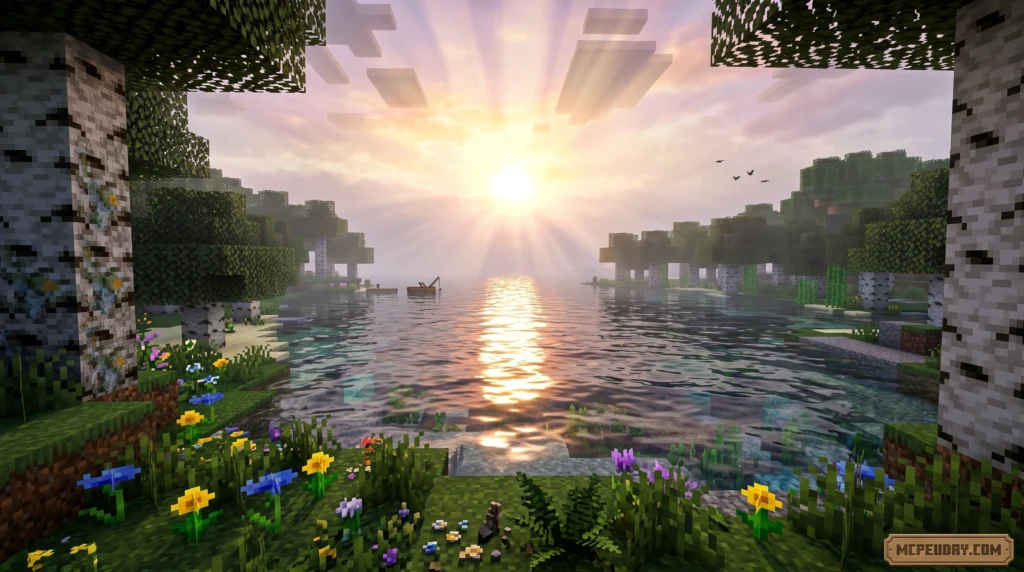
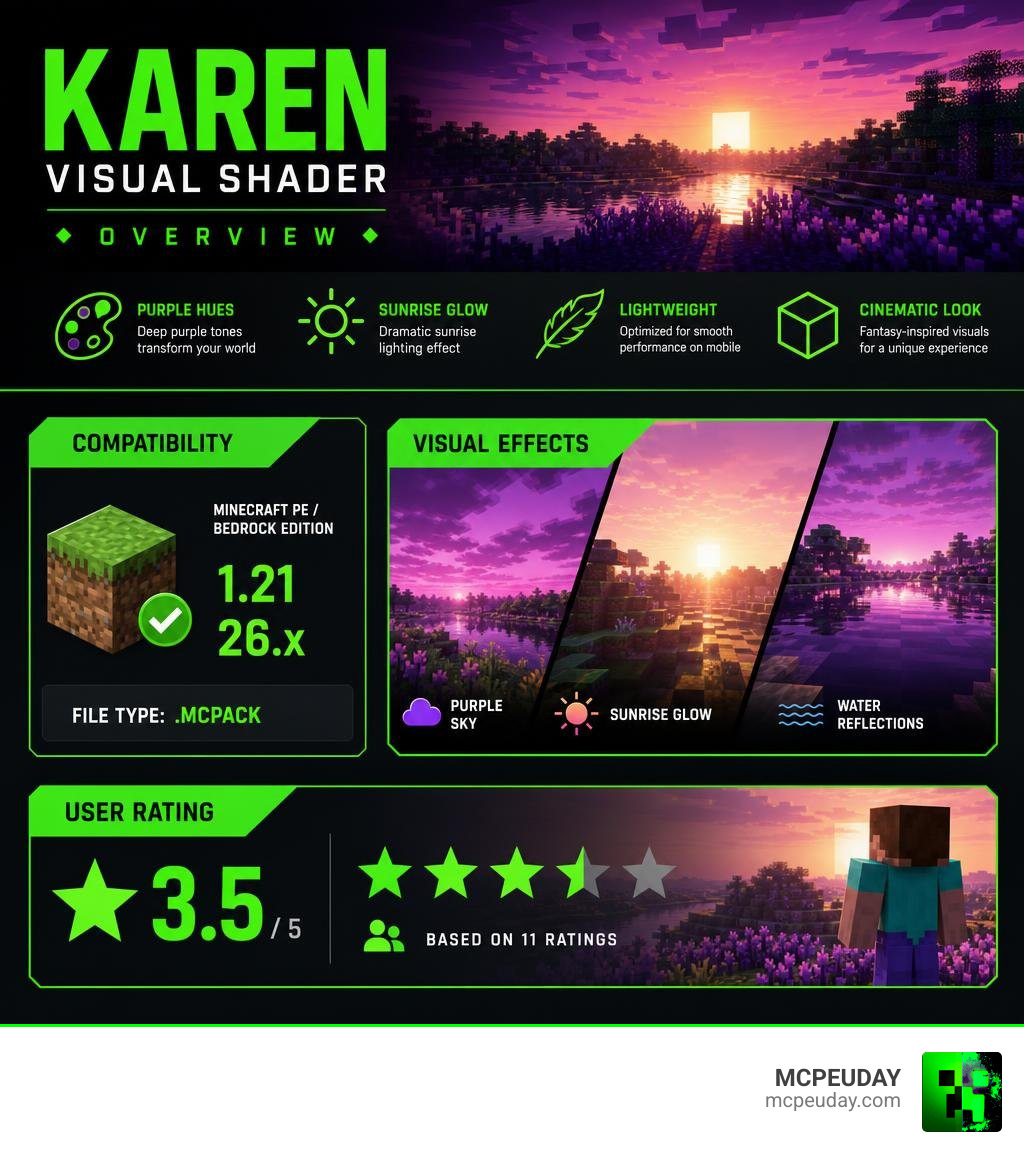
The Karen Visual Shader is a resource pack for Minecraft PE and Bedrock Edition that transforms the game’s visuals with deep purple hues and a dramatic sunrise effect.
Quick answer for Minecraft Bedrock players:
- What it is: A shader pack that adds purple tones and a sunrise glow to your world
- Compatible versions: Minecraft PE/Bedrock 1.21 and 26.x
- File type: .mcpack
- User rating: 3.5 out of 5 (based on 11 ratings)
- Best for: Players who want a fantastical, dreamy visual style
If you’ve been hunting for a shader that makes your Minecraft world feel otherworldly — less blocky, more cinematic — this one is worth a look. It’s lightweight enough for mobile and delivers a strong visual punch without requiring a high-end device.
The purple sky aesthetic is distinct. It doesn’t try to be ultra-realistic like some other Bedrock shaders. Instead, it leans into a moody, fantasy-inspired look that stands out from the crowd.
Below, we break down exactly what this shader does, how to install it, and how it stacks up against other popular options for MCPE.
What is the Karen Visual Shader?
At its core, the Karen Visual Shader is a graphics-enhancing resource pack designed specifically for Minecraft PE (Pocket Edition) and Bedrock Edition. Unlike standard shaders that focus purely on realistic shadows or waving grass, this pack takes a creative, artistic turn. It completely alters the atmospheric rendering of the game.
When you load into your world with this shader active, the most immediate change you will notice is the color palette. It introduces a stunning layer of deep purple hues across the horizon. When the sun starts to rise, the sky transitions into an incredibly vibrant, fantastical sunrise effect that paints your blocky landscapes with rich, warm, violet-tinted lighting.
This visual transformation is perfect for players looking to escape the traditional green-and-blue look of vanilla Minecraft and dive into a dreamlike world. Currently, the pack holds an average user rating of 3.5 out of 5 based on 11 ratings from our active community. While it might not appeal to players seeking absolute realism, those who appreciate stylized art and unique skyboxes absolutely love it. For more details on the pack and its features, check out Karen Visual Shader.
Demystifying the Name: Who is Karen Shader?
When players first come across this resource pack, a very common question pops up: Who is Karen Shader? Is there a famous developer behind this work, or is it named after someone in the tech industry?
Let us clear up the mystery! The name is actually a highly amusing coincidence. In professional educational technology, there is a real-life Karen K. Shader’s professional background who is a highly accomplished Education System Designer and Developer holding a Ph.D. Her expertise lies in instructional design, technology integration, and educational systems. While she is a pioneer in her professional field, she is not the creator of this Minecraft graphics pack!
Similarly, you might stumble upon other talented professionals online with similar names, such as Karen Vo’s design portfolio, an expert design engineer, or the beautiful watercolor and oil paintings of Karen Ahuja Art.
The Karen Visual Shader for Minecraft Bedrock is simply a community-created resource pack. It likely inherited its name from a community creator or an inside joke within the MCPE modding scene. It has no official connection to instructional design experts or professional painters—though we think they would all appreciate the lovely purple sunrises!
The Science of Visual Shaders in Game Development
To understand how shaders like this work, it helps to look at the broader science of game development and graphics engine technology. In modern game engines, developers use a visual shader editor to create complex surface materials and screen-space effects without writing thousands of lines of code.
For example, in engines like Godot, developers use node-based graphics to build materials. If you look at the Godot VisualShaders documentation or dive into the Godot VisualShaders source guide, you will see that visual shaders convert complex math into a visual graph.
These visual graphs use several important components:
- Expression Node: Allows developers to write custom GLSL-like code directly inside a visual block.
- Fresnel Node: Calculates the angle between the player’s camera and the object’s surface normal, which is often used to create glowing rim-lighting effects (perfect for that magical purple glow!).
- Port Types: Connect data like Scalars, Vectors, and Booleans to control colors and coordinates.
Community developers often share open-source libraries to make these visual effects easier to build. Tools like the ShaderV plugin library provide premade 2D effects like noise and blur, while the GodotVisualShader-Extras repository adds custom blending modes and wave generators. Shaders in Minecraft Bedrock operate on similar mathematical principles behind the scenes, manipulating lighting vectors and color values to paint the skybox purple and adjust how light bounces off your structures.
Technical Features and How to Install the Karen Visual Shader
Now that you know the science behind the magic, let’s get down to how you can experience this beautiful pack yourself in Minecraft 1.21 or version 26.x.
Key Features of the Karen Visual Shader
- Vibrant Purple Sunrise: A custom-designed skybox that replaces standard early-morning yellow with a gorgeous, stylized purple-and-pink dawn.
- Atmospheric Lighting: Warm, tinted ambient lighting that reacts beautifully with surrounding blocks.
- Mobile-Friendly Performance: Highly optimized rendering that keeps your frame rates smooth, even on older mobile devices.
- Clean Skybox Transitions: Smooth transitions from day to night without sudden, jarring color jumps.
Step-by-Step Installation for Minecraft PE/Bedrock
- Download the Pack: Grab the official
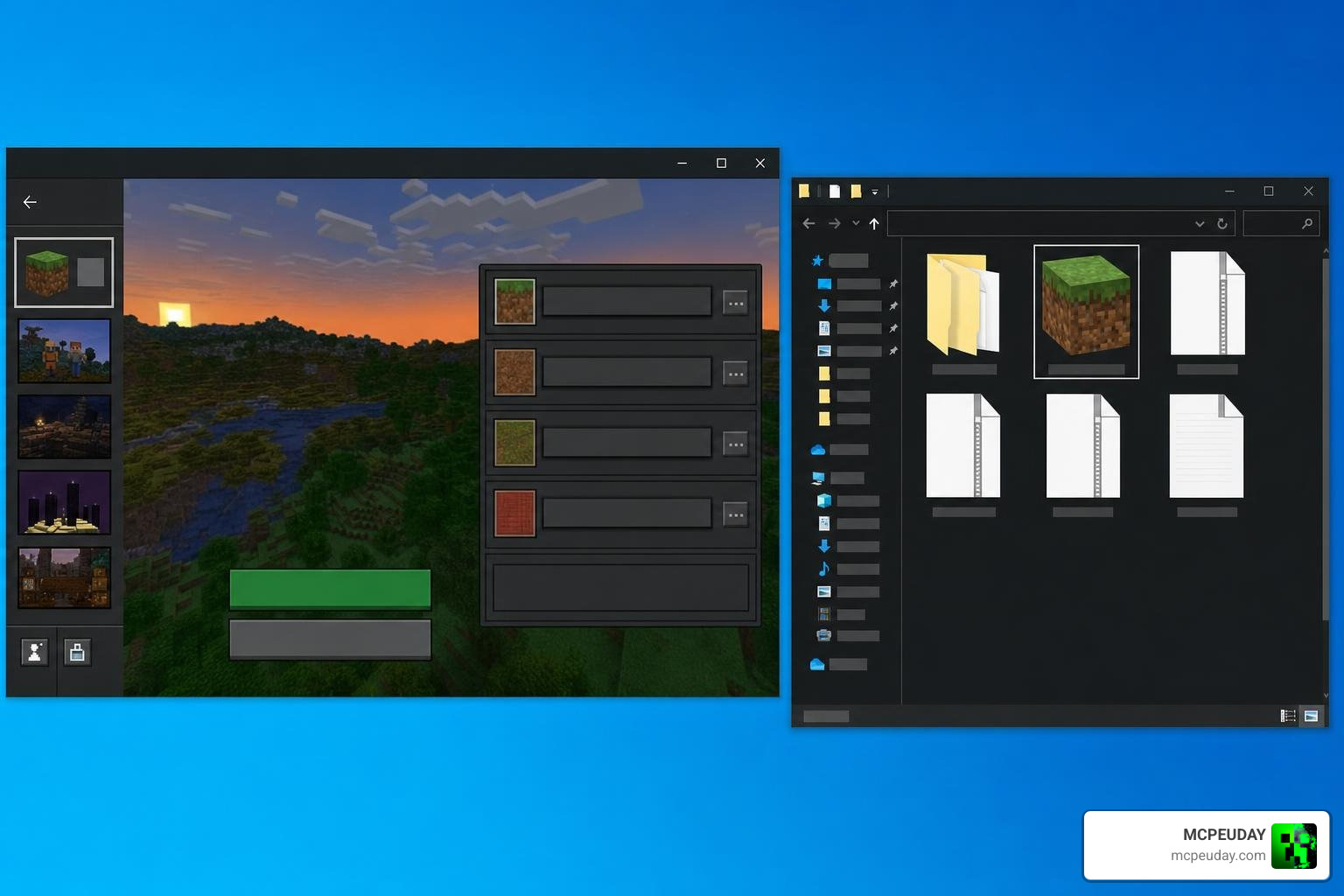
.mcpackfile from our verified download links. - Open with Minecraft: Locate the downloaded file on your mobile device or PC, and tap/double-click it. Your device should automatically launch Minecraft and import the pack.
- Activate in Settings: Go to your Minecraft main menu, select Settings, scroll down to Global Resources, and find the shader under My Packs. Click Activate.
- Launch Your World: Create a new world or load an existing one, and enjoy the stunning new purple vistas!
Comparing Karen Visual Shader to Other Bedrock Shaders
How does our purple-tinted favorite stack up against other popular visual packs available for Bedrock? Let’s take a quick look at this comparison table:
| Shader Name | Primary Visual Style | Performance Level | Target Version |
|---|---|---|---|
| Karen Visual Shader | Stylized Purple, Fantasy Sunrise | Excellent (Highly Optimized) | 1.21 / 26.x |
| Luca Visual Shader | Soft Warm Tones, Realistic Sun | Good | 1.21 / 26.x |
| Lumenix Shader V2 | High-Contrast, Vibrant Sunlight | Moderate | 1.21 / 26.x |
| Lotiif Visuals | Balanced, Enhanced Vanilla Colors | Excellent | 1.21 / 26.x |
Karen Visual Shader vs. Luca Visual Shader
While the Karen Visual Shader leans heavily into cool, mystical purple hues, the Luca Visual Shader 26 X 1 21 MCPE Bedrock Shader goes in the opposite direction. Luca focus on warm, golden tones, making your world feel sunny, cozy, and bright. If you want a fantasy vibe, stick with Karen; if you prefer a warm summer afternoon feel, Luca is your best bet.
Alternative Visual Options for MCPE
If you want to experiment with other visual styles, we have plenty of excellent options here on MCPEUDAY:
- For clean, balanced enhancement: Try the Lotiif Visuals Shader for MCPE.
- For vibrant, high-definition lighting: Check out the Lumenix Shader V2 2 26 X 1 21 MCPE Bedrock Shader.
- To upgrade your block textures alongside your lighting: Install the Lumina 32x Texture Pack 26 X 1 21 MCPE Bedrock Texture Pack.
- For an immersive 3D block experience: Look at the Lunac Shaders 3D Shader 26 X 1 21 MCPE Bedrock Shader.
- For an ultra-smooth, lightweight performance boost: Don’t miss the Luxen Visuals Shader for MCPE.
Frequently Asked Questions about Karen Visual Shader
Is the Karen Visual Shader compatible with Minecraft 1.21?
Yes! The shader is fully updated and compatible with Minecraft PE/Bedrock versions 1.21 and 26.x.
Who created the Karen Visual Shader?
The shader was created by an independent community developer. It is not affiliated with any professional software corporation, nor is it related to educational designer Karen K. Shader, Ph.D. It is a pure community passion project!
Does this shader cause lag on mobile devices?
Not at all. This pack is highly optimized for mobile devices (iOS and Android) and Windows 10/11 Bedrock editions. Because it changes colors and skybox textures rather than adding heavy 3D rendering pipelines, your frame rate should remain incredibly smooth.
Conclusion
The Karen Visual Shader remains one of the most unique aesthetic upgrades you can find for Minecraft PE and Bedrock Edition in 2026. By turning ordinary sunrises into breathtaking purple dreamscapes, it breathes fresh life into your blocky survival adventures without dragging down your device’s performance.
Whether you are building a magical wizard tower or just want a cooler view from your dirt house, this shader is a fantastic addition to your resource folder. Ready to see what else is out there? Explore the best shaders for MCPE 1.21 and find your perfect visual style today!