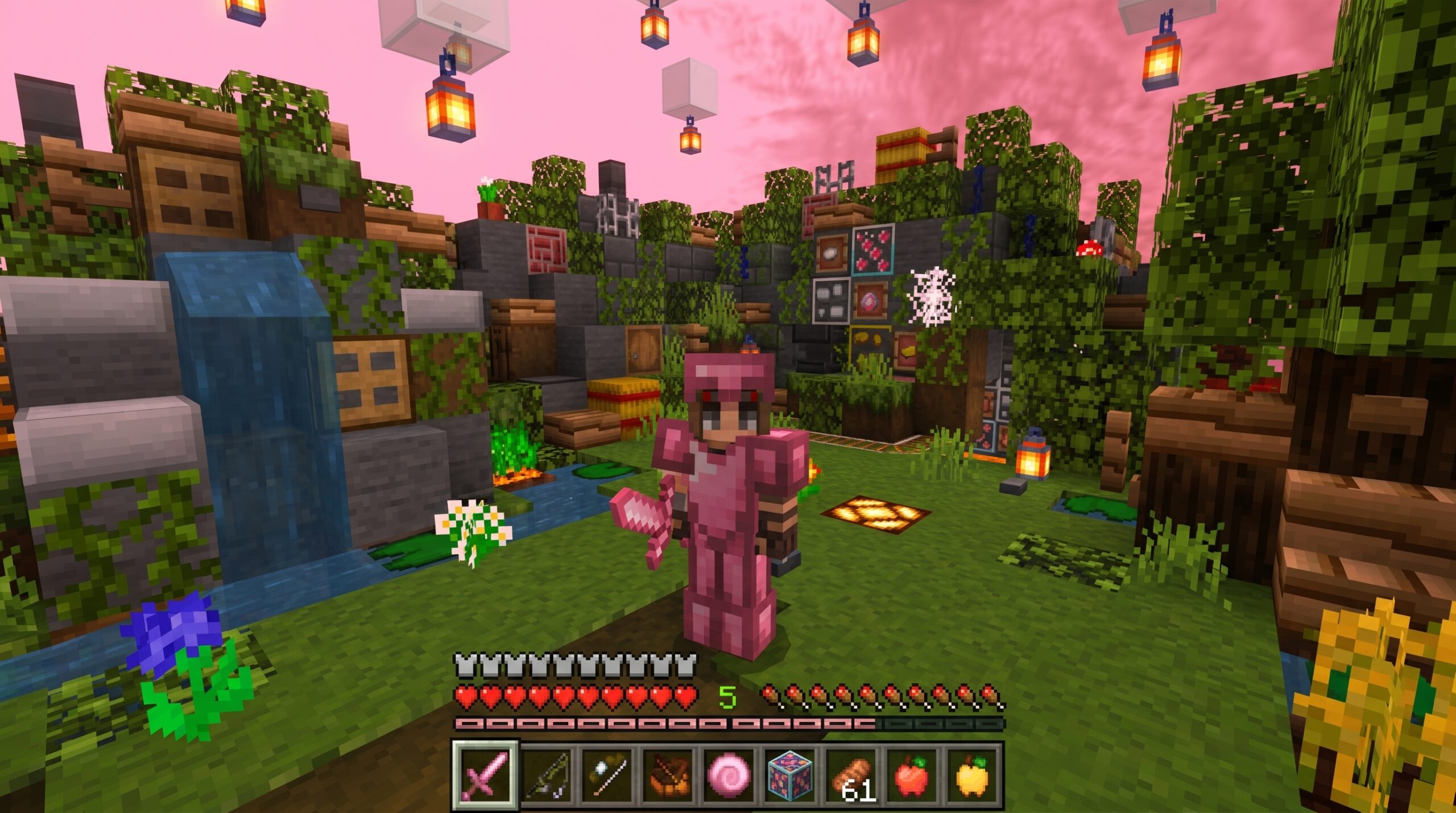
What Is the Lumina 32x Texture Pack and Why Players Love It
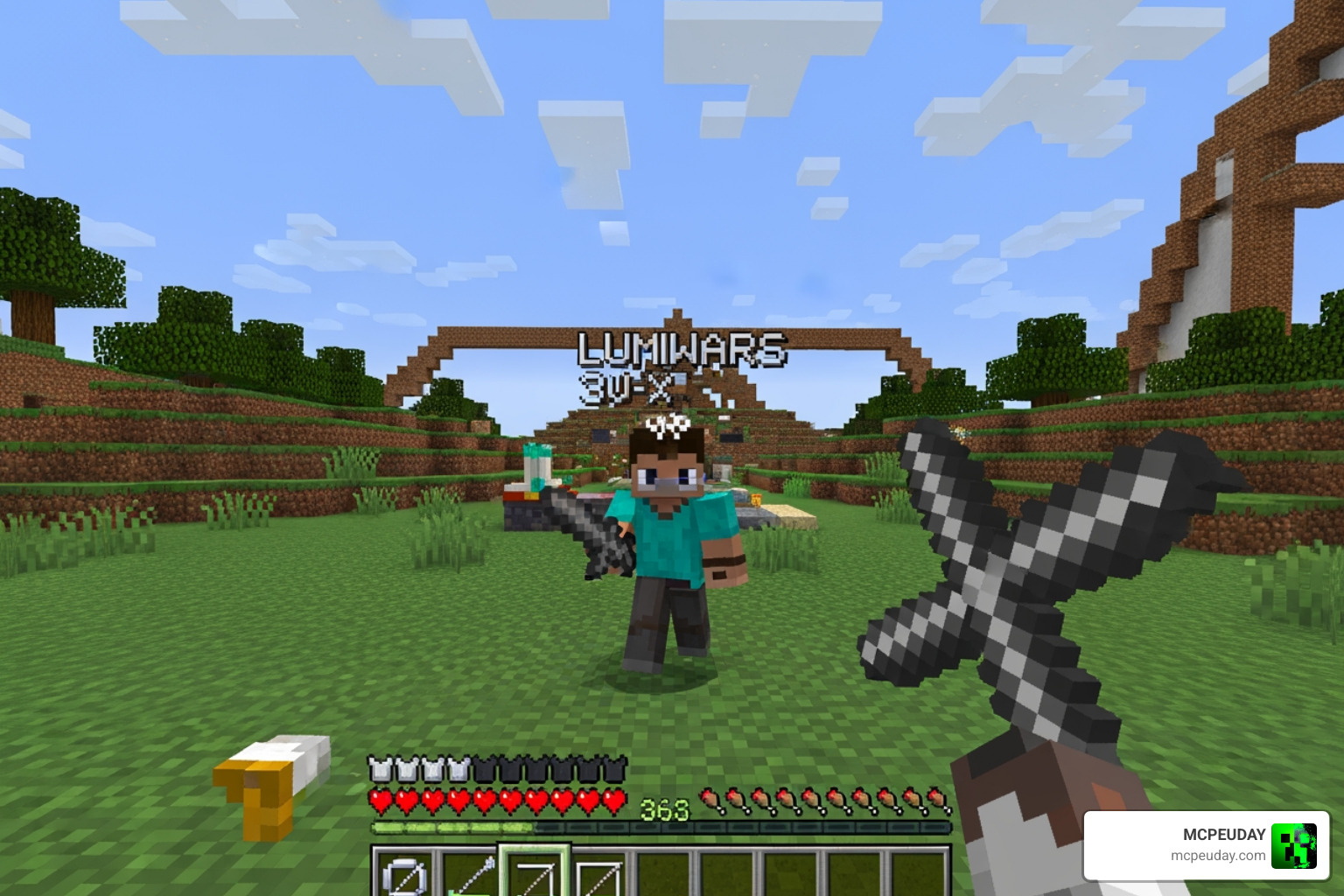
The Lumina 32x Texture Pack is a PvP-focused resource pack built for Minecraft Bedrock Edition, designed to give competitive players — especially in Bedwars and other PvP modes — cleaner visuals and smoother gameplay based on the classic 1.8 style.
Quick Answer: Everything You Need to Know
- What it is: A 32x resolution Minecraft texture pack optimized for PvP and Bedwars
- Who it’s for: Bedrock/MCPE players who want Java-like visuals and competitive advantages
- Versions supported: Minecraft PE/Bedrock 1.21 and 26.x
- File size: ~25.89 MB
- Key features: 3D mace, Java-style chat, low fire, clear water/lava, anime beds, mini totems
- Where to get it: Available on sites like ModsCraft and mc-pe.com (158+ downloads, 2,500+ views)
It strips away visual clutter — like Nether fog, the potion HUD, and the pumpkin overlay — so you can focus on what matters: winning fights.
The pack also has several variants, including a Rose edition, a 16x version, and a 64x Faithful Revamp, each tuned for different hardware and playstyles.
Whether you’re grinding ranked Bedwars or just want a cleaner, more competitive look for your game, Lumina 32x has built a solid reputation in the Minecraft PE community.
Core Features of the Lumina 32x Texture Pack
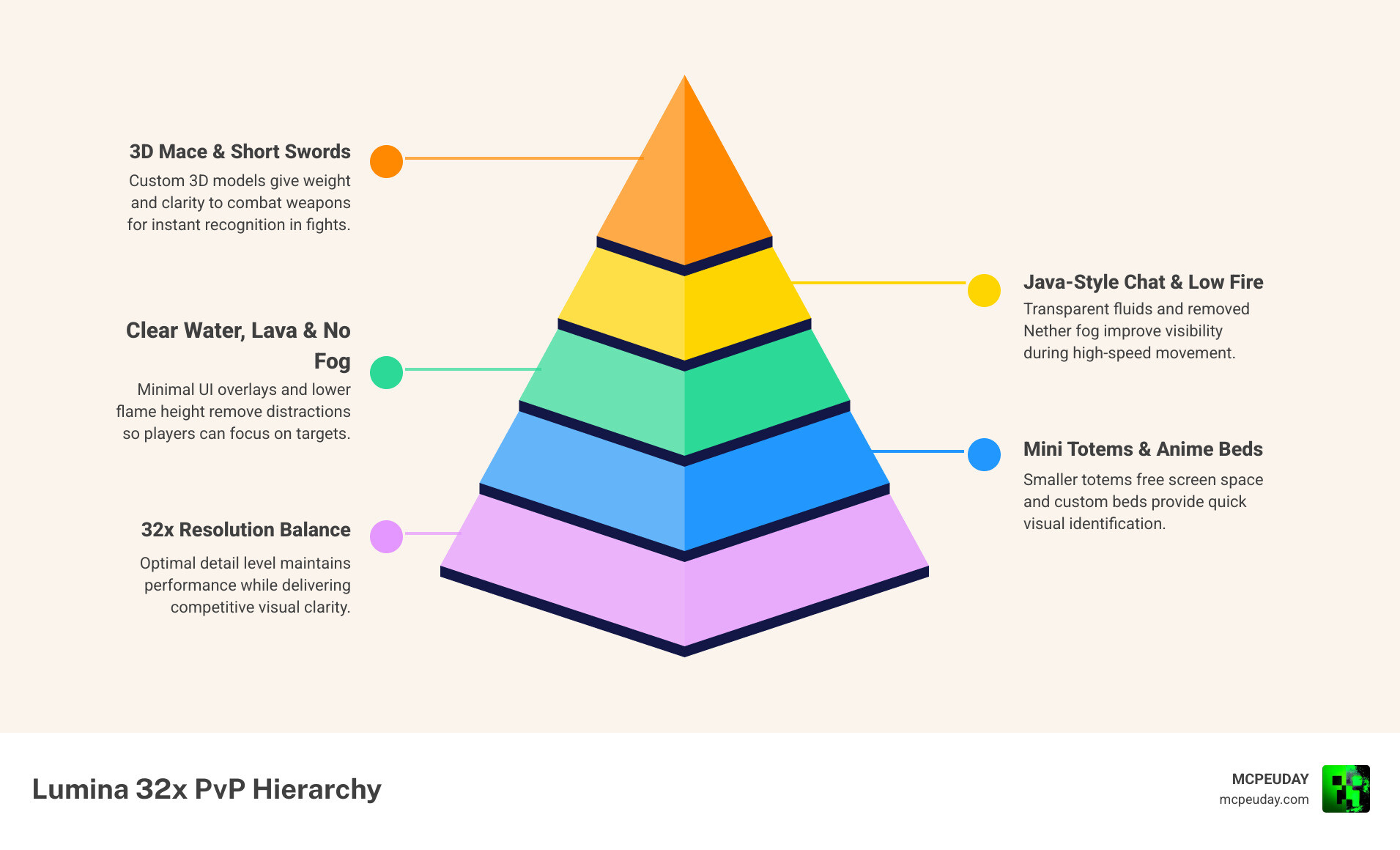
When we dive into the Lumina 32x Texture Pack, it becomes immediately clear that this isn’t just a simple resolution bump. It is a calculated overhaul designed to bridge the gap between Bedrock Edition and the high-speed PvP feel of Java Edition 1.8.
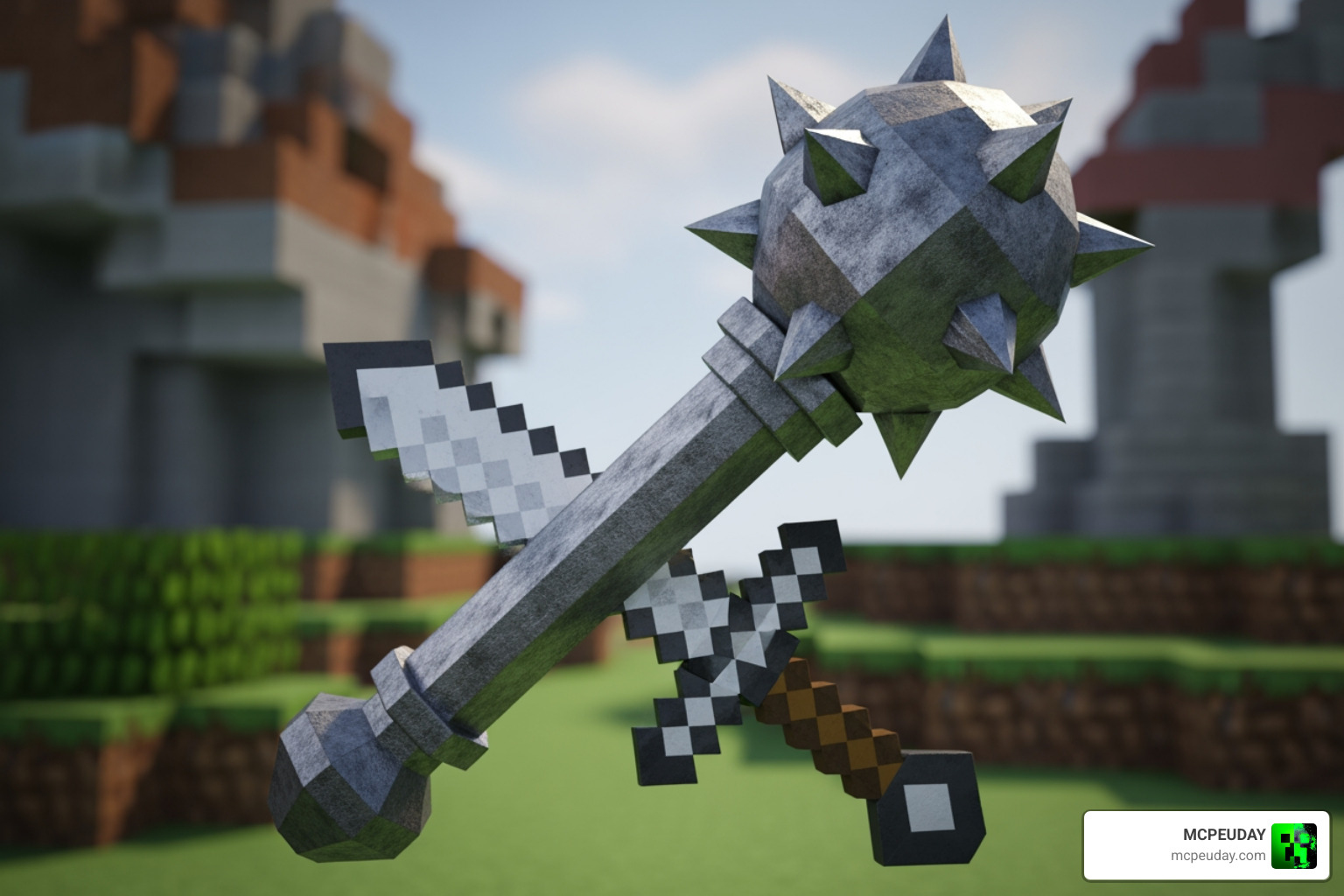
One of the standout additions is the custom 3D mace model. While many packs struggle to integrate newer Minecraft items into a retro PvP aesthetic, Lumina handles this perfectly, giving the mace a distinct, weighty feel that fits the 32x resolution. This attention to detail extends to the weaponry, where you’ll find short swords—a staple for competitive players who need to see more of their screen during a duel.
Beyond the items, the UI receives a massive upgrade. We particularly love the Java-style chat, which cleans up the screen and makes communication feel more like the original PC experience. The HUD is now translucent, meaning your health and hunger bars won’t block your view of an approaching enemy.
Key features include:
- Low Fire: Fire on your screen is significantly reduced in height, so you aren’t blinded during a fight.
- Anime-Themed Beds: A stylish touch for Bedwars players who want a bit of flair in their base.
- Custom PvP Sounds: Crisp audio cues that help you track hits and movement.
- No Tutorial: The annoying “How to Play” screens are disabled by default.
If you are looking for even more ways to enhance your game’s look alongside these PvP tweaks, you might want to check out the Better Graphics Texture Pack 26 X 1 21 Mcpe Bedrock Texture Pack for a different take on visual fidelity.
Comparing Lumina Variants: 16x vs. 32x vs. 64x
The Lumina family is surprisingly diverse. We’ve seen several versions floating around, and choosing the right one depends entirely on your device’s power and your personal preference for “smoothness.”
| Feature | Luminous 16x | Lumina 32x (Rose/Standard) | Lumina Faithful Revamp 64x |
|---|---|---|---|
| Best For | Low-end mobile devices | Balanced PvP & Bedwars | High-end PCs & Detail lovers |
| File Size | ~11.75 MB | ~25.89 MB | ~65.14 MB |
| Vibe | Pixelated, high FPS | Clean, “Faithful” style | Realistic, sharp edges |
| Primary Focus | Speed and visibility | Competitive advantage | Visual Revamp |
The Lumina 32x Texture Pack (specifically the Rose variant) is widely considered the “sweet spot.” It offers a file size of about 25.89 MB, which is light enough for most modern phones but detailed enough to look great on a monitor. It draws heavy inspiration from the 2025r9 – Classic Faithful 32x style, maintaining that “vanilla but better” look.
For those who want the absolute maximum frame rate, the Luminous 16x version (created by L33tfox) is a great alternative. It has amassed over 34,000 downloads and focuses on a vibrant, simplified palette. On the other end of the spectrum, the 64x Faithful Revamp by Lumin is for players who want their Minecraft to look crisp and high-definition while keeping the slanted sword and UHC-friendly features.
Installation Guide for Java and Bedrock Editions
Installing the Lumina 32x Texture Pack is straightforward, but the steps differ slightly depending on whether you are on a phone or a PC.
For Bedrock Edition (MCPE/Android/iOS/Windows)
Most versions of Lumina come as a .mcpack file, which is the easiest way to install content on Bedrock.
- Download the file: Ensure you are getting the version compatible with 1.21 or 26.x.
- Open the file: Locate the downloaded
.mcpackand tap/click it. Minecraft should open automatically. - Import: The game will say “Import Started” at the top of the screen.
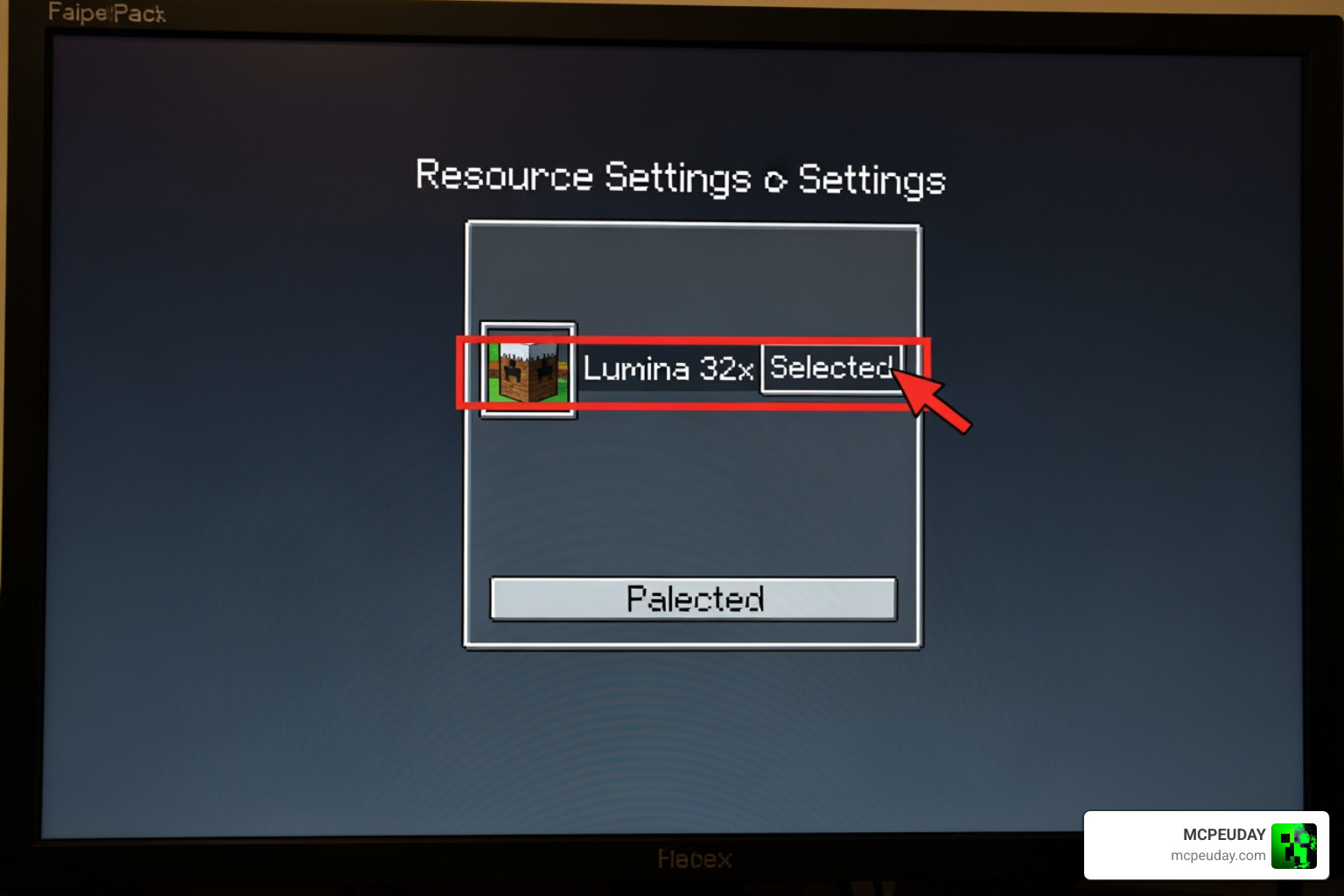
- Activate: Go to Settings > Global Resources > My Packs. Click on Lumina 32x and hit Activate.
- Restart: If the textures don’t appear immediately, a quick game restart usually does the trick.
For a completely different visual style that focuses on simplicity, you can also try the Bare Bones Texture Pack 1 21 Mcpe Bedrock Edition Download Now, which follows a similar installation path.
For Java Edition (1.8 – 1.21)
- Download the .zip file: Java packs typically come in a compressed folder.
- Locate Resource Packs: Open Minecraft, go to Options > Resource Packs > Open Pack Folder.
- Drag and Drop: Move the Lumina .zip file into that folder.
- Select in-game: It will appear in the “Available” column; click the arrow to move it to “Selected.”
Performance and PvP Optimization
The real reason we recommend the Lumina 32x Texture Pack is the massive performance boost it provides in high-stress situations. In a Bedwars game with dozens of entities and blocks being placed, your FPS can tank. Lumina fixes this by optimizing how the game renders certain elements.
We love the “clear” philosophy this pack adopts:
- Clear Water & Lava: No more guessing what is beneath the surface. This is essential for navigating the Nether safely.
- No Nether Fog: You can see much further in the Nether, making it easier to spot fortresses or players.
- Removed Pumpkin Overlay: If you wear a carved pumpkin to avoid Endermen, your vision remains 100% clear.
- Mini Totems: The Totem of Undying is shrunk down so it doesn’t take up 25% of your screen when held.
If you enjoy packs that change how light and visibility work, you might also find the Glowing Plus Texture Pack Make Your Minecraft World Shine With Brilliant Light Effects interesting, though it serves a more aesthetic purpose compared to Lumina’s competitive focus. Lumina also disables V-sync by default in its internal settings (where possible) to reduce input lag—a must-have for serious PvPers.
Frequently Asked Questions about Lumina 32x Texture Pack
Is the Lumina 32x Texture Pack compatible with Minecraft 1.21?
Yes! The latest versions of the pack, specifically those found on 9Minecraft and mc-pe.com, are fully updated for Minecraft 1.21 and the 26.x series of Bedrock updates. The creators have even added fixes for 1.20+ items to ensure that newer blocks don’t look out of place next to the 32x textures.
What makes the Lumina 32x Texture Pack better for Bedwars?
It comes down to visibility and “Java parity.” The low fire prevents you from being blinded when a teammate accidentally hits you with a fire charge. The anime beds make it easier to distinguish your base in the heat of battle, and the 3D mace gives you a clear visual indicator of your reach. Combined with the Java-style chat, it makes the Bedrock experience feel much more professional and less cluttered.
How do I fix the “Incompatible Version” error for Lumina 32x?
If you see a red “Incompatible” warning, it usually means the manifest.json file inside the pack thinks it’s for an older version. You can often ignore this and activate it anyway. If it truly doesn’t work, ensure you have downloaded the version specifically tagged for 1.21. Always check that you aren’t trying to load a Java Edition .zip file into the Bedrock Edition .mcpack slot.
Conclusion
At MCPEUDAY, we’ve tested countless packs, but the Lumina 32x Texture Pack consistently stands out as a top-tier choice for the competitive community. It manages to balance beauty and brawn—giving you a game that looks sharp and “Faithful” while providing the frame rates and visibility needed to dominate in PvP.
Whether you’re looking for the vibrant colors of the 16x version or the refined edges of the 32x Rose edition, there is a Lumina variant for you. If you’re looking for something even more high-end and realistic after trying Lumina, you might want to explore the Realsource Realistic Pack Mcpack for a total graphical transformation.
Ready to find your next favorite look? Explore more Minecraft Texture Packs on our site and stay updated with the latest releases for 2026 and beyond!
2 thoughts on “Lumina 32x Texture Pack (26.x, 1.21) – MCPE/Bedrock Texture Pack”