Scroll down to D0vvnl0ad
Install Simulation Core on Minecraft PE/Bedrock
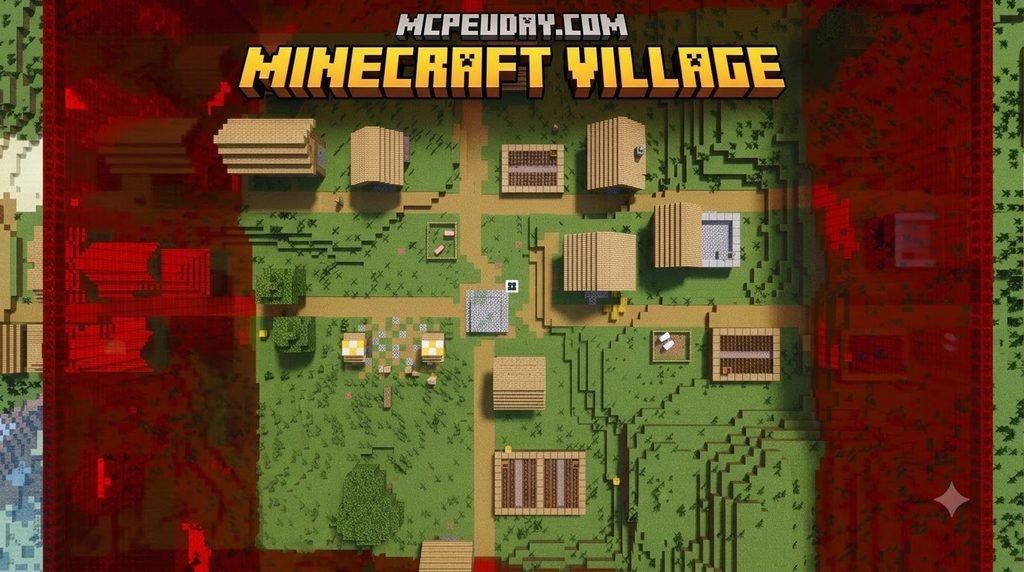
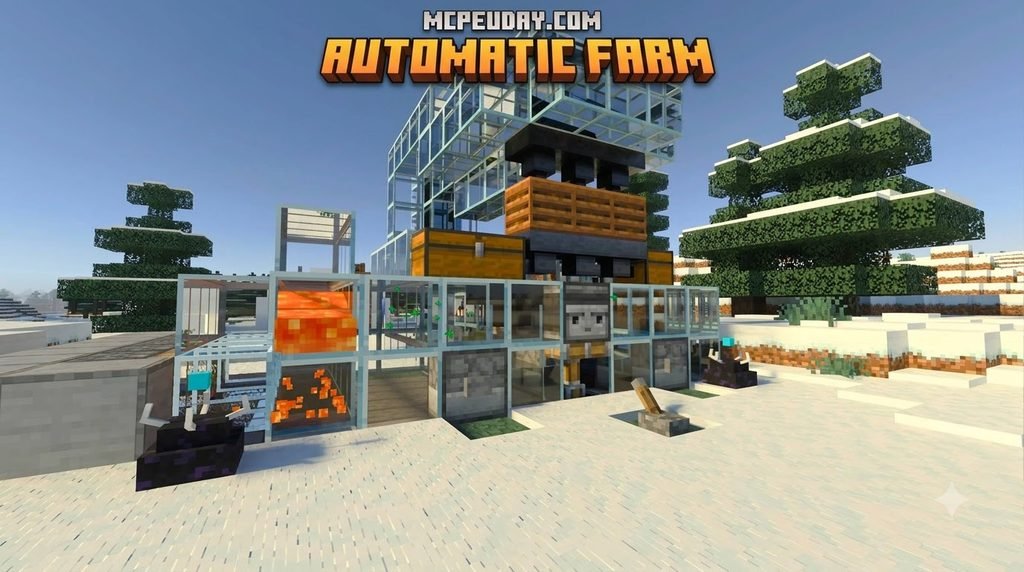
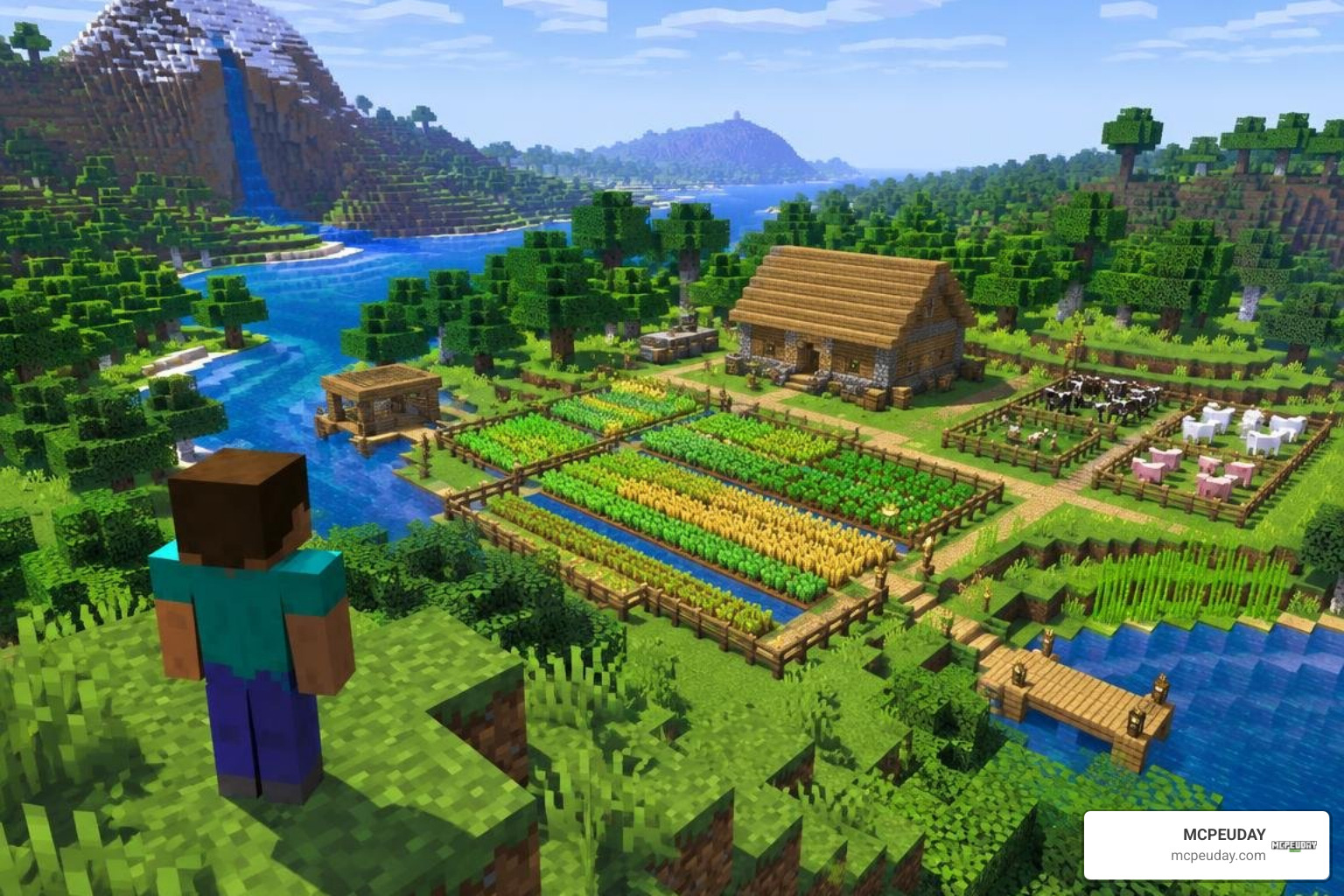
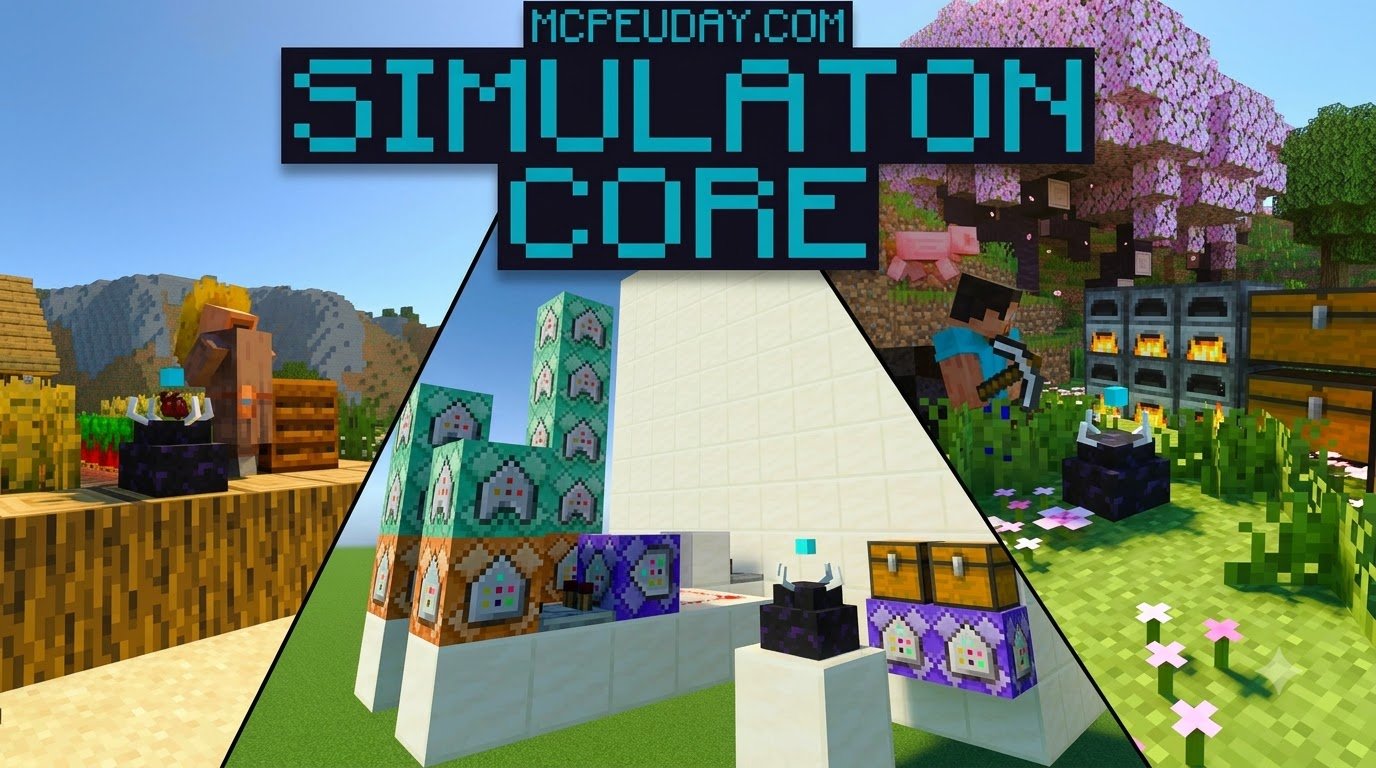
To install Simulation Core, back up your world, download a .mcaddon file that lists your Bedrock version, and open the file with Minecraft. Then activate its packs in your world settings. Simulation Core is designed to keep areas beyond the usual active range progressing while you play elsewhere.
The addon listing covers many Bedrock releases, including 1.21 builds and 26.40. Check your exact game version before downloading. The 1.5 MB file is small, but keeping more of a world active may still affect performance, especially on mobile. This guide walks you through setup and the checks to make if your remote areas do not behave as expected.
Understanding the Simulation Core Addon for Minecraft PE/Bedrock
Every seasoned Minecraft Bedrock player knows the pain of chunk unloading. You build a massive automated iron farm or a sprawling sugarcane field thousands of blocks away, embark on an exploration journey, and return hours later only to find your chests empty. By default, Minecraft Bedrock halts all block updates, crop growth, and entity processing the moment you leave a chunk’s simulation distance.
The Simulation Core Addon for Minecraft PE/Bedrock solves this fundamental limitation. Instead of forcing players to stand idle near their contraptions, this utility creates persistent simulation anchors that keep background chunk logic, redstone states, and out-world-border regions ticking seamlessly.
What Is the Simulation Core Addon for Minecraft PE/Bedrock and How It Works
At its heart, Simulation Core functions as a lightweight, automated background ticking manager. In vanilla Bedrock, simulation distance is strictly anchored to the player’s physical coordinates. If your simulation distance is set to 4 chunks (a standard setting on budget mobile devices), any block located 65 blocks away enters a frozen sleep state.
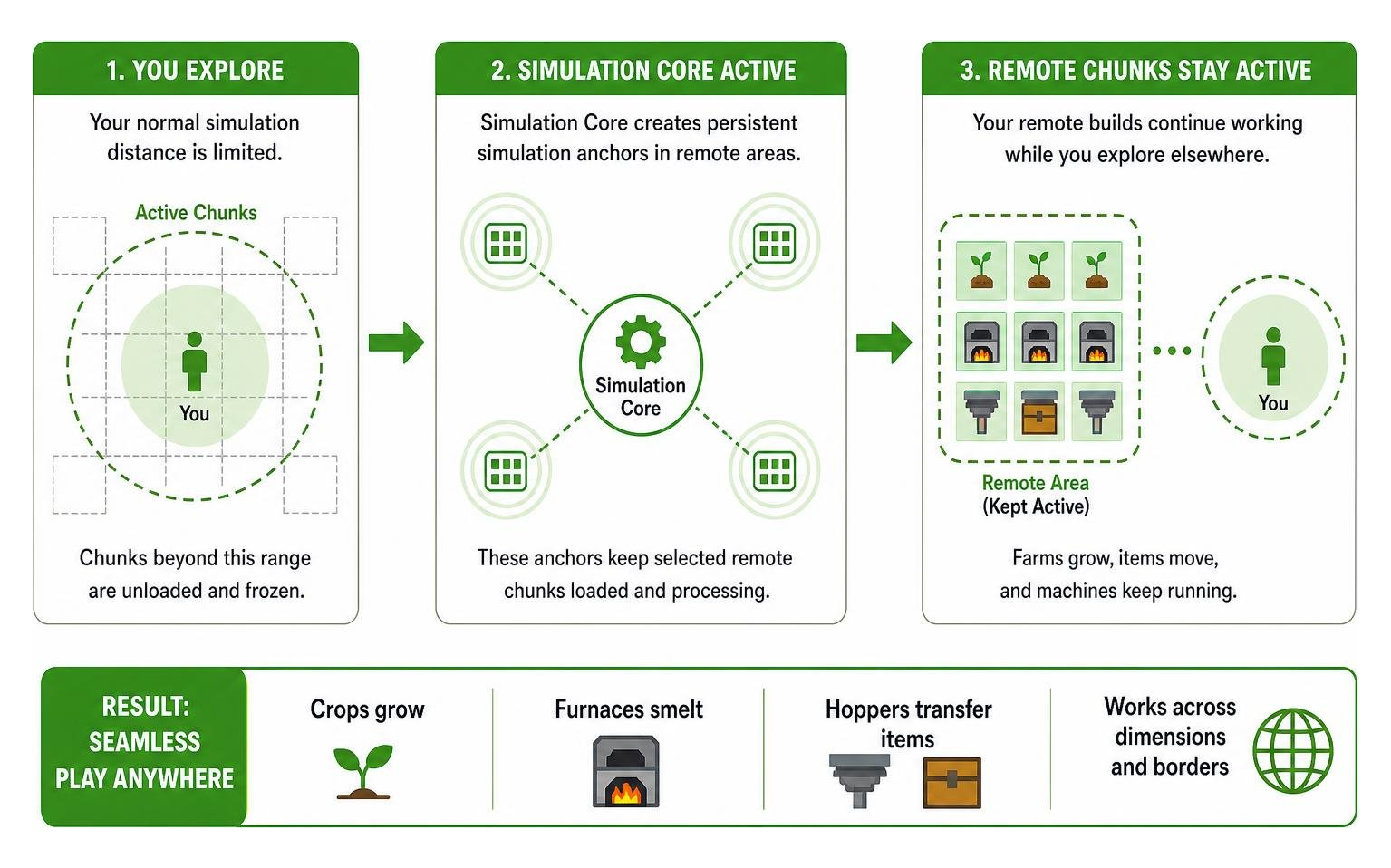
Simulation Core overrides these boundary constraints using targeted script engine commands and custom behavior packs. When deployed, it manages persistent ticking areas without requiring complex vanilla ticking commands (/tickingarea) every time you log in. It ensures that crop stages advance, furnaces continue smelting, and hoppers pass items into storage even when you cross dimensions or travel past standard world borders.
Supported Game Versions and System Requirements
One of the main reasons Simulation Core has surpassed 627,073 downloads is its remarkable version compatibility. Rather than locking users into a single release, the addon supports 41 distinct game versions, covering everything from version 1.21 through to 26.12, 26.13, 26.20, 26.30, and up to Bedrock 26.40.
Despite its powerful functionality, the entire package sits at a featherweight file size of just 1.5 MB. Because it relies heavily on native script features, keeping your environment stable across different module frameworks is essential. When configuring technical utility packs, managing your setup alongside a reliable dependency mod like Collective Library ensures smooth API hook execution and reduces script conflicts.
System requirements to keep in mind:
- Android / iOS: Minimum 3 GB RAM recommended (4 GB+ for worlds running multiple active automation farms).
- Windows / Consoles: Standard minimum system specs for current Bedrock releases.
- Storage: Under 10 MB of free storage for pack data and cached world ticks.
Step-by-Step Installation Guide for Mobile and Windows
Setting up custom behavior utilities on Bedrock Edition is straightforward once you know where each toggle lives. Let’s walk through preparing your world and installing the files properly.
Preparing Your World and Experimental Settings
Before touching any addon files, create a local backup of your world. Because Simulation Core interacts directly with how chunks are loaded and simulated, modifying your world state without a safety net is never a good idea.
To prepare your world:
- Open Minecraft Bedrock and navigate to your Worlds list.
- Tap the Edit (Pencil) icon next to your chosen world.
- Scroll down the left sidebar and tap Copy World to generate an instant backup.
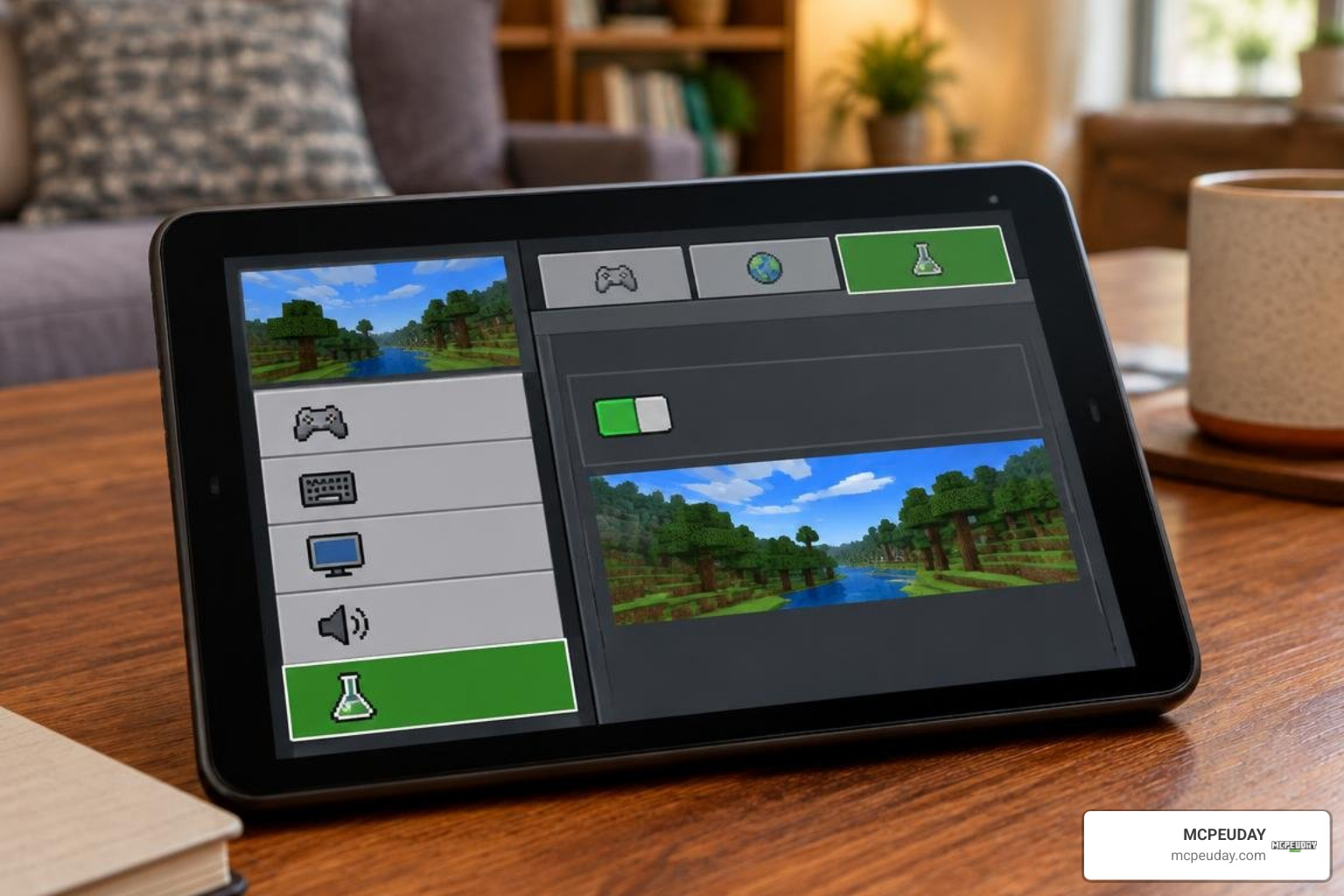
- In the world settings menu, scroll down to the Experiments tab.
- Enable Beta APIs and Holiday Creator Features (if available on your version) to allow the addon’s background scripts to operate.
Note: Enabling behavior packs and experimental toggles permanently disables Xbox Live achievements for that specific world save.
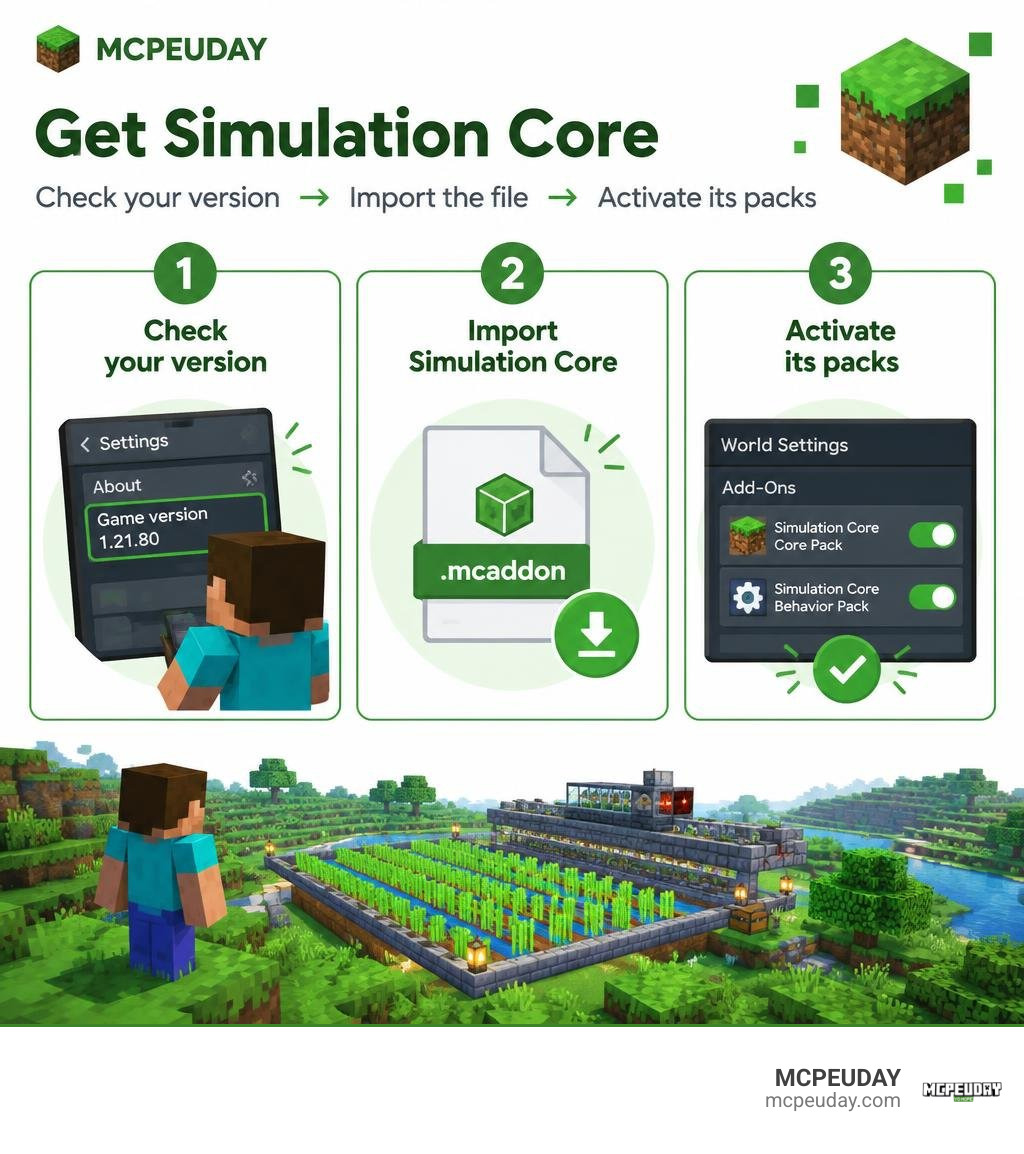
Installing the Simulation Core Addon for Minecraft PE/Bedrock via .mcaddon
Follow these steps to import and activate the pack across your devices:
- Download the File: Obtain the official
.mcaddonpackage from a verified file repository, ensuring the file version matches your game client. - Import into Minecraft:
- Android: Tap the downloaded
.mcaddonfile from your notification tray or file manager. Select Open with Minecraft. - iOS: Tap the file in your Files app, tap Share, and choose Minecraft.
- Windows: Double-click the
.mcaddonfile; Minecraft will launch and import the behavior and resource modules automatically.
- Android: Tap the downloaded
- Activate in World Settings:
- Return to your world’s edit menu.
- Select Behavior Packs, find Simulation Core, and tap Activate.
- Verify that any companion assets under Resource Packs are also active.
- Launch the Game: Enter your world and confirm that the script initializes properly in your chat log or debug console.
Gameplay Impact, Performance, and Addon Comparisons
Keeping chunks loaded in the background changes how you design survival infrastructure. When your farms run perpetually, your resource output increases dramatically.
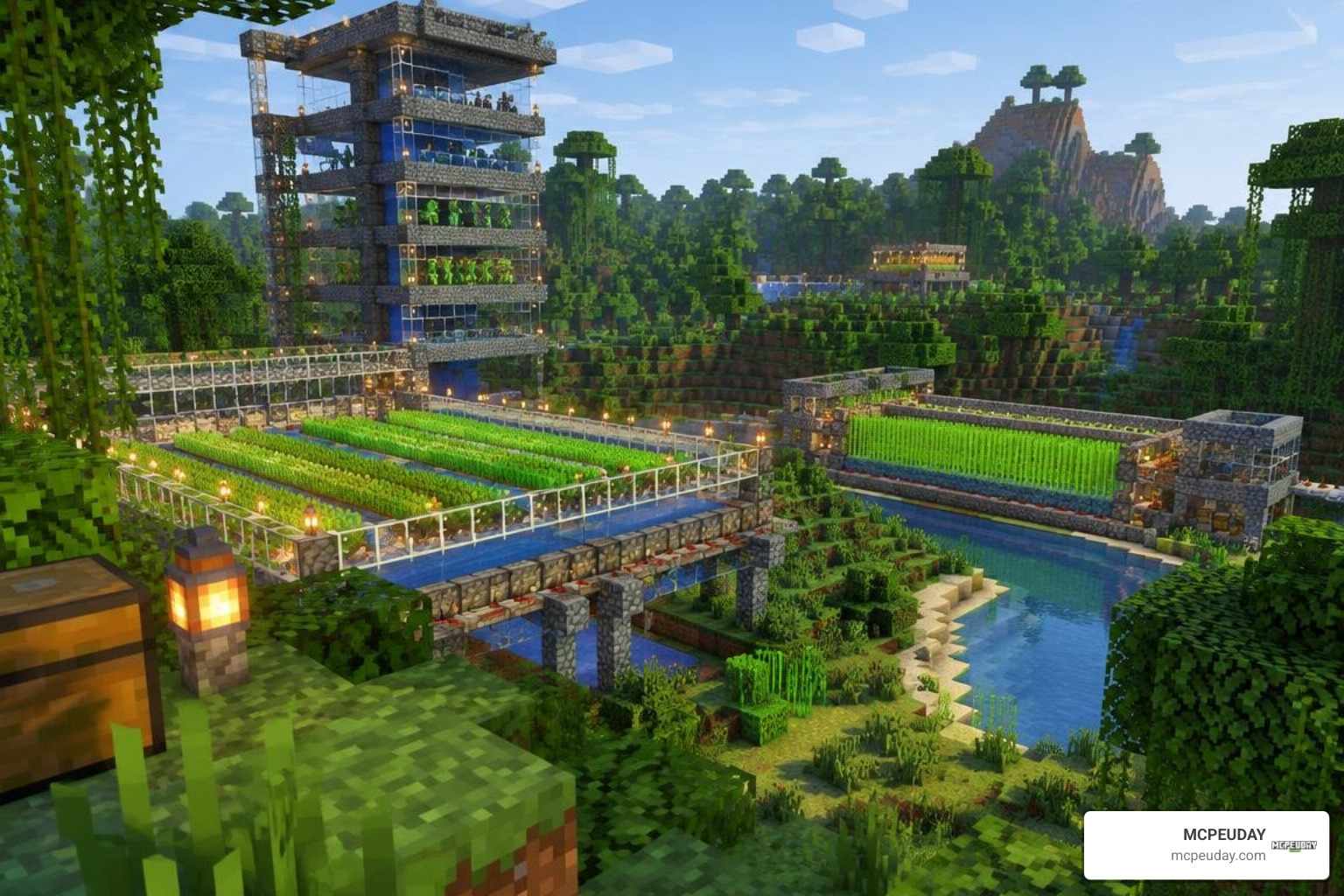
When paired with comprehensive survival overhauls, the gameplay loop becomes even richer. For example, combining persistent ticking with a survival expansion allows custom crops, bounties, and mob spawners to remain active while you venture into newly generated structures.
Out-World-Border Chunk Simulation and Performance Tuning
How does Simulation Core compare to native vanilla mechanics and complex machinery mods? The comparison below highlights the differences:
| Feature | Vanilla Ticking Area | Simulation Core Addon | Automation Mods | Core Gameplay Addons |
|---|---|---|---|---|
| Max Loaded Areas | Limited (10 areas) | Dynamic & Scalable | Player Proximity Dependent | Specialized System Load |
| Setup Complexity | Command line only | Automated / Menu-driven | Block-based engineering | Custom UI integration |
| File Footprint | Built-in (0 MB) | 1.5 MB | Moderate / Heavy | Light / Medium |
| Mobile Stability | High | High (Configurable) | Medium (CPU heavy) | High |
| Remote Processing | Basic blocks | Entity & Block Ticks | Kinetic networks | Core gameplay blocks |
To prevent frame drops on mobile devices:
- Limit active ticking regions to essential production farms (e.g., iron, sugarcane, kelp).
- Avoid loading massive mob grinders with loose entity item drops across more than three distant chunks simultaneously.
- Lower your visual render distance while keeping simulation logic running in the background.
Troubleshooting Common Loading and Compatibility Issues
If your remote chunks stop processing or you run into visual glitches, try these quick fixes:
- Invisible Textures or Missing UI: Reorder your Resource Packs list so that Simulation Core sits directly beneath your top-priority texture pack.
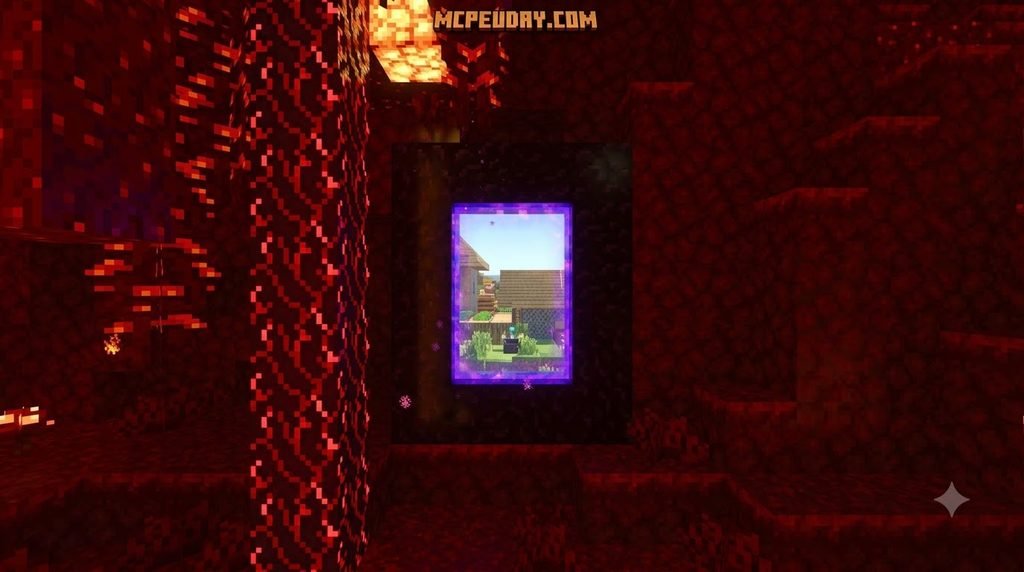
- Farms Freezing on Dimension Travel: Ensure that the target chunk does not overlap an unloaded Nether portal boundary. Re-entering the chunk once will re-establish the persistent script link.
- Script Engine Errors: Verify that your game client version exactly matches the addon release. A mismatch between Bedrock versions can break custom API calls.
Frequently Asked Questions About Simulation Core
Does using Simulation Core disable Xbox achievements?
Yes. Because Simulation Core relies on custom behavior pack scripting and experimental settings, activating it will permanently lock Xbox Live achievements and trophies on that world save. If you want to earn achievements, keep a separate vanilla survival world.
Will keeping remote chunks loaded cause lag on mobile devices?
It depends on what is inside those chunks. Ticking simple crop farms or redstone clocks consumes very little CPU power. However, if a distant chunk contains hundreds of uncollected floating entity items or densely packed animals, low-end mobile devices will experience thermal throttling and frame drops. Always build hopper collection systems with overflow incinerators to keep item entity counts low.
Where can I download official updates for Simulation Core?
Always source your files directly from verified distribution channels and trusted creators. Downloading from unofficial re-upload sites risks outdated code or corrupted .mcaddon archives that can crash your game.
Conclusion
Simulation Core eliminates one of the most frustrating bottlenecks in Minecraft Bedrock. By letting your essential farms, smelters, and sorting systems run quietly in the background, you can explore distant biomes and conquer deep dungeons without halting your survival progression.
At MCPEUDAY, we test, curate, and review the most reliable utilities across every Bedrock version. If you are ready to expand your world even further with new mechanics, automation tools, and visual enhancements, explore our full library of Minecraft PE mod addons to upgrade your gameplay today!
