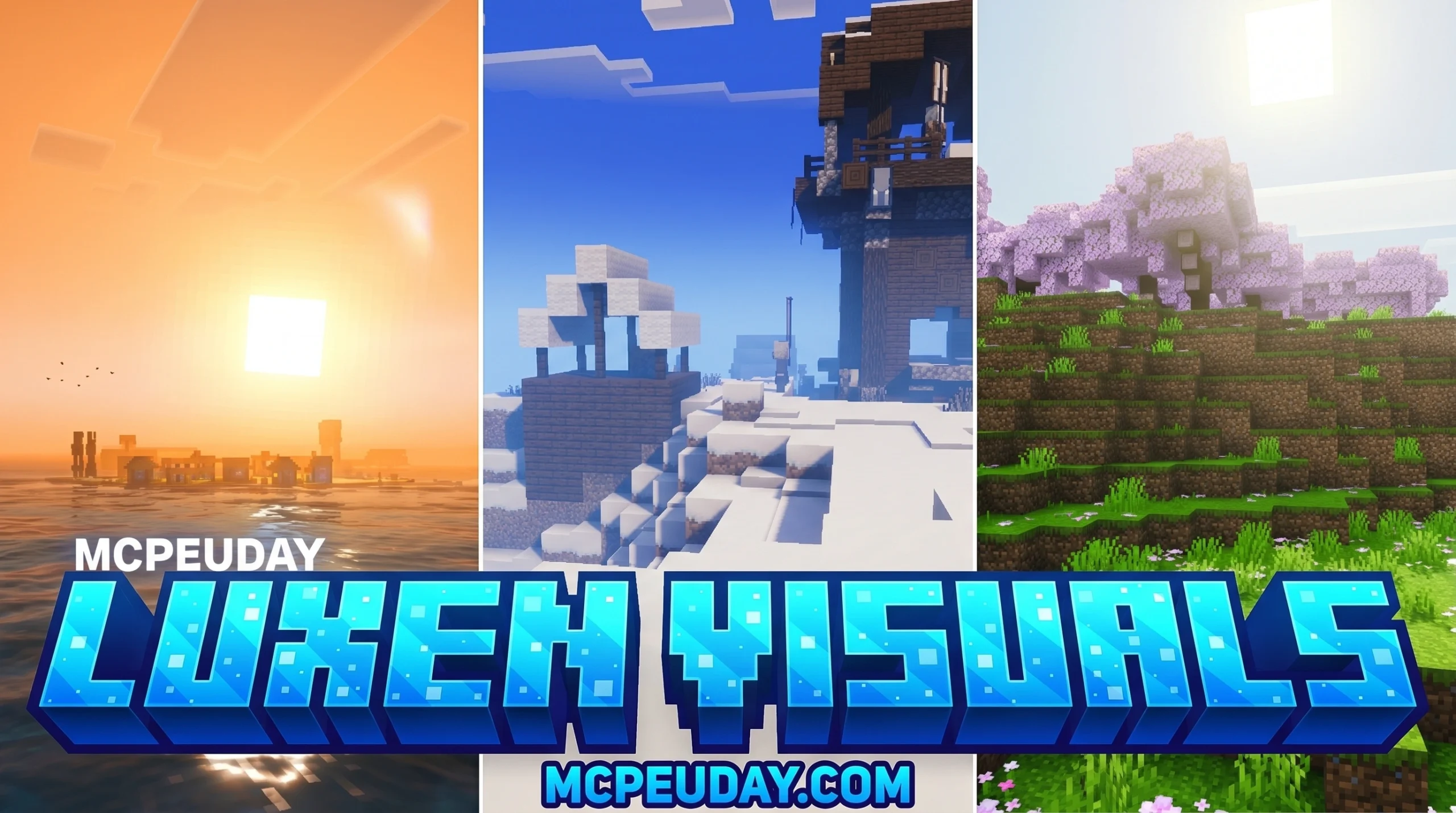
What Luxen Visuals Shader Does for Your Minecraft Experience
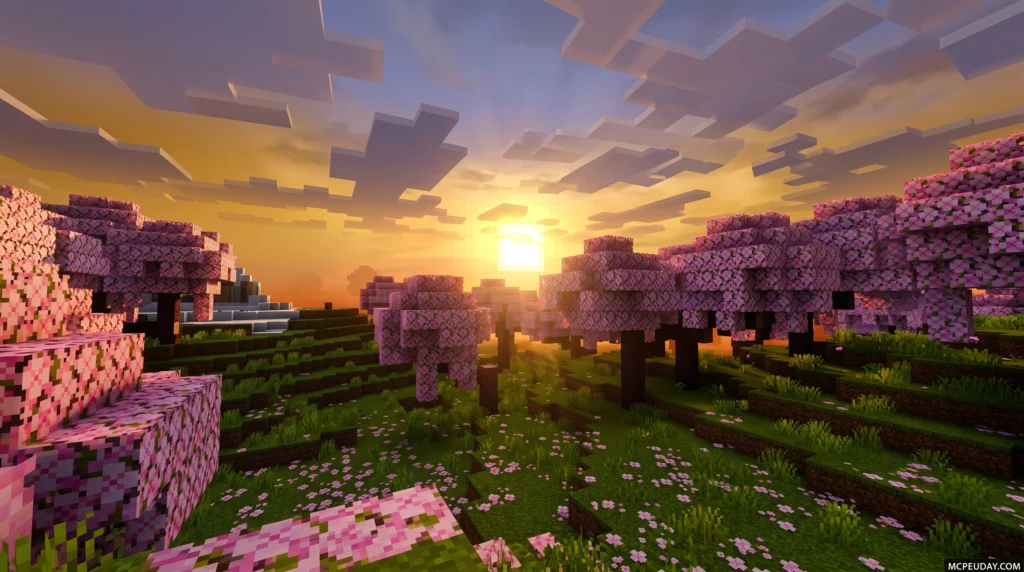
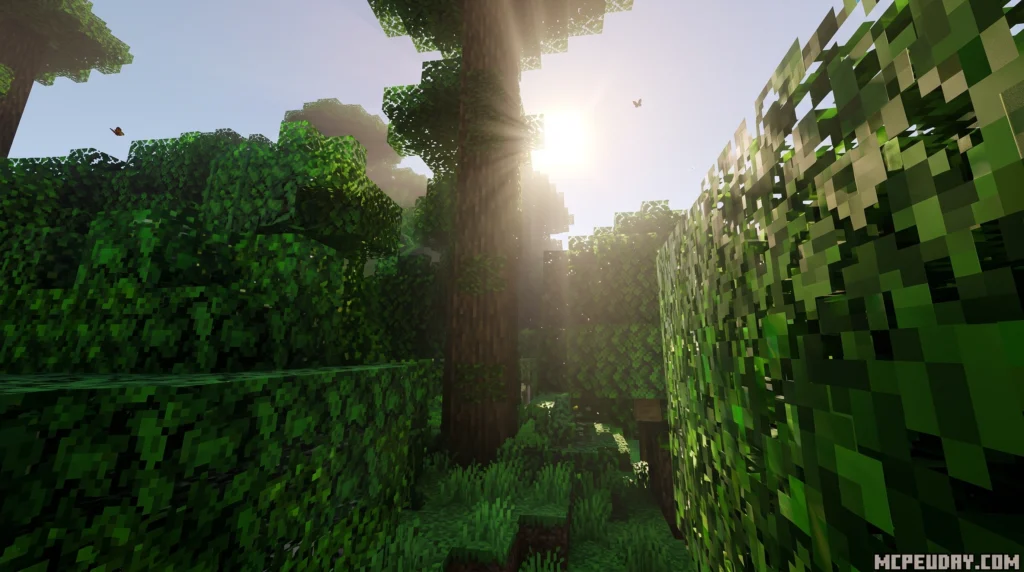
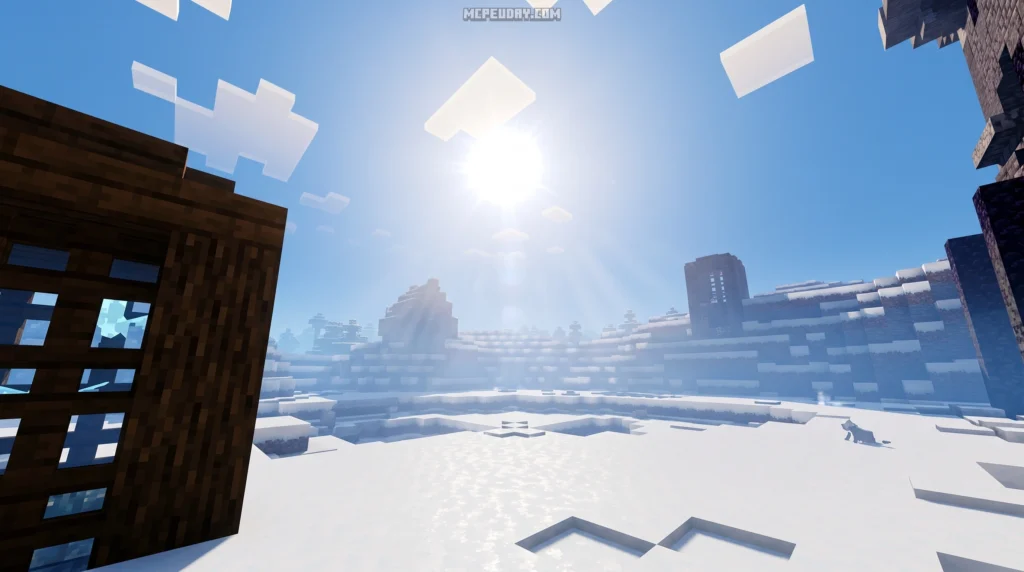
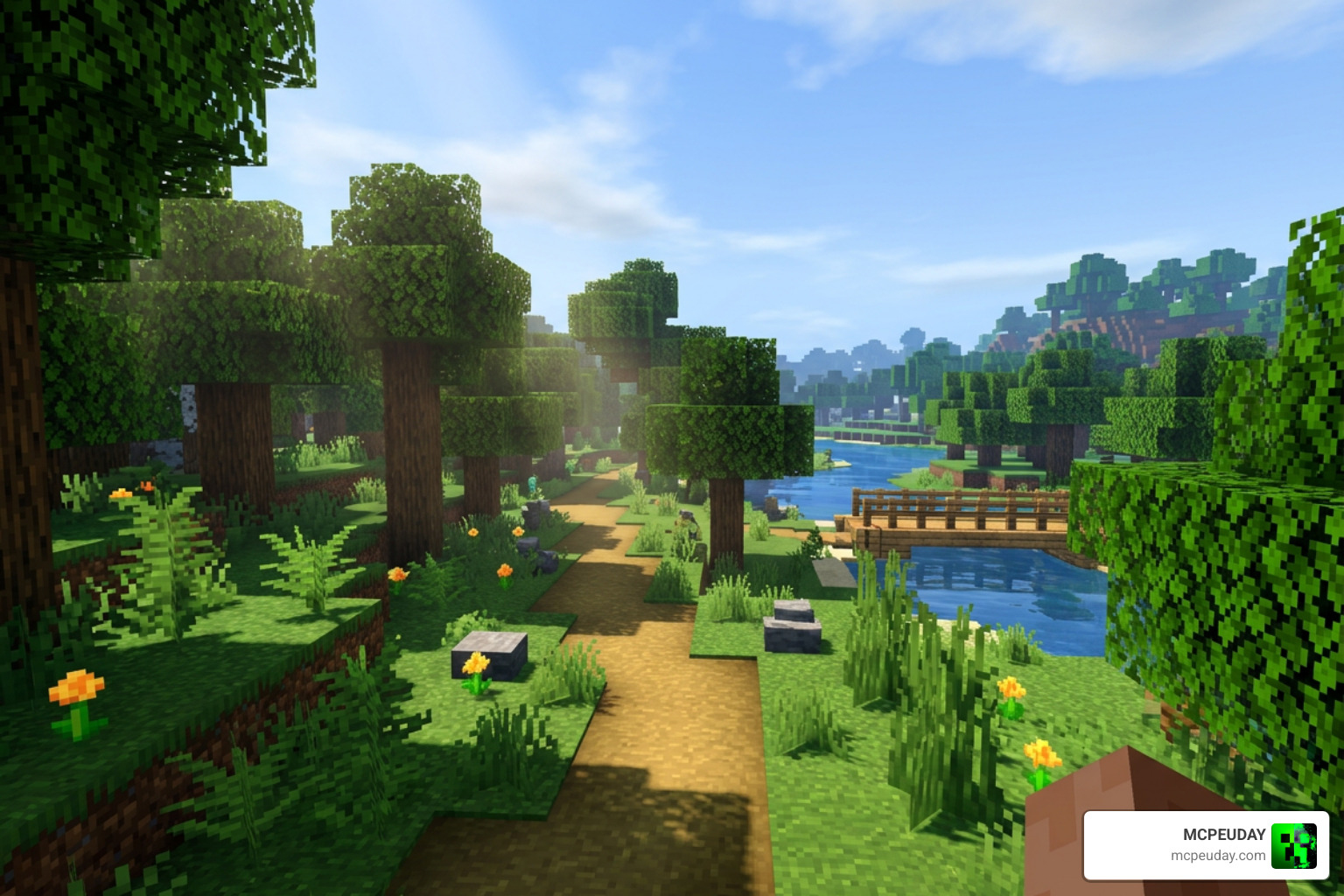
Luxen Visuals Shader is a lightweight, performance-friendly shader pack for Minecraft Bedrock Edition (MCPE) that improves how the game looks without causing lag or overheating your device.
Quick answer for what it does:
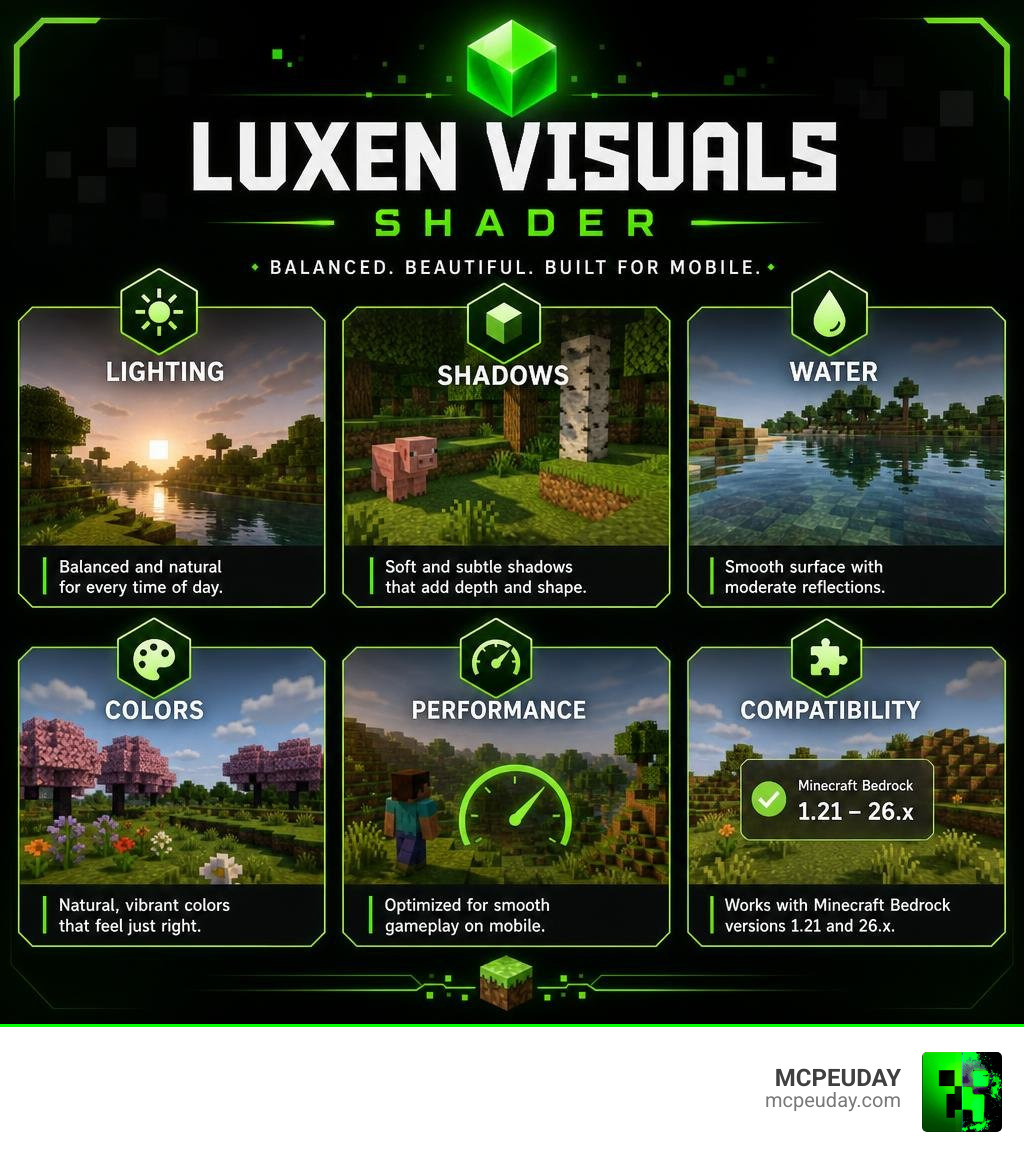
- Lighting — balanced and natural, no harsh overexposure or heavy darkening
- Shadows — soft and subtle, gently outlining shapes rather than creating black blobs
- Water — smooth surface with moderate reflections, calm and clean
- Colors — natural palette, not oversaturated or washed out
- Block edges — slightly sharpened for better visual clarity
- Performance — optimized for Android and iOS, including mid-range and older phones
- Compatibility — works with Minecraft Bedrock versions 1.21 and 26.x
If you play on mobile and want your world to look noticeably better without sacrificing frame rate, this shader is built exactly for that.
Minecraft Bedrock players on mobile often face a tough choice: stick with flat vanilla graphics, or install a heavy shader that turns your phone into a hand warmer. Luxen Visuals Shader sits in the middle — it’s a vanilla-plus upgrade that makes the game look polished and clean without pushing your device to its limits. It has earned a solid 4.4 out of 5 rating from users, and its design philosophy is simple: clarity, balance, and smoothness over dramatic cinematic effects.
What is the Luxen Visuals Shader?
At its heart, the Luxen Visuals Shader is all about visual comfort. Many shaders try to impress players by turning the brightness up to eleven or casting pitch-black shadows that make cave exploration impossible. This shader takes a completely different path. It is specifically built to enhance clarity and balance while preserving the core style of vanilla Minecraft.
When you download the pack from our dedicated page for the Luxen Visuals Shader for MCPE, you will immediately notice how clean the game world looks. The visual enhancements focus on five key areas:
- Balanced Lighting: The sun and moon cast natural light transitions across the landscape, avoiding blinding glares.
- Soft Shadows: Instead of harsh, blocky black spots, shadows appear as slightly blurred contours that emphasize the depth of blocks.
- Calm Water Rendering: Water surfaces are rendered smoothly with moderate sky and shore reflections, making lakes and rivers look highly realistic yet performance-friendly.
- Natural Color Palette: Colors are subtly adjusted to look richer without becoming oversaturated or cartoony.
- Sharp Block Edges: Structures and blocks feature sharper, more readable lines, making your builds stand out clearly.
Core Visual Characteristics of Luxen Visuals Shader
What makes this shader a fan favorite in 2026 is its restraint. Rather than forcing heavy cinematic filters over your screen, it optimizes the default Bedrock engine features.
For instance, water transparency is beautifully balanced. When standing on a shoreline, you can easily peer through the water to see the sand, gravel, and sea life below. At the same time, the surface catches the sky’s colors, reflecting clouds and sunsets with a calm, glassy finish.
The lighting transitions are another highlight. When moving from a bright meadow into a dark forest or a deep ravine, the light shifts naturally without sudden, jarring screen-darkening effects. This makes survival gameplay much more comfortable, as you do not have to constantly adjust your device’s brightness settings just to see a lurking creeper.
Comparing Luxen Visuals with Other Shaders
To help you understand where this shader fits in the competitive Bedrock ecosystem, it helps to compare it to other popular options like Lumina Visuals and the classic Java-based Lux Shaders.
- Lumina Visuals: This is a deferred shader pack designed for high-end Bedrock setups. It focuses on heavy cinematic realism, vibrant atmospheric color grading, and bloom effects. While beautiful, it requires much stronger hardware.
- Lux Shaders (Java): Originating as a custom project for a YouTuber, Lux Shaders (available for Java as Lux v1.2 – Lux V1 ) is famous for its moody, calming aesthetic and support for advanced features like glowing ores. However, it is built for Java loaders like Iris or OptiFine rather than mobile Bedrock.
- Luxen Visuals Shader: This is the ultimate middle ground for mobile. It offers excellent visual clarity, soft shadows, and smooth water while remaining incredibly lightweight.
For those interested in the wider shader development scene, there are other advanced tools like rudybear/lux (a math-first shader language compiling to SPIR-V) or Lux URP Essentials | VFX Shaders | Unity Asset Store for game developers. But for playing Minecraft Bedrock on your phone, the Luxen Visuals Shader is the perfect, ready-to-use solution.
| Feature | Luxen Visuals Shader | Lumina Visuals | Lux Shaders (Java) |
|---|---|---|---|
| Platform | MCPE / Bedrock | Bedrock (Deferred) | Java Edition |
| Primary Focus | Clarity & Smoothness | Cinematic Realism | Calming Vibe / Depth |
| Performance Impact | Very Low (Highly Optimized) | Medium to High | Medium (Requires GPU) |
| Water Quality | Smooth & Transparent | Highly Reflective | Cinematic & Deep |
| Best For | Everyday Survival | Cinematic Showcases | Night Sessions in Dark Rooms |
Performance and Technical Features on Mobile Devices
If you are playing on a mid-range Android phone or an older iOS device, performance is your number one priority. You will be happy to know that this shader is exceptionally friendly to your frame rate.
During our testing on mid-range devices, we observed incredibly stable frame rates with almost no thermal throttling. Unlike heavier shaders that cause your device to overheat and drain your battery in thirty minutes, this pack keeps your phone running cool. This makes it an ideal companion for long survival sessions or complex building projects.
PBR and Ray Tracing Capabilities in Luxen Visuals Shader
While it does not support full-scale Nvidia RTX ray tracing (which is restricted to specific high-end PC hardware), the shader does feature physically correct light reflection on blocks through PBR (Physically Based Rendering) support.
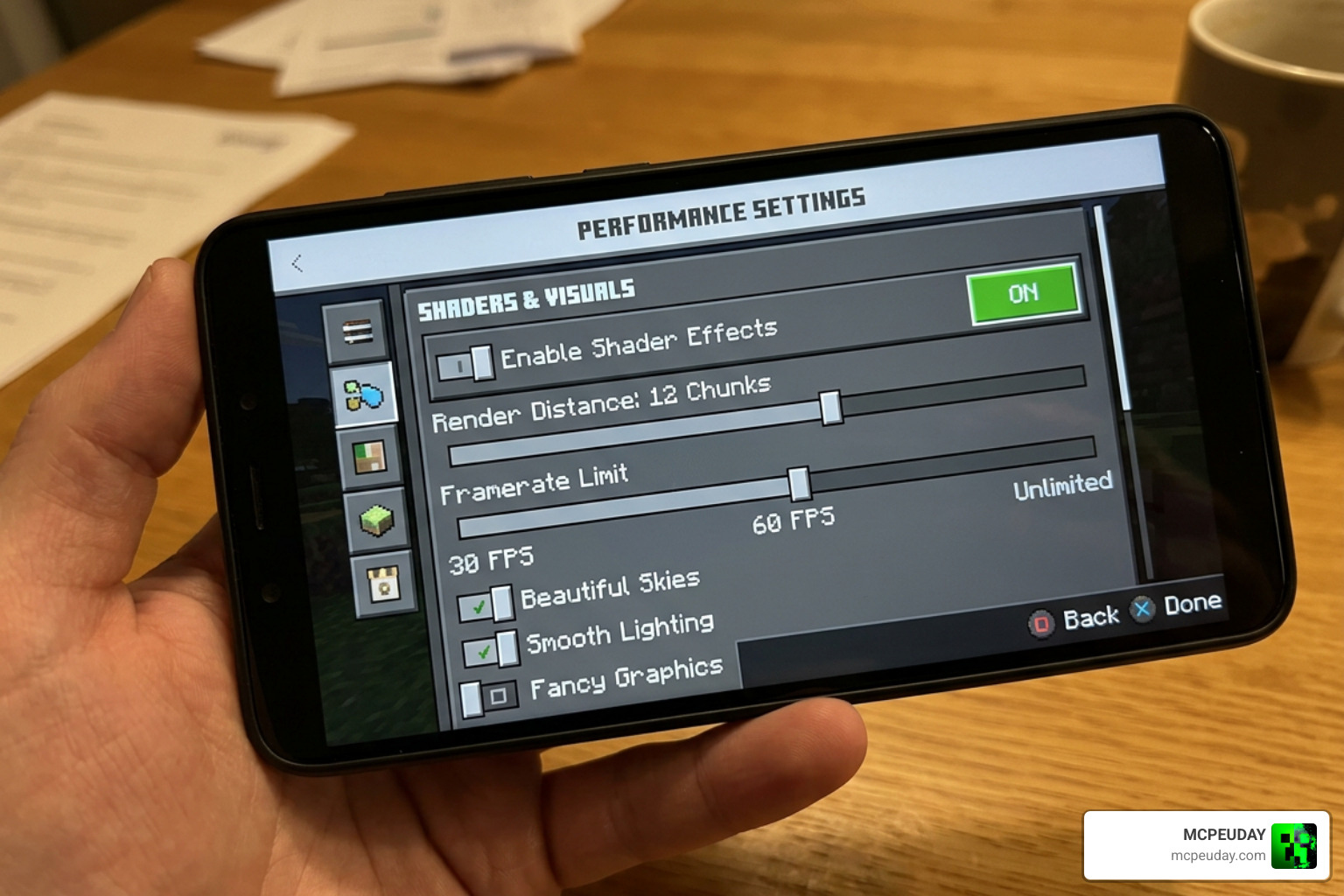
This means that blocks like metals, wet stone, and polished materials reflect light dynamically based on the angle of the sun or nearby torches. Furthermore, the shader includes subpack settings that allow you to customize your experience. For instance, you can easily toggle underwater caustics and glare effects on or off in the settings menu to squeeze out extra frames on older hardware.
How to Install Luxen Visuals Shader on Android and MCPE
Installing the shader on your mobile device is a quick and straightforward process. You do not need to root your phone or use complicated third-party tools.
- Download the File: Grab the latest
.mcpackor zip file. You can find safe download links directly on our site. - Import to Minecraft: If you downloaded the
.mcpackformat, simply tap the file, and your mobile device should automatically open it with Minecraft. - Manual Installation (Alternative): If you downloaded a zip archive, unpack it and copy the folder to your resource packs directory:
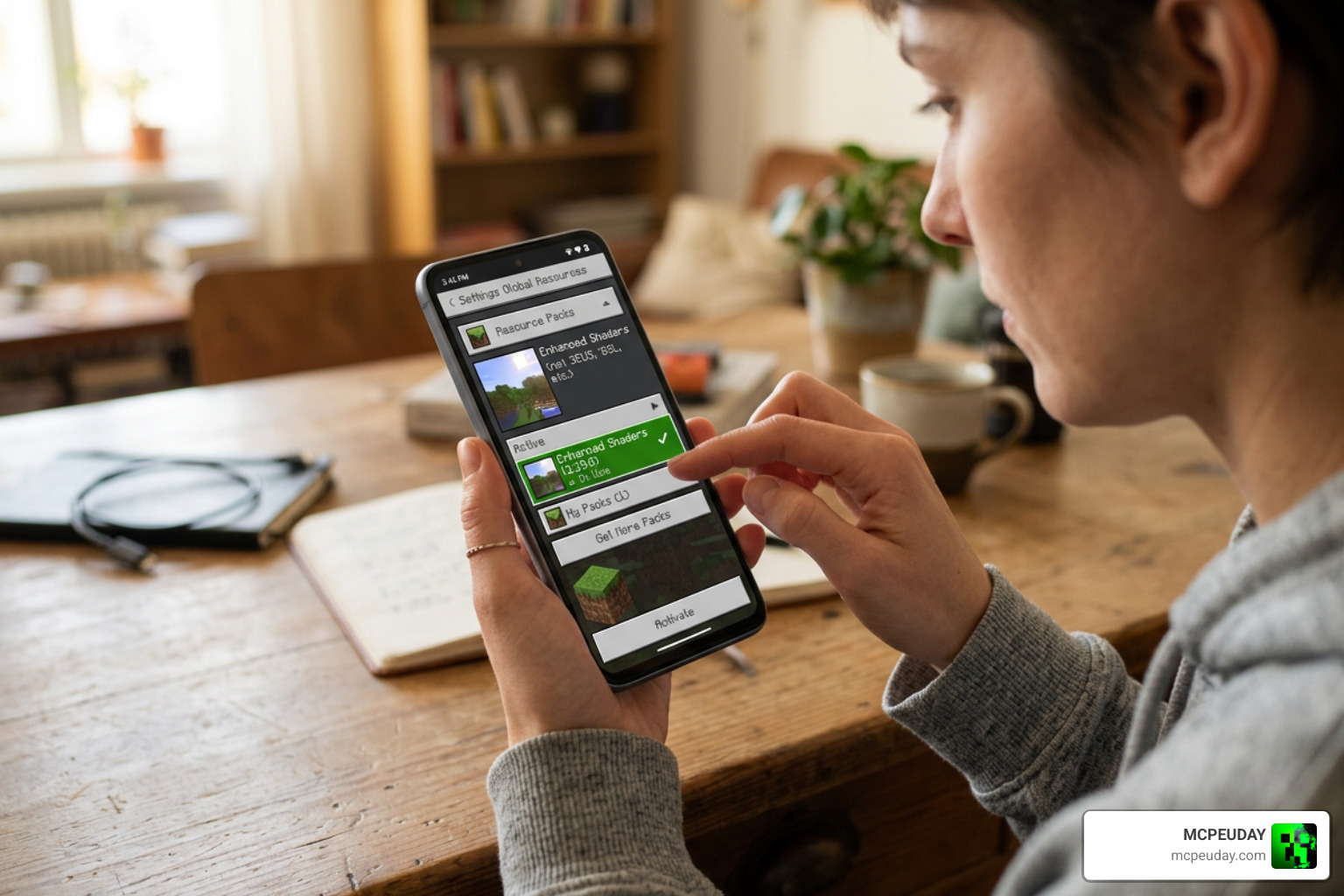
games\com.mojang\resource_packs. - Activate the Pack: Open Minecraft, go to Settings, navigate to Global Resources, and activate the shader under “My Packs.”
For a complete, step-by-step breakdown on setting up graphics packs on various devices, check out our comprehensive How to Turn on Shaders in Minecraft 2026 Guide Java Bedrock MCPE Setup Fast MCPEUday.
Texture Pack Compatibility and Best Settings
Because this shader focuses on vanilla-plus enhancements rather than rewriting the entire game engine, it is highly compatible with other resource packs and addons. You can easily pair it with your favorite PvP pack, 3D block model addon, or fantasy texture pack.
To get the absolute best balance of visuals and performance, we recommend using these settings:
- Render Distance: Set between 12 and 16 chunks on mobile devices.
- Graphics Preset: Use “Favor Performance” if you are playing on a low-end device, or “Fancy Graphics” on high-end hardware.
- Subpack Settings: Toggle underwater caustics off if you experience minor stuttering near large oceans.
If you want to explore more options to customize your game, browse our curated collection in the Category Shaders section.
Frequently Asked Questions about Luxen Visuals Shader
Is Luxen Visuals Shader compatible with Minecraft Bedrock 1.21?
Yes! The shader is fully optimized and updated to work seamlessly with Minecraft Bedrock versions 1.21 and 26.x. The developers regularly update the pack to ensure compatibility with the latest Render Dragon engine updates.
Does Luxen Visuals Shader cause lag on low-end devices?
In almost all cases, no. It is specifically designed to be lightweight. If you do experience minor frame drops, you can easily disable glare effects and underwater caustics in the subpack settings to keep your gameplay buttery smooth.
Can I use Luxen Visuals Shader with other texture packs?
Absolutely. It works perfectly alongside standard resource packs, custom UI mods, and gameplay addons. Just make sure to load the shader at the top of your active resource packs list in the game settings.
Conclusion
If you are looking for a visual upgrade that respects the classic look of Minecraft while keeping your phone cool and your frame rate high, the Luxen Visuals Shader is an outstanding choice. Its clever blend of soft shadows, clear water, and balanced lighting makes it perfect for everyday survival and creative building alike.
Ready to find the absolute perfect look for your world? Head over to our guide on the Best Shaders for MCPE 1 21 2026 Top 3 Realistic Minecraft PE Shaders to compare the finest graphics packs available today!
2 thoughts on “Luxen Visuals Shader (26.x, 1.21) – MCPE/Bedrock Shader”