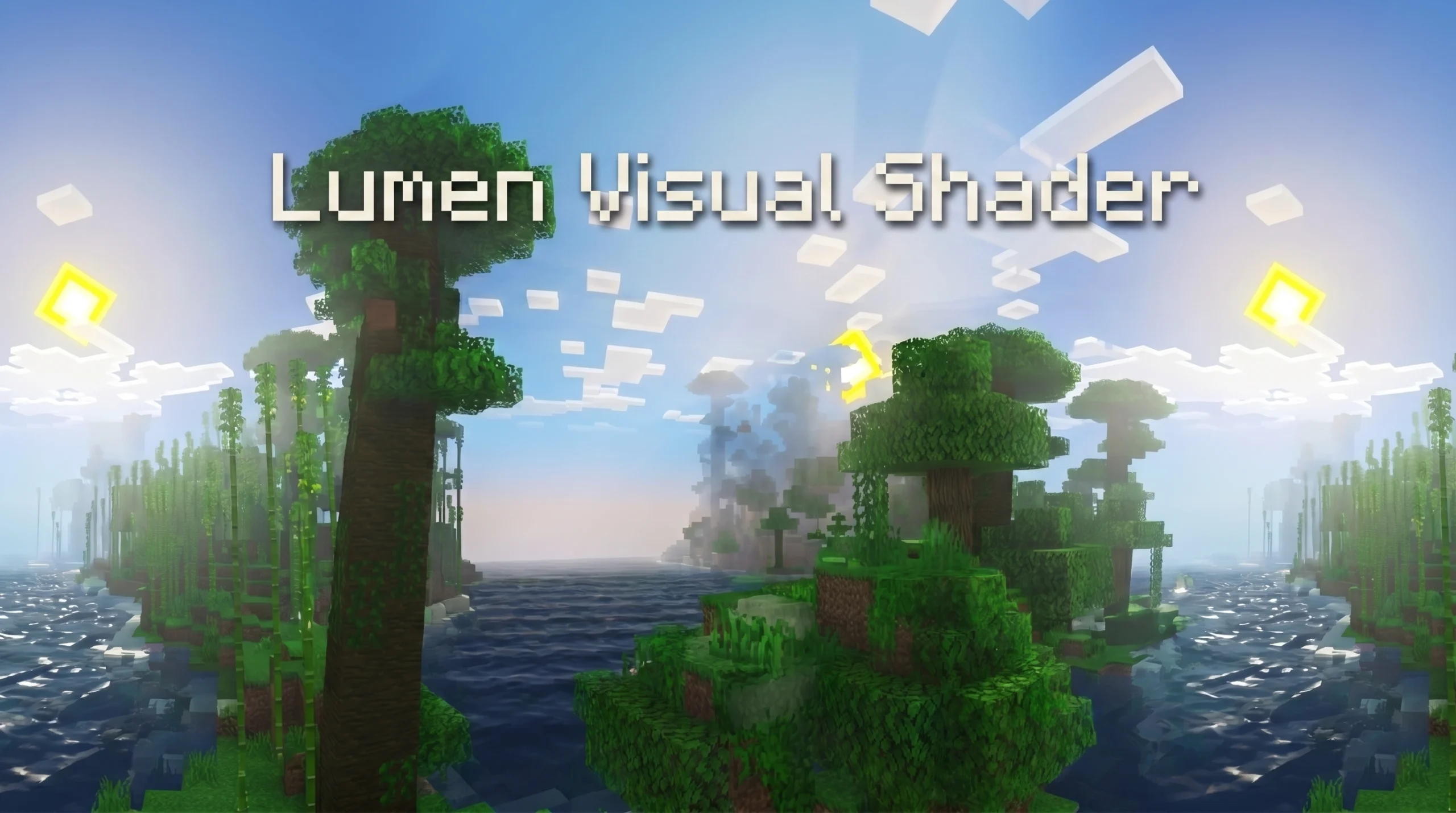
What You Need to Know About Lumen Visual SHADER
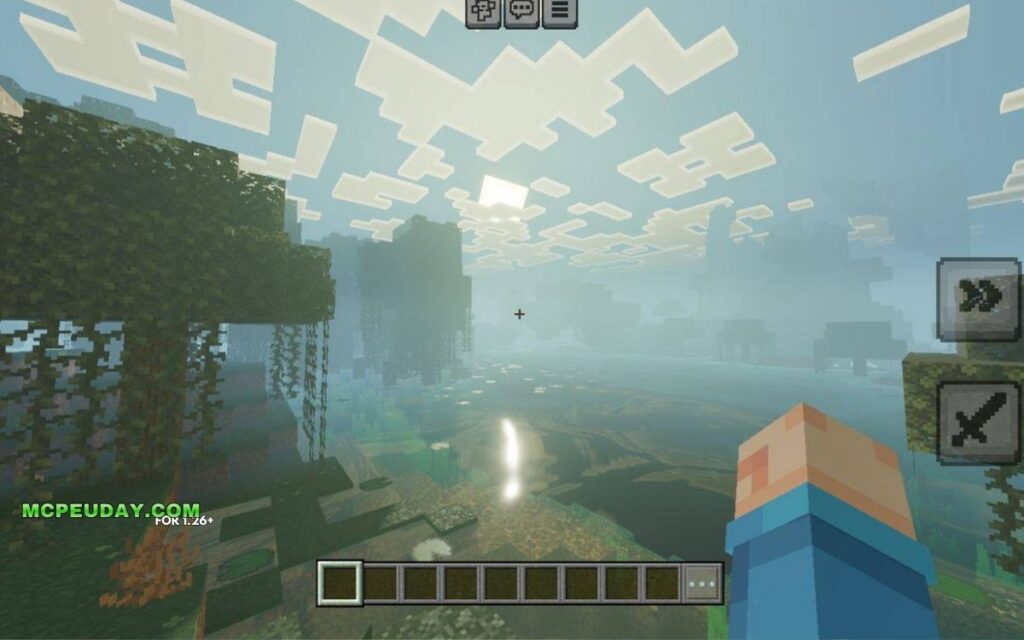
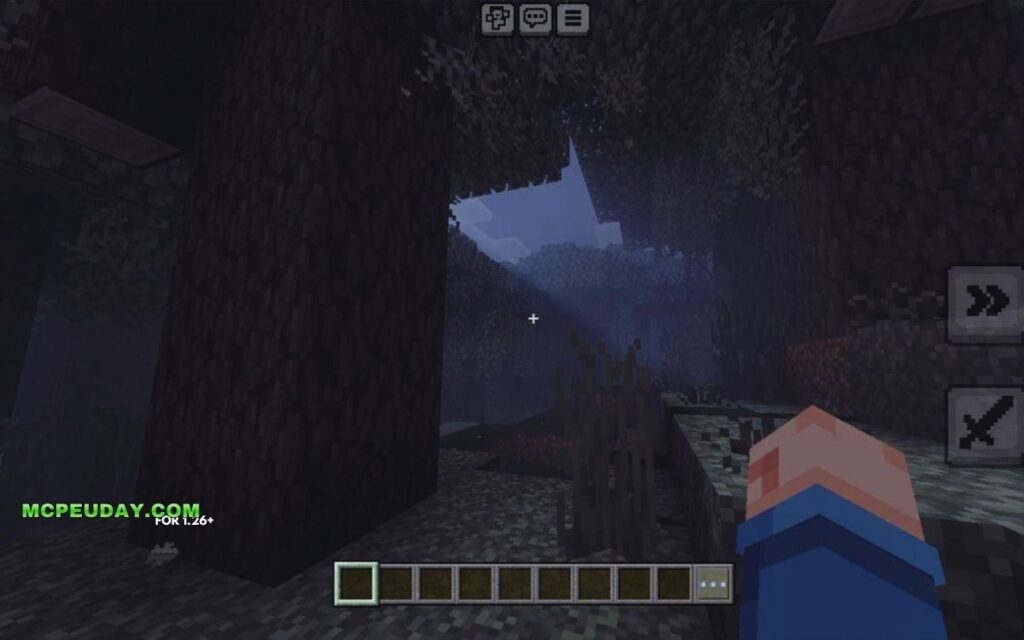
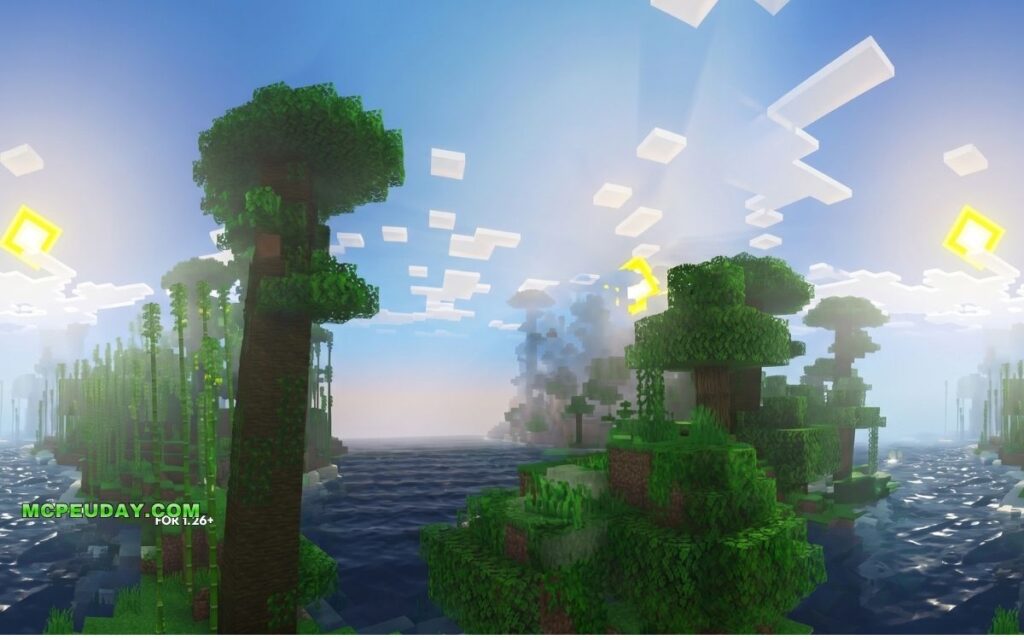
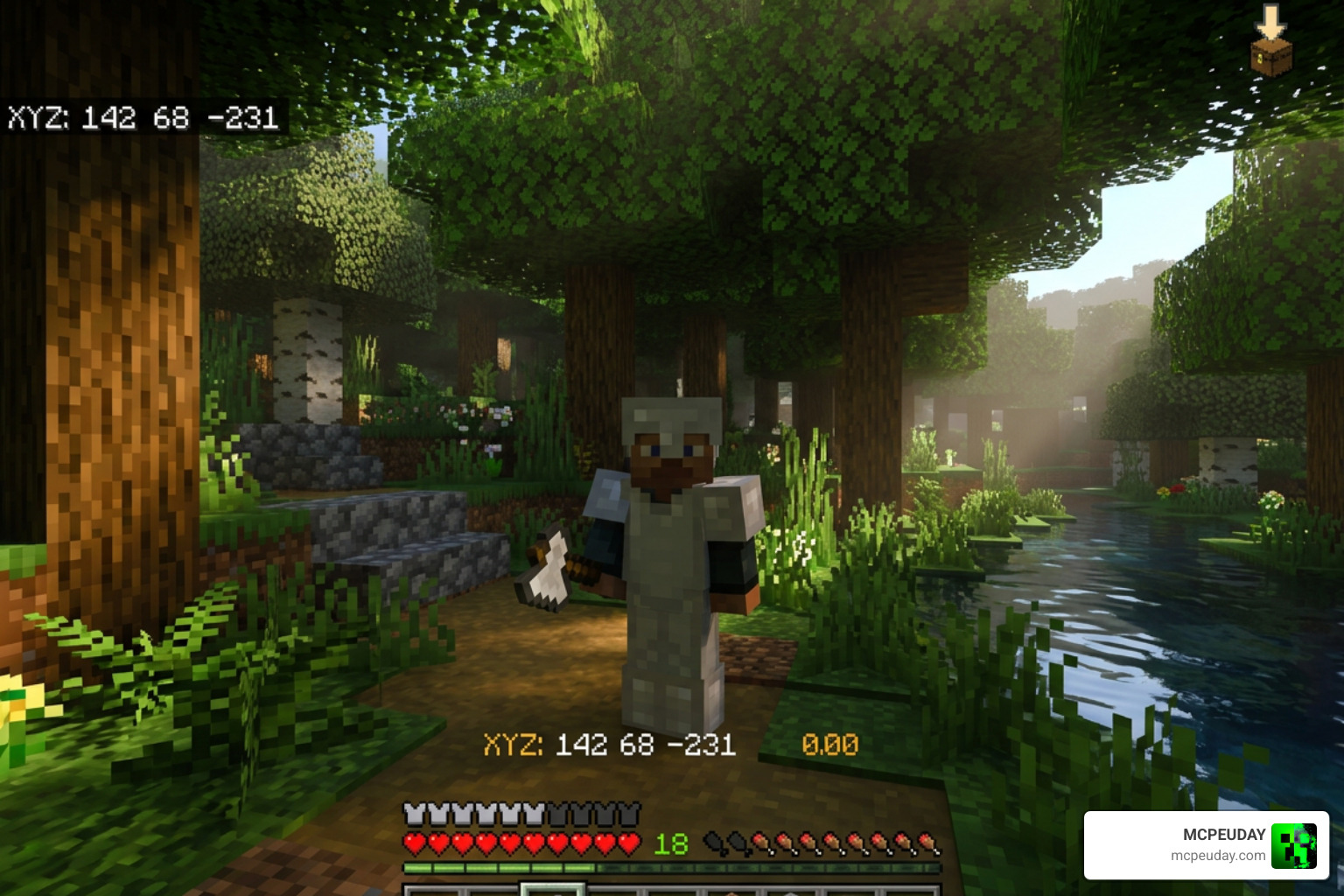
Lumen Visual SHADER is a graphics enhancement add-on for Minecraft Bedrock Edition (MCPE) that overhauls how light, textures, and atmosphere look in the game — without needing a high-end PC.
Here’s a quick breakdown of what it is and what it does:
- What it is: A shader and resource pack mod that improves Minecraft’s visuals using physically based rendering (PBR)
- What it changes: Lighting, shadows, fog, sky, water reflections, rain effects, and block textures
- Who it’s for: Minecraft Bedrock/MCPE players on mobile, Windows 10/11, and compatible devices
- How to get it: Download the
.mcpackfile and import it into Minecraft Bedrock - What you need: A device running Minecraft Bedrock Edition 1.21 or higher with RenderDragon support
If you’ve ever looked at Java Edition shader videos on YouTube and wished Bedrock could look that good — this is exactly what the Lumen Visual SHADER is trying to deliver.
Minecraft Bedrock uses the RenderDragon engine, which means old-school GLSL shaders don’t work anymore. Lumen Visual SHADER is built for RenderDragon. It uses modern rendering techniques like PBR textures and reworked atmospheric effects to make the game look dramatically better.
It’s one of the most downloaded shader packs in the MCPE community, and for good reason. The visual upgrade is real, and it runs on devices that can’t handle full ray tracing.
This guide covers everything — features, installation, compatibility, and performance tips.
What is the Lumen Visual SHADER?
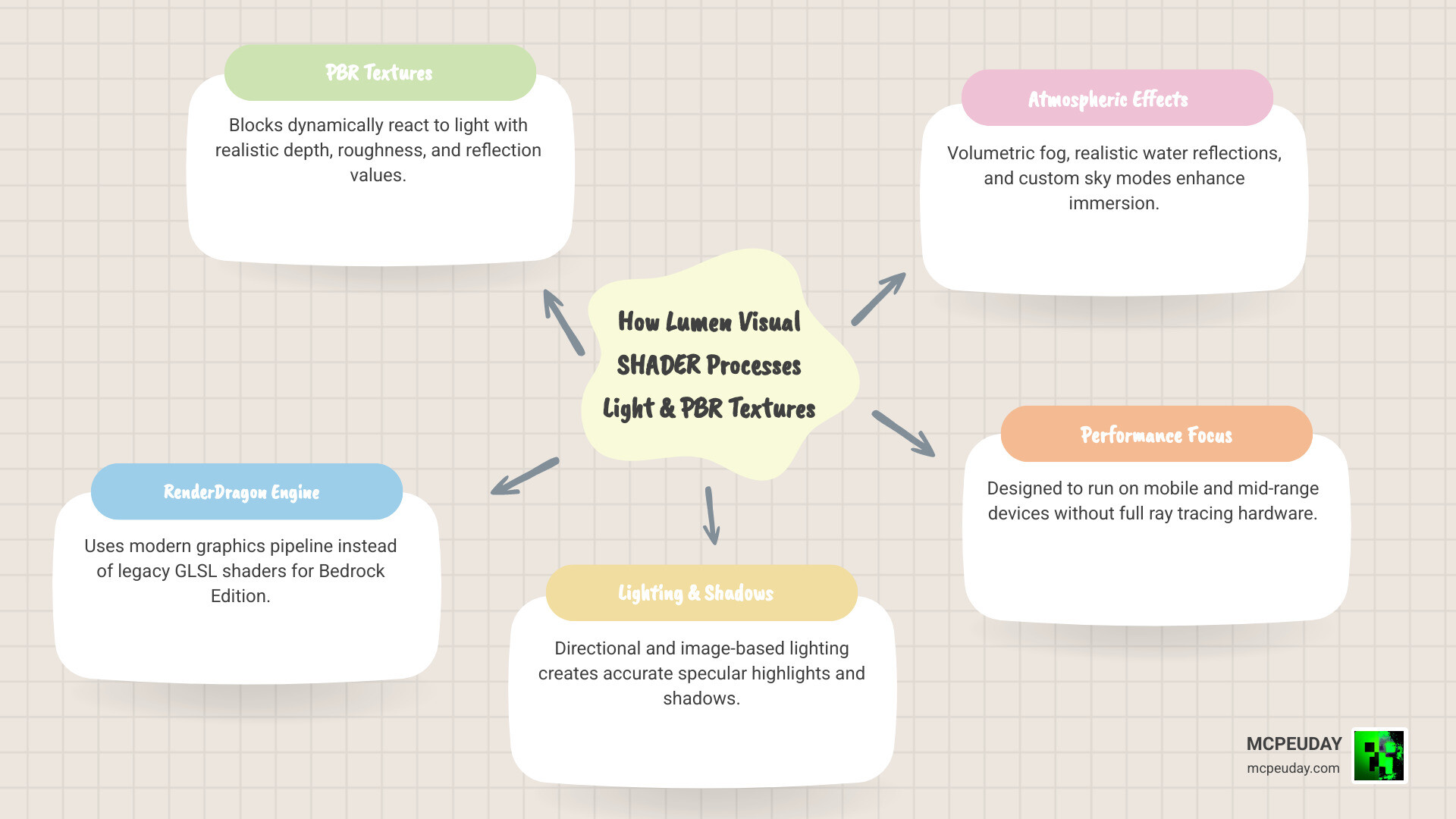
At its core, the Lumen Visual SHADER is a modern visual overhaul pack designed specifically for Minecraft Bedrock Edition. Unlike traditional shaders that simply overlay color filters on top of your game, this shader implements real physically based rendering (PBR) textures.
This means blocks react dynamically to light sources. When you install the Lumen Visuals Shader, you are not just getting prettier colors; you are completely changing how the game’s graphics engine calculates depth, roughness, and light reflection.
How Lumen Visual SHADER Differs from Traditional Shaders
In the old days of Minecraft Pocket Edition, shaders relied on simple GLSL code to inject waving plants and yellow-tinted sunlight. However, when Mojang introduced the RenderDragon engine, those legacy shaders broke entirely.
Lumen Visual SHADER operates within the modern deferred rendering pipeline of the RenderDragon engine. Instead of using hacky post-processing tricks, it hooks into the engine’s ability to read material maps. This allows it to generate realistic shadows, physical depth, and surface shine directly on Bedrock. If you want to explore other options that utilize this engine, browse our dedicated Shaders Category.
Key Visual Features and Technical Improvements
The technical jump from classic Bedrock graphics to Lumen is massive. Here are the core features that drive this visual transformation:
- Physically Based Rendering (PBR): Blocks are no longer completely flat. They have physical depth and texture properties.
- MERS Maps Integration: Uses Metalness, Emissive, Roughness, and Subsurface scattering maps to define how each pixel behaves under light.
- Directional Lighting and Shadows: The sun and moon cast realistic shadows that move dynamically across the world.
- Volumetric Fog: Adds realistic depth to your horizons, with fog that realistically pools in valleys and thickens during storms.
- Screen Space Reflections (SSR): Water surfaces and metallic blocks reflect the sky, blocks, and entities around them.
Advanced Lighting and Reflections in Lumen Visual SHADER
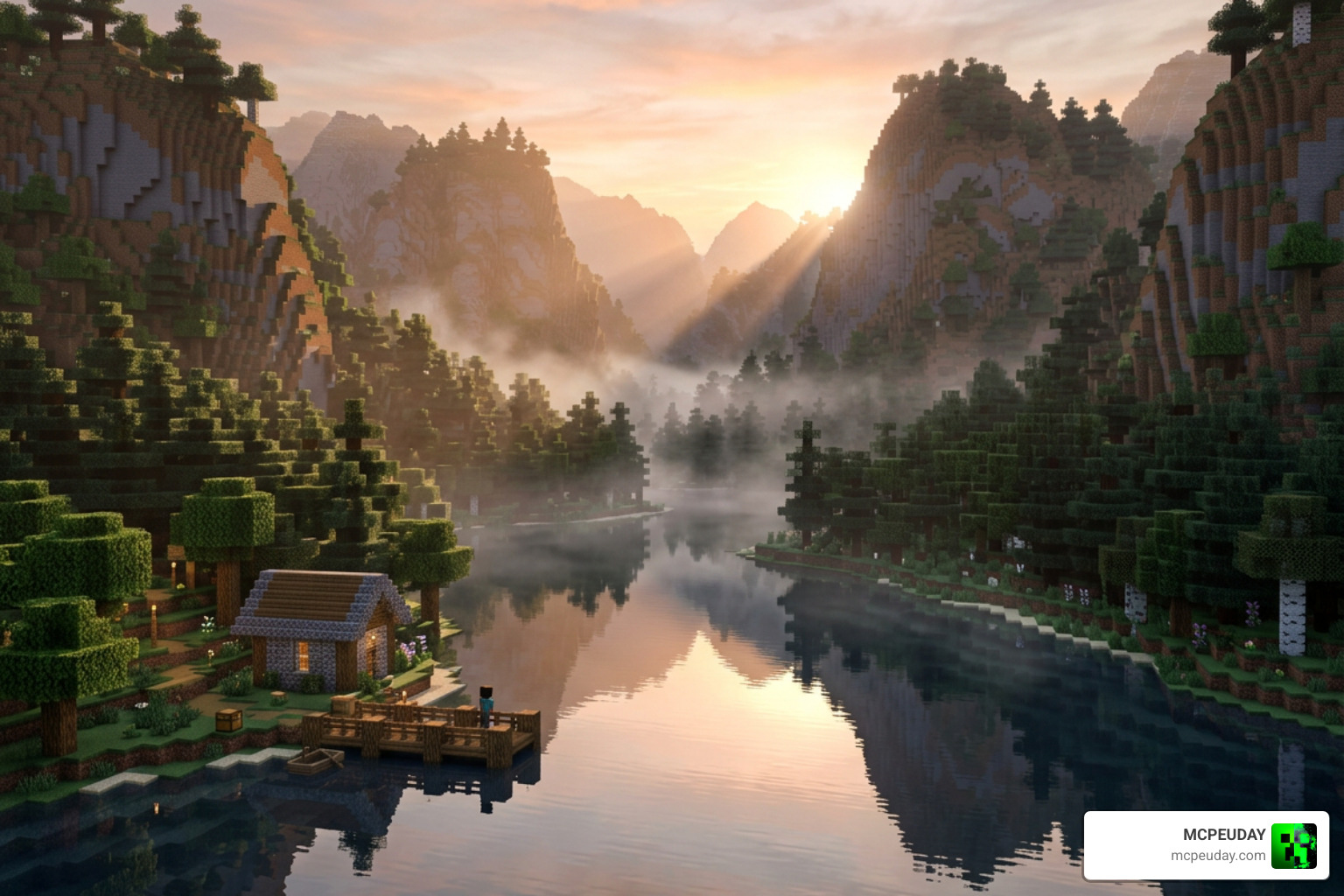
The lighting calculations in Lumen utilize advanced math, such as the Cook-Torrance BRDF model, to render highly realistic specular highlights. When light hits a rough surface like wood, it scatters softly. When it hits a polished copper block, it creates a sharp, bright reflection.
This concept is highly inspired by industry-standard lighting innovations, such as Unreal Engine’s real-time global illumination system (which you can learn more about in the video Lumen in UE5: Let there be light!). By combining screen space reflections with image-based lighting (IBL) cubemaps, water in Minecraft Bedrock finally looks transparent, deep, and beautifully reflective.
Environmental and Atmospheric Effects
Lumen does more than just shine up your blocks; it alters the entire atmosphere of your world. The volumetric fog adapts to different biomes, creating a chilling mist in swamps and dusty haze in deserts.
The weather has also received a massive upgrade. Rainstorms feature custom, reworked rain sounds and atmospheric particle effects that fly off block surfaces during combat. You also get access to two distinct sky modes: a highly realistic volumetric sky or an optimized version of the original rendered vanilla style.
Additionally, we love the subtle touches like custom pumpkin masks that don’t block your entire screen and a sleek, redesigned boss health bar. For a comparative look at similar packs, check out our guide on the Best Render Dragon Shaders for MCPE 1.21.
System Requirements and Device Compatibility
Because Lumen utilizes advanced deferred rendering, it does require a bit more horsepower than vanilla Minecraft. However, it is far more accessible than full Nvidia RTX Ray Tracing.
| Requirement | Minimum Specification | Recommended Specification |
|---|---|---|
| Operating System | Android 10+ / iOS 14+ / Windows 10 | Android 12+ / iOS 16+ / Windows 11 |
| Graphics Card (PC) | Intel HD Graphics 620 / AMD Radeon Vega 8 | Nvidia GTX 1060 / AMD RX 580 or higher |
| Ray Tracing Support | Not Required (for standard deferred mode) | Nvidia RTX 2060+ / AMD RX 6000+ (for full RTX) |
| System RAM | 4 GB | 8 GB or higher |
| Minecraft Version | Bedrock Edition 1.20+ | Bedrock Edition 1.21+ (with Creator Experiments) |
While full ray-tracing mode requires dedicated hardware, the deferred rendering features can run surprisingly well on mid-range mobile devices and budget laptops if you adjust your settings correctly.
How to Install and Customize the Shader
Getting Lumen up and running on your device is a straightforward process.
- Download the File: Grab the official
.mcpackfile from our verified links. - Import to Minecraft: Double-click or tap the downloaded file. Minecraft Bedrock will open automatically and import the pack.
- Activate Experiments: Go to your world settings, scroll down to Experiments, and enable Render Dragon Features for Creators (or the Deferred Technical Preview depending on your exact game version).
- Apply Resource Pack: Navigate to Resource Packs, select Lumen, and click Activate.
- Adjust In-Game Settings: Once inside your world, go to video settings and adjust the “Deferred Render Distance” slider to balance performance and quality.
For more helpful installation tips and alternative setups, take a look at our list of the 3 Best Shaders for Minecraft 1.21.
Integrating Custom Resource Packs and PBR Textures
To get the absolute most out of the shader, we recommend pairing it with a high-quality PBR texture pack. A fantastic choice is the popular PrizmaRTX (often referred to as the Lumen RTX texture pack), which boasts over 681k downloads!
These packs provide the necessary MERS texture sets that tell the shader exactly which parts of a block should reflect light, glow in the dark, or have physical depth. For more ideas on how to pair these packs, read our review of the Top 5 Best Realistic Shaders for MCPE.
Post-Processing and Sharpening Customization
For advanced users on PC, you can further customize your game’s visual clarity using third-party post-processing tools like ReShade. Many players utilize shaders based on the LumaSharpen.fx source code.
LumaSharpen works by blurring original pixels slightly and subtracting the blur to sharpen the image in the luma space, which prevents annoying color artifacts. You can adjust the sharpening strength and use clamping to prevent halos around block edges. If you enjoy configuring your own post-processing pipelines, tools like umar-afzaal/LumeniteFX also offer incredible screen-space effects like anamorphic bloom and motion estimation.
Additionally, for game developers or artists looking to create stylized light effects in other engines, assets like Lumen: Stylized Light FX showcase how similar math is used to create stunning, stylized visual effects across the gaming industry.
Performance Optimization and Comparison
When running Lumen, you might notice a drop in your frame rate (FPS), especially in dense jungle biomes or when surrounded by point lights.
To optimize your performance, we highly recommend setting your Deferred Render Distance between 8 and 12 chunks on mobile devices. Turning off volumetric fog and reducing shadow resolution can also give you a massive FPS boost without sacrificing the core beauty of the PBR textures.
Compared to Minecraft’s official Vibrant Visuals (the built-in deferred technical preview), Lumen offers a more customized vanilla-friendly aesthetic. While the official preview can sometimes feel overly dark in caves or too bright in deserts, Lumen balances the ambient light levels perfectly, making it much more playable for survival mode.
Frequently Asked Questions about Lumen Visual Shader
Can I run Lumen Visual Shader on mobile devices?
Yes! Unlike full hardware ray tracing, Lumen’s deferred rendering capabilities are compatible with modern Android and iOS devices. Just make sure to lower your render distance and disable intensive settings like high-resolution shadows if you experience lag.
What is the difference between Lumen Visual Shader and ray tracing?
Ray tracing calculates individual light rays in real-time using specialized hardware (like RT cores on Nvidia cards), which is extremely demanding. Lumen Visual Shader uses deferred rendering, which simulates realistic lighting, reflections, and shadows using clever screen-space math, allowing it to run on a much wider variety of devices.
How do I fix lag or low FPS when using this shader?
First, lower your in-game render distance. Next, turn off volumetric fog and lower the reflection quality in your video settings. Lastly, ensure you don’t have too many active point lights (like torches or lanterns) in a single area, as calculating multiple overlapping light sources can slow down your device.
Conclusion
The Lumen Visual SHADER represents a massive leap forward for Minecraft Bedrock graphics in 2026. It bridges the gap between basic mobile graphics and high-end PC ray tracing, giving players a gorgeous, immersive world to explore without melting their hardware.
We at MCPEUDAY are committed to bringing you the safest, most optimized, and up-to-date files for your favorite sandbox game. If you’re ready to transform your blocky world into a cinematic masterpiece, check out our selection of the Best Shaders for MCPE 1.21 2026 and start your next adventure in style!
2 thoughts on “Lumen Visual Shader (26.x, 1.21) – MCPE/Bedrock Shader”