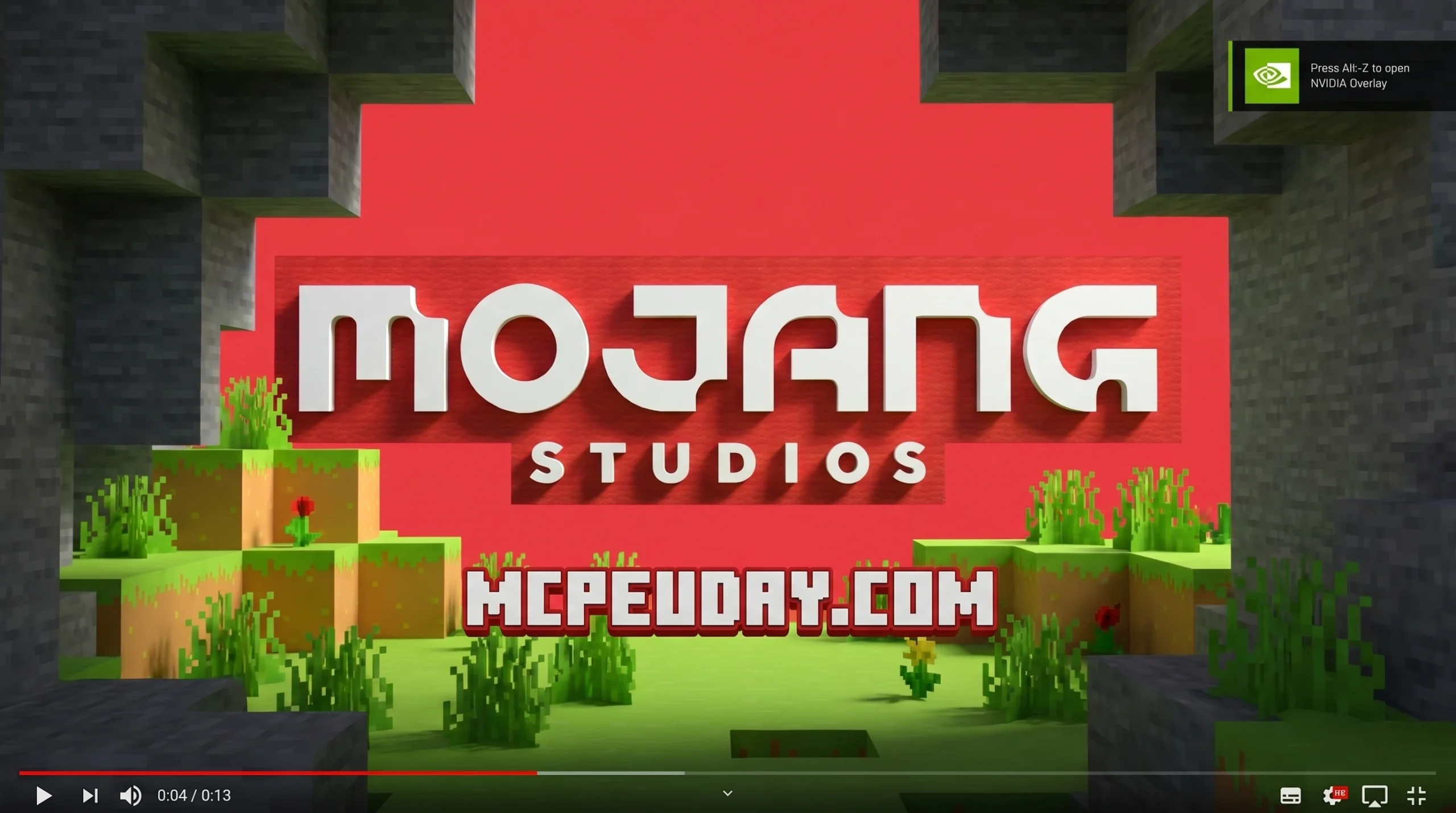
What the Re-imagined Intro GUI Does to Your Minecraft Startup
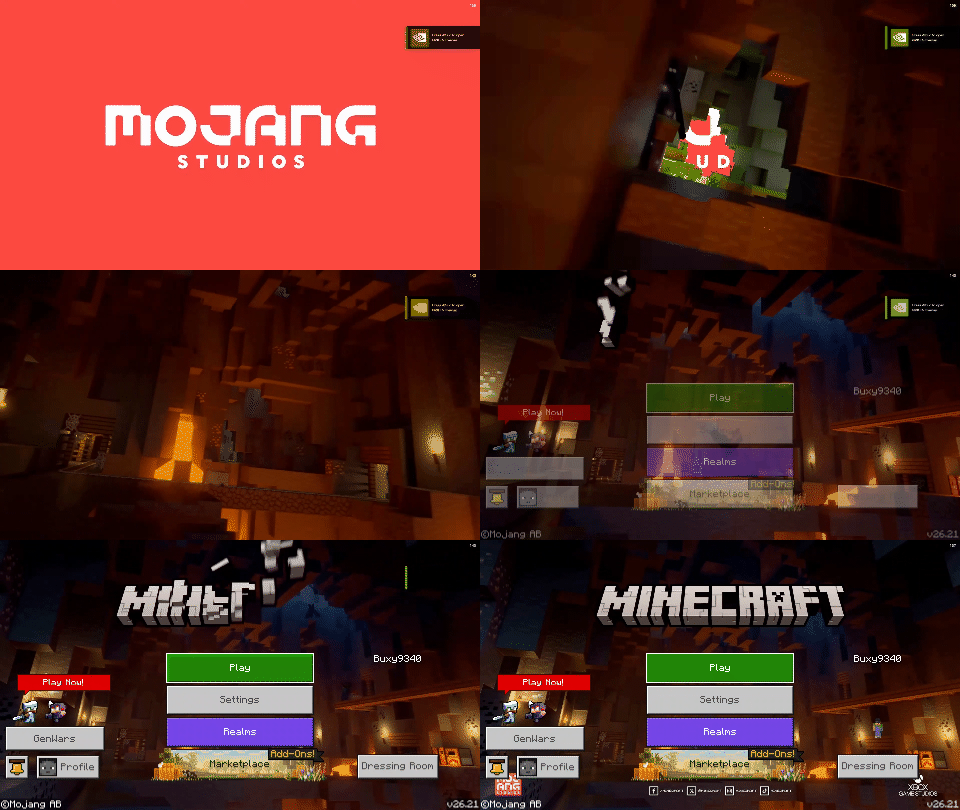
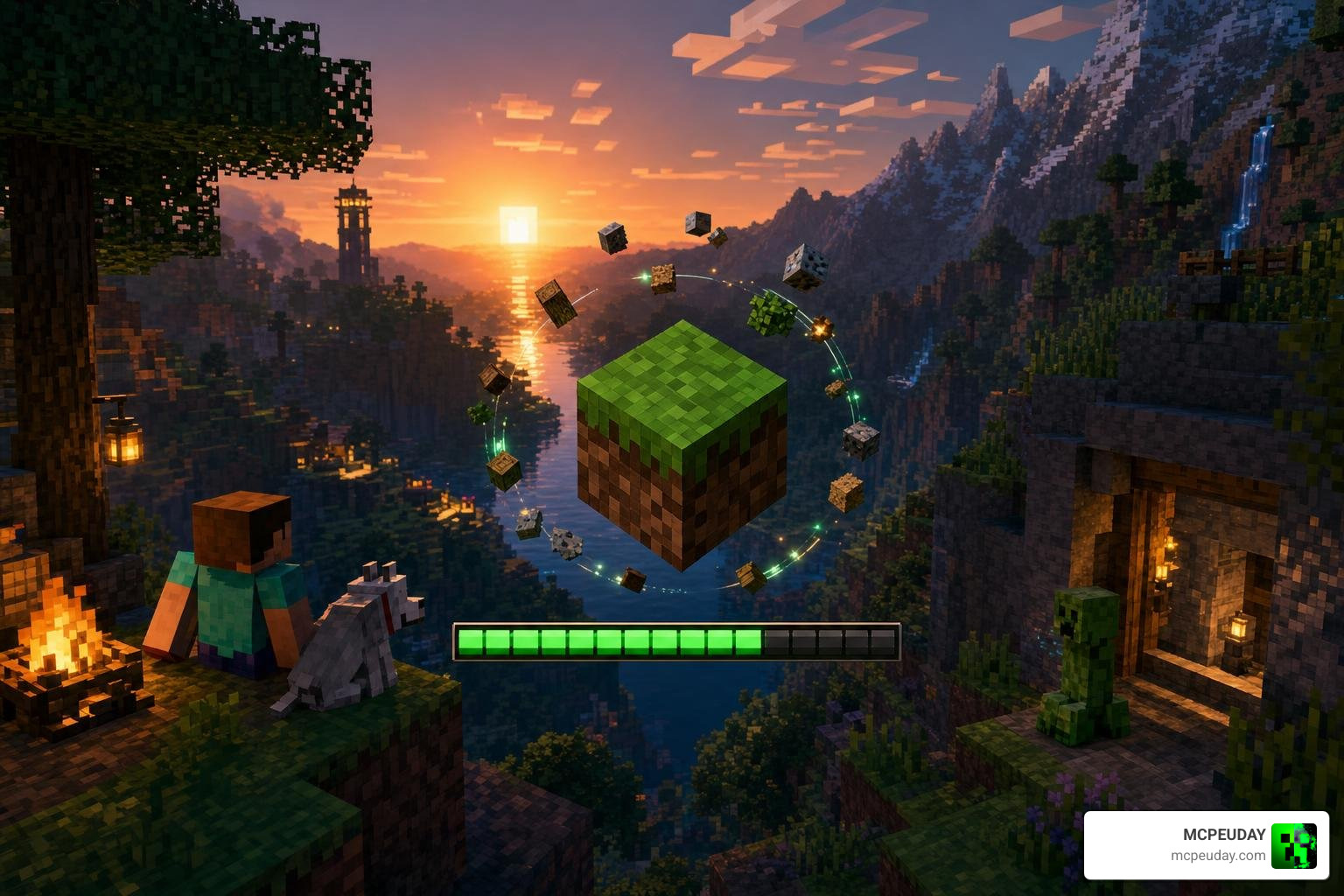
The Re-imagined Intro GUI replaces Minecraft’s plain default startup screen with a cinematic animation sequence — giving your game a polished, modern feel from the very first second you launch it.
Here’s a quick overview of what it includes:
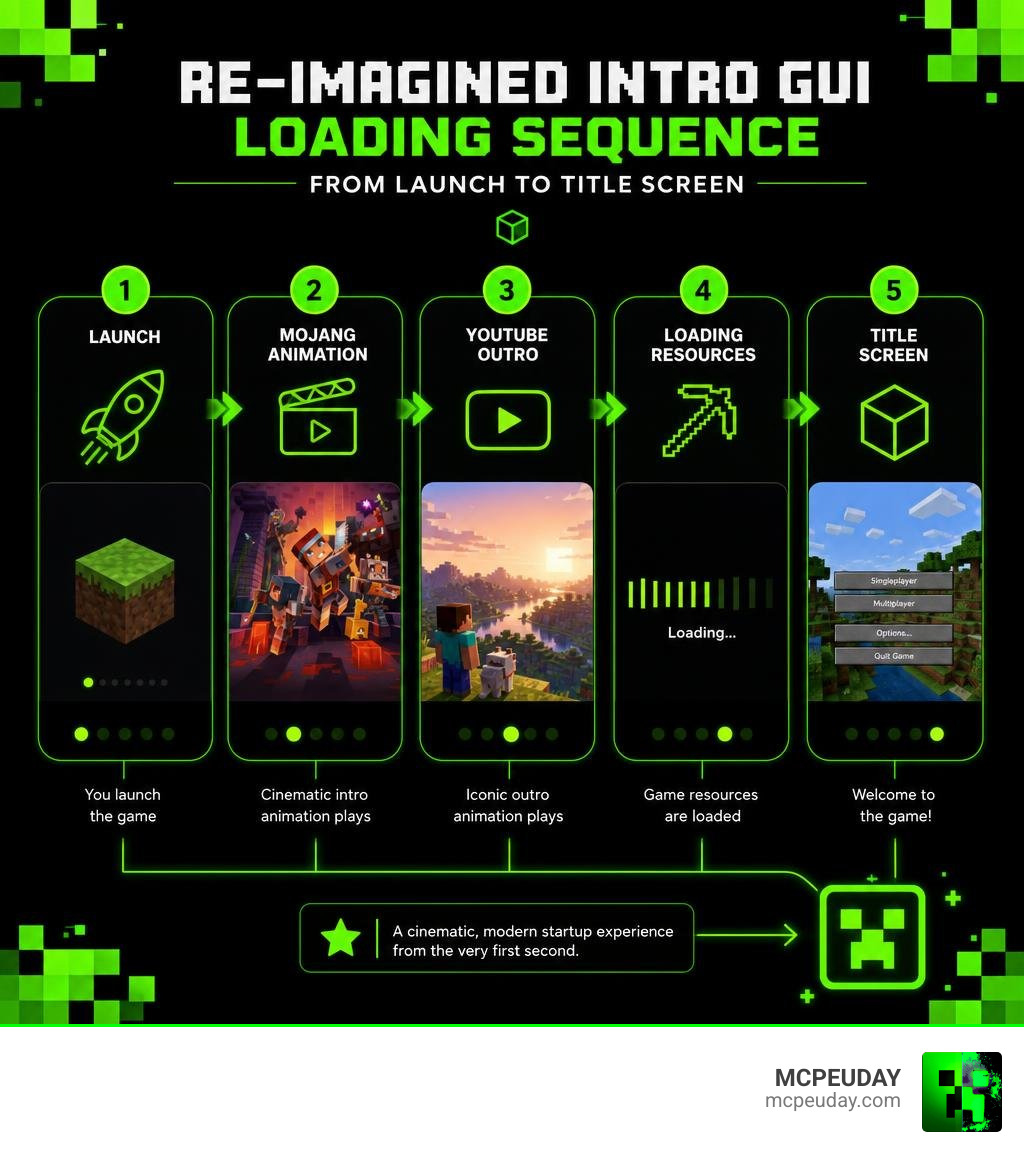
- Mojang animation — a high-quality intro taken from Minecraft Dungeons
- Minecraft YouTube outro — the iconic clip from the official Minecraft channel, played right after the Mojang animation
- Cosmetic only — zero impact on gameplay or performance
- Client-side mod — only you see the change, no server needed
- 183.5K+ downloads — one of the most popular startup overhauls available
It works with Minecraft Java Edition 1.21.x and supports both Fabric and NeoForge loaders.
Whether you’re tired of the same boring white Mojang screen every time you boot up, or you just want your game to feel more premium, this mod is a quick and easy fix. It’s purely visual — no compatibility headaches with your other mods, no performance cost.
What is the Re-imagined Intro GUI?
For years, starting up Minecraft has felt exactly the same. You launch the game, stare at a flat, static red or white screen with the Mojang logo, and wait for the main menu to load. The Re-imagined Intro GUI is here to change that. It addresses one of the most overlooked aspects of the Minecraft user experience: the initial loading phase. While Mojang has updated in-game textures, added complex mechanics, and introduced new biomes, the startup screen has remained virtually unchanged for over a decade.
At its core, this project is a client-side visual modification that replaces the vanilla loading sequence with an incredibly polished, cinematic intro. Instead of a boring static logo, you are treated to a dynamic, high-definition Mojang Studios animation followed by the official Minecraft YouTube outro. It transforms the simple act of launching the game into an exciting, theatrical experience that builds anticipation before you even reach the main menu.
If you are a fan of customizing your user interface, you might already be familiar with other popular cosmetic overhauls like the Animated Gojo UI. Just like those custom menus, this intro mod aims to inject personality and style into the parts of Minecraft that Mojang often leaves untouched. It bridges the gap between the standard Java Edition and the highly polished presentation found in modern spin-off titles.
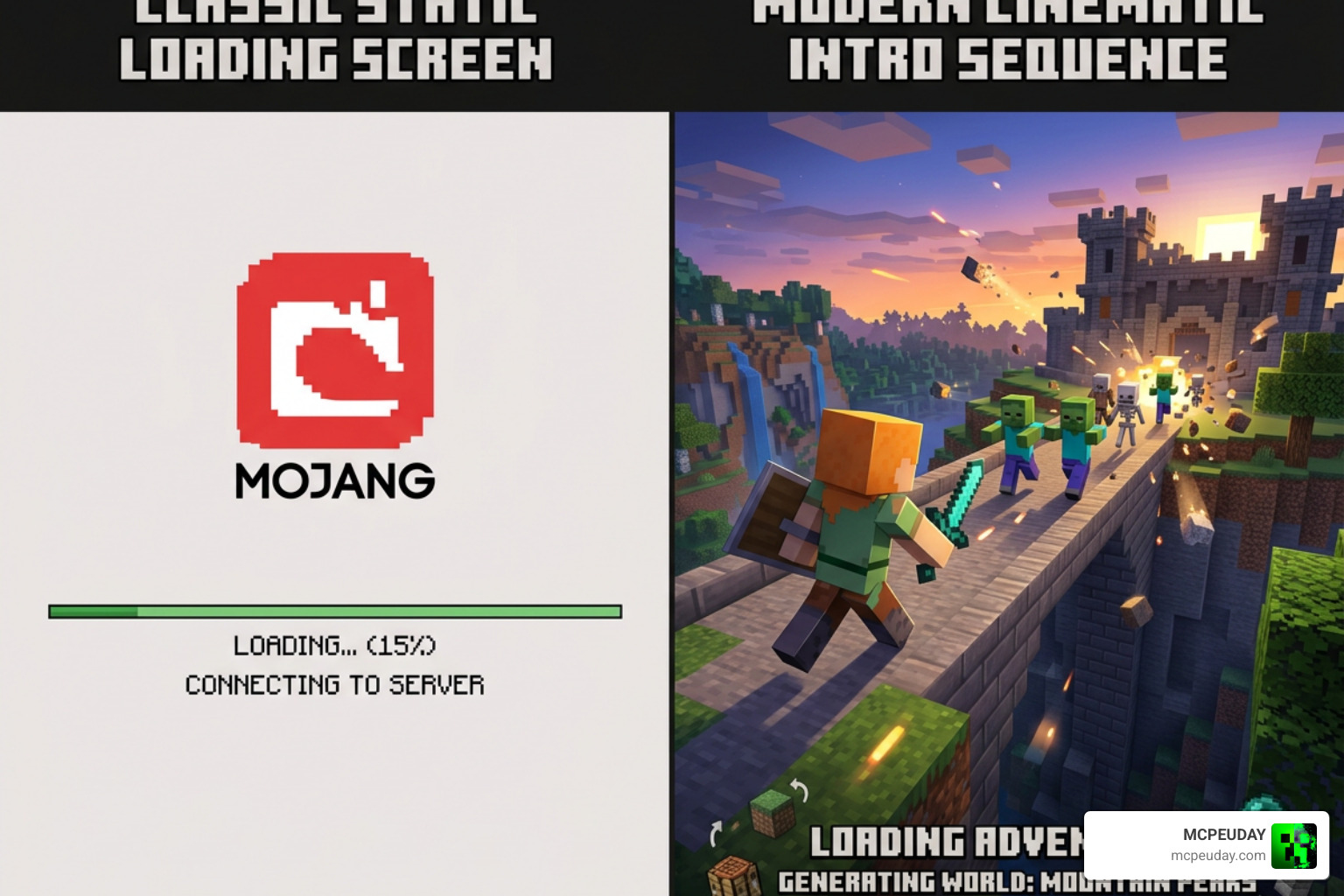
Cinematic Animations in the Re-imagined Intro GUI
What makes this cosmetic modification so special? It comes down to the high-quality assets it utilizes. The mod pulls the stunning, modern Mojang Studios logo animation directly from Minecraft Dungeons—a game known for its sleek, polished presentation and high production values. This animation features smooth transitions, dynamic lighting, and a modern aesthetic that immediately makes the game feel like a premium, triple-A title.
Once that cinematic sequence finishes, it transitions seamlessly into the iconic outro music and animation used on the official Minecraft YouTube channel. It feels incredibly official, as if Mojang themselves designed a premium startup sequence for the Java Edition. If you appreciate smooth, high-fidelity user experiences like the Animated Herta UI 26 X 1 21 Mcpe Bedrock UI Pack, you will love the professional flow of this startup sequence. The audio and video are perfectly synchronized, ensuring there are no awkward pauses or stuttering during the transition.
Customizing Your Startup with Re-imagined Intro GUI
The beauty of the Re-imagined Intro GUI is how well it pairs with other cosmetic resource packs. Many players in the community combine this cinematic intro with dark-themed user interfaces, such as the popular Reimagined – Minecraft Resource Packs – CurseForge or dedicated dark GUI packs. This allows you to create a unified visual theme that starts from the moment you launch the game and carries all the way through to your in-game inventory screens.
Because the default loading screen is often a bright, blinding white, transitioning from a dark desktop environment to Minecraft can be tough on the eyes—especially during late-night gaming sessions. By using this mod alongside a dark interface, you get a smooth, eye-friendly, and visually cohesive experience from the moment you click “Play” in your launcher. If you are already running stylized visual setups like the Animated Gojo UI, adding this custom intro is the perfect final touch to complete your game’s aesthetic transformation.
Mod vs. Modpack: Compatibility and Requirements
When looking to download this project, you will notice there are two primary ways to acquire it: as a standalone Mod or as a pre-configured Modpack. Understanding the differences between these two versions will help you decide which setup is right for your client, depending on your technical comfort level and existing mod setup.
The standalone Mod is a lightweight, client-side file that you can drop directly into your existing mods folder. It is highly compatible with standard loaders like Fabric and NeoForge, making it the ideal choice if you already have a carefully curated list of mods that you play with regularly.
On the other hand, the Modpack version is a complete, pre-configured profile designed to run perfectly out of the box. It includes the necessary loaders, dependencies, and performance optimizations so you don’t have to configure anything manually. This version is particularly useful for players who want a flawless cinematic startup without troubleshooting mod conflicts or manually downloading prerequisite APIs.
To help you choose, we have put together a quick comparison table:
| Feature / Detail | Standalone Mod | Pre-configured Modpack |
|---|---|---|
| Primary Loader | Fabric / NeoForge | Fabric (with NeoForge support) |
| Required Dependencies | Standard Loader API | Fabric API, Iris Shaders |
| Installation Difficulty | Medium (Manual folder placement) | Easy (One-click via Modpack launcher) |
| File Size | ~456 MB | ~456 MB (plus shaders/APIs) |
| Best For | Integrating into an existing custom mod list | A fresh, optimized, plug-and-play profile |
For players who love tailoring every single aspect of their game—from the startup animation to the combat mechanics—having a stable foundation is key. Once you have your UI and startup sequence looking pristine, you might want to upgrade your actual gameplay. If that sounds like you, check out our guide on the 5 Best Minecraft Bedrock Gun Mods for Survival PvP 2026 to take your survival experience to the next level.
How to Install the Re-imagined Intro GUI
Installing this cinematic overhaul is straightforward. Whether you want to install it manually or use a mod manager, we have broken down the steps to get you up and running in no time.
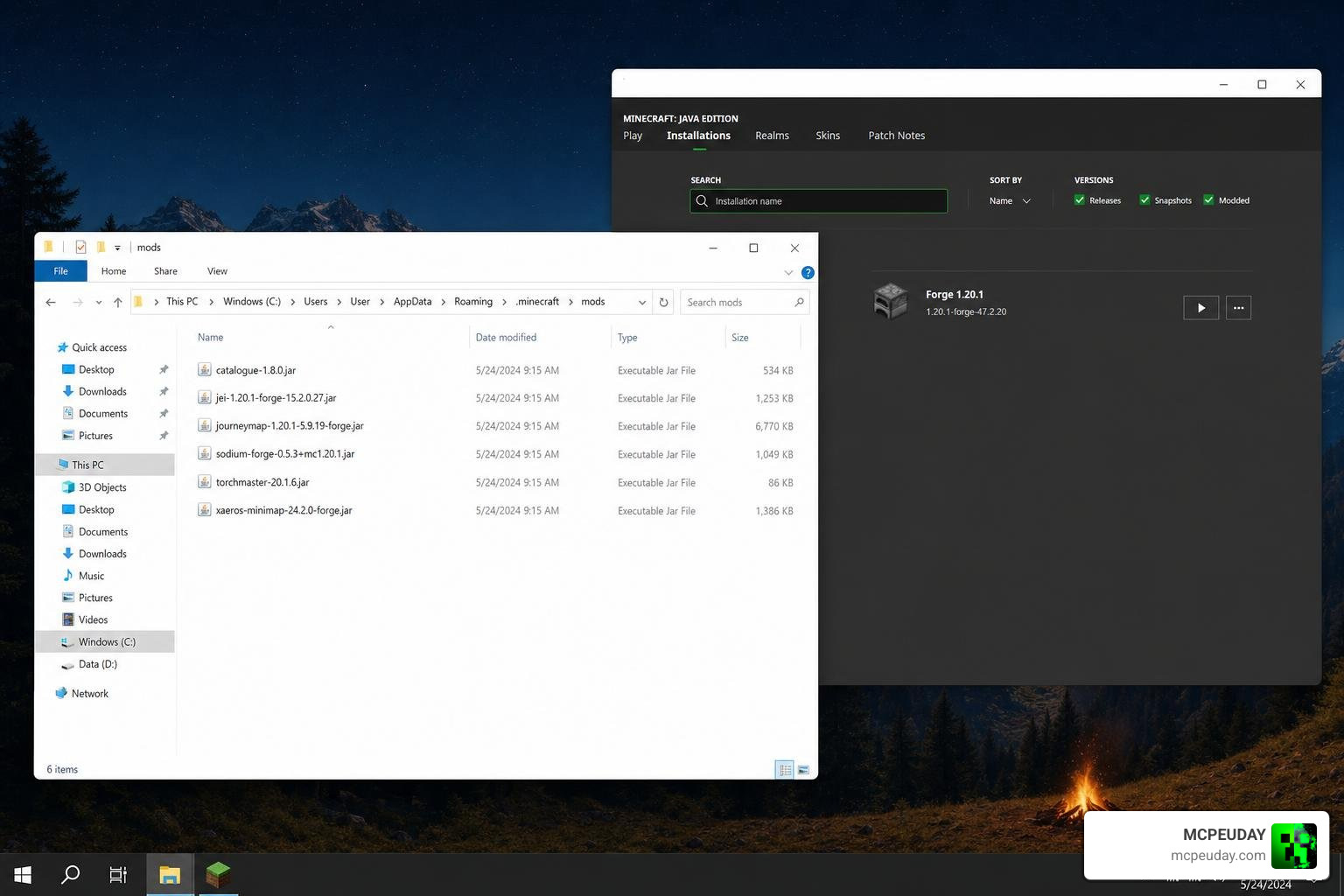
Step 1: Download the Files
First, decide whether you want the standalone mod or the modpack. You can find the official releases on platforms like CurseForge or Modrinth, or check out the open-source GitHub repository hosted by noobtrieu-official.
Step 2: Install the Required Dependencies
If you are installing the standalone mod, ensure you have the correct mod loader installed (Fabric or NeoForge).
- For Fabric users, make sure you have the Fabric API and Iris Shaders installed in your active profile, as these are required to render the cinematic video elements smoothly.
Step 3: Move the Files to Your Minecraft Directory
- For the Mod: Copy the downloaded
.jarfile. - Press
Windows Key + R, type%appdata%\.minecraft, and press Enter. - Open the
modsfolder and paste the file inside. - If you are also using the Reimagined – Minecraft Resource Packs to overhaul your in-game textures, remember to copy that texture pack zip file into your
resourcepacksfolder instead.
Step 4: Launch and Enjoy!
Start your Minecraft launcher, select your Fabric or NeoForge profile, and hit play. Instead of the old, boring red screen, you will be greeted by the cinematic Mojang Studios animation! For more incredible UI overhauls, you can always explore our library on MCPEUDAY, including the gorgeous Animated Herta UI 26 X 1 21 Mcpe Bedrock UI Pack.
Frequently Asked Questions about Re-imagined Intro GUI
Does the Re-imagined Intro GUI affect game performance?
No, it does not! The Re-imagined Intro GUI is a client-side cosmetic mod. It only runs during the startup phase of the game and does not consume system resources once you are in the main menu or playing on a world. It will not lower your in-game frame rates (FPS) or cause lag during gameplay, as the video assets are unloaded from memory once the main menu loads.
Where can I report bugs or view the source code?
The project is entirely open-source. You can view the source code, track updates, or report any bugs you encounter by visiting the official GitHub repository under the noobtrieu-official/reimagined-intro page. The developer and community are highly active, frequently releasing updates to ensure compatibility with the latest Minecraft versions.
Which Minecraft versions are supported?
The mod is actively updated and fully supports Minecraft Java Edition 1.21.x (including specific loader versions like NeoForge 1.21.8). There is also backward compatibility for popular older versions like 1.20.1, ensuring that players on older modded setups can still enjoy the cinematic startup.
Can I use this mod on multiplayer servers?
Yes, absolutely! Because the Re-imagined Intro GUI is a purely client-side modification, it does not affect server-side gameplay or mechanics. You can safely connect to any public or private multiplayer server without worrying about compatibility issues, anti-cheat triggers, or server bans.
Is it possible to skip the intro animation if I am in a hurry?
Yes, the mod is designed with user convenience in mind. If you need to get into the game quickly, you can easily skip the cinematic intro sequence by pressing the Escape key or clicking your mouse. This will immediately take you to the standard Minecraft main menu.
Conclusion
The Re-imagined Intro GUI is a must-have cosmetic upgrade for any Minecraft player who values a polished, premium aesthetic. By bringing the high-quality animations of Minecraft Dungeons and the official YouTube channel directly into your loading screen, it turns a boring wait into a cinematic event.
At MCPEUDAY, we love sharing resources that breathe new life into your favorite blocky universe. Whether you are looking for gorgeous Java overhauls, custom Bedrock interfaces, or action-packed gameplay additions like the 5 Best Minecraft Bedrock Gun Mods for Survival PvP 2026, we have got you covered. Happy modding, and enjoy your beautiful new startup screen!