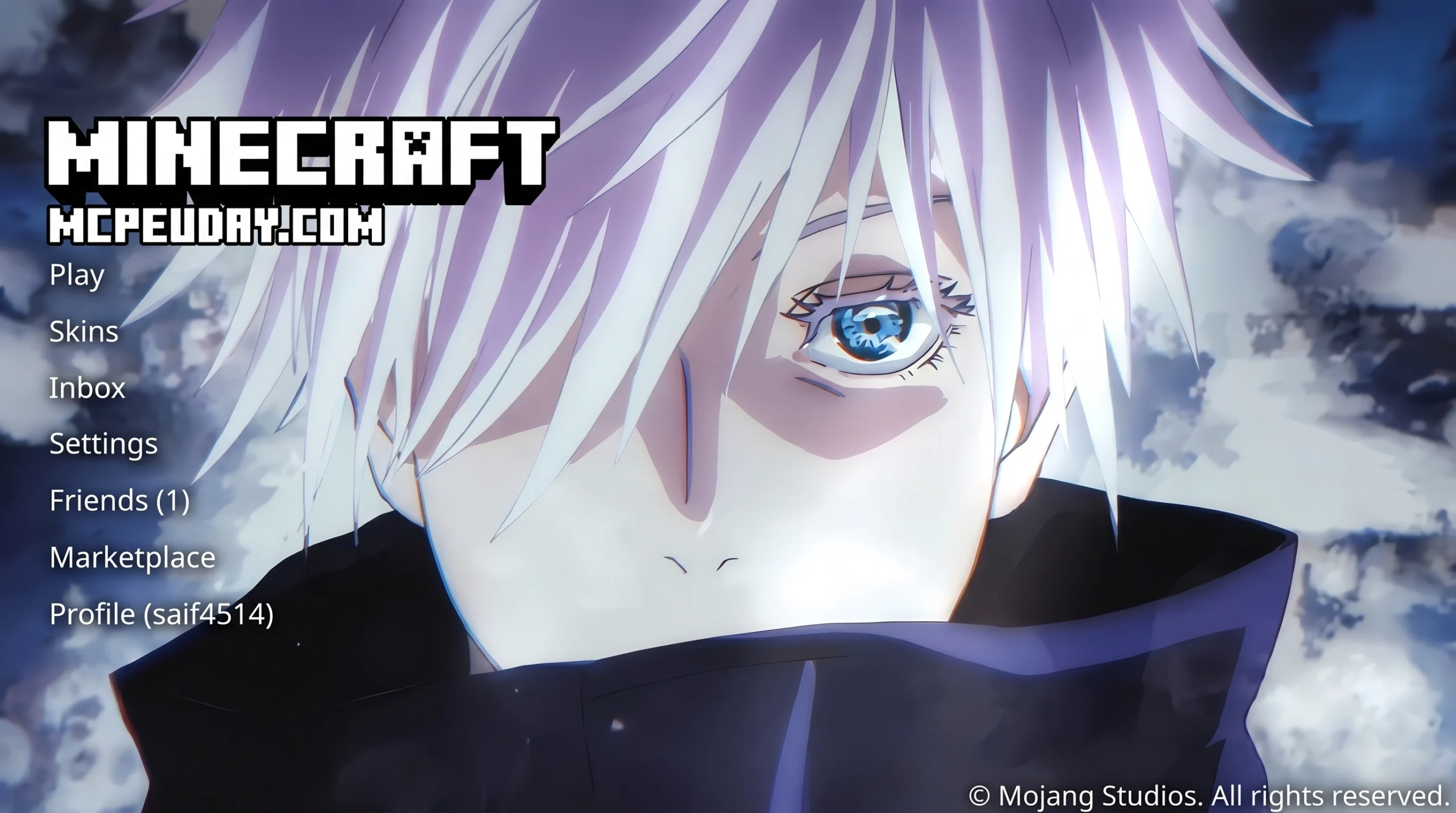
Why Animated Gojo UI Designs Are Taking Over Right Now
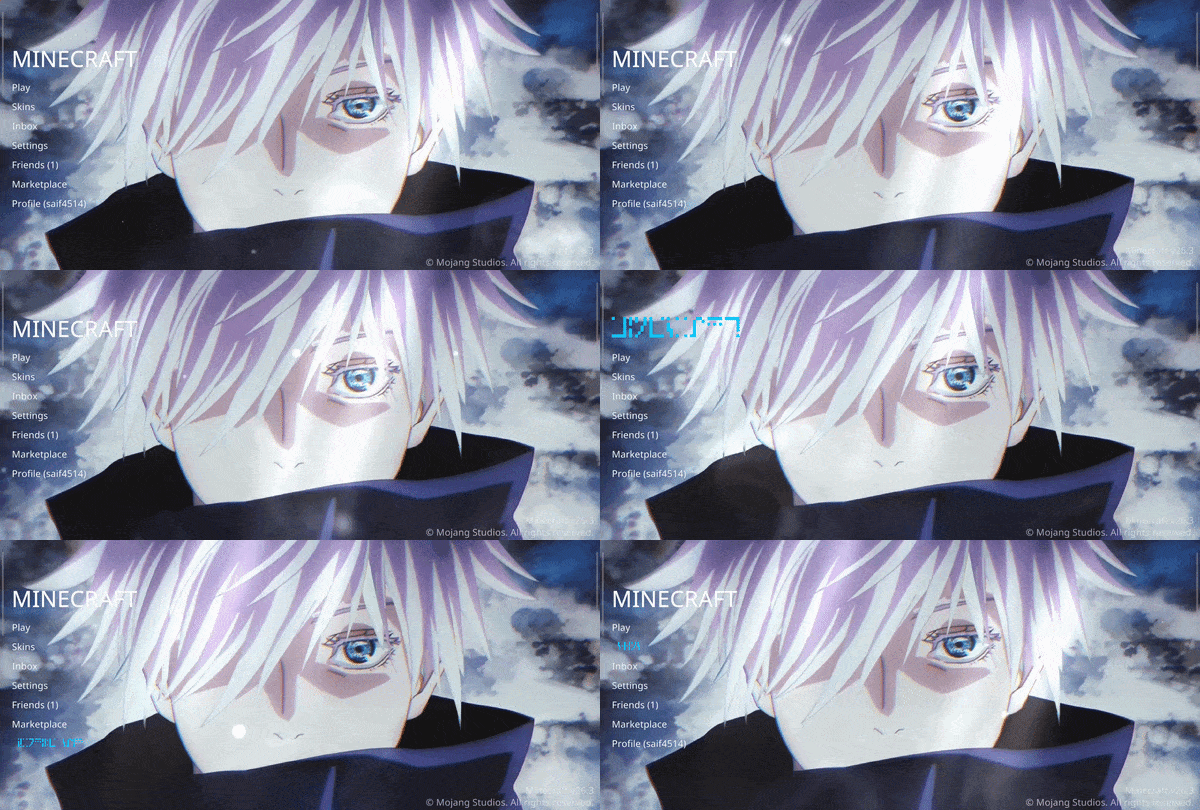
Animated Gojo UI design is the art of building interfaces — desktop, terminal, or in-game HUDs — that capture the visual energy of Satoru Gojo from Jujutsu Kaisen: glowing blue eyes, high-contrast cursed energy effects, and dark, dramatic aesthetics.
Here’s a quick breakdown of what that actually means in practice:
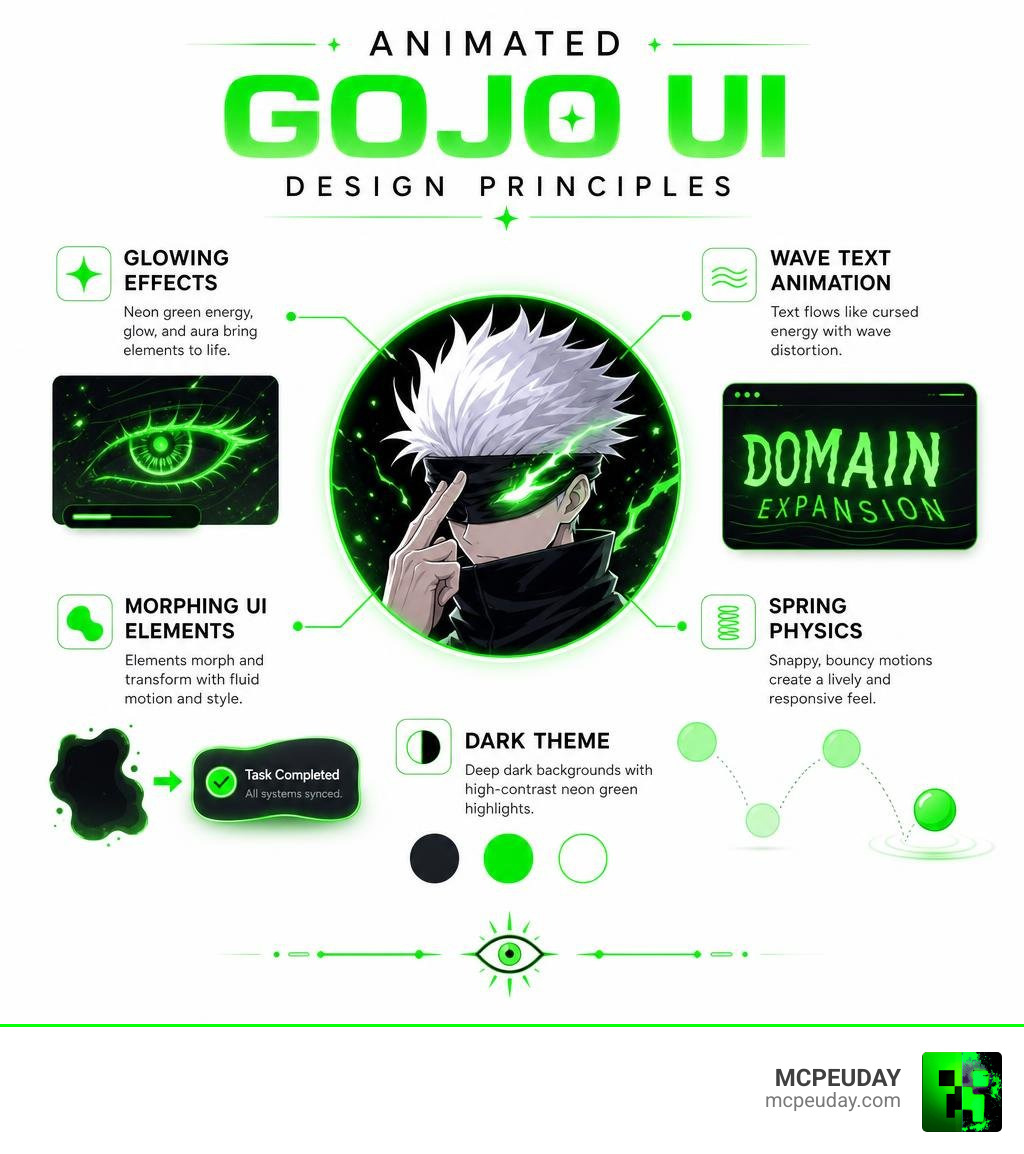
- Glowing effects — electric blue aura, pulsing eye animations, deep dark backgrounds
- Wave-based text animation — characters that ripple and shift like cursed energy flowing through a terminal
- Morphing UI elements — toast notifications and HUD components that blob and spring into shape
- Dark color themes — near-black backgrounds with vivid neon blue or white highlights
- Anime-paced timing — fast, snappy transitions that match the 0.2-second blink-and-you-miss-it speed of a Domain Expansion
This style has exploded in popularity across desktop customization, terminal UIs, and even Minecraft HUD mods. Fans want their screens to feel like Gojo is running the system.
And honestly? That’s a flex worth building.
What is the Animated Gojo UI Concept?
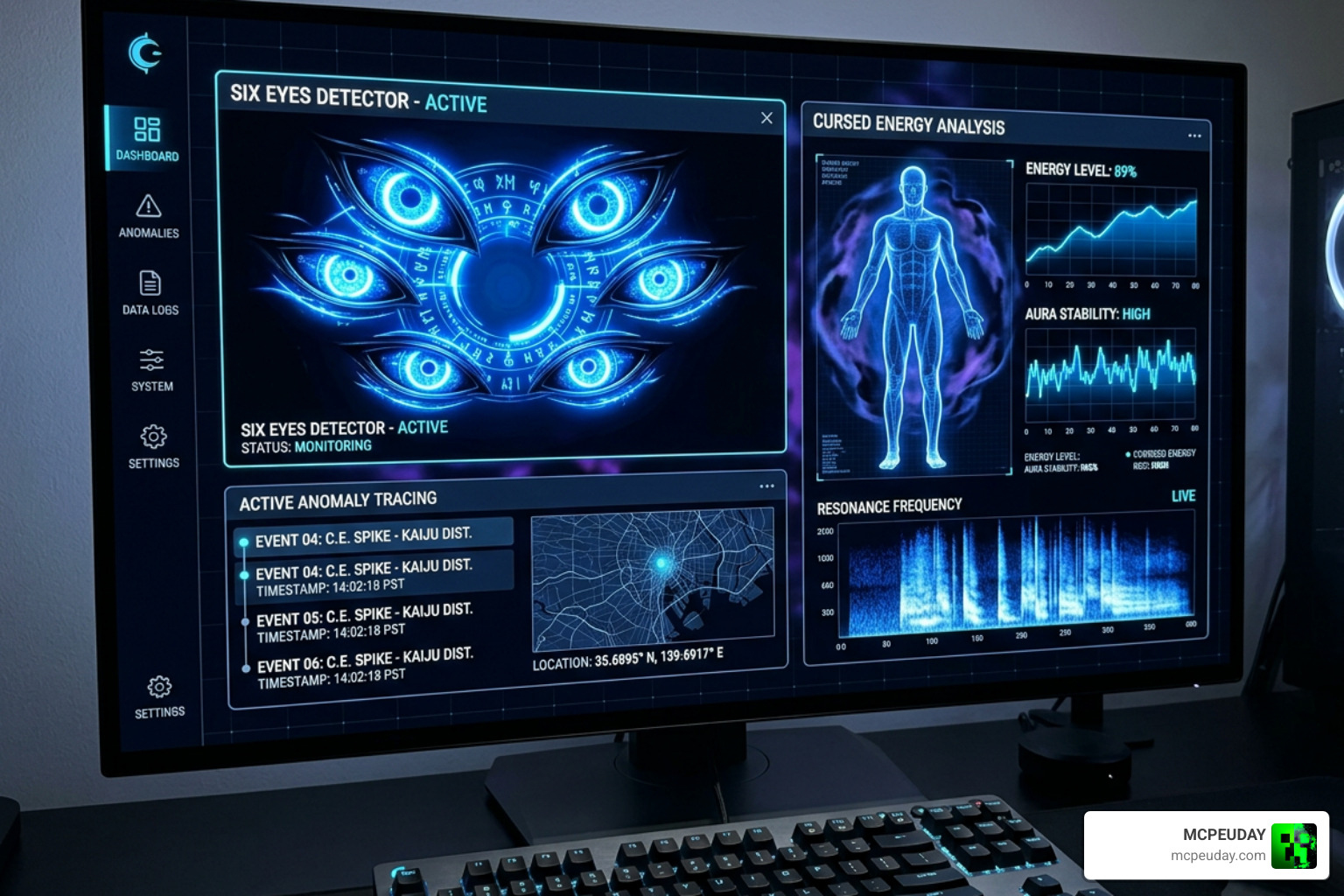
At its heart, the Animated Gojo UI concept bridges the gap between raw anime style and functional user interface design. It is not just about slapping a static picture of Satoru Gojo onto your desktop background. Instead, it is about capturing his character’s essence — the stark contrast between his pitch-black blindfold and the brilliant, infinite blue of his eyes — and translating that into dynamic interactive layouts.
To get a feel for this aesthetic, we can look at the popular Gojo Six Eyes Animated Wallpaper – Live Anime PC Background . This stunning live desktop background captures Gojo unmasked in a dark anime style. Available in a crisp 4K resolution (featuring a 45.9 MB MP4 file and a 46.4 MB GIF download), it has recorded 29 downloads from fans looking to bring high-contrast energy to their setups. Having Satoru staring into your soul from the desktop is a massive flex, and it serves as the perfect visual anchor for a themed operating system or application interface.
Integrating the Six Eyes Aesthetic into an Animated Gojo UI
In the lore of Jujutsu Kaisen, the Six Eyes allow Gojo to see the world in high-definition cursed energy. This is precisely why he usually keeps them covered with a blindfold or dark sunglasses; without a barrier, the sheer volume of visual information would cause sensory overload.
When we integrate this aesthetic into a desktop UI or a terminal styling layout, we have to respect that same balance:
- The Dark Aesthetic (The Blindfold): The base of our interface should rely on deep, dark tones (near-black, dark charcoal, or midnight blue). This keeps the interface clean, highly readable, and easy on the eyes during long coding or gaming sessions.
- The Glowing Blue Energy (The Six Eyes): We use electric cyan, bright neon blue, and soft white highlights sparingly. These act as the “unmasked reveal” elements. When you hover over a button, trigger a notification, or compile code, the interface should burst with glowing blue energy.
- Sensory Overload Prevention: Just like Gojo, your UI needs limits. Constant flashing lights and hyper-active animations will destroy usability. We want dramatic, high-contrast visual cues that fire during specific interactions rather than a continuous, distracting sensory overload.
Technical Implementation of Wave-Based Text and Morphing Animations
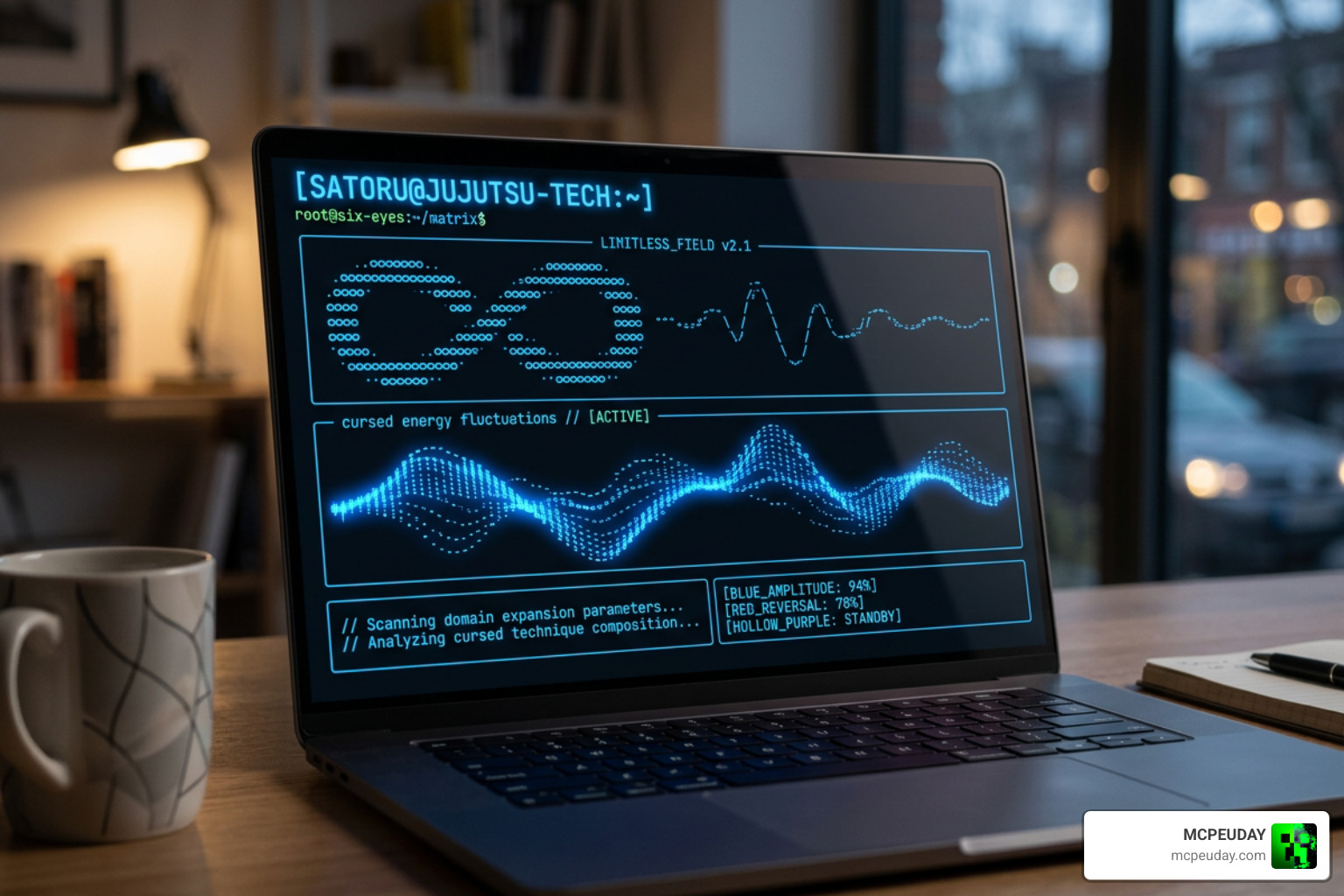
Now, let’s get into the technical side of how we can build these animations. If you want to build a terminal-based Animated Gojo UI, you need animations that feel organic and fluid — like cursed energy flowing through your command line.
We can look to existing open-source projects for inspiration. For instance, the PoggersAnimationFrame function found in the ui/animation.go at main · neuralink/tsui file in the neuralink/tsui terminal user interface (TUI) repository shows how to implement wave-based text animations. The tsui repository, which has garnered 497 stars on GitHub, demonstrates how developers can use Go programming and styling libraries like Lip Gloss to create dynamic terminal animations.
By manipulating terminal character grids over a time-based loop, you can render stylized ASCII art that ripples across the screen. A wave-based text animation dynamically shifts the color gradients or positions of individual characters based on their coordinates and the current timestamp. In a Gojo-themed TUI, this approach can make your text headers look like they are constantly pulsing with blue cursed energy.
// Conceptual example of a wave-based color shift for a Gojo TUI header
func ApplyCursedEnergyWave(text string, timeOffset float64) string {
 var styledText string
 for i, char := range text {
 // Calculate a wave factor using a sine wave
 wave := math.Sin(float64(i)*0.5 + timeOffset)

 // Map the wave to a color gradient between deep blue and bright cyan
 color := InterpolateGojoBlue(wave)
 styledText += lipgloss.NewStyle().Foreground(color).Render(string(char))
 }
 return styledText
}
Applying Morphing and Spring Physics to an Animated Gojo UI
For graphical desktop interfaces or web-based control panels, we want UI elements that morph organically. This is where spring physics and gooey animations come in.
A prime tool for this is the goey-toast library (which you can explore on GitHub – anl331/goey-toast). Built as a gooey, morphing toast component on top of Sonner and Framer Motion, it supports 6 screen positions and 4 distinct animation presets.
When a notification or toast pops up in our Animated Gojo UI, we don’t want it to just slide in rigidly. Instead, we want it to morph like a liquid blob of cursed energy before settling into a crisp pill shape. The goey-toast library achieves this organic “blob morph” transition by animating SVG paths and applying custom CSS filters. This creates a beautifully fluid visual feedback system that perfectly mirrors the liquid-like flow of jujutsu sorcery.
Pacing and Spring Intensities: Matching Jujutsu Kaisen’s Visual Pacing
To make the UI feel authentic to the anime, the animation pacing must match the choreography of the show. Jujutsu Kaisen is famous for its sudden shifts in speed — slow, tense build-ups followed by instantaneous, blindingly fast attacks (like Gojo’s legendary 0.2-second Domain Expansion).
In terms of spring physics, we can adjust these parameters using the presets and bounce intensities available in libraries like goey-toast. The package supports a bounce intensity range from 0.05 to 0.8:
- The “Snappy” Preset (Domain Expansion Speed): Use a high spring stiffness with a low damping ratio (bounce intensity around 0.6 to 0.8). This is perfect for action buttons and critical alerts. They pop into existence instantly with a sharp, energetic bounce.
- The “Smooth” Preset (Infinity Barrier Speed): Use a lower spring stiffness with balanced damping (bounce intensity around 0.1 to 0.3). This is ideal for dropdown menus, expanding cards, and background transitions. It creates a calm, impenetrable feel, much like Gojo’s passive Infinity barrier.
Performance, Accessibility, and Usability Trade-offs
While building a highly animated interface is incredibly fun, we have to consider the real-world performance and usability impact. If your UI takes up 40% of your CPU just to render glowing blue eye effects, it defeats the purpose of having a fast, efficient workspace.
| Animation Preset | Performance Cost | Usability Rating | Best Use Case |
|---|---|---|---|
| Snappy (High Bounce) | Low | High | Primary buttons, warning toasts, success indicators |
| Smooth (Low Bounce) | Low | High | Navigation menus, sidebars, passive transitions |
| Gooey Blob Morphing | Medium to High | Medium | Loading states, opening dashboards, special alerts |
| Continuous Wave Text | High (in TUI) | Low (hard to read) | Main splash screens, title logos, idle states |
When implementing these animations in a terminal environment, rendering ASCII art at high frame rates can cause noticeable screen flickering if not optimized. In desktop environments, running heavy SVG path morphs or CSS blur filters can cause frame drops on older hardware. We recommend capping your UI animations to 30 or 60 FPS to keep resource usage minimal.
Optimizing an Animated Gojo UI for Daily Use
To ensure your setup remains completely functional for daily work, we must build in robust usability features:
- Reduce Motion Toggle: Always provide a quick shortcut or setting to disable heavy spring animations and gooey transitions, replacing them with simple, instant fades.
- Dark Mode by Default: Keep the background dark to protect your eyes, using the vibrant “Six Eyes Blue” purely as an accent color.
- Keyboard Shortcuts & Swipe Gestures: Ensure that notifications can be dismissed instantly with a quick swipe or a keyboard shortcut, rather than forcing the user to wait for a long morphing animation to finish.
Bringing Gojo’s Power to Minecraft and Gaming Interfaces
If you are a gamer, you don’t have to limit this awesome aesthetic to your desktop coding environment. At MCPEUDAY, we love finding ways to bring high-energy anime designs directly into our favorite games. You can completely revamp your gaming HUD using custom addons.
For Minecraft Bedrock and PE players, you can experience these powers firsthand. By downloading the Jujutsu Kaisen Addon 26 X 1 21 For Mcpe Anime Powers Domain Combat, you can bring Gojo’s actual combat abilities, custom domain expansions, and visual cursed energy meters straight into your game world. This addon updates your game HUD to display custom combat styles and power meters styled with Gojo’s iconic blue energy.
To make your adventures even more immersive, you can pair this with the Friend V2 Addon For Minecraft Pe, allowing you to summon custom companions to fight alongside you as you dominate your world.
Enhancing Your Gameplay with Custom Addons
To match your newly styled HUD, you will want custom gear that fits the sorcerer aesthetic. You can expand your arsenal using these excellent addons:
- Custom Shields: Protect yourself from incoming attacks (just like Gojo’s Infinity) by installing the More Shield Addon For Minecraft Bedrock Mcpe New Powerful Shields You Must Try. This introduces powerful new shields with unique defensive capabilities.
- Custom Armor Sets: Complete your sorcerer look with the More Armour Addon For Minecraft Pe Bedrock Unlock Powerful New Armor Sets Dominate Your World, which lets you unlock high-tier armor sets that can be themed to look like Gojo’s classic dark high-collar uniform.
Frequently Asked Questions about Animated Gojo UI
How do I install an Animated Gojo UI on my desktop?
The easiest way is to use a live wallpaper engine (like Wallpaper Engine or PLiX) and download a high-quality live background. You can grab the unmasked 4K MP4 or GIF from the Gojo Six Eyes Animated Wallpaper – Live Anime PC Background page and set it as your active desktop background. From there, you can customize your desktop icons and system accent colors to match the electric blue color scheme.
Can I use the Animated Gojo UI style in a terminal?
Yes! You can build custom terminal user interfaces (TUIs) using Go and styling libraries like Lip Gloss. By studying open-source repositories like neuralink/tsui, you can learn how to write wave-based character loops that animate ASCII art and text titles directly in your command line, creating a clean, dark, and animated terminal environment.
What are the best animation libraries for creating a gooey Gojo UI?
If you are a web developer, the combination of Framer Motion and React is unbeatable. Libraries like goey-toast leverage these tools along with SVG filters to create organic, fluid morphing animations that look like liquid cursed energy.
Conclusion
Building an Animated Gojo UI is one of the coolest ways to personalize your digital workspace. By blending the dark, high-contrast aesthetic of Satoru Gojo’s Six Eyes with modern spring physics, gooey morphing notifications, and wave-based terminal styling, you can create an interface that is both incredibly stylish and highly functional.
Whether you are customizing your code editor, updating your desktop wallpaper, or downloading custom anime HUDs and combat mods for Minecraft Bedrock, we have got you covered.
Ready to level up your gaming experience? Explore more MCPE Bedrock Addons and Mods on our site to find the absolute best graphics, shaders, and gameplay addons available today!
5 thoughts on “Animated Gojo UI (26.x, 1.21) – MCPE/Bedrock UI PACK”