
What the Enhanced Vibrant Visuals Shader Does (and Why Players Love It)
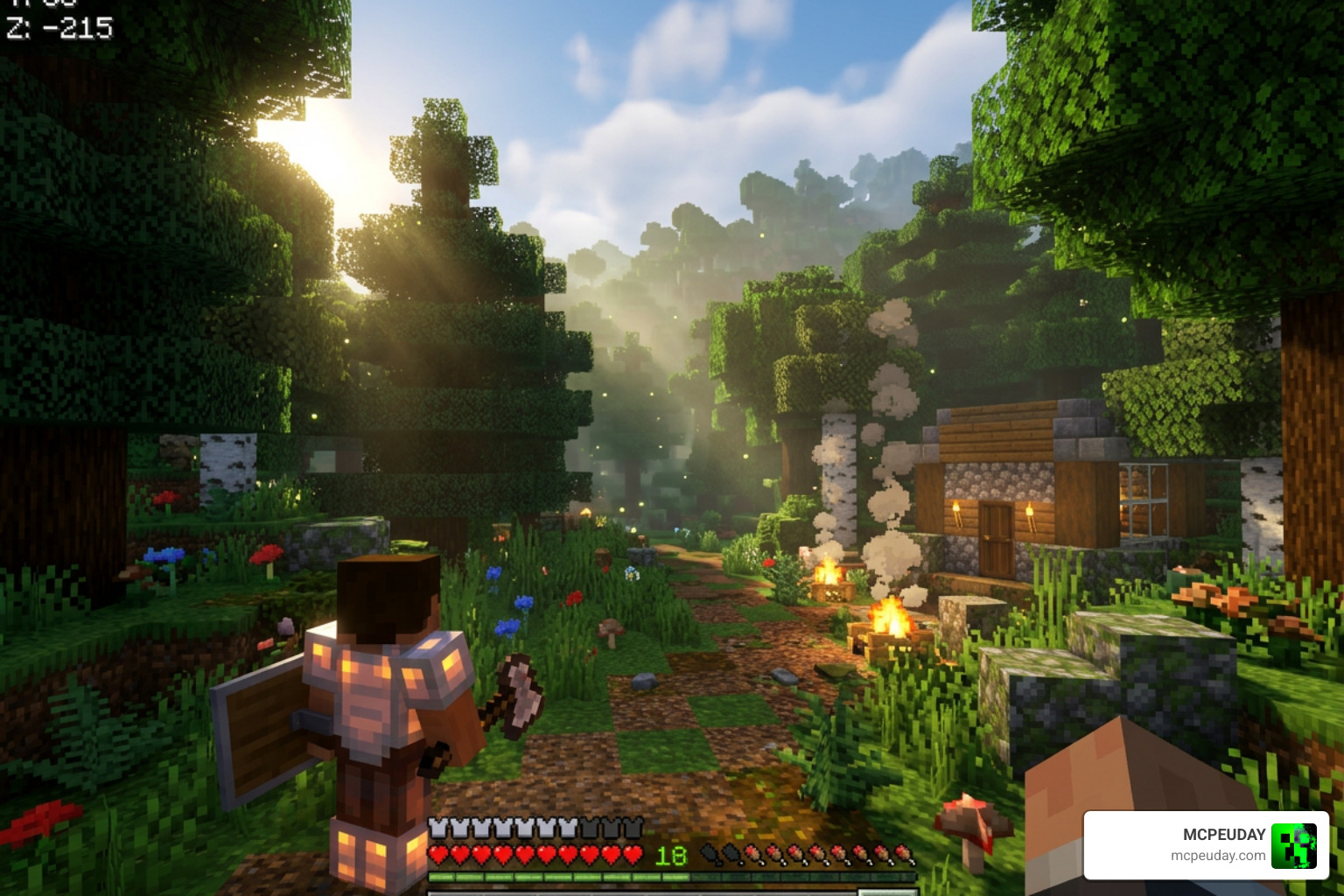
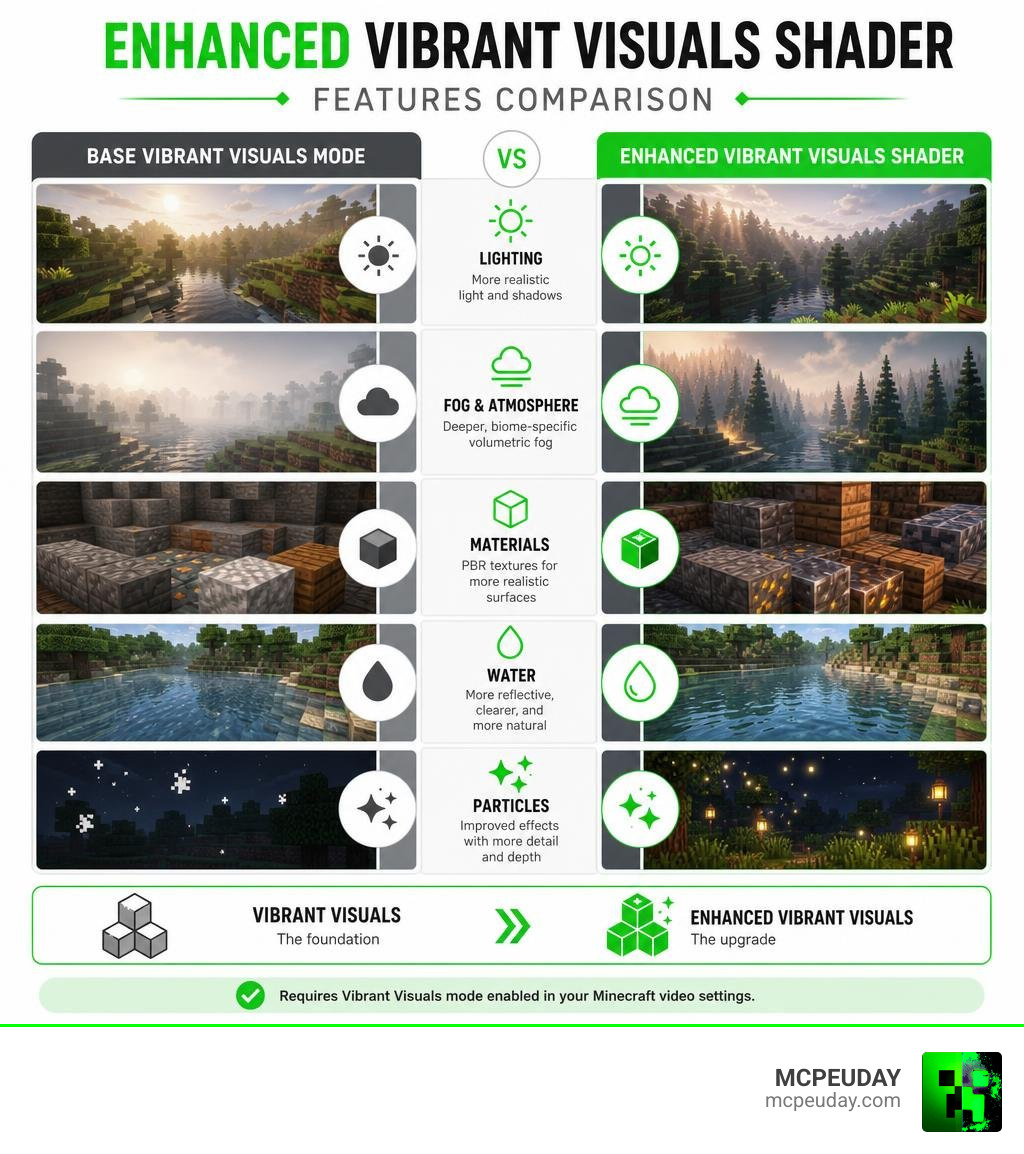
The Enhanced Vibrant Visuals Shader is a free resource pack for Minecraft Bedrock Edition that builds on top of Mojang’s official Vibrant Visuals graphics mode — adding PBR textures, biome-specific volumetric fog, improved particles, and deeper atmospheric effects that the base mode doesn’t include.
Quick answer:
- What it is: A community-made pack that extends Minecraft Bedrock’s built-in Vibrant Visuals mode
- Who made it: XiaoCraft, a creator with 2.8M total downloads across 17 projects
- Downloads: Nearly 11,000 downloads since launch
- Works on: iOS, Android, Xbox, PlayStation, and Windows
- Requires: Vibrant Visuals mode enabled in your Minecraft video settings
- Where to get it: CurseForge (free download)
Minecraft’s official Vibrant Visuals update was a huge deal. It brought directional lighting, volumetric fog, and reflective water to Bedrock Edition without needing any mods. But for players who wanted more — richer fog in specific biomes, real PBR materials on blocks, and fancier particles — the base mode still left something to be desired.
That’s exactly the gap this pack fills.
Think of Vibrant Visuals as the foundation, and Enhanced Vibrant Visuals as the upgrade on top of it.
What is the Enhanced Vibrant Visuals Shader?
To truly appreciate what the Enhanced Vibrant Visuals Shader brings to the table, we first need to look at how Minecraft’s graphics engine has evolved. For a long time, Bedrock Edition players on mobile devices and consoles were locked out of the beautiful shader packs that Java players enjoyed. That all changed with the introduction of the modern RenderDragon engine and the official Vibrant Visuals graphics mode.
But what exactly is a shader? If you are new to customizing your game, you might find our guide on What Are Shaders in Games helpful to understand how these engines manipulate light, shadows, and water in real-time.
The Enhanced Vibrant Visuals Shader is a specialized, community-developed texture and configuration pack designed to push the official engine to its absolute limits. Created by the incredibly talented developer XiaoCraft — who has amassed a staggering 2.8 million total downloads across 17 projects — this pack is a masterclass in optimization and visual design.
As of our current date in June 2026, this project is one of the most exciting additions to the Bedrock community. Released just one month ago and updated a mere 15 days ago, it has already secured 10,899 downloads on CurseForge. It serves as an official texture extension that hooks directly into Bedrock’s native deferred rendering pipeline to provide a visual overhaul that vanilla Minecraft simply cannot match.
Key Features and Visual Enhancements
When you activate this pack, you aren’t just getting slightly brighter colors. You are fundamentally changing how light interacts with every single block in your world. By utilizing the advanced capabilities of the RenderDragon engine, the pack introduces highly advanced rendering features.
To understand the core improvements, let’s break down the main visual pillars of this pack:
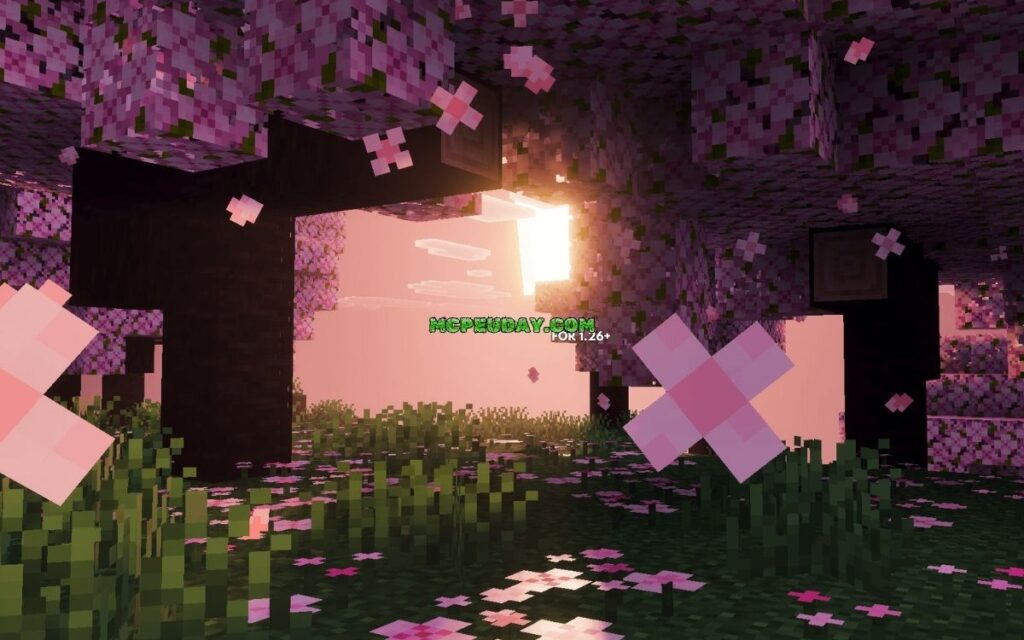
- Directional Lighting & Shadows: The sun and moon act as true light sources, casting dynamic, real-time shadows across the landscape. To keep the classic Minecraft feel, these shadows are pixel-aligned, meaning they maintain a blocky, stylized look rather than looking overly smooth and out of place.
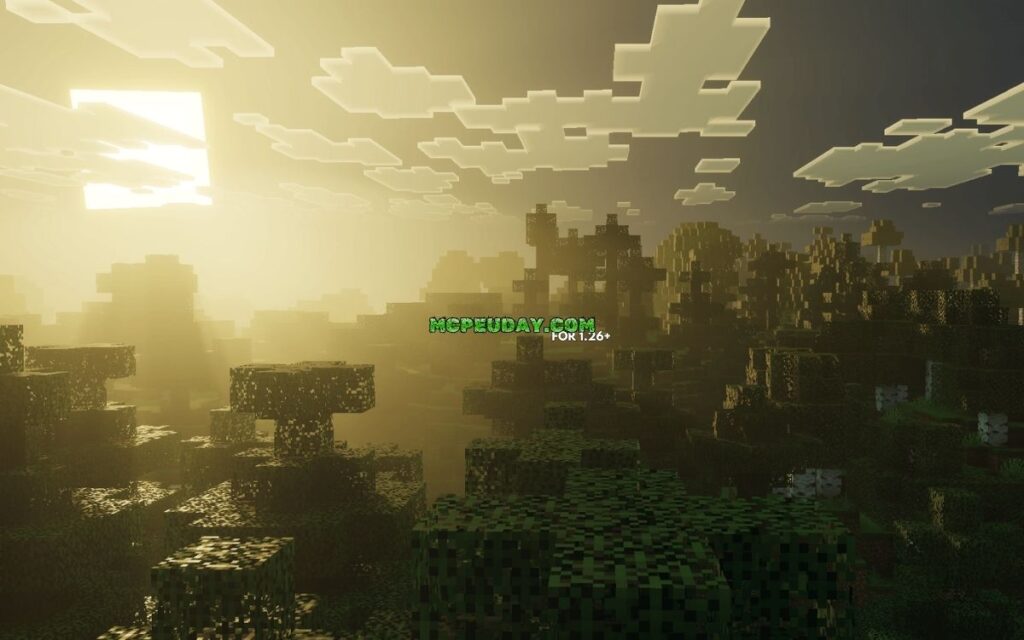
- Volumetric Fog & Light Shafts: Light filters through trees and cave openings, creating gorgeous “god rays” (or light shafts) that react dynamically to the time of day and weather.
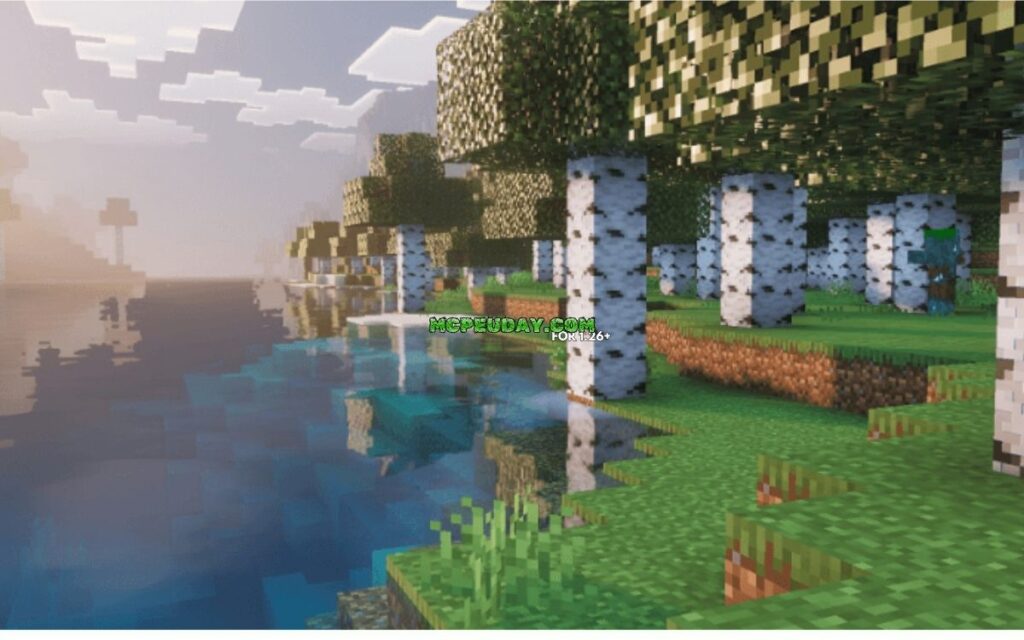
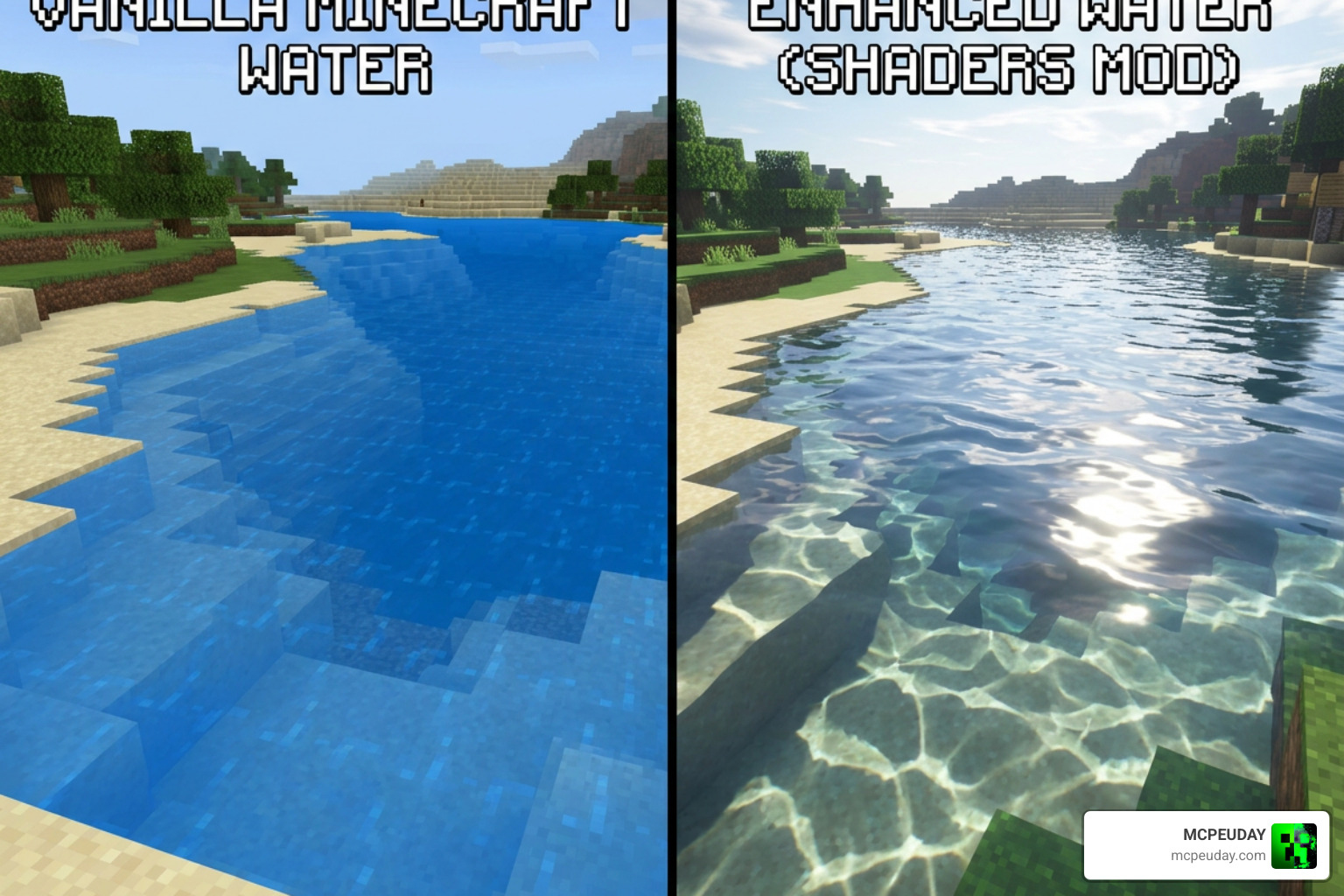
- Reflective, Transparent Water: Water is no longer a flat, blue texture. It is fully transparent, featuring realistic waves, screen-space reflections, Snell’s window effects, and beautiful water caustics projected onto the ocean floor.
- Enhanced Particles & Glows: Torches, lanterns, and glowing blocks like sculk emit actual colored light that illuminates their surroundings.
If you want to see how this compares to other high-end options, check out our review of the Ultra Vibrant Visuals Shader for Minecraft or read the official announcement on Minecraft Vibrant Visuals | Minecraft.
Biome-Specific Atmospherics in the Enhanced Vibrant Visuals Shader
One of our favorite things about this pack is that it doesn’t apply a “one-size-fits-all” filter to your world. Instead, it features custom, biome-specific fog and atmospheric settings.
When you walk through a humid jungle, the air feels thick and misty. If you transition into a dry desert, the air clears up, allowing you to see massive mountain ranges in the distance. The Overworld biomes feel distinct, but the real magic happens when you venture into other dimensions:
- The Nether: The Nether receives a dense, oppressive fog layout that makes navigating the basalt deltas and crimson forests feel incredibly atmospheric and dangerous. Emissive lava glows cast deep orange light across the netherrack.
- The End: The End dimension feels appropriately alien. XiaoCraft has configured unique atmospheric values here, including “End flashes” that occur on the horizon roughly once every 30 seconds, illuminating the dark void with eerie, sudden light.
- Weather Enhancements: Rainstorms feel heavy and dim the sky realistically, while snowstorms utilize a custom snowflake atlas to make winter biomes feel like true blizzards.
PBR Textures and Materials in the Enhanced Vibrant Visuals Shader
The secret sauce that makes this pack look so realistic is its use of Physically Based Rendering (PBR). Traditional Minecraft textures are flat, 2D images. PBR textures, however, contain multiple layers of data that tell the game’s engine exactly how to react to light.
This pack utilizes MERS maps, which stand for:
- Metalness: Determines how metallic a surface is. Copper, iron, and gold blocks will reflect sunlight with a bright, metallic sheen.
- Emissive: Controls which parts of a block glow in the dark. This makes redstone ore, glow lichen, and sculk blocks emit a gorgeous, natural light.
- Roughness: Dictates how rough or smooth a surface is. Rough blocks like dirt or wood diffuse light softly, while smooth blocks like polished diorite or wet mud reflect light sharply.
- Subsurface Scattering: Simulates how light penetrates semi-translucent surfaces, such as leaves or ice, giving them a lifelike, glowing quality.
By combining these MERS maps with custom heightmaps and normal maps, flat textures gain simulated 3D depth. Cobblestone cracks look deep, brick walls have visible crevices, and copper blocks slowly change their reflective properties as they oxidize.
Performance and Device Compatibility
Because the Enhanced Vibrant Visuals Shader relies on Bedrock’s official deferred rendering pipeline, it runs locally on your hardware. This means your device needs to meet certain graphical standards to run it smoothly.
If you are playing on a mobile device, we highly recommend checking out our dedicated portal for a Minecraft Shaders Download for Android to make sure your device is fully prepared.
Here is a quick compatibility and hardware requirement breakdown:
| Platform | Minimum Hardware Requirements | Best Performance Preset |
|---|---|---|
| Android | Adreno 640, Mali-G68, Mali-G77, or Xclipse 530 GPU | Favor Performance |
| iOS | Apple A12 Bionic chip (iPhone XR) or Apple M1 chip | Favor Performance / Balanced |
| Windows PC | DirectX 12 compatible GPU (FL 11 minimum) | Favor Visuals |
| Consoles | Xbox One, Xbox Series X/S, PlayStation 4, PlayStation 5 | Favor Visuals (Series X / PS5) |
Note: Nintendo Switch, ChromeOS, and Amazon Fire tablets do not currently support the deferred graphics mode required for this pack.
How to Boost Your FPS
If you notice your frame rate dipping while using this pack, don’t worry! We have a few tricks to help you get the smoothest gameplay possible:
- Use FPS Optimizers: You can stack this shader with optimization resource packs. We highly recommend using Vanilla x Optimizer FPS Boost (which has 286.4K downloads) or Boosted FPS (sitting at an impressive 583.7K downloads) to clean up unnecessary background rendering and give you a massive frame rate bump.
- Adjust Render Distance: Keep your deferred render distance slider between 8 and 12 chunks. Going up to the maximum limit of 28 chunks can severely tax even high-end graphics cards.
- Toggle Volumetric Fog: If your device is heating up, turning off volumetric fog in the video settings is the fastest way to regain 10-15 FPS without losing the overall beauty of the shader.
How to Download and Install the Pack Fast
Ready to transform your game? Follow our straightforward, step-by-step guide to get the pack up and running in minutes. If you need a more general overview of adding custom files to your game, read our master guide on How to Get Shaders in Minecraft.
Step 1: Download the Files
First, head over to CurseForge and search for the official Enhanced Vibrant Visuals texture pack by XiaoCraft. Download the .mcpack file to your device.
Step 2: Import to Minecraft Bedrock
- On Mobile (Android/iOS): Simply tap on the downloaded
.mcpackfile. Your device should automatically open Minecraft and import the pack. - On Windows PC: Double-click the
.mcpackfile to launch Minecraft and trigger the automatic import. - On Consoles: You will need to upload the pack to a Minecraft Realm using a mobile device or PC first, then access that Realm on your console to download the active world cache.
Step 3: Enable the Graphics Toggle
Before activating the pack, you must turn on the official graphics settings:
- Open Minecraft and go to Settings -> Video.
- Scroll down to Graphics Mode and change it from Fancy or Simple to Vibrant Visuals.
- Set your preset to either Favor Visuals or Favor Performance depending on your device’s strength.
Step 4: Activate the Resource Pack
- Go to your Global Resources (in main settings) or your specific World Settings.
- Under Resource Packs, locate Enhanced Vibrant Visuals and click Activate.
- Load into your world and enjoy the breathtaking new visuals!
If you are looking for an alternative setup that focuses on static light improvements, you might also want to check out our coverage of the Definitive Vibrant Visuals Shader.
Frequently Asked Questions about Minecraft Shaders
Does Enhanced Vibrant Visuals work with the official graphics toggle?
Yes! In fact, it requires it. The pack is not a standalone mod; it is an extension texture pack. You must have the official “Vibrant Visuals” graphics mode enabled in your Video settings tab for the PBR textures and custom atmospheric fog to render correctly.
Is this shader compatible with other resource packs?
Generally, yes. Because it is designed as a deferred lighting pack, you can stack it on top of other texture packs. If you prefer a completely vanilla look but want the realistic lighting, you can run it by itself. If you want to use a custom 3D texture pack, just make sure to place the Enhanced Vibrant Visuals pack higher in your active resources list so its custom MERS maps take priority.
How does it compare to other community shaders?
While options like Xiao Visuals (109.7K downloads) and Refined Deferred (115.2K downloads) are incredible projects, the Enhanced Vibrant Visuals Shader is uniquely optimized for the June 2026 Bedrock engine updates. It strikes a perfect balance between performance and high-end features, offering biome-specific fog that is much lighter on mobile GPUs compared to older deferred packs.
Conclusion
At MCPEUDAY, we are always on the hunt for resources that make your Minecraft worlds feel more alive, immersive, and visually stunning. The Enhanced Vibrant Visuals Shader by XiaoCraft is easily one of the best ways to experience Bedrock Edition in June 2026. By bridging the gap between Mojang’s official engine features and high-end community textures, it delivers a jaw-dropping visual upgrade that runs beautifully on a wide range of devices.
If you are ready to find even more incredible ways to upgrade your game’s graphics, be sure to explore our curated list of the Best Shaders for MCPE 1.21 2026 Top 3 Realistic Minecraft PE Shaders! Happy building, and may your sunrises always be beautifully ray-traced!

1 thought on “Enhanced Vibrant Visuals Shader (26.x, 1.21) – MCPE/Bedrock Shader”