Scroll down to D0vvnl0ad
Get Clear Cave Vision in Minecraft PE/Bedrock
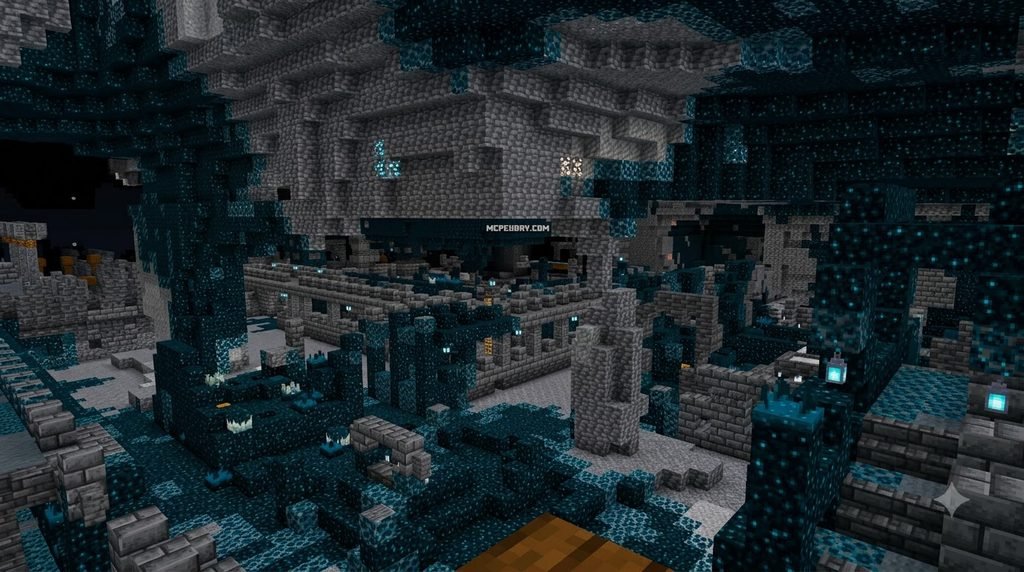
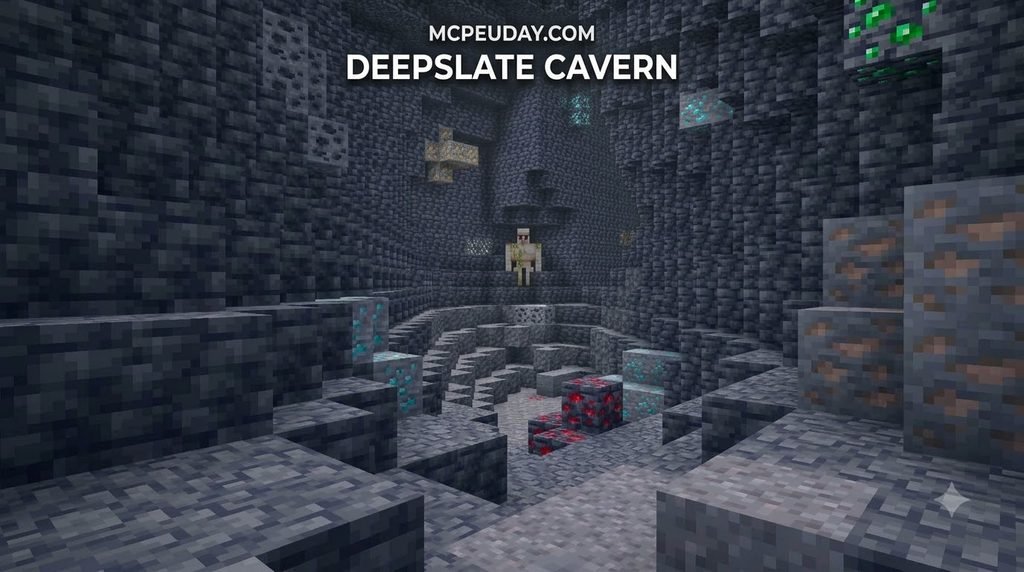
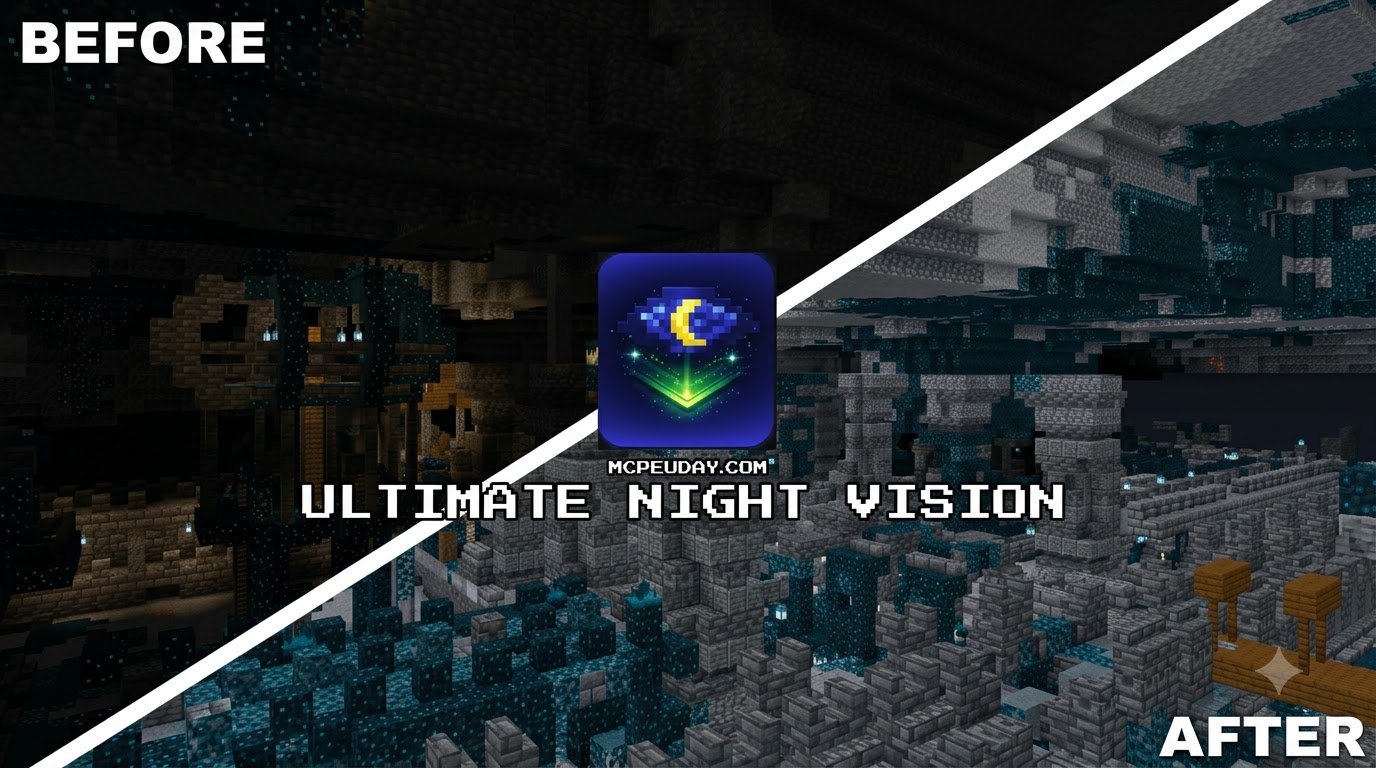
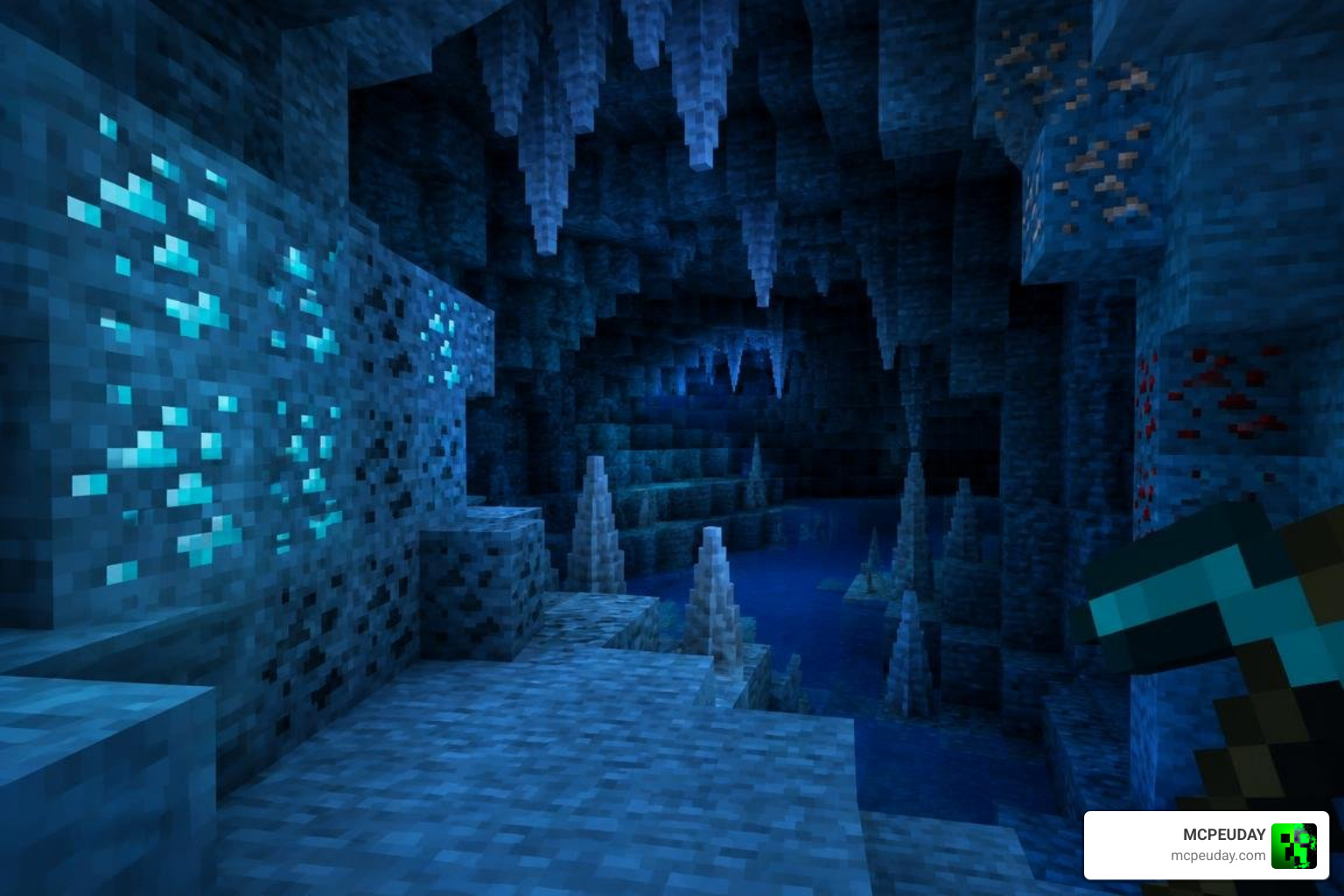
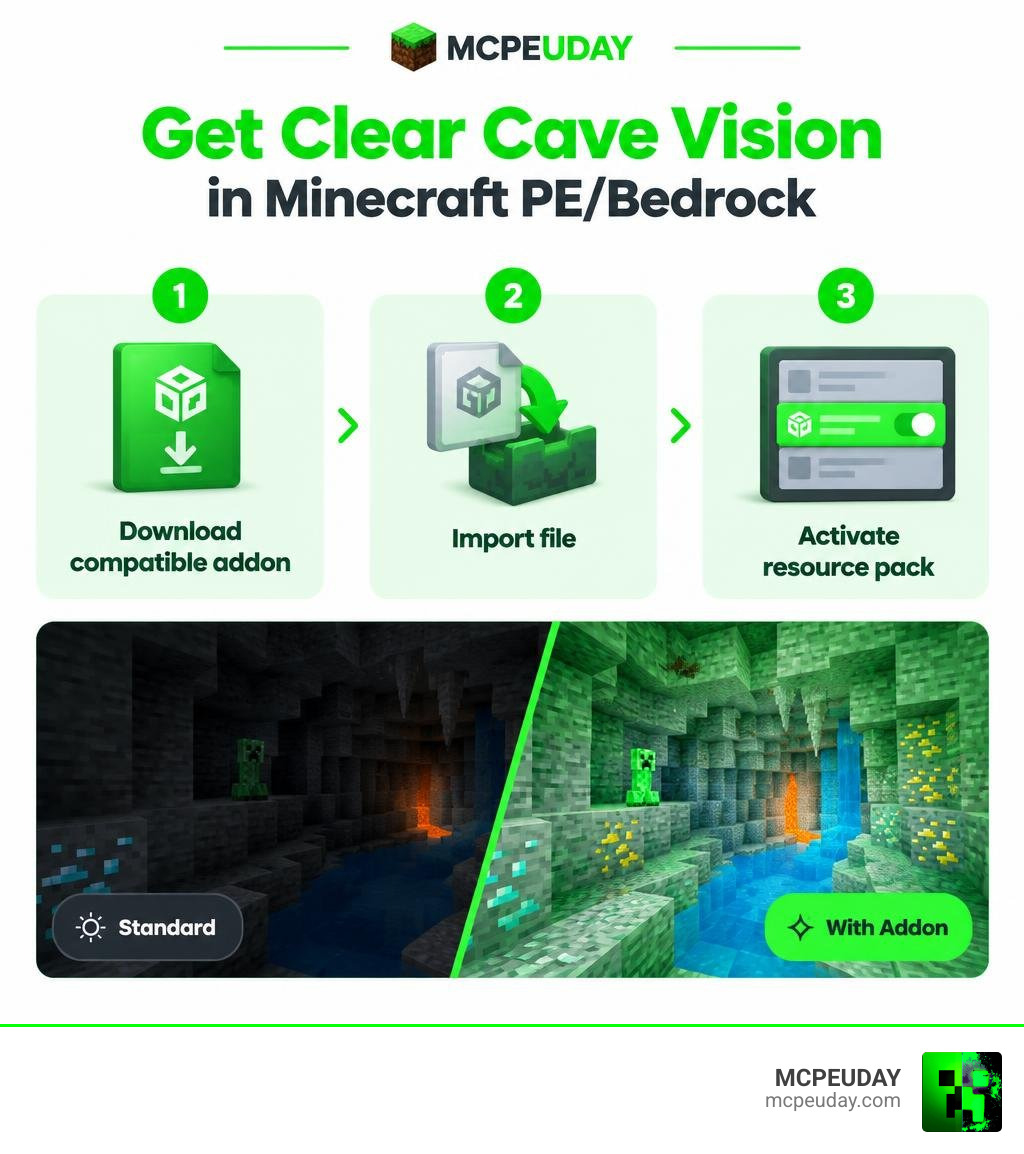
To get the Ultimate Night Vision Addon for Minecraft PE/Bedrock, download a version that matches your Minecraft Bedrock release, import its .mcaddon or resource-pack file, then activate it in your world’s Resource Packs settings. Once enabled, it is designed to make dark caves, oceans, and nighttime areas much easier to see without constantly carrying torches.
This type of third-party addon may include full-bright lighting, shader-style visuals, and x-ray-like effects. Results can vary by device and Minecraft version, so check compatibility before you install. Some companion apps are free but may show ads, and they are not official Minecraft products.
I’m UDAY GAMER, and next I’ll show you the three simple steps to install and enable night vision safely.
Key Features of the Ultimate Night Vision Addon for Minecraft PE/Bedrock
Exploring deep underground caverns without adequate lighting often leads to unexpected creeper encounters and lost gear. By adjusting ambient gamma values and texture lighting properties, the pack turns pitch-black ravines into clearly visible exploration zones.
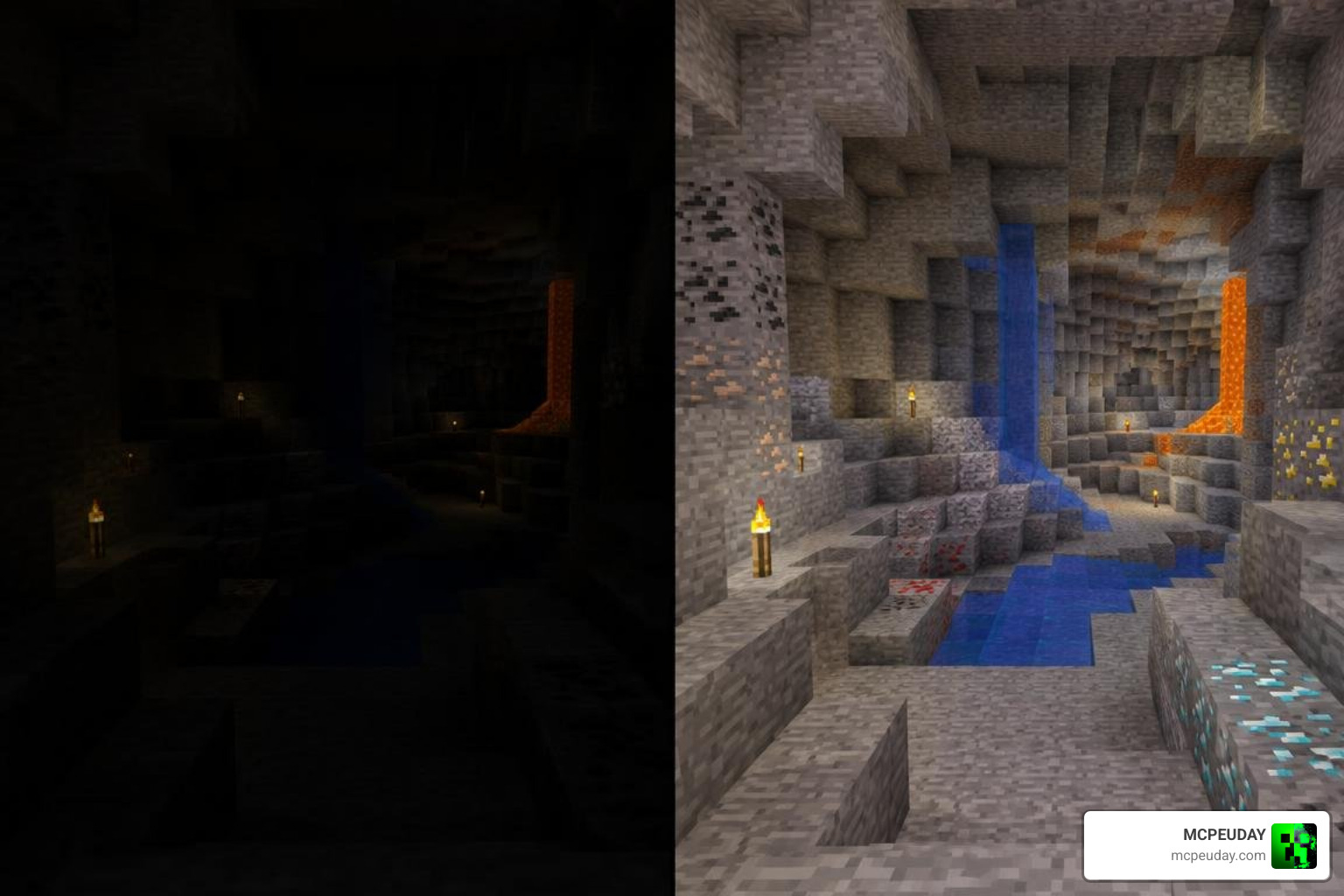
The primary appeal lies in how it balances standard vision with utility enhancements:
- Infinite Full-Bright Lighting: Eliminates the need to spam torches every few blocks, giving you constant visibility in caves, underwater trenches, and the Nether.
- Shader-Style Enhancements: Polishes the environment so illuminated areas avoid looking washed out, retaining color vibrancy across different biomes.
- Integrated Utility: When paired alongside an X-Ray With Night Vision Addon or a specialized Glowing Ores Addon, identifying valuable diamond and ancient debris veins becomes seamless.
- Render Dragon Support: Designed to function cleanly within the constraints of modern Bedrock graphics engines without heavily degrading frame rates on mobile devices.
By stripping away artificial darkness, mining efficiency improves drastically because you can spot tunnels, mob spawners, and resource patches from distances that standard lighting hides completely.
How the Addon Improves Different Gameplay Scenarios
The benefits of full-bright lighting extend far beyond simple cave exploration. In the Nether, where natural light sources are scarce and lava glow creates harsh contrast, the addon helps you navigate basalt deltas and soul sand valleys without constantly placing torches or glowstone. Underwater, it reveals shipwrecks, buried treasure, and drowned mobs that would otherwise remain hidden in murky depths.
For builders working on large underground projects, the addon removes the need to place temporary lighting while constructing. You can see the full scope of your excavation or build site without waiting for daylight or crafting hundreds of torches. This makes large-scale terraforming and underground base construction significantly more enjoyable.
Speedrunners and competitive players also benefit from the addon’s ability to reveal spawners, chests, and valuable ore veins from a distance. Instead of methodically lighting every corridor, you can move quickly through cave systems while maintaining full awareness of your surroundings. The time saved on torch placement and navigation adds up quickly across long mining sessions.
How to Download and Install the Mod in 3 Steps
Getting the mod up and running requires only a few minutes. Whether you are using a mobile package installer or manually applying a pack, following the correct sequence prevents common loading errors. If you prefer a visual walkthrough, you can watch Minecraft Bedrock How To Get Night Vision Data Pack 1.21.50 for an overview of pack handling.
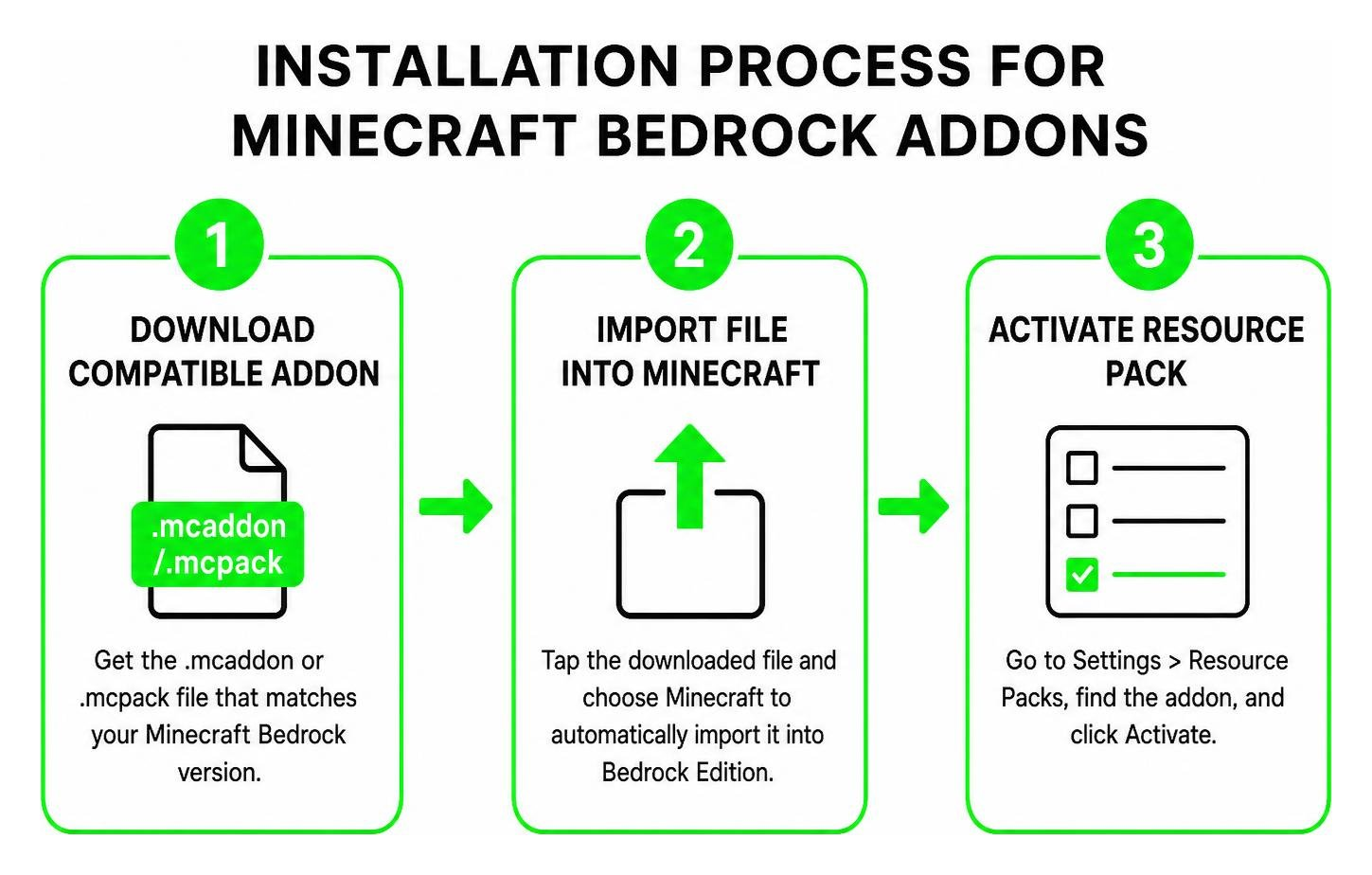
Installing the Ultimate Night Vision Addon for Minecraft PE/Bedrock
- Download the File: Acquire the legitimate
.mcaddonor.mcpackfile from a verified source to ensure you avoid corrupt archives. - Import into Minecraft: Tap the downloaded file on your device. Choose Minecraft as the default opening app, which triggers the automatic import process inside Bedrock Edition.
- Activate in Settings: Open your world settings or Global Resources, navigate to Resource Packs, locate the addon, and click Activate.
If you are looking for a straightforward alternative that adjusts illumination across your worlds, you can also test the standalone Full Bright Addon using the exact same three-step procedure.
Troubleshooting Common Installation Issues
Sometimes the import process does not go as smoothly as expected. If Minecraft does not appear as an option when you tap the downloaded file, try opening Minecraft first and then navigating to the file through your device’s file manager. On Android, you may need to grant storage permissions to your file manager app before it can pass the .mcaddon file to Minecraft.
If the addon imports successfully but does not appear in your Resource Packs list, check whether you have any conflicting packs already active. Some older lighting mods or shader packs can interfere with newer addons. Deactivate any existing visual modification packs, restart Minecraft, and then try activating the Ultimate Night Vision Addon again.
For players using multiple worlds, resource packs can be applied globally through Global Resources or individually through each world’s settings. Applying the pack globally saves time if you want night vision in every world, while per-world activation gives you more control over which saves use the enhanced lighting.
Performance, User Feedback, and Safety Analysis
The app developed by Matt Jonhder has garnered a 3.9-star rating based on 687 user reviews and has accumulated over 10,000 downloads. While many players praise its visual clarity and convenience during mining sessions, community feedback also highlights important caveats.
| Feature / Aspect | Addon Benefits | Common User Concerns |
|---|---|---|
| Cave Visibility | Crystal-clear navigation without torches | Occasional brightness clipping on certain blocks |
| Setup Experience | Simple one-click file import | In-app promotional ads during download |
| Performance | Minimal impact on modern mobile chipsets | Incompatibility glitches if older subpacks conflict |
| Convenience | Permanent full-bright effect | Third-party distribution app requirements |
Some users express frustration regarding frequent in-app advertisements or confusing download funnels when using standalone installer apps. Verifying that your game build matches the pack version helps prevent non-functional texture glitches.
Is the Ultimate Night Vision Addon for Minecraft PE/Bedrock Safe to Use?
According to its Google Play listing data safety disclosures, the distribution app does not collect personal user data. However, it does share location data, app activity, and two other basic data types with third-party service providers for diagnostic and ad delivery purposes.
To maintain security, never grant root access or unnecessary device permissions to utility apps, and always download packs through reputable Minecraft modding portals.
Understanding the Rating and Download Numbers
A 3.9-star rating across 687 reviews indicates generally positive reception with room for improvement. The most common praise focuses on how effectively the addon eliminates darkness in caves and underwater areas. Players who frequently mine for diamonds or explore abandoned mineshafts report significant time savings and reduced frustration from unexpected mob encounters.
Negative reviews typically center on the distribution method rather than the addon itself. Some users find the companion installer app confusing, while others report that ads interrupt the download process. These issues are separate from the addon’s actual performance in-game, which most reviewers describe as stable and effective when installed correctly.
The 10,000-plus download count demonstrates consistent demand for night vision solutions in Minecraft Bedrock. As Render Dragon continues to evolve with each Minecraft update, addon developers must regularly refresh their packs to maintain compatibility. Checking for updates before major Minecraft releases helps ensure your night vision addon continues working without interruption.
Top Alternatives for Enhanced Lighting and X-Ray Effects
If you want alternative visual upgrades, several other packs deliver distinct lighting advantages:
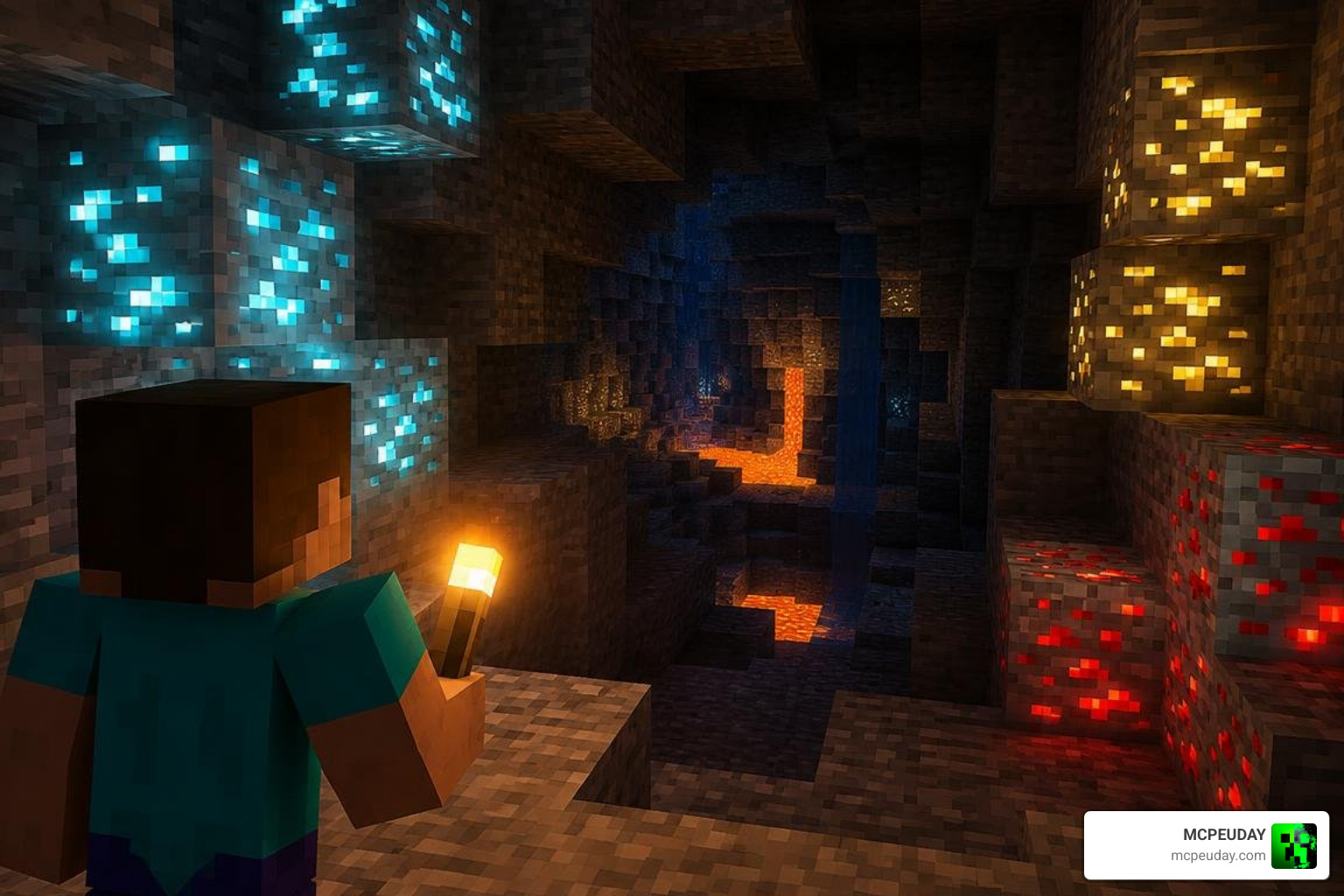
- X-Ray Glow Addon: Outlines ore blocks through solid stone, making resource gathering fast and targeted.
- Fog Remover Shader: Strips away underwater and Nether atmospheric haze to maximize view distance.
- Lilium Dynamic Light Addon: Adds realistic, handheld dynamic lighting so carrying a single torch naturally illuminates your immediate surroundings without altering global gamma.
Choosing the Right Lighting Addon for Your Playstyle
Each alternative pack serves a different purpose, and understanding these differences helps you pick the right tool for your needs. The X-Ray Glow Addon is ideal for players focused purely on resource gathering, as it makes ores visible through solid stone. However, it changes the game’s visual style more dramatically than a simple night vision pack.
The Fog Remover Shader works best for players who explore oceans, rivers, and the Nether frequently. By removing atmospheric haze, it extends your effective view distance and makes distant structures easier to spot. This pairs well with night vision effects for complete environmental clarity.
The Lilium Dynamic Light Addon takes a more immersive approach by making light sources behave realistically. Instead of globally brightening the world, it creates dynamic light around held torches and other light-emitting items. This preserves the survival challenge of dark caves while making exploration feel more natural and responsive.
Many players combine multiple packs for a customized experience. For example, pairing the Ultimate Night Vision Addon with the Fog Remover Shader creates exceptional visibility in all environments, while adding the X-Ray Glow Addon turns mining sessions into highly efficient resource runs. Experiment with different combinations to find the setup that matches your preferred playstyle.
Frequently Asked Questions About Minecraft Bedrock Night Vision
How do I enable night vision without cheats in Minecraft PE?
You can achieve full brightness without disabling Xbox achievements by using client-side resource packs rather than behavior packs. Pure texture-based lighting modifications do not trigger cheat flags in vanilla survival worlds.
Is the Ultimate Night Vision addon an official Mojang product?
No. This addon is an unofficial, third-party community modification. It is not affiliated with, endorsed by, or associated with Mojang Studios or Microsoft.
Why is the night vision addon not working on the latest update?
Minecraft Bedrock’s Render Dragon rendering pipeline can occasionally break outdated shader files. If your lighting does not change, check for updated subpack settings in the resource menu or ensure the mod has been refreshed for your specific patch version.
Can I use the Ultimate Night Vision Addon in multiplayer servers?
Resource packs that only modify client-side visuals generally work on multiplayer servers without triggering anti-cheat systems. However, some servers restrict custom resource packs or require players to use the server’s designated pack. Always check server rules before joining with modified visuals to avoid potential conflicts or bans.
Does the addon affect mob spawning or gameplay mechanics?
No. The Ultimate Night Vision Addon is a visual modification only. It does not change mob spawning rates, block behavior, or any gameplay mechanics. Mobs will still spawn in dark areas according to vanilla rules, but you will be able to see them clearly before they become a threat.
Will the addon drain my device battery faster?
Full-bright lighting effects can slightly increase GPU usage on mobile devices, which may lead to marginally faster battery drain during extended play sessions. The impact is typically minimal on modern devices, but players using older hardware may notice reduced battery life. Closing background apps and lowering render distance can help offset any additional power consumption.
Conclusion
Maximizing visibility completely transforms cave exploration and resource hunting on mobile devices. Choosing trusted packs guarantees stable performance while keeping your device secure. Whenever you are ready to upgrade your survival toolkit, browse the latest Minecraft PE mod addons to discover new shaders, utility packs, and lighting enhancements built for Bedrock.
Final Thoughts on Night Vision Addons
The Ultimate Night Vision Addon for Minecraft PE/Bedrock represents one of the most practical quality-of-life improvements available to mobile players. By removing the artificial darkness that slows down exploration and increases danger, it allows you to focus on what makes Minecraft enjoyable: discovering new areas, gathering resources, and building without constant interruption.
Whether you are a casual player who wants to see clearly during nighttime adventures or a dedicated miner seeking maximum efficiency, this addon delivers consistent results. The three-step installation process takes only minutes, and the visual improvement is immediately noticeable in every dark environment.
Remember to download from trusted sources, verify compatibility with your Minecraft version, and explore complementary addons to create a fully customized visual experience. With the right combination of lighting enhancements, your Minecraft Bedrock worlds will never feel unnecessarily dark again.