
The Best Full Bright Addon for Minecraft Bedrock and Java in 2026
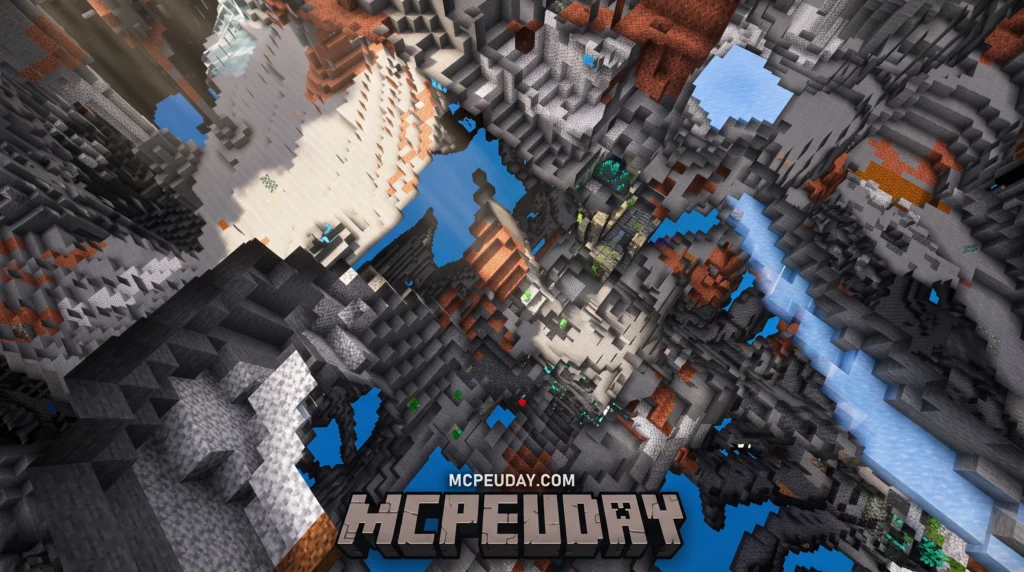
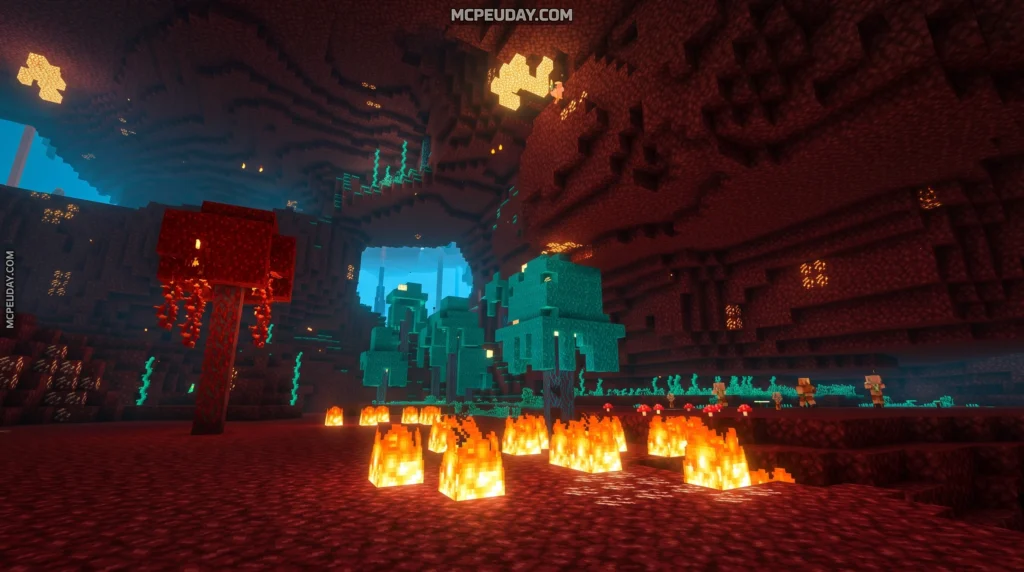
The Full Bright Addon is one of the most downloaded visibility tools for Minecraft — and for good reason. Whether you’re deep in a cave or exploring at night, darkness is one of the most frustrating parts of the game.
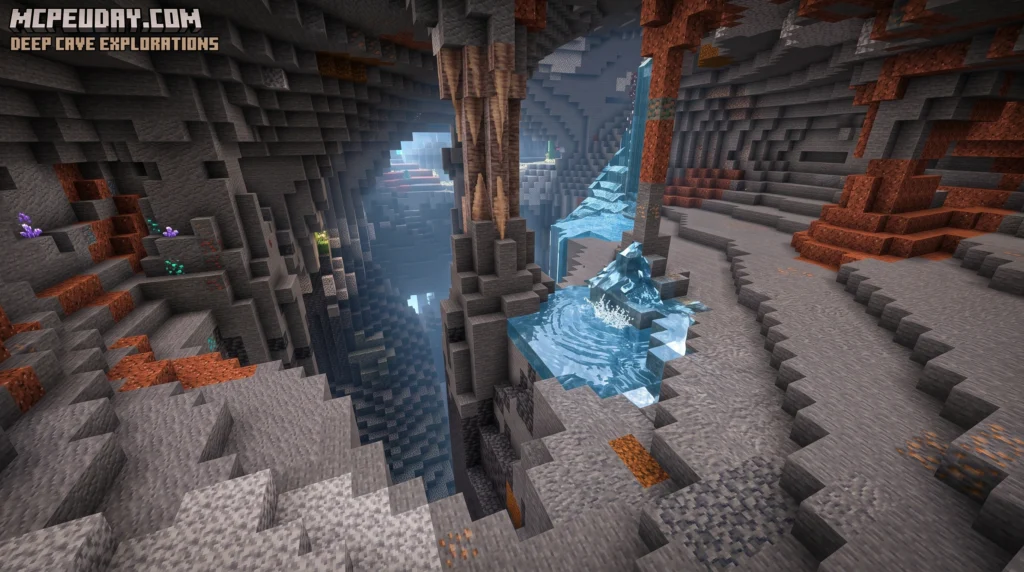
Quick answer — what is the Full Bright Addon?
- It’s a resource pack (or mod) that removes darkness from Minecraft
- It lets you see clearly in caves, at night, and in any dark area
- It works without enabling cheats, so your achievements stay active
- It’s compatible with multiplayer servers, Realms, and other packs like X-Ray
- Popular versions exist for both Bedrock (Pocket Edition) and Java Edition
No more scrambling for torches. No more falling into lava because you couldn’t see the floor. The Full Bright Addon simply makes every dark corner of your world visible — instantly.
It’s not just popular with casual players either. With over 410,000 downloads for the Pocket Edition version alone, it’s one of the most-used quality-of-life tools in the Minecraft community.
In this guide, we’ll cover every version, every installation method, and everything you need to know to get it running on your device today.
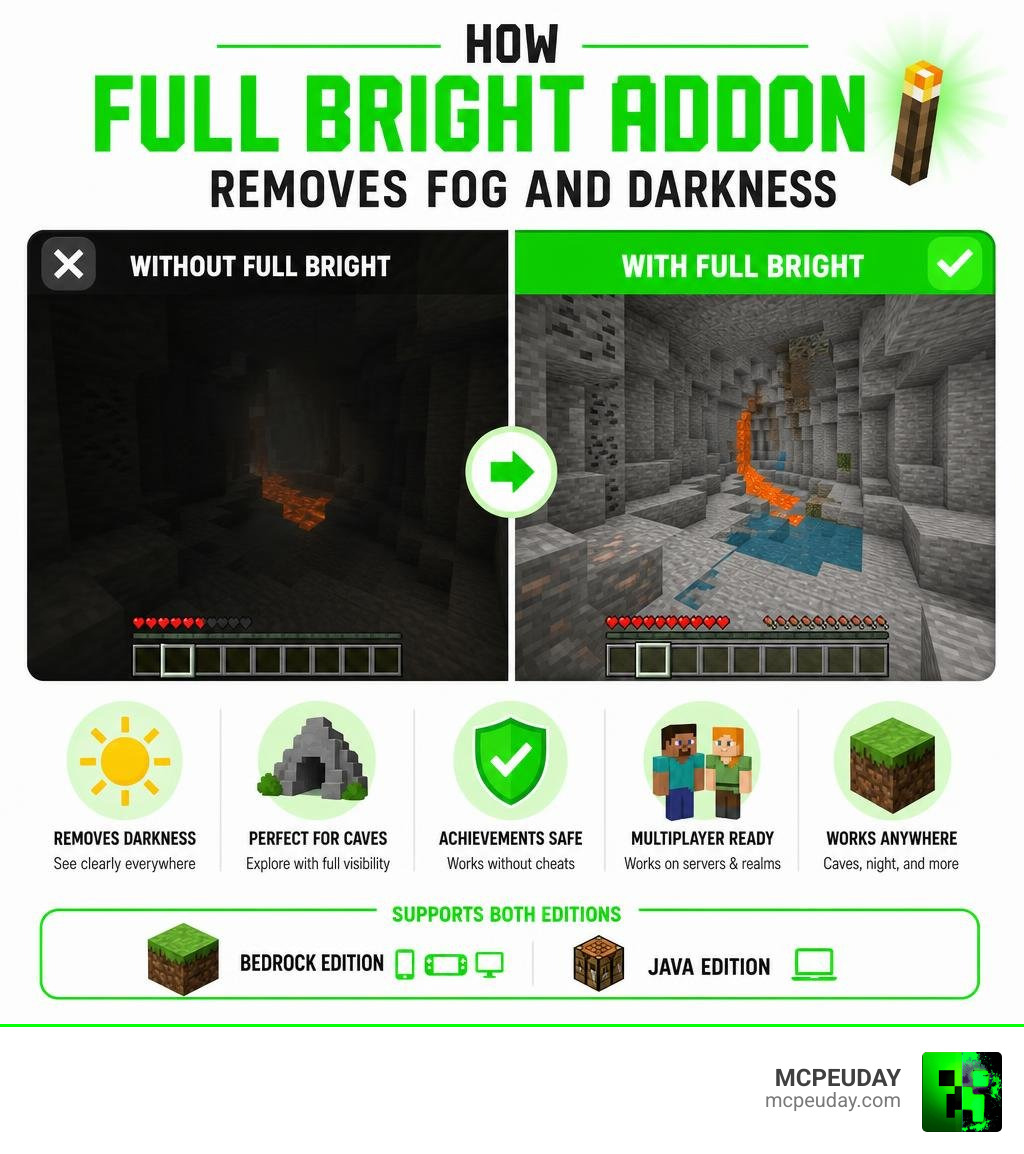
What is a Full Bright Addon and How Does It Work?
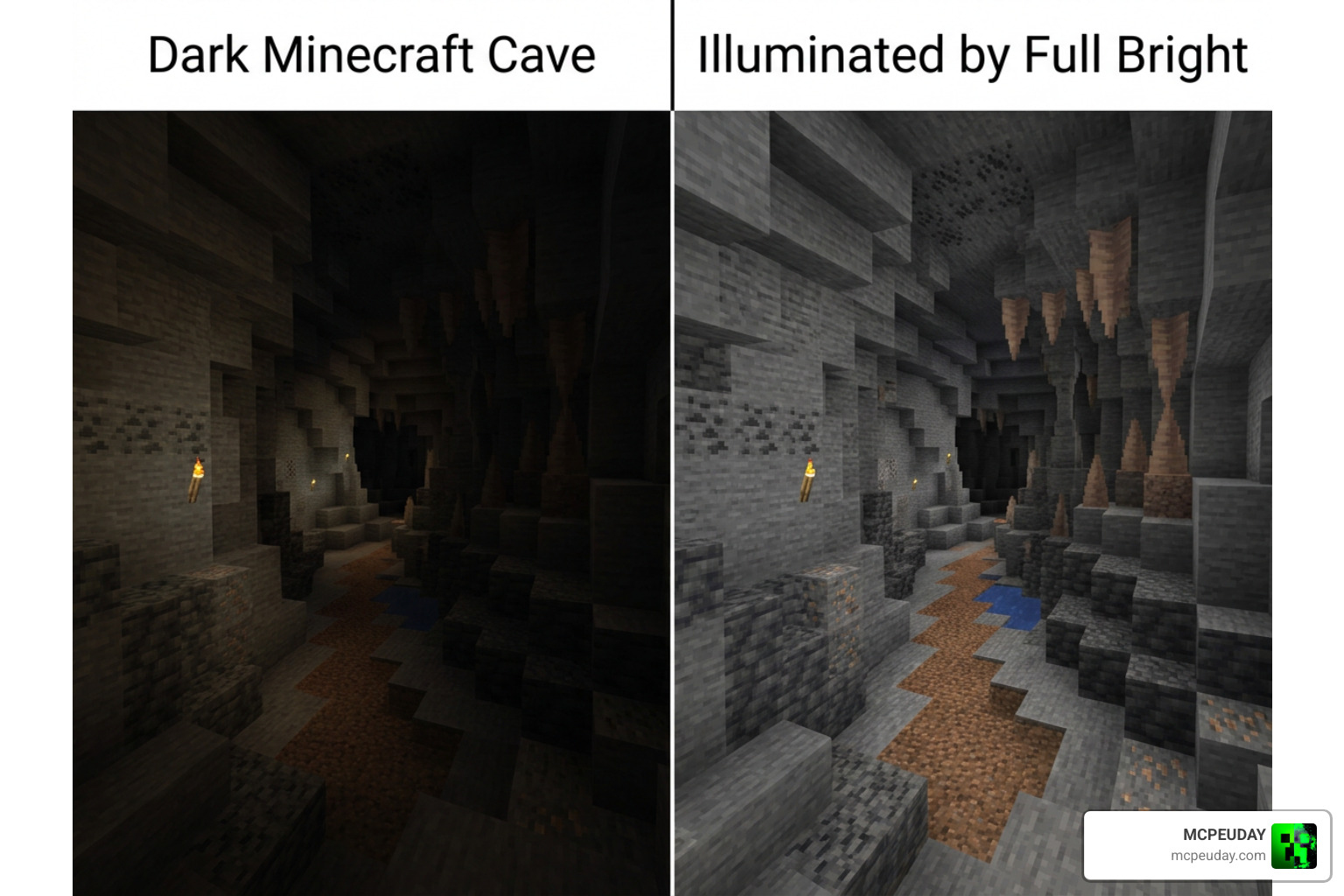
At its core, the Full Bright Addon is a client-side visual modification. Unlike behavior packs that alter the game’s actual code, this addon works by modifying how Minecraft renders light on your screen.
In standard Minecraft, the game uses a “lightmap” to determine how bright a block should look based on nearby light sources (like torches, glowstone, or the sun). When you enter a cave, the lightmap values drop to zero, rendering the screen pitch black.
The Full Bright Addon bypasses this by forcing the game’s rendering engine to read all lightmap values at their maximum capacity. It also strips away the heavy, dark environmental fog that Mojang uses to limit your render distance underground.
It is important to understand a key technical detail: it does not change actual in-game light levels. As far as the game server is concerned, your cave is still pitch black. This means:
- Hostile mobs will still spawn right next to you.
- Crops still require actual light sources to grow.
- You will not trigger block updates or melt ice.
By adjusting the gamma values and overriding the default fog files, you get perfect daytime visibility even when you are standing at Bedrock level.
Comparing Java Mods and the Bedrock Full Bright Addon
While the goal is the same, Java Edition and Bedrock Edition handle fullbright functionality quite differently.
On Minecraft Java Edition, fullbright is typically achieved using mods or resource packs designed for optimization engines. If you run a modern optimization stack, you can use the Fullbright UB resource pack, which works flawlessly alongside Vanilla, Optifine, and Sodium (when paired with the PolyTone mod). For players who prefer traditional mod setups, client-side resource packs allow players to cycle through multiple brightness levels with a simple hotkey.
On Minecraft Bedrock (including Pocket Edition on iOS and Android), we do not have access to Java’s mod loaders. Instead, Bedrock creators utilize custom .mcpack files. These packs modify the sub-pack shaders and material files, allowing Bedrock players to enjoy the exact same benefits without needing to modify their game files manually.
Full Bright Addon vs Night Vision Potion Effects
You might wonder: Why not just use a Night Vision potion or a simple command block?
While the vanilla Night Vision effect is great, it comes with several annoying drawbacks compared to the Full Bright Addon:
- Color Distortion: Night Vision applies a bright blue/green tint to the screen and makes the sky turn a blinding white during the day. Full Bright keeps your game’s natural colors intact.
- Annoying Particles: Potion effects create swirling bubbles around your face, which can block your view when aiming a bow or mining.
- Flashing Warnings: When a Night Vision potion is about to run out, your screen flashes rapidly, which can be disorienting.
- Cheats Required: Getting permanent Night Vision via commands requires turning on cheats, which permanently disables achievements on your Bedrock world. The resource pack option requires zero cheats.
Why You Need a Full Bright Addon
Whether you are a builder trying to see the details of a massive underground project or a speedrunner navigating the Nether, having clear vision is a game-changer.
| Feature | Vanilla Night Vision Potion | Java Fullbright Mods | Bedrock Full Bright Addon |
|---|---|---|---|
| Cheats Required | Yes (if using commands) | No | No |
| Color Quality | Distorted blue/green | Natural | Natural |
| Particles on Screen | Yes | No | No |
| Achievements Active | No (if using commands) | Yes | Yes |
| Works on Realms | Yes | Yes | Yes |
How to Install the Full Bright Addon
Installing the pack on Bedrock Edition is incredibly simple. Follow these steps to get started:
- Download the Pack: Grab the latest
.mcpackfile for your version. - Import to Minecraft:
- Mobile (iOS/Android): Tap the downloaded file and select “Open with Minecraft.” The mobile client will automatically launch and import the pack.
- Windows 10/11: Double-click the file, and Minecraft will import it automatically.
- Activate Globally (For Servers & Realms): Go to Settings > Global Resources > My Packs, click on the pack, and click Activate. Make sure to drag it to the very top of your active list.
- Activate per World: If you only want it on a specific world, go to that world’s settings, scroll down to Resource Packs, and activate it there.
- Restart the Client: We highly recommend restarting your mobile client or PC game to ensure the new fog and lightmap settings load correctly.
Tip: If you want to enhance your game’s visuals even further while keeping things clean, try pairing this with the Better Graphics Texture Pack for the ultimate visual upgrade.
Benefits and Limitations of the Full Bright Addon
Like any game modification, there are pros and cons to using a brightness bypass.
The Benefits:
- Save Your Coal: You will never need to waste wood and coal crafting thousands of torches just to light up your path.
- Safety First: Spot ravines, lava pools, and creepers from a mile away before they catch you off guard.
- Zero Performance Hit: Unlike heavy shaders, this pack actually improves performance slightly by removing heavy rendering fog.
The Limitations:
- Spawning Confusion: Because everything looks bright, it is easy to forget to light up your base. If you don’t place torches, mobs will still spawn in your beautifully lit rooms!
- Deep Dark Fog: In some newer Bedrock updates, the darkness effect applied by the Warden or Sculk Shriekers may still partially dim your screen, as this is a hardcoded gameplay mechanic.
Compatibility, Realms, and Multiplayer Support
One of the biggest questions players ask is: Will I get banned for using this on multiplayer servers?
Because the Full Bright Addon is a client-side resource pack, most public servers cannot detect it. It does not send any illegal packets to the server, making it perfectly safe for casual multiplayer and Minecraft Realms.
If you are a Realm owner, you can upload this pack directly to your Realm settings (Edit Realm > Resource Packs). You can even check the box to “Require players to accept resource packs to join” if you want everyone on your server to have the same clear visibility.
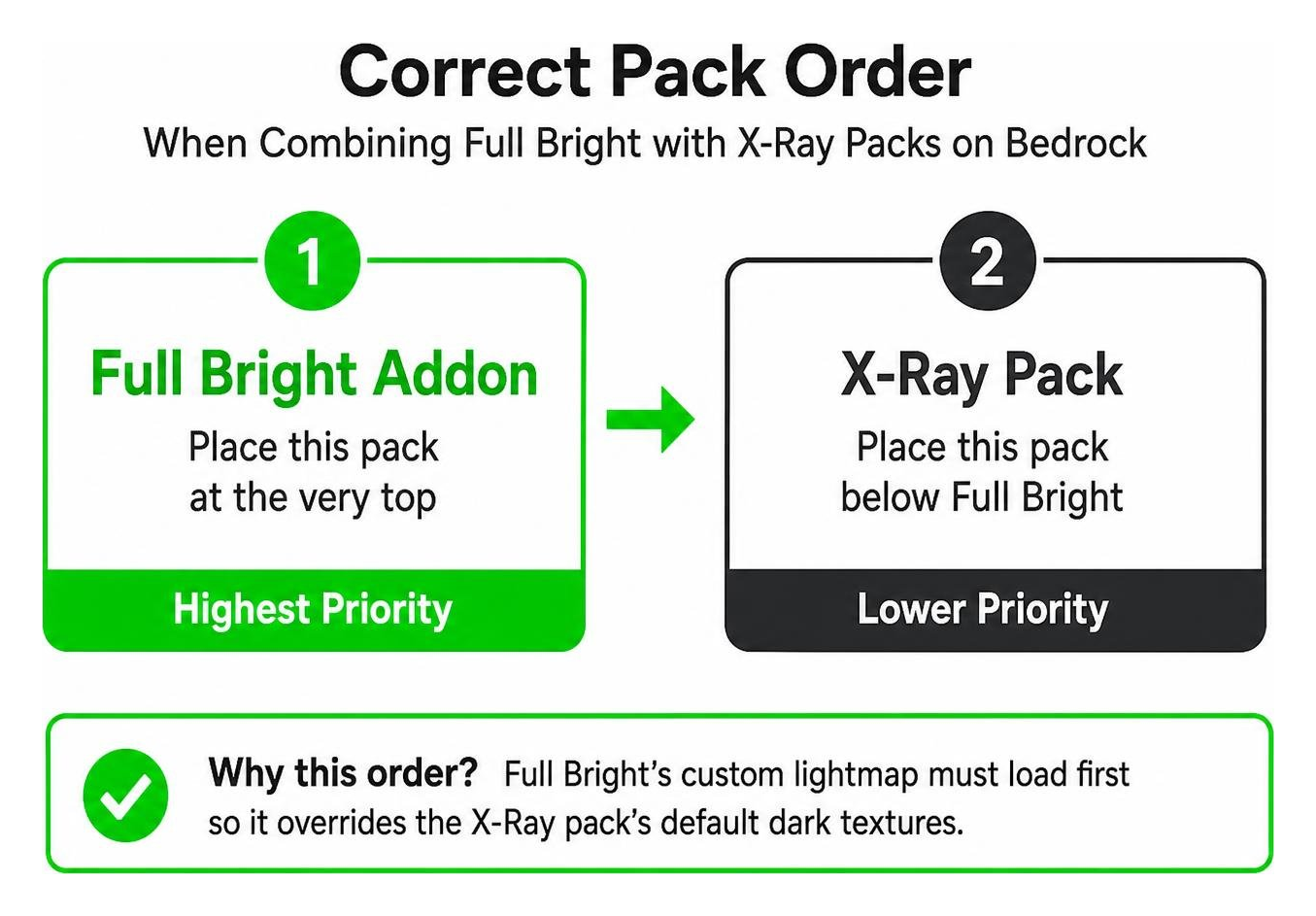
For players looking to maximize their mining efficiency, you can easily combine this pack with utility packs. It is fully compatible with the X-Ray with Night Vision Addon and the X-Ray Glow Addon. Just make sure to place the Full Bright Addon at the very top of your Active Resource Packs list so its custom lightmap overrides the X-Ray’s default dark textures.
If you are running a Spigot or Paper server for your community, you can also look into server-side plugins to give players command-based brightness controls.
Frequently Asked Questions about Full Bright

Does using Full Bright disable achievements in Minecraft Bedrock?
No! Because this is applied as a resource pack and does not use a behavior pack or active cheats, your world remains 100% vanilla-legit. You can earn Xbox Live achievements and PlayStation trophies with this pack enabled.
What versions of Minecraft Bedrock are supported?
The addon is fully updated for July 2026 and supports Minecraft Bedrock / Pocket Edition version 1.21 and above. It also features excellent backward compatibility for older versions.
Can I use Full Bright alongside shaders?
It depends on the shader. Since Mojang introduced the Render Dragon rendering engine, traditional shaders have changed. If you are using modern lightweight shaders, they may override the lightmap. For the best visual results, we recommend testing compatibility with packs like the Newb X Stars Shader or the Newb X Lowres Renewed Shader.
Conclusion
The Full Bright Addon is an essential quality-of-life tool for any Minecraft player who is tired of squinting at a dark screen. By bypassing the game’s default dark rendering limits without disabling achievements or ruining your game’s performance, it offers the perfect balance of utility and simplicity.
We at MCPEUDAY are dedicated to bringing you the safest, most reliable, and up-to-date downloads for all your favorite mods, texture packs, and shaders. Head over to our MCPE Bedrock Category to download the latest version of the Full Bright pack and explore our massive collection of game-enhancing tools today!