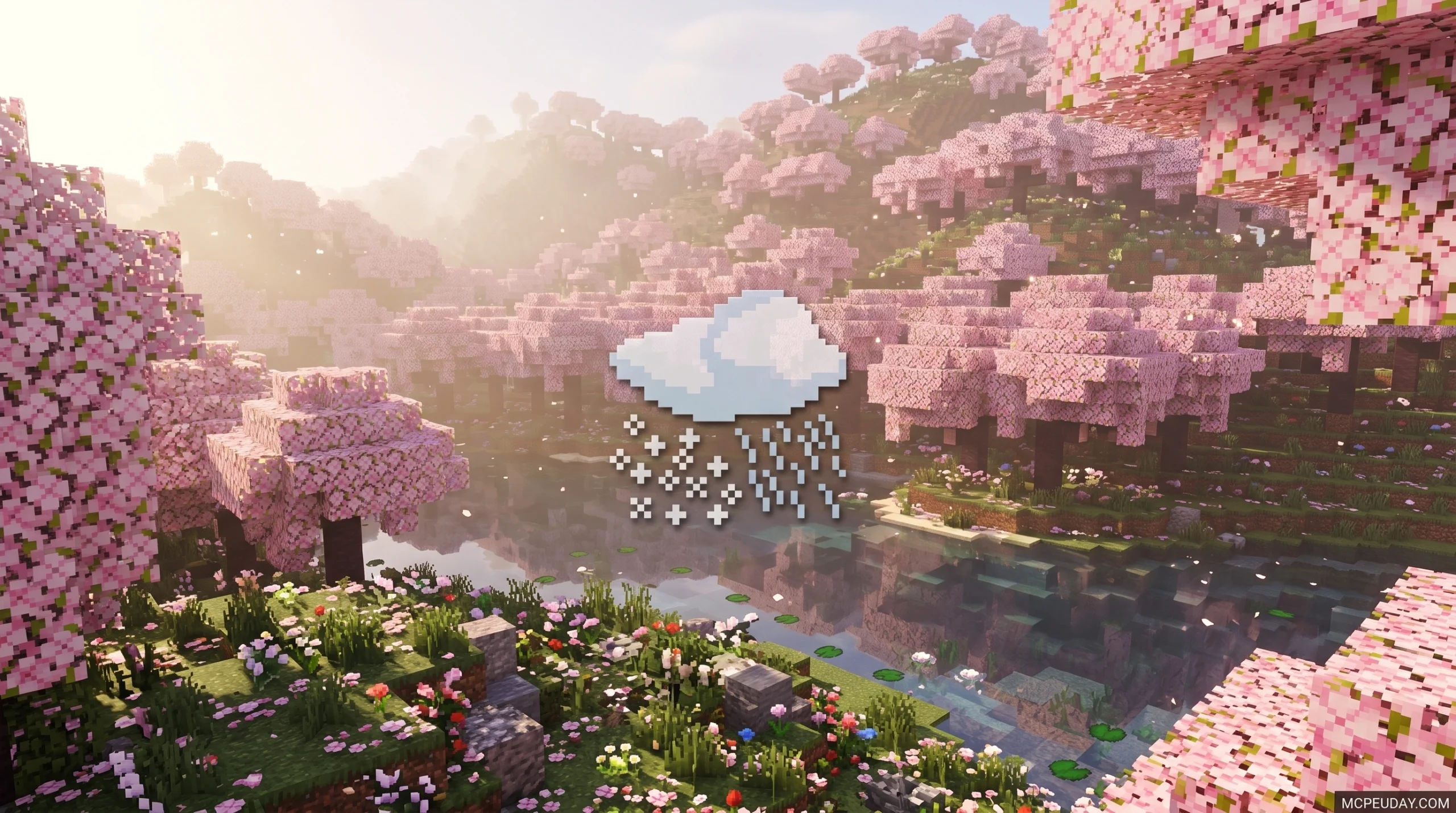
Why the Better Weather Texture Pack Changes How You Play Minecraft
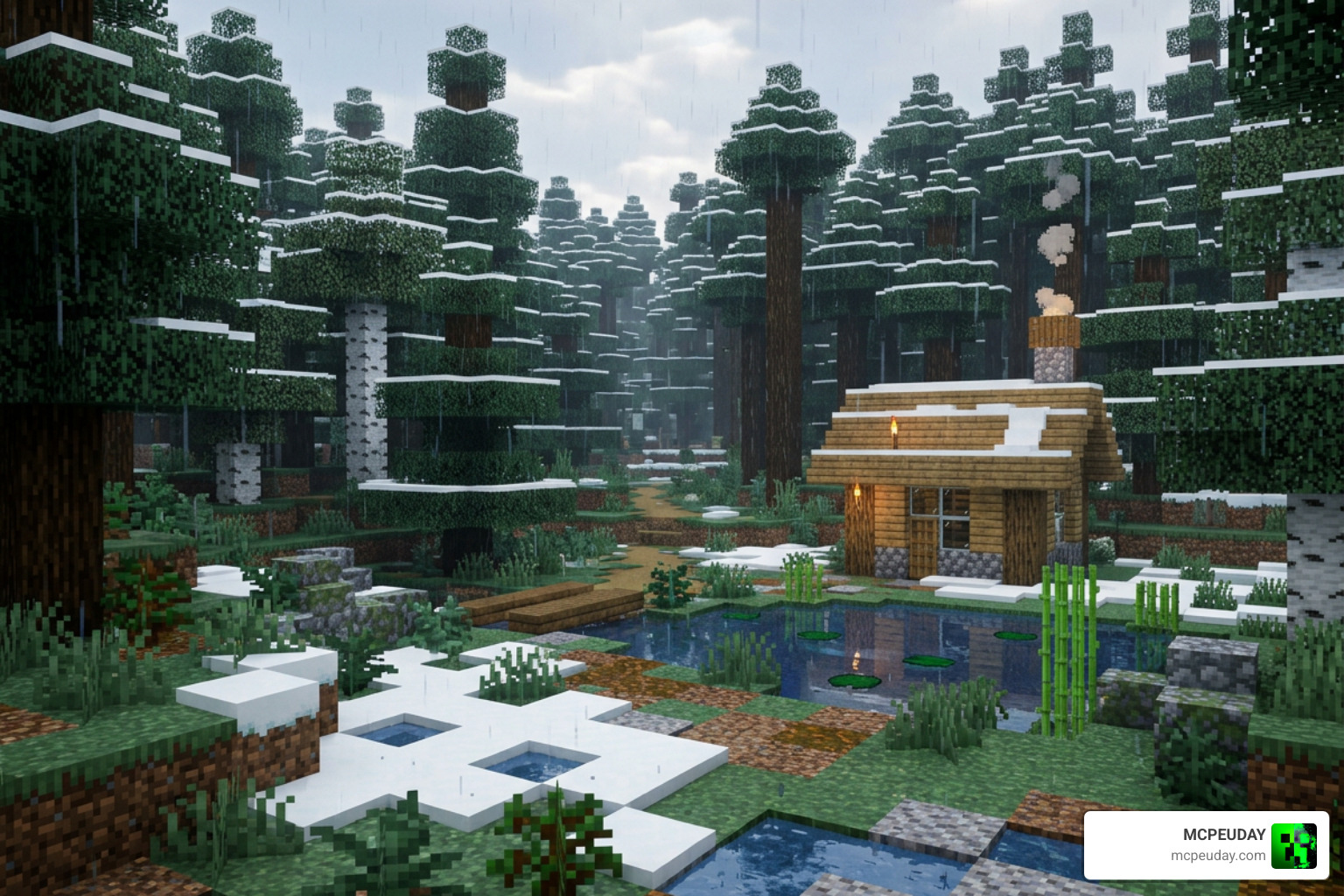
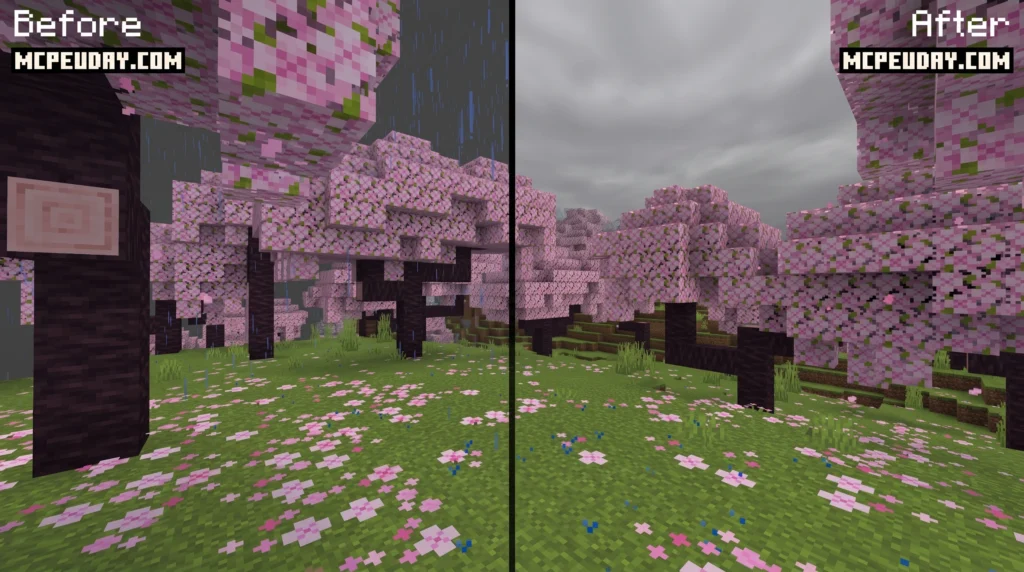
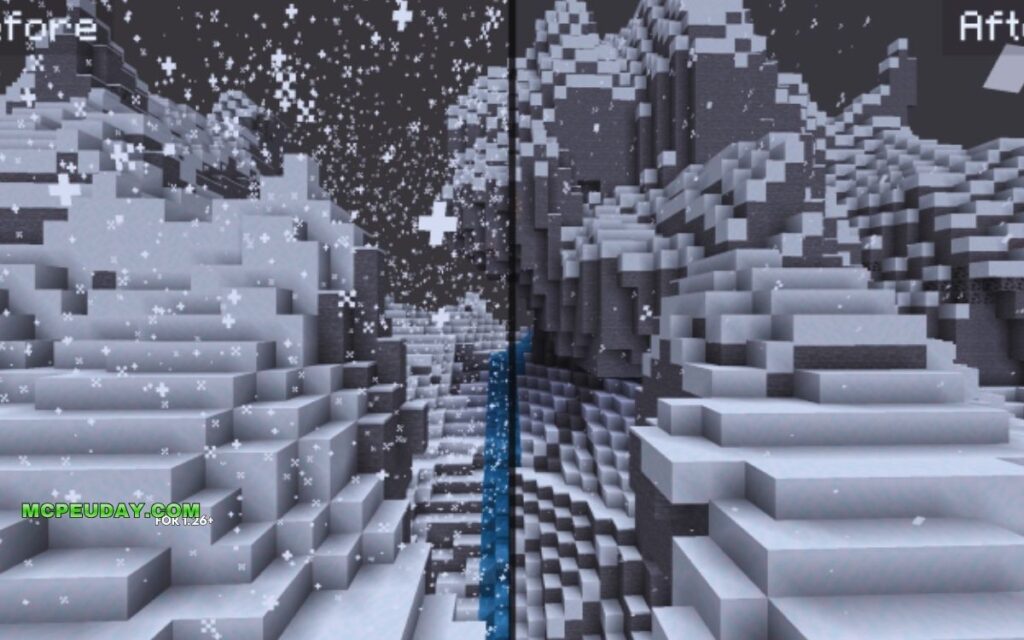
The Better Weather Texture Pack is a lightweight Minecraft resource pack that replaces the default rain and snow visuals with cleaner, less distracting effects — without killing your performance.
If you just want the quick answer, here it is:
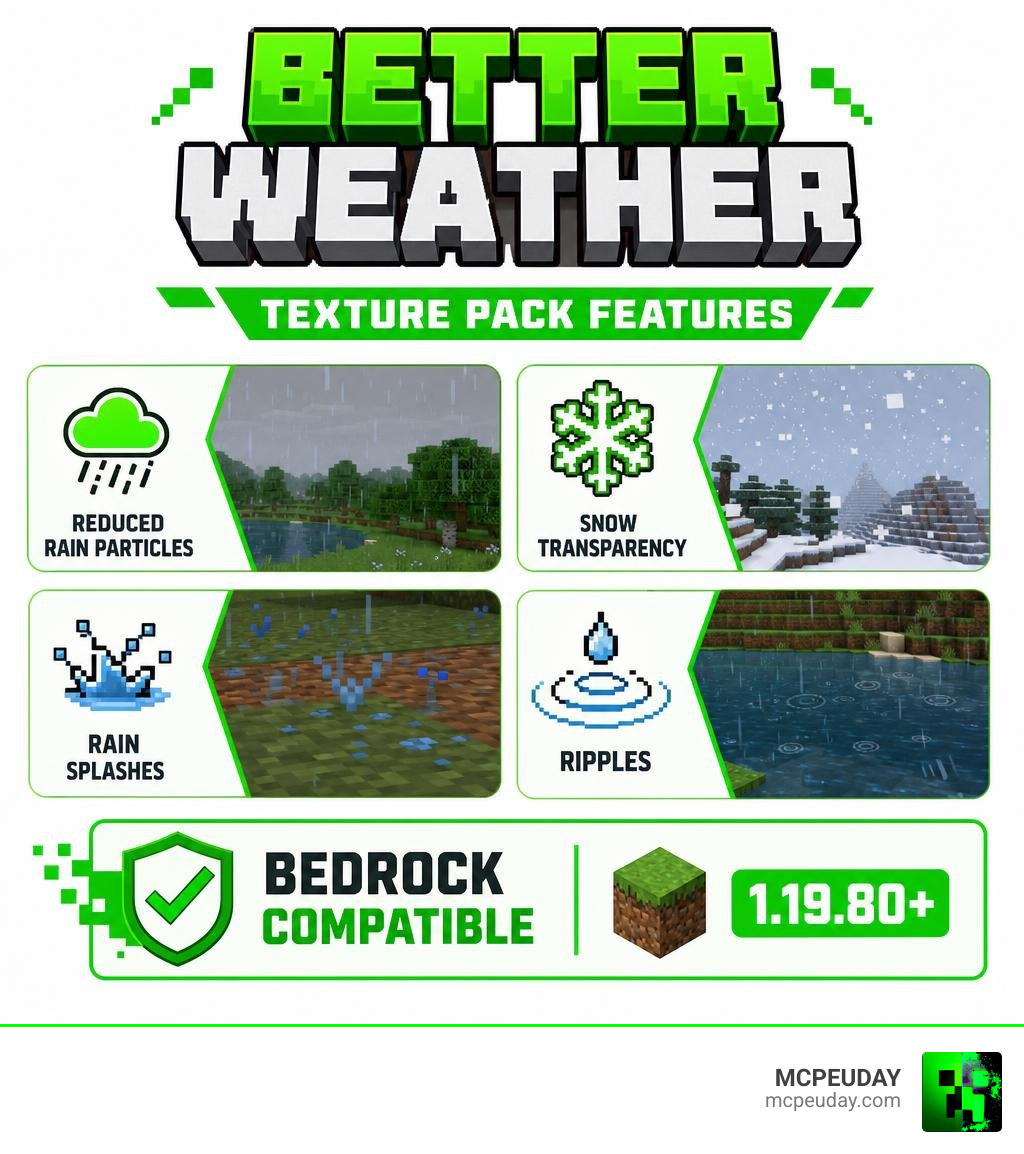
- What it does: Reduces rain and snow particle density, adds subtle transparency, and improves weather visuals like rain splashes and ripples
- Who made it: RisabGamerz
- Works on: Minecraft Bedrock Edition (1.19.80 and above, up to 1.21+)
- Where to get it: CurseForge and community platforms like MCPEUDAY
- Why use it: Weather in vanilla Minecraft can feel overwhelming and visually cluttered — this pack tones it down while keeping it atmospheric
Minecraft’s default rain and snow are a lot. The screen fills with particles, visibility drops, and it can genuinely get in the way of what you’re building or exploring. As one pack description puts it, weather events can “detract from the experience” for players who just want to focus on the game.
The Better Weather Texture Pack solves that without removing weather entirely. It keeps the atmosphere but cuts the visual noise.
What is the Better Weather Texture Pack?
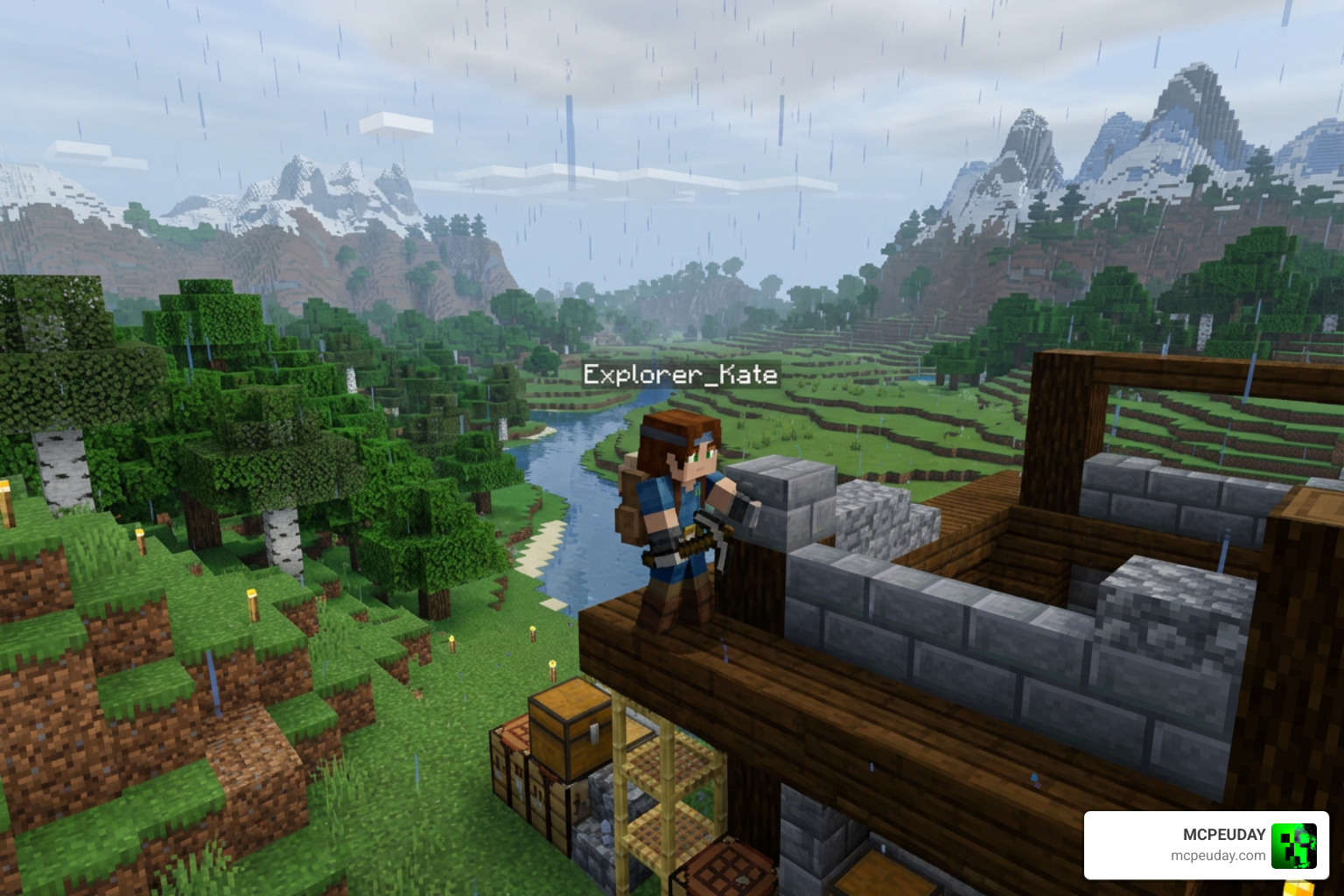
At its core, the Better Weather Texture Pack is a targeted visual overhaul designed to fix one of Minecraft’s most persistent annoyances: intrusive weather. Developed by the talented creator RisabGamerz (who has accumulated over 1.7 million downloads across his portfolio), this pack focuses purely on refining environmental aesthetics.
Unlike massive overhaul packs that rewrite the entire game’s look, this resource pack is highly optimized. It modifies the default rain and snow textures to be softer, more transparent, and less dense. Instead of feeling like you are trapped inside a noisy gray box whenever a storm rolls in, the pack ensures you can still see the horizon, navigate complex terrain, and spot hostile mobs from a safe distance.
If you want to browse similar modifications to customize your game, explore our extensive library on the Better Weather Texture Pack on MCPEUDAY page.
Key Features of the Better Weather Texture Pack
While it might seem like a simple change, this pack does a lot of heavy lifting under the hood to improve your immersion:
- Realistic Rain Color & Transparency: Rain is adjusted to look like real water rather than bright blue streaks.
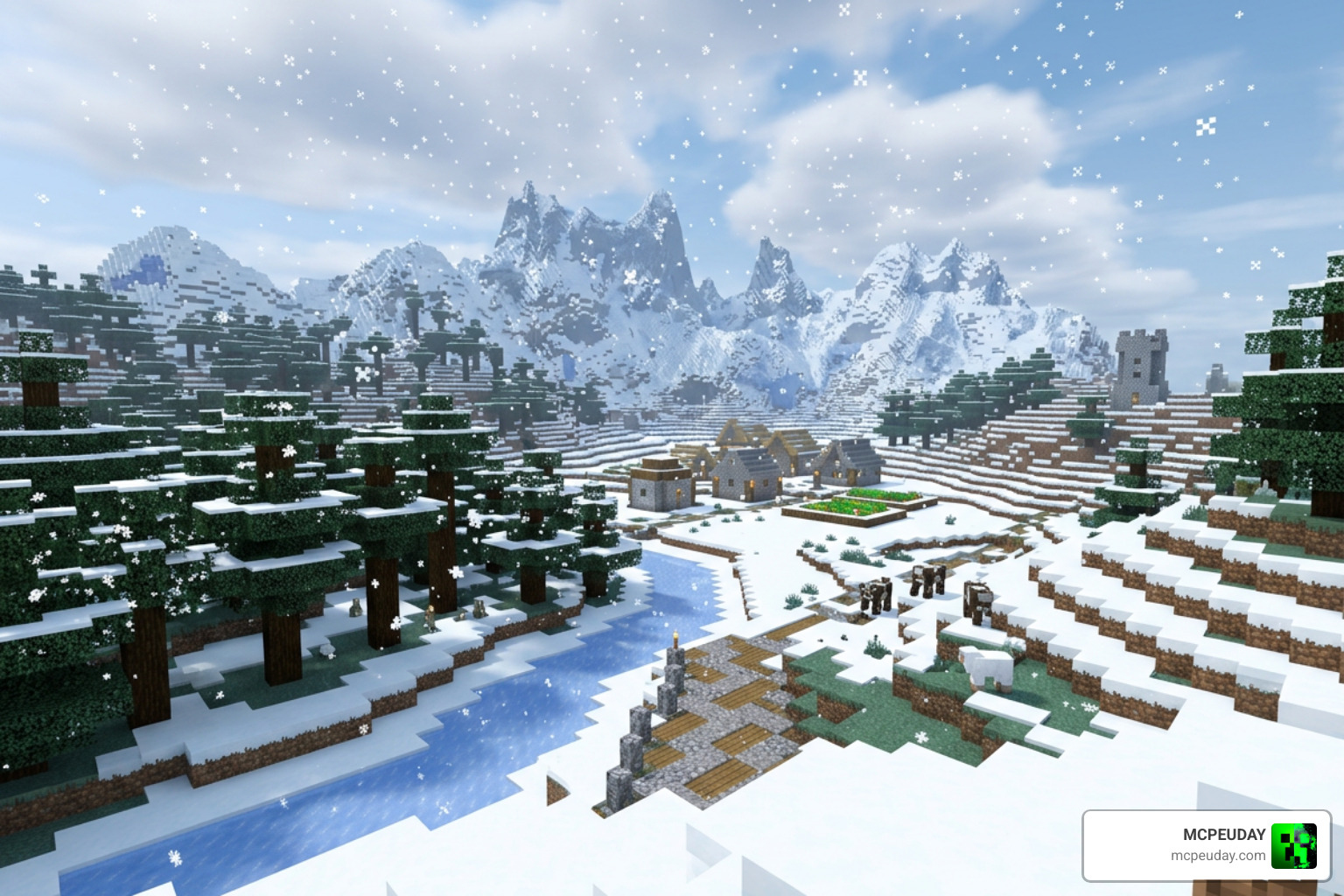
- Subtle Snow Textures: Falling snow is softened so it does not completely block your line of sight in cold biomes.
- Cleaner Rain Splashes: Splash particles on the ground are toned down to prevent screen clutter.
- Environmental Ripples: Adds subtle ripple effects to water surfaces during storms, making the world feel alive.
- Enhanced Audio: Includes polished thunder sounds that feel deep and atmospheric without blowing out your speakers.
If you love making your world look visually stunning, you can pair this pack with other environmental upgrades. For instance, you can check out the Glowing Plus Texture Pack Make Your Minecraft World Shine With Brilliant Light Effects to make your nighttime adventures even more magical alongside the improved weather.
Supported Minecraft Versions and Editions
One of the best things about the Better Weather Texture Pack is its incredible compatibility. It is primarily built for Minecraft Bedrock Edition (which includes Pocket Edition/MCPE, Windows 10/11, and consoles).
- Bedrock Edition Compatibility: Fully compatible with Minecraft versions 1.19.80 all the way through the latest 1.21+ updates (including specific support for versions 1.21.20 and 1.21.50).
- Java Edition Context: While this specific Bedrock pack by RisabGamerz is optimized for mobile and console play, Java players often look for similar visual enhancements. If you are looking for a completely clean, classic aesthetic for your Bedrock world, we also recommend checking out the Bare Bones Texture Pack 1-21 Mcpe Bedrock Edition Download Now to pair with your sleek new weather system.
Visual and Performance Benefits of Better Weather
In vanilla Minecraft, weather is not just a visual distraction—it can be a major hardware hog. When millions of rain particles drop simultaneously, older phones, tablets, and low-end PCs often suffer from sudden frame drops and stuttering.
By reducing particle density and utilizing optimized texture files, this pack actually improves your game’s performance. It lowers the memory load during storms, ensuring your frame rate remains stable even when a massive thunder torrent hits your world.
To see how it stacks up against other popular environmental and weather-focused packs in the community, take a look at our comparison table below:
| Texture Pack Name | Primary Focus | Best Suited For | Key Visual Style |
|---|---|---|---|
| Better Weather | Weather optimization & realism | Bedrock / PE Players | Clean, transparent, high-performance |
| Soft Weather | Softening rain & snow visuals | Java Players | Atmospheric, low visual pollution |
| Beta Continuum | Nostalgic retro overhaul | Java (with Programmer Art) | Classic Beta fog, lighting, and textures |
| Better Than Programmer Art | Modernizing old mod textures | Java Modded (BTA) | Modern Jappa-style retro textures |
Whether you want a ultra-realistic world or a clean, performance-friendly setup, choosing the right pack is key. If you are aiming for a top-tier visual overhaul, you might also want to look into the Realsource Realistic Pack Mcpack to take your block textures to a whole new level of realism.
Why Choose the Better Weather Texture Pack Over Alternatives?
There are plenty of options on community hubs like the Weather Minecraft Texture Packs | Planet Minecraft Community page, so why choose this one?
Many packs take an “all or nothing” approach. Some completely delete rain and snow textures, which ruins the survival atmosphere. Others make the storm so dense that it is practically unplayable (like old-school challenge packs designed to make storms terrifyingly dark).
The Better Weather Texture Pack strikes a perfect, comfortable balance. It keeps the cozy sound of rain and the beautiful aesthetic of falling snow, but it formats them so you can actually play the game. You won’t need to run to a bed the second a drop of water falls just to save your eyesight! And if you ever need to see through blocks instead of just seeing through the rain, you can always check out the X-Ray Texture Pack For Minecraft Pe Mcpe 1-21 for utility-based visual adjustments.
How to Install the Pack
Ready to clear up your skies? Installing this pack is simple, whether you are playing on a mobile device, console, or PC.
Bedrock Edition Installation Steps
For Pocket Edition (MCPE) and Bedrock players, follow these quick steps:
- Download the Pack: Get the latest
.mcpackfile from a trusted source. - Import to Minecraft: Tap or double-click the downloaded
.mcpackfile. Your device will automatically launch Minecraft and import the pack. - Activate Globally or per World:
- To apply it to your entire game, go to Settings > Global Resources > My Packs, select Better Weather, and click Activate.
- To apply it to a specific world, go to that world’s individual settings, scroll down to Resource Packs, and activate it there.
- Restart Your Client: We highly recommend restarting your mobile client or console game to ensure the new textures load correctly.
Java Edition Installation Steps
If you are using a Java-compatible alternative or port:
- Download the
.zipfile. - Open Minecraft, go to Options > Resource Packs > Open Pack Folder.
- Drag and drop the downloaded
.zipfile into the folder. - Move the pack from the “Available” column to the “Selected” column in-game and click Done.
Frequently Asked Questions
Does the pack work with shaders?
Yes! The Better Weather Texture Pack is designed to be highly compatible. It works seamlessly with Vanilla RTX and deferred lighting graphics packs on Bedrock Edition. Because it only alters weather textures and particles, it won’t conflict with your lighting engine.
If you are looking to customize other elements of your game alongside your weather, you can check out unique aesthetic packs like maker-lukas/B.E.T.T for tool visual upgrades, or even Blue’s Better Monsters to make your hostile mobs look incredibly realistic under your newly optimized rain clouds.
Who created the pack and where can I download it?
The Bedrock version of this pack was created by RisabGamerz. You can download the official, updated releases on CurseForge or directly from community platforms like Better Weather | Quality Update! | Minecraft PE Texture Packs.
How do I fix visibility issues during heavy storms?
If you still find storms too dark or hard to navigate:
- Go to your video settings and turn up your Brightness (we recommend setting it to “Bright”).
- If you are running other mods or shaders, make sure the Better Weather pack is placed at the very top of your active resource packs list so its changes are not overwritten.
Conclusion
As of June 2026, the Better Weather Texture Pack remains one of the absolute best utility resources for Minecraft Bedrock players who want a cleaner, smoother, and more atmospheric gameplay experience. By stripping away visual clutter while retaining the cozy immersion of rain and snow, RisabGamerz has created an essential pack for builders and adventurers alike.
If you are ready to explore more ways to customize your Minecraft world, head over to the Category Texture Packs page on MCPEUDAY to find the perfect addition to your game!
4 thoughts on “Better Weather Texture Pack (26.x, 1.21) – MCPE/Bedrock Texture Pack”