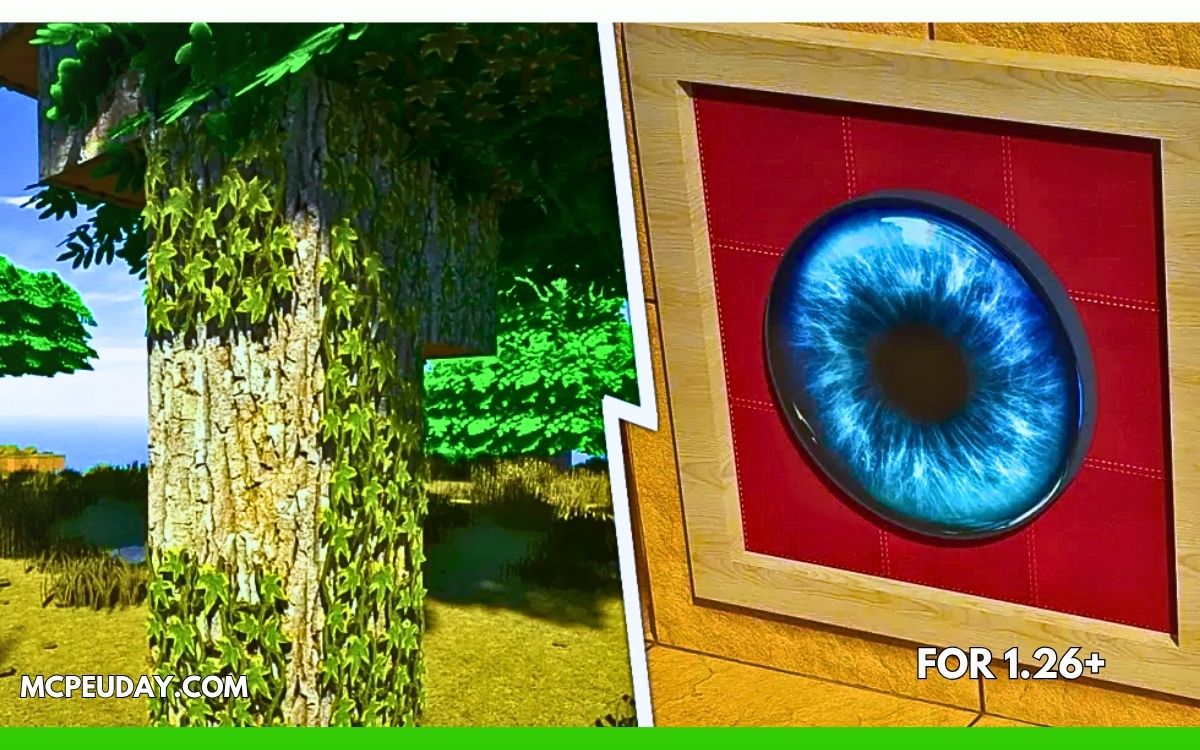
If you want your Minecraft Bedrock world to look ultra-realistic with RTX-style lighting, glossy reflections, detailed blocks, and immersive environments, then Legendary RT Textures is one of the best texture packs available right now for MCPE/Bedrock Edition.
Unlike many low-quality shader packs that simply increase brightness or saturation, Legendary RT focuses on realistic PBR textures, 3D surface depth, realistic fog, improved water, and polished environmental visuals. The result is a much more cinematic Minecraft experience without completely destroying the original Minecraft feel.
Whether you enjoy survival gameplay, medieval builds, realistic cities, or cinematic screenshots, this texture pack can completely transform your world.
What is Legendary RT Textures?
Minecraft Legendary RT Textures is a realistic resource/texture pack designed mainly for Minecraft Bedrock Edition and MCPE. It enhances the game using:
- Realistic PBR textures
- RTX-style reflections
- Glossy and metallic surfaces
- Custom 3D block depth
- Enhanced fog and environment lighting
- Improved water textures
- Detailed blocks and items
The texture pack is especially popular among players who want a next-generation Minecraft look on Bedrock Edition. According to multiple resource pack listings, the latest RT26 versions support Minecraft 1.21 and newer Bedrock updates. (9Minecraft)
Why Players Love Legendary RT Textures
Most realistic texture packs either:
- look too artificial,
- destroy Minecraft’s original aesthetic,
- or cause huge FPS drops.
Legendary RT balances realism and gameplay surprisingly well.
Main Highlights
1. Realistic RTX-Style Visuals
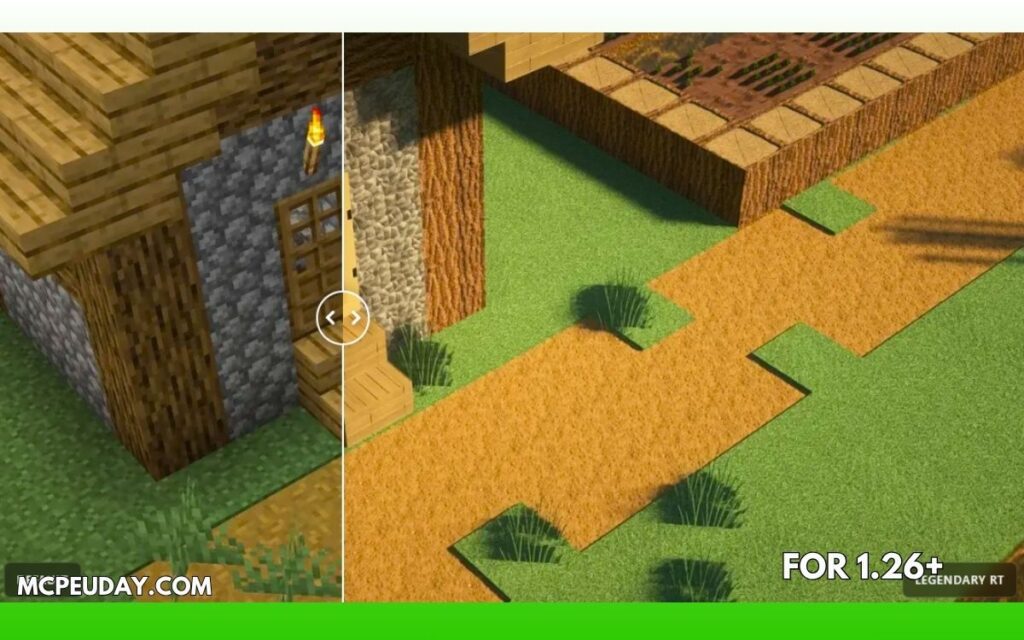
The pack adds reflective surfaces, improved shadows, detailed materials, and immersive lighting effects. Blocks feel much more alive compared to vanilla Minecraft.
2. Detailed 3D Textures
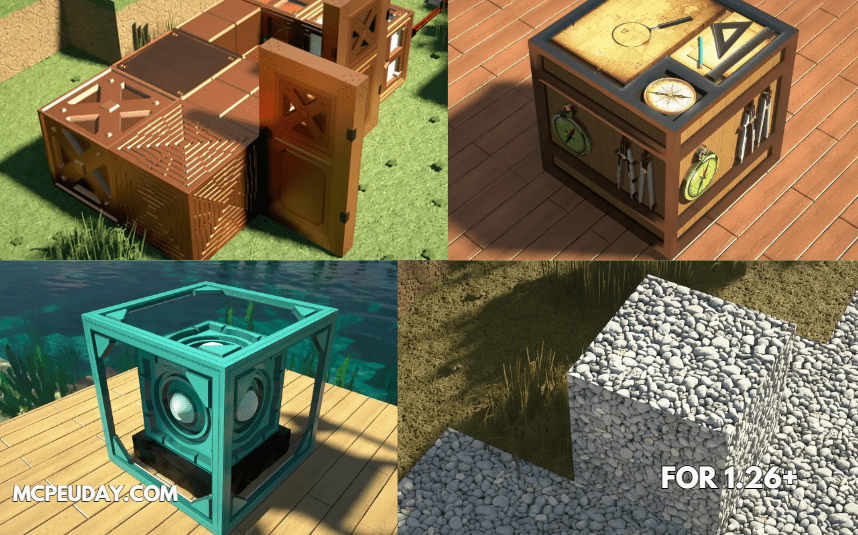
Many blocks include depth effects and custom geometry, making walls, bricks, wood, and decorative blocks look far more realistic. (9Minecraft)
3. Better Water & Environment
Water reflections, fog tuning, and biome atmosphere are significantly improved. Forests, caves, and rainy weather especially look impressive.
4. Supports Minecraft 1.21
The newer RT26 releases support Minecraft 1.21.x versions and continue receiving updates. (Modrinth)
5. Multiple Resolution Options
Players can choose different resolutions depending on device performance:
- 128x
- 256x
- 512x
- 1024x
Higher resolutions look stunning but require a stronger device.
Screenshots:-
| Feature | Available |
|---|---|
| RTX/PBR Effects | ✅ |
| MCPE Support | ✅ |
| Bedrock Edition | ✅ |
| Minecraft 1.21 Support | ✅ |
| Custom 3D Models | ✅ |
| Realistic Water | ✅ |
| Enhanced Fog | ✅ |
| Emissive Textures | ✅ |
| Mobile Friendly Versions | ✅ |
Performance & FPS Experience
Here’s the reality most YouTube videos don’t mention:
Legendary RT can be heavy on low-end devices.
If you use:
- 512x or 1024x textures,
- RTX enabled settings,
- or older mobile phones,
you may experience:
- FPS drops,
- overheating,
- chunk loading delays,
- or crashes.
For smoother gameplay:
- Use the 128x version on mobile devices
- Lower render distance
- Disable unnecessary shaders
- Use newer Bedrock versions
Many MCPE players on Reddit also mention compatibility and Render Dragon issues with some shaders and packs on Minecraft 1.21. (Reddit)
Does Legendary RT Require RTX?
No — but it depends on the version you use.
Some versions simulate RTX-like visuals using PBR textures and lighting tricks, while others work best on devices with RTX support.
You can still enjoy:
- realistic textures,
- enhanced reflections,
- and improved environments
even without an NVIDIA RTX graphics card.
How to Install Legendary RT Textures on MCPE/Bedrock
Installing the pack is simple.
Step 1: Download the Texture Pack
Download the .mcpack or .mcaddon version compatible with your Minecraft version.
Step 2: Open the File
Tap the downloaded .mcpack file. Minecraft will automatically import the texture pack.
Step 3: Activate the Pack
Go to:
Settings → Global Resources → Activate
Step 4: Restart Minecraft
Restart the game for all textures and lighting effects to load correctly.
Best Settings for Smooth Gameplay
For mobile users:
- Resolution: 128x
- Render Distance: 8–10 chunks
- Fancy Graphics: OFF (optional)
- Simulation Distance: Medium
For PC/RTX users:
- 256x or 512x
- RTX enabled
- Higher render distance
- Better lighting settings
Is Legendary RT Worth It?
Yes — especially if you love:
- realistic Minecraft visuals,
- cinematic gameplay,
- survival immersion,
- fantasy builds,
- or showcase worlds.
It is one of the few Bedrock texture packs that actually feels polished instead of simply “oversaturated.”
The lighting, reflections, and texture quality create a premium experience that many free texture packs fail to deliver.
Common Problems & Fixes
Texture Pack Not Showing
Make sure:
- file extension is
.mcpack - your Minecraft version supports the pack
- the pack is enabled in settings
Black or Missing Textures
Usually caused by:
- incompatible Minecraft version
- outdated graphics drivers
- broken shader compatibility
FPS Drops
Reduce:
- render distance
- texture resolution
- unnecessary visual addons
Community Feedback
Many players searching for Bedrock 1.21 texture packs mention that newer Render Dragon changes made shader compatibility harder, which is why optimized packs like Legendary RT are becoming more popular. (Reddit)
Some Bedrock players also note that finding updated 3D texture packs for 1.21 can be difficult because creators often update Java packs first before Bedrock ports arrive. (Reddit)
Final Verdict
Legendary RT Textures is easily one of the best realistic texture packs currently available for Minecraft Bedrock and MCPE 1.21.
It combines:
- realistic visuals,
- detailed textures,
- RTX-style effects,
- and immersive environments
without completely losing Minecraft’s identity.
If your device can handle it, this texture pack can make Minecraft look like an entirely different game.
For the best experience:
- use compatible Minecraft versions,
- choose the right resolution for your device,
- and keep your graphics settings optimized.
FAQ
Is Legendary RT free?
Some versions are free, while premium or higher-resolution versions may require Patreon access or paid downloads.
Does it work on Android?
Yes, the 128x and some optimized versions work on Android devices.
Can I use it without RTX?
Yes. Many features still work without RTX hardware support.
Which version is best for MCPE?
128x is usually the best balance between visuals and FPS on mobile devices.
Does it support Minecraft 1.21?
Yes, RT26 and newer versions support Minecraft 1.21.x. (Modrinth)