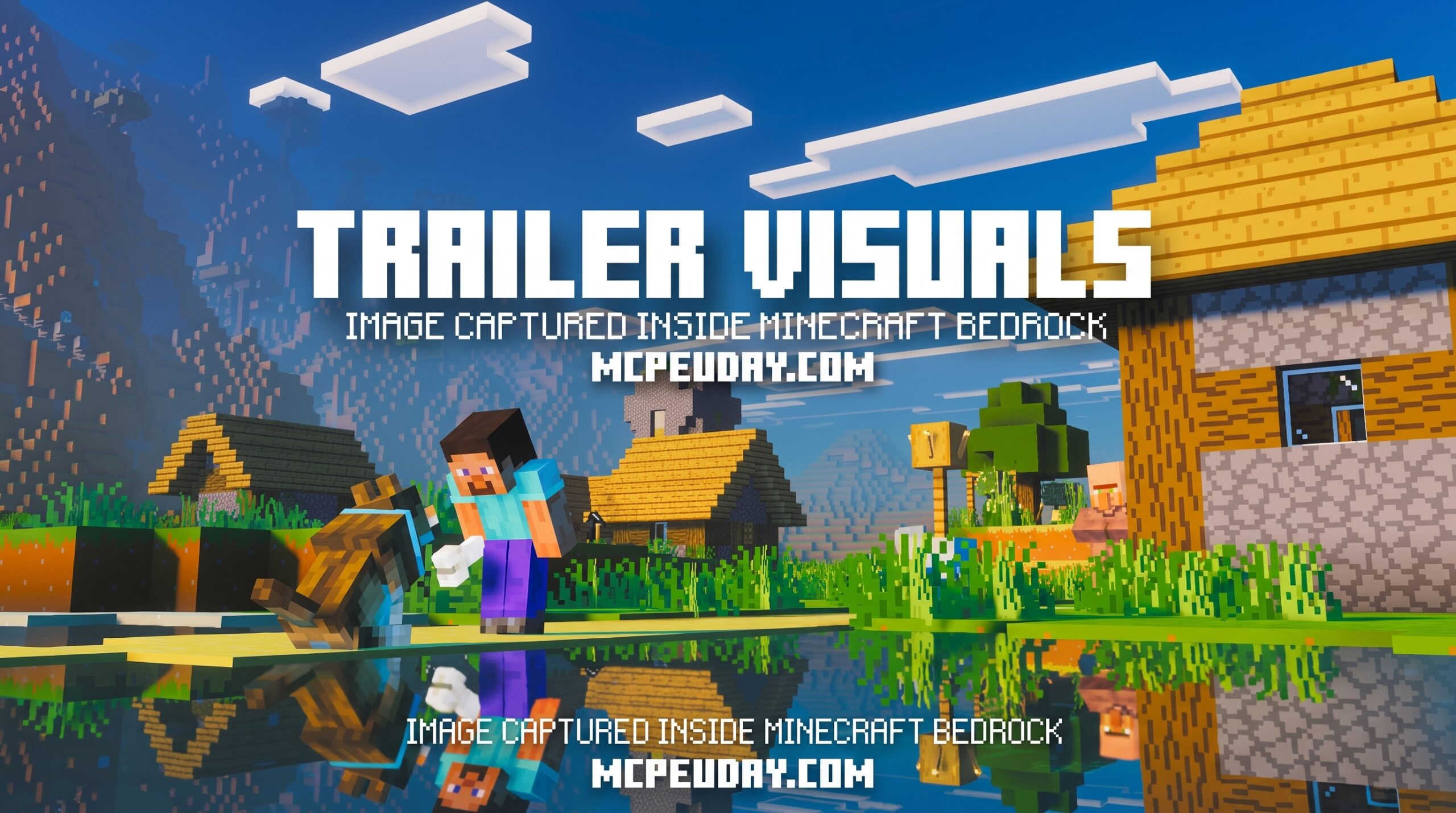
What Is the Trailer Visuals Shader and Where to Find It
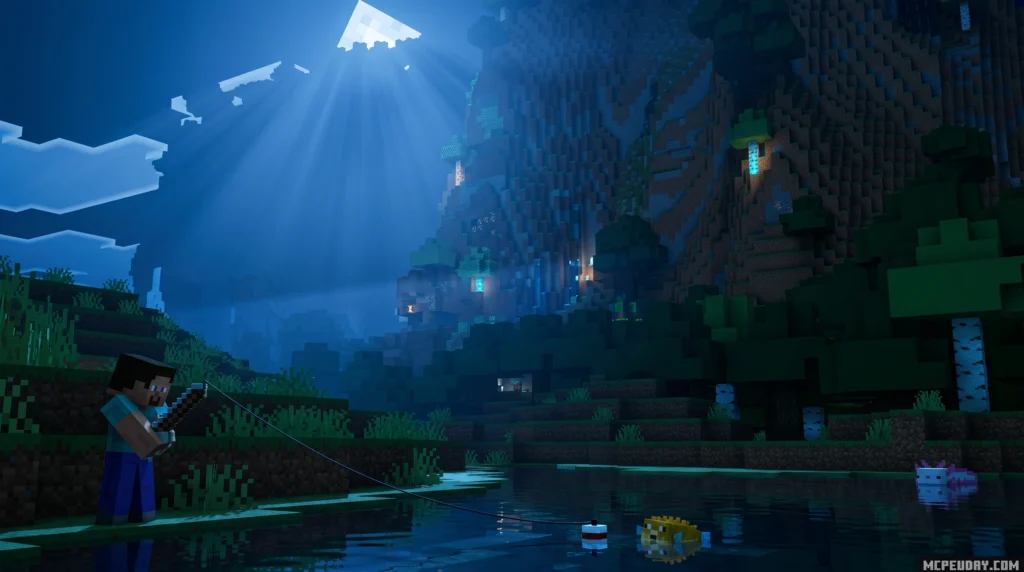
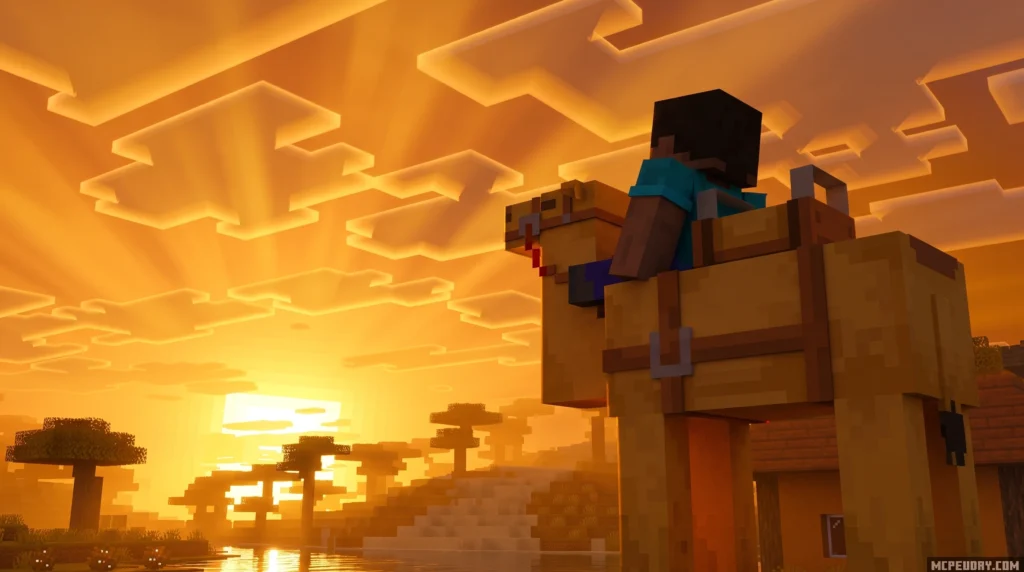
The Trailer Visuals Shader is a lightweight Minecraft shader pack designed to make your game look exactly like the clean, bright visuals you see in official Minecraft trailers — but without tanking your frame rate.
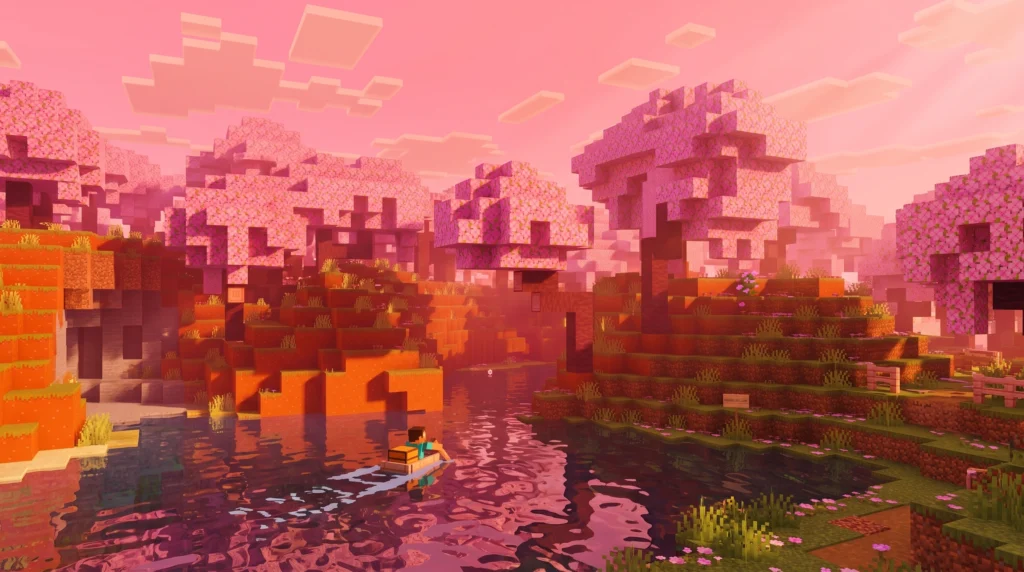
Here’s where to find it and what you need to know:
- Download it here: Trailer Shaders on Modrinth
- Compatible with: Minecraft Java Edition 1.19, 1.20.x, and 1.21.x
- Requires: Iris Shaders, OptiFine HD, or Oculus Mod
- Key features: Bloom effect, custom RGB color controls, soft shadows
- Best for: Low to mid-end PCs that need good looks and good FPS
- Downloads: 72.2K on Modrinth
It’s a solid pick if you’ve ever watched a Minecraft trailer and thought, “why doesn’t my game look like that?”
Most players don’t realize you can get that polished, cinematic look without a high-end GPU. Trailer Visuals Shader closes that gap fast — no complex setup, no massive performance hit.
This guide covers everything: what the shader does, how it compares to others, how to install it, and how to tweak it to get exactly the look you want.
What is the Trailer Visuals Shader?
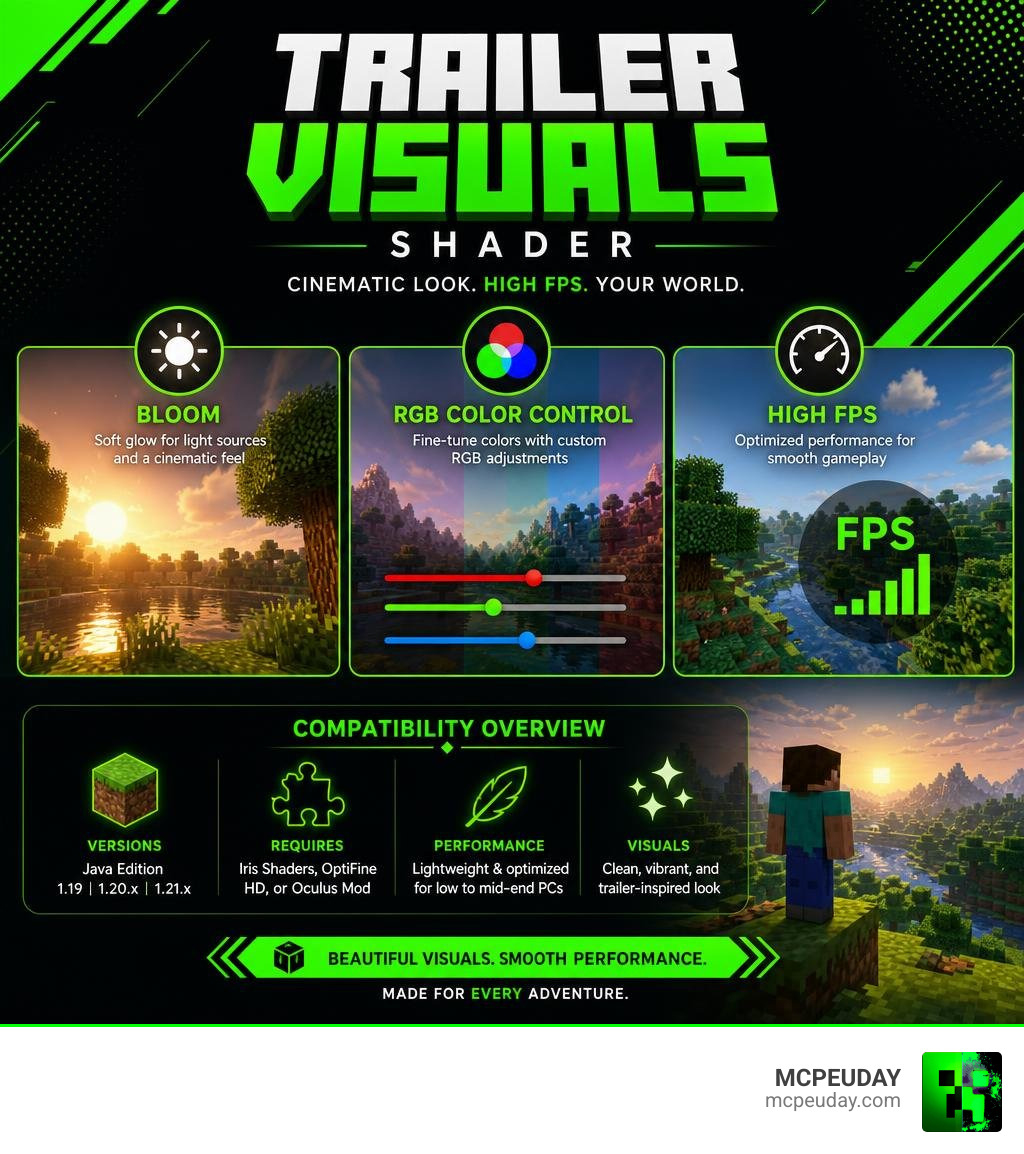
At its core, the Trailer Visuals Shader is a lightweight graphics modification built to recreate the vibrant, saturated, and clean look of official Mojang promotional videos. If you have ever wanted your gameplay to mirror those beautifully animated cinematic announcements, this is the pack that makes it happen.
Instead of bogging your system down with heavy ray-tracing calculations, this pack focuses on a highly optimized, lightweight design. It leverages a stunning bloom effect to give light sources a soft, dreamy glow, paired with custom RGB controls that allow you to paint your world in whatever tones you prefer.
We love this pack because it delivers that premium aesthetic without demanding a high-end graphics card. To explore the project directly, check out the Trailer Shaders – Minecraft Shader page on Modrinth, where it has already amassed over 72.2K downloads.
How Trailer Visuals Shader Differs from Complementary Shaders
When players look for a clean look, they often combine heavy shader packs like Complementary Shaders with minimalist resource packs (such as BareBones). While this combination looks fantastic, it can severely drag down your frames-per-second (FPS) on low-to-mid-range computers.
The Trailer Visuals Shader differs by building the trailer-like aesthetic directly into the shader’s core architecture. It runs significantly faster than Complementary because it skips heavy volumetric fog and complex water reflections. Instead, it relies on stylized coloring and soft lighting. If you are still figuring out the basics of shader setups, our guide on How to Get Shaders in Minecraft is an excellent starting point to understand these fundamental differences.
Key Features of the Trailer Visuals Shader
What makes this pack a staple in our graphics folder? Here is a breakdown of its standout features:
- Bloom Toggle: A highly customizable bloom effect that makes torches, lanterns, and glow-berries emit a warm, soft radiance. You can easily toggle this on or off depending on your preference.
- Custom RGB Sliders: This is the secret sauce. You can independently adjust the red, green, and blue levels of the world lighting to create unique atmospheres, such as deep blue nights or warm, golden-hour afternoons.
- Soft Stylized Shadows: Instead of harsh, jagged shadows that eat up processing power, it renders smooth, simplified shadows that match the clean trailer vibe.
- Performance Optimization: Designed specifically to keep your FPS high, even on older laptops or budget-friendly desktop rigs.
Compatibility and System Requirements for Trailer Shaders
Before we dive into setting up this gorgeous pack, let’s make sure your system is ready for it. The Trailer Visuals Shader is primarily designed for Minecraft Java Edition. However, Bedrock players looking for similar visual upgrades on mobile or console devices have other fantastic options, which we cover in our Best Render Dragon Shaders for MCPE 1.21 Tested on Real Devices 2026 Guide.
Supported Minecraft Versions
This shader pack is highly versatile, supporting a wide range of game versions. It is fully compatible with:
- Minecraft 1.21.x (including the latest 2026 updates)
- Minecraft 1.20.x
- Minecraft 1.19
- Legacy Versions: The underlying code is so lightweight that it can run on legacy versions all the way back to 1.7.10 if paired with the correct version of OptiFine.
Comparing Trailer Shaders with Definitive Vibrant Visuals
For our Bedrock and mobile players, the visual landscape looks a bit different. While Java players enjoy the Trailer Visuals Shader, Bedrock players often look toward deferred lighting packs like Definitive Vibrant Visuals | Deferred Pack (which has over 407K downloads on CurseForge).
To help you decide which style fits your platform, here is a quick comparison:
| Feature | Trailer Visuals Shader (Java) | Definitive Vibrant Visuals (Bedrock Deferred) |
|---|---|---|
| Primary Platform | PC (Java Edition) | Android, iOS, Windows, Xbox, PS5 |
| Graphics Engine | OpenGL / Iris / OptiFine | Render Dragon (Deferred Technical Preview) |
| Material Support | Standard Textures / BareBones | PBR (Physically Based Rendering) & Metallics |
| Key Visual Style | Bright, clean, official trailer look | Realistic, high-contrast, biome-specific fog |
| Hardware Demand | Very Low (Great for budget PCs) | Moderate to High (Requires modern mobile GPUs) |
If you are a mobile player looking for the absolute best visual options for your device, check out our curated list of the Top 5 Best Realistic Shaders for MCPE.
How to Install and Customize Trailer Shaders
Ready to transform your game? Installing the Trailer Visuals Shader is incredibly simple.
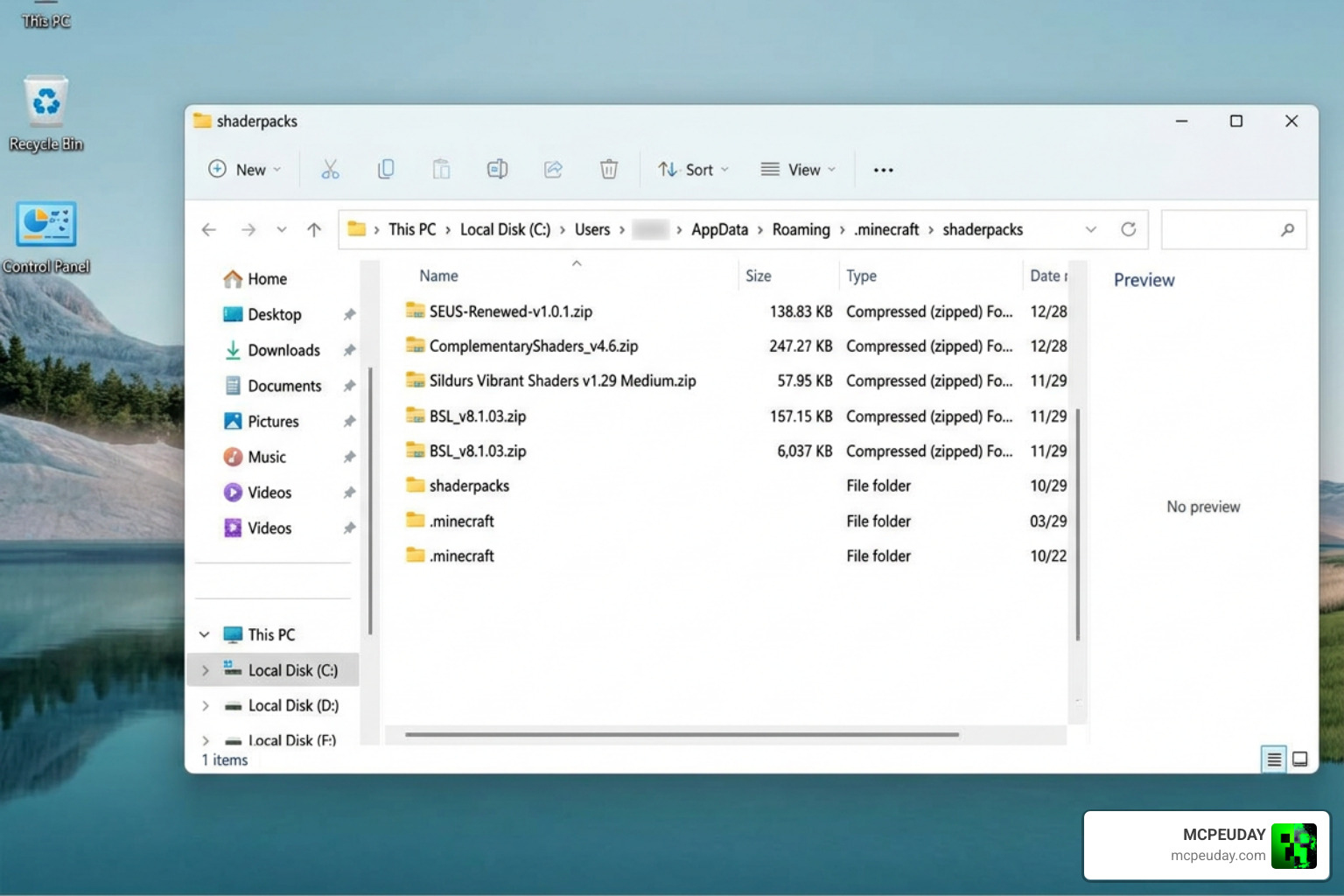
For a complete, platform-specific walkthrough, you can always refer to our comprehensive How to Turn on Shaders in Minecraft 2026 Guide Java Bedrock MCPE Setup Fast Mcpeuday.
Required Mods (Iris, OptiFine, Oculus)
Because Minecraft does not support shaders natively in the Java vanilla client, you will need to install a shader loader first. We highly recommend using one of the following:
- Iris Shaders: The best modern choice for performance and compatibility with Sodium.
- OptiFine HD: The classic, all-in-one mod for older versions of Minecraft.
- Oculus Mod: The go-to option if you are running a Forge-based modpack.
To see how these loaders stack up in modern setups, read our guide on the 3 Best Shaders for Minecraft 1.21 Ultra Realistic Smooth FPS Stunning Graphics.
Customizing RGB and Bloom Settings
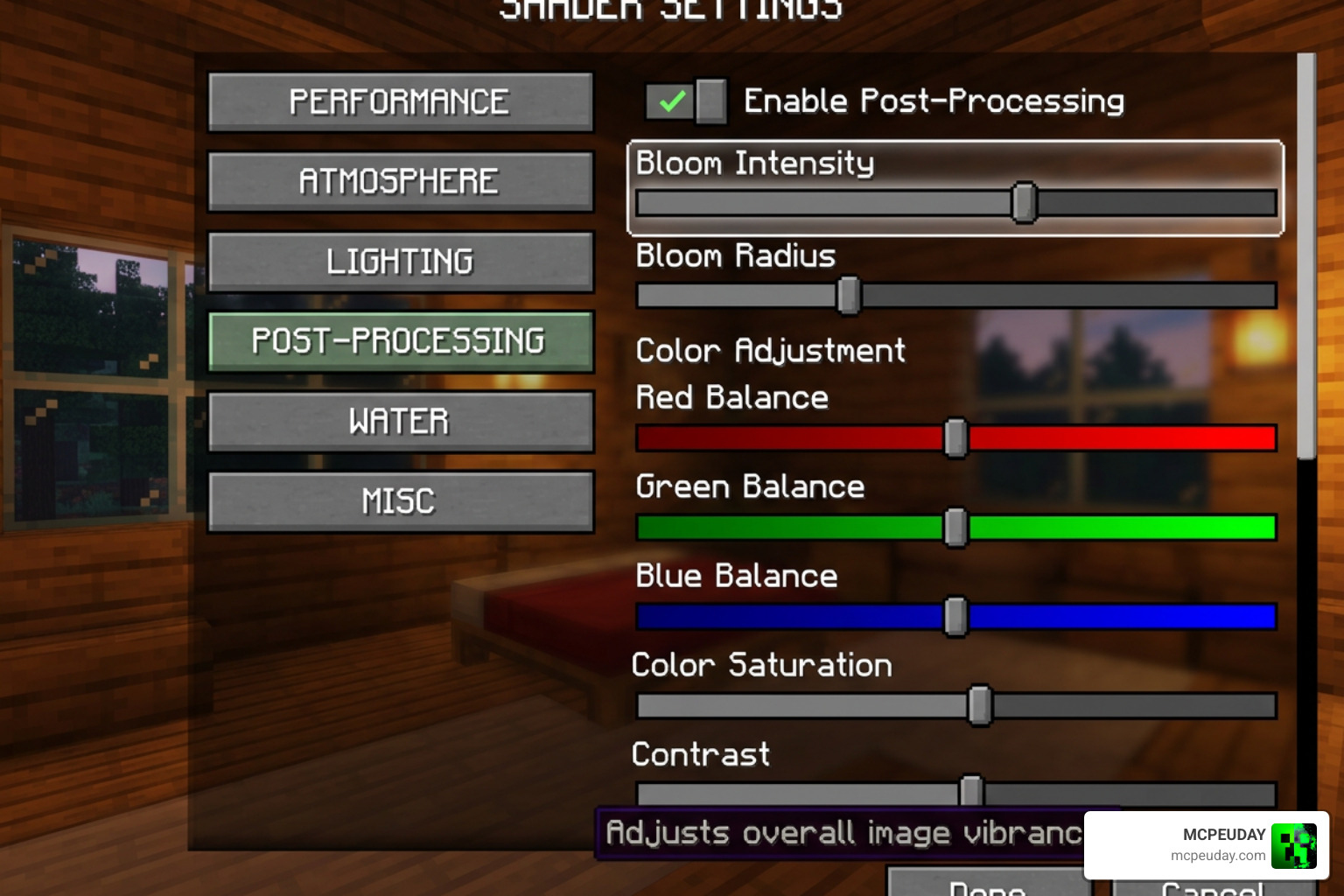
Once you have installed the shader, load up your world, press Esc, go to Video Settings, select Shaders, and click on Shader Pack Options.
Here, you can unleash your inner artist:
- Create Custom Atmospheres: Adjust the Red, Green, and Blue light sliders to change the mood. Want a spooky, purple-tinted cave system? Turn down the green slider and boost the red and blue.
- Tweak the Bloom: Increase the bloom strength to make sunbeams and lanterns look incredibly dreamy, or turn it down for a sharper, cleaner look.
If you enjoy playing with visual shaders outside of Minecraft, you might be interested in how game developers handle these concepts. For instance, Godot developers use node-based systems to build custom visual effects, as explained in the tutorials/shaders/visual%5Fshaders.rst at 4.2 · godotengine/godot-docs documentation. You can also explore community-made tools like arkology/ShaderV for Godot 4.x, or check out how programmers manage 3D mesh colors using libraries like trimesh.visual – trimesh 4.12.2 documentation . For game engines like Unity, assets like Trails FX – Stylized Motion Effects | VFX Shaders | Unity Asset Store allow developers to easily add stylized motion trails without writing complex code.
Where to Download and Community Resources
To make sure you are downloading a safe and updated file, always use official repositories. You can download the pack directly from the Trailer Shaders – Minecraft Shader – Modrinth page.
Community Support and Bug Reporting
If you run into issues or want to share your custom RGB presets, the developer has an active community. You can join the GlacierDevelopment Discord server to report bugs, chat with other users, and get direct troubleshooting help.
Frequently Asked Questions about Trailer Shaders
Is Trailer Shaders compatible with Minecraft Bedrock Edition?
No, the official Trailer Visuals Shader is a Java Edition shader pack. However, Bedrock and pocket edition players can find excellent alternatives designed specifically for mobile platforms by visiting our Minecraft Shaders Download for Android page.
How do I fix low FPS when using Trailer Shaders?
While this shader is incredibly lightweight, you can boost your FPS even further by turning down the render distance, lowering the shadow map resolution in the shader settings, or disabling the bloom effect. For more performance tips, check out our list of the 15 Best Minecraft PE Shaders June 2026.
Can I use Trailer Shaders with texture packs?
Absolutely! In fact, we highly recommend pairing this shader with the BareBones texture pack. This combination perfectly replicates the official Minecraft promotional art style.
Conclusion
The Trailer Visuals Shader is the ultimate lightweight option for players who want to experience the clean, vibrant, and cinematic aesthetic of official Minecraft trailers without sacrificing their performance. Whether you are running a high-end gaming rig or a modest school laptop, this shader brings your world to life with beautiful bloom, customizable colors, and smooth performance.
For more amazing shader recommendations, installation guides, and modding resources, keep exploring our guides here at MCPEUDAY. Ready to upgrade your game? Go ahead and Get the Best Shaders for MCPE 1.21 on MCPEUDAY!
1 thought on “Trailer Visuals Shader (26.x, 1.21) – MCPE/Bedrock Shader”