What the Cinematic AFK Addon Does (And Why Players Love It)
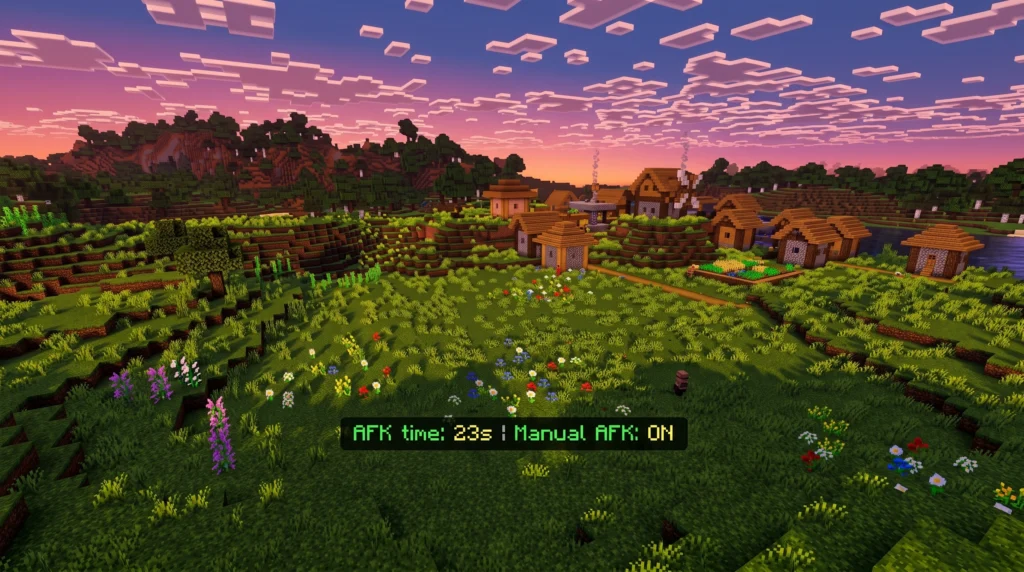
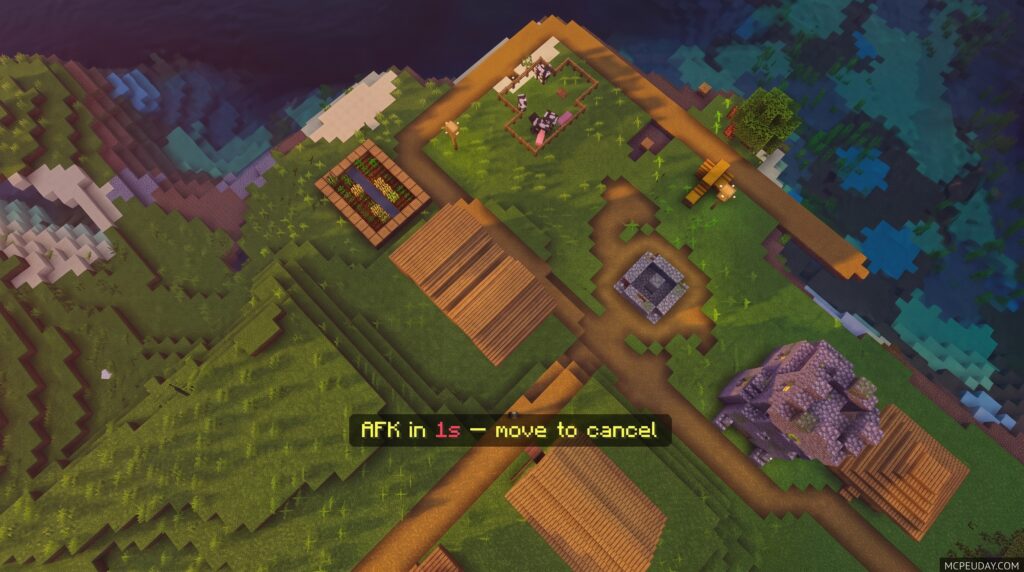
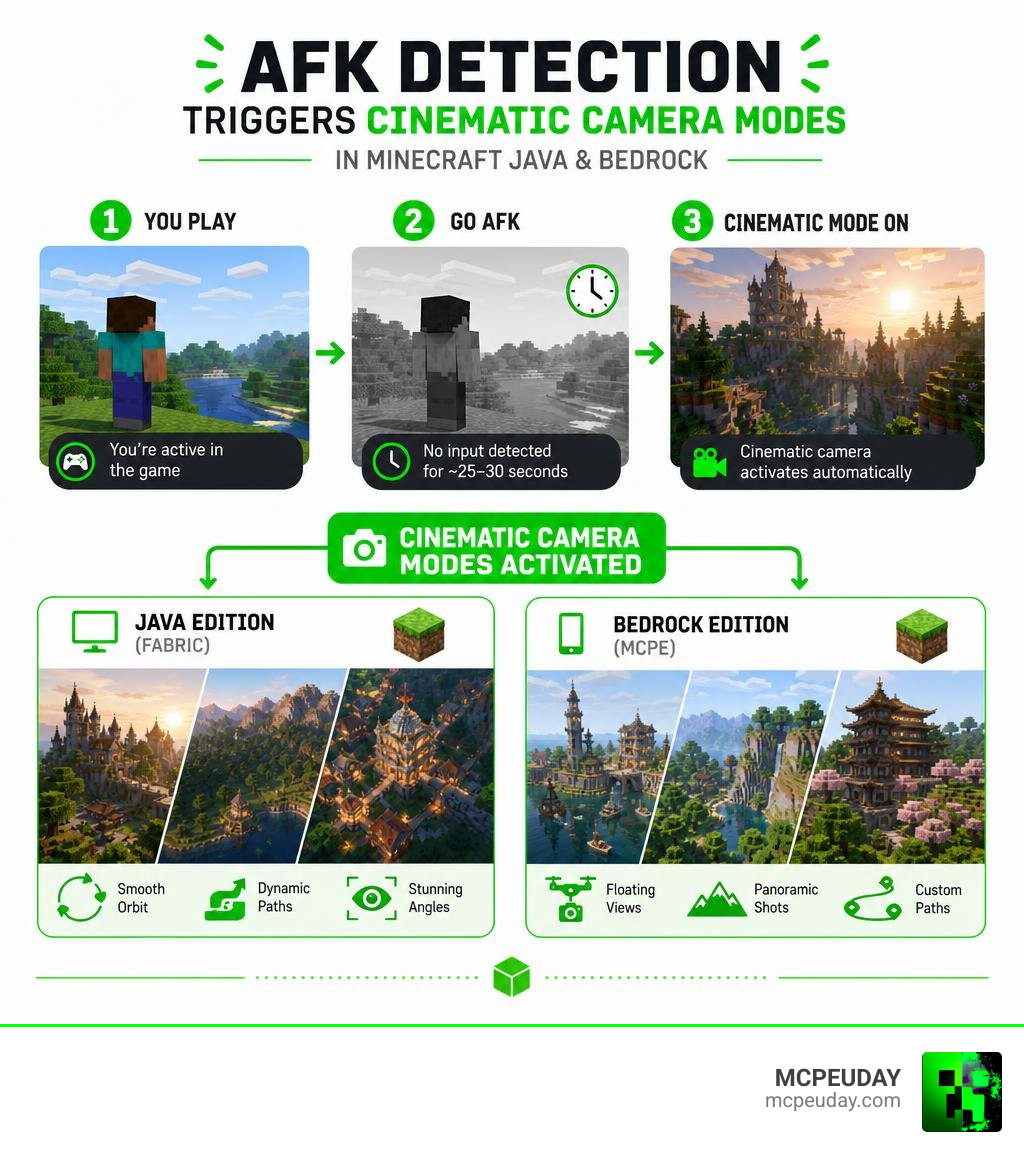
A Cinematic AFK Addon automatically turns your Minecraft screen into a smooth, movie-like camera experience the moment you stop moving. Here’s the quick version:
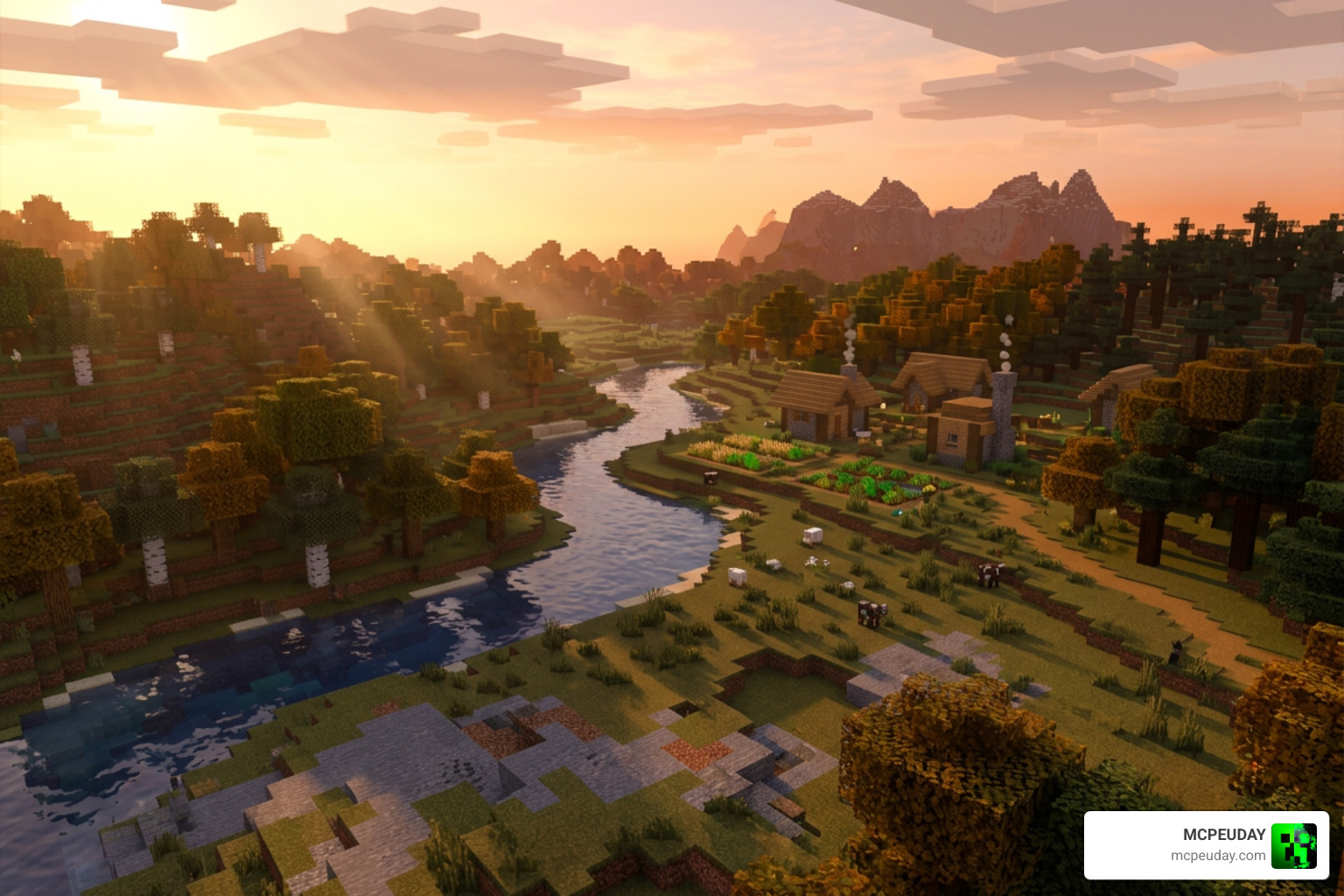
- What it does: Detects when you go idle and activates cinematic camera movements around your world
- When it triggers: After roughly 25–30 seconds of no input (no mouse, no keys)
- Who it’s for: Builders, content creators, and anyone who wants stunning screenshots or idle footage
- Versions available: Both Bedrock Edition (MCPE) and Java Edition (Fabric)
- Cost: Completely free to download
So you walk away from your desk, and Minecraft starts filming itself. That’s the whole idea — and it works surprisingly well.
These addons and mods have racked up serious numbers. The Java Edition version alone has over 58,300 downloads and is included in 14 modpacks. The Bedrock versions have pulled in thousands more downloads across multiple platforms.
Whether you want floating panoramic shots, bird’s-eye views, or fully custom camera paths through your builds, there’s a version of this addon built for you. This guide covers everything — how it works, how to install it, and how to get the most out of it on both Java and Bedrock.
What is the Cinematic AFK Addon and How Does It Work?
At its core, the Cinematic AFK Addon is designed to eliminate boring, static idle screens. Instead of staring at your character’s back while you grab a snack, the addon detects your inactivity and launches a dynamic, floating camera system.
The magic lies in how it renders your world. Unlike a pre-rendered video or a basic rotating camera, this addon calculates camera paths in real-time. It analyzes your immediate environment—whether you are standing inside a dense forest, on top of a jagged mountain peak, or inside a massive custom-built castle—and generates unique, picturesque sweeping angles tailored to your surroundings.
For technical users who want to dive into the open-source code or customize the underlying mechanics, you can explore the playsi/AFK-camera repository. This project showcases how the mod tracks player inputs and handles smooth camera interpolation to keep transitions completely seamless.
Core Features of the Cinematic AFK Addon
The addon is packed with features that make it feel like a professional camera crew is filming your gameplay:
- Automatic HUD Hiding: The moment cinematic mode starts, your hotbar, health, hunger, and chat vanish. When you return, the HUD instantly reappears.
- Dynamic Camera Transitions: The camera smoothly cycles through panoramic sweeps, slow-motion glides, and bird’s-eye views.
- Custom Animations: On Java, you can load custom camera paths created in external design tools.
- Atmospheric Background Music: The addon can play relaxing, chill tunes while the camera pans around your builds.
Available Commands for Customization
If you are using the Java Edition mod, you don’t have to wait for the idle timer to kick in. You can control the system directly using these handy in-game commands:
/afkc start– Manually triggers the cinematic camera immediately. This is perfect for content creators who want to record a shot on demand./afkc time <seconds>– Adjusts the idle delay. If you want the camera to start sooner than the default 25 seconds, you can set it to 10 or 15 seconds./afkc music– Toggles the cinematic background music on or off./afkc about– Displays information about the current mod version and its developers.
Bedrock Edition vs. Java Edition: Key Differences
While both versions aim to give you beautiful idle shots, they are built on completely different systems. The Java Edition version is a highly technical mod that relies on deep integration with the Fabric loader, while the Bedrock Edition (MCPE) version is a lightweight addon designed to run smoothly on mobile devices, consoles, and Windows.
| Feature | Bedrock Edition (MCPE) | Java Edition (Fabric) |
|---|---|---|
| Underlying Tech | Behavior & Resource Packs | Fabric Loader & Fabric API |
| Settings Menu | In-game Compass item | YACL (YetAnotherConfigLib) |
| Custom Animations | Cycle of preset camera modes | Blockbench keyframe support |
| Default Trigger Time | 25 seconds | 30 seconds (configurable) |
| File Size | Extremely lightweight (~15 KB) | Lightweight (~50 MB with assets) |
Cinematic AFK Addon for Bedrock (MCPE)
On Bedrock Edition, the addon is incredibly easy to use. Once installed, you can access your settings in-game simply by interacting with a Compass item. This menu allows you to toggle music and customize how the camera cycles.
The Bedrock version typically transitions between panoramic, first-person, and bird’s-eye views every few seconds. There are two major versions popular in the community: the AFK Cinematics MCBE addon, which boasts a solid 3.9 rating and over 5.8k downloads, and the Cinematic AFK Camera addon, which sits at a 3.2 rating with 5.1k downloads. Both options bring beautiful, low-impact camera sweeps to your mobile or console worlds.
Java Edition Mod Features
The Java Edition mod is a dream for power users. It requires the Fabric API and utilizes a “free camera” mode similar to popular spectator hacks, allowing the camera to pass through blocks for spectacular fly-through shots.
The coolest feature of the Java mod is its Blockbench compatibility. You can design highly detailed custom camera paths and keyframe animations in Blockbench, save them, and the mod will automatically cycle through them when you go idle. It is highly popular, with over 58,300 downloads on the AFK Cinematics – Minecraft Mod – Modpack Index directory.
Step-by-Step Installation and Setup Guide
Setting up your new camera system only takes a couple of minutes. Let’s look at how to install both versions of the Cinematic AFK Addon.
Installing on Bedrock Edition (MCPE)
- Download the
.mcpackfile from the official download page. - Double-click or tap the downloaded file to automatically launch Minecraft and import the pack.
- Create a new world or go to the settings of an existing world.
- Scroll down to Resource Packs and activate the pack.
- Scroll to Behavior Packs and ensure the corresponding behavior pack is activated.
- Launch your world, grab the Compass item, and customize your settings!
Installing on Java Edition (Fabric)
- Ensure you have the Fabric Loader installed for your version of Minecraft (such as 1.21.1 through 1.21.11).
- Download the Fabric API and YACL (YetAnotherConfigLib) from your favorite mod platform.
- Download the AFK Cinematics
.jarfile. - Press
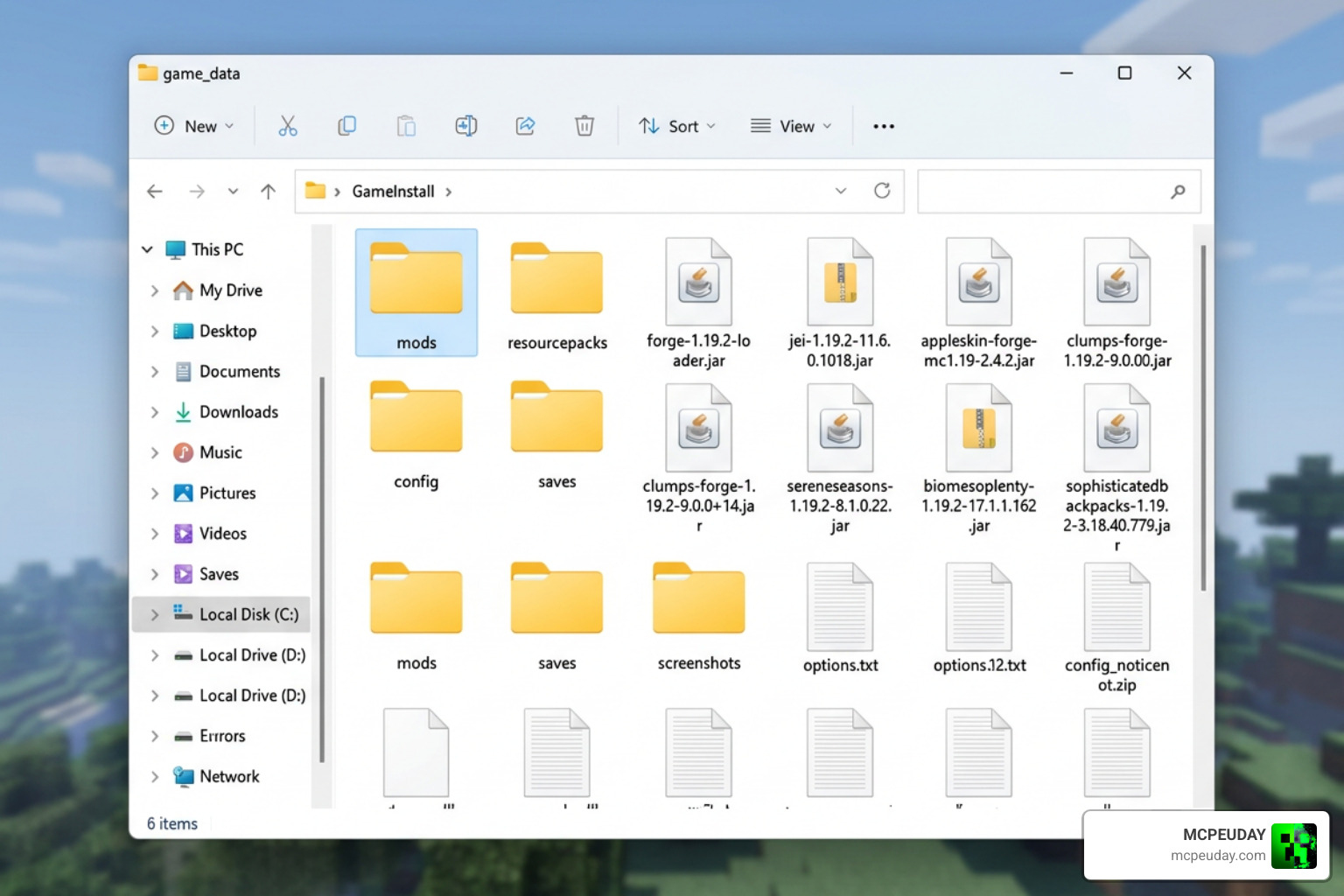
Win + R, type%appdata%\.minecraft, and press Enter. - Open the
modsfolder and drop all three downloaded.jarfiles inside. - Launch Minecraft using your Fabric profile.
Performance Optimization and Mod Compatibility
Because the cinematic camera moves quickly and renders large areas dynamically, performance optimization is key to avoiding lag.
Enhancing Your Visual Experience
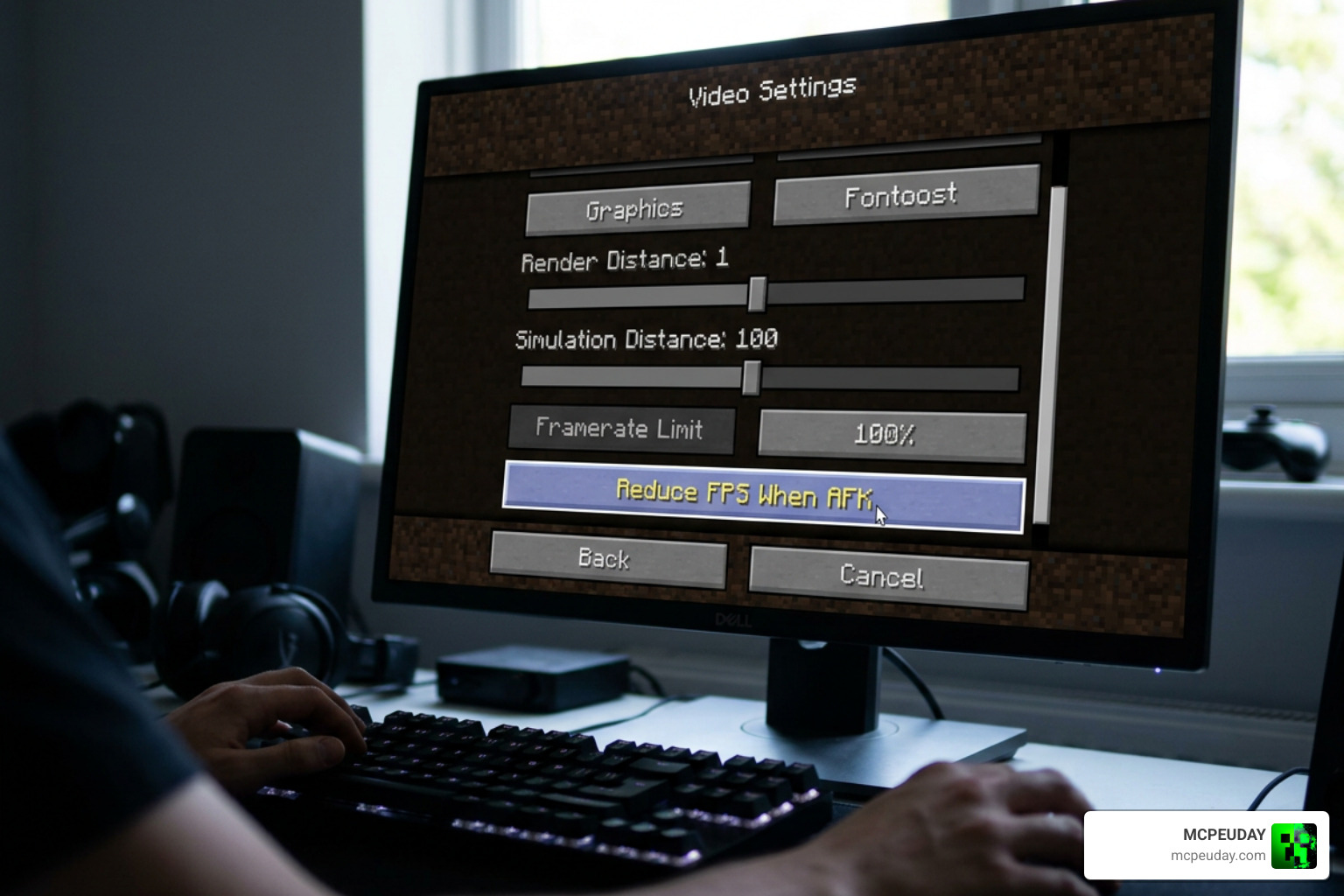
To get the absolute smoothest camera movements, there is one critical setting you must change. In your Minecraft Video Settings, turn OFF the “Reduce FPS When: AFK” option. If this setting is left on, Minecraft will artificially cap your frame rate to 10–15 FPS when you stop touching your keyboard, causing the cinematic camera to look incredibly laggy.
For Java players, we highly recommend pairing this mod with Iris Shaders and Complementary Shaders to get breathtaking lighting during your idle sweeps.
If you want to create a completely transformed survival experience on Bedrock, try pairing this camera mod with our recommended Better on Bedrock Addon. It adds incredible world generation and structures that look amazing from a bird’s-eye view. You can also pair it with the Dynamic HUD Addon to keep your interface clean and minimal even when you aren’t AFK.
Frequently Asked Questions about the Cinematic AFK Addon
We have compiled the most common questions players ask when setting up their cinematic camera experience.
Does the Cinematic AFK Addon work with shaders?
Yes! On Java, it is fully compatible with Iris and most major shader packs. In fact, running shaders makes the slow, sweeping camera pans look like professional movie trailers. Just ensure your graphics card can handle rendering your world at high frame rates while the camera moves.
How do I stop the cinematic camera and return to normal gameplay?
Stopping the camera is entirely seamless. The moment you press any movement key (W, A, S, D, Space, or Shift) or move your mouse, the mod instantly terminates the cinematic mode, restores your HUD, and hands control back to your character without any loading screens.
Can I use this addon on multiplayer servers?
Yes! Because both the Bedrock and Java versions are client-side, you can use them on multiplayer servers. Only you will see the cinematic camera movements on your screen, while other players will simply see your character standing still.
Conclusion
The Cinematic AFK Addon is a must-have tool for any Minecraft player who loves the visual beauty of the game. It turns passive, wasted idle time into an opportunity for stunning cinematography, perfect for content creators looking to capture b-roll or builders wanting to admire their hard work from new perspectives.
If you are looking for more ways to enhance your game, check out our guides on the More Body Actions Addon for better animations, the Origins BE Addon for unique gameplay classes, or the Effortless Building Addon to speed up your creative projects.
Ready to take your game in a completely different direction? Dive into our spooky Best Minecraft Horror Mods for Java & Bedrock 2026 Guide and see how terrifying your world can look under a cinematic lens!