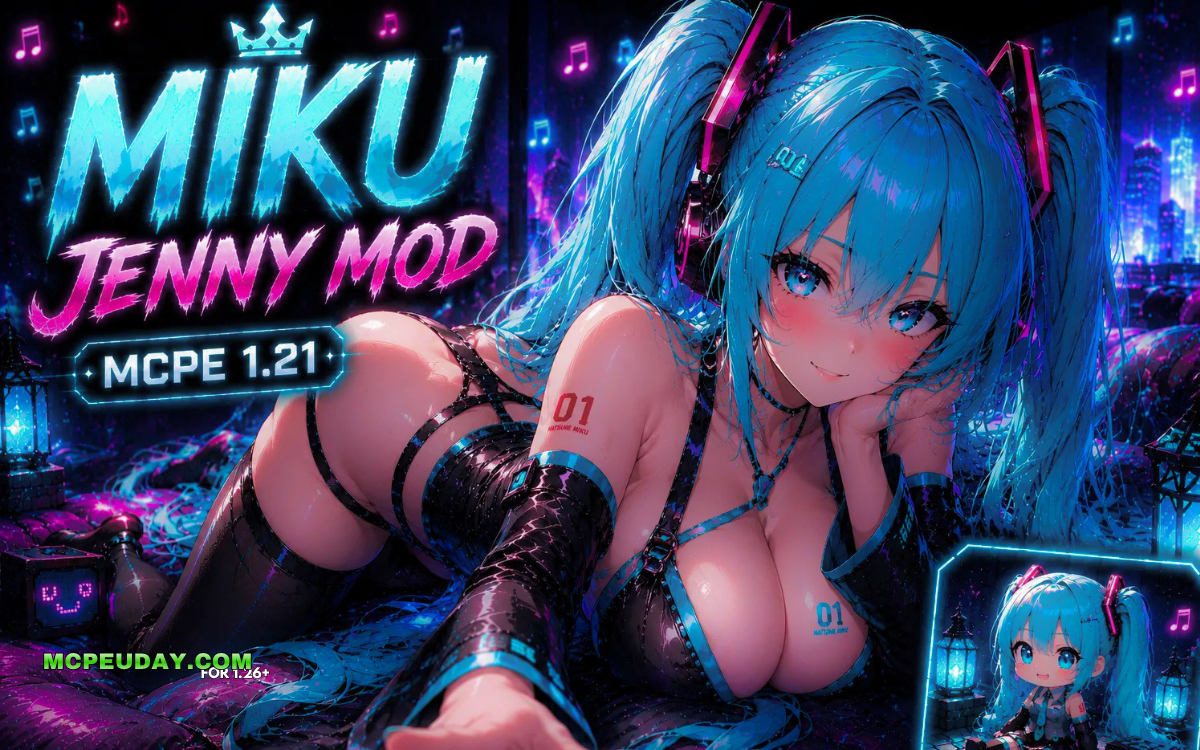
What the Hatsune Miku Jenny Mod Does and How to Get It
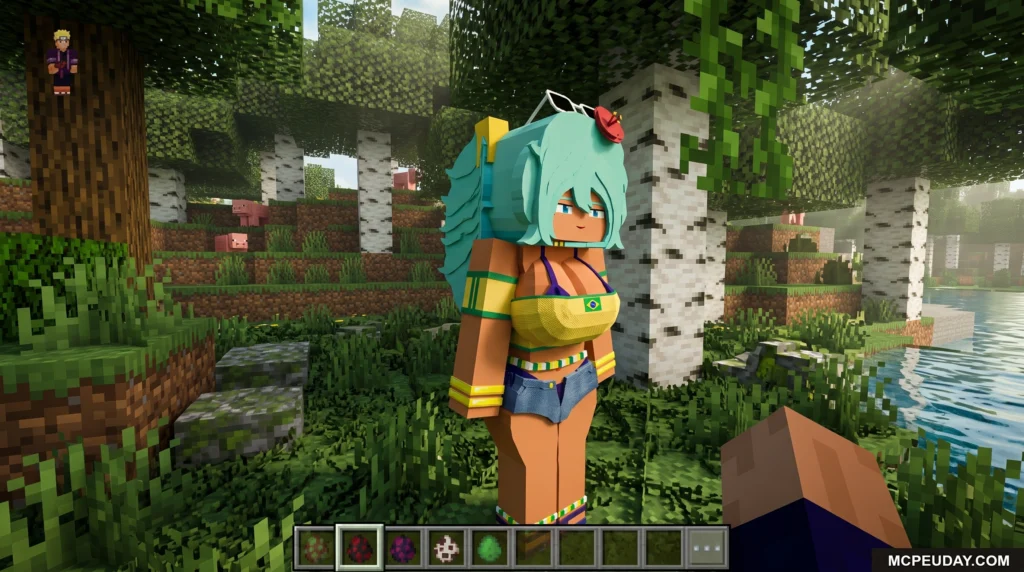
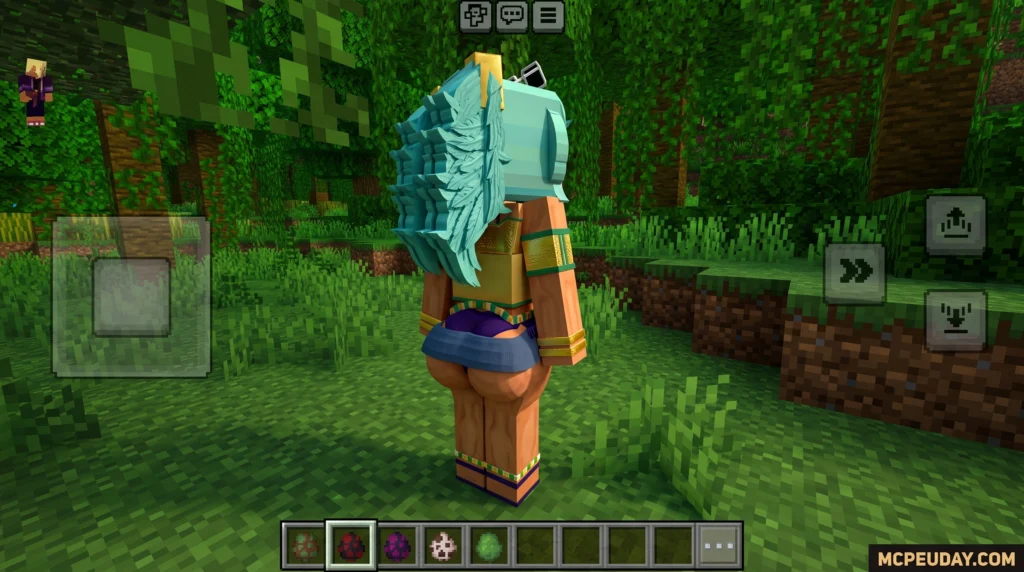
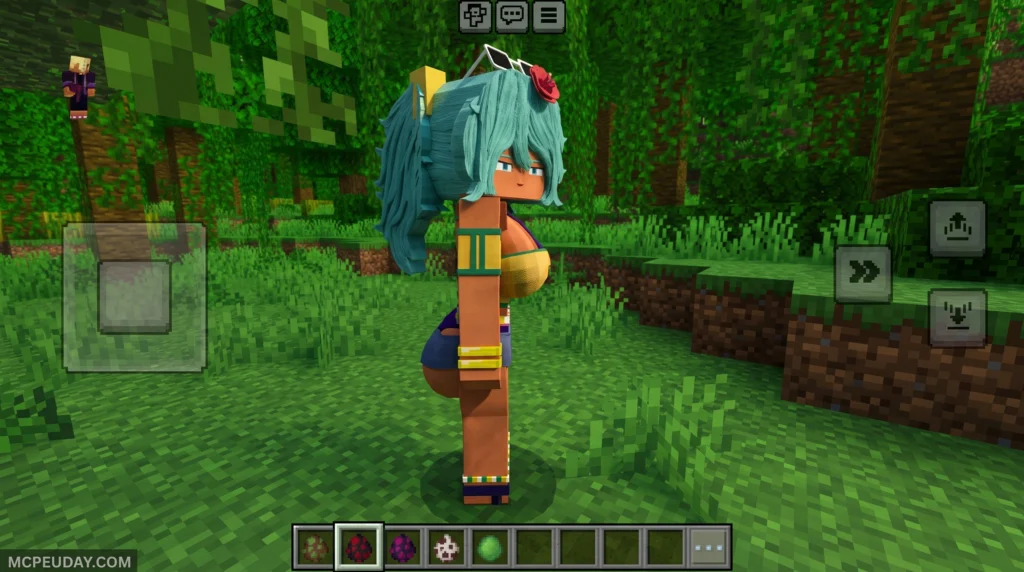
The Hatsune Miku Jenny Mod brings the world-famous Vocaloid idol into Minecraft as a custom anime companion — available for both Bedrock/MCPE and Java Edition.
Quick answer:
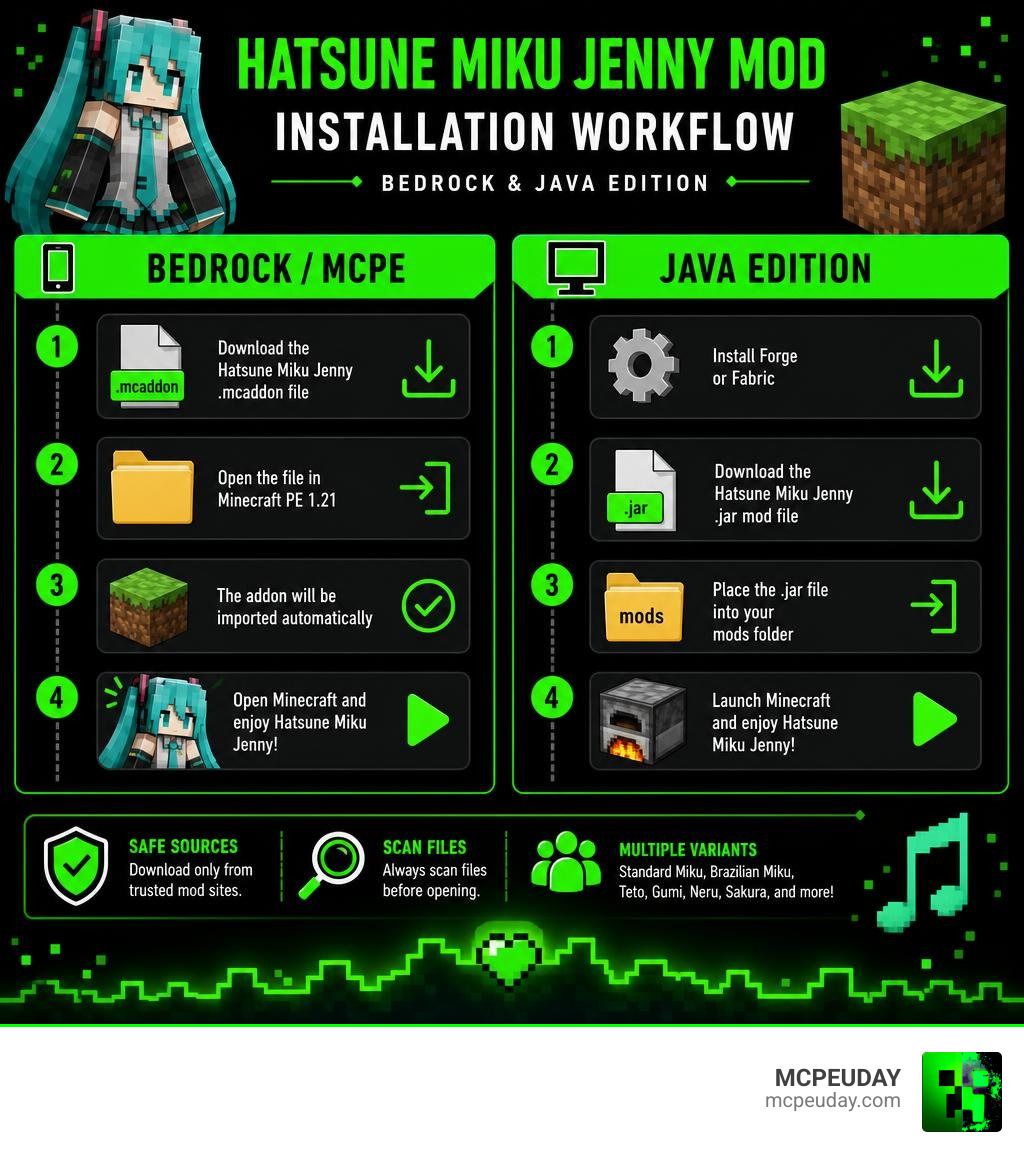
- What it is: A mod/addon that replaces the default Jenny character model with Hatsune Miku, complete with HD textures and smooth animations
- Bedrock/MCPE: Download the
.mcaddonfile and install it in Minecraft PE 1.21 - Java Edition: Install Forge or Fabric, then drop the
.jarmod file into yourmodsfolder - Variants available: Standard Miku, Brazilian Miku, Teto, Gumi, Neru, Sakura, and more
- Safe sources: Download only from trusted mod sites — always scan files before opening
Hatsune Miku first appeared in 2007 as a voice synthesizer character from Crypton Future Media. Since then, her teal twin-tails and idol look have made her one of the most recognisable anime characters in the world. It was only a matter of time before she landed in Minecraft.
The Jenny Mod is one of Minecraft’s most popular companion mods. Combining it with Miku’s design creates something players have clearly been looking for — the Hatsune Miku Skin Pack for Jenny alone has pulled in over 7,600 views and 562 likes.
Whether you want a simple 2D skin swap or a full 3D model replacement, there are options for every edition and every skill level.
What is the Hatsune Miku Jenny Mod?
The Hatsune Miku Jenny Mod is a creative fan-made crossover that merges the beloved gameplay mechanics of the classic Jenny mod with the iconic aesthetic of Hatsune Miku. Instead of interacting with the default companion characters, this mod completely replaces them with highly detailed, anime-accurate models of the legendary Vocaloid star.
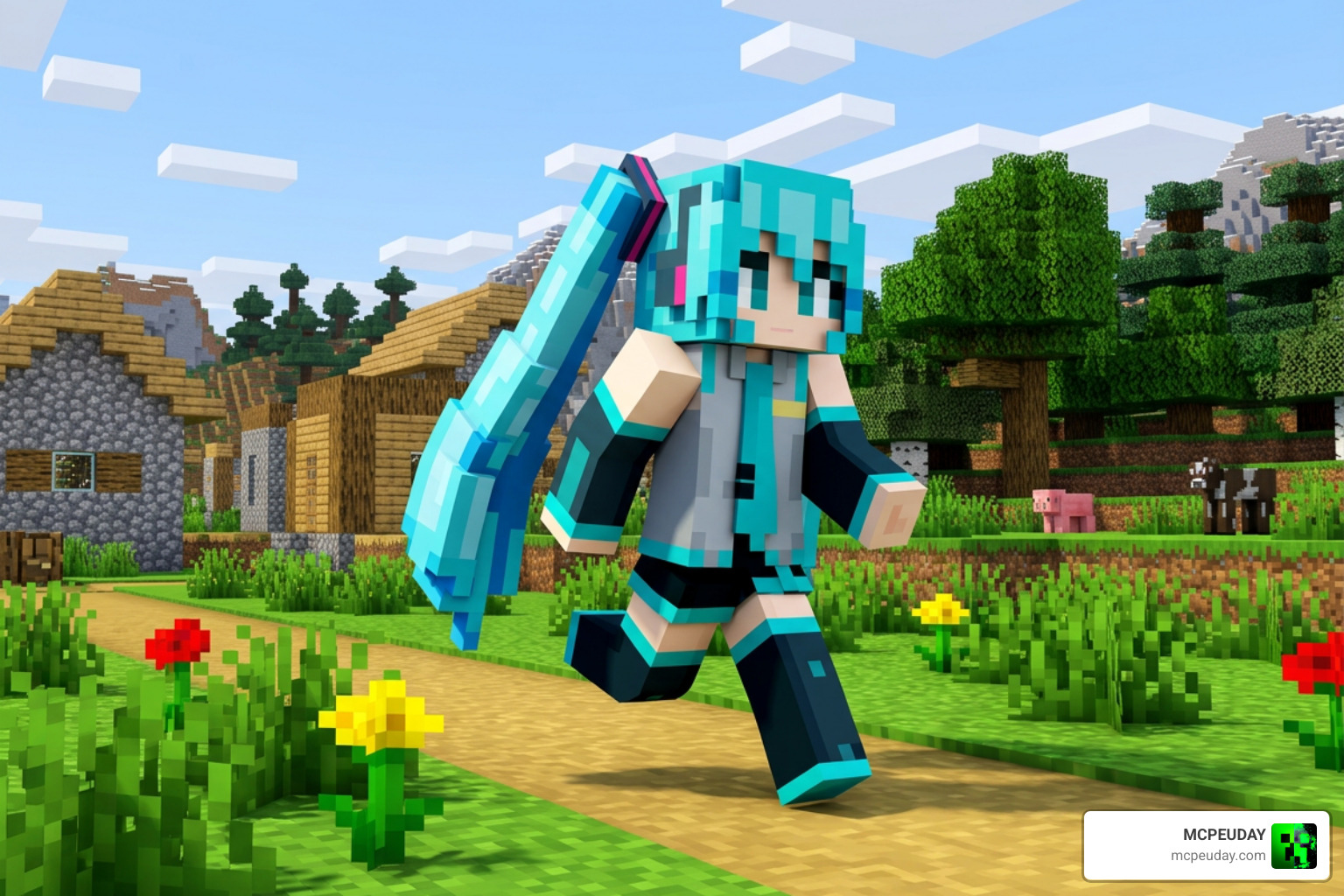
We love how this addon integrates Miku into our daily Minecraft routine. It doesn’t just change her outfit; it brings her signature teal twin-tails, digital hairpieces, and futuristic school uniform to life. The mod includes custom HD textures and smooth animations that react to the environment, making Miku feel like an active part of your world.
If you are already familiar with base companion setups like the Jenny Addon 26 x 1 21 MCPE Bedrock Mod or the Ellie Addon 1 21 1 20 MCPE Jenny Mod Guide Download, you will feel right at home. The Hatsune Miku Jenny Mod uses these exact same companion frameworks, swapping out the default models so you can explore, build, and survive alongside your favorite virtual diva.
Key Features and Character Variants
One of the best parts of this mod is the sheer variety of styles available. The community has created several custom models, textures, and animations that go far beyond Miku’s classic look.
We can choose from several famous Vocaloid and fan-made variants:
- The Classic Teal Diva: The standard futuristic grey, black, and teal idol outfit.
- Sakura Miku: A beautiful pink, cherry-blossom-themed variant perfect for spring.
- Brazilian Miku: A viral fan design portraying Hatsune Miku in a vibrant Brazilian cultural style, complete with a warm brown skin tone, a red hibiscus flower in her hair, and Brazilian flag accents. This specific variant has earned an average score of 3.7 out of 5 from 20 ratings on top community sites.
- Hatsune Miku Golaya Bia: A unique variant that retextures the character Bia with Miku’s signature design. This popular version holds an impressive rating of 4.2 out of 5 from 19 votes.
- Vocaloid Friends (Teto, Gumi, Neru): Many skin packs include extra options to transform your companion into other famous voice synthesizer characters like Kasane Teto, Gumi Megpoid, and Akita Neru.
To help you decide which version to run in your next survival world, we have put together a quick reference table of the most popular variants:
| Variant Name | Main Aesthetic | Best Used For | Supported Editions |
|---|---|---|---|
| Classic Miku | Teal twin-tails, futuristic school uniform | Everyday survival and classic anime roleplay | Java & Bedrock (MCPE) |
| Brazilian Miku | Brown skin, hibiscus flower, Brazilian accents | Cultural and colorful themed builds | Java (via Ellie Reskin) |
| Golaya Bia Miku | Sleek, minimal redesign of the Bia model | Lightweight performance setups | Java & Bedrock |
| Sakura Miku | Pastel pink tones, cherry blossom hair accessories | Cherry grove biomes and aesthetic worlds | Bedrock / MCPE |
| Vocaloid Pack (Teto/Gumi) | Red and green color swaps with custom hair | Group multiplayer servers and variety play | Bedrock (Skin Packs) |
Customizing the Hatsune Miku Jenny Mod with 3D Models
If you want the most immersive experience possible, 3D models are the way to go. These models alter the actual shape of the character, giving Miku flowing 3D hair and realistic clothing physics.
Using tools like Blockbench, creators export these 3D models in .geo.json and .animation.json formats for Bedrock Edition, or as .java and .obj files for Java Edition. If you want to customize your character models even further, we highly recommend checking out the Female Gender Mod 26 x 1 21 Customize Female Player Models in Minecraft to adjust proportions and fine-tune your companion’s movement animations.
Swapping 2D Skins in the Hatsune Miku Jenny Mod
If you are playing on a lower-end mobile device or a laptop that struggles with heavy 3D physics, swapping 2D skins is a fantastic, lag-free alternative.
By downloading the Hatsune Miku Skin Pack for Jenny – NASB2 Mods – GameBanana , you can easily replace the default companion textures. These 2D skins are standard PNG files, usually in 64×64 or 128×128 resolutions. All you have to do is match the UV layout of the default Jenny model, swap the PNG file in your resource pack, and enjoy a brand-new look without hurting your frame rate!
How to Download, Install, and Optimize the Mod
Ready to add Miku to your game? The installation process depends entirely on which edition of Minecraft you are running.
Step-by-Step for Bedrock Edition & MCPE (1.21)
- Download the verified
.mcaddonor.mcpackfile for the Hatsune Miku Jenny Mod. - Double-click or tap the downloaded file. Minecraft will open automatically and import the addon.
- Create a new world or edit an existing one.
- Go to Resource Packs and Behavior Packs, and activate the Miku addon.
- Crucial Step: Make sure you enable “Beta APIs” and “Holiday Creator Features” under the Experiments tab in your world settings!
Step-by-Step for Java Edition
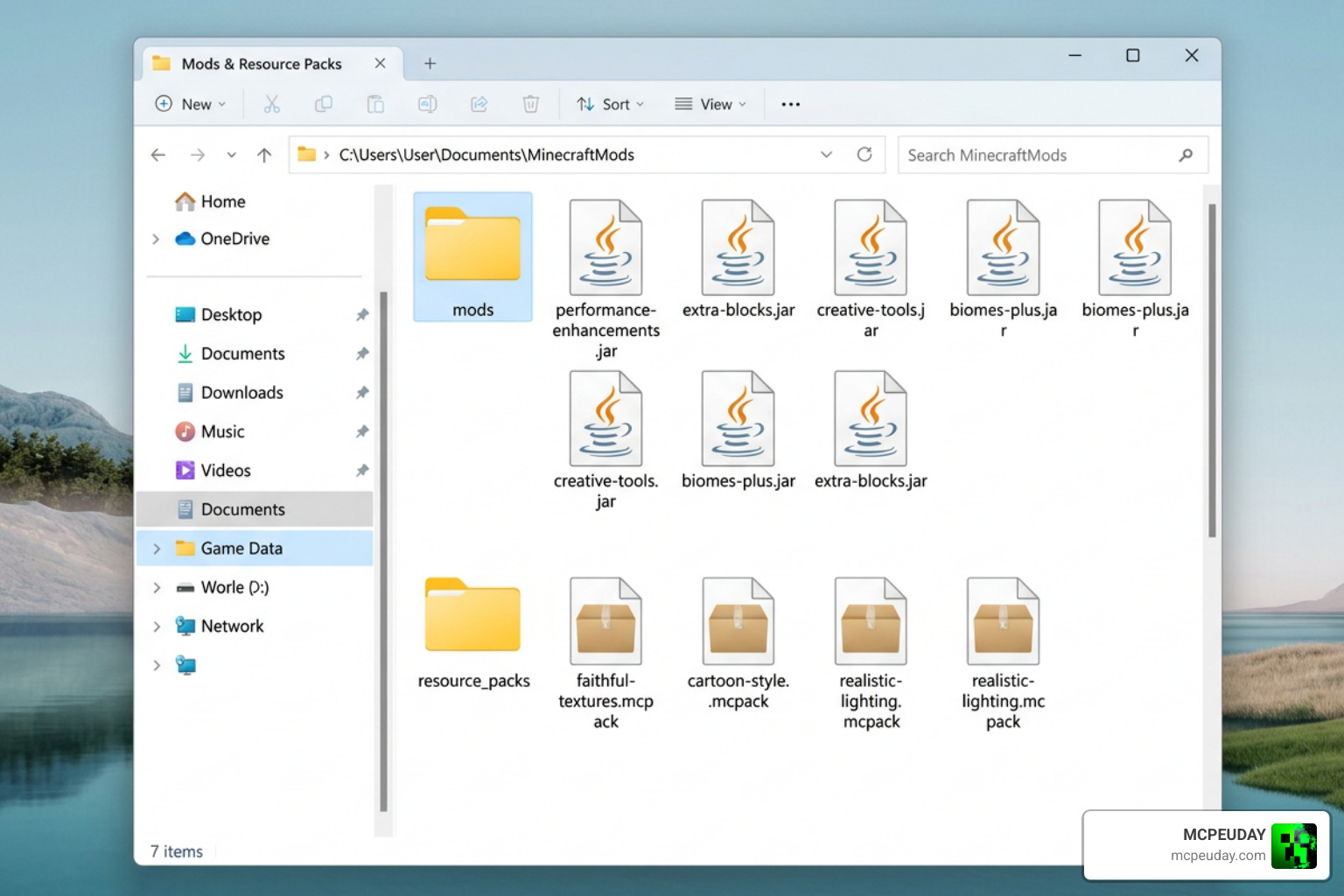
- Install either Forge or Fabric for your current Minecraft version (such as 1.21).
- Download the core companion mod jar file and place it inside your
.minecraft/modsfolder. - Download the Miku model replacement files. If you are using advanced model APIs like BepInExPack or ModelReplacementAPI, make sure to place your
boneMapMiku.jsonand model files directly into the designated plugins folder. - Launch the game and press the default menu key (usually ‘J’) to configure your companion.
Performance Optimization Tips
While having a 3D anime idol running around your world is incredibly fun, highly detailed models can occasionally cause lag. This is especially true if you are using mods with active cloth physics for Miku’s long twin-tails.
- Lower Dynamic Bone Rates: If you experience stuttering, go into your mod configuration file and lower the dynamic bone update rate.
- Disable Physics at Range: Set the physics to turn off when Miku is more than 16 blocks away.
- Keep Textures Light: Stick to 128×128 resolution textures or lower to avoid memory issues on mobile devices.
If you love this style of gameplay, you can expand your world with similar character mods! We suggest trying the Player Gender Reloaded Addon 1 21 Download for MCPE, transforming your hostile mobs with the Mob Girls Addon 26 x 1 21 Anime Style Mob Transformation for MCPE, or trying out a futuristic sci-fi companion with the Jenny Nier Automata Addon 1 21 Download for MCPE 2B Mod.
Frequently Asked Questions about Hatsune Miku Jenny Mod
Which Minecraft versions support the Hatsune Miku Jenny Mod?
The mod is fully optimized and supported on Minecraft PE / Bedrock Edition 1.21. For Java Edition, support varies depending on the specific model loader you use, but it is widely compatible with versions 1.20.1 up to 1.21 using Forge or Fabric.
How do you fix broken textures or model lag?
If Miku’s model looks scrambled or completely black, it is usually because the PNG skin texture does not match the 3D model’s UV layout. Always double-check that you are using the correct file size (64×64 or 128×128). For performance lag, disabling advanced cloth physics in your mod’s config file will instantly boost your frames per second.
Can you use this mod on multiplayer servers?
Yes, but with a catch! If you are using a Bedrock .mcaddon, the server host must install the behavior and resource packs so all players can see Miku. For Java Edition, if you are using a client-side model replacement API, only you will see the Miku model, making it perfectly safe to use on public servers without causing compatibility issues for other players. Always backup your world saves before adding new files!
Conclusion
The Hatsune Miku Jenny Mod is the perfect way to bring a touch of Vocaloid magic and anime flair to your Minecraft adventures. Whether you are exploring massive cherry blossom forests with Sakura Miku or keeping things classic with her signature teal twin-tails, this mod completely refreshes the companion experience.
At MCPEUDAY, we strive to keep your games exciting, fresh, and safe. We recommend always backing up your worlds before installing new addons and sticking to verified files to avoid any game-breaking bugs.
Ready to meet your new favorite musical companion? Explore more Minecraft Mod Addons on our site today and start your next blocky adventure in style!
3 thoughts on “Hatsune Miku Jenny Mod (26.x, 1.21) – MCPE/Bedrock Mod”