
What the Jenny Addon Is and How to Get It in 3 Steps
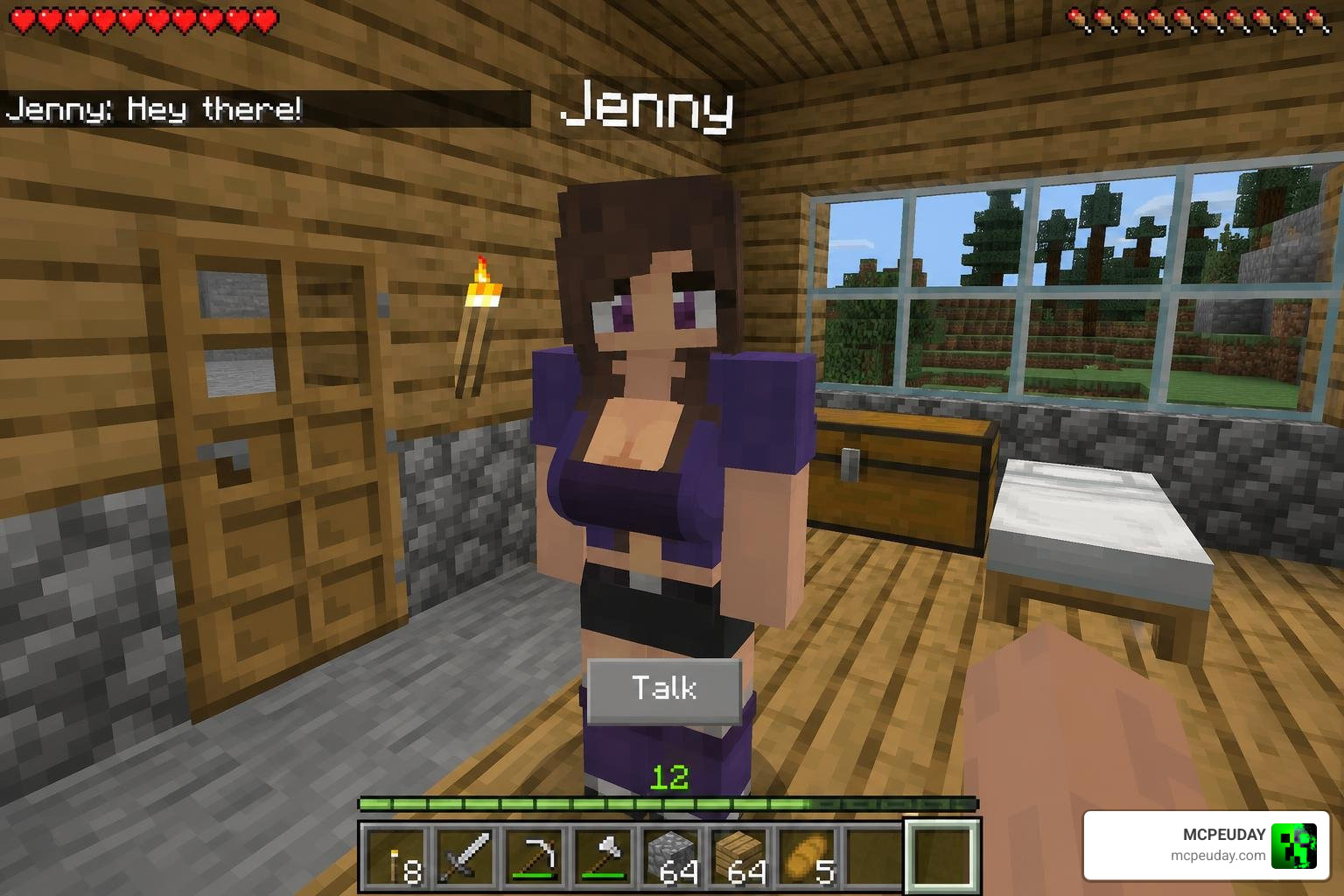
The Jenny Addon is one of the most talked-about companion mods for Minecraft Bedrock Edition and Pocket Edition (MCPE). It adds interactive NPC characters to your world — each with unique abilities, animations, and dialogue.
Here’s how to download and install it in 3 steps:
- Download the
.mcaddonor.mcpackfiles from a trusted source - Import the files into Minecraft to activate the Resource and Behavior Packs
- Enable Experimental Toggles in your world settings and launch your game
That’s the short version. Keep reading for the full breakdown, safety tips, and compatibility details.
So why is this mod so popular? Minecraft’s default world can feel empty after a while. The Jenny Addon fixes that by giving you interactive companions that follow commands, react to gifts, and explore the world alongside you.
It works on Android, iOS, and Windows 10/11 — no Forge or complex modloader needed. You just tap a file, and it imports directly into Minecraft PE.
One thing to know upfront: this is an unofficial, fan-made mod. It is not made or endorsed by Mojang AB.
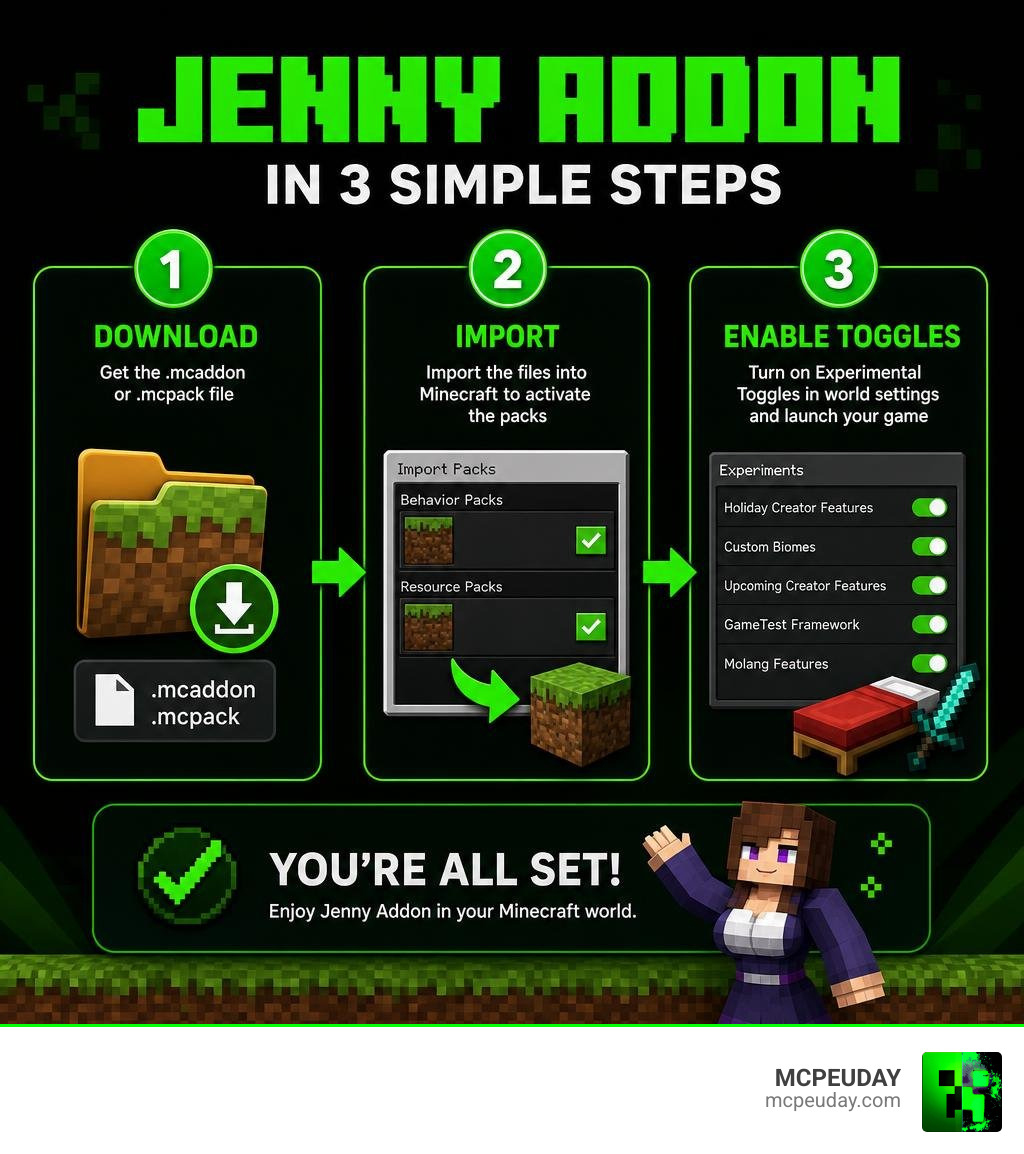
What is the Jenny Addon for Minecraft Bedrock?
The Jenny Addon is a Bedrock-optimized port of the famous “Jenny Mod” originally created by SlipperyTum for Minecraft Java Edition. While the original Java mod required complex setup processes, Forge mod loaders, and heavy PC hardware, the Bedrock addon is streamlined for mobile phones, tablets, and consoles.
In Bedrock Edition, the mod functions through a combination of resource packs and behavior packs. These files change how entity models look and how they behave in the game. Instead of mindless villagers, you get interactive companions with unique AI routines.
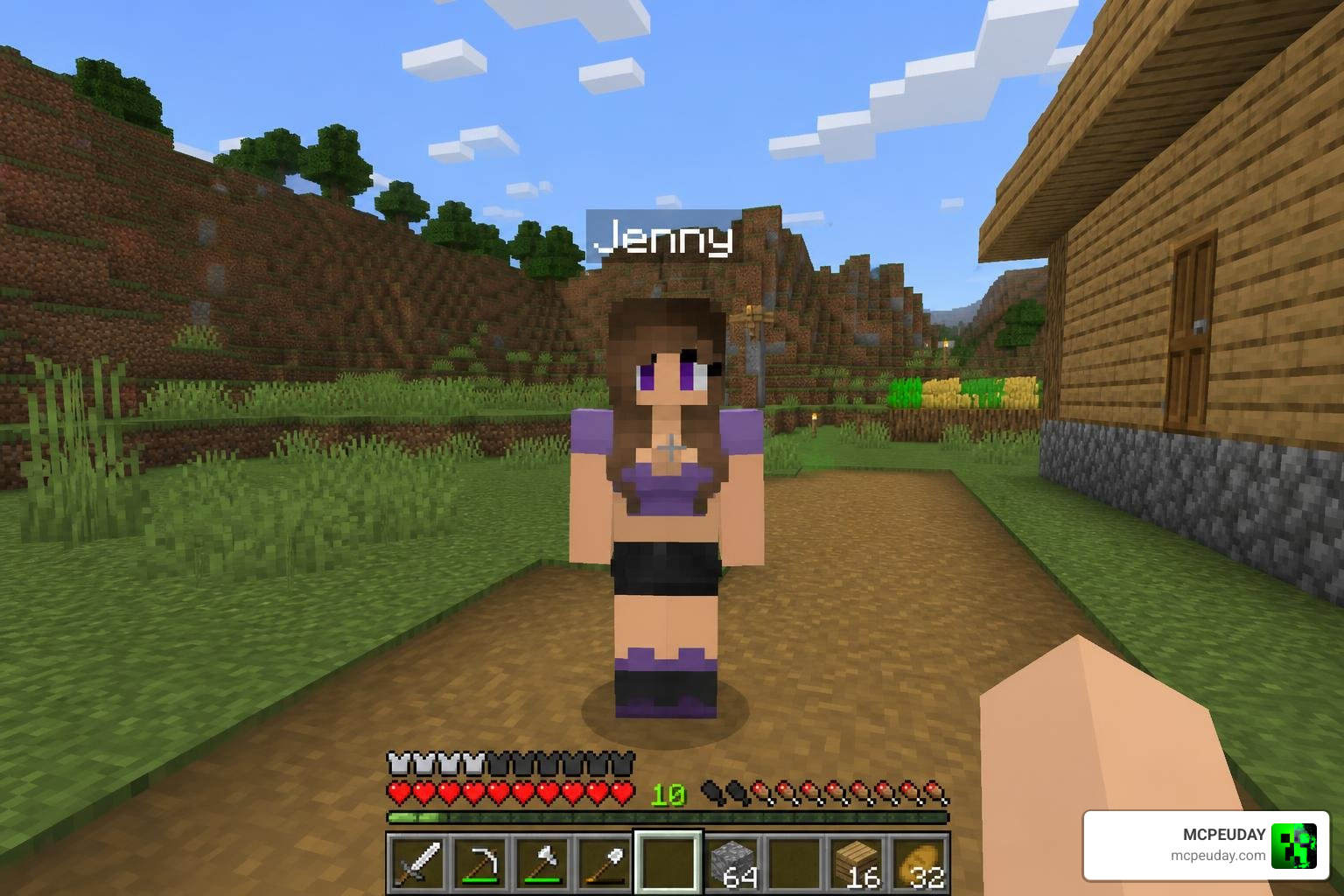
To help you understand what each companion brings to your world, we have compiled a quick comparison of the primary characters available in the addon:
| Character | Role / Theme | Unique Ability / Feature |
|---|---|---|
| Jenny Belle | Main Companion | Interactive trust system, custom animations, and emotes |
| Allie | Magical Genie | Teleportation powers and unique magical interactions |
| Ellie Walls | Woodland Builder | Spawns in custom hidden mansions, assists with building |
| Bia Prowell | Forest Companion | Resource gathering and wilderness survival support |
| Goblin Queen | Mischievous Thief | Economy-driven trades, unique combat behavior |
Key Characters and Their Unique Roles
When you install the Jenny Addon, you are not just adding a single entity to your game. You are introducing a diverse cast of characters, each with their own backstories, spawning conditions, and gameplay roles.
- Jenny Belle: The star of the addon. She has a highly developed emotional reaction and dialogue system. You can talk to her, offer her gifts, and build a relationship over time.
- Allie: A genie-themed companion who brings a touch of magic to your survival world. She has distinct teleportation and support abilities.
- Ellie Walls: A builder who spawns in massive, custom-built woodland structures. She is great for players who want a companion that feels integrated into the world’s architecture.
- Bia Prowell: A rugged forest survivalist. Bia is perfect for players who spend their time hunting, gathering materials, and exploring deep biomes.
- Goblin Queen: A mischievous character who operates on a custom economy system. You can trade gold and valuable gems with her for rare items.
These characters do not just wander around aimlessly. They spawn in custom structures that generate naturally across your Minecraft world. For example, you might stumble upon Jenny’s iconic purple-roofed house in a plains biome, or discover Ellie’s hidden mansions tucked away in dense forests.
If you are on iOS and prefer a streamlined utility to help manage these files, you can check out the Jenny addon mod for MCPE on the App Store, which serves as an unofficial library for installing these themed assets.
Interactive Mechanics of the Jenny Addon
The core gameplay of the Jenny Addon revolves around its interactive companion system. Unlike standard Minecraft tamed wolves or cats, these companions have an advanced GUI (Graphical User Interface) that allows you to issue direct commands.
By interacting with a companion, you can open a menu to command them to Follow, Stay, or Patrol an area.
The relationship mechanics are driven by a gifting and trust system. By giving your companions valuable resources like Diamonds, Emeralds, and Gold, you unlock new dialogue paths, custom animations, and specialized services. For example, some companions can be equipped with armor and weapons to fight alongside you, while others can help carry extra gear or gather basic survival resources while you mine.
How to Download and Install the Addon in 3 Steps
Installing custom packages on Minecraft Bedrock or Pocket Edition is much simpler than on Java Edition, but it still requires precision. Because Bedrock relies on matching behavior packs (which dictate how things move and think) with resource packs (which dictate how things look), missing a single file can cause the mod to break.
Step 1: Download the Addon Files
First, you need to download the necessary files. For the Bedrock version of this mod to work correctly, you typically need to download three distinct files:
- The Behavior Pack (
.mcpackor.mcaddon) - The Resource Pack (
.mcpack) - The Character Dweller File (which handles the custom spawning logic)
Always ensure you are downloading from secure, verified links to protect your device from malware. To see a visual walk-through of how these files are handled on different operating systems, you can watch the Jenny Mod Installation Video Guide.
Step 2: Import and Activate the Packs
Once the files are downloaded to your Android, iOS, or Windows device, importing them is incredibly straightforward:
- Locate the downloaded files in your device’s file manager.
- Tap or double-click the
.mcaddonor.mcpackfile. - Your device should automatically open Minecraft and display an “Import Started” message at the top of the screen.
- Repeat this process for all downloaded files (both Resource and Behavior packs).
Once imported, go to the Minecraft main menu, select Play, and click Create New World (or edit an existing one). Scroll down on the left-hand menu to find Resource Packs and Behavior Packs. Under the “My Packs” tab, locate the Jenny Addon and click Activate on both lists.
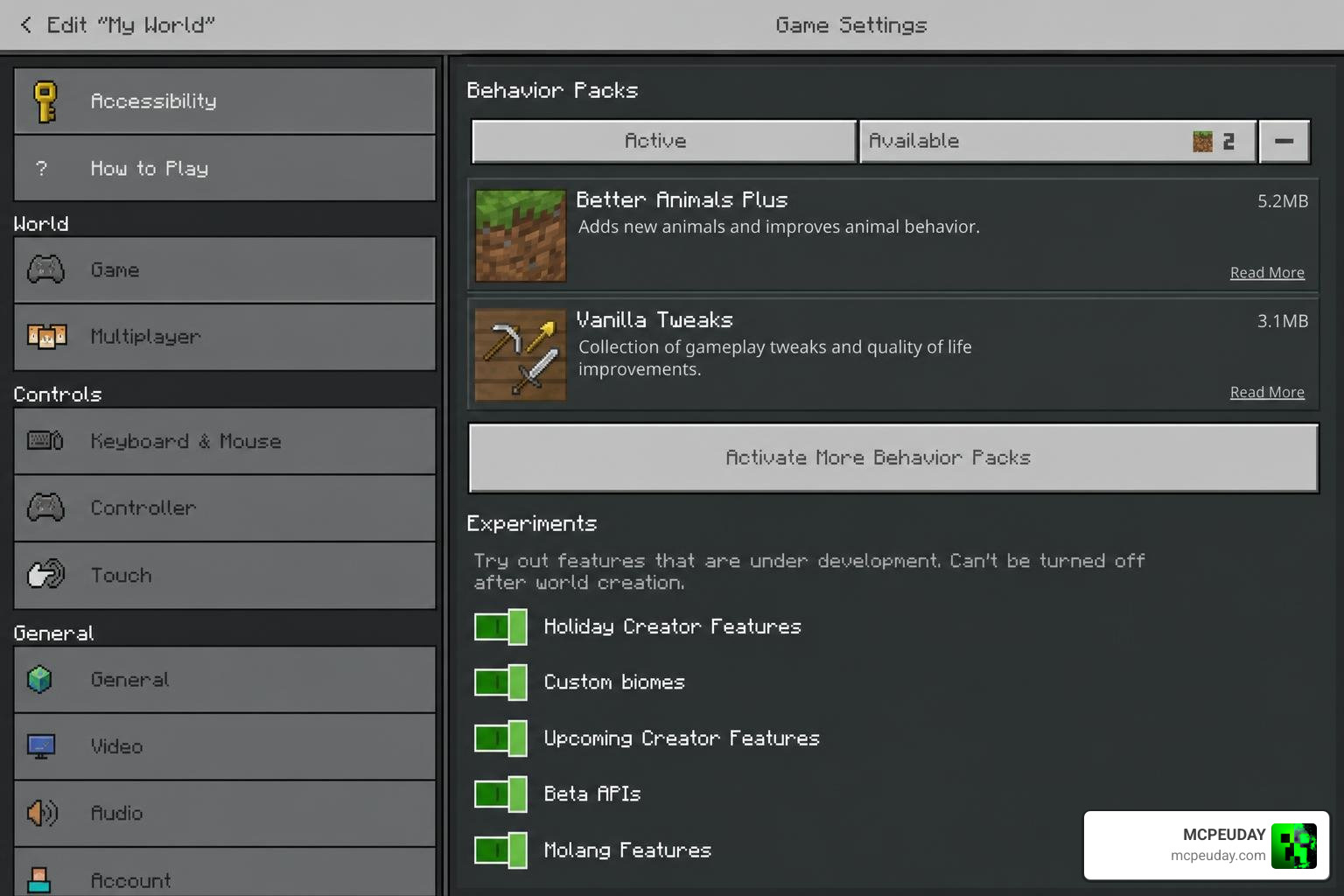
Step 3: Enable Experimental Toggles and Launch
This is the most critical step. Because the Jenny Addon introduces custom entities, structures, and scripts, it will not load in a standard vanilla world without experimental features turned on.
Before launching your world, scroll down the world settings menu to the Experiments section. You must toggle the following options to On:
- Holiday Creator Features
- Custom Biomes
- Upcoming Creator Features
- Beta APIs (if prompted by the addon version)
Once these toggles are active, click Create or Play to launch your world. If you are in Creative Mode, you can open your inventory and search for the companion spawn eggs to verify that the installation worked successfully.
System Requirements, Compatibility, and Safety Concerns
The Jenny Addon is lightweight compared to its Java counterpart, but it still has technical baselines you must meet to avoid crashes.
- iOS Requirements: Requires iOS 15.6 or later. The dedicated installer apps are roughly 25.6 MB to 50.4 MB in size.
- Android Requirements: Works on most modern Android devices running Minecraft PE version 1.20 or newer.
- RAM Recommendations: While Bedrock is highly optimized, we recommend at least 4 GB of RAM on mobile devices to prevent lag when multiple custom entities spawn at once.
There are also content and privacy considerations. The original Java mod by SlipperyTum contained mature themes. While many Bedrock ports are edited to be family-friendly “safe mode” versions focusing purely on companion mechanics, some third-party APKs online may contain uncensored elements. Parents should exercise caution, check the age ratings of installer apps, and verify the specific version of the mod being downloaded.
Performance Tips for the Jenny Addon
If you experience frame rate drops or lag while playing with the Jenny Addon on older mobile devices, there are several ways to optimize your game:
- Limit Companion Spawns: Avoid spawning too many companions in the exact same chunk.
- Reduce Render Distance: Lower your chunk render distance to 8 or 10 in your video settings.
- Use Performance Shaders: Combining gameplay mods with heavy graphics can strain your phone.
To keep your frame rates high while enjoying beautiful visuals, we highly recommend checking out our Newb X Ambient Shader Guide to get realistic lighting and smooth shadows without sacrificing your FPS.
Frequently Asked Questions About the Jenny Addon
Is the Jenny Addon safe for younger players?
It depends entirely on the source. Official app store companion apps are generally rated for ages 4+ and focus strictly on clean, survival-adventure companion mechanics. However, because the original mod was built with adult themes, parents should monitor which third-party websites their children use to download .mcaddon files to ensure they are using a family-friendly version.
Does this addon work on Minecraft Bedrock and PE?
Yes! Unlike Java mods which require PC operating systems, this addon is fully compatible with Bedrock platforms, including Android, iOS, and Windows 10/11.
Can I use other mods alongside this addon?
Yes, you can run other resource and behavior packs alongside this addon, provided they do not edit the exact same entity files. If you want to enhance your world’s atmosphere alongside your new companions, you can check out our Realistic Lighting Shader Guide to find a performance-friendly shader that pairs perfectly with gameplay addons.
Conclusion
The Jenny Addon completely changes how you experience Minecraft Bedrock Edition, transforming a lonely sandbox into a living, breathing world filled with interactive companions. By following our simple 3-step installation guide, you can safely explore custom structures, build relationships with unique characters, and enjoy a fresh survival experience.
For more exciting mods, gameplay packages, and performance-friendly shaders, explore our dedicated MCPEUDAY Mod Addons Category and start customizing your Minecraft worlds today!

72c41w