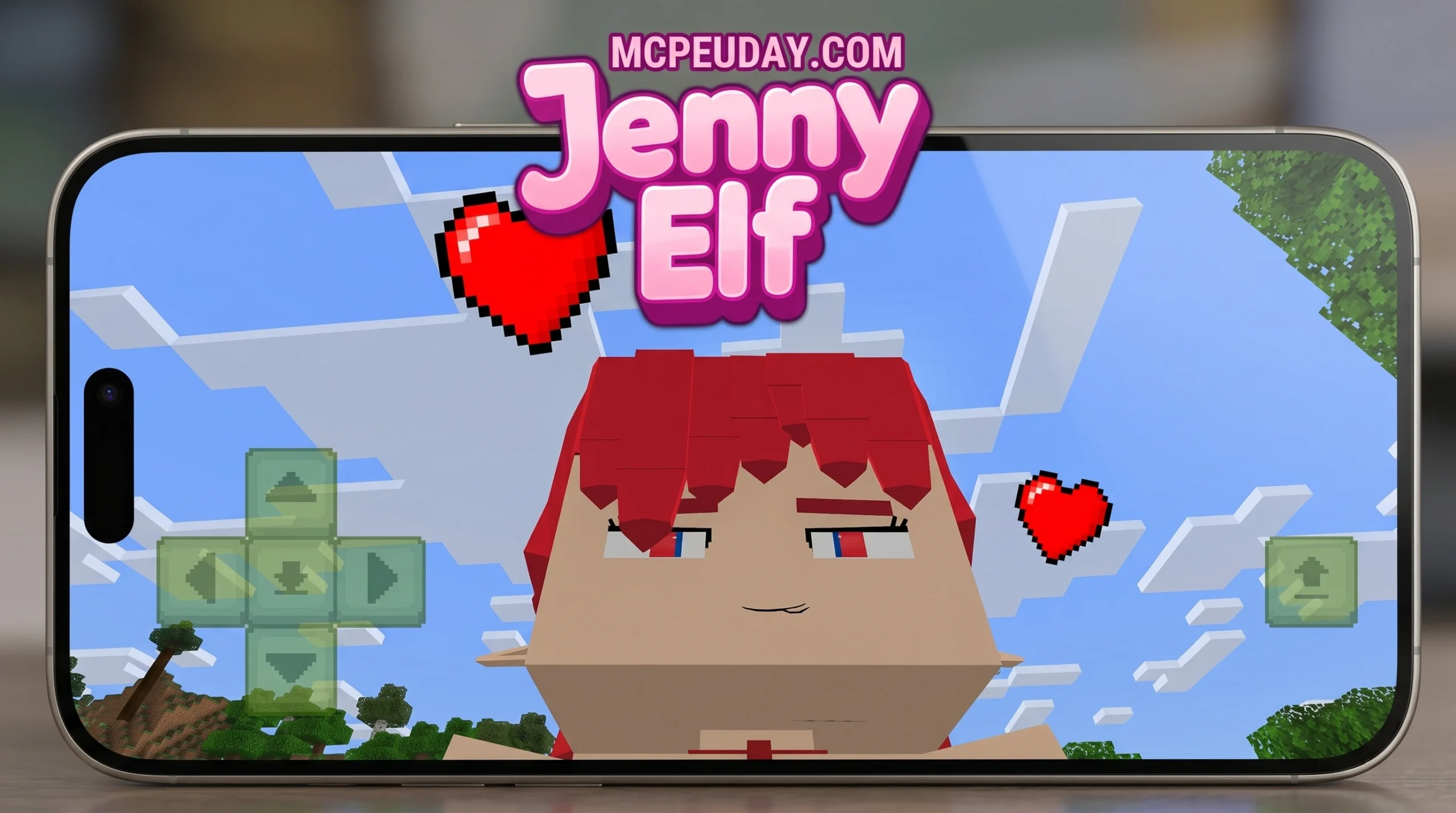
What the Jenny Elf Addon Is and Why Players Love It
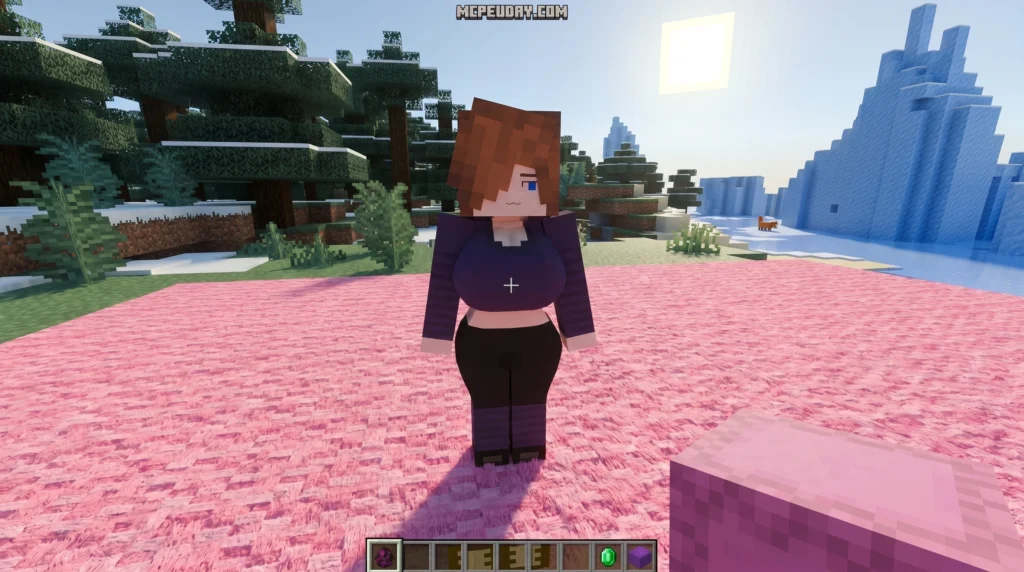
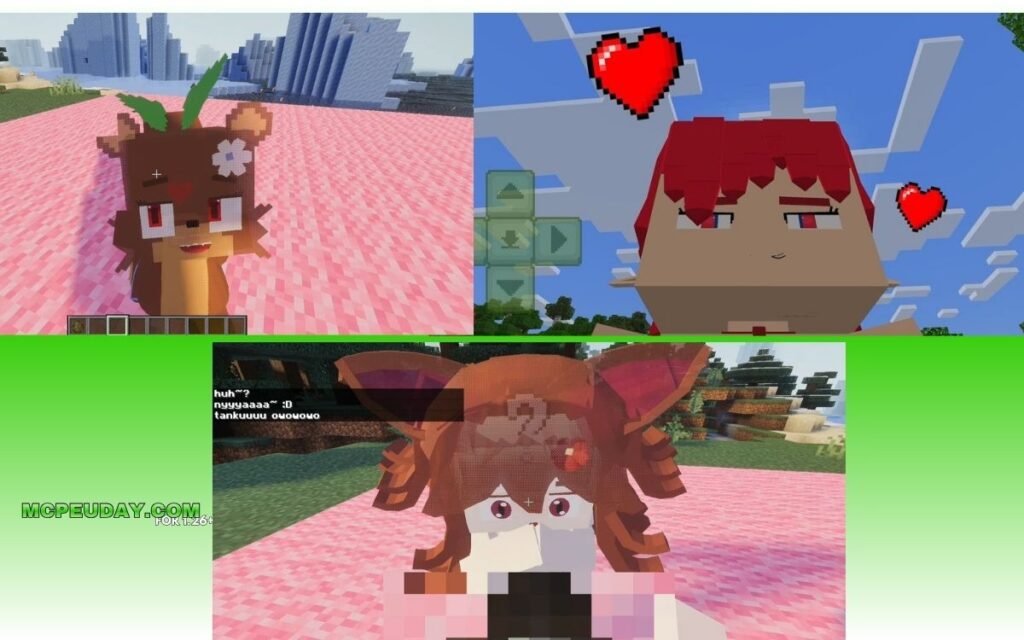
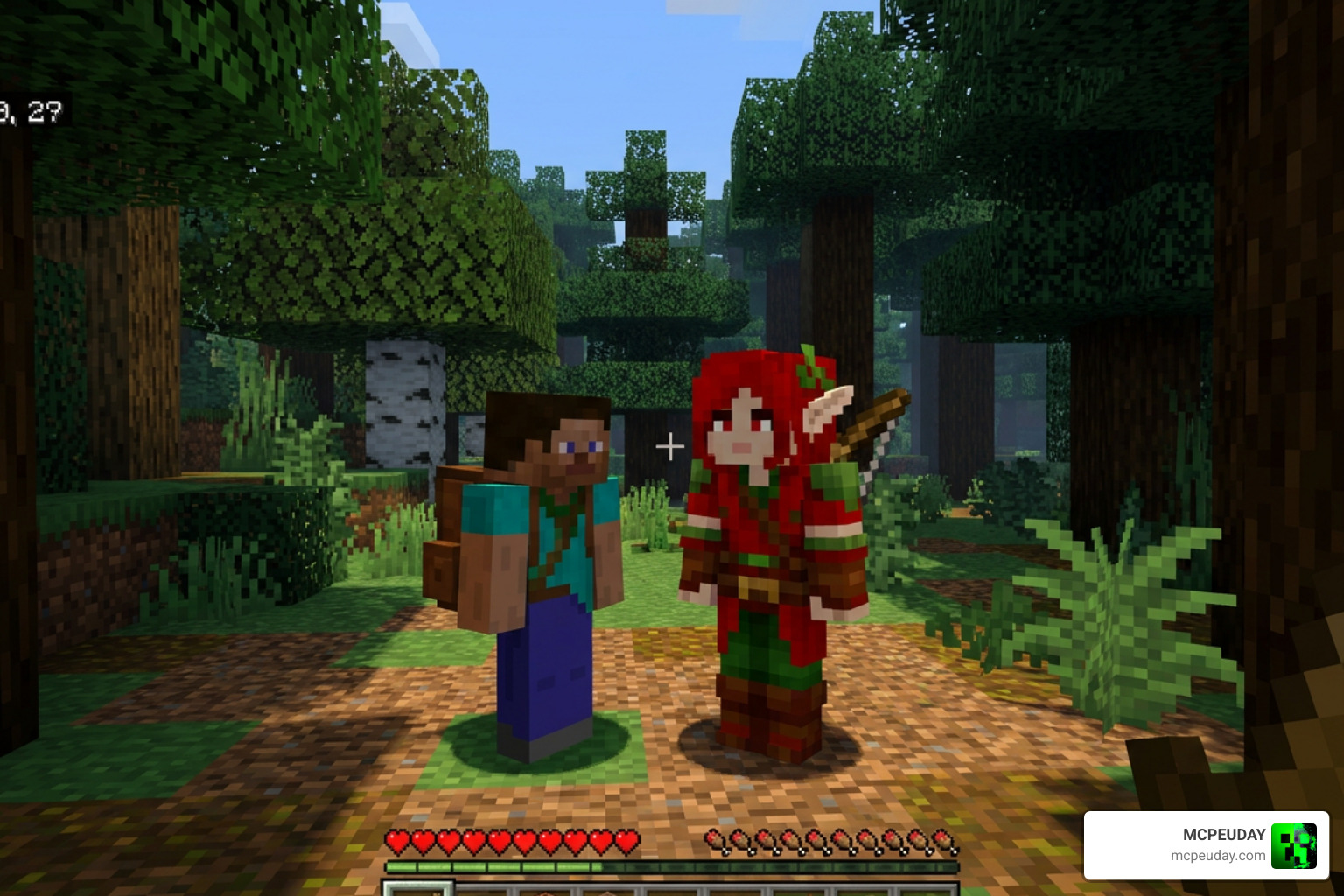
The Jenny Elf Addon is a popular MCPE/Bedrock mod that adds an elf-themed interactive companion character to your Minecraft world. Here’s the quick version:
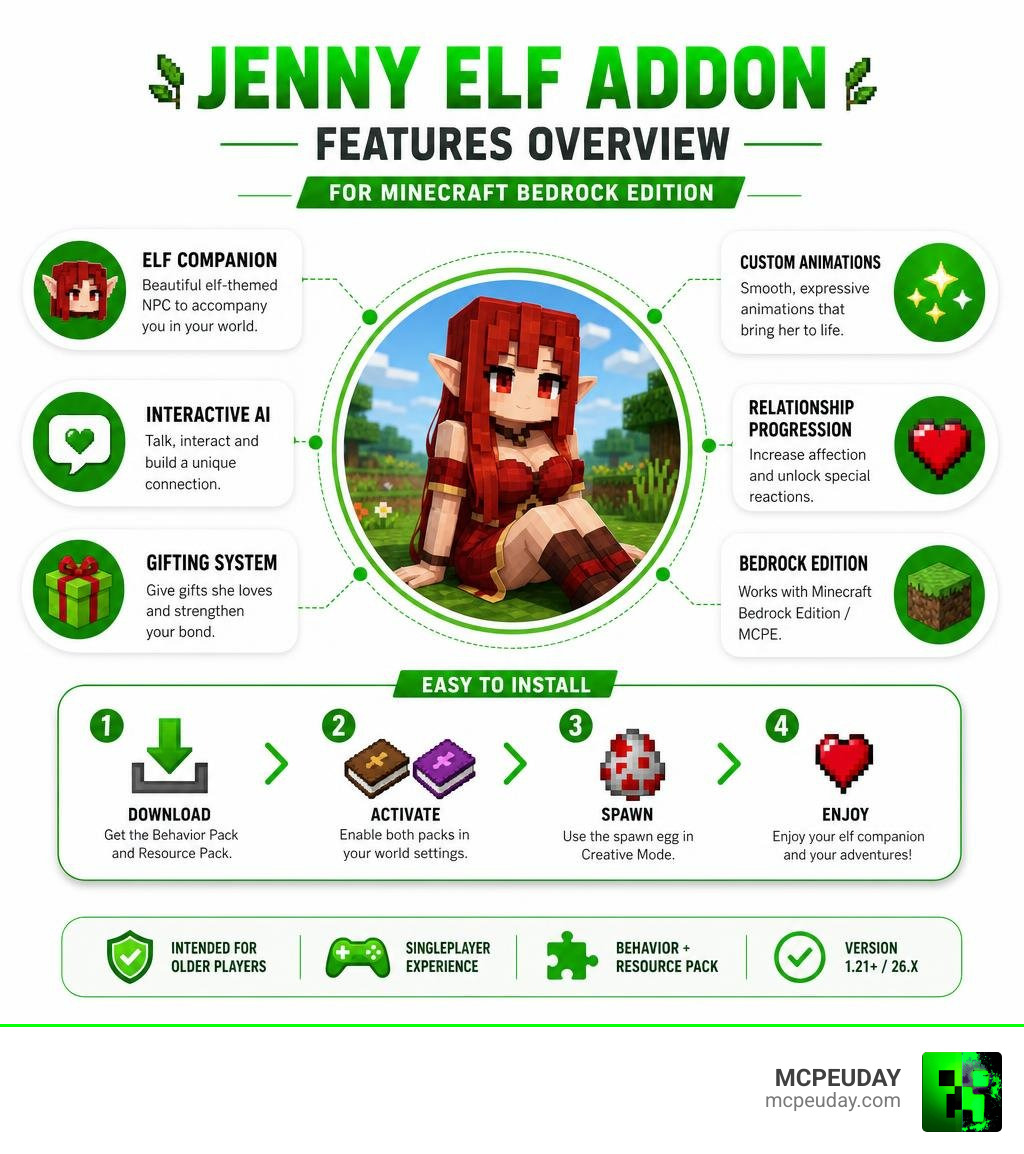
- What it is: A variant of the Jenny Mod featuring a custom NPC with red hair, red eyes, pointed ears, and a red outfit
- Platform: Minecraft Bedrock Edition / MCPE (version 1.21 and 26.x)
- How to use it: Install via Behavior Pack and Resource Pack, then spawn the character using a spawn egg in Creative Mode
- Content rating: Intended for older players — contains mature themes
- Rating: 3.9/5 based on community votes
If you just want to get it running fast, you need to enable both the Behavior Pack and Resource Pack in your world settings. That’s the step most players miss.
Minecraft’s modding community is one of the biggest in gaming, and companion-style addons have become some of the most downloaded content out there. The Jenny Mod alone has crossed 1 million downloads on MCPE, and the Elf variant has built its own dedicated following since its release.
What makes the Jenny Elf Addon stand out is its elf-themed visual design combined with interactive AI behaviors — it’s not just a reskin. Players get custom animations, a gifting system, and relationship progression mechanics that make the companion feel alive inside their world.
This guide covers everything: what it is, how to install it, what to expect, and whether it’s right for your setup.
What is the Jenny Elf Addon?
At its core, the Jenny Elf Addon is an exciting, fantasy-themed variant of the classic Jenny Mod that has taken the Minecraft Pocket Edition community by storm. If you have ever felt lonely wandering through the infinite biomes of Minecraft, this addon introduces a virtual companion designed to make your single-player worlds feel significantly more active and immersive.
Unlike the standard version of the companion mod, this specific edition introduces a unique elf variant. She features striking red hair, deep red eyes, pointed elf ears, and a matching red outfit. This aesthetic overhaul makes her fit perfectly into fantasy-themed worlds, custom medieval castles, or roleplay scenarios.
When we compare this variant to the standard companion mods, the difference is purely in the visual theme and the updated AI mechanics. While the original mod focuses on a modern look, the elf variant leans heavily into the roleplay aspect of fantasy gaming. If you want to learn more about the base mechanics that started it all, you can check out our comprehensive Jenny Elf Addon Guide on MCPEUDAY to see how she compares to other versions.
Key Features and Behaviors of the Elf Companion
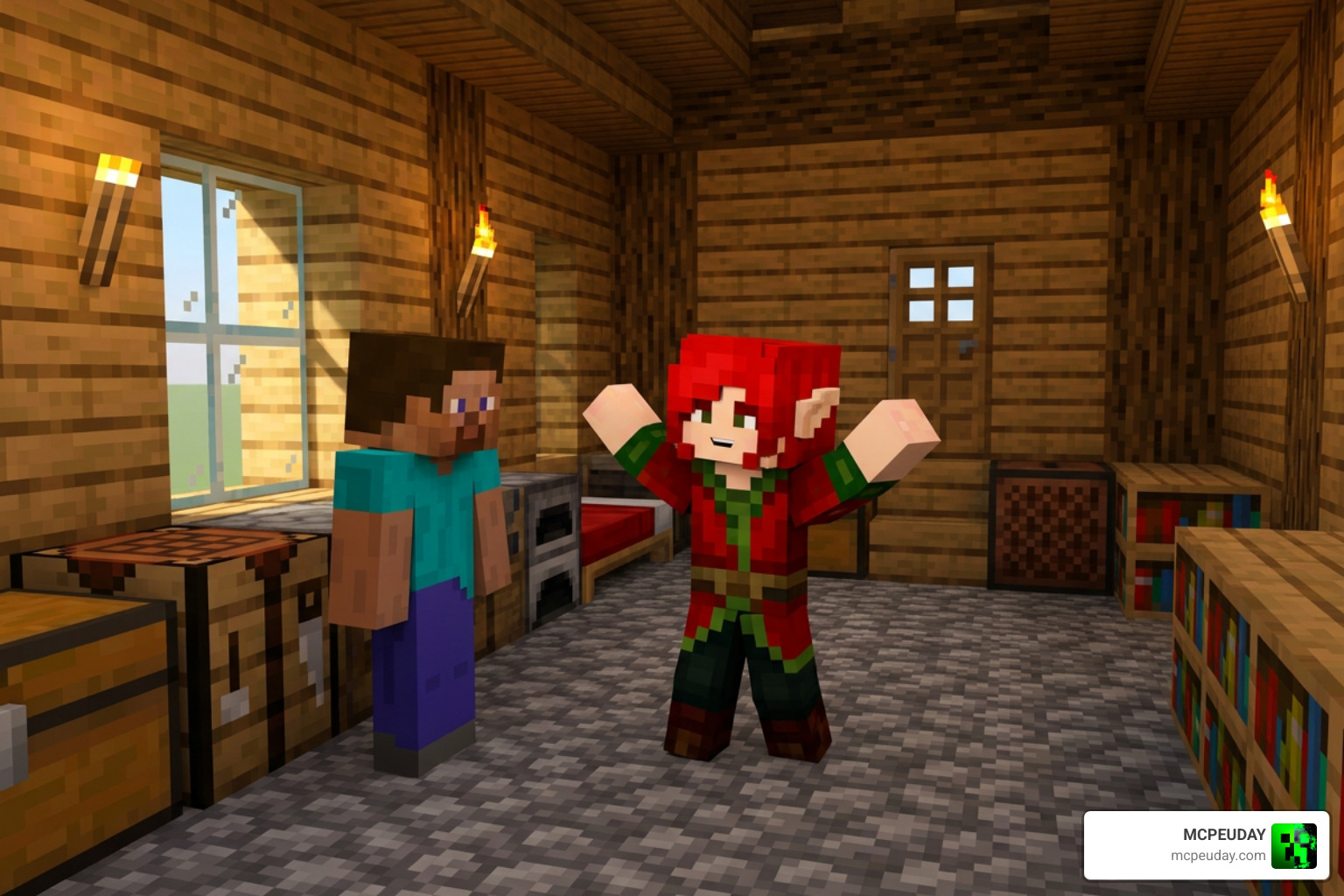
What truly separates this addon from a basic, static custom mob is the level of detail put into how she interacts with you and the world around her. She is not just a passive entity that stands around waiting for commands; she reacts dynamically to her environment and your actions.
Interactive AI and Behaviors of the Jenny Elf Addon
The companion features an evolving relationship progression system. When you first spawn her, she will have basic reactions, but as you spend more time with her and build rapport, you will unlock new interactions.
- The Gifting System: You can give her valuable items like gold, emeralds, and diamonds. Gifting these items increases your friendship level, which in turn unlocks unique dialogue options and animations. (Pro tip: do not try giving her dirt blocks; she knows her worth!)
- Interactive GUI Menu: By interacting with her, you can bring up a custom menu that allows you to issue simple movement commands. You can tell her to follow you on your adventures, stay at your base, or perform specific actions.
- Emotional AI: She exhibits distinct moods based on how you treat her. Providing shelter and interacting with her regularly keeps her happy, while neglecting her or letting hostile mobs attack her will affect her behavior.
To dive deeper into how these menus and systems function in the latest updates, read More info about Jenny Addon 26.x.
Custom Animations and Visuals in the Jenny Elf Addon
Visual immersion is where this addon truly shines. The creators have developed an array of fluid, custom gestures and movements that make her feel like a natural part of the game.
From simple idling animations like looking around and waving to complex emotional expressions, the visual polish is impressive. Her pointed ears twitch slightly, her red outfit features custom textures that look crisp even on mobile devices, and her red eyes have a unique glow.
If you love highly detailed character movements, you might also want to look into how custom animations are changing the game. Check out this guide for More info about player animations to see how you can pair these smooth visual styles with your own player character.
How to Install and Activate the Addon on MCPE/Bedrock
Getting the addon to work correctly in Minecraft Bedrock can sometimes be tricky if you miss a step. Because this mod uses custom models and complex AI scripts, you must ensure both parts of the addon are active.
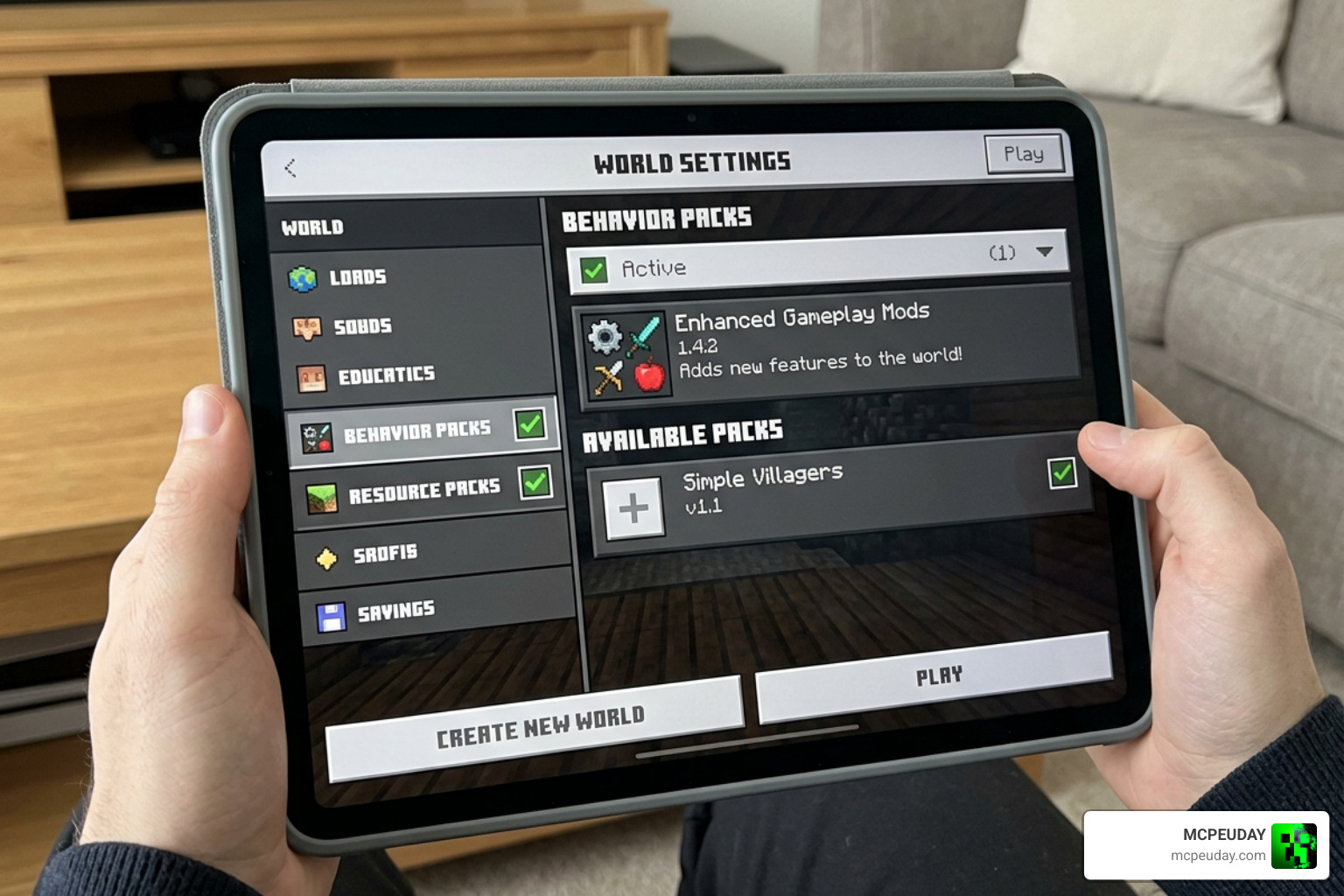
Follow our simple step-by-step guide to get started:
- Download the Files: Head over to our download page to get the official
.mcaddonor.mcpackfiles. You can Get the Jenny Elf Addon on MCPEUDAY. - Import to Minecraft: Once downloaded, tap or double-click the file. Your device should automatically launch Minecraft and import the packs. You will see a notification at the top of your screen saying “Import Started” followed by “Successfully Imported”.
- Create or Edit a World: Go to your world settings. Before loading the world, navigate to the left-hand menu.
- Activate the Resource Pack: Click on “Resource Packs”, find the pack, and click “Activate”.
- Activate the Behavior Pack: Click on “Behavior Packs”, find the corresponding pack, and activate it. Crucial Note: Both packs must be active at the same time for the mod to work!
- Enable Experimental Toggles: Scroll down to the “Experiments” section in your game settings. You must turn on features like “Holiday Creator Features”, “Upcoming Creator Features”, and “Beta APIs”. Without these, the custom AI will not load.
- Launch and Spawn: Enter your world. Go to your Creative inventory, search for the custom spawn egg, and place your new elf companion in your world!
For more troubleshooting tips and general help with mobile modding, check out More info about Minecraft PE.
System Requirements and Version Compatibility
To ensure a smooth gameplay experience without lag or crashes, your device needs to meet certain specifications. Because the addon loads custom 3D models and advanced scripts, it is slightly heavier than a standard texture pack.
Here is a quick look at the compatibility and system requirements:
| Feature | Minimum Requirement | Recommended Specification |
|---|---|---|
| Minecraft Version | Bedrock 1.20 | Bedrock 1.21 / 26.x |
| Operating System | Android 5.0+ / iOS 11+ | Android 10+ / iOS 15+ |
| RAM | 4 GB | 8 GB (for optimal performance) |
| Free Storage Space | 500 MB | 1 GB+ |
| Experimental Toggles | Required | Required |
If you are running the mod on a mid-range mobile device, we highly recommend avoiding heavy shader packs or high-resolution texture packs at the same time. This keeps your frame rates high and prevents your device from heating up during long play sessions.
Risks, Disclaimers, and Content Warnings
While the Jenny Elf Addon is an incredibly fun and unique way to play Minecraft, we want to make sure our community stays fully informed about what they are downloading.
First and foremost, this mod is a community-created project and is not affiliated with, authorized by, or associated with Mojang AB or Microsoft. It is an unofficial addition to the game.
Secondly, you should be aware of the content warnings. The original family of companion mods was designed with mature themes in mind. While the basic elf variant focuses heavily on fantasy roleplay, exploration, and companionship, some versions contain settings or interactions intended strictly for older players. We strongly advise parental discretion and recommend that younger players stick to standard utility or fantasy companion addons.
Lastly, because this mod alters game behaviors and entity scripts, we always recommend backing up your world before installing it. Additionally, this mod is designed primarily for single-player worlds. Running it on public multiplayer servers can cause stability issues or conflict with server-side anti-cheat plugins.
Frequently Asked Questions about the Jenny Elf Mod
Where does the Jenny Elf spawn in Minecraft?
In most versions of the addon, she does not spawn naturally in the wild to prevent her from cluttering your survival game. Instead, you can easily spawn her using her custom spawn egg found in the Creative Mode inventory. However, in some extended adventure packs, you may occasionally find her or her custom structures spawning in temperate plains biomes or near custom forest cottages.
Is the Jenny Elf Addon safe to download?
Yes, it is entirely safe as long as you download it from trusted and verified platforms like MCPEUDAY. Always run a quick antivirus scan on any file you download, and avoid suspicious third-party sites that require you to complete endless surveys or download external executable files.
Can I use this addon with other Bedrock mods?
Generally, yes! You can combine her with custom weapon mods, furniture addons, or visual updates. However, she might conflict with other mods that completely overhaul NPC behaviors or change how player interactions work. If you want to build a massive, immersive world around her, she fits perfectly with fantasy packs. You can find More info about Bedrock Reimagined RPG addon to see how you can build a complete roleplaying experience.
Conclusion
The Jenny Elf Addon brings a unique, fantasy-themed twist to the classic companion formula in Minecraft Bedrock. With her striking red hair, pointed ears, and highly interactive AI, she makes a fantastic partner for players looking to add a bit of life, roleplay, and narrative to their single-player adventures.
Whether you want to build a cozy forest cottage for her, take her along on dangerous dungeon raids, or simply enjoy the visual upgrade of her custom animations, this addon is a highly polished option that is well worth checking out. Just remember to activate both the Resource and Behavior packs, turn on your experimental toggles, and back up your favorite worlds before you start!
Are you ready to explore even more ways to transform your Minecraft experience? Explore more Minecraft Mod Addons on our site to find the latest graphics updates, gameplay overhauls, and companion mods!
2 thoughts on “Jenny Elf Addon (26.x, 1.21) – MCPE/Bedrock Mod”