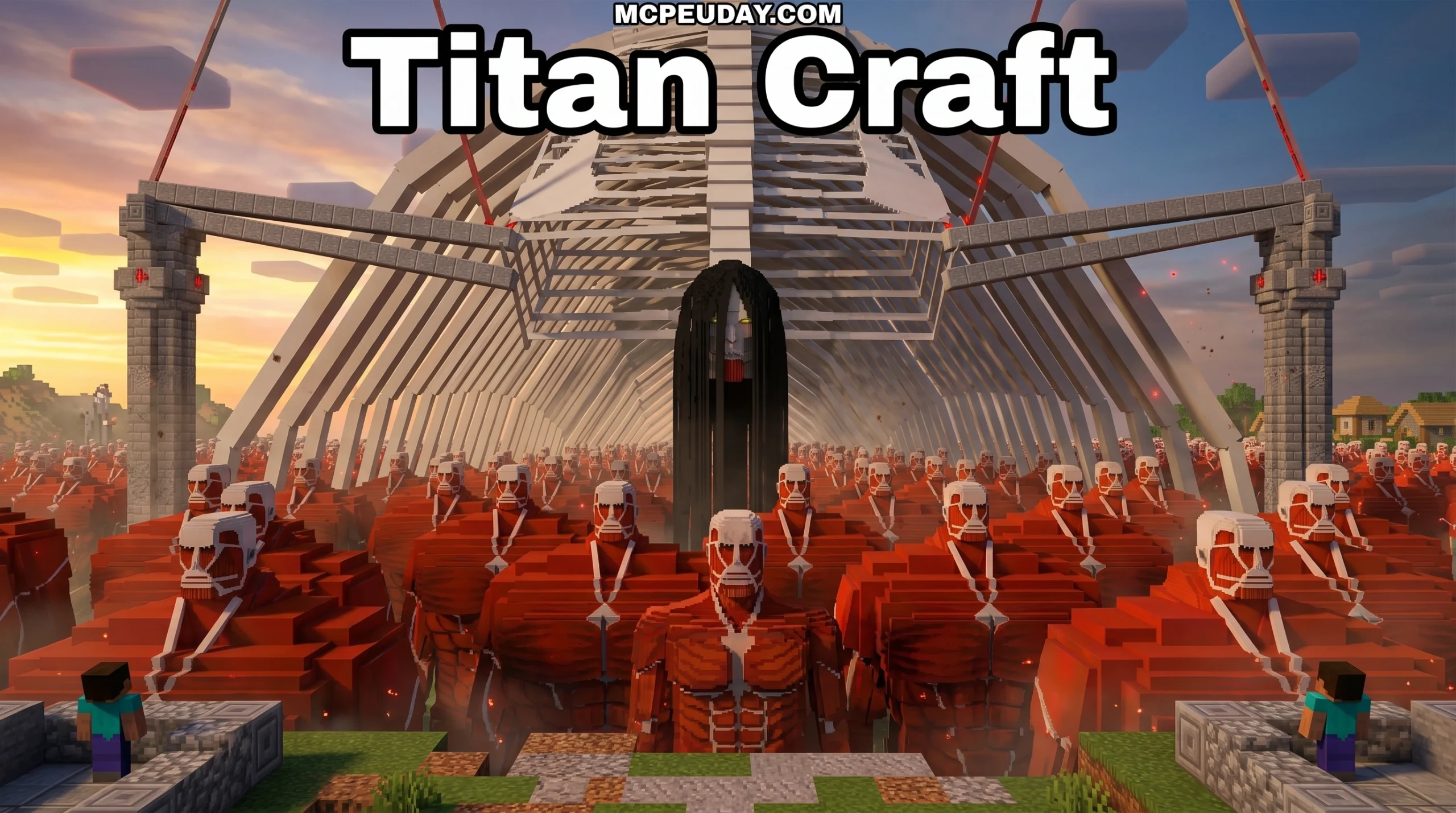
What the Titan Craft Addon Does — and Where to Get It
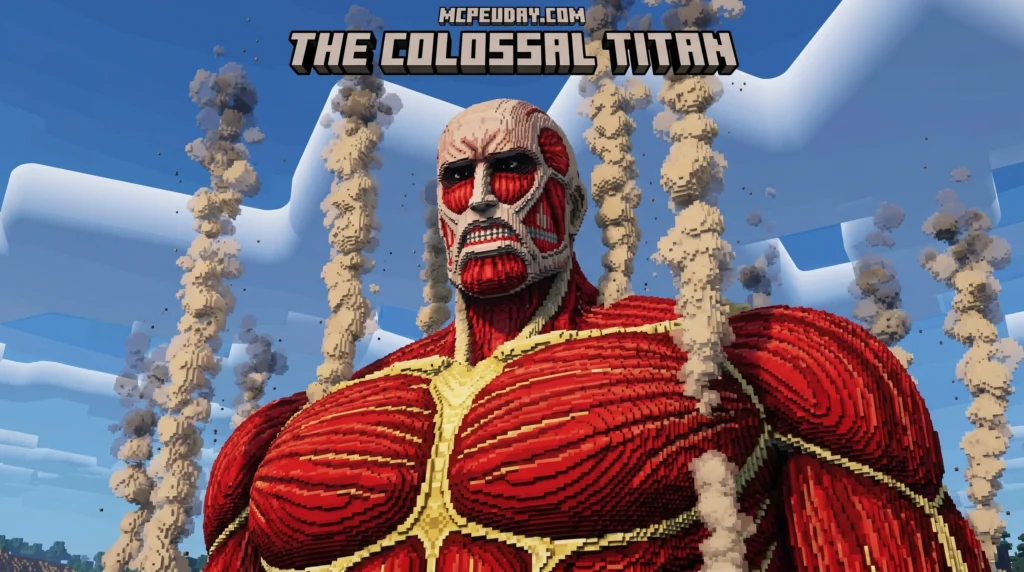
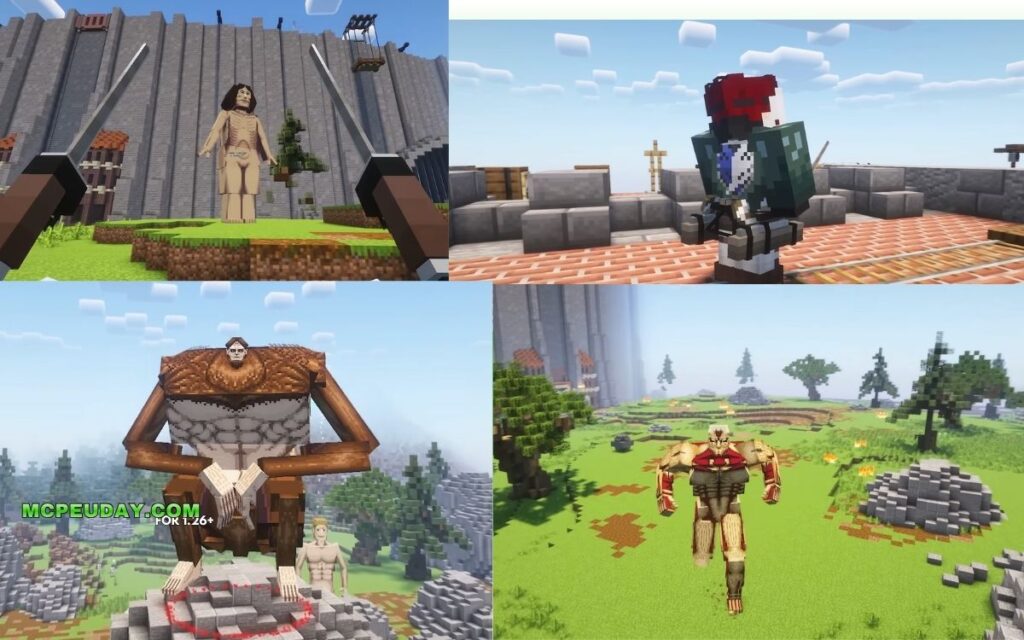
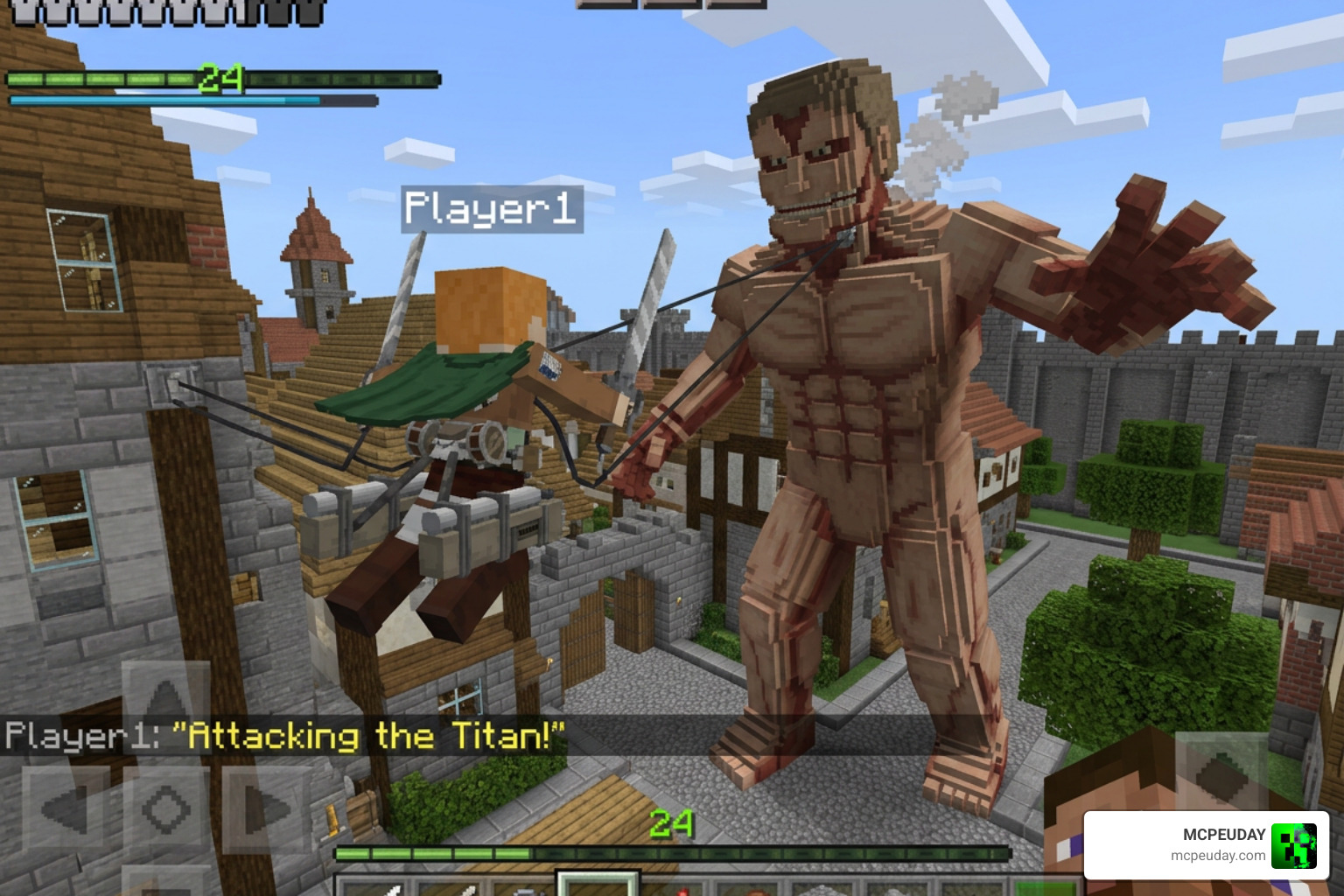
The Titan Craft Addon is a free Minecraft PE/Bedrock mod that brings Attack on Titan (Shingeki no Kyojin) directly into your game — complete with titan shifting, ODM gear, and iconic titans like the Colossal, Armored, and Beast Titan.
Here’s a quick snapshot of what you need to know:
- What it is: A Minecraft Bedrock addon based on the Attack on Titan anime
- Supported versions: Minecraft PE/Bedrock 1.21 and 1.26 (26.x)
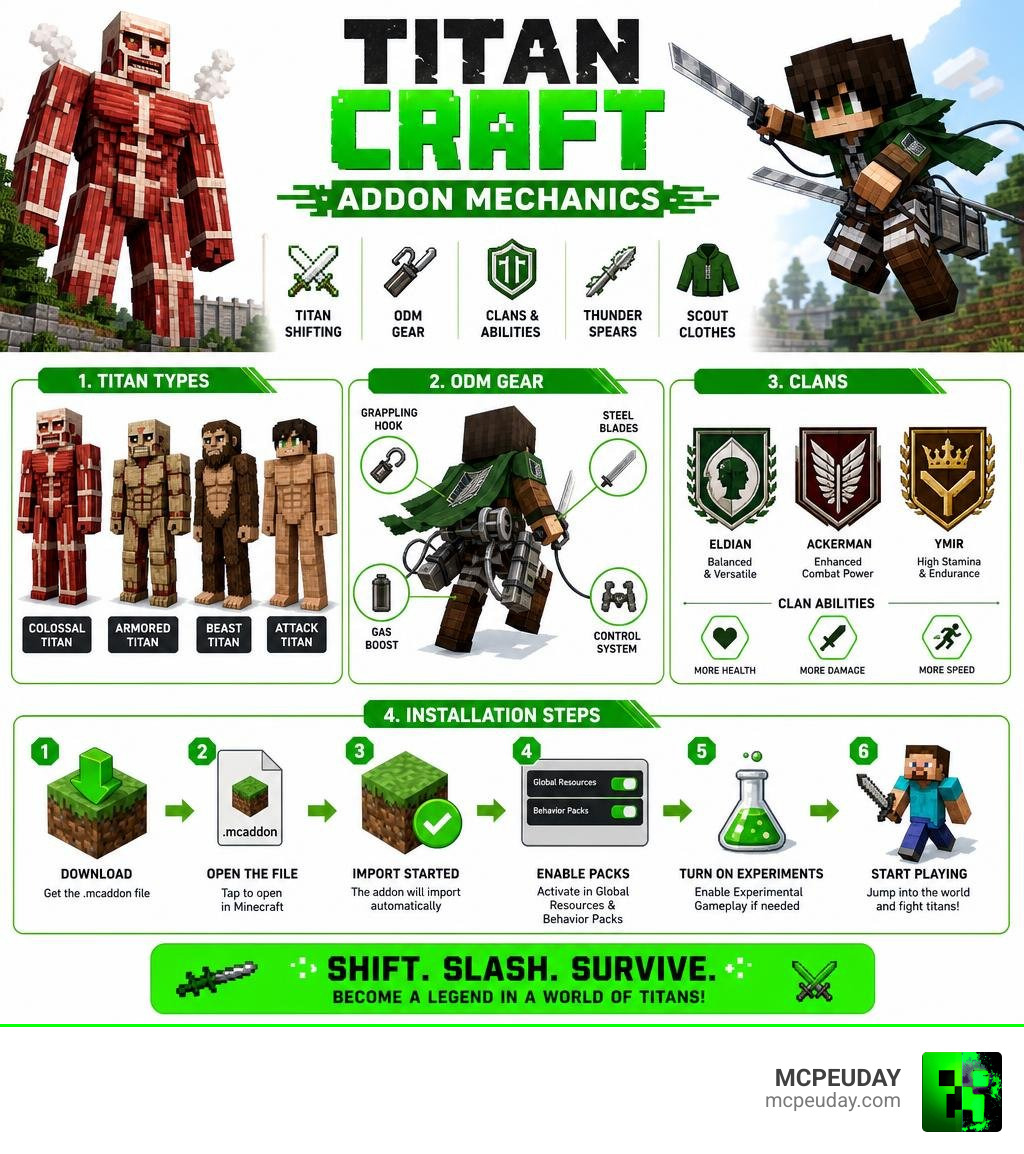
- Key features: Normal titans, titan shifters, ODM gear, clans (Eldian, Ackerman, Ymir), thunder spears, scout clothes
- How to install: Download the
.mcaddonfile, open it in Minecraft, and enable Experimental Settings if needed - Rating: 4.2 out of 5 based on 45 user ratings
- Where to get it: Download links and the full setup guide are available right here on MCPEUDAY
If you’re an Attack on Titan fan who plays Minecraft PE, this addon is one of the most complete anime integrations available for Bedrock Edition. It adds 22 unique entities, lets you shift into titans, fight using ODM gear, and pick a clan — all inside your existing Minecraft world.
Only pro players will survive. That’s not just hype — the titans are aggressive, and mastering the ODM gear takes real practice.
Below, we break down every feature, walk through installation step by step, and compare it to similar addons so you know exactly what you’re getting.
What is the Titan Craft Addon for Minecraft PE?
The Titan Craft Addon is an immersive modification designed specifically for Minecraft Bedrock Edition (PE). It translates the dark, high-stakes atmosphere of Shingeki no Kyojin into blocky survival gameplay. Instead of just fighting standard zombies and skeletons, we are forced to defend our villages from towering, man-eating giants that roam the landscape.
What makes this addon special is its depth. It is not just a simple re-skin of existing mobs. It introduces completely new gameplay loops, including the ability to inherit one of the Nine Titans, hook onto trees and cliffs using Omni-Directional Mobility (ODM) gear, and join historical clans that dictate your baseline stats.
If you are ready to defend humanity or crush your enemies underfoot, you can find the latest files and guides on our dedicated Titan Craft Addon Download and Guide on MCPEUDAY page.
Key Features and Entities in the Titan Craft Addon
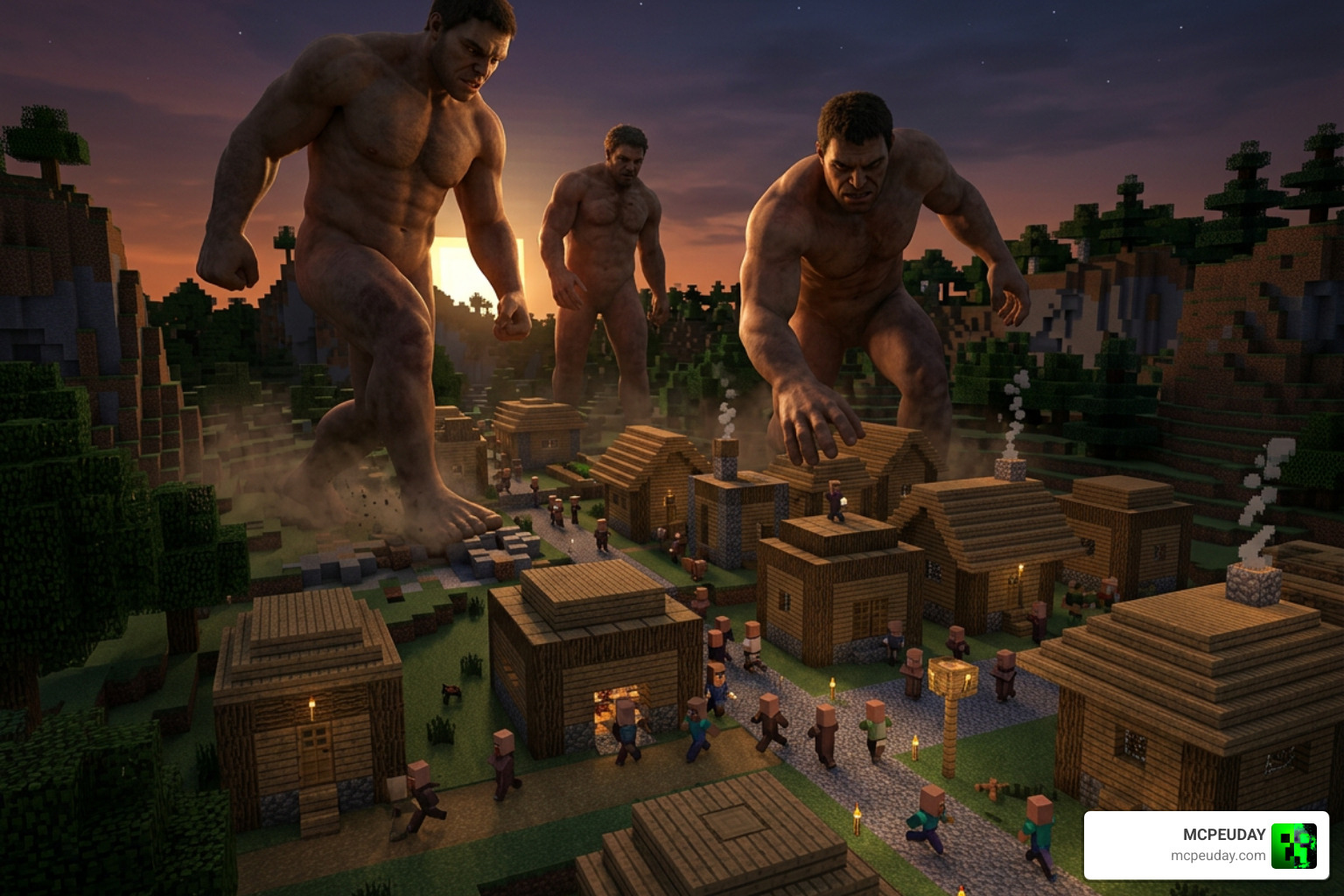
When you load up a world with the Titan Craft Addon active, survival mode changes immediately. The environment becomes significantly more hostile as giant predators begin spawning in your biomes.
Titan Shifters and Normal Titans in the Titan Craft Addon
The addon features 22 custom entities, each designed with spoiler-free descriptions and accurate visual representations from the anime:
- Regular Titans: These mindless giants come in 10 unique variants and 3 distinct sizes. They wander the world looking for players or villagers to grab and devour.
- Abnormal Titans: Highly unpredictable, these titans move faster and exhibit erratic behaviors, making them incredibly difficult to hit.
- Dina’s Titan: A specialized abnormal titan with a chillingly familiar look.
- Armored Titan: A heavy-duty titan boasting 40 HP, covered in hardened plates that resist basic attacks.
- Beast Titan: Standing tall with 35 HP, this titan can chuck projectiles at you from afar.
- Cart Titan: Extremely fast and nimble, featuring 16 HP.
- Female Titan: A swift martial-artist titan with 25 HP.
- Founder Titan: A massive, god-like entity with 35 HP.
- Jaw Titan: Small, lightning-fast, and equipped with devastating bite attacks.
- Colossal Titan: The ultimate threat, boasting a default 100 HP. When it unleashes its signature steam attack, its HP drops to 50, but it creates a massive thermal explosion.
- Warhammer Titan: Armed with structural hardening abilities and 80 HP.
A unique feature of this addon is that the Titans of Ymir can be temporarily knocked out. Once down, they can transform back into their human forms to retreat, regroup, or fight you with handheld weapons!
ODM Gear, Thunder Spears, and Scout Equipment
To combat these massive threats, we have access to high-tech scout equipment. Standard iron swords won’t cut it here; you need specialized gear to survive.
- ODM Gear: This equipment allows you to grapple onto surfaces and swing through the air. However, it requires active resource management. You must reload your handles with fresh blades and keep your gas canisters filled.
- Thunder Spears: High-explosive projectiles designed to blow through the hardened armor of titan shifters.
- Scout Clothes: Equipping the classic green cape and uniform completely removes fall damage, allowing you to swing from the clouds without fear of a sudden game-over screen.
For players looking to combine these mechanics with other advanced survival systems, you should check out our Core Craft Addon Mcpe 1 21 Features Download Full Guide to build the ultimate utility loadout.
Choosing Your Clan: Eldian, Ackerman, and Ymir
Upon starting your adventure, you can choose from three distinct clans, which alter your gameplay style:
- Eldian Clan: The only clan capable of shifting into the Nine Titans. If you want to use titan-shifting powers, this is your choice.
- Ackerman Clan: Grants supreme physical stats, high speed, and increased damage. Perfect for players who want to master ODM gear combat.
- Ymir Clan: Offers a balanced path with unique survival traits and ancient passive abilities.
Gameplay Mechanics: Shifting, Combat, and Survival
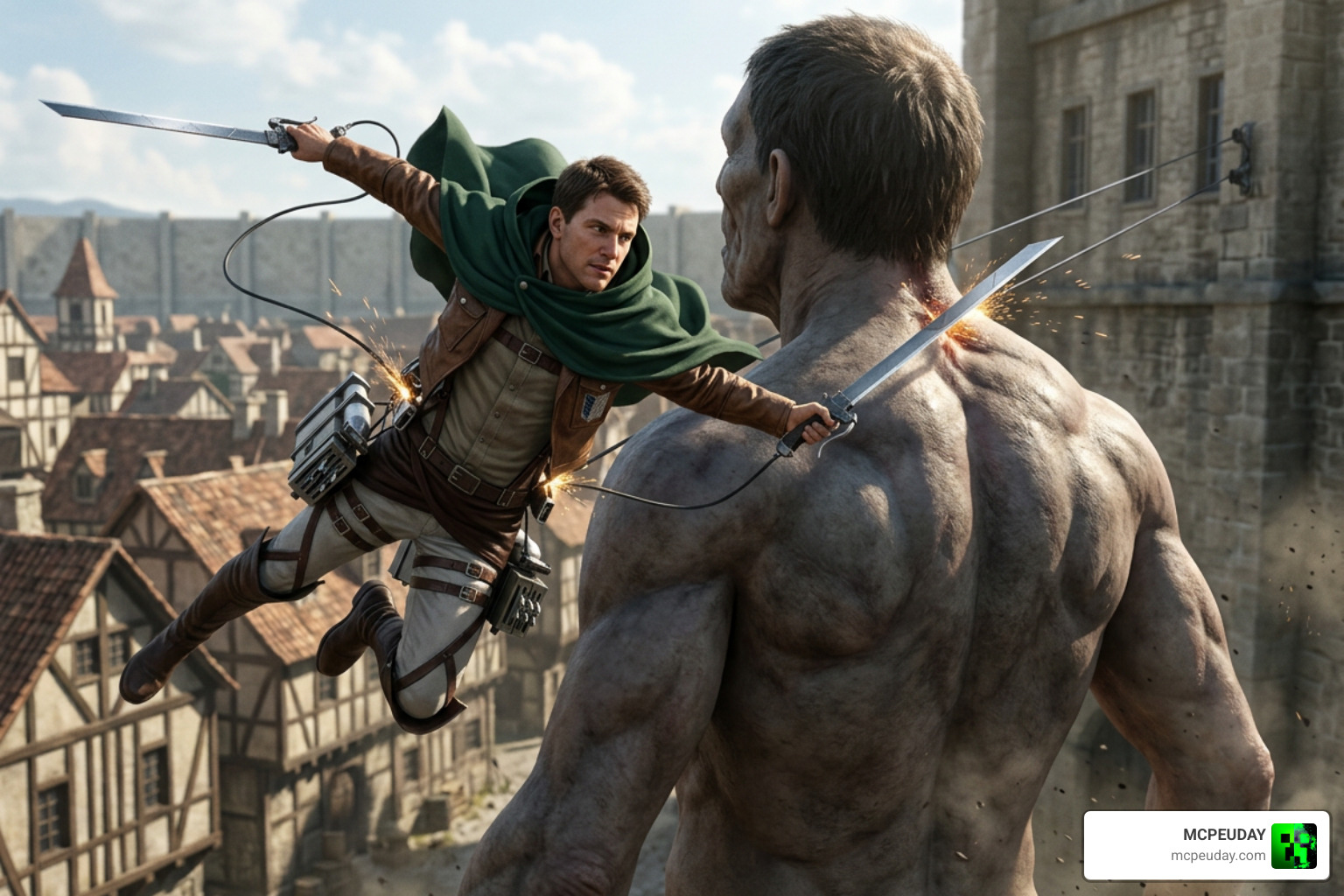
Combat in the Titan Craft Addon is highly strategic. Titans are not just large zombies; they have custom collision boxes and interactive mechanics. They can pick up players and villagers, holding them in their hands before eating them.
To take down a titan, you cannot simply hit their legs. You must use your ODM gear to swing behind them and strike their nape weak point. Striking the nape deals massive critical damage, which is often the only way to quickly neutralize larger variants.
To help you understand the differences between the main versions available online, we have compiled a quick comparison table:
| Feature | Titan Craft Addon (26.x, 1.21) | Craft On Titan (Colossal Update) |
|---|---|---|
| Entities Included | 22 custom entities | Focuses on key shifters |
| ODM Mechanics | Advanced (Blades, Gas, Handles) | Basic grappling & swinging |
| Clan System | Yes (Eldian, Ackerman, Ymir) | No |
| File Size | Larger (Highly detailed models) | 5.11 MB (Lightweight) |
| Key Highlight | Deep RPG mechanics & survival | Quick titan transformations |
How to Use the Titan Craft Addon to Transform and Fight
If you belong to the Eldian clan, you can obtain titan shifting powers. To transform, you must trigger the shifting item (often requiring you to take damage or use a specific injector key). Once transformed, your camera shifts to a giant perspective, and you gain access to active skills like punch, stomp, and a deafening roar that stuns nearby entities.
If you want to experience this within a broader, roleplay-focused world, consider pairing this addon with the Bedrock Reimagined Addon 1 21 1 26 Transform Minecraft Bedrock Into An RPG Adventure to turn your Bedrock world into a full-scale dark fantasy campaign.
Comparing Titan Craft with Other Anime Addons
While there are many anime mods out there, few offer the mechanical polish of the Titan Craft Addon. Some apps on mobile stores primarily offer static skins and simple map packs. In contrast, this addon provides fully animated 3D models and functional physics. For pure Bedrock/PE integration, nothing beats the performance of the Titan Craft .mcaddon file.
To explore more combat-focused or anime-inspired modifications, browse our curated Explore Anime Addons on MCPEUDAY category page.
How to Install and Set Up the Addon in Minecraft PE/Bedrock
Getting the addon up and running in June 2026 is simple if you follow these steps:
- Download the Addon: Get the latest version of the Titan Craft
.mcaddonfile from our verified links. - Import to Minecraft: Locate the downloaded file on your device and double-click or tap it. Minecraft PE/Bedrock will launch automatically and import both the Behavior Pack and Resource Pack.
- Create a New World: Go to the world creation screen.
- Enable Experimental Settings: This is crucial! Toggle on Beta APIs, Holiday Creator Features, and Upcoming Creator Features in your world settings, or the custom ODM gear and titan models will not load correctly.
- Activate the Packs: Under the “Resource Packs” and “Behavior Packs” tabs, activate the Titan Craft packs.
- Launch and Play!
Pro Tip: Want to fight titans in a beautifully constructed medieval world with massive walls? We highly recommend installing the Medieval Structures Addon 1 26 1 21 Transform Your Minecraft World With Realistic Medieval Builds alongside this mod. It populates your world with gorgeous, realistic castles and walls that are perfect for keeping the giants at bay! If you prefer a wider variety of modern or fantasy builds, check out the Better Structures Addon as well.
Frequently Asked Questions about the Titan Craft Addon
How do you transform into a Titan in the Titan Craft Addon?
To transform, you must first ensure you belong to the Eldian clan. You must obtain a shifting catalyst item in survival (or grab it from the creative inventory). Once held, use the item while your health is below maximum, or trigger your active transformation key to summon lightning and shift into your designated titan form.
What Minecraft versions are compatible with the Titan Craft Addon?
The addon is fully optimized for Minecraft PE/Bedrock 1.21 and 1.26 (26.x). Make sure your game is updated to the latest version and that you have enabled all experimental gameplay toggles before launching.
How do you craft and reload ODM gear in survival mode?
In survival mode, you can craft the ODM gear base using iron ingots, redstone, and leather. To keep it functional, you must separately craft blades and gas canisters. When your gear runs low, place the handles in your off-hand and use the reload items to replenish your gas and blade durability.
Conclusion
The Titan Craft Addon completely revitalizes Minecraft PE by turning a peaceful sandbox game into an intense battle for humanity’s survival. With its incredible roster of 22 entities, functional ODM gear, and deep clan mechanics, it is a must-play for any anime fan in June 2026.
If you are looking for external resources, you can look into custom 3D figure printing at TitanCraft® (though note that this is an independent 3D modeling platform for tabletop miniatures!).
For the absolute best, safest, and most up-to-date files for your mobile device or console, always stick with us. Explore more Minecraft PE mods and addons on MCPEUDAY to build your ultimate modded Minecraft experience today!