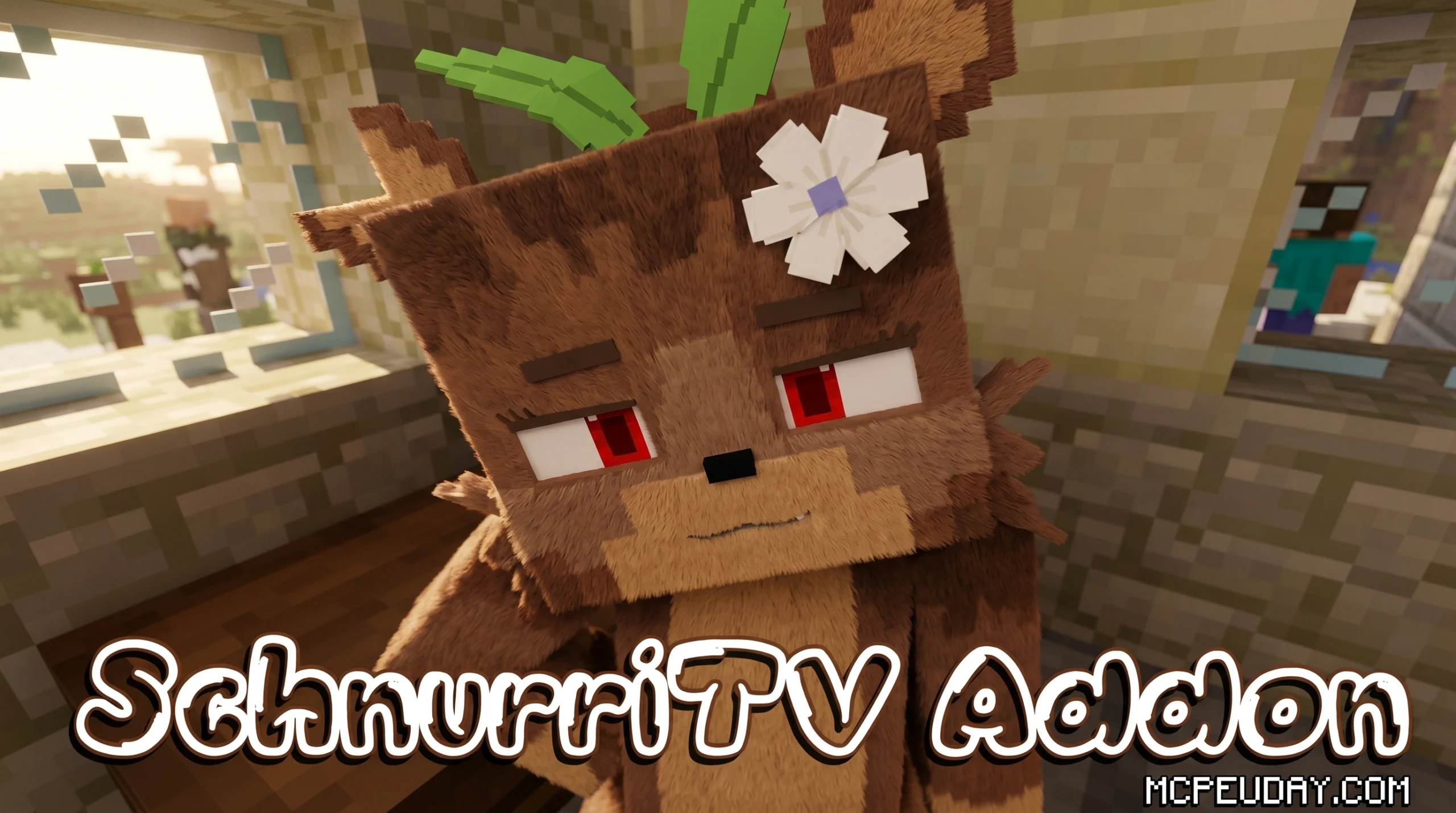
What You Need to Know About the SchnurriTV Addon Right Now
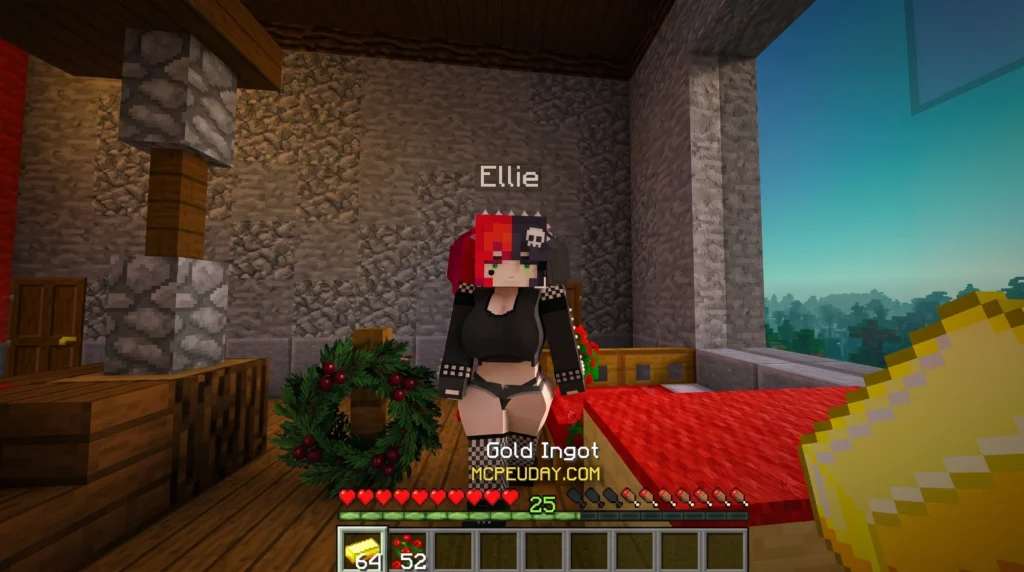
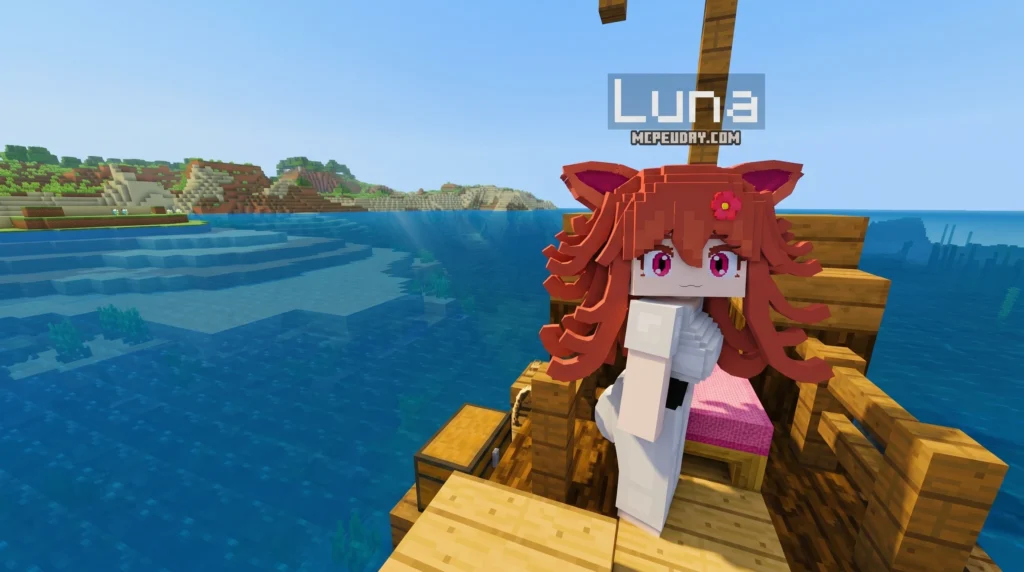
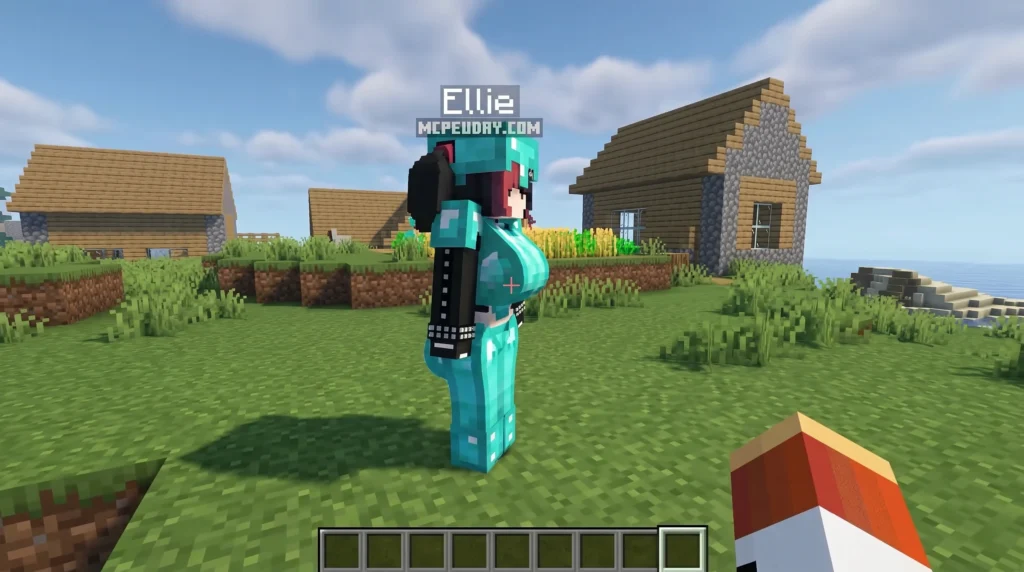
The SchnurriTV Addon is one of the most popular companion mods available for Minecraft Bedrock Edition, adding an interactive virtual companion to your world that you can walk with, go on dates with, and even fight alongside.
Here’s how to find and get started with it fast:
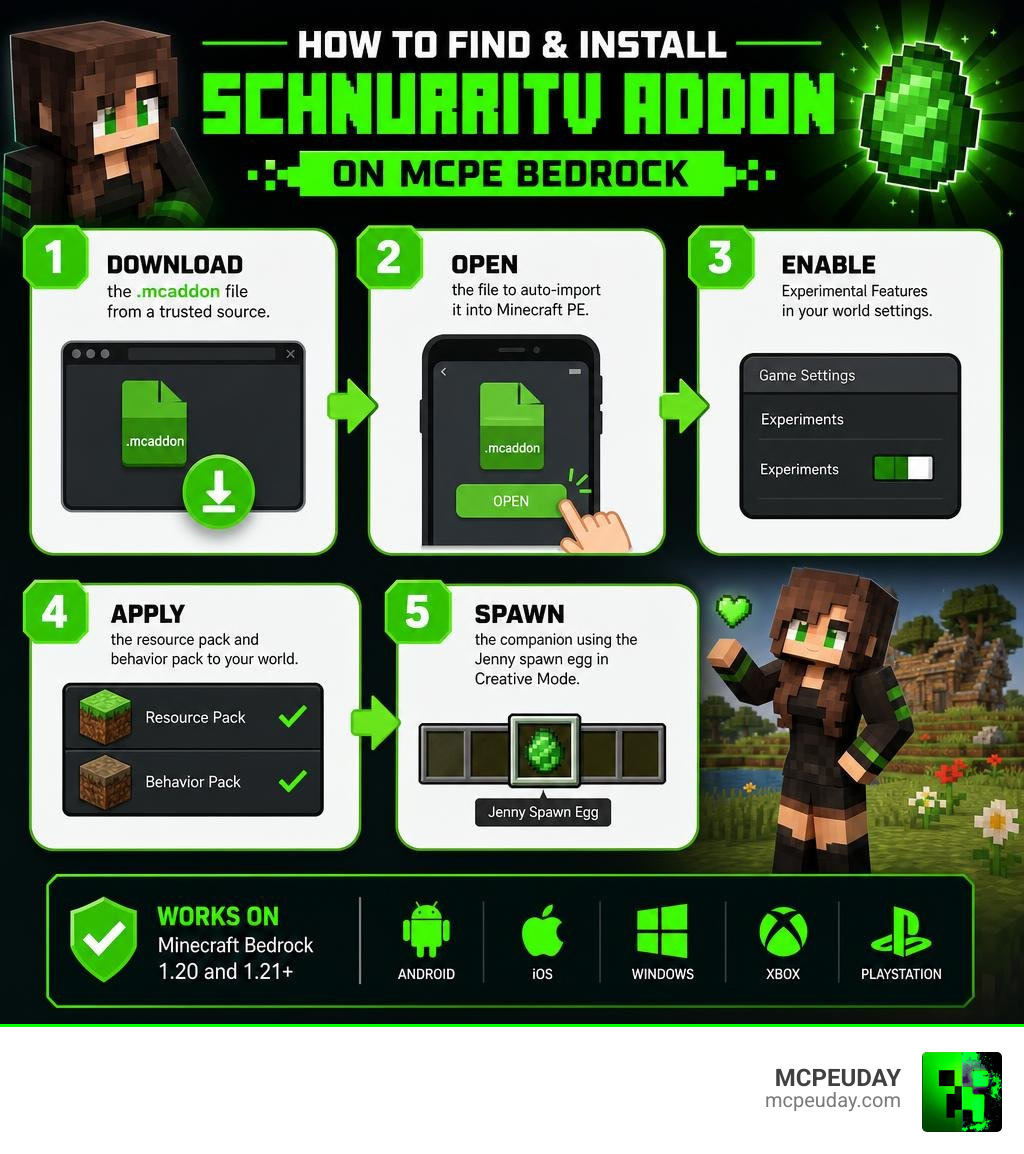
- Download the
.mcaddonfile from a trusted source - Open the file to auto-import it into Minecraft PE
- Enable Experimental Features in your world settings
- Apply the resource pack and behavior pack to your world
- Spawn the companion using the Jenny spawn egg in Creative Mode
It supports Minecraft Bedrock versions 1.20 and 1.21+ and works on Android, iOS, Windows, Xbox, and PlayStation.
Finding the right version, avoiding sketchy download sites, and getting the addon to actually work can be frustrating — especially with so many unofficial mirrors floating around. This guide walks you through everything: what the addon does, how to install it safely, and how it stacks up against similar companion mods in June 2026.
What is the SchnurriTV Addon for Minecraft Bedrock?
The SchnurriTV Addon (often referred to by the community as the Jenny Mod) is a gameplay modification that introduces highly interactive, expressive female companions into your Minecraft worlds. Originally designed for Java Edition, this Bedrock port brings a lively alternative to the silent, solitary sandbox of vanilla Minecraft.
Instead of wandering a lonely world, we can now share our bases, castles, and adventures with a companion who has her own personality, emotional reactions, and preferences. The addon is highly optimized for creative building, roleplay, and cinematic storytelling. It transforms the atmosphere of the game, making custom-built towns, cafes, and homes feel genuinely lived-in.
If you want to explore similar companion mechanics, you can also check out the Jenny Addon 1.21 for MCPE/Bedrock for more interactive features.
Key Characters in the SchnurriTV Addon
While the primary companion character is often the focal point, the broader ecosystem of this mod includes a variety of unique characters, each with their own distinct spawning biomes and quirks:
- Ellie: A sweet companion who can be found wandering within dark wood forests.
- Bia: Another friendly companion who loves to join players on their creative journeys.
- Slime: A quirky character who, according to community inside jokes, “cannot be tamed because she is a real one.”
- Bee: A unique assistant whom you can equip with a chest to carry your extra loot. Simply sneak and right-click her with a chest to set it up! You must breed her to unlock her as a companion.
- Allie: A companion summoned using Allie’s Lamp, which can be uncovered by daring explorers inside desert temples and dungeons.
- Luna: A cat-like companion with a distinct personality. She is highly addicted to fish and stereotypically wears an Adidas-style tracksuit.
- Galath: A powerful, flyable mob. To tame her, you must defeat her in a mini-boss battle in the Nether. Once tamed, you use a Galath Coin to summon or dismiss her, allowing you to fly through the skies with speed boosts.
Interactive Features and Gameplay Mechanics
What sets the SchnurriTV Addon apart from standard Minecraft mobs is the depth of interaction. These companions do not just stand around; they react to your actions in real-time.
- Smart Emotional Reactions: The companion reacts dynamically to different items. Offering flowers shows basic appreciation, but gifting valuable diamonds triggers strong positive emotional reactions and builds deep loyalty.
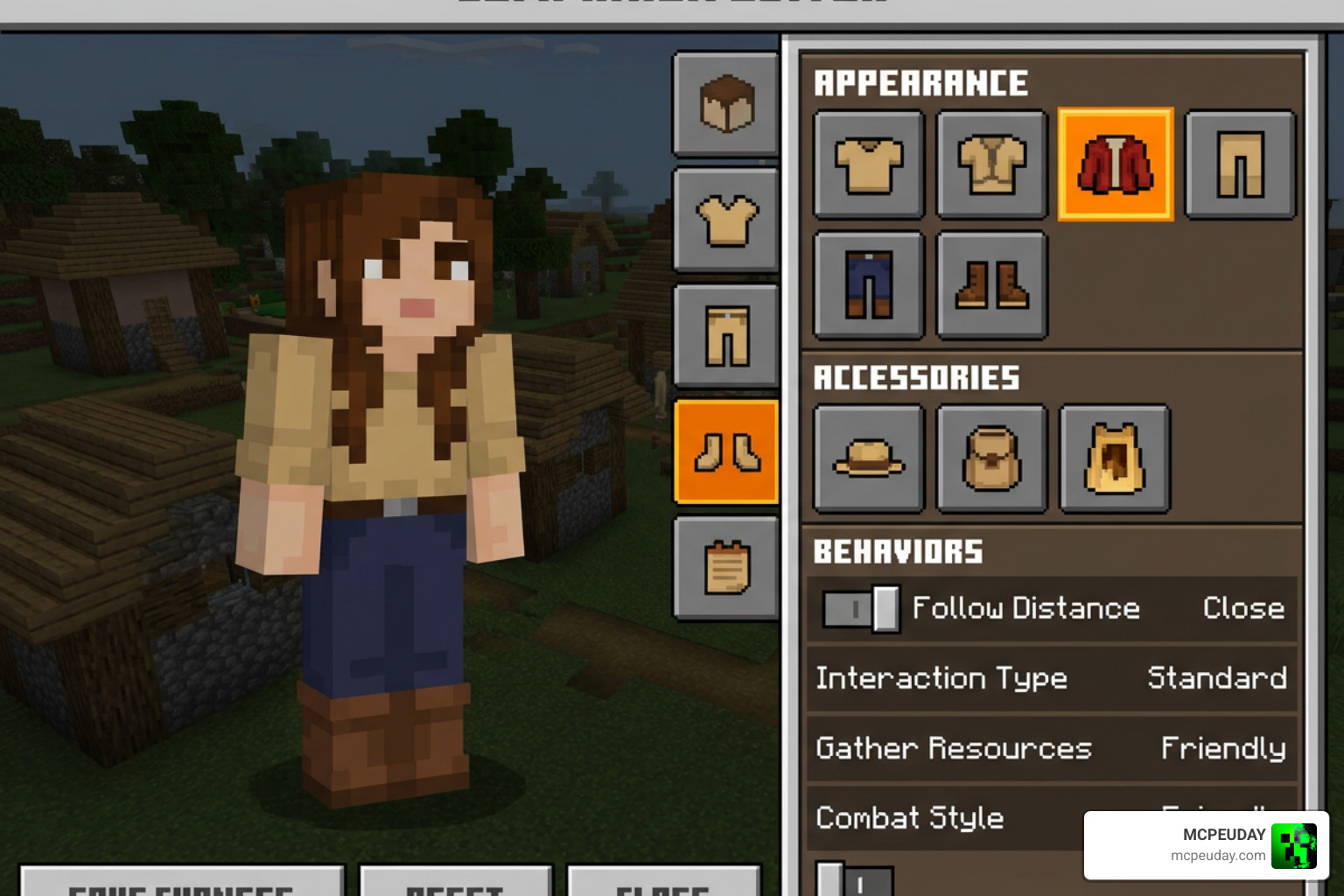
- Interactive Customization Menu: By approaching your companion, you can open an interactive menu to change her outfits, set behaviors, and manage her settings.
- Creative Activities: Companions can accompany you on walks, sit in houses you build, and participate in roleplay scenarios.
- Combat Assistance: Some companions can stand their ground and fight alongside you, defending you from hostile mobs during your travels.
How to Safely Download and Install the Addon
When searching for the SchnurriTV Addon, online safety is paramount. Many third-party file-sharing websites host outdated files or wrap downloads in malicious installers. To protect your device and your personal data, always download from verified sources like MCPEUDAY.
Avoid sites that force you to download executable (.exe) files or browser extensions. A legitimate Bedrock addon will always be packaged as a .mcaddon or .mcpack file. Additionally, make sure your mobile client or console system is updated to prevent texture glitches or model rendering errors.
Step-by-Step Installation Guide for MCPE/Bedrock
To get the addon running smoothly on your device, follow these exact steps:
- Download the File: Get the verified
.mcaddonfile from our trusted download library. - Import into Minecraft: Tap or double-click the downloaded file. Your device will automatically launch Minecraft and import the resource and behavior packs.
- Create or Edit a World: Go to your world settings menu.
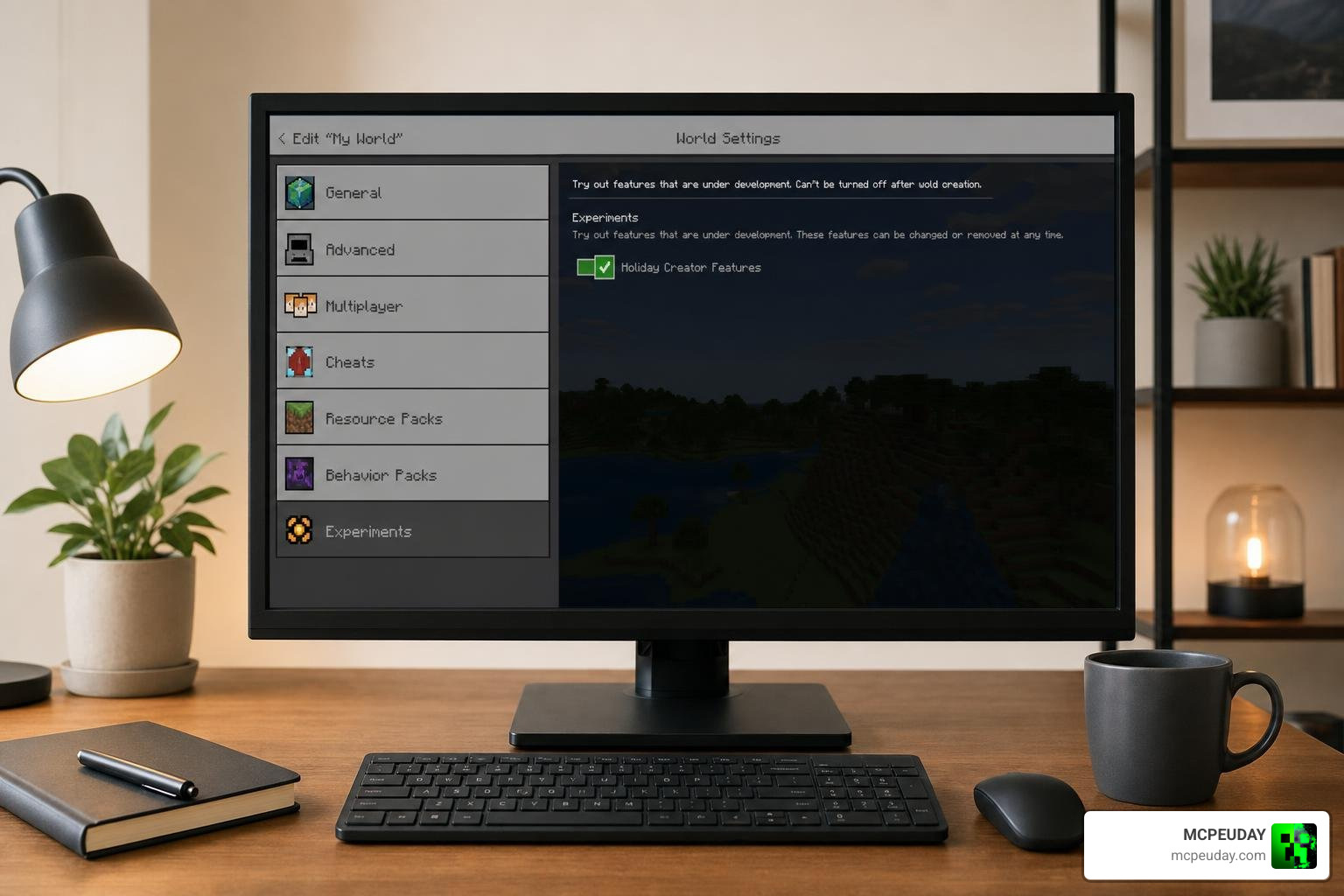
- Enable Experimental Settings: Scroll down to the “Experiments” section and toggle on Experimental Features. This is mandatory for the custom animations and menus to load.
- Activate the Packs:
- Go to Resource Packs and activate the SchnurriTV/Jenny pack.
- Go to Behavior Packs and ensure the corresponding behavior pack is active.
- Launch and Spawn: Start your world, open your Creative inventory, search for the Jenny spawn egg, and place it to summon your new companion!
System Requirements and Supported Devices
The Bedrock version of the addon is incredibly lightweight (with a file size of approximately 16.12 MB) and runs smoothly across a wide variety of hardware.
- Supported Operating Systems: Android, iOS, Windows Bedrock Edition, Xbox, and PlayStation.
- Minecraft Version Compatibility: Fully optimized for Minecraft Bedrock 1.20 and 1.21+.
- Performance Impact: Minimal. It is designed to run efficiently even on budget mobile devices without causing frame drops.
Comparing SchnurriTV to Other Jenny Mod Alternatives
If you love the virtual companion style of gameplay, there are several other fantastic options available on the Bedrock platform. Here is how the SchnurriTV Addon compares to other popular companion mods:
| Addon Name | Primary Focus | Best Features | Recommended Version |
|---|---|---|---|
| SchnurriTV Addon | Realistic companionship & roleplay | Gifting system, custom animations, multi-character support | Bedrock 1.21+ |
| Ellie Addon | Adventure companion | Forest spawning, exploration support, cute interactions | Bedrock 1.21+ |
| Nier Automata Addon | Action & combat companion | Sci-fi aesthetic, 2B model, high-damage combat assist | Bedrock 1.21+ |
To expand your companion collection, read our detailed guide on the Ellie Addon 1.21 (Jenny Mod Guide) or try out the battle-ready Jenny Nier Automata Addon for MCPE.
Java Edition vs. Bedrock Edition SchnurriTV Addon Features
The original Java version of the mod was developed by Schnu back in 2022 for Minecraft version 1.12.2. It relies heavily on Minecraft Forge and features complex brewing recipes, such as the Potion of Fun (brewed using Sugar, Blaze Powder, a Water Bottle, a Poppy, and Dragon’s Breath). This potion allows players to undergo unique transformations.
The Bedrock Edition addon, on the other hand, is streamlined for modern versions of Minecraft. It bypasses the need for complex Java mod loaders, using Bedrock’s native JSON scripting and animation controllers. While it lacks some of the legacy Java-specific brewing mechanics, it is far more accessible, supports cross-play, and runs flawlessly on mobile devices and consoles. For those interested in the history of the project, you can read about the Original Java Mod Features or explore the legacy documentation on SchnurriTV Mod (1.12.2) – Characters and Features | 9Minecraft.Net .
Frequently Asked Questions about the SchnurriTV Addon
Does the SchnurriTV Addon work in Survival mode?
While the addon is highly optimized for Creative Mode and roleplay, you can use it in Survival mode. However, because the primary companion characters must be spawned using spawn eggs, you will need to temporarily enable Creative mode or use commands to summon them into your Survival world.
Is the SchnurriTV Addon safe to download in June 2026?
Yes, the addon is completely safe to download as long as you obtain it from reputable, community-verified platforms like MCPEUDAY. Always scan downloaded files and ensure they are in the native .mcaddon or .mcpack formats before opening them.
How do you increase loyalty with the companion?
You can build a strong bond with your companion by interacting with her and offering gifts. While basic items like flowers will make her happy, gifting premium items like diamonds will significantly boost her loyalty and unlock more positive emotional reactions.
Conclusion
The SchnurriTV Addon remains an outstanding choice for Minecraft Bedrock players who want to bring more life, emotion, and interaction to their virtual worlds. Whether you are building a bustling modern city, filming a roleplay series, or simply looking for a loyal companion to share your adventures, this addon delivers a polished and engaging experience.
At MCPEUDAY, we are dedicated to providing the safest, most up-to-date downloads for all your favorite Bedrock modifications. Ready to meet your new virtual best friend? Explore more Bedrock Addons on our platform today!