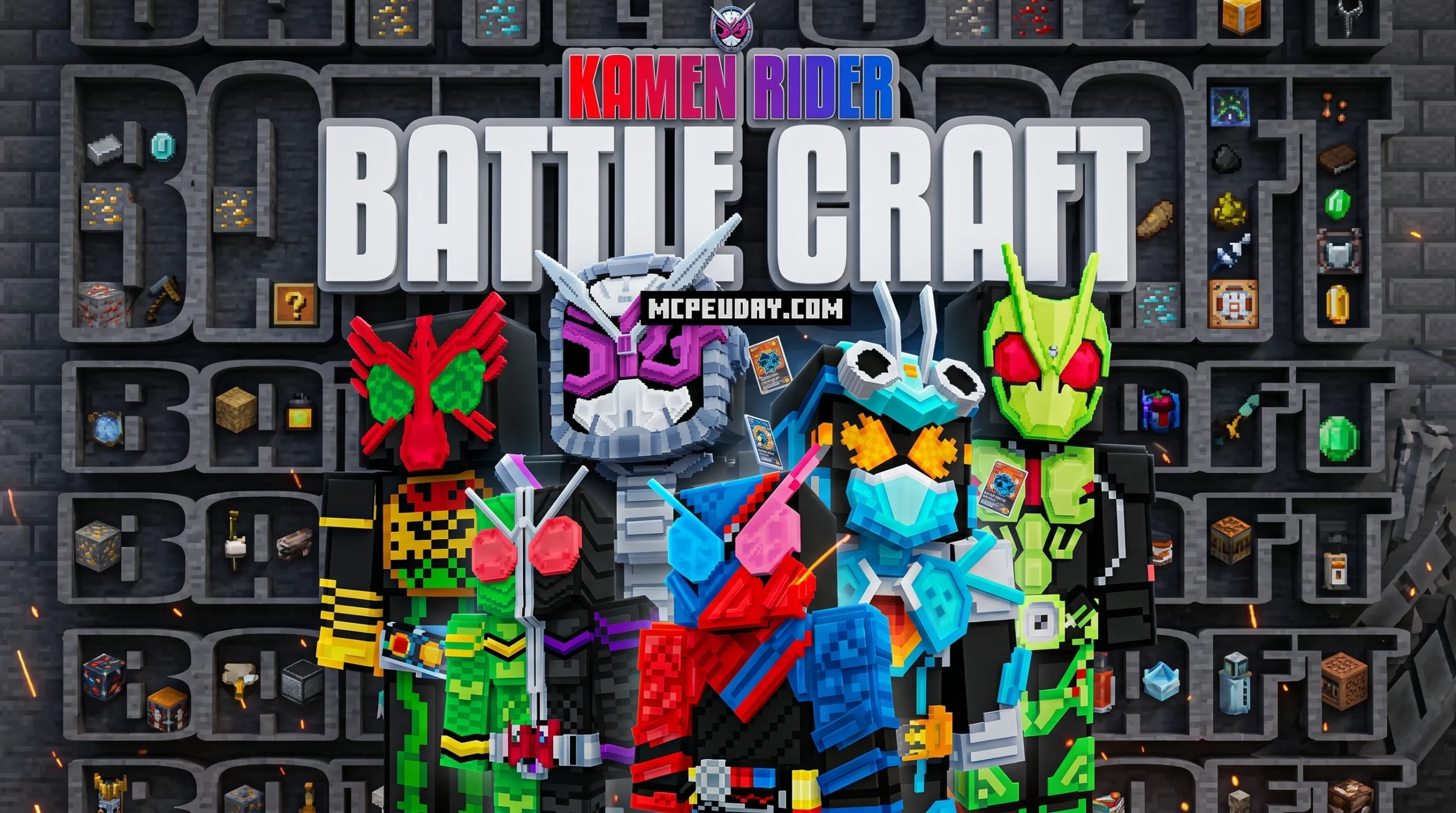
Get the Kamen Rider Battle Craft Addon for Minecraft Bedrock (MCPE 1.21)
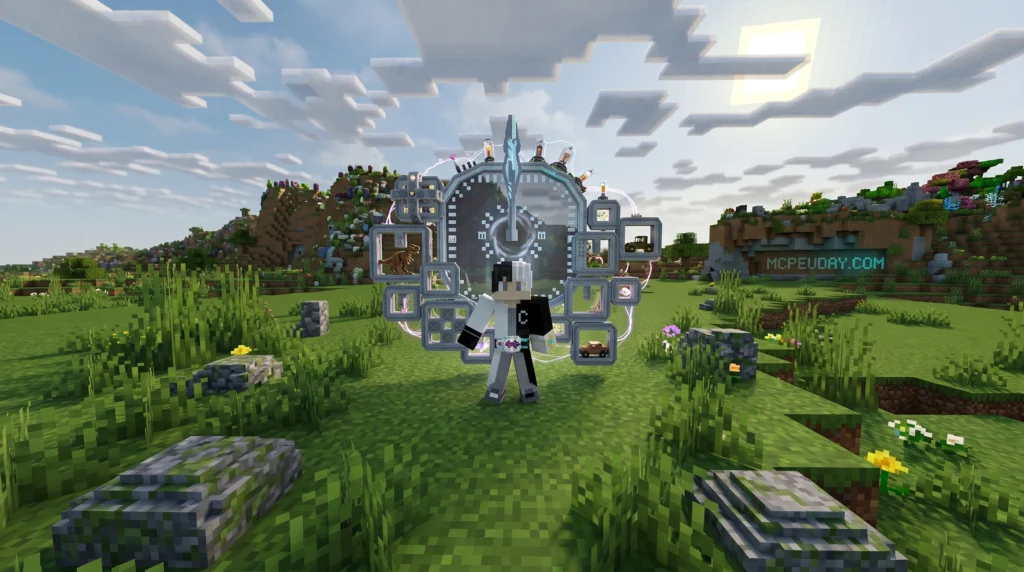
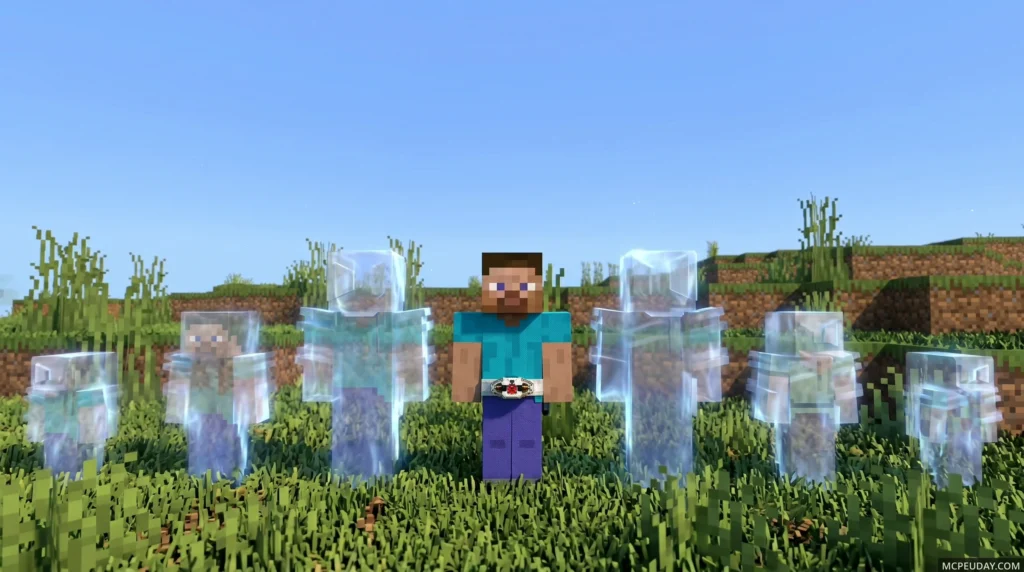
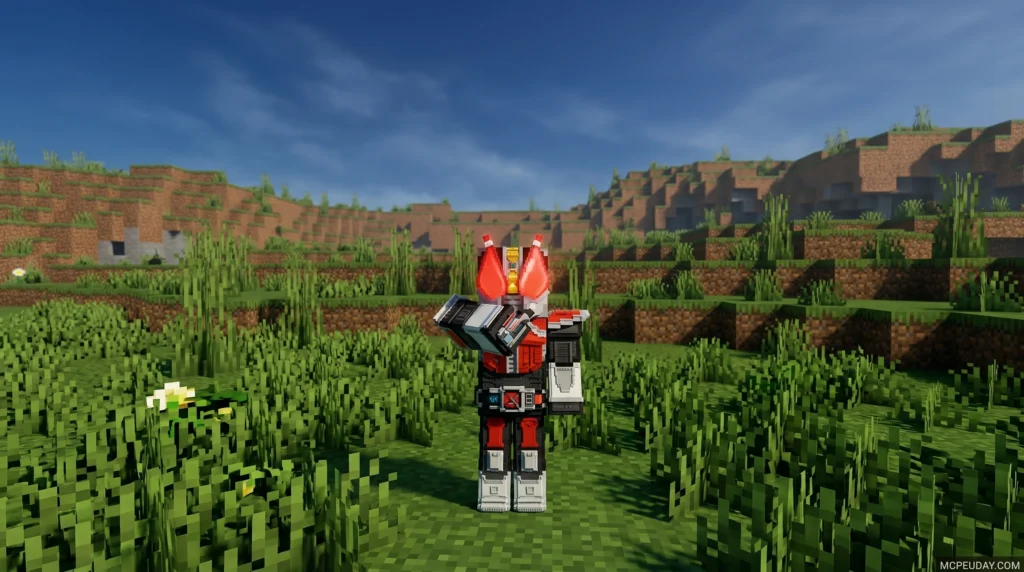
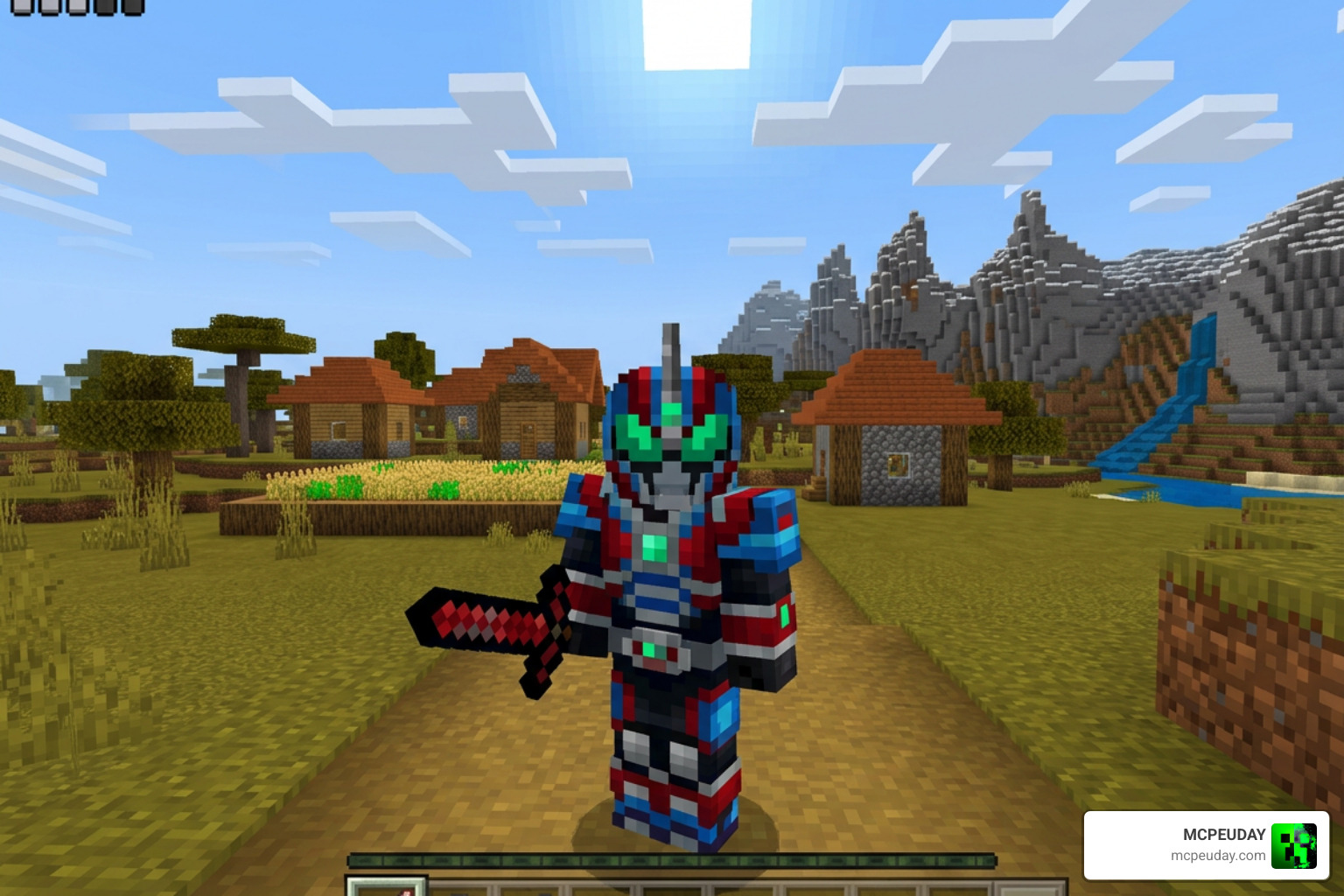
The Kamen Rider Battle Craft Addon is a free Minecraft Bedrock addon that adds hundreds of Kamen Rider-inspired armors, items, and abilities to MCPE 1.21. Here’s how to get it in 3 steps:
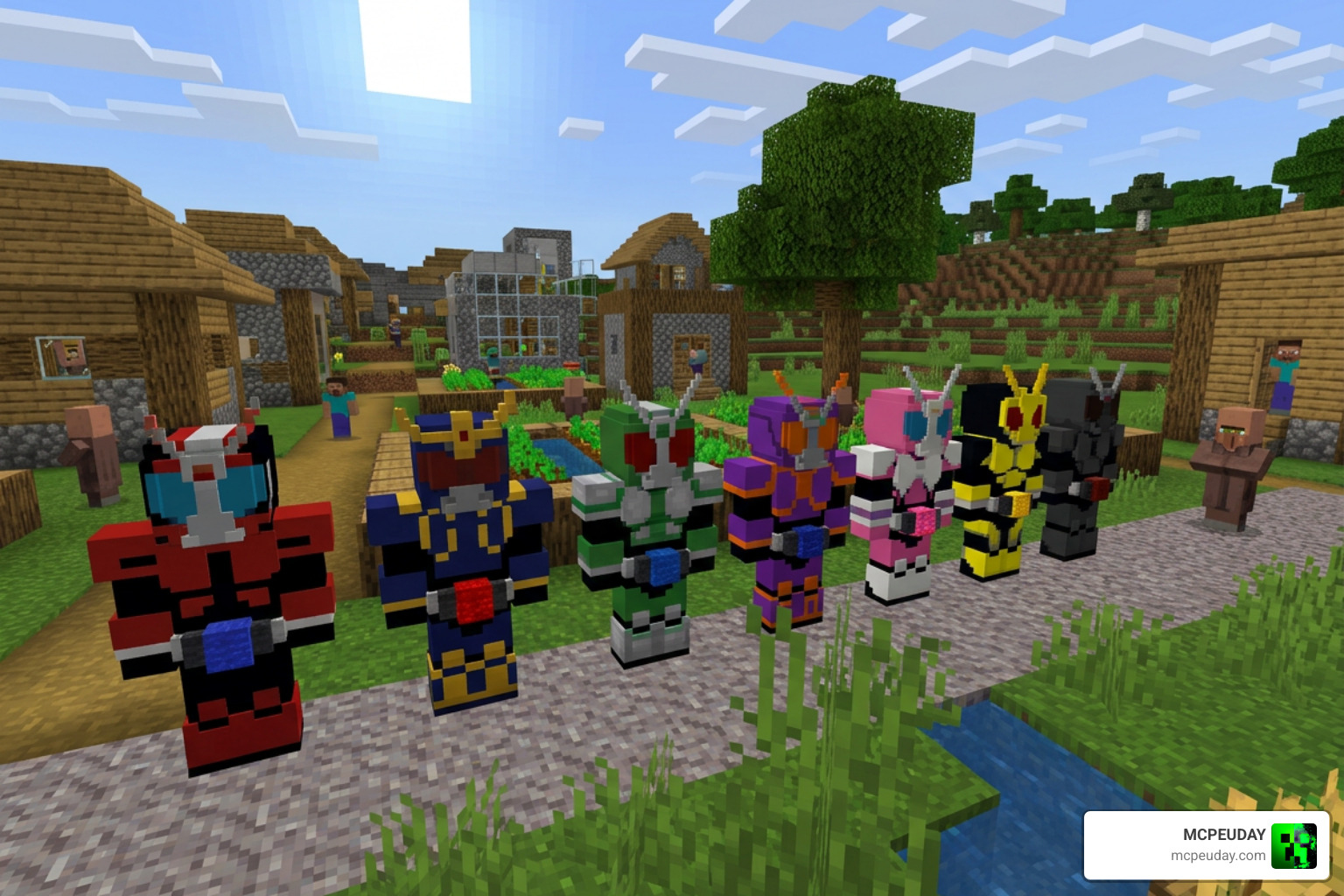
- Download the
.mcaddonfile from a trusted source - Import the file into Minecraft Bedrock (tap to open on mobile)
- Enable Experimental Settings in your world and activate the resource and behavior packs
That’s it — you’re ready to transform.
Kamen Rider has been a cultural icon in Japan since its debut in 1971, and now that legacy lives inside Minecraft. The Battle Craft Addon brings the tokusatsu superhero experience directly into Bedrock Edition, with a huge collection of themed gear and armor that fans of the series will recognize instantly.
With 119 ratings and a 4.4 out of 5 average score, this addon has a strong community behind it. Whether you’re playing on Android, iOS, or Windows, getting it running takes just a few minutes.
The only real hurdle most players hit is forgetting to turn on Experimental Settings — but we’ll walk you through that too.
What is the Kamen Rider Battle Craft Addon?
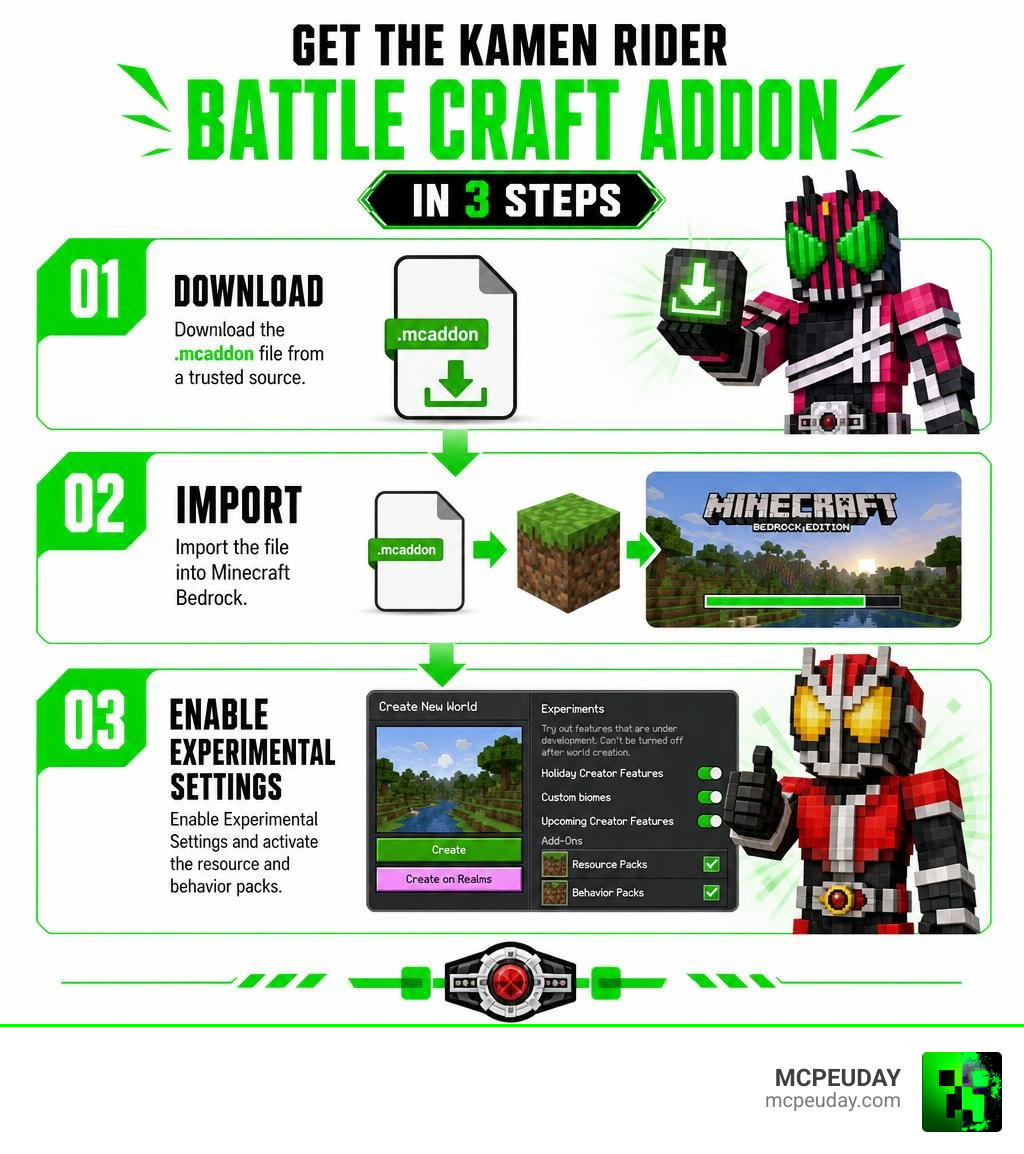
The Kamen Rider Battle Craft Addon is a massive expansion designed specifically for Minecraft Bedrock Edition (including MCPE). It brings the high-energy, action-packed world of Japanese tokusatsu television straight into your blocky sandbox. For over 50 years, the Kamen Rider franchise has captured the imaginations of millions with its signature transformation belts, insect-themed helmets, and spectacular martial arts.
This addon translates that legacy into Minecraft by introducing hundreds of custom-modeled 3D armors, unique weapons, and powerful abilities. When you equip a Henshin belt, you do not just change your skin; you inherit the strength, speed, and special skills of that specific Rider.
Unlike simple texture replacements, these armors feature bespoke animations and combat mechanics. If you are a fan of anime and pop-culture modifications, you will find this addon pairs perfectly with other action-packed expansions like the One Piece Addon 26 X 1 21 Best Anime Mod For Minecraft Pe or the Ben 10 Addon 1 21 For Minecraft Pe. It transforms your standard survival game into an epic superhero battleground.
How to Download and Install the Addon in 3 Steps
Getting your hands on these incredible superhero powers is incredibly straightforward. We have broken the entire process down into three simple steps so you can start executing Rider Kicks in no time.
Before we begin, make sure your Minecraft Bedrock client is updated to version 1.21. If you also enjoy dark fantasy transformations, you might want to check out the Chainsaw Man Addon 26 X Mcpe 1 21 Download Transform Into Chainsaw Devil Bedrock 2026 after you finish setting this up.
Step 1: Download the Kamen Rider Battle Craft Addon
Your first step is to grab the required .mcaddon files. These files contain both the Resource Pack (which handles the beautiful 3D models and textures) and the Behavior Pack (which controls the transformation logic and weapon damage).
You can safely download the latest tested version directly from our dedicated page: Kamen Rider Battle Craft Addon Download. Always make sure you are downloading the unified .mcaddon format for the easiest installation experience.
Step 2: Import the Addon to Minecraft Bedrock
Once the download is complete, you need to import the file into your game:
- On Mobile (Android/iOS): Open your device’s File Manager, navigate to your Downloads folder, and tap on the downloaded
.mcaddonfile. Your system should prompt you to open the file with Minecraft. Select Minecraft, and the game will launch automatically, displaying a “Successfully Imported” banner at the top of your screen. - On Windows: Double-click the downloaded
.mcaddonfile. Minecraft will launch and automatically install both the behavior and resource packs.
Step 3: Enable Experimental Settings and Resource Packs
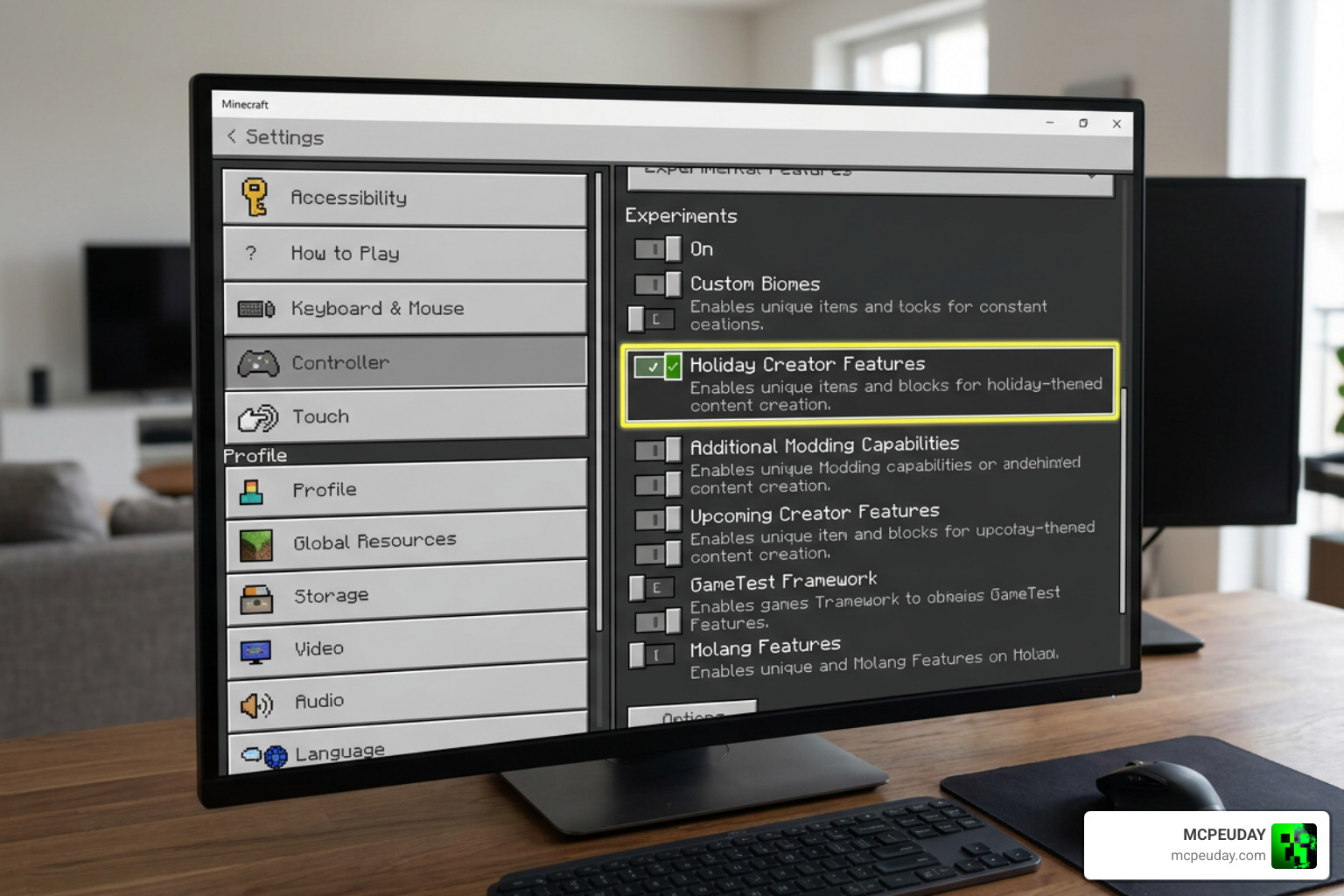
This is the most critical step. Because the Kamen Rider Battle Craft Addon uses custom 3D models and advanced scripting, it will not function in a standard world without experimental toggles.
- Create a new world or click the edit icon (pencil) next to an existing world.
- Scroll down to the Experiments tab on the left menu.
- Toggle on Holiday Creator Features, Upcoming Creator Features, and Beta APIs.
- Navigate to the Resource Packs tab under your world settings, click on My Packs, and activate the Kamen Rider Battle Craft Resource Pack.
- Navigate to the Behavior Packs tab and ensure the corresponding Behavior Pack is active.
- Click Play and enjoy your new tokusatsu universe!
Kamen Rider Battle Craft Addon vs. Java Edition Kamen Rider Craft Mod
Many players ask how this Bedrock addon compares to the legendary Java Edition mod. The Java version, simply titled Kamen Rider Craft, has been actively maintained since November 11, 2018, with its last major legacy update on June 8, 2024. It has accumulated over 320,564 downloads from the community.
To see the differences clearly, let us look at how they compare side-by-side:
| Feature | Bedrock Addon (Battle Craft) | Java Mod (Kamen Rider Craft) |
|---|---|---|
| Platform | Minecraft Bedrock (Android, iOS, Windows, Consoles) | Minecraft Java Edition (PC Only) |
| Mod Loader | Native Addon System | Forge / NeoForge |
| Dependencies | None (Self-contained) | Requires GeckoLib (for 1.20.1 versions) |
| Installation Difficulty | Very Easy (One-click .mcaddon import) | Medium (Requires Forge installation) |
| Performance | Highly optimized for mobile devices | Can be resource-heavy with multiple mods |
| Source Code / Development | Closed / Community-driven Bedrock ports | Open source via kelcok22/KamenRiderCraft |
If you are a Java player looking for the original experience, you can find the open-source files online. However, for players on mobile devices or consoles, the Kamen Rider Battle Craft Addon is an outstanding, highly optimized alternative that does not require complex mod loaders. If you love these types of high-performance combat overhauls, you should also check out the Jujutsu Kaisen Addon 26 X 1 21 For Mcpe Anime Powers Domain Combat for incredibly smooth mobile combat animations.
How to Activate Forms in Kamen Rider Battle Craft Addon
Transforming into your favorite Rider is incredibly satisfying. Once you are in your world, you can craft or obtain a Henshin Belt (such as the Driver from Kamen Rider Zero-One or Kamen Rider Zi-O).
To initiate the transformation:
- Place the belt in your hotbar and hold it in your hand.
- Right-click (or long-press on mobile screens) to equip the belt.
- Once the belt is active on your waist, use the corresponding Rider item (like a Progrise Key or Ridewatch) to trigger the transformation.
- Watch as the custom 3D armor wraps around your character, accompanied by signature sound effects and particle bursts!
With the armor equipped, your jump height, speed, and attack damage will be significantly boosted. You can also wield iconic weapons like the Attache Calibur to deal devastating special attacks to hostile mobs.
Frequently Asked Questions about Kamen Rider Battle Craft Addon
Which Minecraft versions are compatible with the addon?
The addon is fully compatible with Minecraft Bedrock Edition (MCPE) version 1.21. It is designed to work smoothly on mobile platforms (Android and iOS) as well as Windows 10/11 PCs.
Do I need GeckoLib or other dependencies for Bedrock?
No, you do not need GeckoLib or any external mod loaders for the Bedrock version. While the Java Edition mod requires GeckoLib to run its animations, the Bedrock version utilizes Minecraft’s native animation controllers, making it a completely standalone package.
Why are the custom 3D weapons not showing up in my world?
If you can see the items in your creative inventory but they appear flat, invisible, or fail to trigger animations, you likely forgot to enable Experimental Settings. Make sure that Holiday Creator Features and Beta APIs are toggled on in your world settings, and double-check that both the Resource and Behavior packs are active.
Conclusion
The Kamen Rider Battle Craft Addon is a must-have for any tokusatsu fan playing Minecraft Bedrock. It successfully translates over 50 years of superhero history into an incredibly fun, functional, and action-packed survival experience.
At MCPEUDAY, we love bringing you the absolute best gameplay overhauls. If you want to expand your anime universe even further, consider checking out our other popular releases like the Naruto Zenkai Addon 26 X 1 21 Download For Mcpe Bedrock, the terrifying Mules Slayer Addon 26 X For Minecraft Pe 1 21 Demon Slayer Mod Download Mcpe Bedrock, or the colossal combat in the Titan Craft Addon 26 X For Minecraft Pe 1 21 Download Attack On Titan Mod 2026.
Explore our massive collection of Bedrock mods by visiting our Category/Mod Addons section, or browse through the latest game versions over at MCPE Bedrock Category. Download the addon today, put on your belt, and let your superhero journey begin!
1 thought on “Kamen Rider Battle Craft Addon (26.x, 1.21) – MCPE/Bedrock Mod”