What Solace Natural Shader Does (And Why Players Love It)
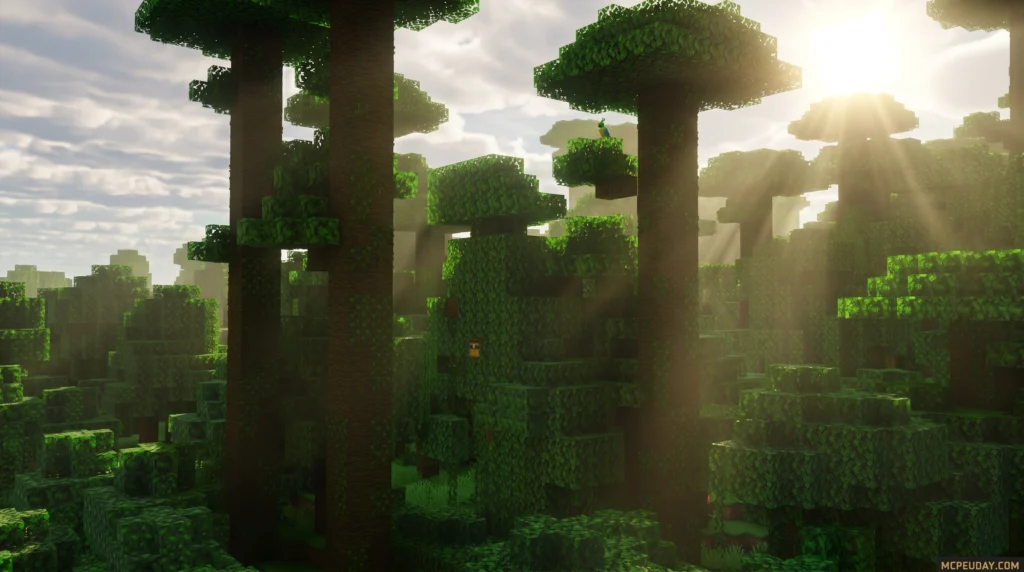
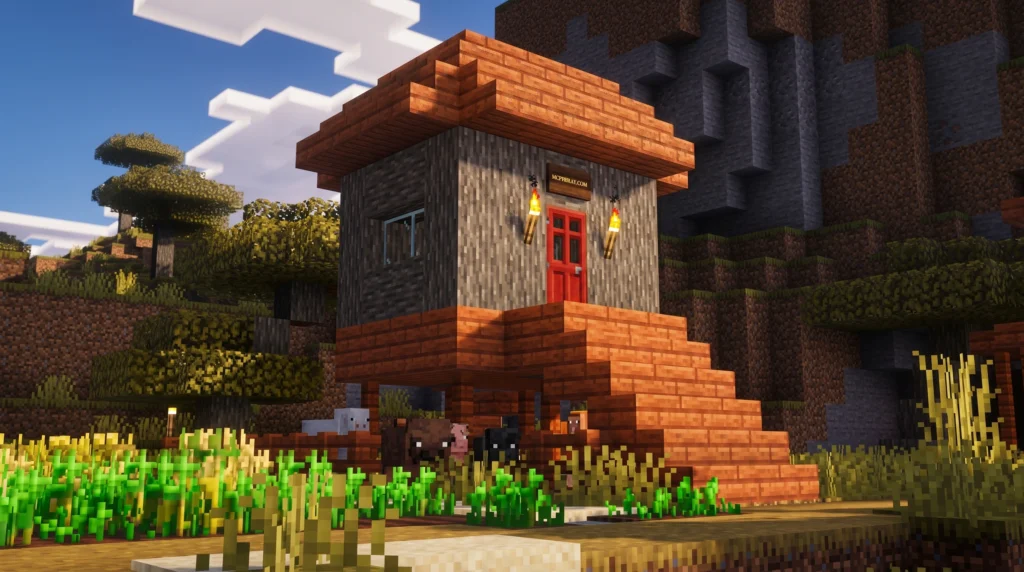
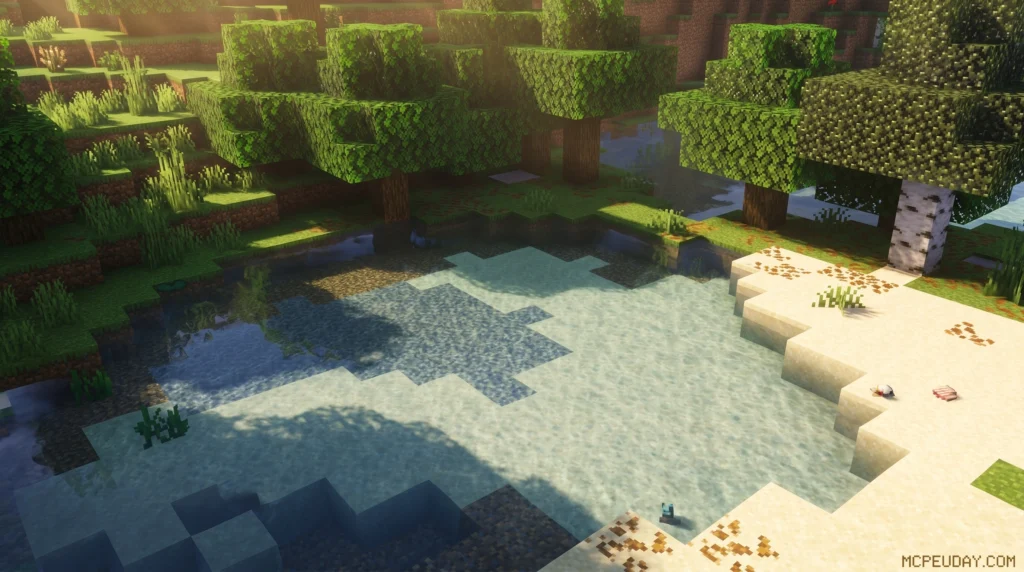
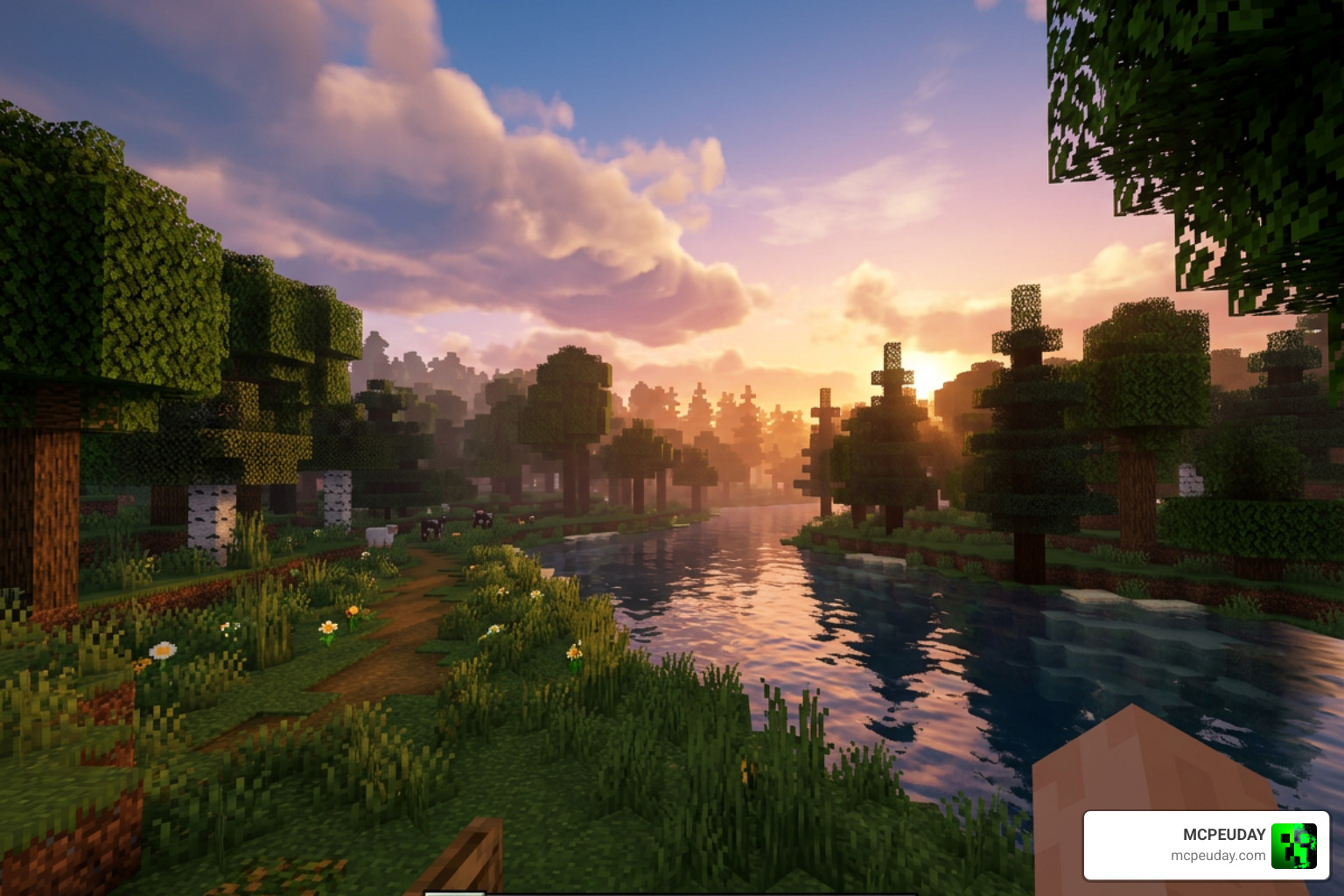
Solace Natural Shader is a visual enhancement pack for Minecraft Bedrock Edition (MCPE) that transforms how light, fog, water, and atmosphere look in your world — without changing any gameplay mechanics.
Quick answer for what you need to know:
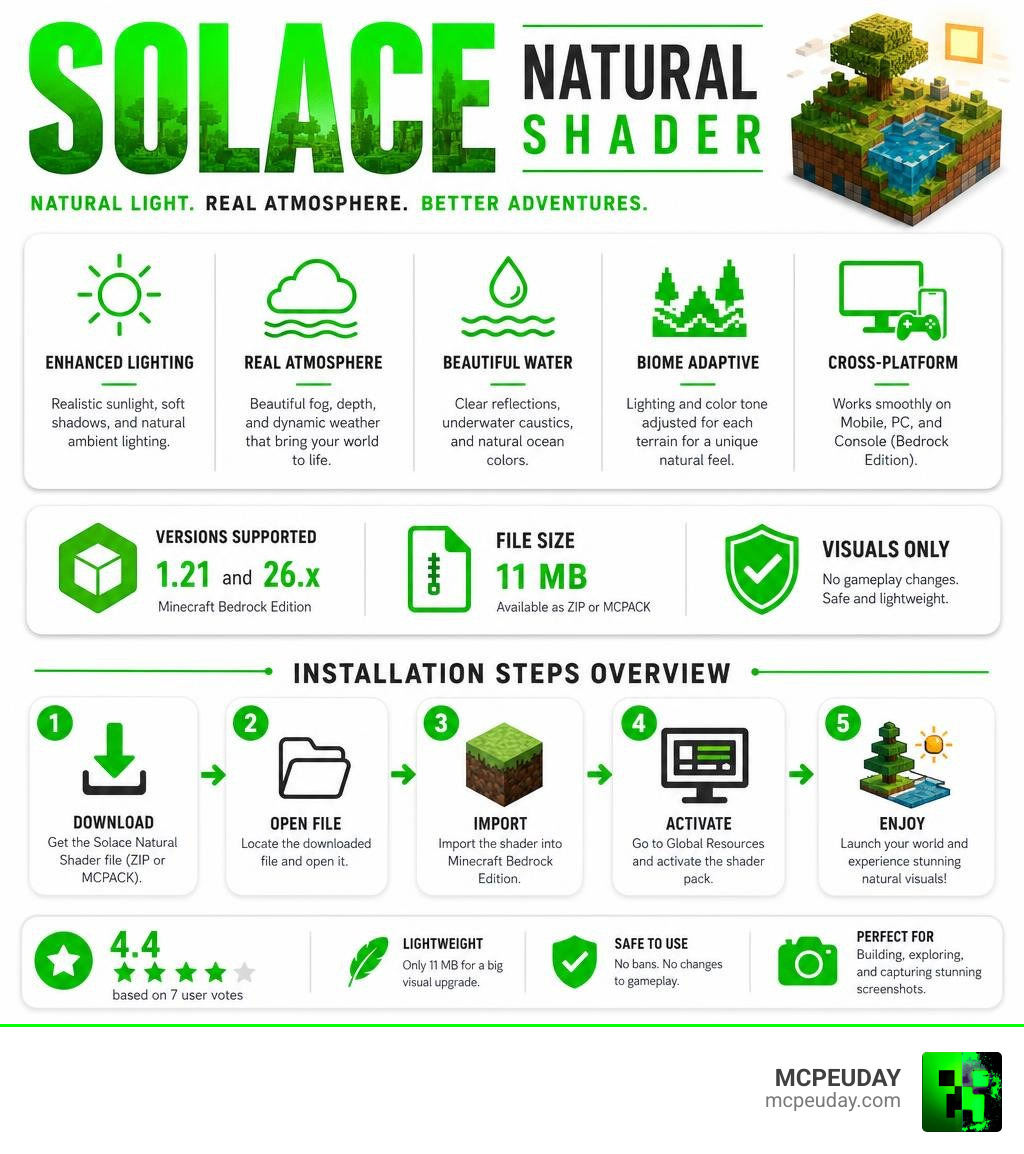
- What it is: A shader for Minecraft PE/Bedrock that improves lighting, fog, water, and atmosphere
- Versions supported: MCPE/Bedrock 1.21 and 26.x
- File size: 11 MB (available as ZIP or MCPACK)
- Rating: 4.4 out of 5 based on 7 user votes
- Does it affect gameplay? No — visuals only
- Works on: Mobile, PC, and console running Bedrock Edition
It stands out because its lighting and color tone are individually adjusted for each terrain area, so forests, oceans, and caves each feel distinct. The underwater shimmering effect alone makes it worth trying.
It’s not the same as Solas Shaders (which is Java Edition only) or Solace V (which focuses on vibrant, warm tones). Solace Natural takes a more grounded, atmospheric approach.
Whether you’re building, exploring, or just want your world to look better in screenshots, this shader is a lightweight and solid choice in 2026.
What is the Solace Natural Shader?
If you are tired of the flat, blocky look of vanilla Minecraft, you are not alone. Vanilla textures are built for simple cubes, which can make your world feel a bit lifeless. The Solace Natural Shader is designed specifically for Bedrock Edition and MCPE to breathe life back into those blocks. It works alongside the modern Render Dragon engine to deliver a stunning visual overhaul without rewriting how the game actually plays.
Unlike massive mods that completely alter your survival experience, this pack is a pure visual enhancement. Your farm mechanics, redstone builds, and mob behaviors remain exactly the same. What changes is the emotional depth of your world.
If you want to explore how it stacks up against other top-tier graphics packs, check out our Solace Natural Shader (26.x, 1.21) – MCPE/Bedrock Guide for an in-depth breakdown.
Key Features of Solace Natural Shader
What makes this shader a must-have for Bedrock players? It all comes down to the fine details:
- Adaptive Lighting System: Instead of applying a single blanket lighting filter over your entire map, the lighting and tonal adjustments are individually calibrated for each terrain area. A dense jungle will feel humid and shadowed, while a desert looks bright and sun-bleached.
- Atmospheric Settings & Fog: The shader introduces detailed, realistic fog effects that dynamically shift depending on the time of day and your elevation.
- Realistic Water Effects: Water is notoriously difficult to get right in Bedrock, but this pack introduces beautiful underwater shimmering and realistic light absorption. Square blocks near the water’s edge are rendered with highly detailed reflections.
Supported Minecraft Versions and Platforms
We know how frustrating it is to download a pack only to realize it doesn’t work on your device. Fortunately, the Solace Natural Shader is fully updated for Minecraft 1.21 (specifically version 26.x).
Because Bedrock Edition spans multiple devices, this shader is built to be highly compatible across:
- Mobile Devices: Smooth performance on both Android and iOS.
- PC: Enhanced fidelity for desktop players.
- Consoles: Easily runs on modern Bedrock-supported consoles.
To see how well it runs on actual hardware, take a look at our Best Render Dragon Shaders for MCPE 1.21 Tested on Real Devices 2026 Guide.
Visual Comparison: Solace Natural vs. Other Shaders
Choosing the right shader can be tricky when there are so many options with similar names. To help you decide, we have put together a quick comparison table of the major “Solas” and “Solace” packs available today.
| Shader Name | Target Platform | Primary Visual Style | File Size | Key Feature |
|---|---|---|---|---|
| Solace Natural Shader | Bedrock / MCPE | Realistic, atmospheric, and terrain-specific | 11 MB | Shimmering underwater effects & adaptive tone mapping |
| Solace V (Vibrant Visuals) | Bedrock / MCPE | Warm, cozy, and highly saturated | 13 MB | Dimension-based custom lighting presets |
| Solas Shaders | Java Edition | Fantasy-inspired, cinematic, and stylized | ~10 MB | 3D volumetric clouds & colored block lighting |
How Solace Natural Shader Compares to Solace V
While they share a similar naming convention, Solace Natural and Solace V (often called Vibrant Visuals) serve different visual tastes.
Solace V is all about cozy lighting, warm tones, and dramatic, glowing atmospheres reminiscent of spring sunshine. It also features dimension-based lighting, giving the Nether and the End completely unique color palettes. It currently holds a perfect 5.0 out of 5 rating from our community.
On the other hand, the Solace Natural Shader keeps things grounded in realism. It focuses on how natural light interacts with different biomes, making it the preferred choice for survival purists. For more details on the vibrant alternative, head over to our Solace V (Vibrant Visuals) Overview. You can also check out the official Solace V (Vibrant Visuals) | Minecraft PE Texture Packs – MCPEDL page to compare community screenshots.
Solace Natural vs. Solas Shaders
It is easy to confuse these two, but they belong to entirely different Minecraft ecosystems. Solas Shaders is a legendary pack designed exclusively for Java Edition, requiring Iris or OptiFine to run. With over 20,000 downloads on CurseForge, Solas is famous for its advanced features like 3D volumetric clouds that never leak into caves, realistic light rays, and an integrated PBR resource pack.
Our beloved Solace Natural Shader brings that high-end Java feel directly to Bedrock and mobile players. While it doesn’t require a heavy-duty PC to run, it captures the same spirit of clean, beautiful lighting without the heavy performance impact. If you want to explore more options for your mobile device, browse our curated list of the Top 5 Best Realistic Shaders for MCPE.
Performance, Compatibility, and Installation Guide
One of the biggest worries players have when installing shaders is the dread of single-digit frame rates. Thankfully, the Solace Natural Shader is incredibly well-optimized.
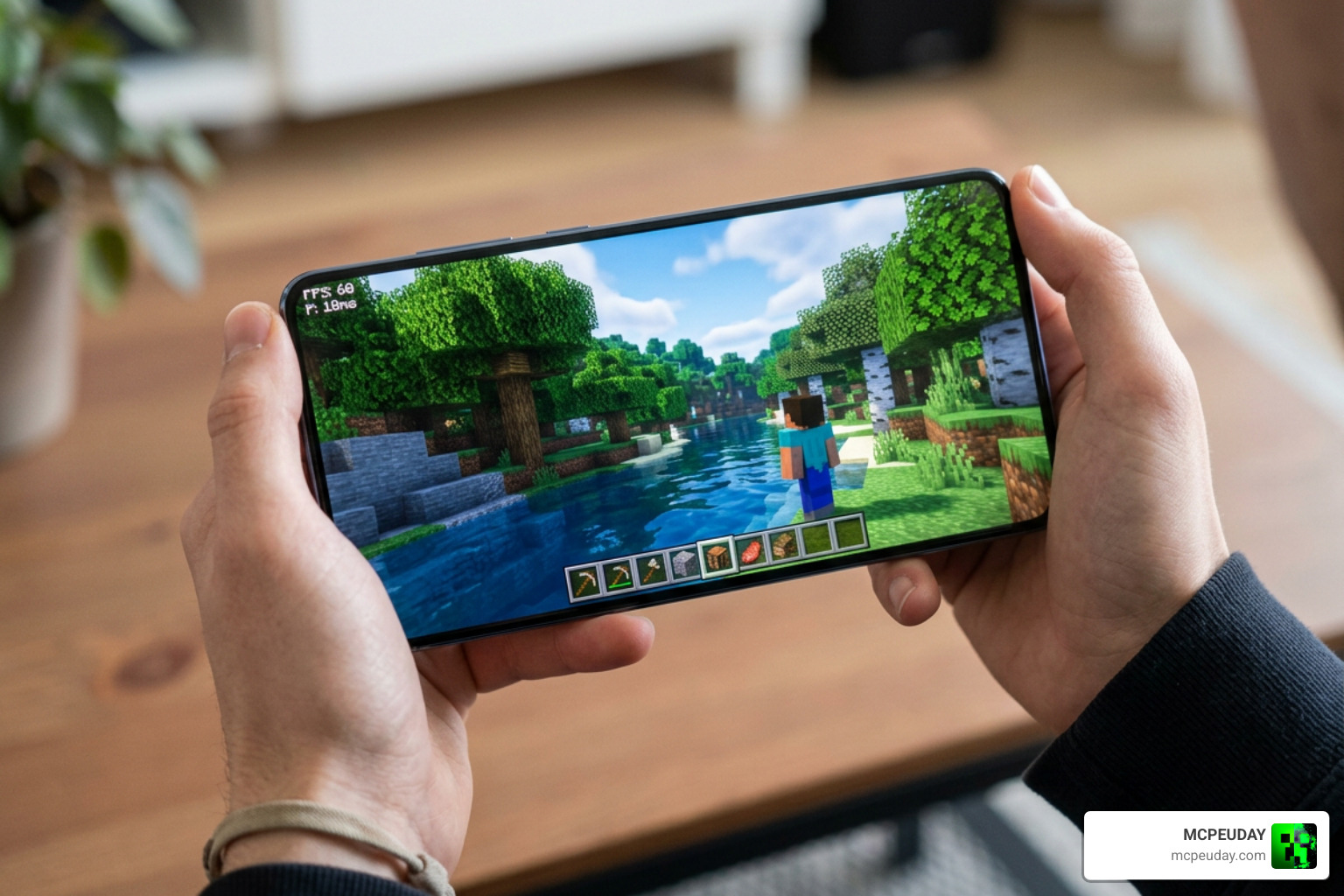
Because it works natively with the Render Dragon engine, it doesn’t rely on heavy, unoptimized hacks to change your game’s lighting. Instead, it utilizes mobile-friendly rendering techniques to keep your gameplay smooth, even when exploring dense jungles or deep ocean biomes. For a deeper look at managing your frame rates while using graphics packs, read our Solitude Shader for Minecraft Complete Guide Install Settings Performance resource.
Step-by-Step Installation for Bedrock and MCPE
Ready to transform your world? Here is how to install the shader in just a few quick steps:
- Download the File: Grab either the
.mcpackor.zipfile (both are a compact 11 MB) from a trusted source like Solace Natural Shader (26.x, 1.21) – MCPE/Bedrock | 9Minecraft.Net. - Import to Minecraft:
- If you downloaded the MCPACK format, simply tap or double-click the file. Minecraft will launch automatically and import the pack.
- If you downloaded the ZIP format, extract the folder and move it manually into your
resource_packsfolder.
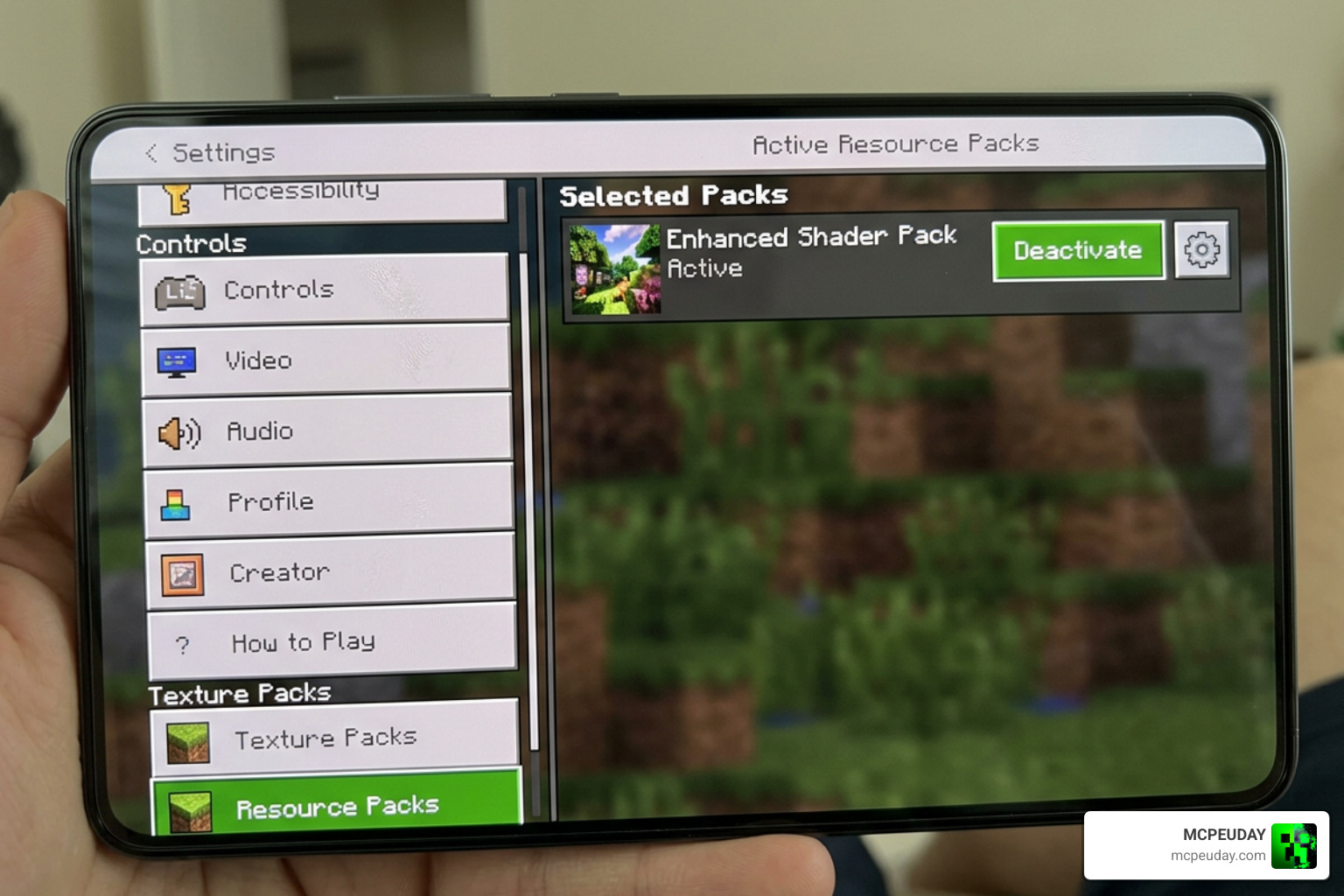
- Activate in Settings: Open Minecraft, go to Settings, scroll down to Global Resources, find the shader under “My Packs,” and click Activate.
For a broader look at upgrading your game’s visual settings, check out our guide on the 3 Best Shaders for Minecraft 1.21 Ultra Realistic Smooth FPS Stunning Graphics.
Advanced Rendering Techniques in Modern Engines
In the broader world of game development, rendering beautiful nature scenes is a complex art. Professional game developers often use advanced tools like FloraShade – TerraUnity or the Nature Renderer 6・Pro | Terrain | Unity Asset Store to handle vegetation rendering and procedural blending on massive terrains.
Just like those high-end Unity plugins, the creators of the Solace Natural Shader have used clever mathematical formulas to simulate wind waving through grass, realistic water caustics, and soft shadows on mobile hardware. To understand how Bedrock handles these complex tasks, read our comprehensive Render Dragon Graphics Guide.
(Fun fact: Just like the famous SolAmaze® Natural solution | Personal Care protects skin in the real world with biodegradable film-forming polymers, a great shader protects your eyes from harsh, flat vanilla lighting! And while we love cozy real-world decor like the Solace Rug SOC03 – Jaipur Living—especially with our team’s roots in Jaipur, India—we think your digital home deserves to be just as cozy!)
Frequently Asked Questions about Solace Shaders
Does Solace Natural Shader change gameplay mechanics?
No, it is a purely visual-only pack. Your game mechanics, achievements, and survival elements remain completely unchanged, making it entirely survival-friendly.
What is the file size and download source for Solace Natural?
The file size is a lightweight 11 MB. You can download it in both MCPACK and ZIP formats from trusted community sites like Solace Natural Shader (26.x, 1.21) – MCPE/Bedrock | 9Minecraft.Net or directly through our links here at MCPEUDAY.
Is Solace Natural Shader compatible with Render Dragon in 2026?
Yes! The shader is fully optimized for Minecraft 1.21+ Bedrock and MCPE, working hand-in-hand with the Render Dragon engine to deliver beautiful graphics without causing lag.
Conclusion
At MCPEUDAY, we believe that visual immersion can completely change how you experience your favorite game. The Solace Natural Shader is a stellar example of how to achieve realistic graphics, stunning water effects, and cozy atmospheric lighting on mobile and console hardware without tanking your performance.
If you want to keep exploring ways to make your blocky worlds look absolutely breathtaking, don’t miss our ultimate round-up of the Best Shaders for MCPE 1.21 2026 Top 3 Realistic Minecraft PE Shaders. Happy building, and may your sunsets always look cinematic!