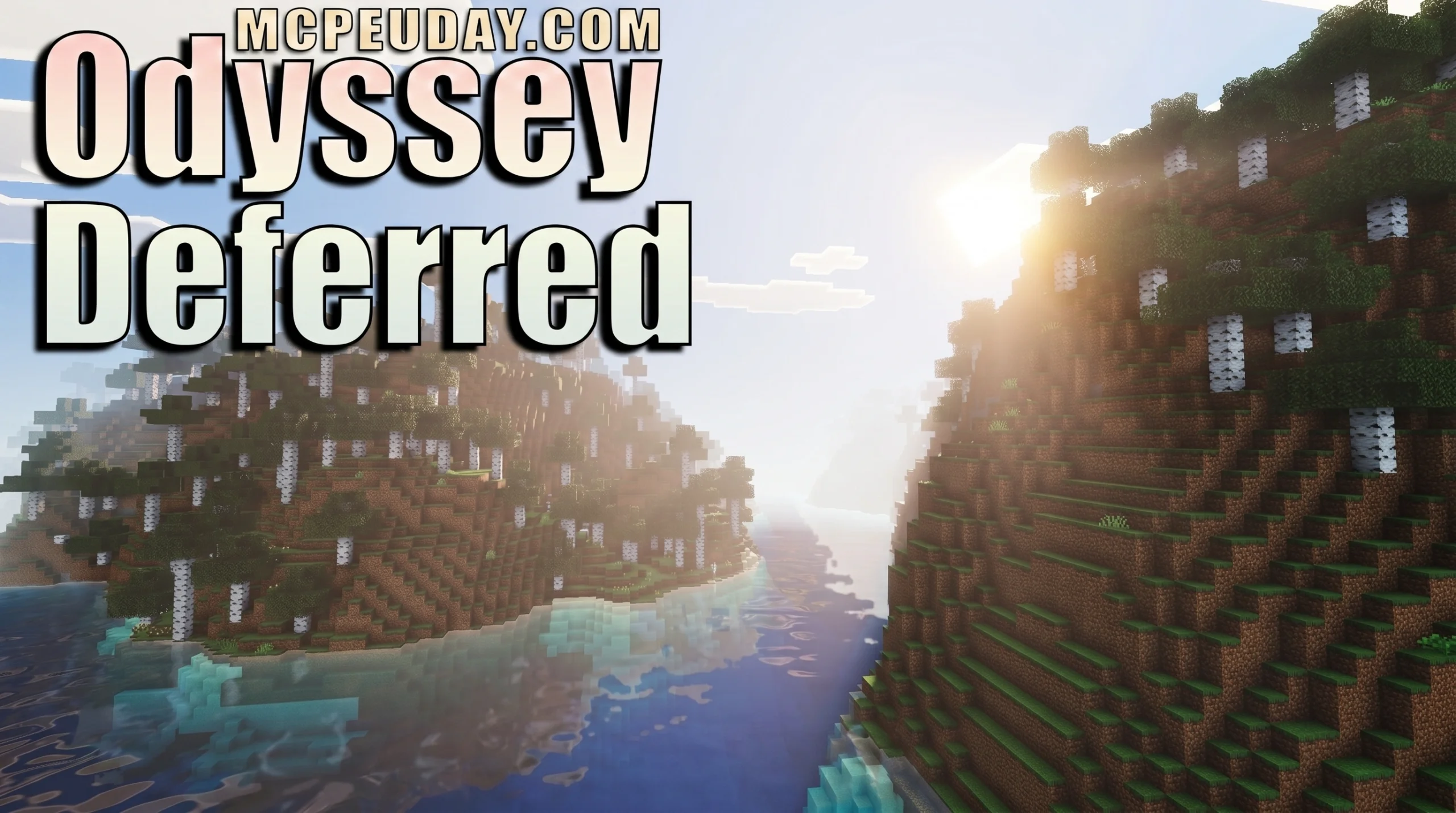
Why the Odyssey Deferred Shader Is the Most Talked-About Bedrock Visual Upgrade Right Now
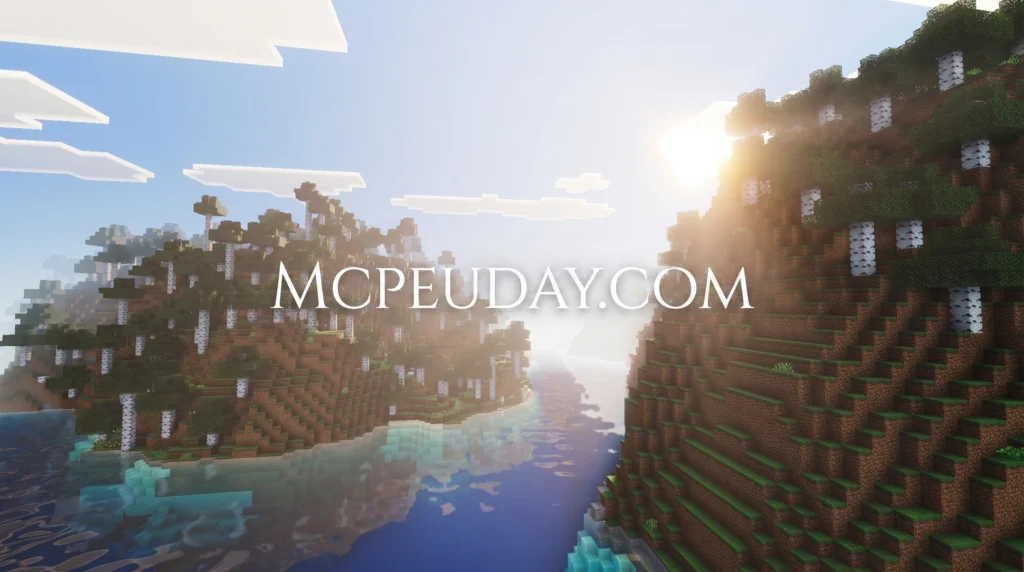
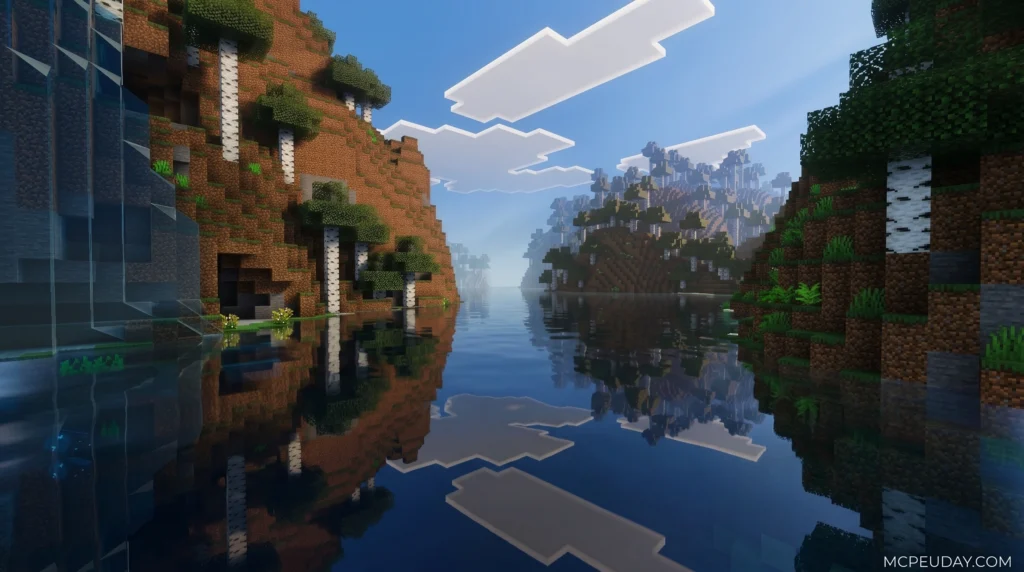
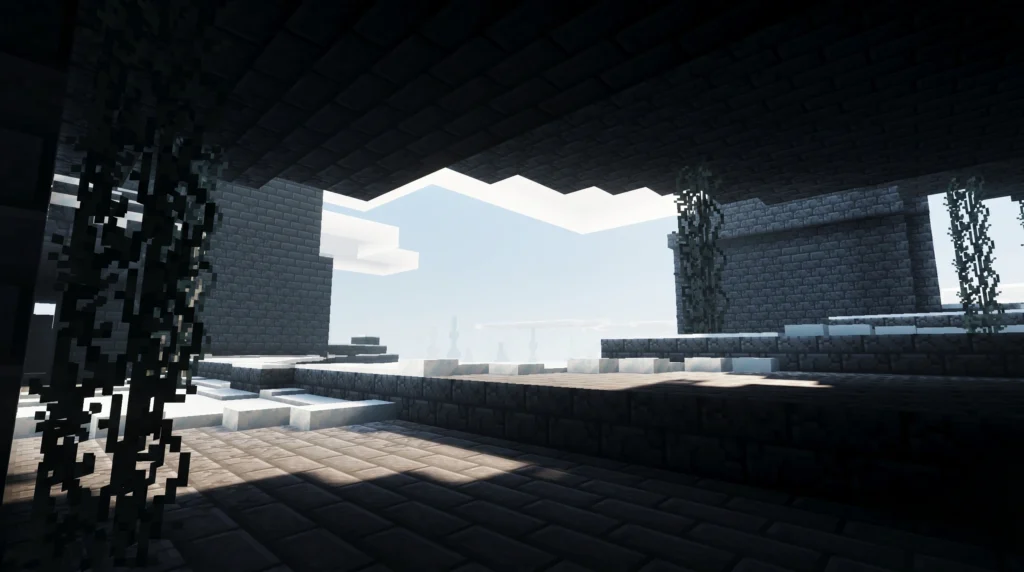
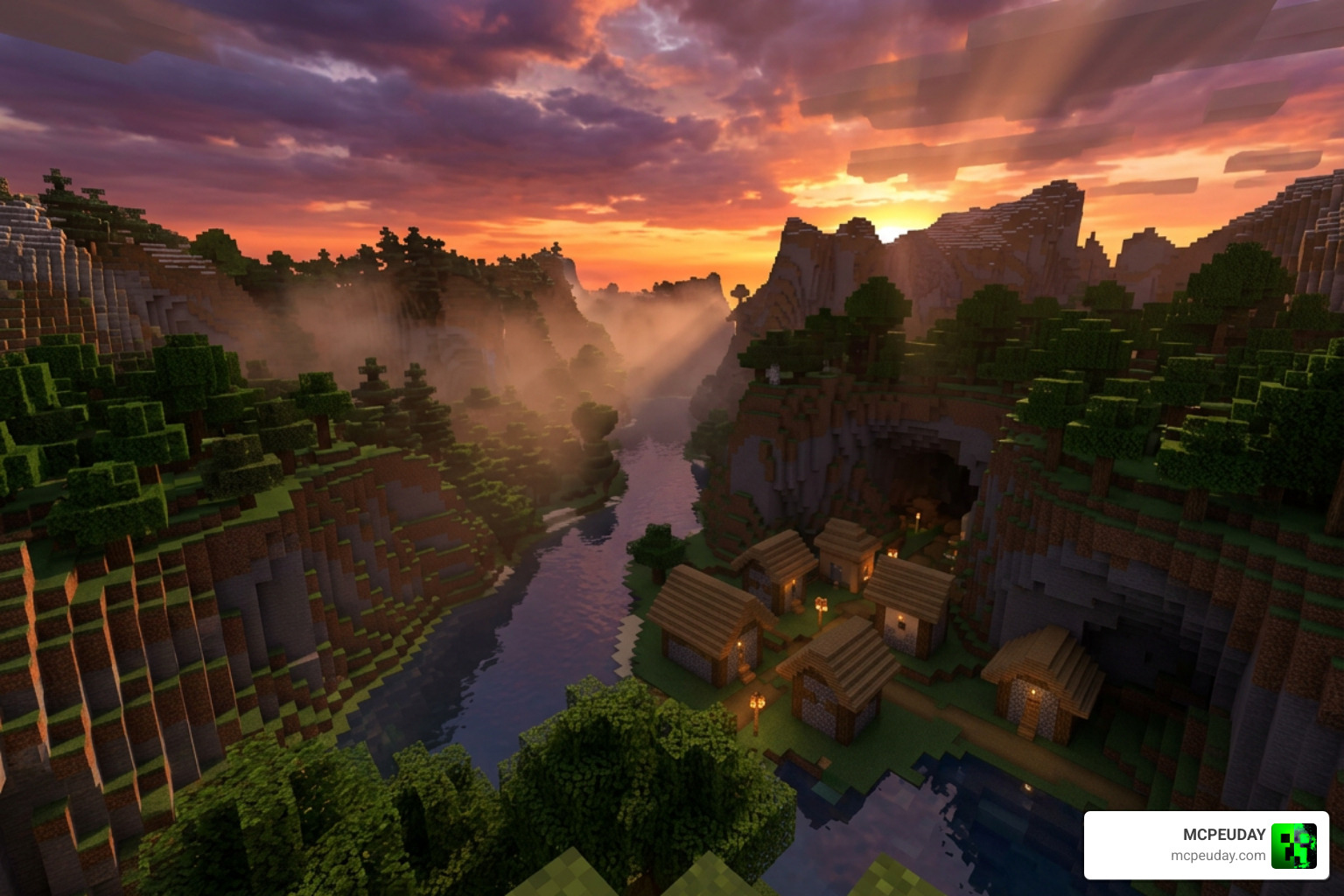
The Odyssey Deferred Shader is a resource pack for Minecraft Bedrock Edition that transforms the game’s visuals using deferred rendering technology — adding realistic lighting, volumetric fog, PBR textures, and vibrant skies while keeping the classic Minecraft look intact.
Quick answer for anyone who wants it fast:
- What it is: A deferred rendering texture pack for Minecraft Bedrock (not Java)
- What it does: Adds realistic lighting, biome fog, PBR textures, colored lights, and water reflections
- What you need: The latest Minecraft Preview version (as of June 2026)
- Where to get it: CurseForge — over 213,000 downloads and counting
- Subpacks: Three options — Default, New PBR, and No PBR/Compatibility
- Platforms: Android, iOS, Windows, Xbox, and PlayStation
Minecraft Bedrock’s Render Dragon engine unlocked a new tier of visual quality through its deferred rendering pipeline. Odyssey takes full advantage of that. It doesn’t just slap a filter on your world — it rebuilds how light, shadow, and atmosphere behave in every biome.
With more than 253,000 total downloads and a strong community rating, it’s become one of the most popular ways to visually upgrade Bedrock without switching to Java or needing an RTX card.
Whether you’re exploring a pale forest at dusk or swimming through a coral reef at noon, Odyssey makes Minecraft feel like a different game — in the best way possible.
What is the Odyssey Deferred Shader?
At its core, the Odyssey Deferred Shader is a cutting-edge graphics enhancement pack designed specifically for the Bedrock Edition’s modern engine. Historically, mobile and console players were locked out of the beautiful ray-traced worlds enjoyed by high-end PC players. However, with Mojang introducing experimental deferred rendering features to the Render Dragon engine, the community has stepped up to create jaw-dropping visuals that run on everyday devices.
If you have experimented with other visual packs, you might find similarities between this pack and the popular Refined Deferred Shader for MCPE. However, Odyssey carves out its own identity by focusing on vibrant, cozy aesthetics that enhance rather than replace the classic blocky feel we all love.
The community reception has been overwhelmingly positive. Across major platforms like CurseForge and MCPEHub, it has racked up hundreds of thousands of downloads. Players love that it provides an incredibly premium look without requiring a top-tier gaming rig.
Core Technology Behind the Odyssey Deferred Shader
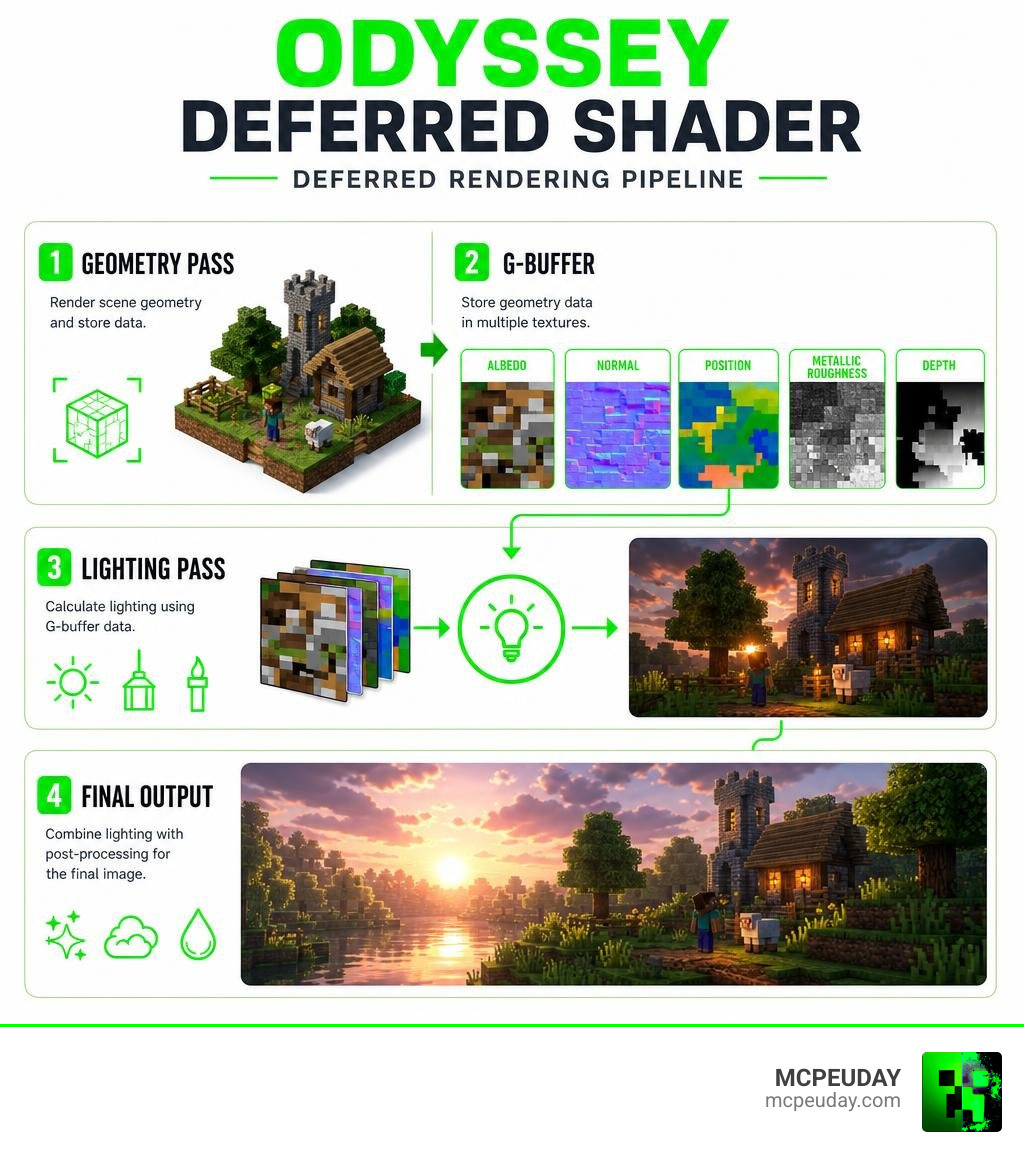
How does this magic happen without melting your phone or console? The secret lies in the deferred shading pipeline.
In traditional “forward” rendering, the game calculates lighting for every single object as it draws them. If you have ten light sources shining on a house, your device has to do a massive amount of repetitive math.
Deferred shading flips this process on its head:
- The Geometry Pass (G-buffer): The engine first renders the basic scene geometry to a series of screen-space textures. This “G-buffer” stores crucial pixel-level data such as 3D position, surface normals, depth, and base color.
- The Lighting Pass: Instead of calculating lights for every object, the engine calculates lighting as a 2D post-processing step using the data stored in the G-buffer.
This separation means the performance cost is decoupled from the number of objects on screen. It allows the Render Dragon engine to handle dozens of dynamic, colored light sources smoothly, even on mobile platforms.
Key Features of Odyssey Deferred
What makes this shader pack stand out in a sea of visual mods? It is the sheer attention to environmental detail. Rather than applying a single uniform fog or lighting profile across your entire save file, Odyssey adapts to your surroundings.
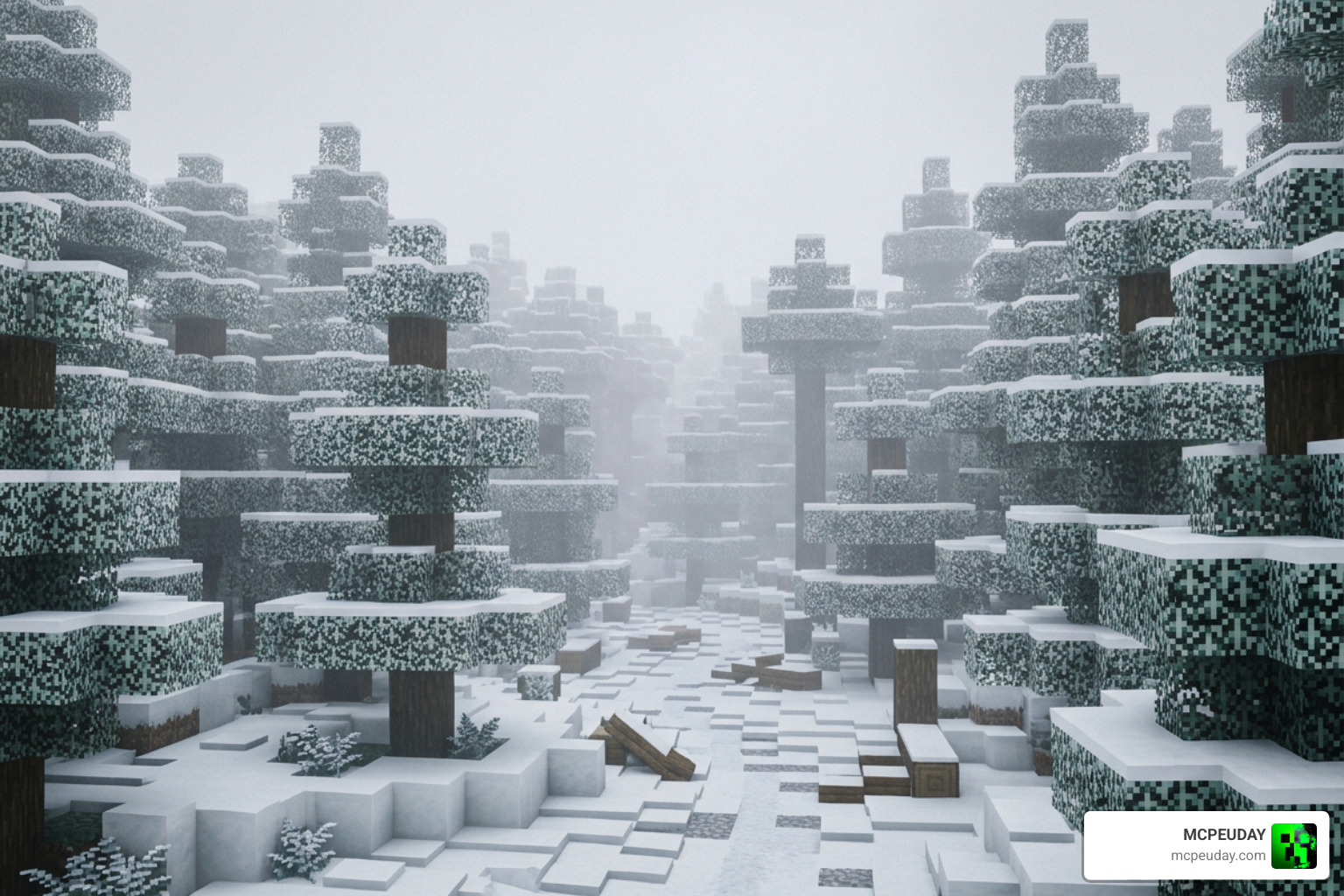
The volumetric fog is one of the pack’s crown jewels. When you walk into a snowy forest, the fog thickens to create a chilly, isolated atmosphere. If you venture into the jungle, the air feels heavy, humid, and warm.
We are also treated to stunning updates in unique biomes:
- Sulfur Caves: Atmospheric lighting that highlights the dangerous, toxic beauty of underground sulfur pockets.
- The Nether: Deep, dramatic shadows contrasted against glowing seas of lava, making the underworld feel truly hostile and cinematic.
- The End: A mysterious, starry void atmosphere that makes the final dimension feel incredibly vast and alien.
Realistic Lighting and PBR Textures in Odyssey Deferred Shader
The lighting system in the Odyssey Deferred Shader is nothing short of cinematic. It features physically based rendering (PBR) support, which means blocks react realistically to light.
Instead of flat, painted-on textures, blocks utilize height maps and normal maps. When sunlight hits a cobblestone wall at an angle, the individual stones cast micro-shadows, creating genuine visual depth.
Furthermore, light-emitting blocks like torches, glowstone, and lanterns now cast actual colored lights onto their surroundings. When you place a soul lantern, it bathes your stone hallway in a cool, eerie blue glow. Water reflections are also beautifully simulated, dynamically changing color based on the time of day—from a warm, shimmering gold at sunrise to a crisp, silver mirror under the moonlight. For a deeper look at how this compares to other options, check out our guide on the Best Render Dragon Shaders for MCPE.
How to Install and Configure Odyssey Deferred
Ready to try it out? Getting the shader running in your world is straightforward, but it does require a few specific steps because it relies on experimental Bedrock features.
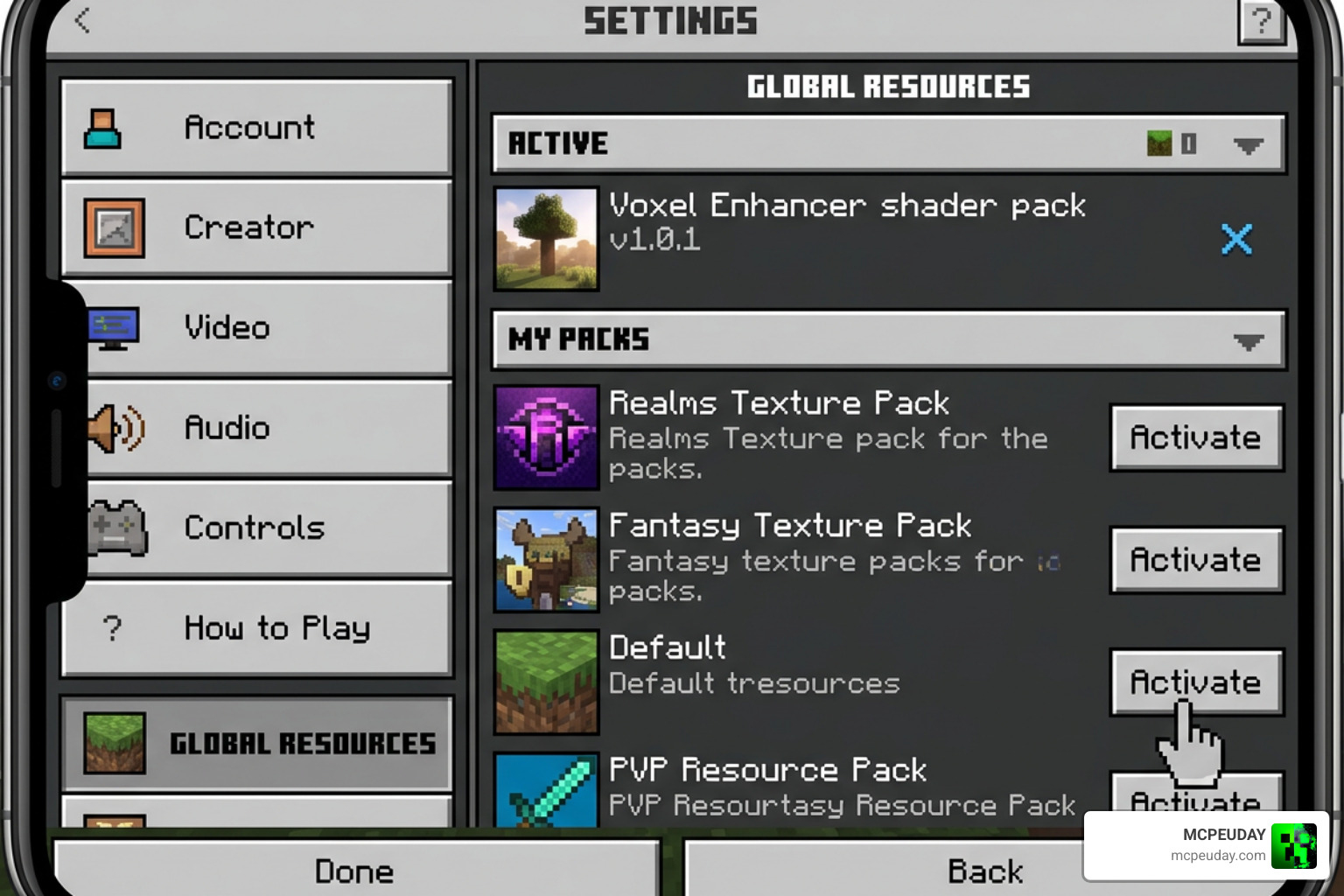
Follow our simple step-by-step installation guide:
- Get the Pack: Download the latest version of the pack. You can find the official file on the Odyssey Visuals (Vibrant Visuals/Deferred) – CurseForge page.
- Import to Minecraft: Double-click or tap the downloaded
.mcpackfile to automatically import it into your game. - Enable Experimental Features: Create a new world or edit an existing one. Scroll down to the “Experiments” tab and toggle on the “Render Dragon Features for Creators” or “Deferred Technical Preview” option.
- Activate the Resource Pack: Go to your world’s Resource Packs settings (or Global Resources in the main settings menu), select Odyssey, and click “Activate”.
If you want to explore more options to pair with your new setup, browse our dedicated Category Shaders section.
Choosing the Right Subpack Option
Once the pack is activated, you can click the gear icon on the resource pack to choose between three unique subpack options. Choosing the right one is key to matching your device’s capabilities:
- Default Subpack: This is the recommended option for most players. It features merged height and normal maps, offering a great balance between surface detail and smooth performance.
- New PBR Subpack: This subpack uses Vanilla+ style textures. It is perfect if you want a highly realistic, material-accurate look where metal blocks gleam and rough surfaces scatter light beautifully.
- No PBR/Compatibility Subpack: If you are playing on an older mobile device or a budget console, choose this. It disables the heavy PBR calculations while keeping the gorgeous vibrant skies, biome-specific fog, and dynamic lighting intact.
For more inspiration on finding the perfect visual balance, take a look at our list of the Top 5 Best Realistic Shaders for MCPE.
Performance Impact and System Requirements
One of the biggest worries players have with shaders is lag. Fortunately, because Odyssey is built directly on Mojang’s native deferred pipeline, it is highly optimized. Many users report that it performs significantly better than older, unofficial shader patches.
To help you decide which setting to run, we have put together a quick breakdown of performance profiles:
| Profile | Hardware Requirement | Target Platform | Key Features Enabled | Expected FPS |
|---|---|---|---|---|
| Low / Compatibility | Mid-range phone / tablet | Android, iOS, Older Consoles | Dynamic lighting, basic fog, standard textures | 50 – 60 FPS |
| Medium / Default | Modern phone / Standard PC | Android (High-end), Windows, Xbox, PS5 | Volumetric fog, merged height maps, colored lights | 45 – 60 FPS |
| High / New PBR | Gaming PC / Next-gen Console | High-end Windows PC, Series X, PS5 | Full PBR textures, wetness reflections, thick volumetric fog | 60+ FPS |
By matching the subpack profile to your device, you can enjoy a beautifully lit game without stuttering. If you are looking for other high-performance visual options, check out our round-up of the 3 Best Shaders for Minecraft 1.21.
Frequently Asked Questions about Odyssey Deferred
We know you might still have a few questions about how this pack fits into the current Minecraft ecosystem. Here are the answers to the most common queries we get from the community.
Why was the Experimental subpack removed?
In earlier versions of the pack, there was an “Experimental” subpack option. The developers decided to remove it because it contained the original, highly complex PBR code that was taking too long to optimize and finish. Rather than leaving a buggy, unfinished feature in the public release, they removed it to focus on refining the main three subpacks, with plans to bring a more stable version of those advanced features back in a future update.
Does Odyssey Deferred require an RTX graphics card?
No! This is the beauty of the Render Dragon engine’s deferred rendering pipeline. While traditional ray tracing (RTX) requires specialized hardware cores found only in expensive PC graphics cards, deferred rendering uses clever software calculations that can run on standard mobile processors, consoles, and non-RTX graphics cards.
Which Minecraft version is required for Odyssey Deferred?
To experience the shader in all its glory, you must be running the latest version of Minecraft Preview (or beta versions with the deferred technical preview enabled). Because Mojang is constantly updating the Render Dragon engine, older retail versions of the game (like older 1.20 builds) do not have the underlying code required to read the G-buffer and render the lighting effects properly.
Conclusion
The Odyssey Deferred Shader is an absolute triumph for the Minecraft Bedrock community. It proves that you do not need a thousand-dollar gaming PC to experience cinematic lighting, immersive volumetric fog, and tactile PBR textures. By utilizing the native power of the Render Dragon engine, it brings a breathtaking visual overhaul straight to your phone, console, or computer.
If you are ready to breathe new life into your survival worlds or make your creative builds look like professional renders, we highly recommend downloading this pack today.
For more top-tier recommendations and detailed installation guides, be sure to visit our ultimate list of the Best Shaders for MCPE 1.21 2026. Happy building, and enjoy your beautiful new worlds!