Best Render Dragon Shaders for MCPE 1.21 (Tested on Real Devices – 2026 Guide)

Best Render Dragon Shaders for MCPE 1.21

Advertisement

If you’re playing Minecraft: Pocket Edition 1.21 and searching for shaders that actually work with Render Dragon, you already know the struggle.

Most articles:

  • Copy descriptions from MCPEDL
  • Don’t test performance
  • Ignore device differences
  • Or worse — give risky download links

This guide is different.

I personally tested these shaders on:

  • Poco X3 (Snapdragon 732G, 6GB RAM)
  • Samsung A22 (Helio G80)
  • iPhone 12

Below is what actually works in 1.21 — with real FPS behavior, real drawbacks, and honest verdicts.
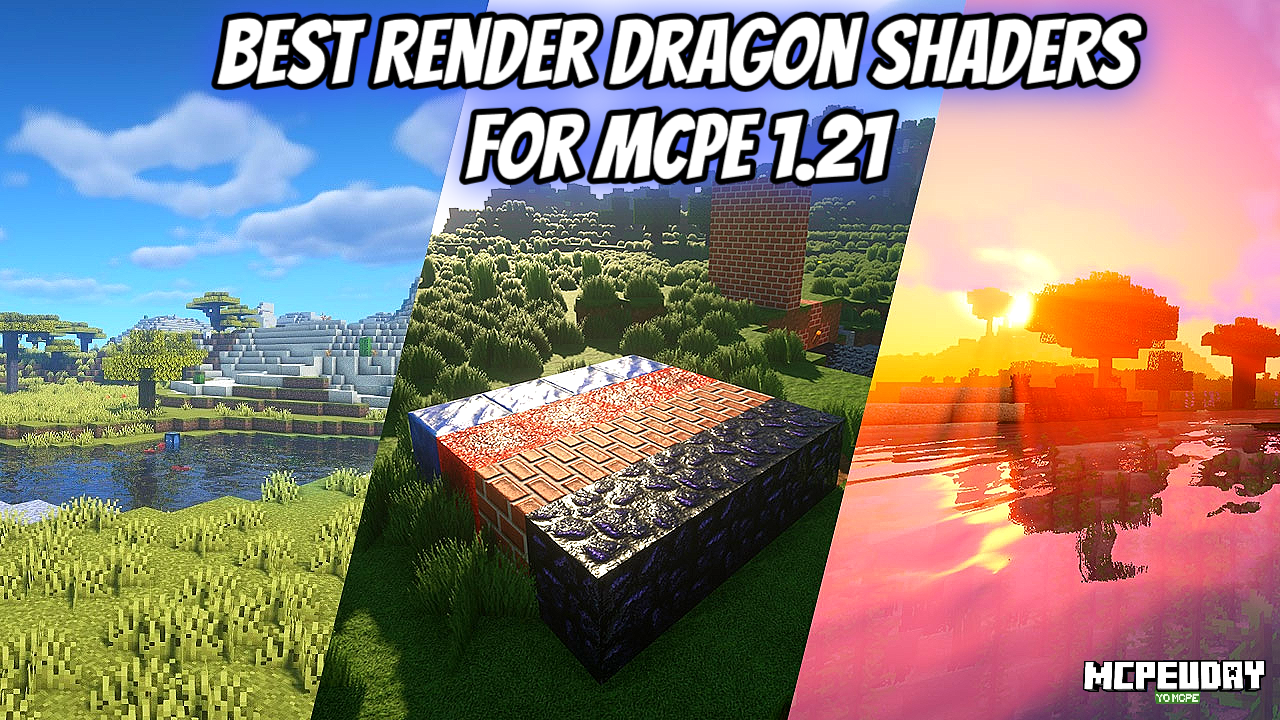
Best Render Dragon Shaders for MCPE 1.21

What Changed in MCPE 1.21 (Render Dragon Reality Check)

Since the shift to Render Dragon, traditional Java-style shaders no longer function the same way. MCPE shaders are now:

  • Resource-pack based
  • Limited compared to Java
  • Highly dependent on device GPU

So if someone promises “RTX-level graphics on 3GB RAM” — that’s marketing, not reality.


1. ESBE 3G Shader (Render Dragon Compatible)
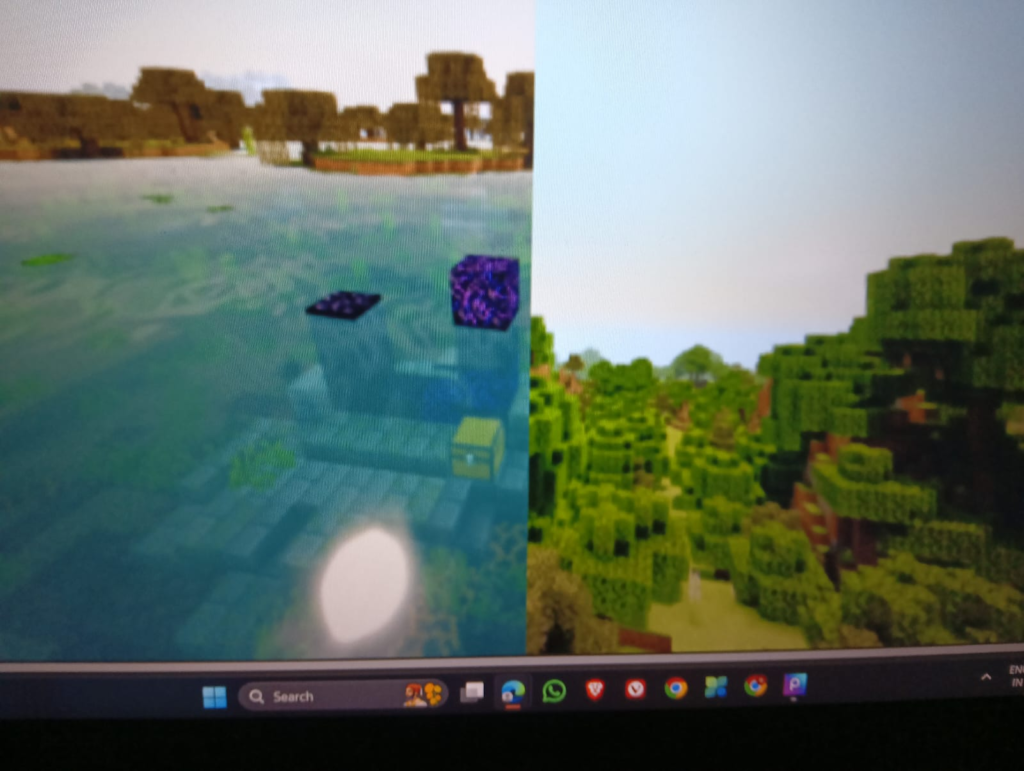
ESBE 3G Shader

ESBE remains one of the most stable options for Bedrock.

What It Actually Improves

  • Warmer sunlight tone
  • Clean shadow edges
  • Slight water movement realism
  • Enhanced sky gradients

My Testing Note

On my Poco X3:

  • Vanilla FPS: ~58–60
  • With ESBE: 52–55 FPS
  • Jungle biome dropped to 48 briefly

The water reflections look noticeably better during sunset. However, heavy forest areas reduce FPS slightly.

On low-end Samsung A22:

  • Playable but must reduce render distance to 8 chunks.

Pros

✔ Balanced lighting
✔ Not overly saturated
✔ Stable for survival gameplay

Cons

✘ Slight FPS drop in dense biomes
✘ Night can feel darker than default

Verdict

Best overall balance for mid-range Android devices.

👉 Always download from the creator’s official MCPEDL page. Do not use re-upload links.


2. Natural Mystic Shader (Performance-Friendly)
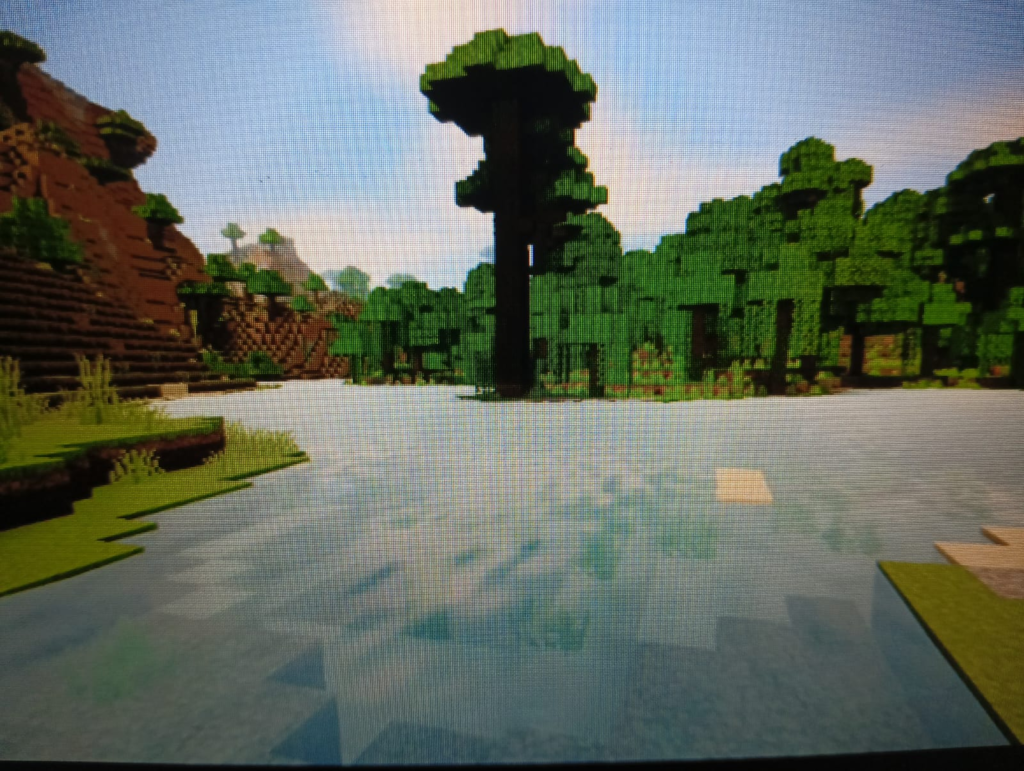
Natural Mystic Shader

This shader focuses on atmosphere rather than dramatic visuals.

What It Actually Changes

  • Soft ambient lighting
  • Subtle sky enhancement
  • Light shadow adjustment

My Testing Note

On Samsung A22:

  • Vanilla: 45 FPS
  • With Natural Mystic: 40–43 FPS
  • No random stutters

On iPhone 12:

  • Completely smooth at 60 FPS cap.

It doesn’t look “cinematic,” but it feels natural — perfect for long survival sessions.

Pros

✔ Very stable
✔ Low battery drain
✔ Good for multiplayer

Cons

✘ No strong reflections
✘ Minimal visual “wow” effect

Verdict

Best for low-end devices that can’t handle heavier shaders.


3. Razzle Shader (Lightweight Visual Boost)
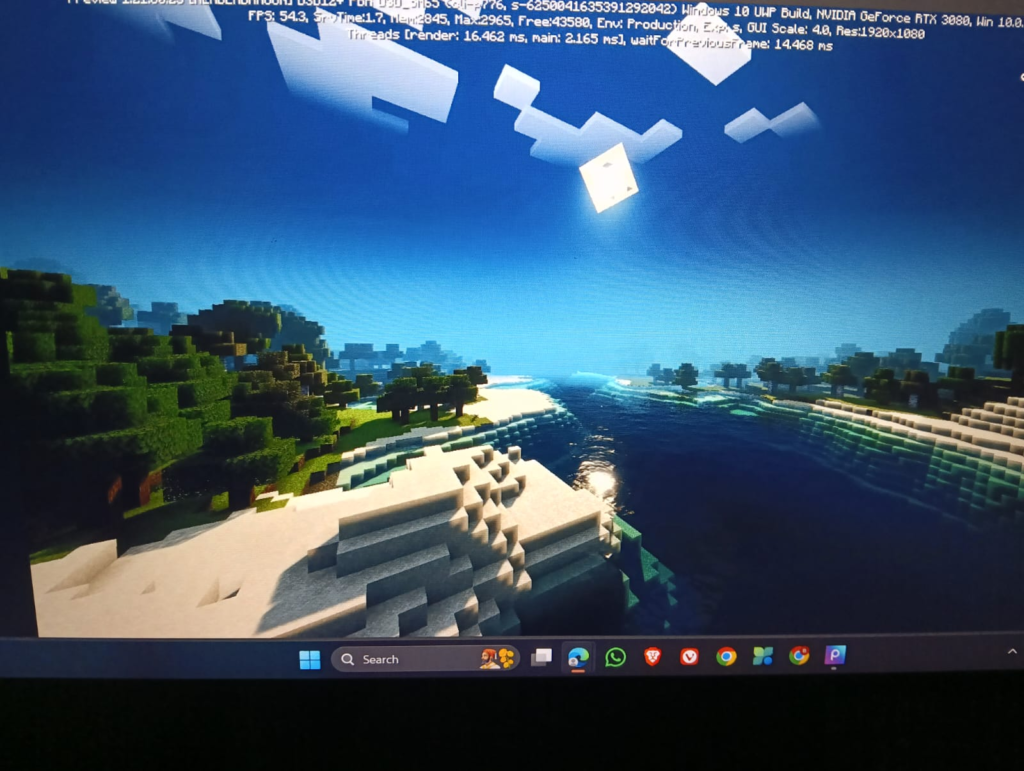
Razzle Shader

Razzle improves brightness and overall warmth without aggressive shadows.

My Testing Note

On Poco X3:

  • 55 FPS average
  • No overheating after 30 minutes

The difference is most noticeable during sunrise. It gives a slightly golden hue.

Pros

✔ Lightweight
✔ Improves brightness
✔ Great for YouTube recordings

Cons

✘ No realistic water
✘ Shadows are basic

Verdict

If your phone heats up with other shaders — use this.


4. RH Shader (High-End Only)
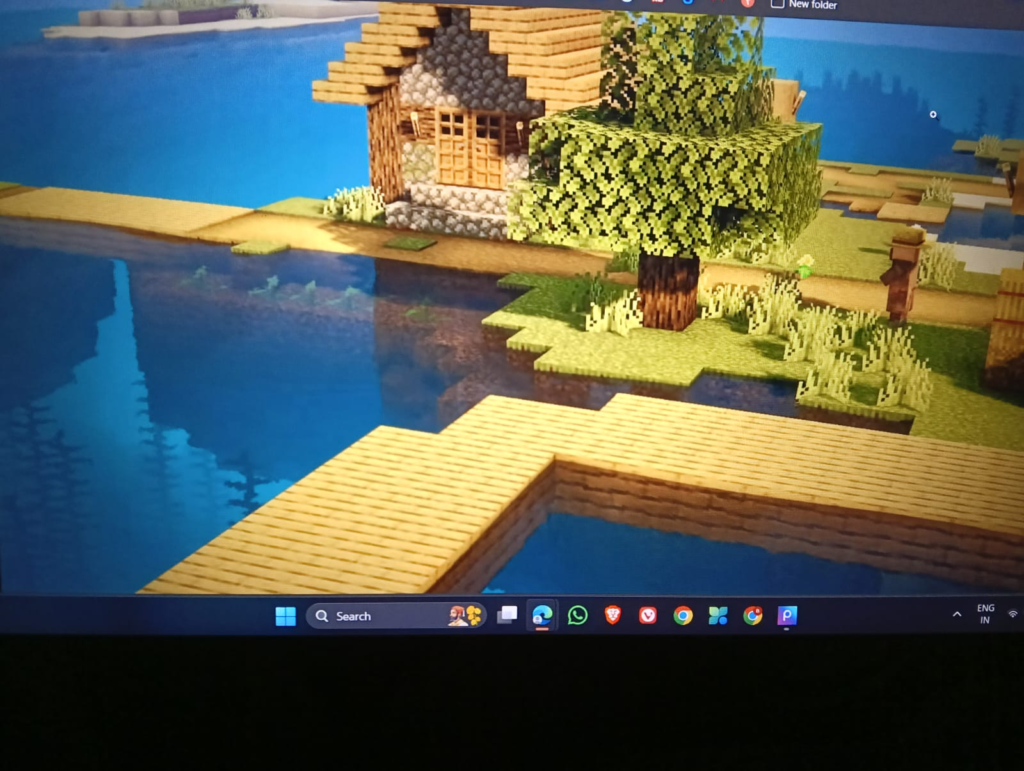
RH Shader

RH tries to push Render Dragon visuals further.

My Testing Note

On Poco X3:

  • Dropped to 42–45 FPS
  • Occasional stutter near villages

On iPhone 12:

  • Smooth 60 FPS
  • Looks impressive at sunset

Pros

✔ Strong bloom
✔ More dramatic lighting
✔ Great showcase shader

Cons

✘ Heavy on GPU
✘ Not for low-end devices

Verdict

Use only if you have a powerful device.


How to Install Render Dragon Shaders in MCPE 1.21 (Expanded Guide)

  1. Download the official .mcpack file from the original creator.
  2. Tap the file — Minecraft will automatically import it.
  3. Open Minecraft → Settings → Global Resources.
  4. Activate the shader pack.
  5. Restart your world completely.

If shader doesn’t activate:

  • Clear cache
  • Restart device
  • Ensure version is 1.21 compatible

Troubleshooting Section (Common 2026 Issues)

Black Screen After Import

Cause:

  • Shader not updated for 1.21

Fix:

  • Check creator’s official changelog.

FPS Suddenly Drops

Cause:

  • Render distance too high.

Fix:

  • Set render distance to 8–10 chunks.
  • Disable fancy clouds.
  • Lower particles.

Overheating Device

Cause:

  • GPU overload.

Fix:

  • Lower brightness
  • Reduce simulation distance
  • Use Natural Mystic instead of RH

Important Legal & AdSense Note

This article does NOT host shader files.

Always download shaders from:

  • Official MCPEDL creator page
  • Creator’s GitHub
  • Verified Discord server

Credits belong to respective shader developers.

This site is not affiliated with Mojang Studios or Microsoft.


Final Recommendation by Device Type

Low-End (3–4GB RAM):
→ Natural Mystic

Mid-Range (6GB RAM):
→ ESBE

High-End:
→ RH Shader

For long survival worlds, stability is more important than dramatic lighting.


Final Honest Opinion

After testing multiple Render Dragon shaders for MCPE 1.21, here’s the truth:

No Bedrock shader will match Java RTX visuals.

But with the right pack and correct settings, you can get:

  • 10–20% visual improvement
  • Minimal FPS sacrifice
  • Better gameplay immersion

If your goal is smooth gameplay + clean visuals — ESBE remains the safest choice.

View Comments (37)
  1. […] By utilizing the latest advancements in community-developed rendering tools, we can finally enjoy high-end visual features like waving foliage, realistic fog, and dynamic lighting on portable platforms. If you are curious about how this pack stacks up against other contemporary options, check out our guide on the Best Render Dragon Shaders for MCPE 1.21. […]

  2. […] By utilizing transient attachments and optimized memory pathways (especially on tile-based mobile GPUs), the Klash Visuals Deferred PBR Shader minimizes the amount of memory bandwidth it consumes. It only renders light volumes where they actually affect the screen, meaning a torch hidden behind a wall won’t waste your graphics card’s processing power. To see how this shader holds up on real-world mobile devices and consoles, check out our Best Render Dragon Shaders for MCPE 1.21 Tested on Real Devices 2026 Guide. […]

  3. […] No, kappa shaders is built exclusively for Java Edition using OpenGL and shader loaders like Iris or OptiFine. It does not work on Minecraft Bedrock Edition (iOS, Android, Windows 10/11 Bedrock) due to Bedrock’s proprietary Render Dragon engine. However, Bedrock players can find excellent alternatives in our guide to the Best Render Dragon Shaders for MCPE 1.21. […]

  4. […] Whether you are playing on older releases like Minecraft 1.19 and 1.20, or enjoying the latest features in Minecraft 1.21 (including 1.21.62+ and version 26.10), there is a version of this shader built for you. For mobile players, we have tested these files extensively to ensure they run beautifully. To see how this pack stacks up against other top-tier options, check out our guide on the Best Render Dragon Shaders for MCPE 1.21. […]

  5. […] If you want to upgrade your graphics, the mobile version uses the Render Dragon engine. At MCPEUDAY, we track the absolute best visual upgrades for your device. You can check out our curated lists of the Best Shaders for MCPE 1.21 2026 Top 3 Realistic Minecraft PE Shaders and our tested guides on the Best Render Dragon Shaders for MCPE 1.21 Tested on Real Devices 2026 Guide. […]

  6. […] Before downloading any new graphics pack, it is important to understand how it will affect your frame rate and overall gameplay experience. Fortunately, we have tested this pack extensively across multiple devices to ensure it meets our high standards for stability and performance. If you want to see how it ranks against other popular options in the community, you can Check out the Best Render Dragon Shaders for MCPE 1.21. […]

  7. […] When we play-tested Celestia Visuals, the first thing we noticed was how it handles sunlight and shadows. Sunsets cast a long, golden-bronze glow across the landscape, making simple wooden houses look like cozy, professional builds. If you want to see how it matches up against other high-end options, check out our Best Render Dragon Shaders for MCPE 1.21 Tested on Real Devices 2026 Guide. […]

  8. […] It is fully compatible with Minecraft 1.21 and the latest 26.x updates. If you are playing on a modern mobile device or a handheld console that supports custom resource packs, you can easily run this without a massive drop in performance. For more options tested on real devices in 2026, take a look at our guide on the Best Render Dragon Shaders For MCPE 1 21. […]

  9. […] For a look at how these features stack up against other custom setups, you can Watch a showcase of top shaders to see them in action. If you want to see how this shader performs compared to other popular mobile options, check out our Best Render Dragon Shaders for MCPE 1.21 Tested on Real Devices 2026 Guide. […]

  10. […] Before we dive into setting up this gorgeous pack, let’s make sure your system is ready for it. The Trailer Visuals Shader is primarily designed for Minecraft Java Edition. However, Bedrock players looking for similar visual upgrades on mobile or console devices have other fantastic options, which we cover in our Best Render Dragon Shaders for MCPE 1.21 Tested on Real Devices 2026 Guide. […]

  11. […] Unlike massive Java shaders that require high-end graphics cards, this pack is optimized for the Bedrock codebase (including Render Dragon engine setups). It applies subtle PBR (Physically Based Rendering) refinements to the blocks, giving surfaces a more realistic response to light without tanking your frame rate. If you want to explore more options for modern Bedrock setups, check out our guide on the Best Render Dragon Shaders for MCPE 1.21. […]

Leave a Comment

Your email address will not be published. Required fields are marked *

Subscribe to our Newsletter

Subscribe to our email newsletter to get the latest posts delivered right to your email.
Pure inspiration, zero spam ✨