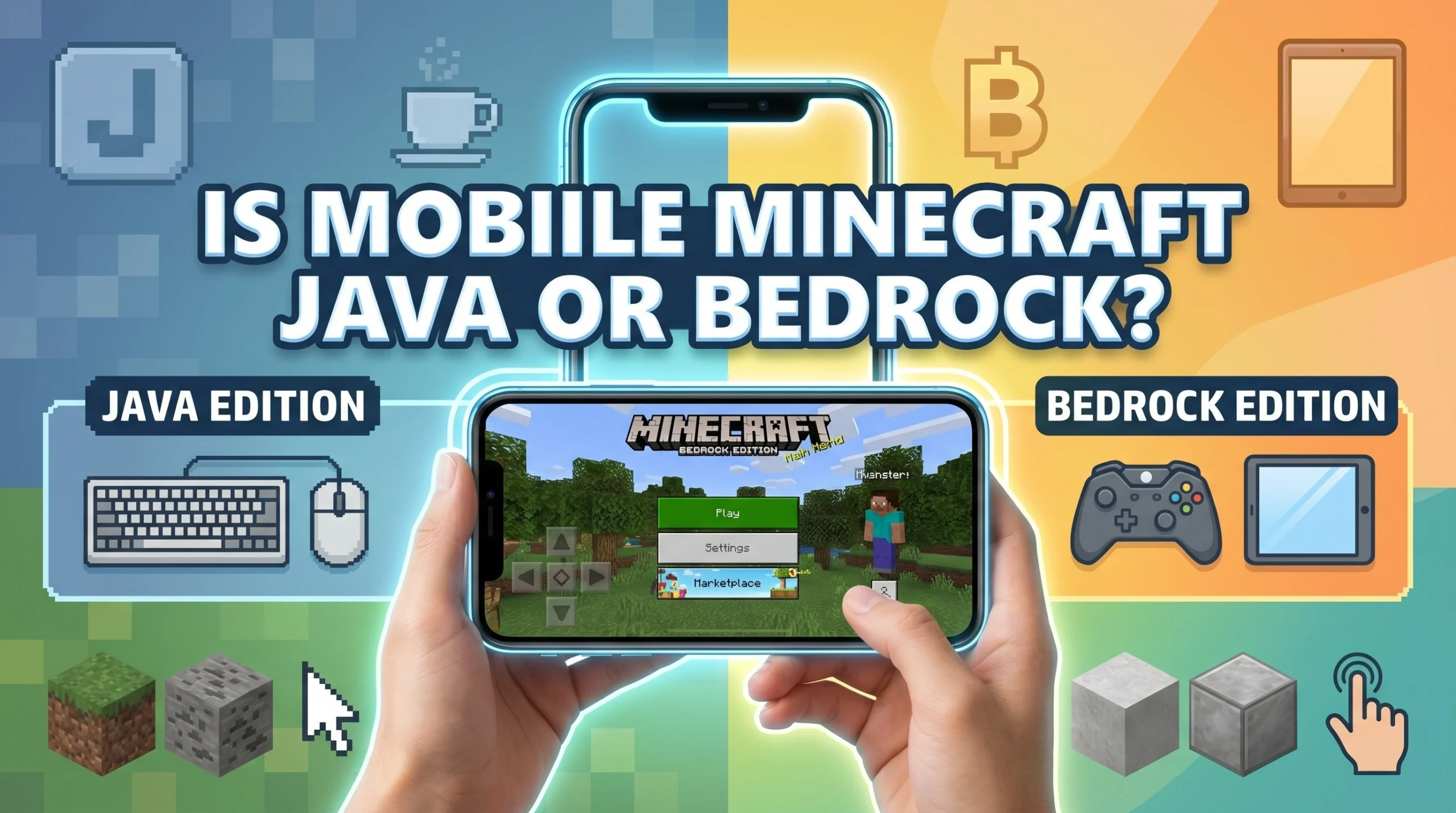
What Version of Minecraft Is on Your Phone?
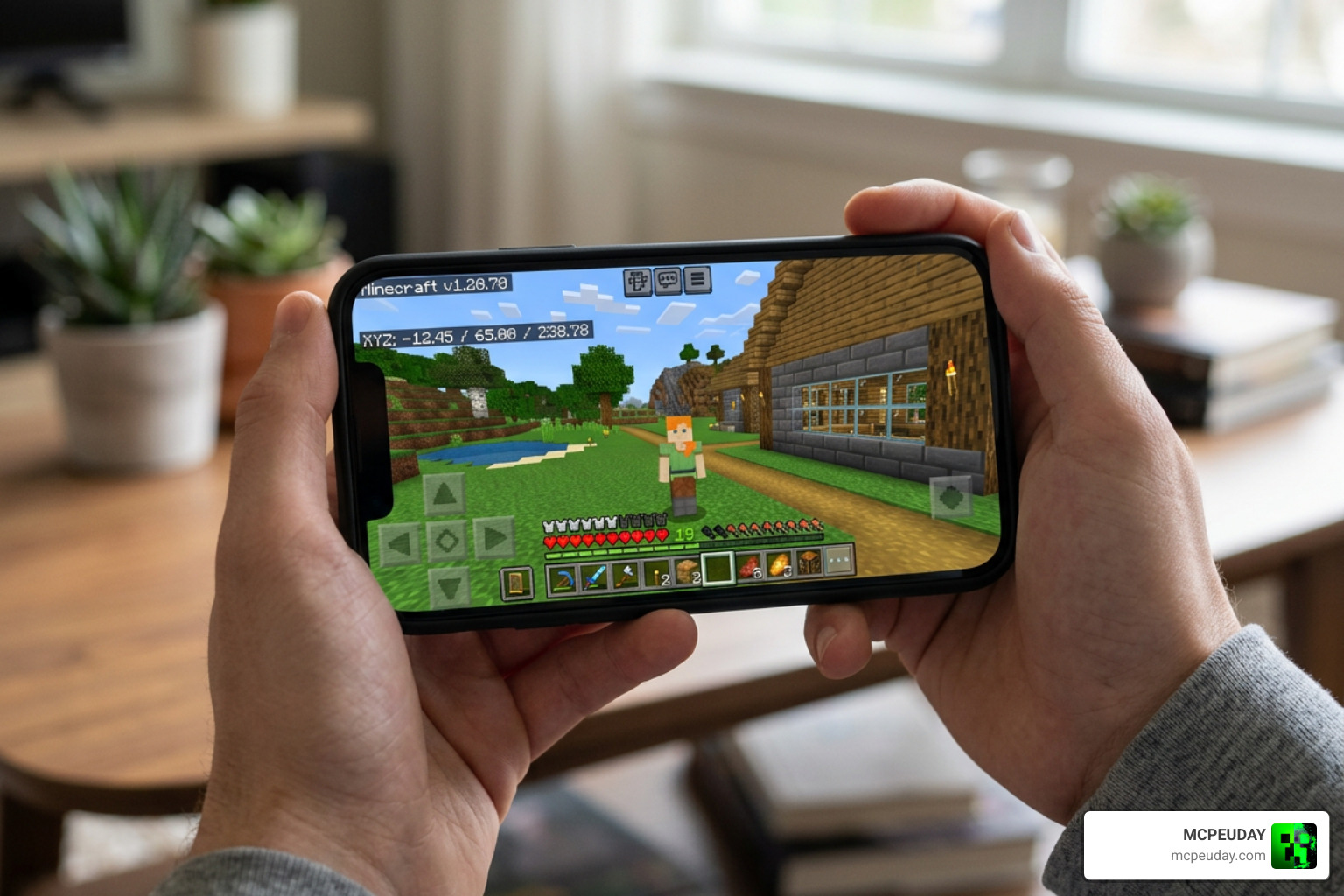
If you’re wondering is mobile Minecraft Java or Bedrock, here’s your quick answer:
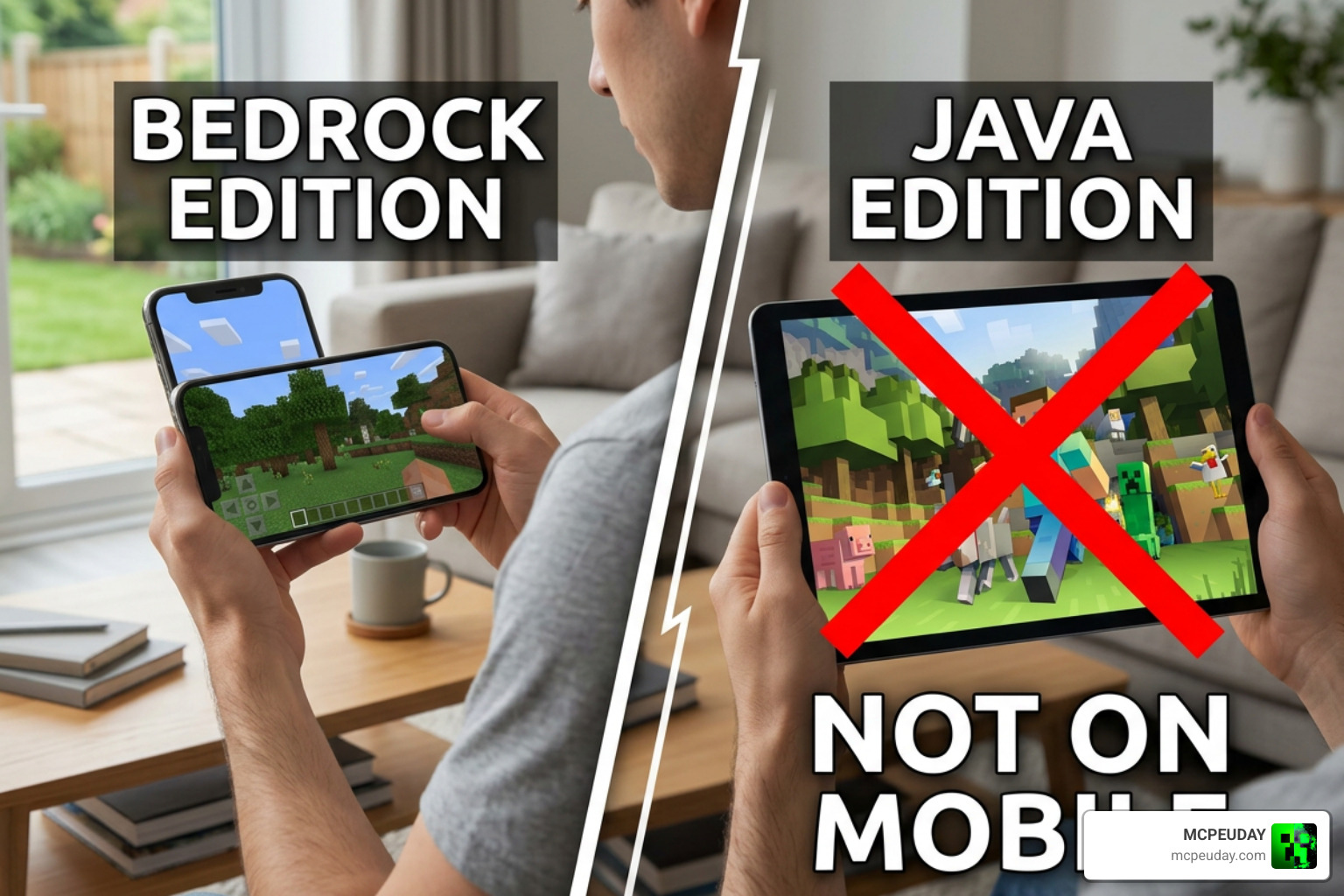
Minecraft on mobile is Bedrock Edition — not Java.
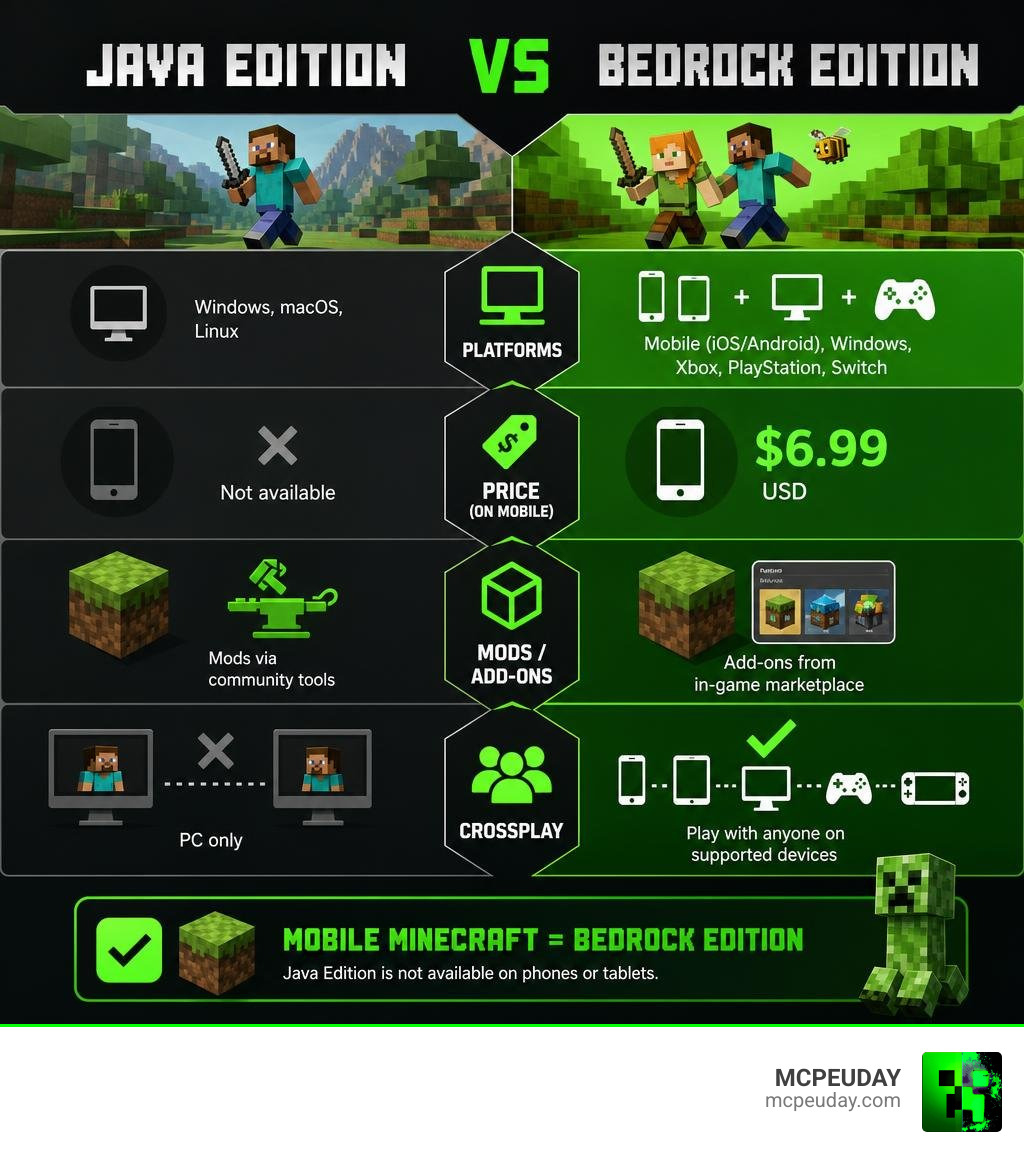
Whether you’re playing on an iPhone, iPad, or Android device, you are running Bedrock Edition. Java Edition is only available on Windows, macOS, and Linux computers. It cannot be officially downloaded or played on a phone or tablet.
Quick facts at a glance:
| Java Edition | Bedrock Edition | |
|---|---|---|
| Mobile (iOS/Android) | ❌ Not available | ✅ Available |
| Windows PC | ✅ Available | ✅ Available |
| Xbox / PlayStation / Switch | ❌ Not available | ✅ Available |
| Price on mobile | — | $6.99 USD |
| Cross-platform play | ❌ PC only | ✅ Mobile, console, PC |
So if you downloaded Minecraft from the App Store or Google Play, you already have Bedrock Edition. It used to be called Minecraft: Pocket Edition (or MCPE), but that name was dropped back in 2017 when all non-Java versions were unified under the Bedrock banner.
This matters a lot — especially if you’re looking for mods, shaders, or add-ons. The files, downloads, and installation steps are completely different between the two editions.
Is Mobile Minecraft Java or Bedrock?
To understand why the question is mobile minecraft java or bedrock is so common, we have to look at how the game is built.
Mobile Minecraft is part of the Bedrock Edition family. This means the game running on your phone shares the exact same codebase as the versions running on Xbox, PlayStation, Nintendo Switch, and Windows 10/11.
While Java Edition is coded in Java, Bedrock Edition is written in C++. This language difference is the core reason why the two editions are packaged separately. When you purchase the game on iOS or Android, you are downloading a C++ application designed specifically to interact with mobile hardware.
If you want to read more about the platform’s history, you can check out this guide on Is Minecraft on mobile Java or Bedrock Edition?.
For mobile players, this version of the game is often still referred to by its legacy name, Minecraft PE (Pocket Edition). While Mojang officially dropped the “Pocket Edition” branding in 2017 during the Better Together Update, the community still uses the abbreviation MCPE to distinguish mobile Bedrock from console and PC Bedrock.
Is Mobile Minecraft Java or Bedrock: Can You Get Java on iOS or Android?
Because Java Edition has a reputation for limitless modding and classic technical gameplay, many mobile players search for workarounds to get Java running on their phones.
Strictly speaking, there is no official way to run Java Edition on iOS or Android. However, some advanced users rely on unofficial compatibility layers and third-party emulators (such as PojavLauncher) to force the Java .jar files to execute on mobile operating systems.
While these unofficial workarounds can technically boot Java Edition on a phone, we do not recommend them for everyday play. They suffer from severe performance issues, massive battery drain, and touch-control mapping problems. If you are trying to figure out which version you are running natively, you can read this helpful tip sheet on How do I know if I have Java or bedrock on my phone?.
Key Differences Between Java and Bedrock Editions
Understanding the differences between the two editions is crucial for choosing how you want to play.
The biggest differentiator is the programming language. Java Edition is written in Java, which is highly flexible and makes third-party modding incredibly easy on PCs. On the other hand, Bedrock Edition is written in C++, which is much faster, more lightweight, and highly optimized for devices with limited hardware resources like phones and tablets.
These programming differences also affect how worlds are saved. Java Edition uses the Anvil world format, while Bedrock uses the LevelDB format. This means you cannot simply copy a world file from Java and open it on your phone without using a third-party conversion tool.
To see a deep dive into the technical contrasts, you can look over the official documentation on Differences Between Bedrock and Java.
Here is a quick breakdown of how these editions compare:
| Feature | Java Edition | Bedrock Edition (Mobile) |
|---|---|---|
| Primary Codebase | Java | C++ |
| World Format | Anvil | LevelDB |
| Performance | Resource-heavy; needs optimization mods | Exceptionally smooth; built for mobile |
| Controller Support | Requires mods | Native support (Bluetooth controllers) |
| Redstone Physics | Quasi-connectivity (highly predictable) | No quasi-connectivity (different timings) |
| Combat System | Attack cooldowns, sweeping edge | Legacy spam-clicking combat |
Why Mobile Uses Bedrock Instead of Java
Java is a heavy language that requires a Java Virtual Machine (JVM) to run, which eats up memory and drains battery life rapidly. Mobile devices in the early 2010s simply could not handle it.
To bring Minecraft to smartphones, Mojang had to build a brand-new, lightweight engine from scratch. This became Pocket Edition, which was later renamed Bedrock Edition.
By using C++, Bedrock Edition achieves incredible battery efficiency and smooth render distances on modest mobile processors. This cross-platform engine also paved the way for the Better Together Update, unifying mobile, console, and Windows players into a single ecosystem.
Multiplayer, Crossplay, and Customization on Mobile
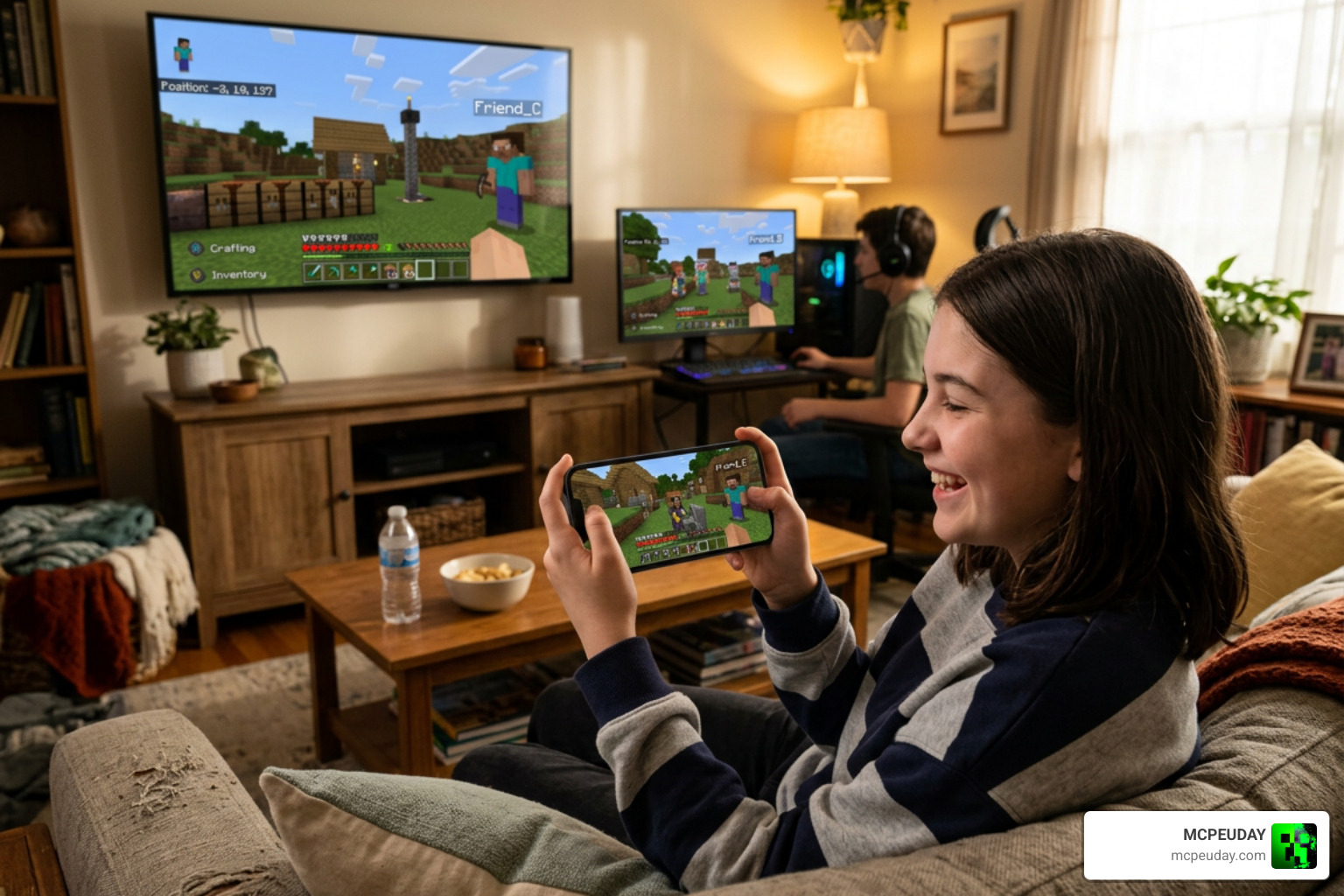
One of Bedrock’s greatest strengths is its multiplayer integration. Because mobile Minecraft is Bedrock, you can play seamlessly with friends on Xbox, PlayStation, Nintendo Switch, and Windows PCs.
All you need is a free Xbox Live account to invite friends to your world. If you want a persistent world that stays online 24/7, you can subscribe to Realms Plus, which allows up to 10 players to join from any Bedrock-supported device. You can find more details in the official overview of The Difference between Java and Bedrock Editions.
If you are ready to jump into multiplayer worlds, check out our comprehensive Minecraft Bedrock Multiplayer Guide for tips on setting up servers and playing with friends.
Can Java and Bedrock Players Play Together on Mobile?
Natively, Java and Bedrock players cannot play together because they use entirely different network protocols and server software.
However, the community has built an incredible bridge called GeyserMC. GeyserMC is a proxy server plugin that translates Bedrock packets into Java packets on the fly. This allows mobile Bedrock players to join Java Edition servers. While it works surprisingly well, there are still minor limitations, such as visual mismatches with custom items and slight combat timing differences.
For more details on crossplay limits, check out the official Minecraft Java vs. Bedrock FAQ.
Customization, Mods, and Shaders on Mobile Bedrock
While Java is famous for its massive modding scene, Bedrock on mobile has come a long way. Instead of traditional Java mods, Bedrock uses Add-ons (which modify entity behaviors and resource packs) and official Marketplace content.
If you want to upgrade your graphics, the mobile version uses the Render Dragon engine. At MCPEUDAY, we track the absolute best visual upgrades for your device. You can check out our curated lists of the Best Shaders for MCPE 1.21 2026 Top 3 Realistic Minecraft PE Shaders and our tested guides on the Best Render Dragon Shaders for MCPE 1.21 Tested on Real Devices 2026 Guide.
Here is what you can customize on mobile Bedrock:
- Skins: Use the 3D Character Creator or import custom
.pngskins. - Add-ons: Install behavior and resource packs directly to change gameplay mechanics.
- Shaders: Enhance lighting and water textures using Render Dragon-compatible files.
- Worlds: Download custom adventure maps, survival spawns, and mini-games.
Choosing the Right Version for Your Playstyle
When deciding where to spend your gaming hours, your choice should match how you like to play. If you want to sit at a desk, play with a mouse and keyboard, and experiment with massive, game-changing Java mods, PC is your best bet.
But if you value portability, couch gaming, and playing with friends who are on consoles, Bedrock on mobile is an outstanding choice. You can read Mojang’s official comparison on Minecraft Java or Bedrock Edition to help weigh your options.
Is Mobile Minecraft Java or Bedrock: Which One Should Beginners Choose?
For beginners, Bedrock Edition on mobile is highly recommended. It is affordable, incredibly easy to set up, and features a user-friendly touch interface.
The inclusion of the Minecraft Marketplace provides a safe, curated environment for younger players to find skins and worlds without the risk of downloading malware from sketchy third-party sites. Plus, its native crossplay means you won’t have to worry about what devices your friends own.
Frequently Asked Questions About Mobile Minecraft
Is Minecraft Bedrock free on mobile?
No. While Bedrock is included in some PC bundles and subscription services like Xbox Game Pass, the mobile version is a paid app. It costs $6.99 USD on both the Apple App Store and Google Play Store. However, all major content updates are completely free.
Is Pocket Edition the same as Bedrock?
Yes. Pocket Edition was the original name for the mobile version of Minecraft. When Mojang unified the codebase across mobile, console, and Windows 10 under the C++ engine, they dropped the “Pocket Edition” subtitle. It is now officially just called Minecraft, but it is technically the Bedrock Edition – Minecraft Wiki version.
Can I use Java mods on mobile Minecraft?
No. Java mods (which usually come in .jar or .zip files meant for loaders like Forge or Fabric) cannot run on Bedrock Edition. Mobile Minecraft uses .mcpack and .mcworld files for its add-ons and behavior packs.
Conclusion
At the end of the day, knowing that mobile Minecraft is Bedrock Edition makes it much easier to customize your game. You don’t have to miss out on beautiful graphics or fun gameplay tweaks just because you’re playing on a phone.
At MCPEUDAY, we are dedicated to providing the safest, most up-to-date collection of horror mods, gameplay add-ons, and realistic shaders for your mobile setup. If you are ready to transform your Bedrock world, Explore MCPE Bedrock Resources on our site today and start crafting your perfect pocket-sized adventure!

1 thought on “Is Mobile Minecraft Java or Bedrock? Phone Version Guide”