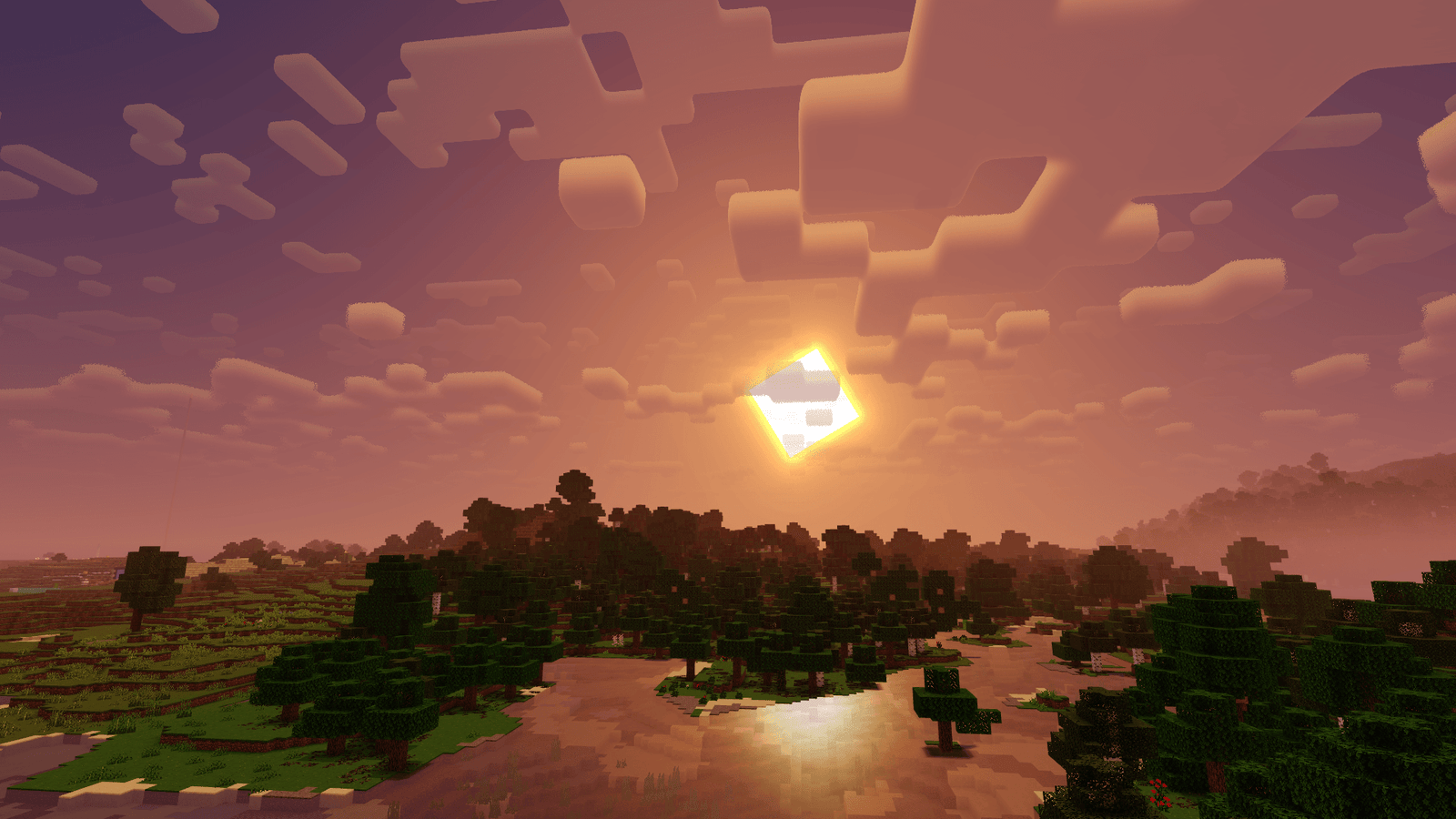
What Is the Newb X Sapphire Shader and How Does It Work?
Scroll down to D0vvnl0ad
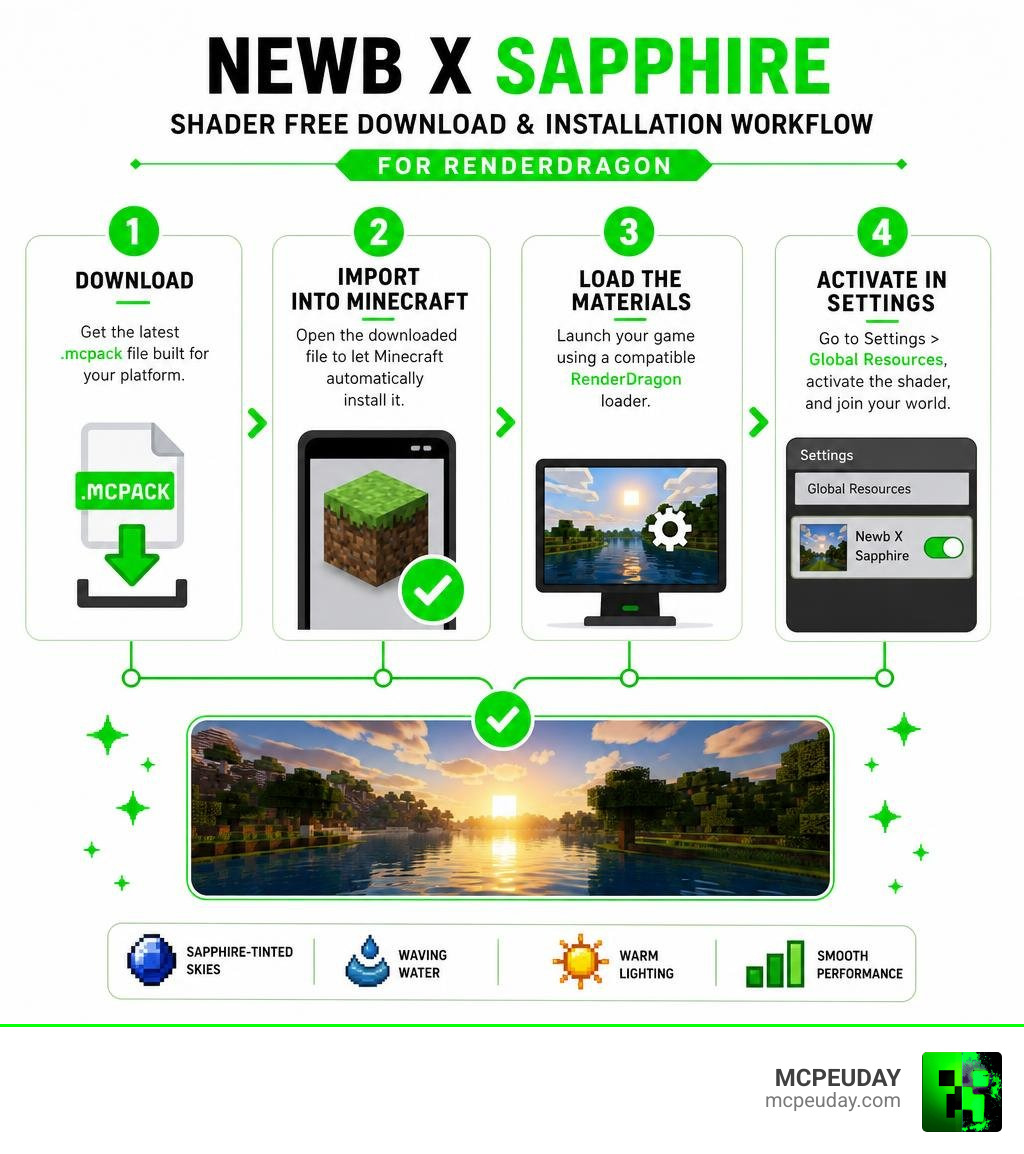
To download and run the Newb X Sapphire shader for free on Minecraft Bedrock (1.26+), grab the latest .mcpack release from trusted community sources, import the file into Minecraft, and activate it in your Global Resources menu.
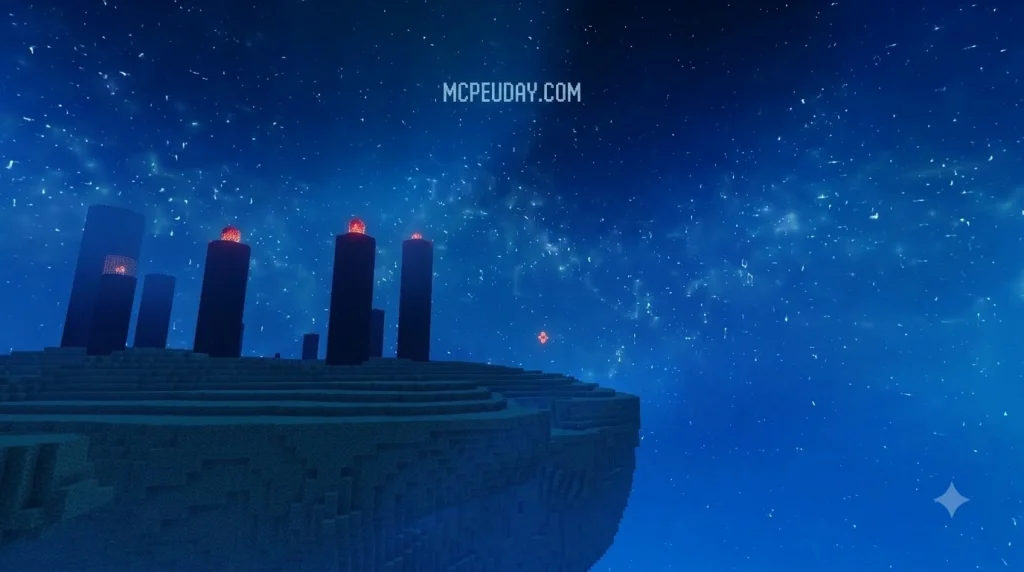
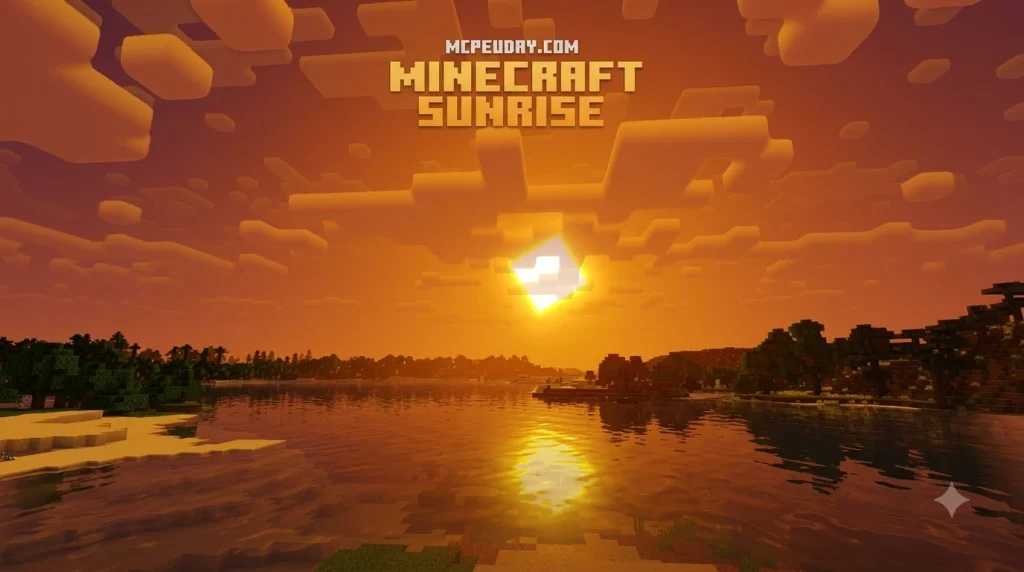
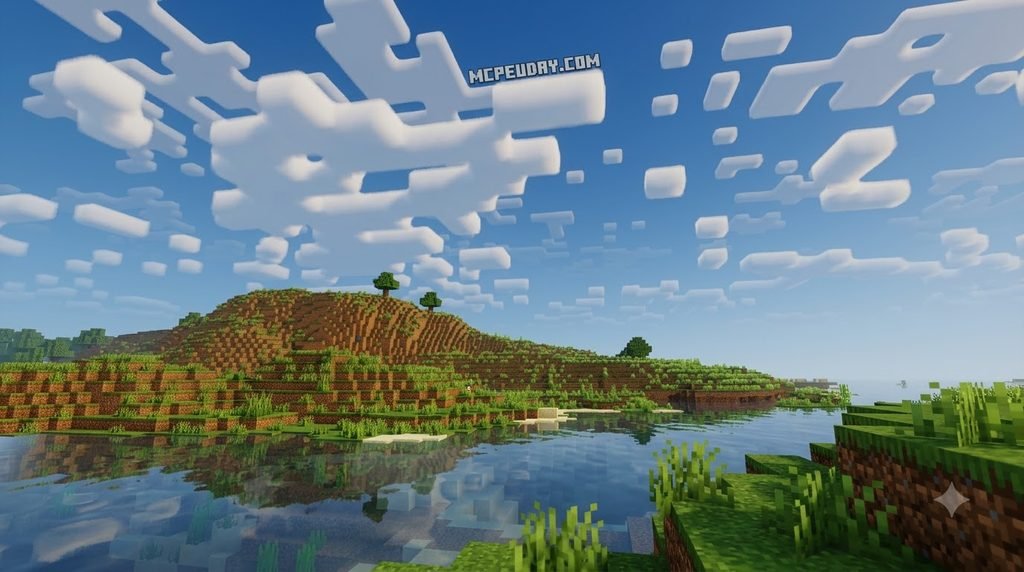
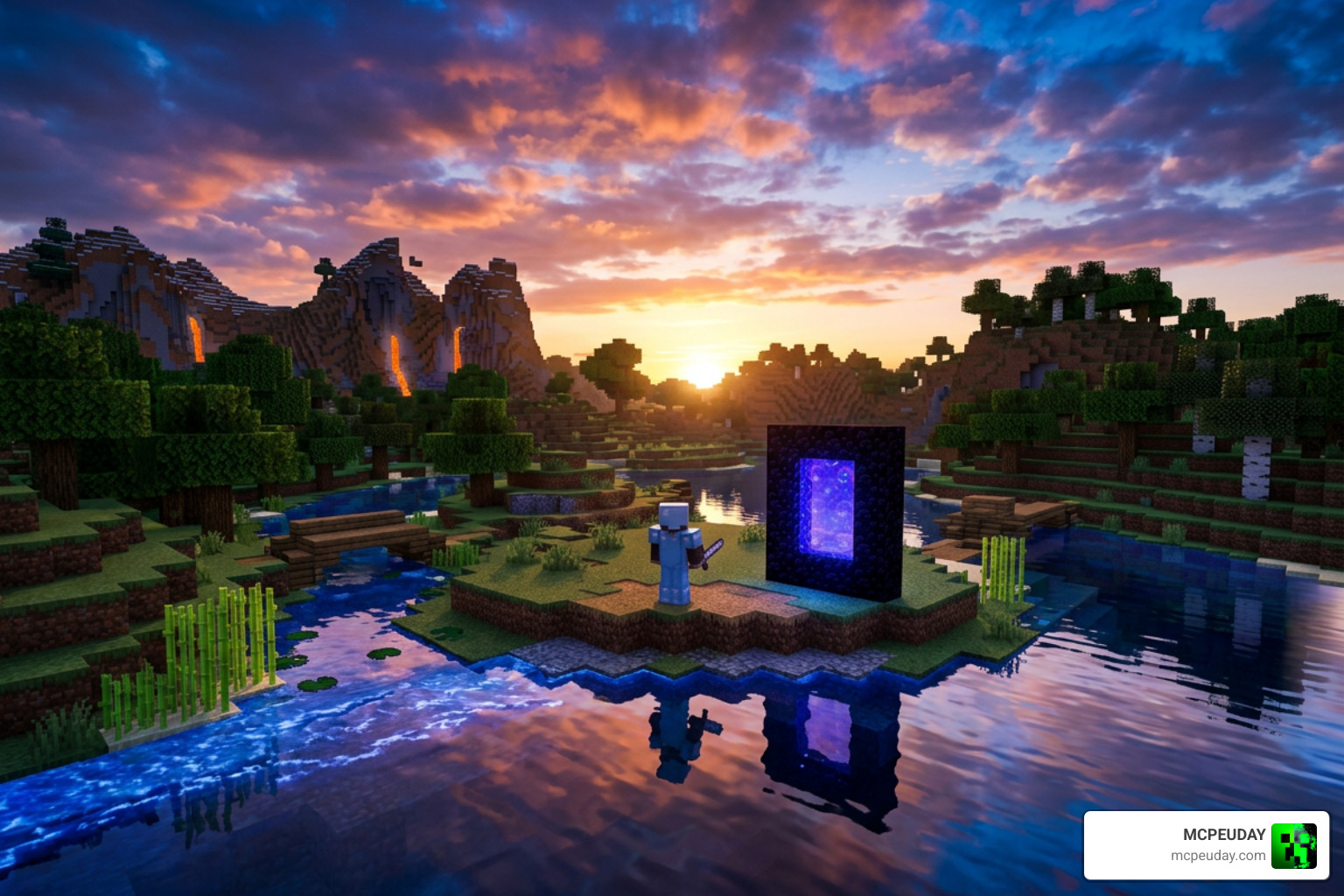
Because Bedrock runs on the RenderDragon graphics engine, you can enjoy custom sapphire-tinted skies, waving water, and warm atmospheric lighting without frame drops—even on budget devices with just 2GB of RAM:
- Download the pack: Get the free
.mcpackfile built for your platform. - Import into Minecraft: Open the downloaded file to let Minecraft automatically install it.
- Load the materials: Launch your game using a compatible RenderDragon loader (such as MB Loader on Android or Wyvern on Windows).
- Activate in settings: Head to Settings > Global Resources, activate the shader, and join your world.
I’m UDAY GAMER from MCPEUDAY, and I will guide you through everything you need to know about setting up, tweaking, and getting the best frame rates with this shader pack.
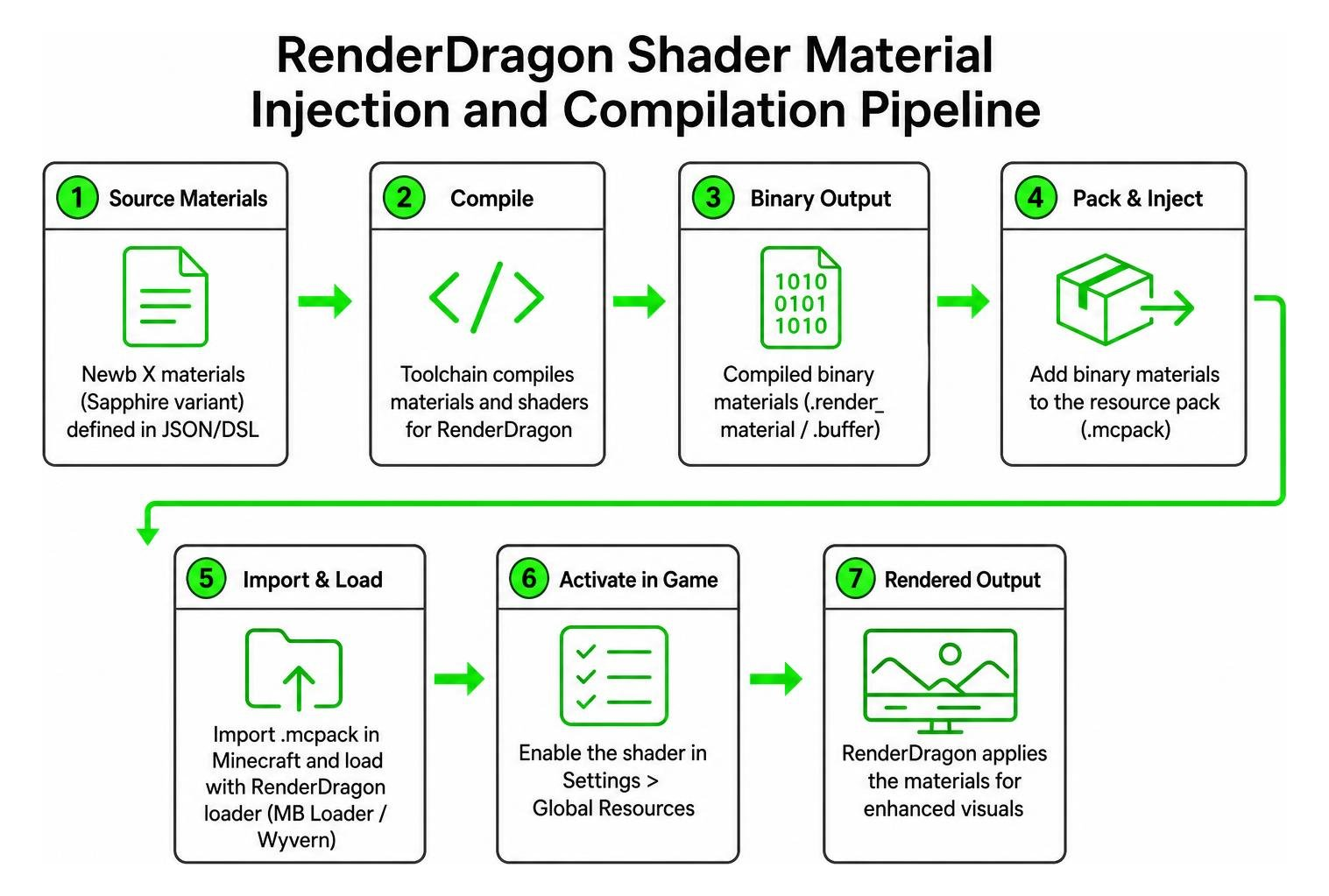
Mojang overhauled Bedrock graphics with the RenderDragon engine, moving away from the legacy OpenGL/GLSL pipeline. This structural change initially broke traditional shaders, requiring community developers to rethink how custom visuals are compiled. Instead of reading simple text-based shader scripts, modern Bedrock processes compiled binary materials that interact directly with the underlying graphics hardware pipeline.
The foundation of modern Bedrock shaders lies in open-source projects like the devendrn/newb-x-mcbe repository. With over 201 stars and 114 forks, this project serves as a bridge, allowing builders to compile custom RenderDragon materials using modern toolchains. The Sapphire variant builds directly upon the classic Newb Shader for Minecraft PE Bedrock, fine-tuning color tones, ambient sky gradients, and lighting warmth without changing core vanilla aesthetics or creating distracting visual artifacts.
Key Visual Enhancements of the Newb X Sapphire Shader
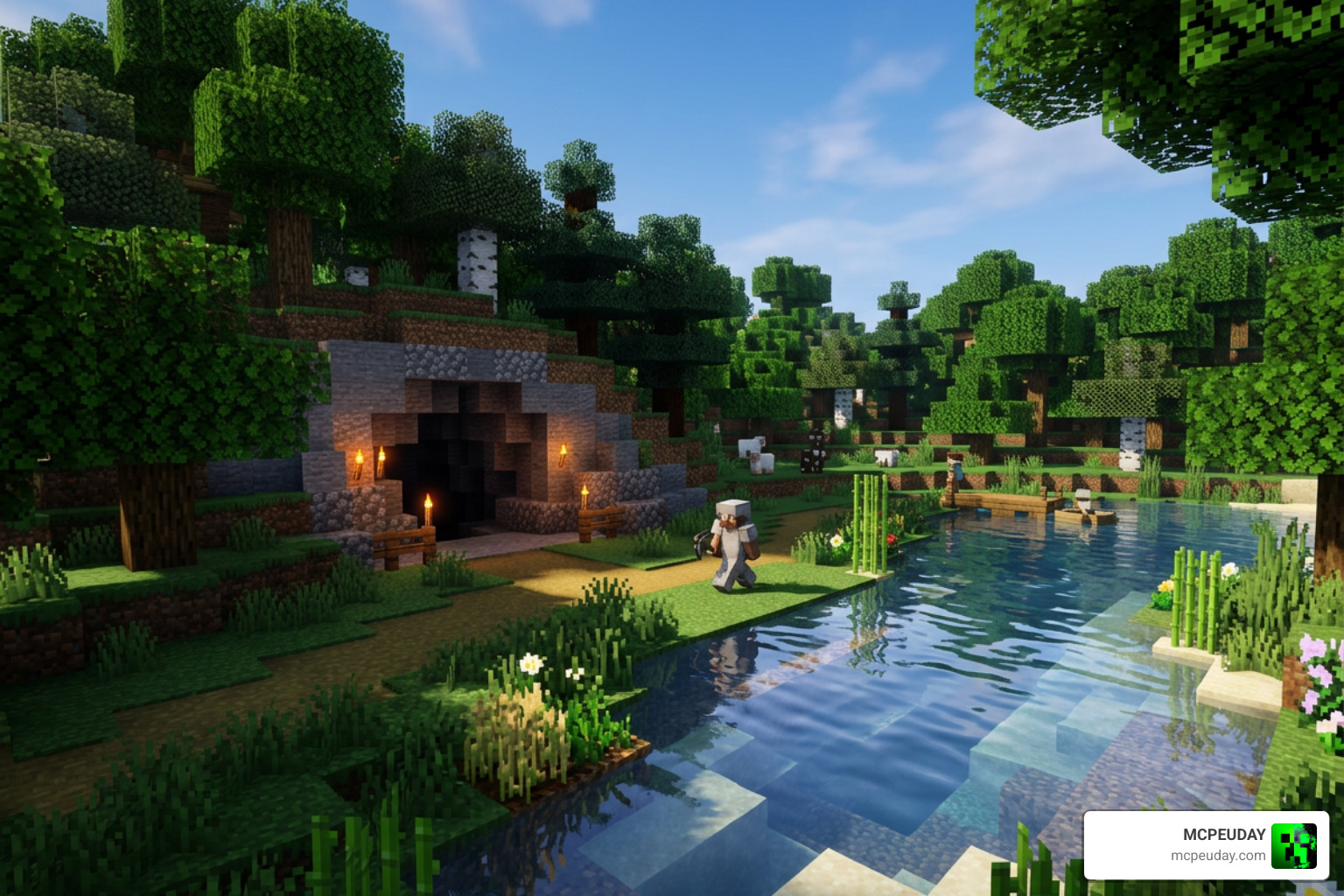
The Sapphire edition distinguishes itself through subtle, immersive visual refinements designed specifically for survival enthusiasts and builders:
- Sapphire-Tinted Atmosphere: A signature deep-blue daylight sky gradient paired with soft, realistic cloud movements and clear nighttime vistas that make stargazing breathtaking.
- Dynamic Vanilla-Friendly Lighting: Torchlight and campfires emit a balanced, warm glow that enhances cave exploration without blowing out ambient shadows or obscuring ore veins.
- Reflective Water Surfaces: Clean, crystal-clear water with subtle surface waves and reflective highlights that adapt dynamically to sunlight and moonlight angles.
- Flora Movement: Gentle waving animations applied to leaves, grass, and crops to make your survival worlds feel vibrant, organic, and truly alive.
- Natural Color Grading: Balanced saturation that maintains high contrast for competitive visibility while providing rich aesthetic depth for scenic builds.
Performance, Compatibility, and System Requirements
One of the biggest advantages of this pack is its lightweight footprint. While heavy post-processing shaders can turn your mobile device into a pocket heater and drain battery rapidly, this pack is optimized to maintain steady 60 FPS gameplay on budget hardware.
- Minimum Memory: 2GB RAM is sufficient for smooth performance on Android and iOS devices.
- Minecraft Version: Minecraft Bedrock 1.26+ (fully compatible across Windows, Android, and iOS ecosystems).
- Subpack Customization: Built-in subpacks allow you to toggle specific features—such as disabling waving leaves (
NO_WAVE)—to save precious frames on entry-level hardware. - Thermal and Battery Efficiency: Low shader instruction counts minimize GPU stress and heat generation, preserving battery life during extended survival sessions.
If you enjoy alternative daylight balances, you can also explore the Newb X Daylight Shader for Minecraft PE for an even brighter, high-contrast visual style.
How to Install Newb X RenderDragon Packs Across Bedrock Platforms
Installing RenderDragon-era shaders is slightly different from old legacy packs. While basic resource packs use the standard .mcpack format, rendering custom materials requires the game to hook into the updated engine architecture.
If you are new to Bedrock modding, understanding how to get shaders in Minecraft will help you organize your texture directories and configuration files. We also maintain an updated walkthrough on how to turn on shaders in Minecraft 2026 Guide covering all supported platforms.
Step-by-Step Guide: How to Download Newb X Sapphire Shader on Mobile and PC
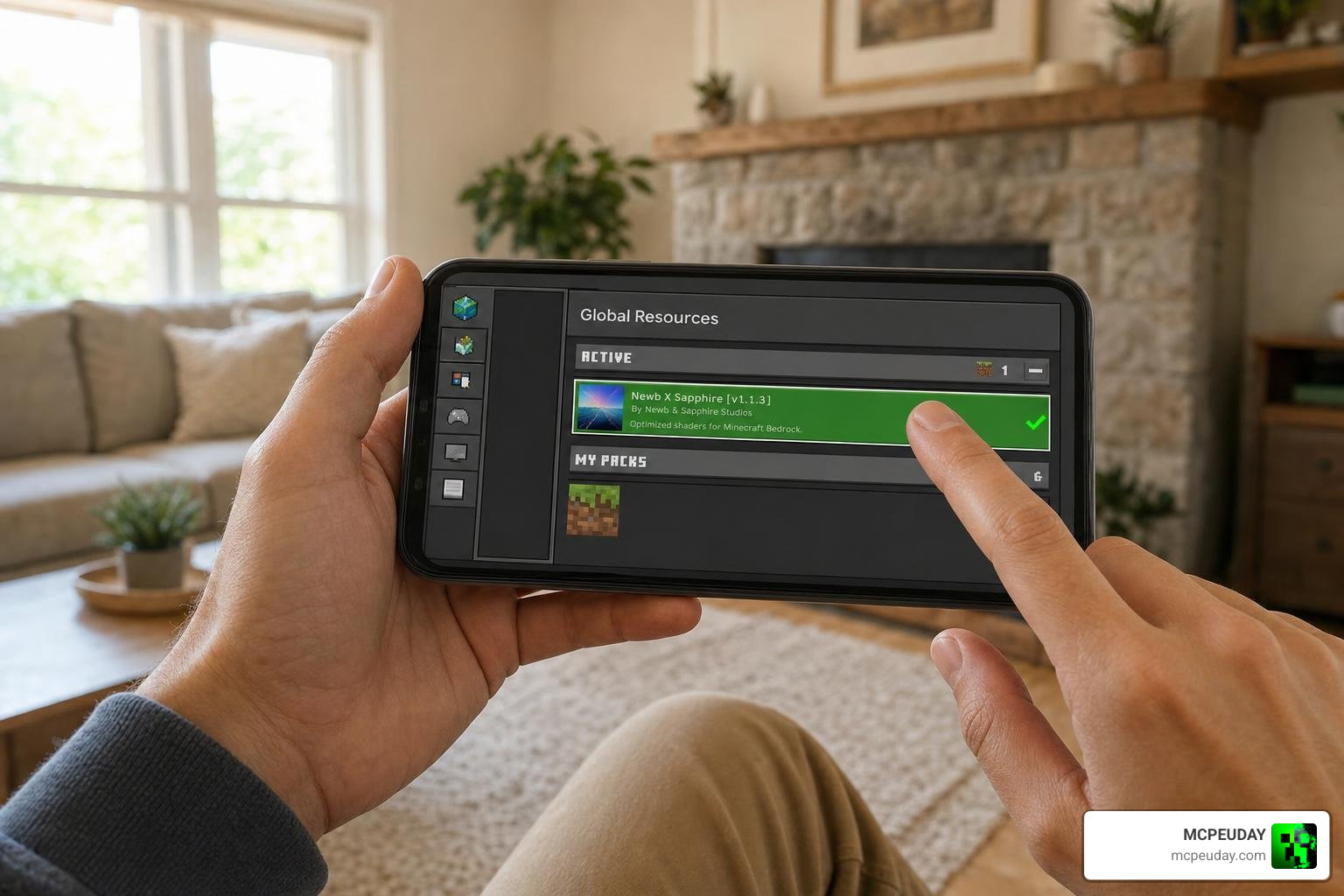
Here is how to download, import, and apply the .mcpack file on your device step by step:
- Download the Pack: Obtain the latest Newb X Sapphire
.mcpackbuild directly from trusted community sources. - Launch the File: Tap or double-click the downloaded file. Minecraft will launch automatically and display an Import Started notification at the top of your screen.
- Open Settings: On the Minecraft main title screen, select Settings to open the core configuration menu.
- Access Global Resources: Scroll down to the Global Resources tab on the left-hand menu.
- Activate the Shader: Expand the My Packs section, click on Newb X Sapphire, and press Activate.
- Adjust Subpack Settings (Optional): Click the gear icon next to the active pack to select your preferred wave density, shadow softness, and sky tint settings.
- Restart the Game: Return to the title menu to allow the engine to reload its material cache, then load into your favorite world to enjoy the upgraded visuals.
Sideloading and Third-Party Injection Setup
Because RenderDragon does not natively parse custom materials without engine support, third-party injection tools are used to load compiled materials correctly across various operating systems:
- Android: The most reliable method is using the MBL2 Shader Loader app from the Google Play Store. Simply launch Minecraft through the loader app to run custom RenderDragon materials smoothly without complex file patching.
- Windows PC: Players utilize injectors like Wyvern to inject material libraries into the runtime process before enabling the resource pack in global settings.
- iOS: iOS setups rely on sideloading tools along with pre-patched client frameworks (such as Hynis). Sideloading on iOS requires extra caution, trusted certificate management, and is recommended for intermediate users.
- Linux & Mac: Mac and Linux users running Bedrock via
mcpelaunchercan utilize MaterialBinLoader orshadersmodplugins to read custom material binaries effortlessly.
Comparing Newb X Sapphire: Performance, Pros, and Cons
Choosing the right shader depends on your playstyle. Whether you are constructing massive bases or playing competitive Bedrock mini-games, here is how Newb X Sapphire compares to other popular options.
| Feature / Metric | Newb X Sapphire | Standard Vanilla | Heavy Ray Tracing / Ultra Packs |
|---|---|---|---|
| Average FPS (Budget Phone) | 55–60 FPS | 60 FPS | 15–25 FPS (Laggy) |
| Minimum RAM Requirement | 2GB RAM | 2GB RAM | 6GB–8GB RAM |
| Sky Aesthetics | Custom Sapphire Gradient | Static Vanilla | Dynamic Volumetric Fog |
| Water Visuals | Reflective & Waving | Flat Texture | Screen-Space Reflections |
| Night & Cave Visibility | Clear & Warm | Dark / Murky | Ultra Dark Shadows |
| Ideal Playstyle | Survival & Competitive PvP | Casual | Cinematic Renders |
To see how this variant ranks against other popular editions, check out our collection of the 10 Best Newb Shaders for Minecraft PE Bedrock. If you play on an ultra-budget device and need every extra frame, the Newb X LowRes Renewed Shader for MCPE is another excellent lightweight alternative.
Frequently Asked Questions About Newb Shaders
Is the Newb X Sapphire Shader safe and free for personal use?
Yes, the shader is completely free for personal gameplay. The core build framework is developed under open-source standards on the devendrn/newb-x-mcbe: A custom vanilla RenderDragon … repository, where top contributor devendrn has authored over 166 contributions. While the underlying build scripts use the MIT license, compiled packs distributed by community creators often carry specific personal-use copyright guidelines. Always download packs from trusted community hubs to ensure your files are safe and free from modifications.
Does this shader run smoothly on low-end 2GB RAM mobile devices?
Yes! It is specifically engineered to eliminate unnecessary post-processing passes, allowing budget Android and iOS devices with 2GB of RAM to maintain stable frame rates. If you prefer warmer evening tones with similar low-end optimization, consider trying the Newb X Ambient Shader for Minecraft PE.
How do you fix black screens or RenderDragon shader compilation errors?
If you encounter a black screen or missing textures:
- Verify that your third-party injector matches your exact Minecraft Bedrock version.
- When compiling from source, ensure you are using Python 3.11+,
lazuritestrictly pinned to v0.8.4, andrichv14.x.x to avoid build incompatibilities with theshadercbinaries. - Clear the Minecraft resource cache and re-import the
.mcpack. - Check our Best Render Dragon Shaders for MCPE 1.21 Tested on Real Devices for up-to-date engine troubleshooting steps.
Download
Download Addon
MORE ADDONS – MCPE/Bedrock – MCPEUDAY
Conclusion
At MCPEUDAY, we test graphics packs across multiple mobile and desktop hardware setups to ensure you get crisp visuals without sacrificing smooth gameplay. The Newb X Sapphire pack provides the perfect balance: deep sapphire skies, natural lighting, and waving water that run flawlessly on low-end hardware.
Explore our full library of Minecraft PE Shaders Category downloads, or check out our handpicked list of the best realistic Minecraft PE shaders to find the ideal look for your next survival world!
