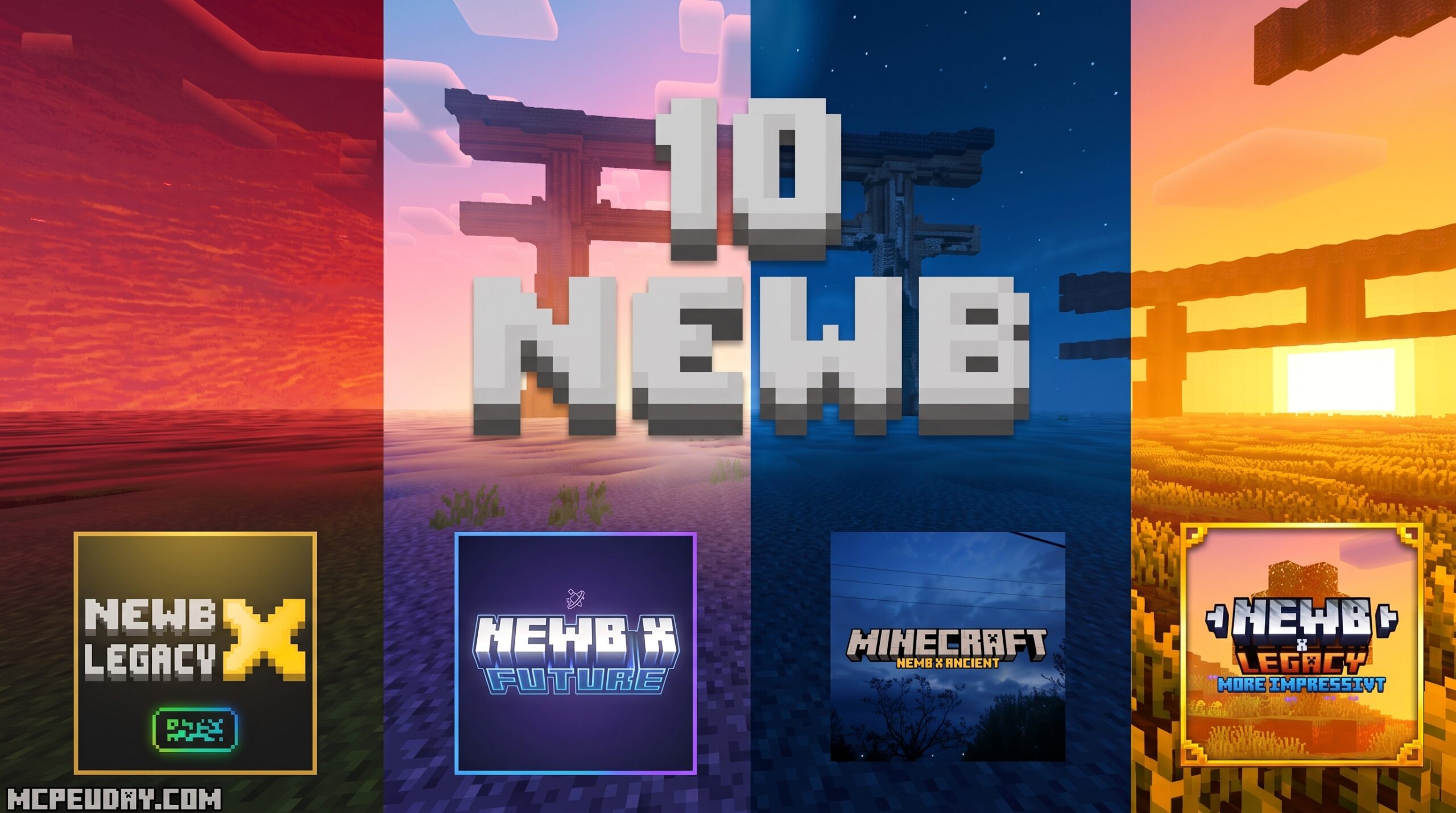
The 10 Best Newb Shaders for Minecraft PE/Bedrock at a Glance
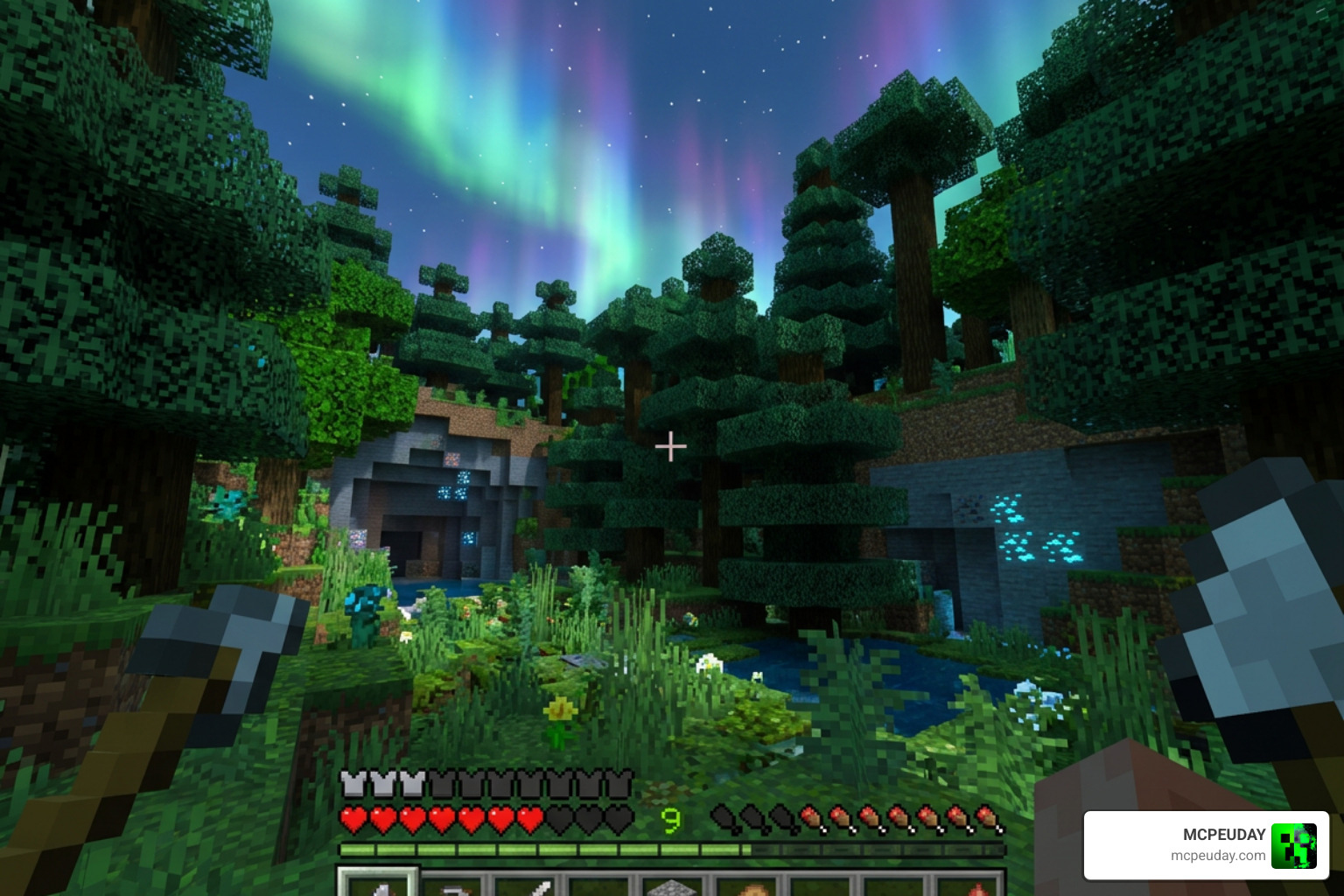
The best Newb Shaders for Minecraft PE/Bedrock in July 2026 are:
- Newb Complementary Reimagined – Best for Java-like visuals with auroras, glowing ores, and realistic lighting
- Newb X Linett – Best for low-end devices and trailer-style cinematic graphics
- Newb Lumina – Best for soft shadows and water reflections without lag on mobile
- Newb Optimized – Best beginner-friendly option with multiple Java-inspired styles
- Newb X Legacy – Best lightweight option for a soft, enhanced vanilla look
- Newb X Vibe – Best for fantasy and medieval aesthetics with rainbows and shooting stars
If you play Minecraft on your phone or tablet, you already know the struggle. The game looks decent out of the box – but nothing like those cinematic screenshots you see online.
AND MORE SHADERS
10. Newb X Calm Vibes Shader
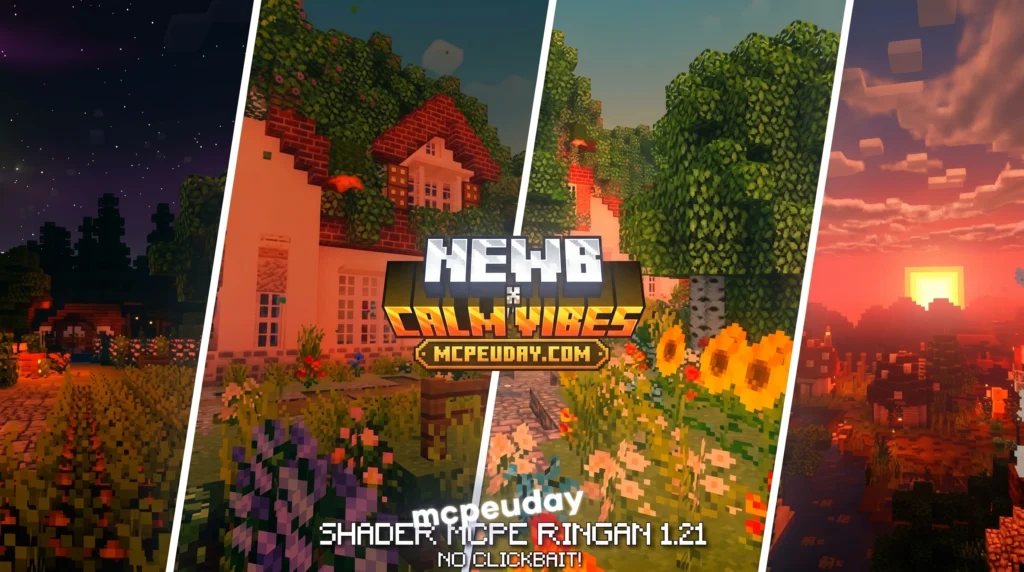
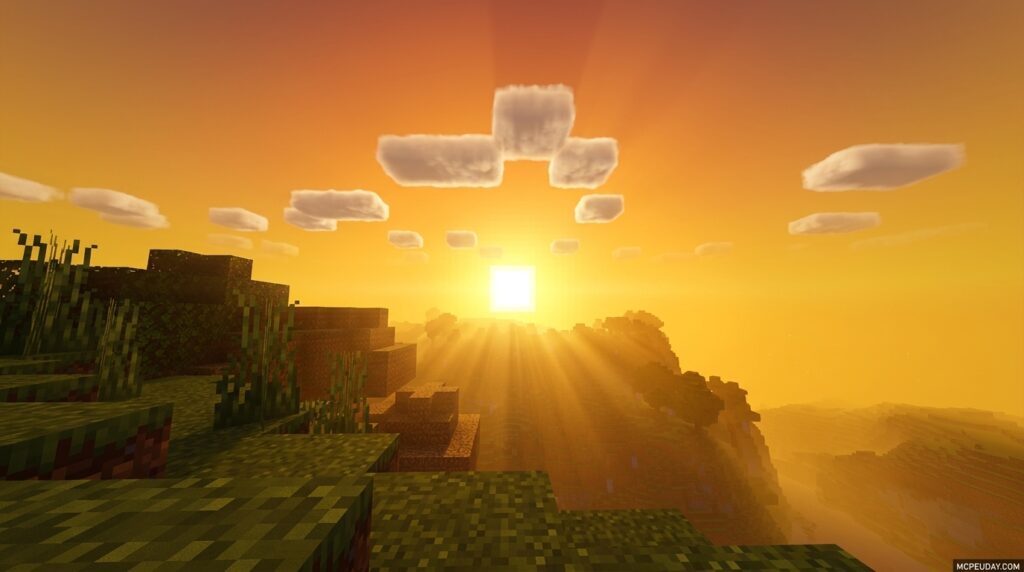
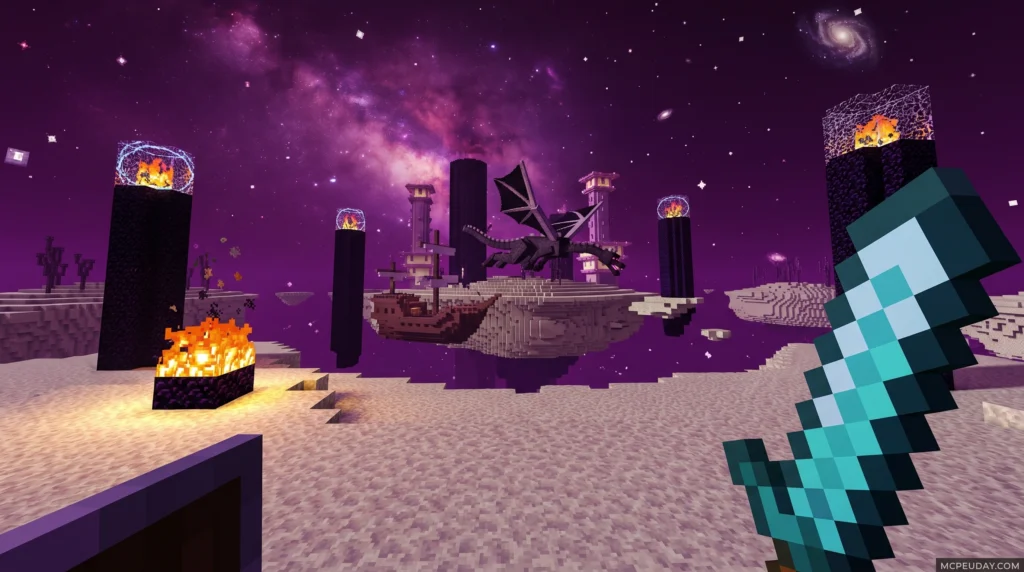
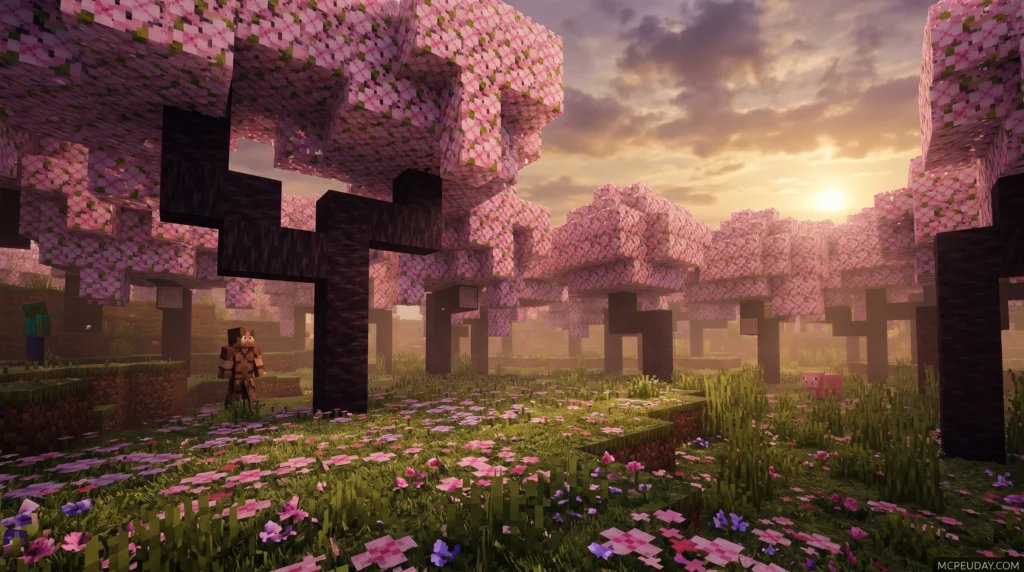
The Newb X Calm Vibes Shader is a lightweight Minecraft Bedrock shader designed for relaxing visuals, warm orange-red tones, beautiful nights, and brilliant glowing ores – all optimized to run smoothly on mid-to-low-end Android, iOS, and Windows devices.
If you are new to MCPE/Bedrock, you can learn more about the base game on the official Minecraft website.
Quick answer – here’s what you need to know:
- What it is: A Newb Shader variant focused on calm, warm aesthetics and soft lighting
- Supported versions: Minecraft Bedrock/MCPE 1.21.20 and above
- Platforms: Android, Windows 10/11, iOS
- Tools required: MB Loader (Android), BetterRenderDragon or Matject (Windows)
- Best for: Players who want a performance-friendly visual upgrade without heavy FPS drops
One thing worth knowing upfront: Minecraft Bedrock does not officially support custom shaders. You’ll need a small third-party tool to make this shader load. Don’t worry – the process is straightforward, and this guide walks you through every step on every platform.
MORE SHADERS- Shaders – MCPEUDAY
9. NewB X Paretion Reimagined Shader
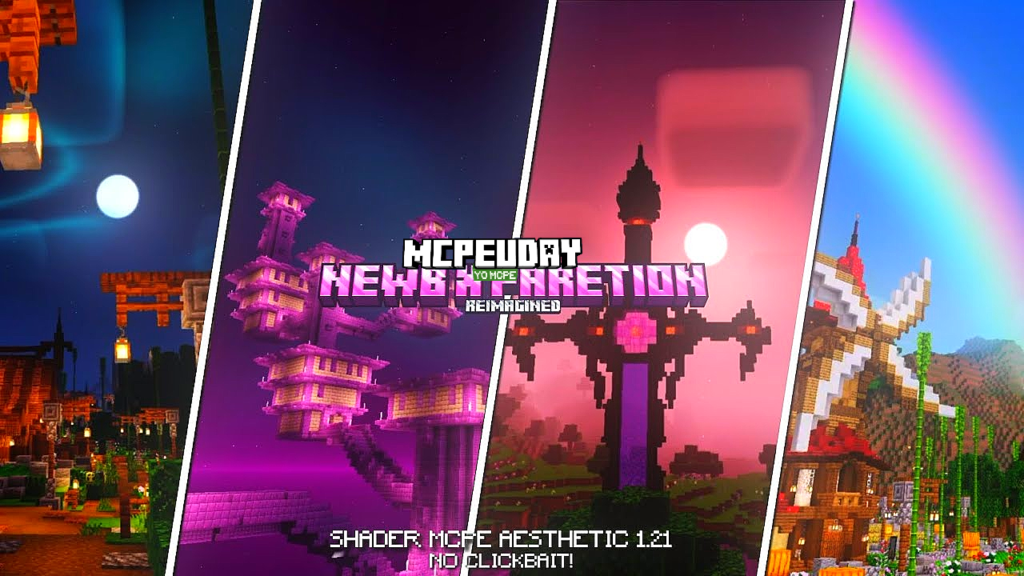
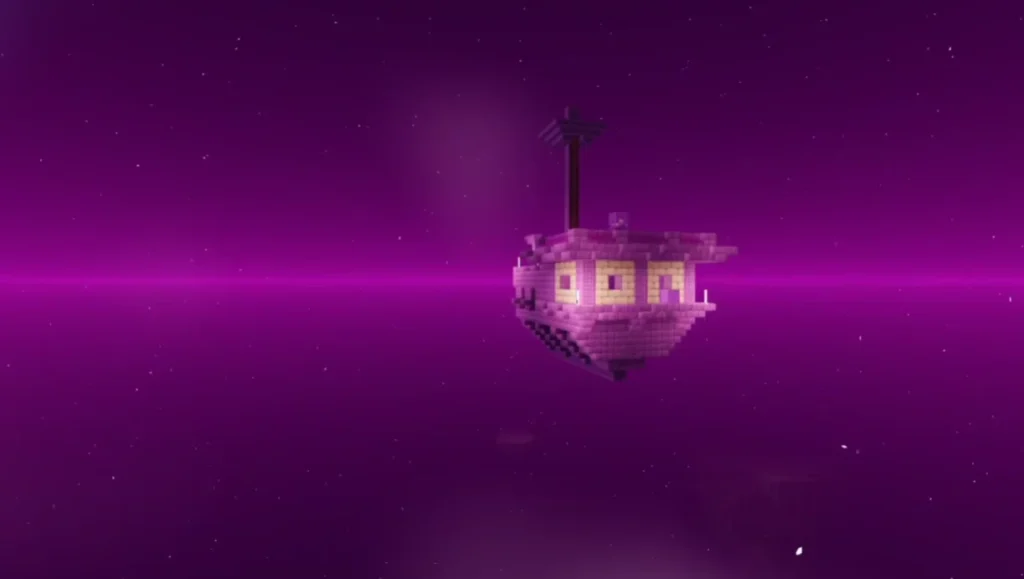
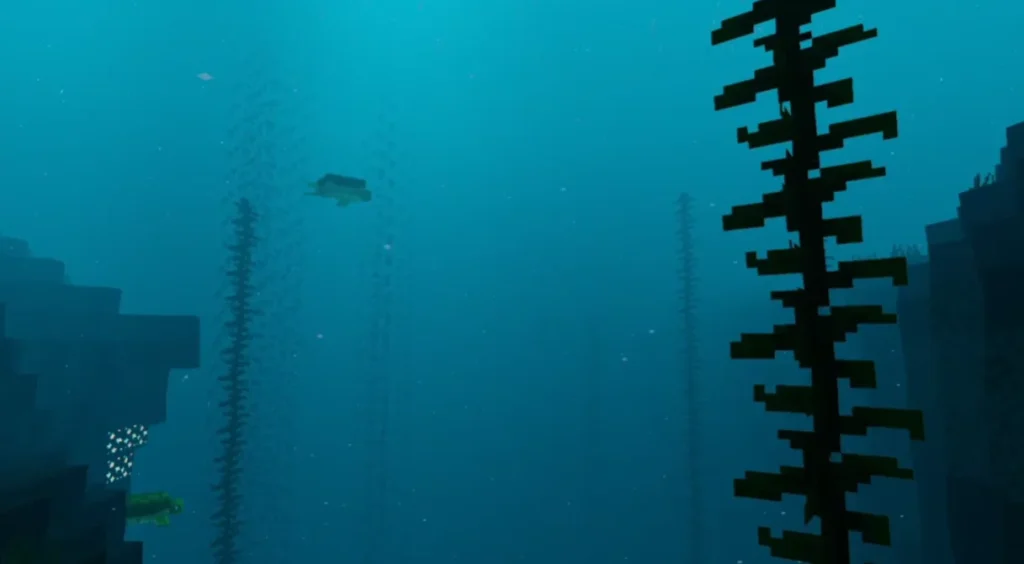
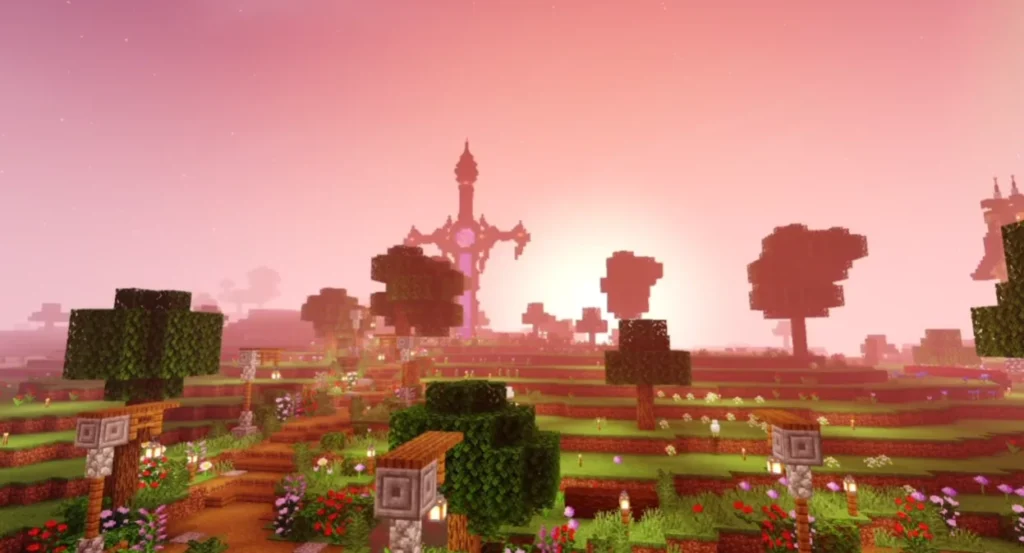
Minecraft Pocket Edition is fun, but its default graphics can feel plain. NEWB x PARETION Reimagined Shader completely transforms the game’s visuals by adding realistic lighting, smooth shadows, enhanced colors, and immersive water effects. This shader is specially designed for MCPE players who want stunning graphics without sacrificing performance.
8. NEWB X Columbus Shader
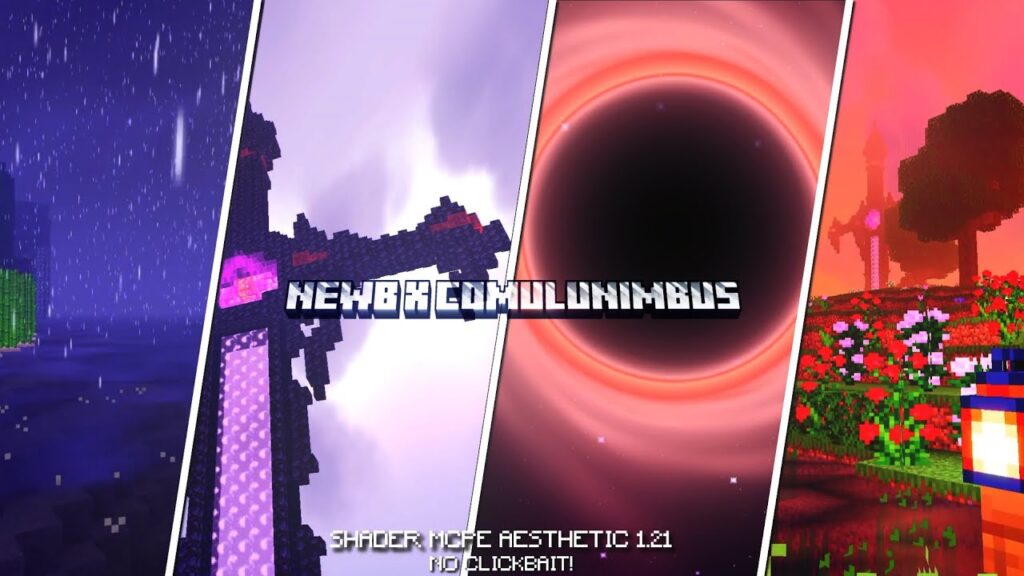
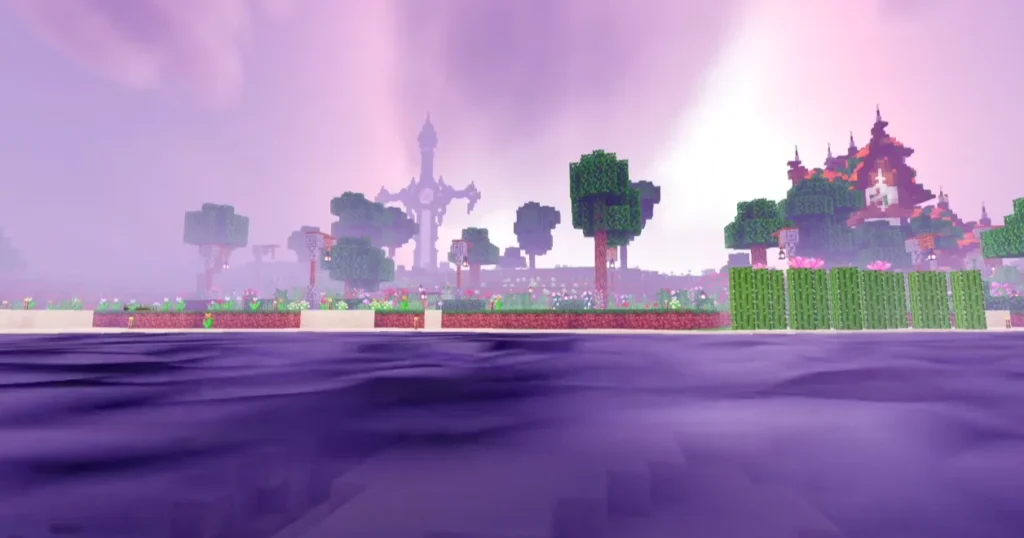
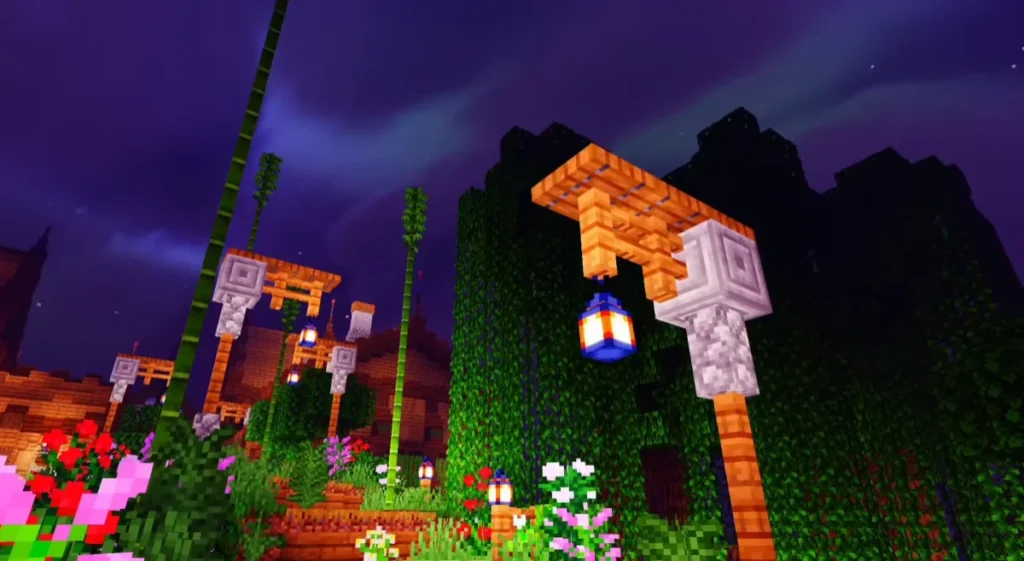
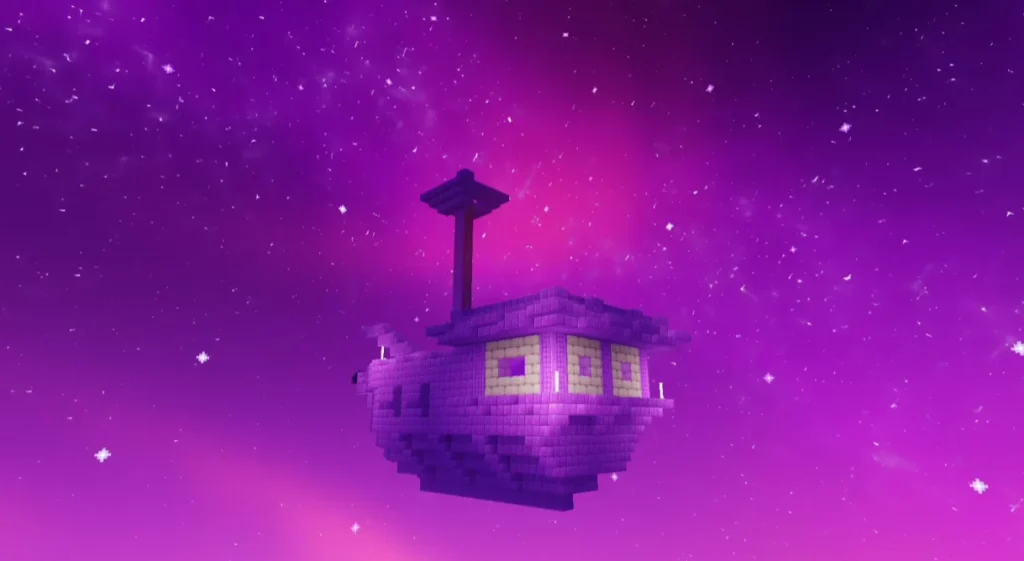
NEWB X Columbus Shader is a visual enhancement shader for Minecraft that focuses on realism, soft lighting, natural colors, and performance optimization. It combines realistic effects with smooth gameplay, making it suitable for both casual and advanced players.
Unlike heavy shaders that cause lag, this shader is carefully optimized, which makes it a great choice for Minecraft PE / Bedrock users as well as players with low to mid-end devices.
MORE SHADERS- Shaders – MCPEUDAY
7. Newb x Unwind Shader
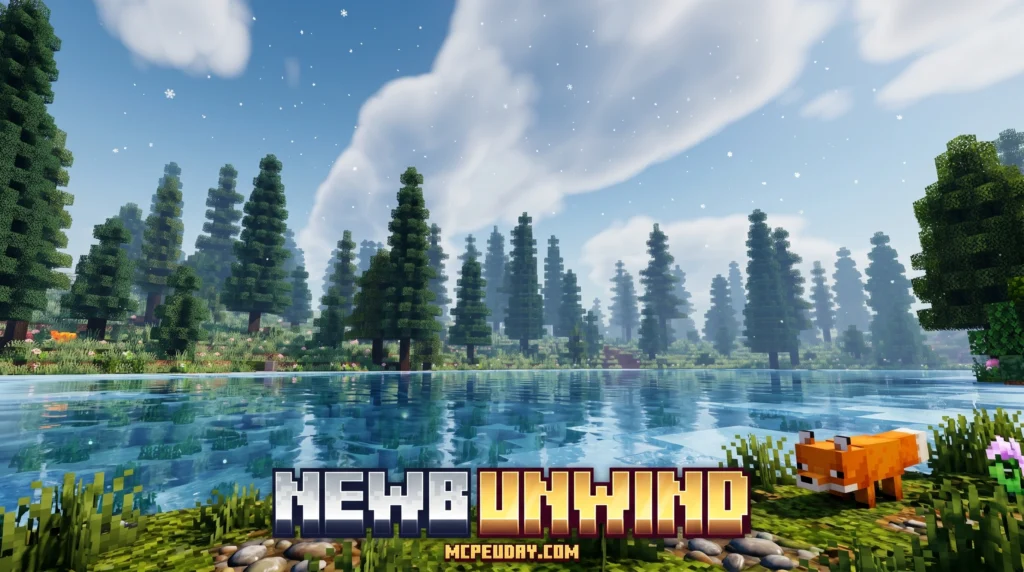
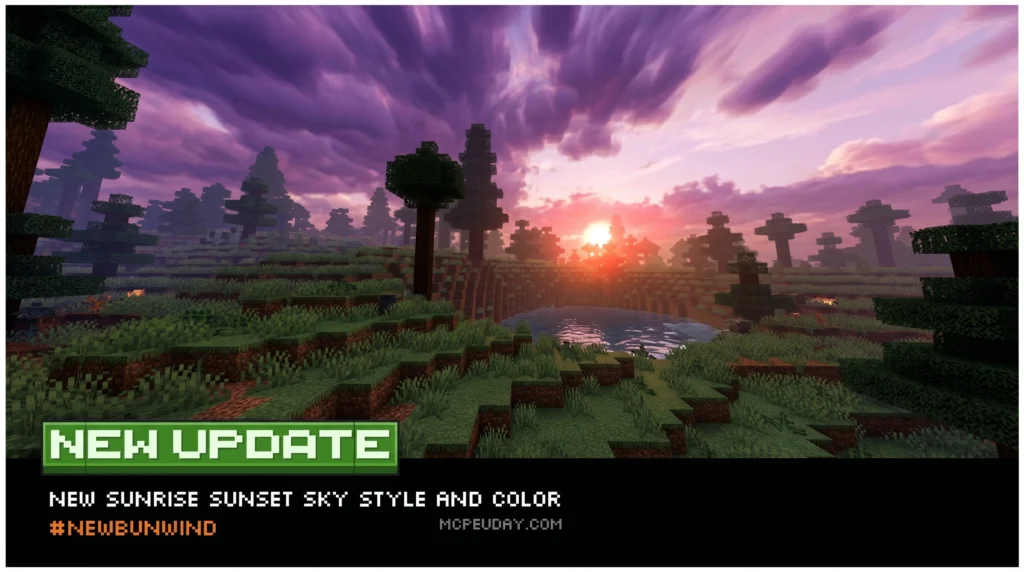
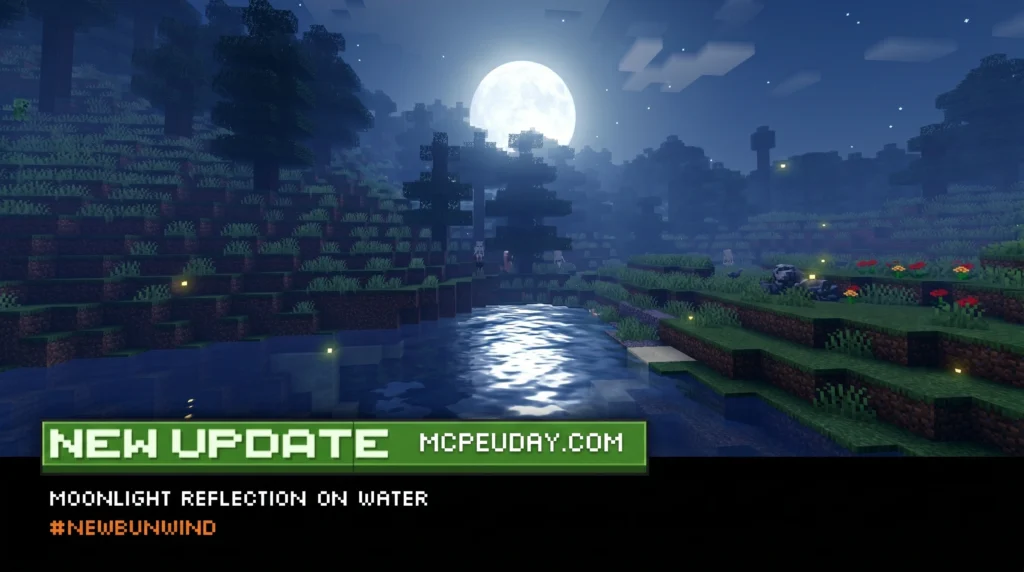
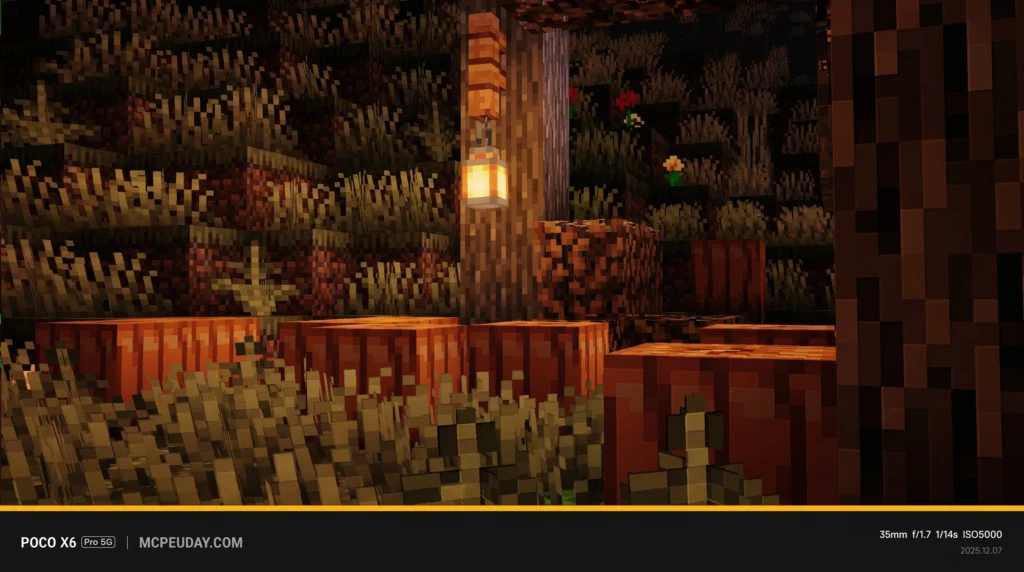
The Newb x Unwind Shader is a lightweight, aesthetic shader pack for Minecraft Bedrock Edition that gives your game calm, cozy visuals — warm tones, better lighting, improved weather effects, and a relaxing night atmosphere.
Here’s the quick install summary:
- Download the
.mcpackfile from a verified source - Install MB Loader from the Play Store
- Import the
.mcpackinto MB Loader (not Minecraft directly) - Activate the shader in Global Resources
- Adjust your in-game graphics settings and play
It supports Minecraft Bedrock 1.21.21 and above, works on Android, and is rated 4.3 out of 5 based on 31 user reviews.
6. Newb X Supplementary Shader
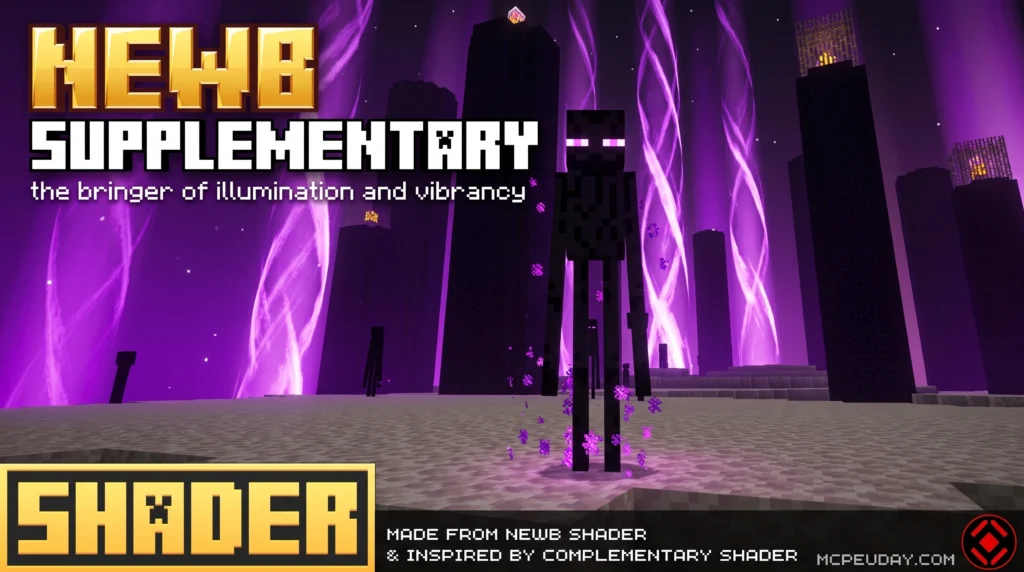
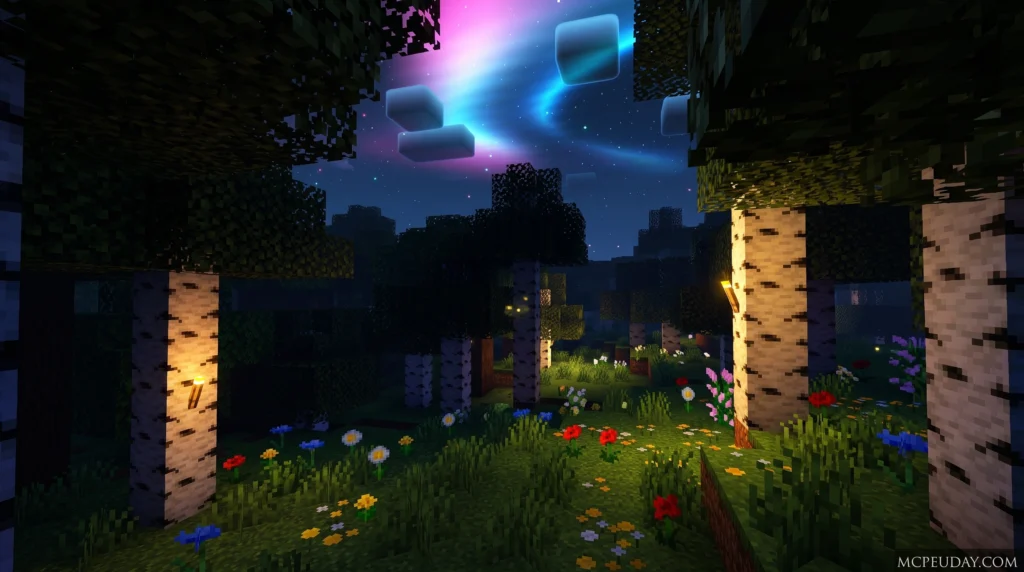
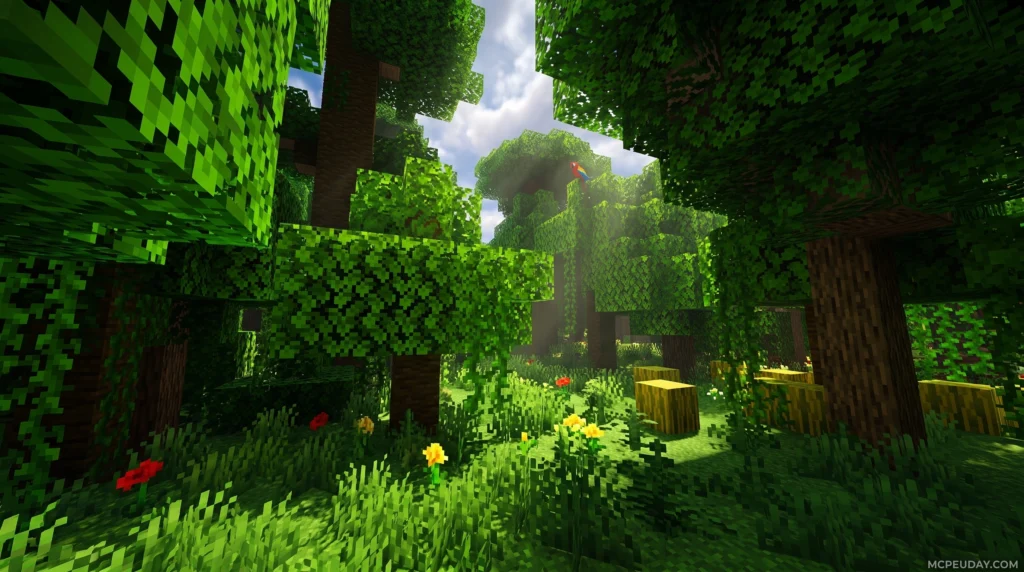
The Newb X Supplementary Shader is a modified version of Newb X Legacy, built specifically for Minecraft Bedrock Edition using the RenderDragon rendering engine. For background on why Bedrock shader installation is different from older shader methods, Minecraft has discussed the RenderDragon rendering engine in its official updates.
Quick answer:
- Creator: IndeedItzGab
- Based on: Newb X Legacy (193 stars on GitHub)
- Latest release: V4.0 (December 2023)
- Platforms: Android, Windows, iOS
- Requires: MaterialBinLoader (via patched APK, MB Loader, or BetterRenderDragon)
- License: MIT for source code; compiled packs have separate copyright restrictions
5. Newb x Flamingo Shader
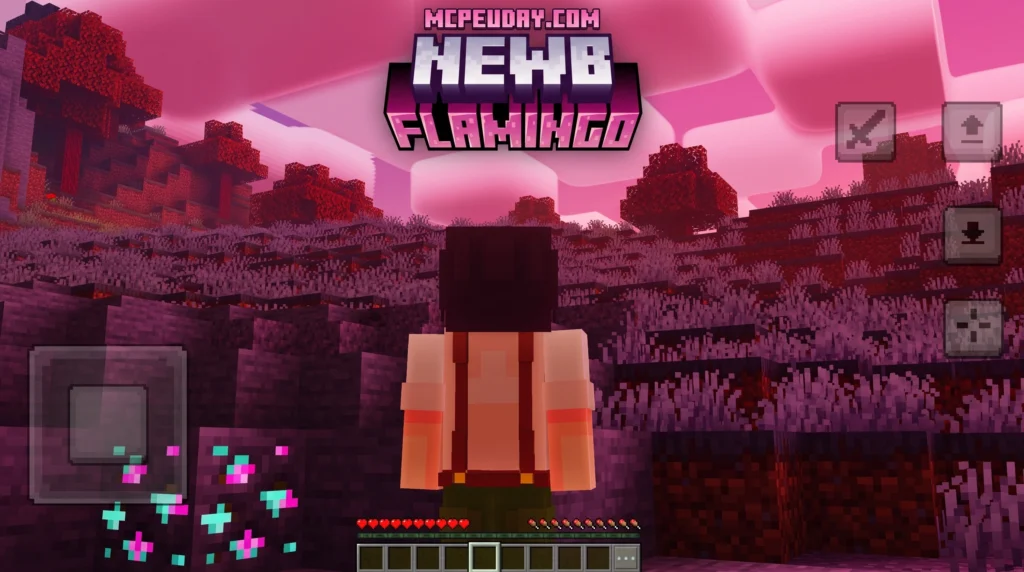
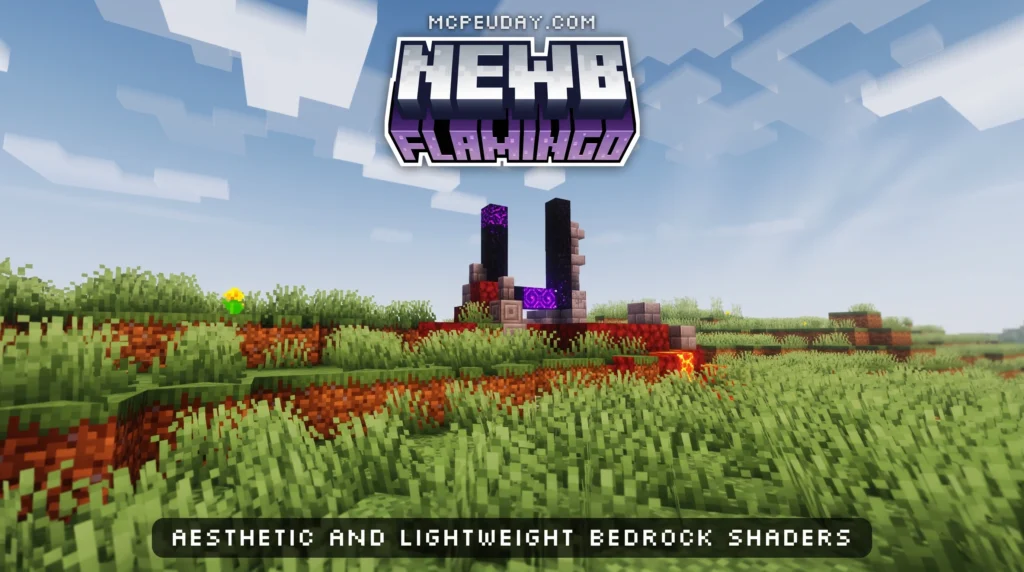
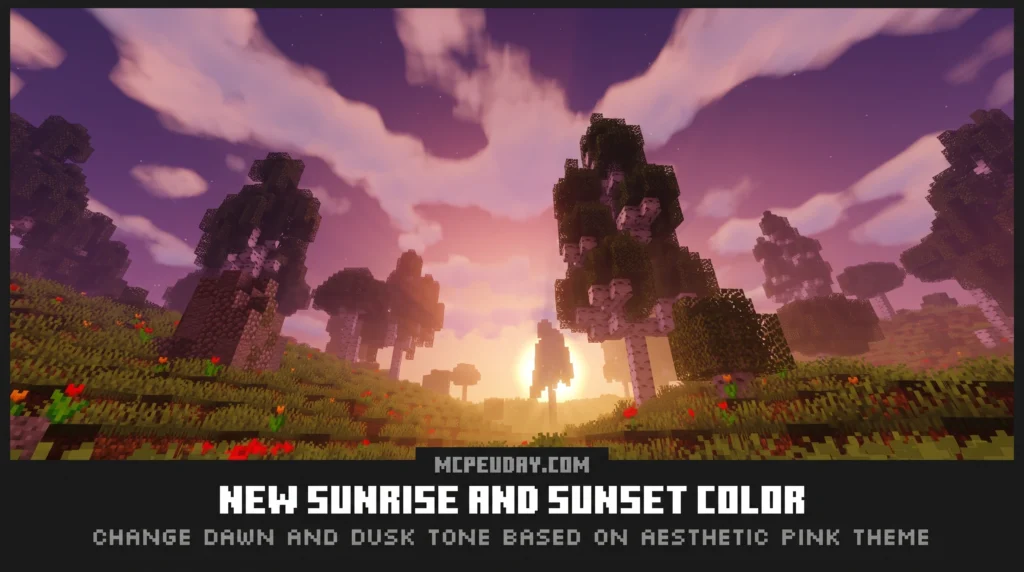
The Newb x Flamingo Shader is a lightweight, aesthetic shader pack for Minecraft Bedrock Edition that transforms the Overworld with pink and purple tones, glowing skies, and soft atmospheric lighting — all without killing your FPS.
Quick answer for what it offers:
- Pink and purple dawn/dusk skies with cinematic sunrise and sunset lighting
- 6 cloud style options ranging from soft vanilla clouds to volumetric and altocumulus styles
- Glowing ores and mob eyes for better visibility at night
- Falling stars and pink aurora effects after dark
- Sky reflections on the ground during sunrise and sunset
- Subpacks for low-end devices so it runs smoothly even on budget Android phones
- Compatible with Minecraft Bedrock 1.20.80 and above, including 1.21
It is modified from the Newb X Legacy shader and runs on the RenderDragon engine. That means it requires a third-party tool like MB Loader or BetterRenderDragon to work — it will not load in a standard, unpatched Minecraft client.
MORE SHADERS- Shaders – MCPEUDAY
4. Newb Complemetary Shader
![<!-- wp:uagb/container {"block_id":"cf21cc98","variationSelected":true,"isBlockRootParent":true} -->
<div class="wp-block-uagb-container uagb-block-cf21cc98 alignfull uagb-is-root-container"><div class="uagb-container-inner-blocks-wrap">
<!-- wp:separator -->
<hr class="wp-block-separator has-alpha-channel-opacity"/>
<!-- /wp:separator --><!-- wp:html -->
<script async data-src="https://securepubads.g.doubleclick.net/tag/js/gpt.js" crossorigin="anonymous"></script>
<script>
window.googletag = window.googletag || {cmd: []};
googletag.cmd.push(function() {
googletag.defineSlot('/23277757294/DOWNLOAD-BUTTEN', [[250, 250], [300, 250], [336, 280]], 'div-gpt-ad-1779892239176-0').addService(googletag.pubads());
googletag.pubads().enableSingleRequest();
googletag.enableServices();
});
</script><!-- /23277757294/DOWNLOAD-BUTTEN -->
<div id='div-gpt-ad-1779892239176-0' style='min-width: 250px; min-height: 250px;'>
<script>
googletag.cmd.push(function() { googletag.display('div-gpt-ad-1779892239176-0'); });
</script>
</div>
<!-- /wp:html --><!-- wp:heading {"style":{"typography":{"textAlign":"center"}},"anchor":"download"} -->
<h2 class="wp-block-heading has-text-align-center" id="download"> Download</h2>
<!-- /wp:heading --><!-- wp:heading {"level":3,"style":{"typography":{"textAlign":"center"}},"anchor":"download-shader"} -->
<h3 class="wp-block-heading has-text-align-center" id="download-shader"><a href="https://download.cdn9mc.com/index.php?act=dl&id=1730091346" data-type="link" data-id="https://download.cdn9mc.com/index.php?act=dl&id=1730091346">Download Shader</a></h3>
<!-- /wp:heading --><!-- wp:paragraph -->
<p><strong>MORE SHADERS- </strong><a href="https://mcpeuday.com/category/shaders/" data-type="link" data-id="https://mcpeuday.com/category/shaders/">Shaders - MCPEUDAY</a></p>
<!-- /wp:paragraph -->
</div></div>
<!-- /wp:uagb/container -->](https://mcpeuday.com/wp-content/uploads/2026/06/4k_qualuty_ke_sath_image_202606161004-1024x572.webp)
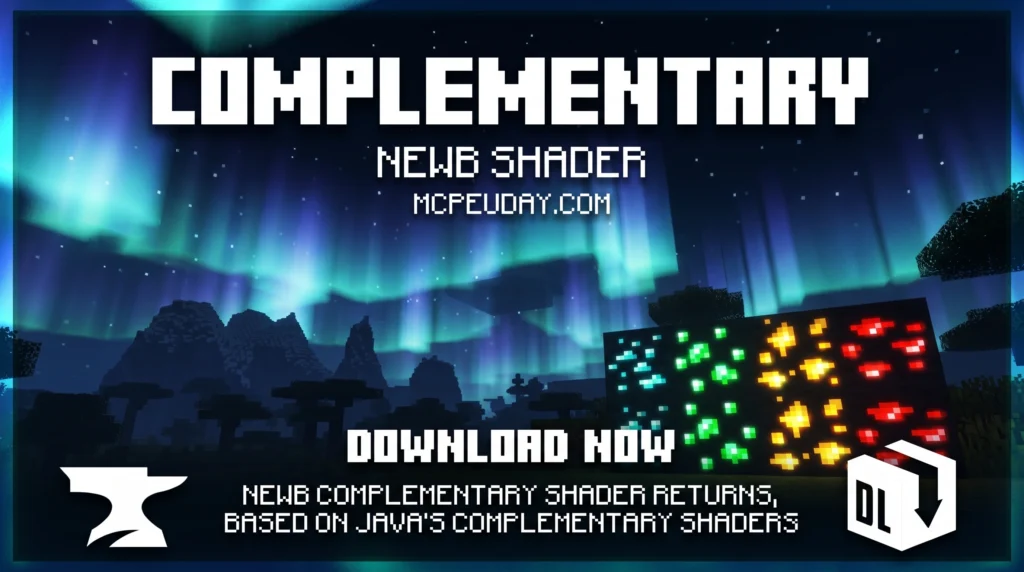
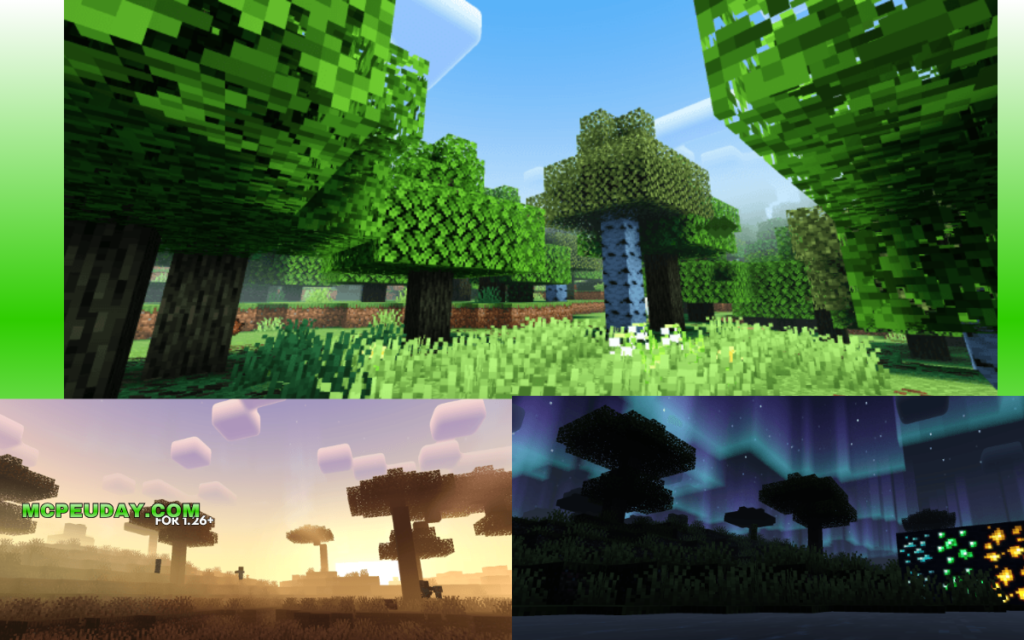
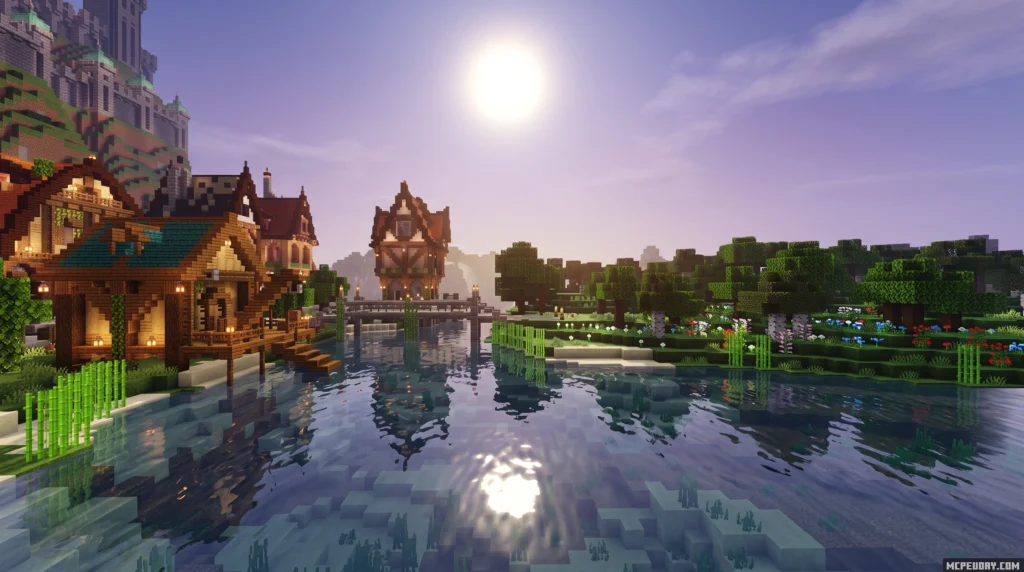
The Newb Complementary Shader has crossed 1.5 million downloads — and for good reason. Here’s a quick overview of what it is and how to get it:
Quick Answer:
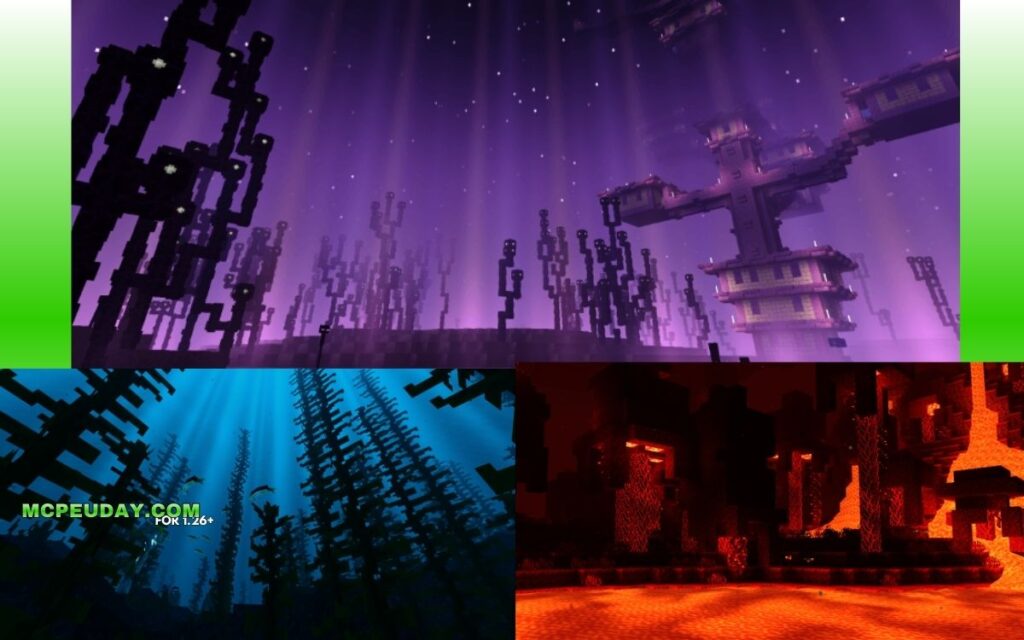
- What it is: A Bedrock shader inspired by Java’s Complementary Shaders, featuring realistic lighting, shadows, water reflections, and colorful skies
- Latest version: Definitive Edition v1.4 (updated 2026), compatible with Minecraft v26.0 and v26.20+
- Variants: Reimagined, Unbound, and Lite — for different visual styles and device power
- Platforms: Android, Windows, and iOS
- What you need to install it: A patched APK or MBLoader (Android), BetterRenderDragon or Matject (Windows), or an IPA file (iOS)
If you’ve ever looked at Java Minecraft shader screenshots and wished Bedrock looked that good — this shader is the closest you’ll get right now.
3. Newb Explementary Edition Shader
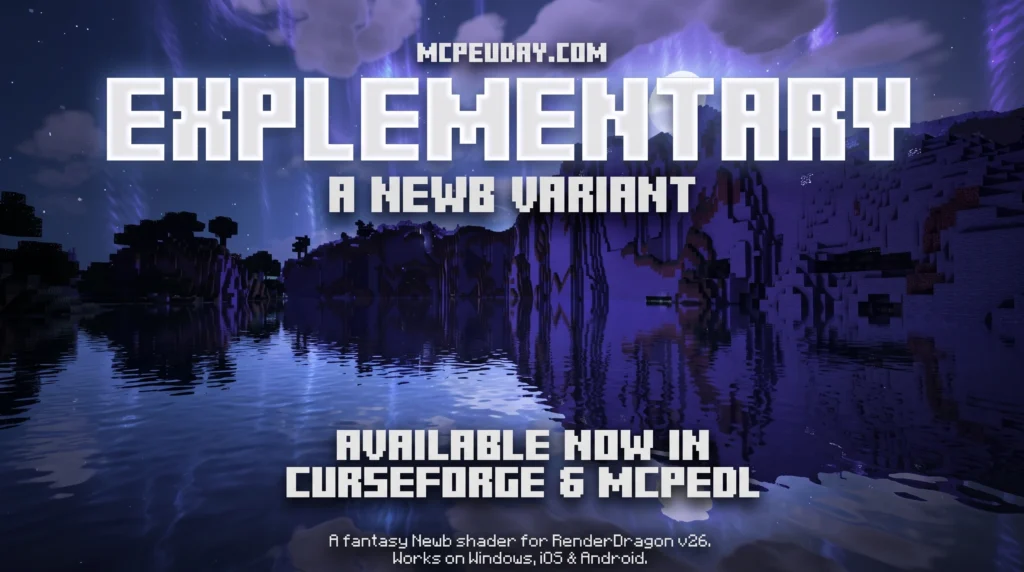
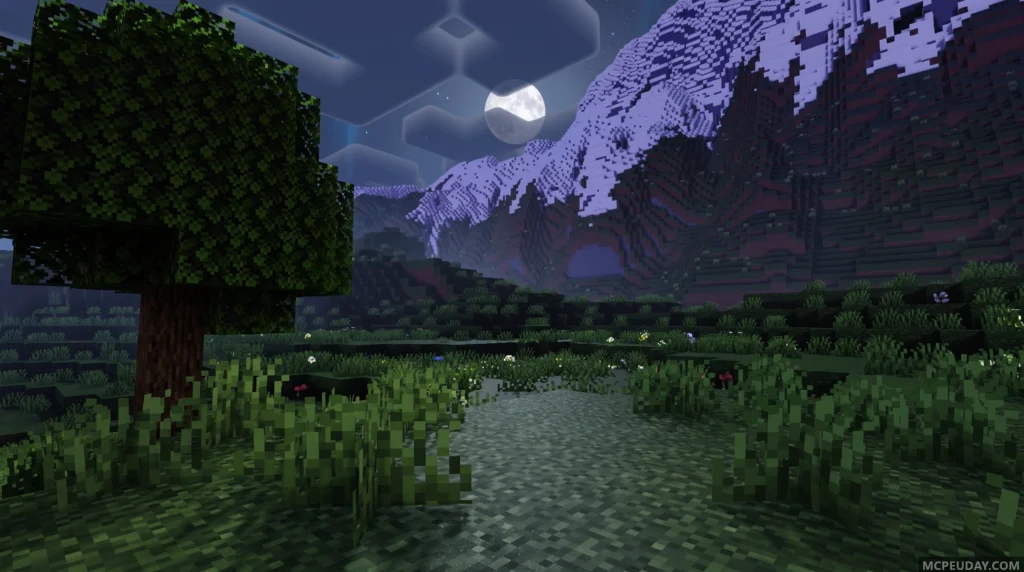
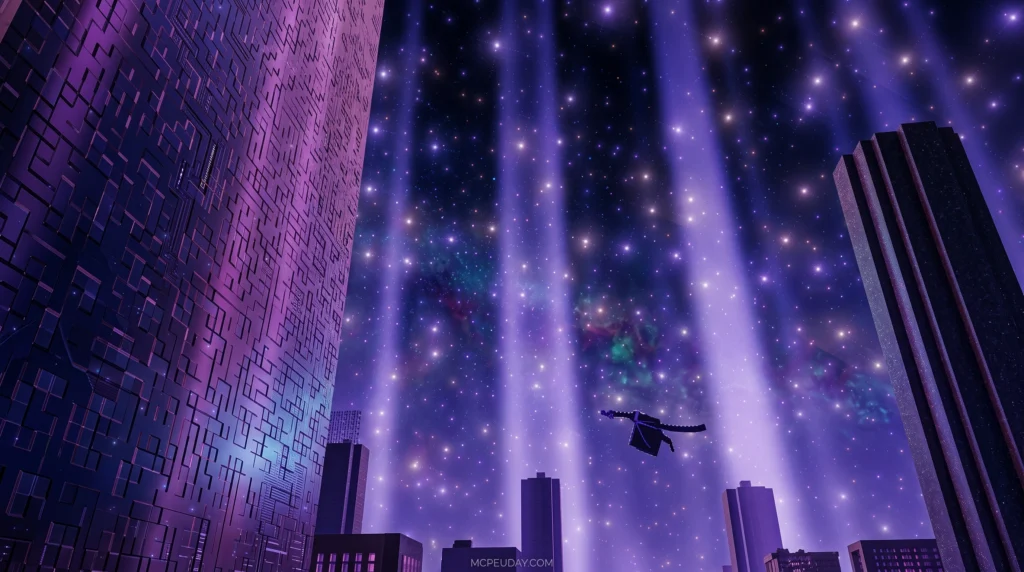
The Newb Explementary Edition Shader is a fantasy-themed RenderDragon shader for Minecraft Bedrock that adds auroras, moonlight rays, realistic clouds, hard shadows, and glowing ores — all without destroying your FPS.
Quick answer for what it includes:
- Round sun and moonlight rays
- Realistic and boxy cloud options
- Aurora effects (with a no-aurora subpack available)
- Hard shadows on grass, flowers, and players
- Glowing ores and improved End/Nether lighting
- RenderDragon support via MB Loader (Android) or BetterRenderDragon (Windows)
Platforms supported: Android, iOS, Windows
What you need to run it: A third-party loader like MB Loader or BetterRenderDragon — Minecraft Bedrock does not support custom shaders natively.
2. Newb X Iterationt Shader
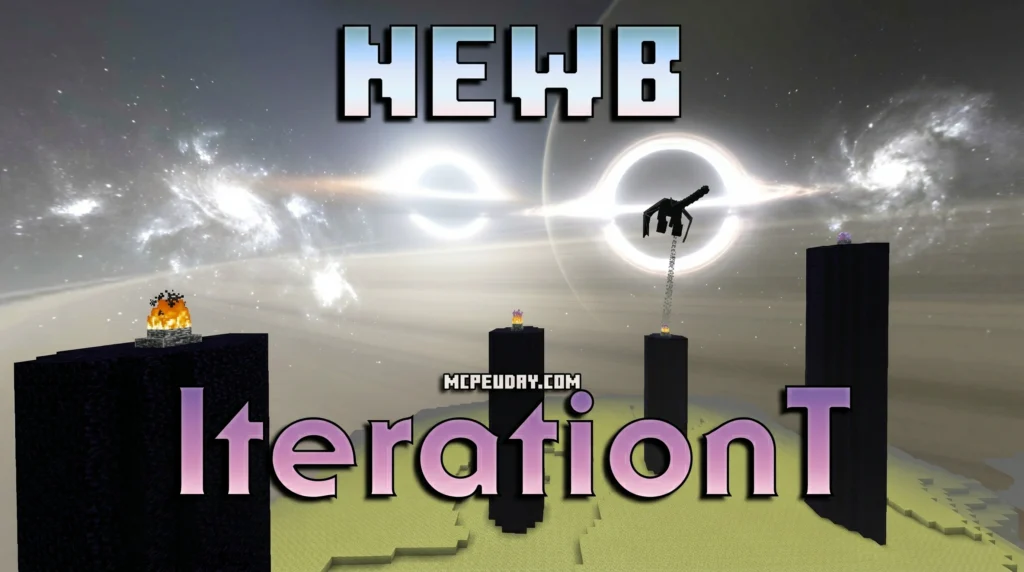
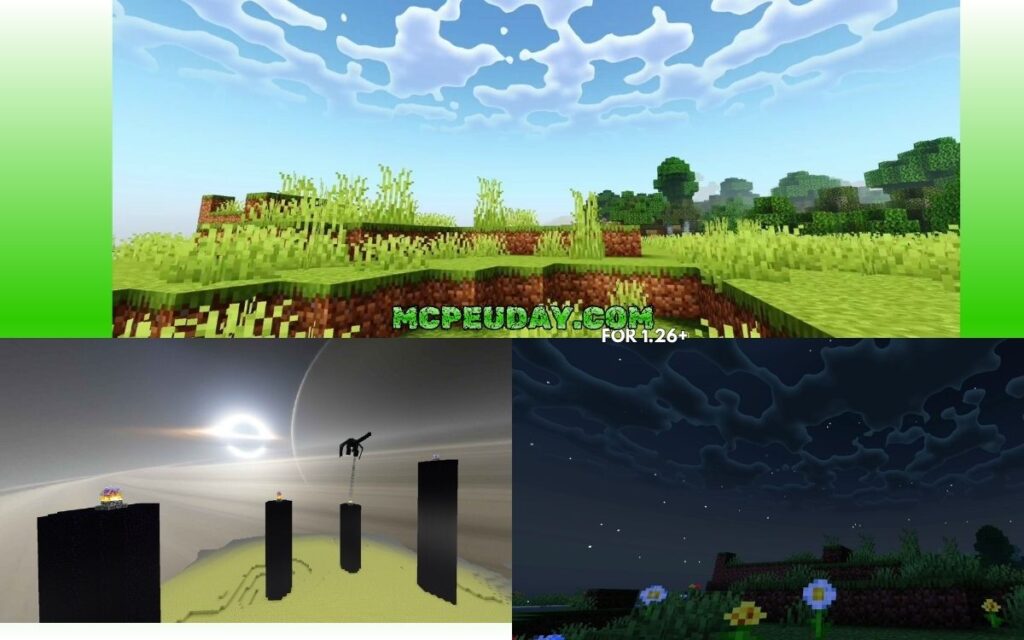
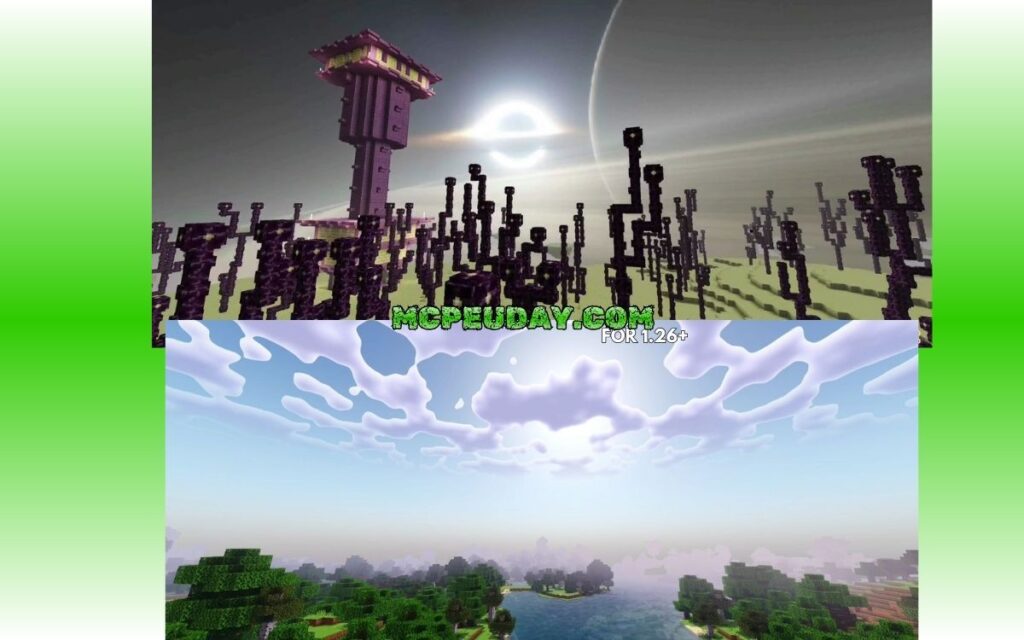
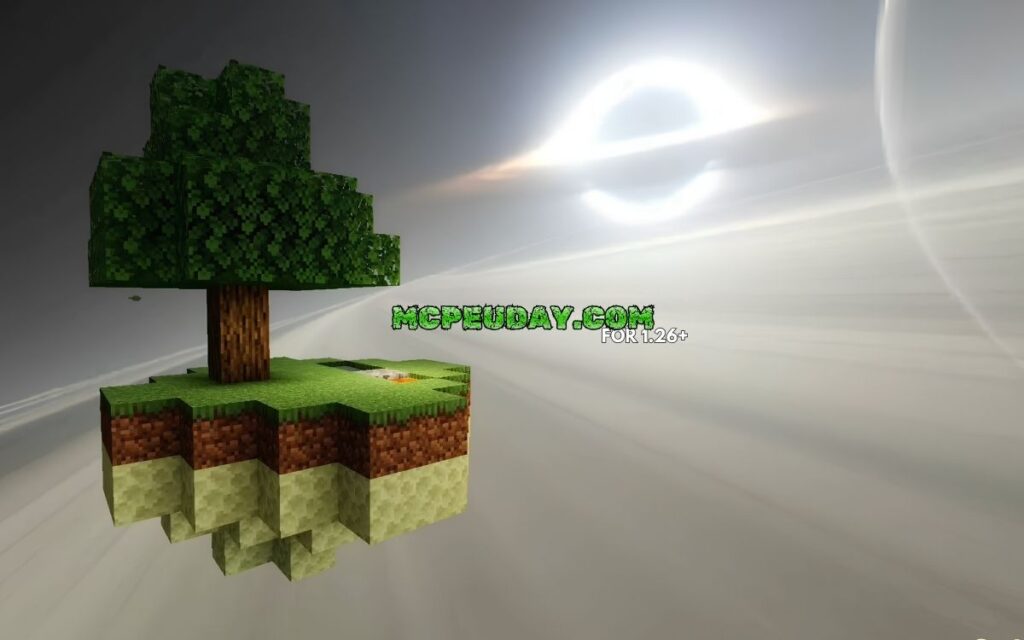
The Newb X Iterationt Shader is a lightweight visual upgrade for Minecraft Bedrock Edition (MCPE) that combines the soft aesthetics of the popular Newb Shader with the atmospheric style of the IterationT shader — all in a 2 MB package designed to run smoothly on most devices.
Here’s what it adds at a glance:
- Black hole skybox in the End dimension, replacing the plain dark sky with glowing rings
- Stylized, wavy clouds that look painted, changing appearance from day to night
- Colorful sunrises and sunsets with pink, orange, and purple tones
- Gentle water reflections that mirror the sky and surrounding blocks
- Twinkling night stars for a more immersive overworld experience
- Compatible with Minecraft Bedrock 1.21.x and 26.x on Android, Windows, and iOS
It is not for Java Edition. It runs on the RenderDragon engine and requires a small workaround to install — but it’s beginner-friendly once you know the steps.
1. Newb X Ale Shader
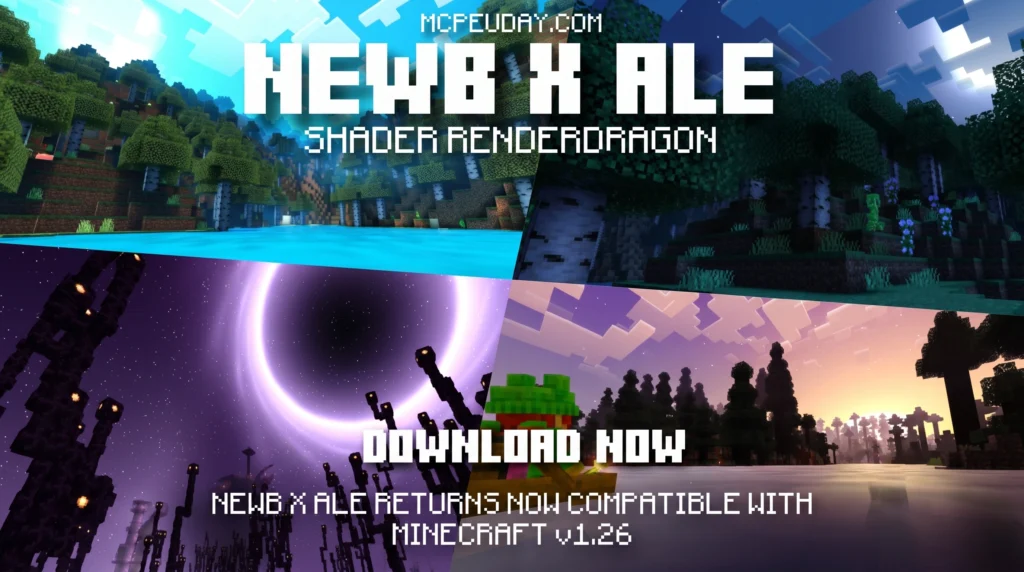
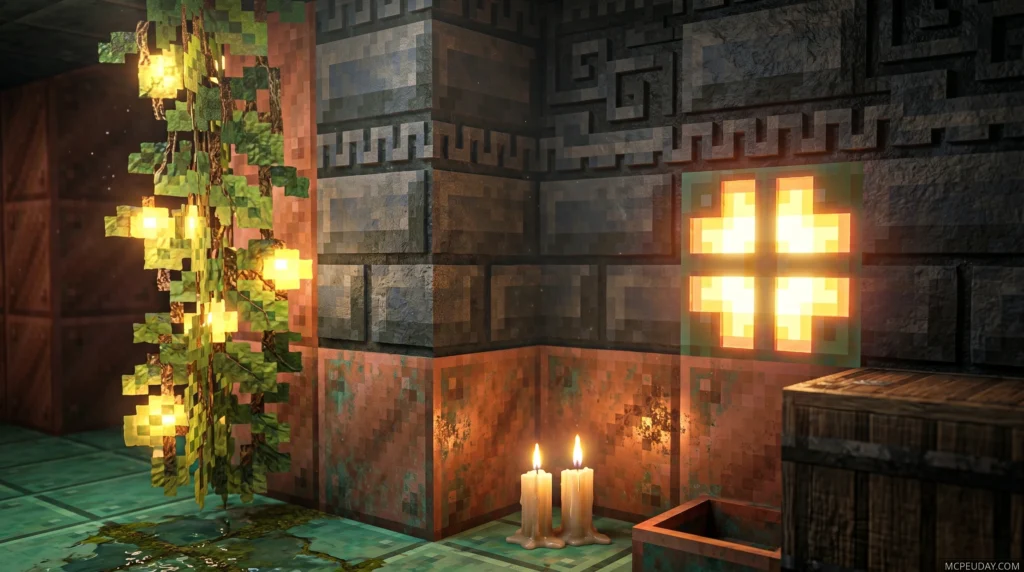
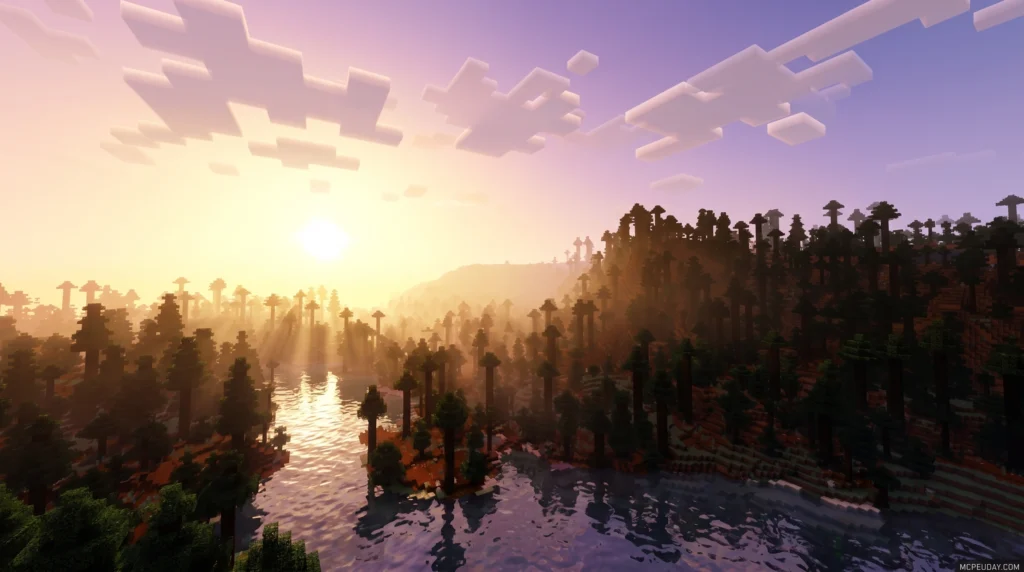
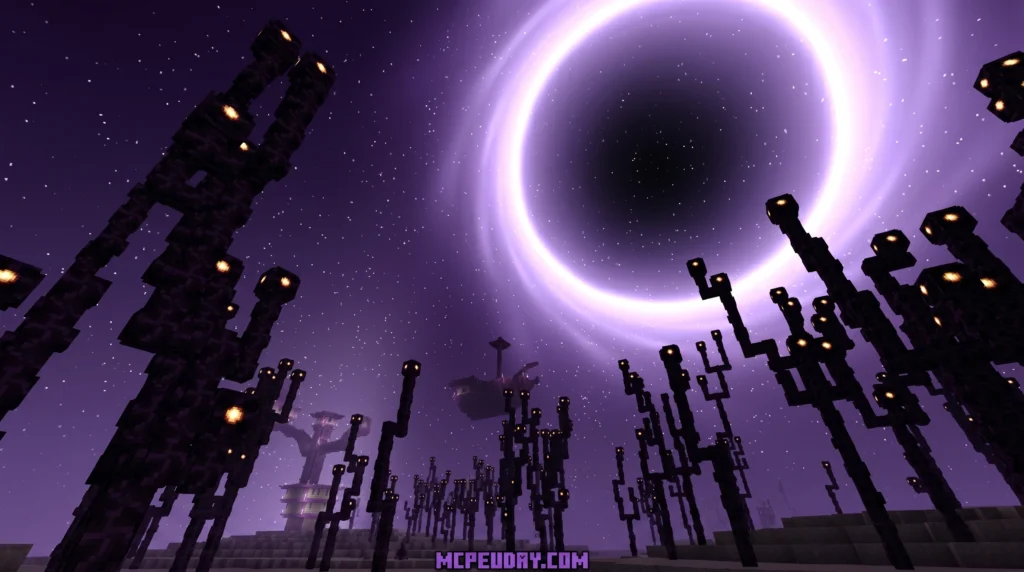
Newb X Ale Shaders is a custom RenderDragon shader pack for Minecraft Bedrock Edition that brings realistic lighting, dynamic water, and cinematic skies — even to low-end Android devices.
Here’s the quick version:
Download count: The Renewed version has passed 423,000 downloads, showing just how popular this shader family has become
What it is: A community-built variant of the original Newb Shader, enhanced with visual effects inspired by Ultra Realism and other top shader packs
Who it’s for: Bedrock Edition players on Android, Windows, and iOS running Minecraft 1.20.0 or later (including 1.21+)
Three versions available: Low (best for weak devices), Medium (default, balanced), and Ultra (maximum visuals)
How to install it: Requires a patched Minecraft APK, MB Loader, or BetterRenderDragon — not the standard Minecraft app
MORE SHADERS- Shaders – MCPEUDAY
That gap is exactly what the Newb Shader family fixes.
The Newb project started as a lightweight, soft-aesthetic shader built specifically for Minecraft Bedrock’s RenderDragon engine. Unlike heavy shader packs that melt your phone, Newb shaders are designed to run smoothly on real mobile hardware – including devices with just 2GB of RAM.
The original Newb Shader and its community-made variants have become some of the most recognized visual upgrade packs in the Bedrock shader scene. Their popularity comes from a simple promise: better lighting, prettier skies, smoother water, and a more cinematic world without forcing players to use expensive hardware.
There’s one catch worth knowing upfront: Minecraft Bedrock does not officially support custom shaders. The RenderDragon engine locked out native shader support starting in version 1.20+. To run any Newb shader, you’ll need a small workaround tool like MB Loader on Android or BetterRenderDragon on Windows. Don’t worry – it’s easier than it sounds, and we cover all of it below.
What is the Newb Shader Project for Bedrock?
The Newb Shader project, originally created by the talented developer devendrn, is a legendary name in the Minecraft Bedrock community. It began as a legacy GLSL shader designed to enhance the game’s vanilla look without destroying performance. When Mojang forced the RenderDragon engine onto Bedrock Edition, old shaders broke completely.
Instead of giving up, the community and the original developer transitioned the project. The successor, Newb X Legacy, was built specifically to bypass RenderDragon constraints and deliver stunning visuals.
Unlike Java Edition shaders that completely rewrite the game’s rendering pipeline to create hyper-realistic (and performance-heavy) graphics, the Newb Shader focuses on a lightweight, soft-aesthetic vanilla enhancement. It does not try to turn Minecraft into a completely different game; instead, it refines what is already there by introducing soft shadows, waving foliage, realistic water, and atmospheric skies.
Top Variants of the Best Newb Shaders FOR Minecraft PE/Bedrock
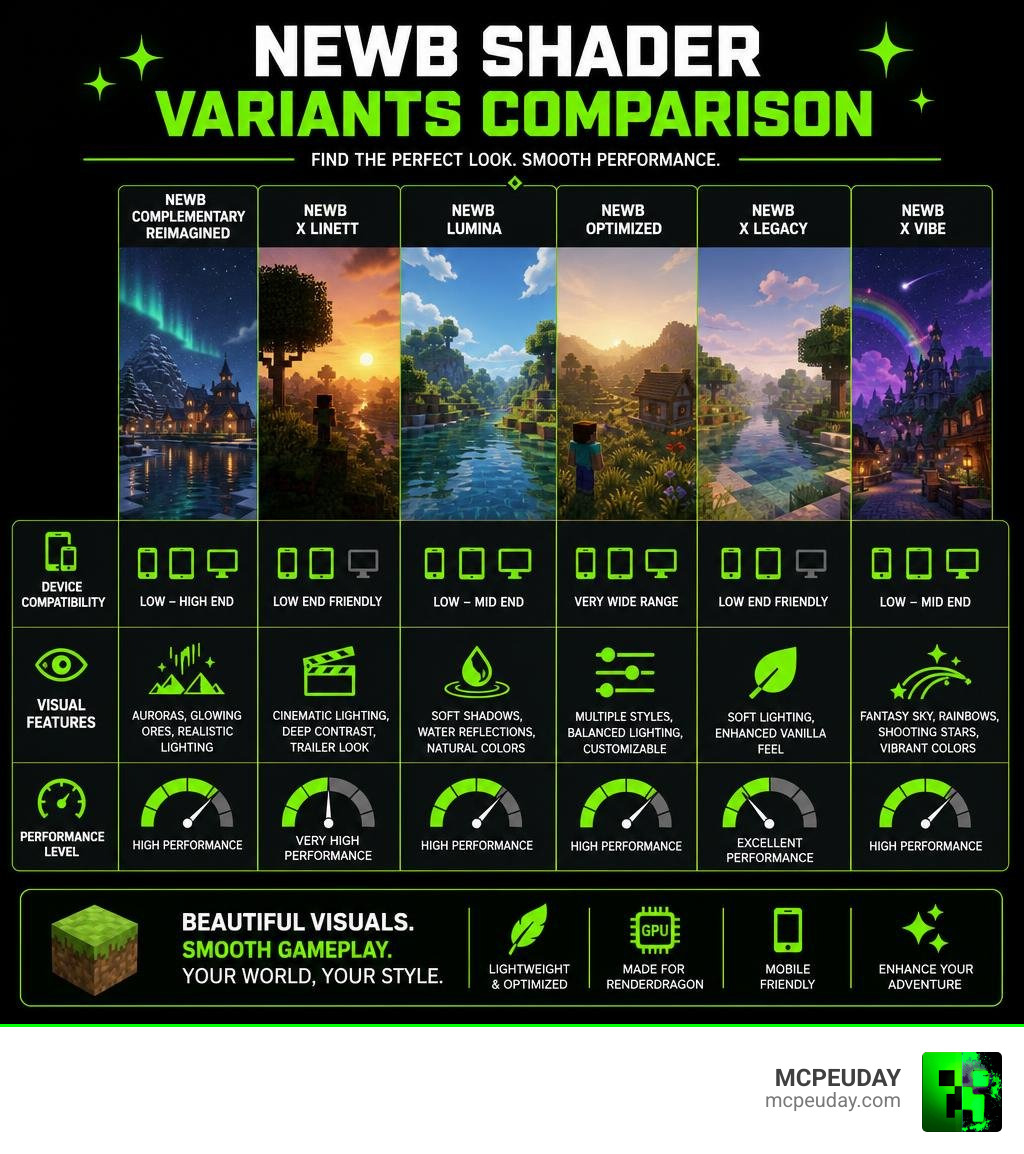
The Newb Shader project has inspired a massive family of community-developed variants. Each variant is tailored to different hardware capabilities and visual tastes.
| Shader Variant | Performance Impact | Key Visual Highlights | Best For |
|---|---|---|---|
| Newb Complementary Reimagined | Medium | Java-like auroras, glowing ores, 3D-style clouds | High-end mobile and Windows |
| Newb X Linett | Very Low | Clean trailer-style graphics, vibrant colors | Low-end devices (2GB RAM) |
| Newb Lumina | Low | Soft shadows, realistic water reflections | Balanced performance on mobile |
| Newb Optimized | Low | Glow armor trims, custom cloud subpacks | Beginners on any device |
| Newb X Vibe | Medium | Rainbows, shooting stars, medieval atmosphere | Fantasy and survival worlds |
Newb Complementary Reimagined: The Java-Like Experience
If you have ever stared enviously at Java Edition players running Complementary Shaders, this is the pack for you. Newb Complementary Reimagined is a gorgeous adaptation that aims to bring that precise Java-like aesthetic to Bedrock.
We love this pack because of its incredibly detailed night skies. It features breathtaking auroras and stars that look identical to the Java version. Additionally, the Newb Complementary Shader introduces glowing armor trims, glowing mineral ores that light up dark caves, and highly realistic water. It even includes specific subpacks like the “Aurora Complementary Reimagined” mode to let you customize your visual experience.
Newb X Linett: Trailer-Style Graphics for Low-End Devices
Are you running Minecraft on an older phone or tablet? You do not have to miss out on beautiful graphics. Newb X Linett-Shader for Minecraft PE 1.21 is a brilliant, BSL-inspired variant optimized specifically for lower-end devices.
This shader is famous for recreating the clean, vibrant, and soft look seen in official Mojang game trailers. It pairs perfectly with the Bare Bones texture pack to give you that flat, clean, trailer-style aesthetic. Best of all, players running devices with only 2GB of RAM report smooth, lag-free gameplay with this pack active. It offers both a “Vanilla” edition for maximum performance and a “Reimagined” edition for slightly enhanced details.
Newb Lumina and Newb Optimized: High FPS Visuals
For players who want a perfect balance between eye candy and raw frame rates, Newb Lumina and Newb Optimized are the top contenders.
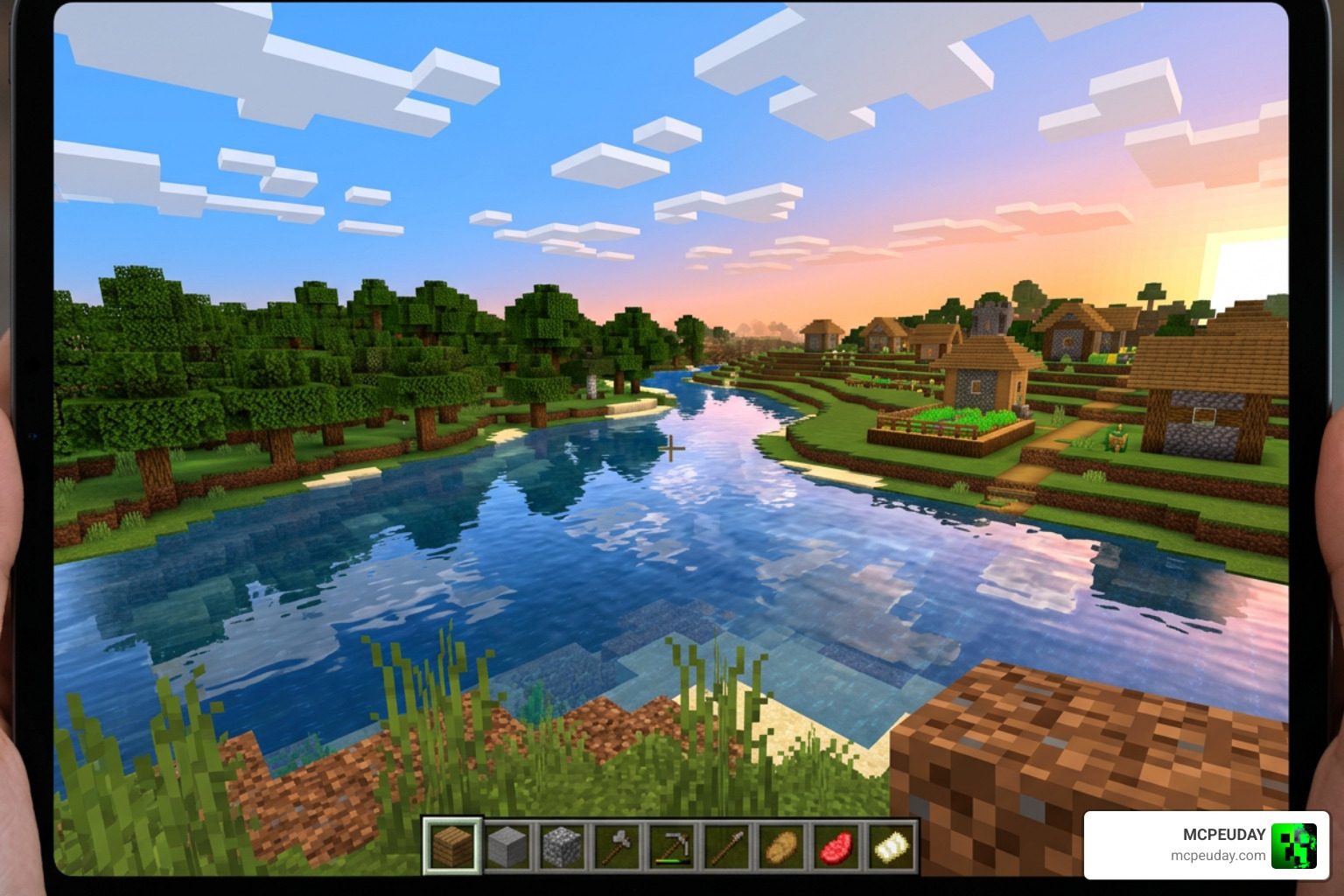
- Newb Lumina: This variant lights up your world with warm orange and yellow sunset tones, vibrant biome colors, and soft water reflections. It is specifically designed to provide these reflections and shadows without causing thermal throttling or lag on mobile devices.
- Newb Optimized: This beginner-friendly variant is highly customizable. It includes unique subpacks that let you change the cloud styles on the fly, offering options like Meteoroid clouds, 3D noise clouds, and Multilayer clouds. It also integrates Newb X LMI Shader for Minecraft PE 2026 features like enhanced glow textures and glow-in-the-dark armor trims.
Key Visual Improvements and Performance Tuning
Applying the best Newb Shaders for Minecraft PE/Bedrock completely transforms the look and feel of your game. However, to get the absolute most out of these visual upgrades, we need to understand their key features and how to configure them.
Visual Features of the Best Newb Shaders FOR Minecraft PE/Bedrock
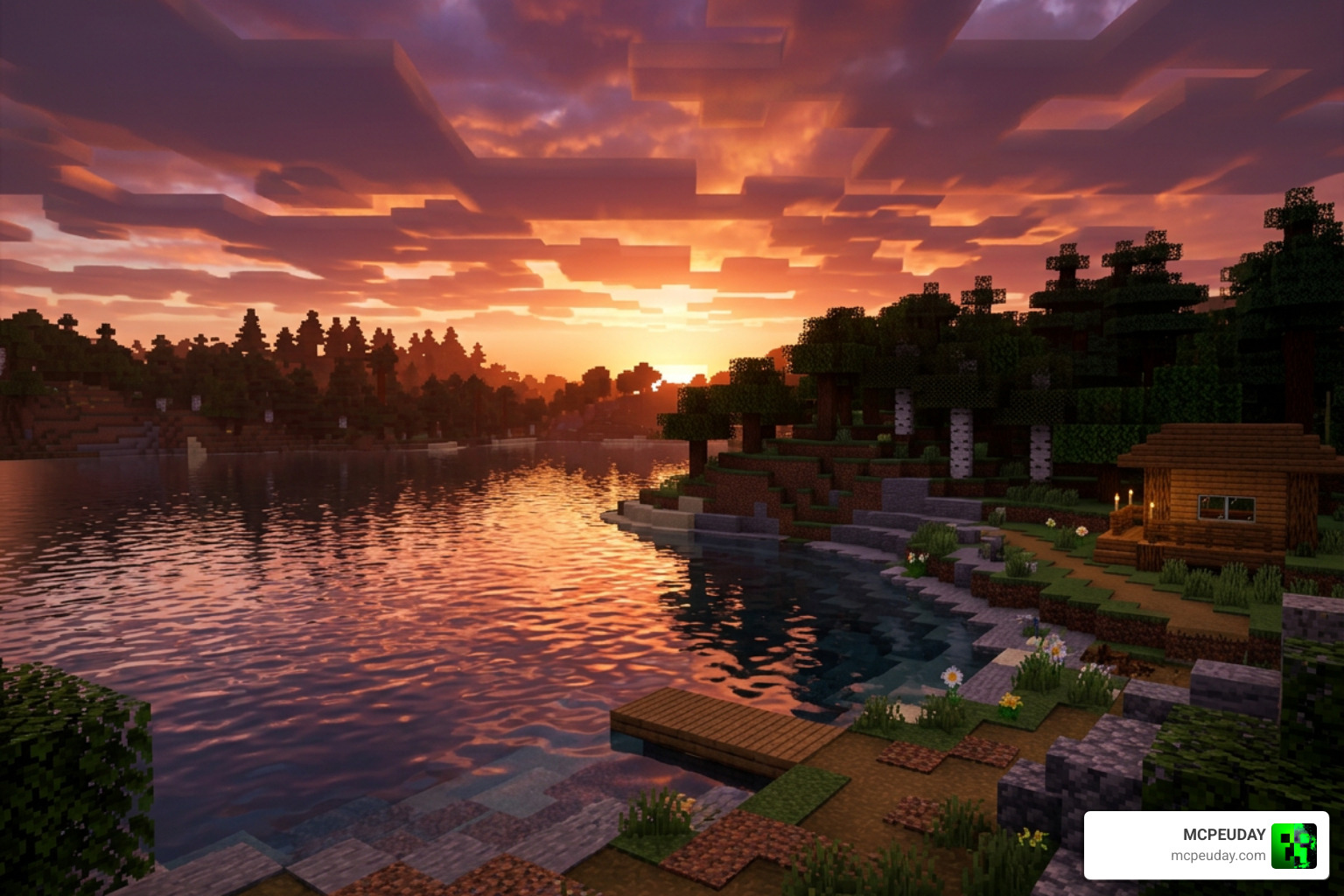
- Dynamic Lighting & Color Correction: Days feel warmer, deserts look brilliantly bright, and forests feel calm and serene. Sunsets and sunrises transition smoothly with beautiful orange, yellow, and purple hues.
- Water & Underwater Reflections: Say goodbye to flat, opaque blue blocks. Newb shaders add transparent, waving water surfaces with realistic sky reflections and clear underwater visibility.
- Swinging Lanterns & Waving Foliage: Leaves, grass, and crops gently sway in the wind. A rare and beloved feature of the Newb family is the swinging lantern animation, which adds immense life to built-up villages.
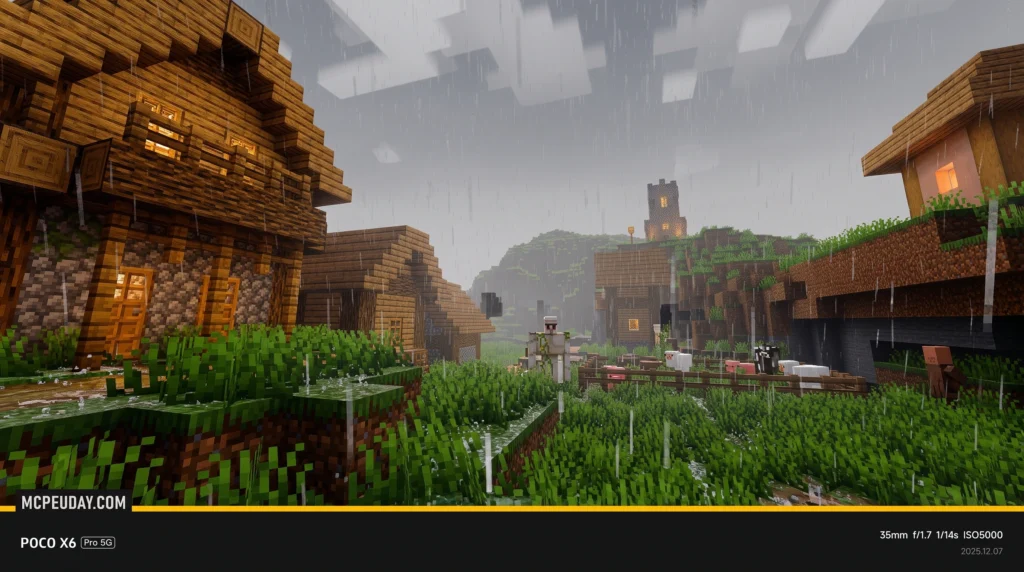
- Atmospheric Weather: Rainy weather is no longer just a grey annoyance. The shaders add wet ground reflections, mist, and beautiful custom clouds.
- Glowy Ores & Auroras: Finding diamonds is much easier when they emit a soft, pulsing light in the dark. At night, you can look up to see rare shooting stars or colorful, shifting auroras.
Performance Optimization Tips for Best Newb Shaders FOR Minecraft PE/Bedrock
While Newb shaders are incredibly lightweight, you can squeeze even more frames-per-second (FPS) out of your device by adjusting your in-game video settings. We recommend the following configuration:
- Beautiful Sky: ON (Required for custom clouds and auroras to render)
- Smooth Shading: ON
- Fancy Graphics: ON/OFF (Turn OFF on very low-end devices to boost FPS)
- In-Game Brightness: Set between 10% and 90% (Avoid 100% brightness as it can wash out the shader’s custom lighting)
- Use Subpacks: Most Newb shader packs come with built-in subpack settings in the global resources menu. If you experience lag, click the gear icon on the active pack and select the “No Wave” or “No Fog” subpack.
How to Install Newb Shaders on Android, Windows, iOS, and Linux
Because Minecraft Bedrock’s RenderDragon engine does not officially support custom shaders, the installation process requires a few extra steps depending on your platform.

Android Installation via MB Loader
Android players have the easiest workaround thanks to third-party launching tools.
- Download the MB Loader app directly from the Google Play Store.
- Download your preferred Newb shader
.mcpackfile. - Open MB Loader and use it to launch Minecraft.
- Import the downloaded shader pack into Minecraft.
- Go to Settings > Global Resources, select the shader, and click Activate. Ensure it is placed at the very top of your active resource packs list.
Windows Installation via BetterRenderDragon
To get custom shaders running on Windows 10/11, you must bypass the default RenderDragon material limitations.
- Download BetterRenderDragon (or Matject if BetterRenderDragon is not yet updated for your specific game version).
- Enable the MaterialBinLoader feature within the tool.
- Import your chosen Newb shader
.mcpackfile. - Activate the shader in your Minecraft Global Resources menu.
iOS and Linux Installation Methods
- iOS: Because iOS is a closed ecosystem, you cannot easily run patches. You will need to download a pre-patched version of Minecraft (such as one utilizing the Hynis IPA) and sideload it onto your device using tools like AltStore or Sideloadly.
- Linux: If you play on Linux using the unofficial Bedrock launcher, you can install the
mcpelauncher-materialbinloader-modor themcpelauncher-shadersmodto load custom materials easily.
Frequently Asked Questions about Newb Shaders
Are Newb Shaders compatible with Minecraft Bedrock 1.21 through 1.26+?
Yes! While the original legacy Newb Shader by devendrn concluded updates with version 16, the community-driven Newb X Legacy project and its variants are fully compatible with Minecraft Bedrock versions 1.21, 1.22, and up to 1.26+ in July 2026. Always check the specific version compatibility on the download page before installing.
Do Newb Shaders work on low-end mobile devices without lag?
Absolutely. The core philosophy of the Newb project is lightweight design. Variants like Newb X Linett are explicitly optimized for mobile devices with only 2GB of RAM. If you do experience minor frame drops, switching the shader’s subpack settings to “No Wave” or “No Fog” will instantly boost your performance.
Why do Newb Shaders require third-party patches or loaders?
Mojang’s RenderDragon engine, introduced to standard Bedrock platforms in version 1.20+, changed how the game compiles visual materials. It prevents standard .mcpack resource files from overriding the game’s internal shaders. Tools like MB Loader (Android) and BetterRenderDragon (Windows) act as a bridge, allowing the game to load these custom visual files safely.
Conclusion
Upgrading your Minecraft Bedrock graphics does not have to mean buying an expensive gaming PC or dealing with a lagging, overheating phone. The best Newb Shaders for Minecraft PE/Bedrock prove that you can achieve stunning, Java-like visuals, soft trailer-style aesthetics, and realistic lighting while maintaining a silky-smooth frame rate.
Whether you want the glowing caves of Newb Complementary Reimagined or the lightweight, lag-free performance of Newb X Linett, we have got you covered.
Ready to completely transform your blocky worlds? Explore more MCPE Shaders on our platform and download your favorite packs today!
1 thought on “10 Best Newb Shaders for Minecraft PE/Bedrock (1.26.X) – Top 10 Realistic MCPE Shaders”