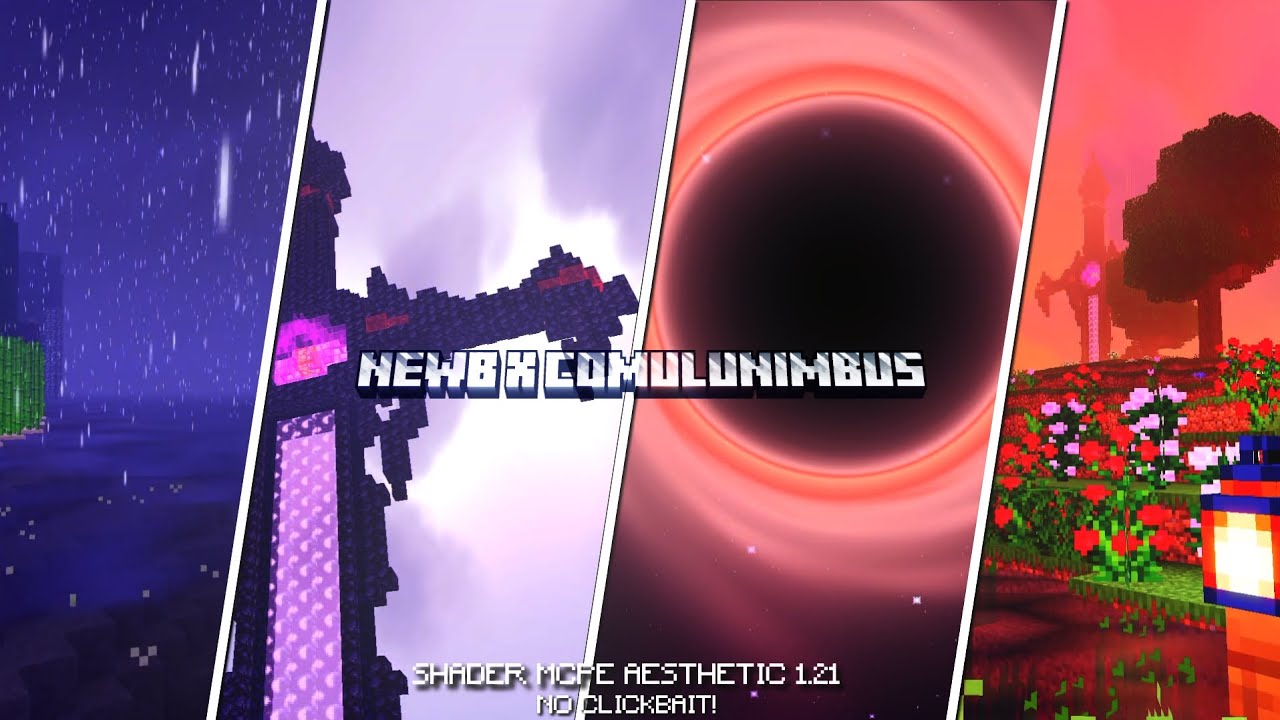
What You Need to Know About the NEWB X Columbus Shader Right Now
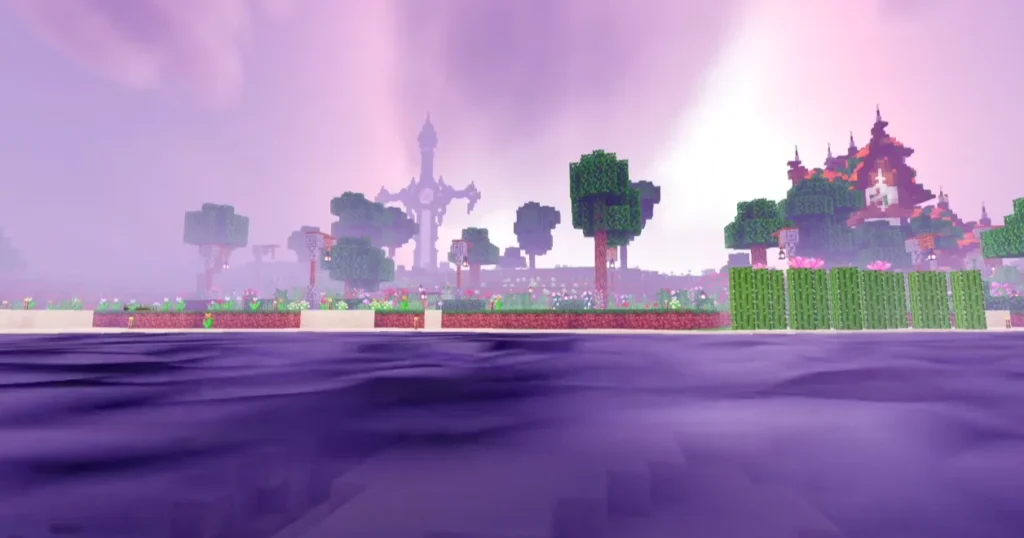
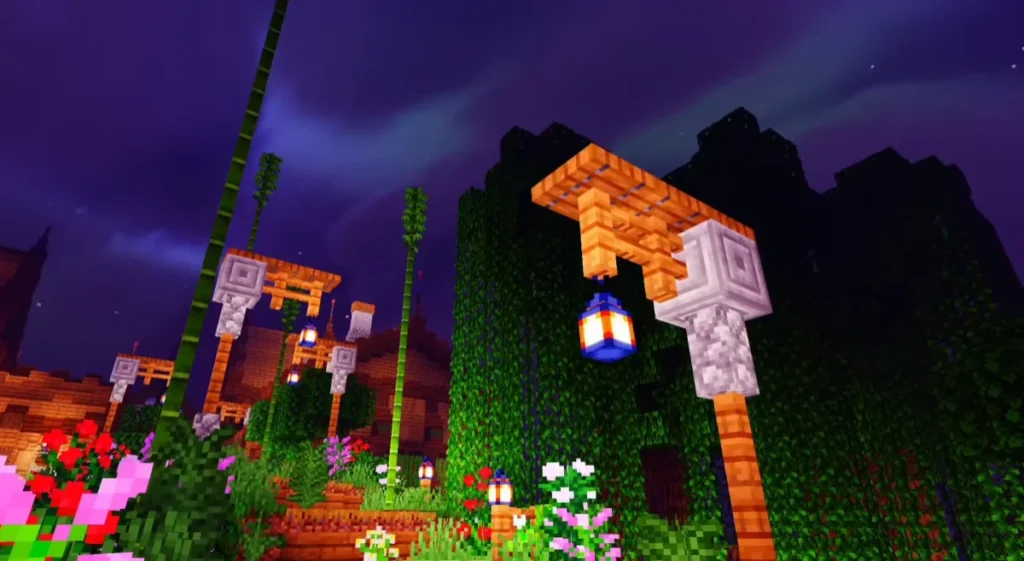
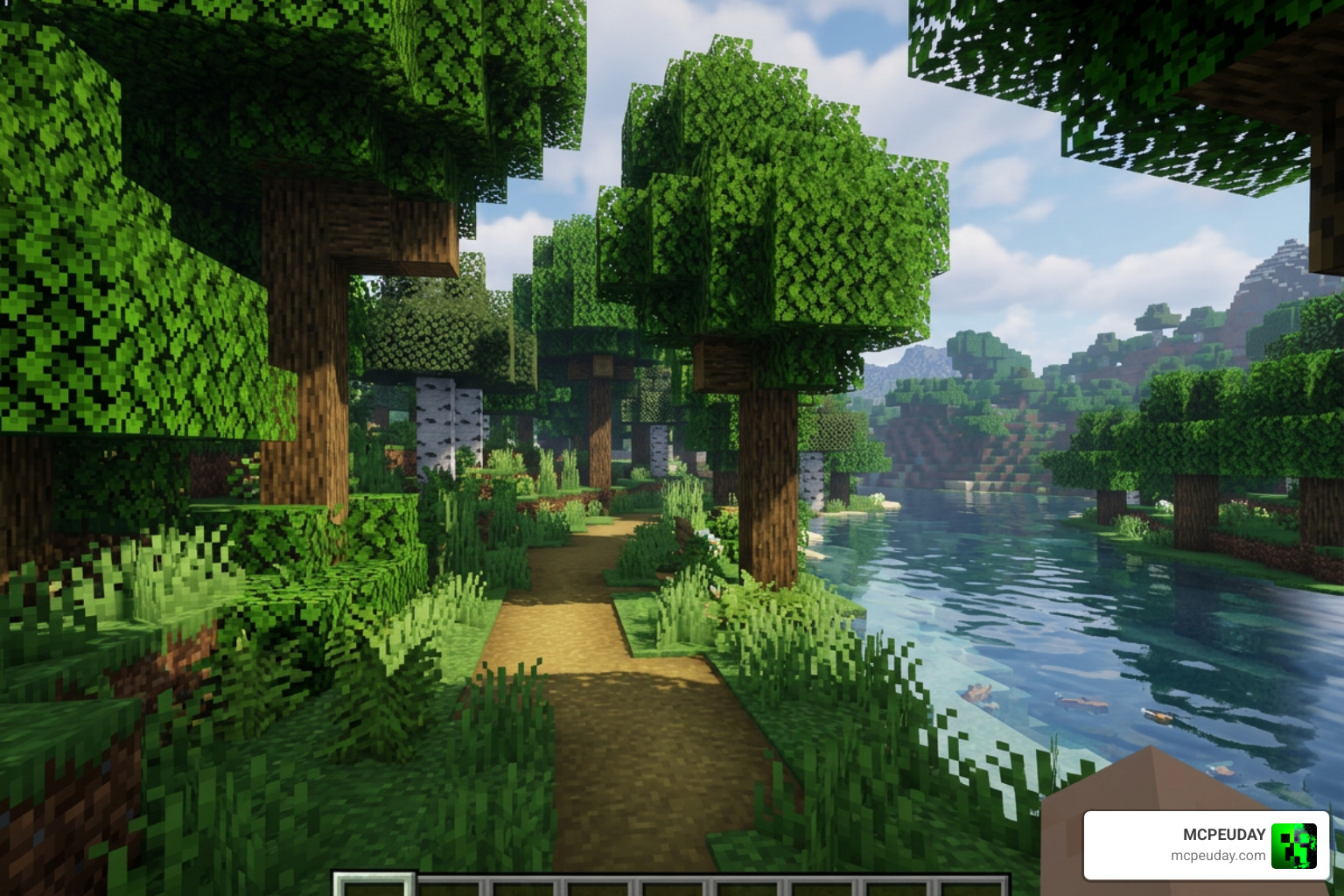
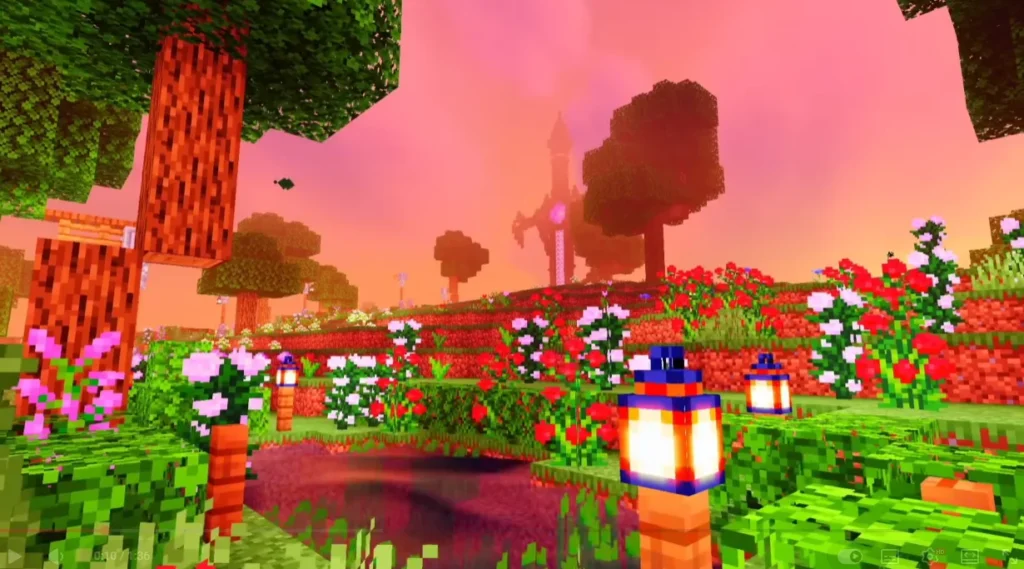
The NEWB X Columbus Shader is a community variant of the popular Newb X Legacy shader family, built for Minecraft Bedrock Edition using the RenderDragon rendering engine. It delivers soft, enhanced vanilla visuals — including improved lighting, water reflections, and waving foliage — without destroying your FPS.
Here’s the quick answer on how to find and use it:
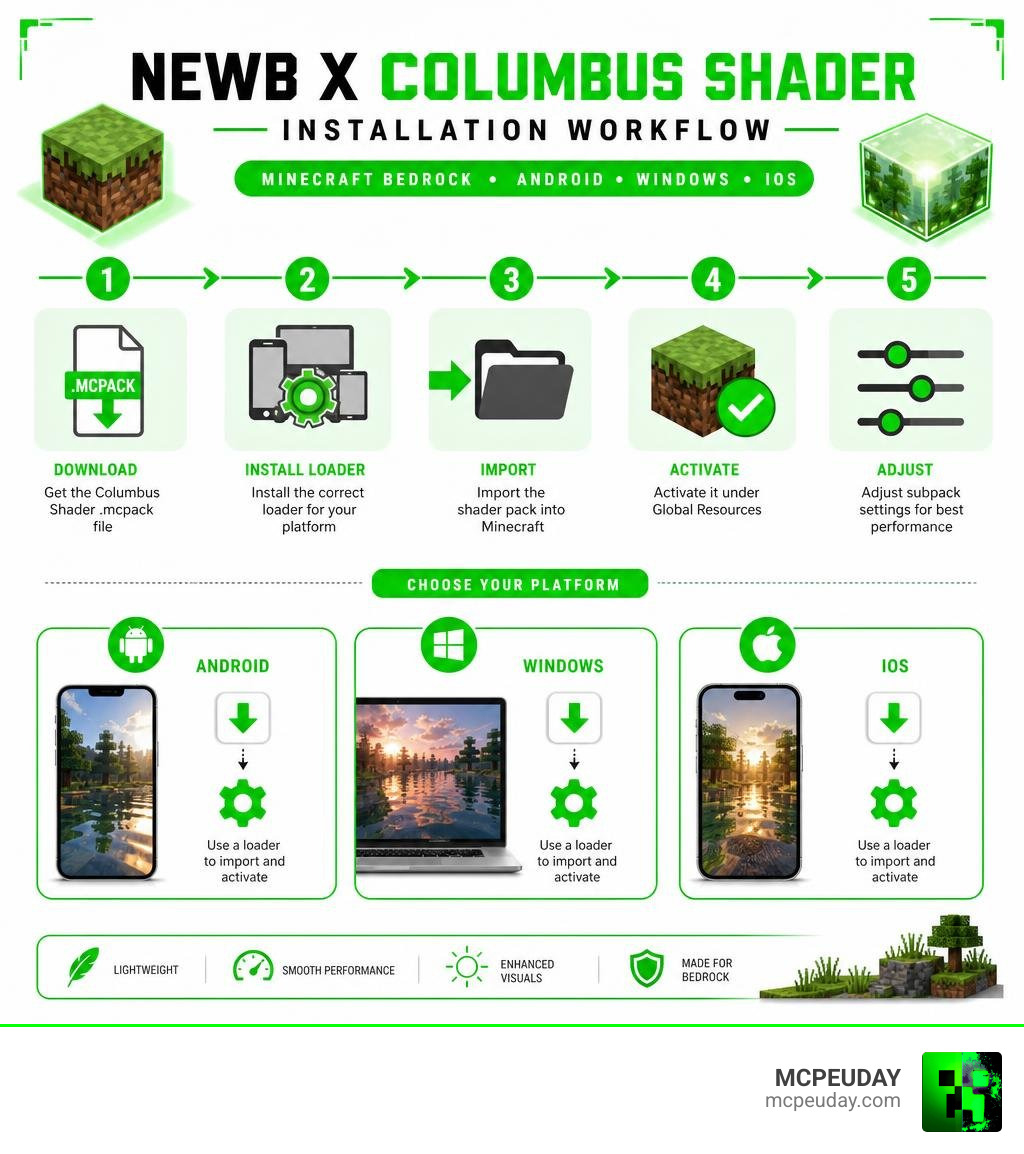
- Download the Columbus Shader
.mcpackfile from a trusted source - Install MB Loader (Android), BetterRenderDragon (Windows), or Hynis IPA (iOS)
- Import the resource pack into Minecraft
- Activate it under Global Resources
- Adjust subpack settings for your device’s performance level
No RTX card required. It runs on Android, Windows, and iOS — including low-end and mid-range devices.
Minecraft Bedrock doesn’t officially support custom shaders. That means getting one like Columbus Shader to actually work takes a few extra steps compared to Java Edition. The right loader tool is the key piece most players miss.
The good news? Once it’s set up, the results are impressive. Think smooth shadows, glowing ores, realistic water, and a sky that actually looks alive — all while keeping the game playable.
This guide walks you through every step, so you won’t get stuck.
What is the NEWB X Columbus Shader?
The NEWB X Columbus Shader is a highly optimized, community-driven variant of the legendary Newb shader family. Designed specifically to work with modern Minecraft Bedrock versions, it serves as a powerful RenderDragon successor to the legacy GLSL-based graphics modifications. This pack is built on the core philosophy of lightweight aesthetics, emphasizing soft lighting, natural colors, and realistic ambient environments rather than overly saturated, resource-heavy visual overhauls.
If you are looking to elevate your gameplay visuals without turning your gaming device into a pocket-sized furnace, we highly recommend checking out our comprehensive Newb X Columbus Shader For Minecraft Ultra Realistic Graphics With Smooth Performance Download Guide. This variant stands out because it utilizes the flexible foundation of the open-source project hosted on the devendrn/newb-x-mcbe: A custom vanilla RenderDragon shader for … repository, allowing creators to tweak materials, shadows, and reflections to perfection.
The Legacy of RenderDragon Shaders
For years, Bedrock players enjoyed simple GLSL-based shaders. However, when Mojang introduced the RenderDragon rendering engine, it broke traditional shader support. The community had to adapt, and that is where the Newb X Legacy family stepped in.
With over 900,000 total downloads on CurseForge, the Newb X Legacy project has maintained a massive presence in the community. It is released under the permissive MIT License, which means developers around the world can legally fork the source code and build their own custom variants. The NEWB X Columbus Shader is one of the most successful community-driven iterations of this legacy, offering a unique blend of performance and beauty that works across multiple platforms.
Visual Features of the NEWB X Columbus Shader
What makes the Columbus variant so special? It strikes a perfect balance between enhanced realism and classic Minecraft charm. Here are some of the key visual upgrades we love:
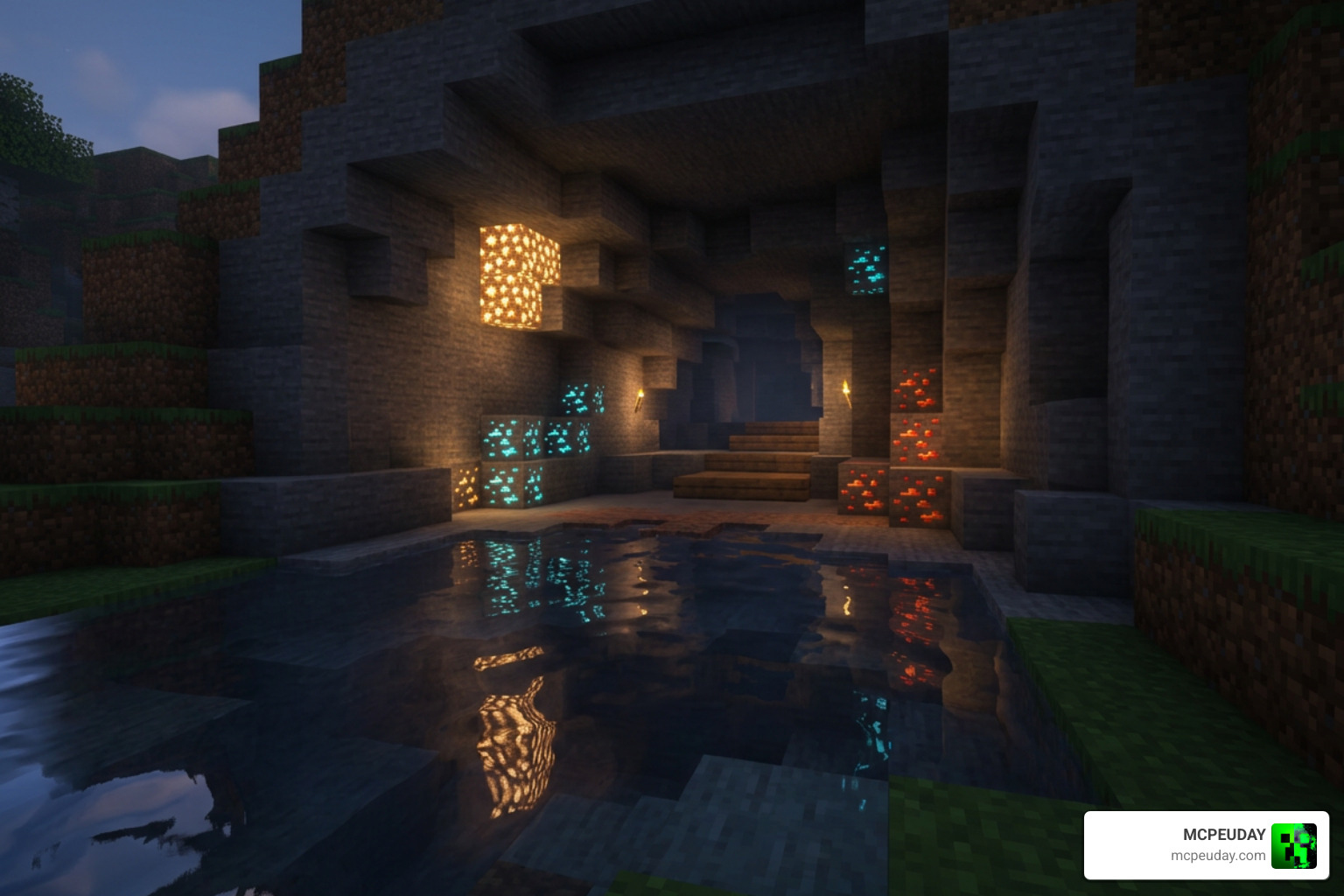
- Dynamic Water Reflections: Water is no longer a flat, opaque blue block. It features realistic depth, soft wave movements, and reflects the skybox beautifully.
- Waving Foliage & Swinging Lanterns: Trees, grass, and underwater kelp sway gently in the wind. Even lanterns swing realistically, adding immense life to your builds.
- Glowy Ores: Exploring dark caves is much more satisfying with subtle, emissive light radiating from valuable ore blocks.
- Custom Skyboxes & Auroras: Sunsets and sunrises feature rich, warm color gradients, and the night sky is occasionally painted with beautiful aurora borealis effects.
How to Install the Columbus Shader in 5 Easy Steps
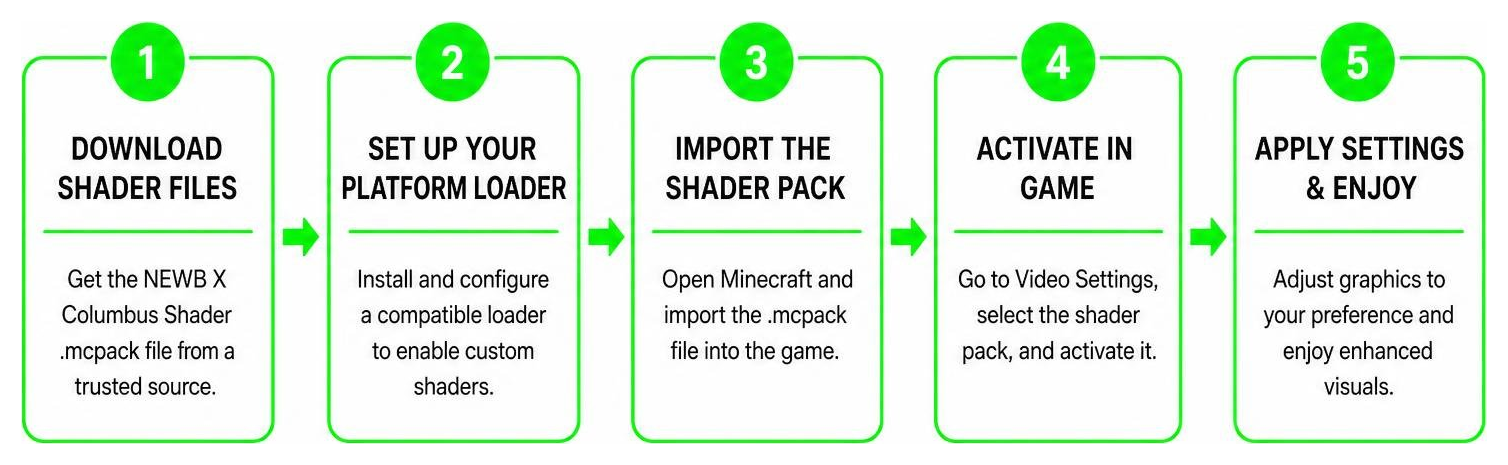
Because Minecraft Bedrock does not officially support custom shader files anymore, you cannot just double-click a file and expect it to work instantly. We have broken down the setup process into five simple steps to get you up and running.
Step 1: Download the Shader Files
First, you need to grab the correct files. Make sure you are downloading the genuine .mcpack files. You can find safe, verified downloads directly through our platform at MCPEUDAY, or check out the official releases on GitHub. Always ensure you are downloading the version that matches your target device and performance expectations.
Step 2: Set Up Your Platform Loader
This is the most critical step. Because RenderDragon blocks third-party shader rendering by default, you must use a platform-specific loader to inject the shader materials:
- Android: Download and install the MB Loader application. This app allows you to launch Minecraft with custom material loading enabled.
- Windows: Use the BetterRenderDragon tool or Matject to enable MaterialBinLoader on your PC.
- iOS: You will need to sideload a modified version of Minecraft using a tool like Hynis IPA via Discord.
Step 3: Import the Resource Pack
Once your loader is ready, open your downloaded .mcpack file. On most platforms, simply clicking or tapping the file will automatically launch Minecraft and import the resource pack. You will see a “Success” message at the top of your screen. Go to your game settings, navigate to Global Resources, select the NEWB X Columbus Shader, and click Activate.
Step 4: Configure Subpacks and Graphics
Before jumping into your world, click the active shader pack and click the gear icon to open the subpack settings. Here, you can choose different performance profiles. If you are playing on a lower-end mobile device, we recommend selecting the “No wave, No Fog” subpack. This disables heavy rendering calculations while keeping the improved lighting intact, giving you a massive FPS boost.
Step 5: Launch and Enjoy Minecraft Bedrock
Now, create a new world or load up your favorite survival map! Take a moment to verify that the lighting looks softer, the shadows are active, and the water is reflective. If everything looks correct, you are ready to enjoy your beautifully upgraded Minecraft world.
Comparing Columbus Shader to Other Newb Variants
The Newb shader ecosystem is vast, with several community variants tailored for different playstyles. Let us look at how the Columbus variant stacks up against its siblings:
| Shader Variant | Primary Aesthetic | Performance Cost | Best Suited For |
|---|---|---|---|
| NEWB X Columbus | Soft lighting, realistic water, glowy ores | Low to Medium | Balanced daily gameplay |
| Newb X Dawn | Vibrant, high-contrast sunrises, cinematic fog | Medium | High-end mobile & PCs |
| Newb X Twilight | Dark, atmospheric, magical night skies | Low | Survival horror & cave explorers |
| Newb Reimagined | Enhanced vanilla, clean and minimal | Very Low | Ultra low-end devices |
Newb X Columbus vs Newb X Dawn
If you are torn between Columbus and Dawn, it mostly comes down to your device’s capabilities. The Newb X Dawn Shader For Mcpe 1 21 Bedrock Edition Download Now variant is famous for its gorgeous cinematic fog and highly saturated colors. However, it can be demanding on older phones. The Columbus variant is generally more performance-friendly and keeps the colors closer to vanilla Minecraft, making it easier on the eyes during long gaming sessions.
Recommended Settings for NEWB X Columbus Shader
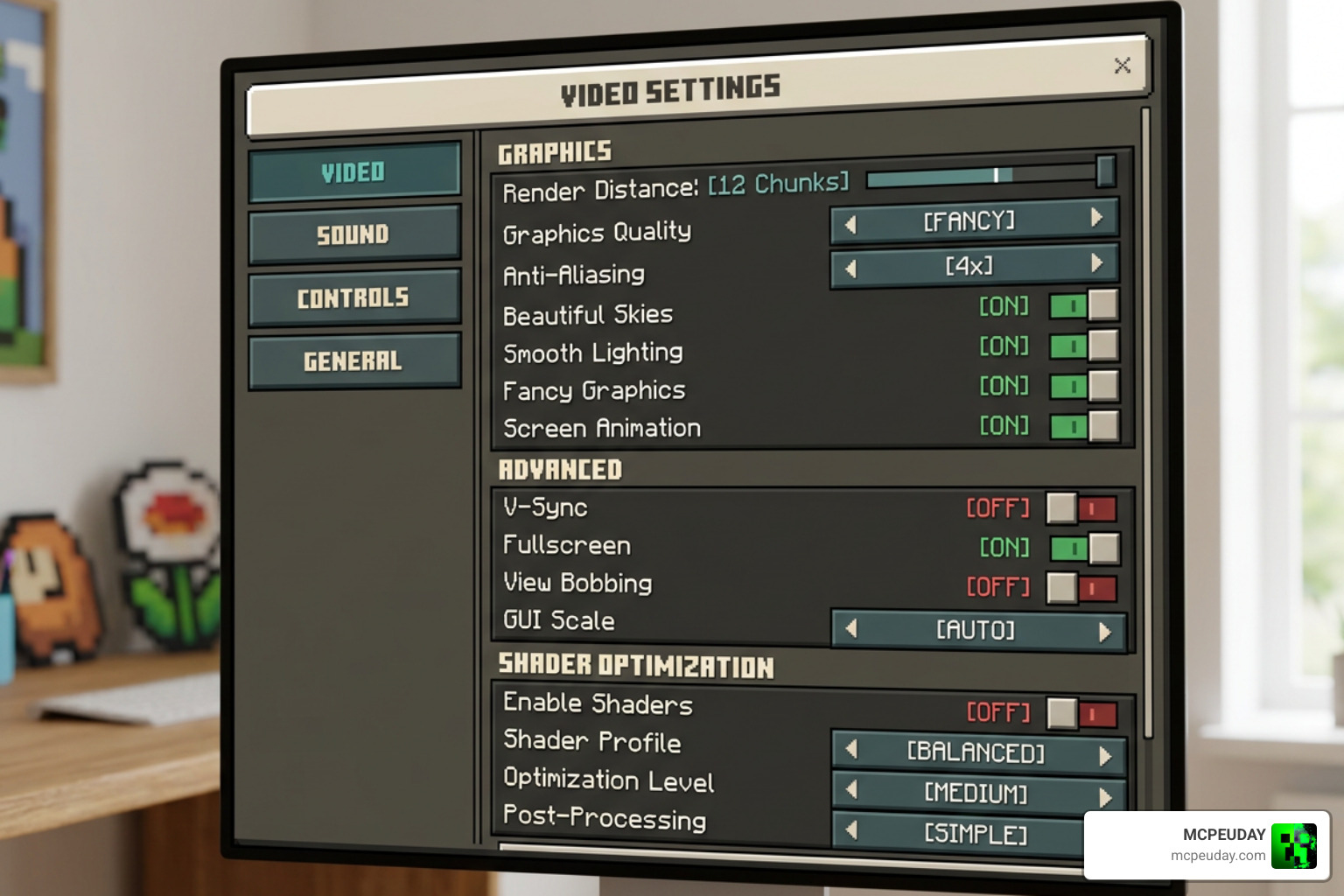
To get the absolute best visual-to-performance ratio, we suggest using these in-game video settings:
- Beautiful Sky: On (essential for the custom skyboxes and auroras)
- Smooth Shading: On
- Fancy Graphics: On (if your device can handle it)
- Clouds: On
- In-Game Brightness: 50% to 80% (going too high can wash out the soft shader shadows)
If you love stunning night environments, combining these settings with the night-sky enhancements found in the Newb X Stars Shader For Minecraft Pe Mcpe Ultra Realistic Graphics Fps Friendly Stunning Night Sky will make your evening adventures truly breathtaking.
Frequently Asked Questions about Minecraft Bedrock Shaders
Is the Columbus Shader compatible with Minecraft 1.21+?
Yes! The NEWB X Columbus Shader is fully compatible with Minecraft Bedrock versions 1.20.15 all the way up to the latest 1.21.80.25+ and 1.26+ updates in July 2026. The developers and community contributors regularly update the compiled material files to ensure compatibility with Mojang’s engine tweaks.
Do I need an RTX graphics card to run this shader?
Absolutely not. Unlike official ray-tracing packs that require dedicated hardware, the Columbus Shader is a rasterization-based shader. It runs beautifully on standard mobile devices, iPads, and budget laptops without requiring any specialized graphics hardware.
Why isn’t my shader loading on Android?
If your world looks completely vanilla after activating the pack, it is almost certainly because you launched the game normally instead of using a patched APK or the MB Loader app. Because of RenderDragon’s security restrictions, standard Minecraft clients will ignore custom shader materials. Always make sure to launch your game through your platform’s designated loader.
Conclusion
The NEWB X Columbus Shader is an outstanding choice for anyone looking to refresh their Minecraft Bedrock experience in July 2026. It proves that you do not need expensive hardware to enjoy beautiful water reflections, waving plants, and atmospheric lighting.
If you want to explore more options, read our Newb X Supplementary Shader For Minecraft Ultra Realistic Lighting Water Fps Friendly Graphics 2026 Guide or jump straight to our curated list of the best shaders for MCPE 1.21 to find the absolute perfect match for your gaming setup. Happy building, and enjoy your gorgeous new views!
2 thoughts on “NEWB X Columbus Shader (26.x, 1.21) – MCPE/Bedrock Shader”