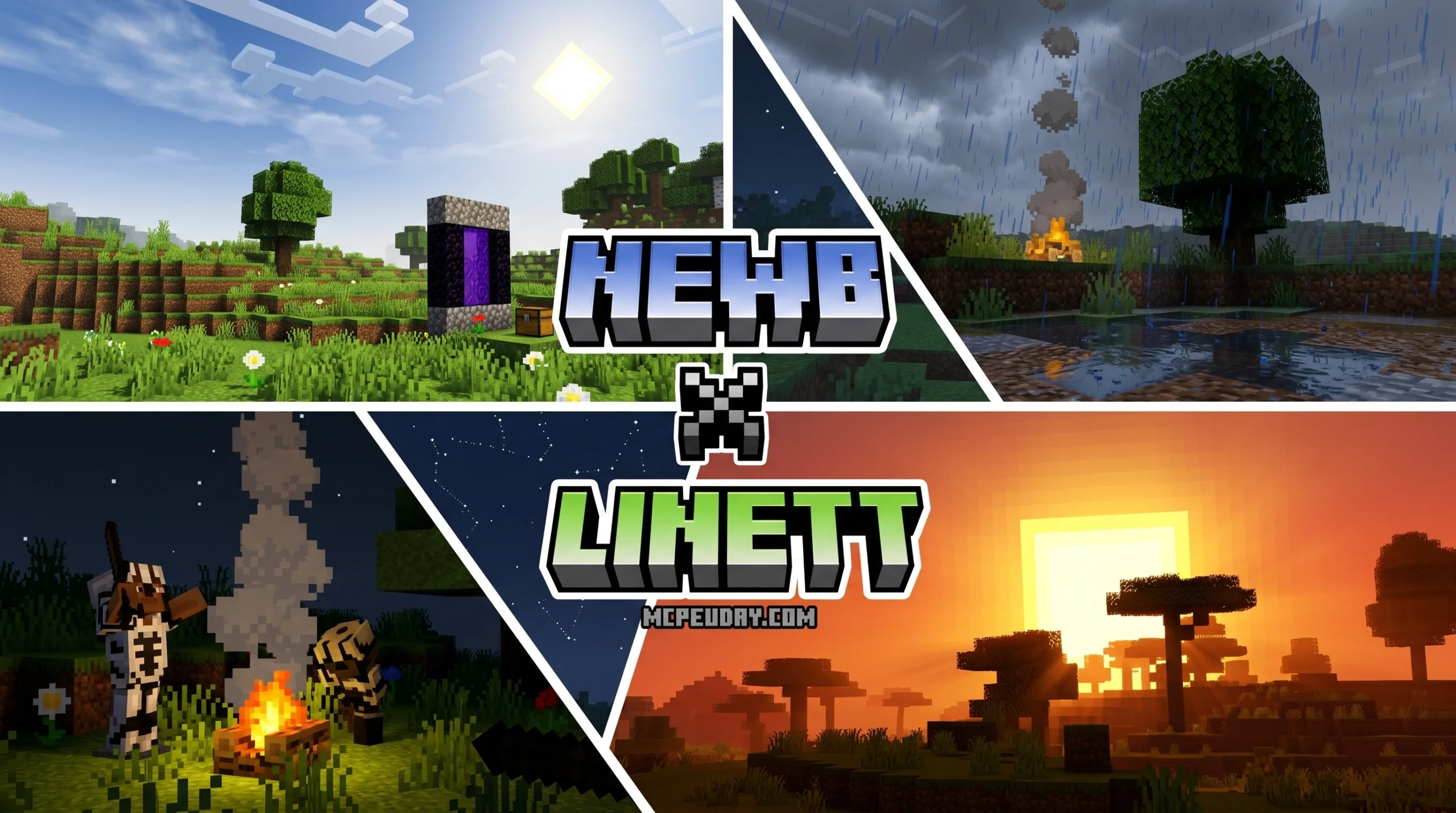
What Newb X Linett SHADER Does and Why Players Love It
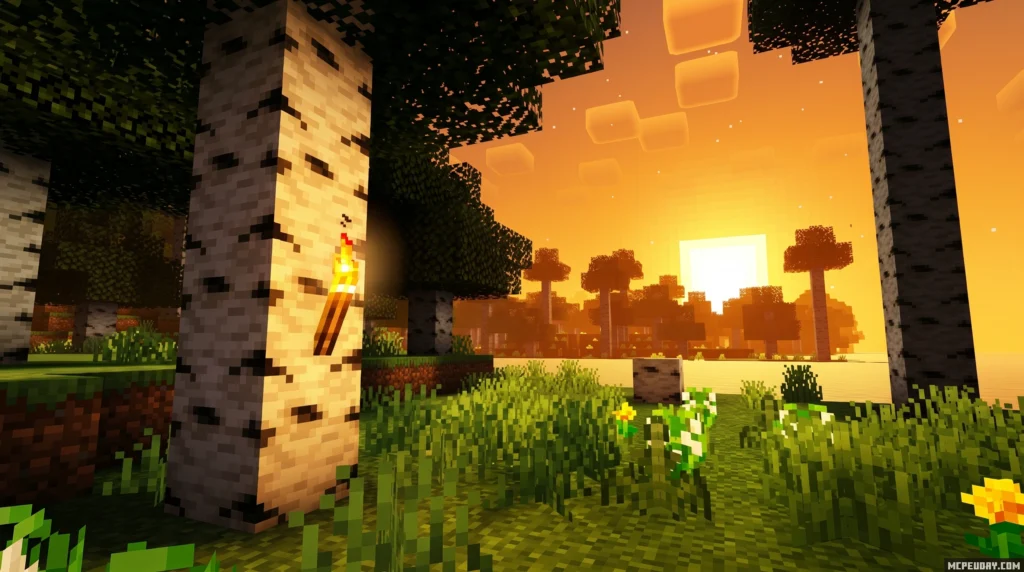
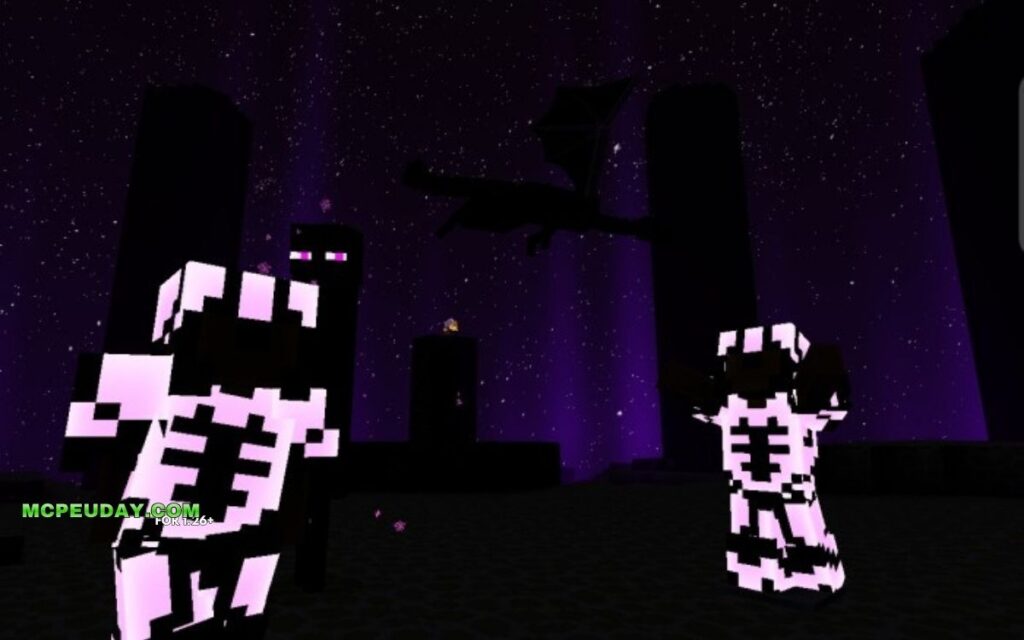
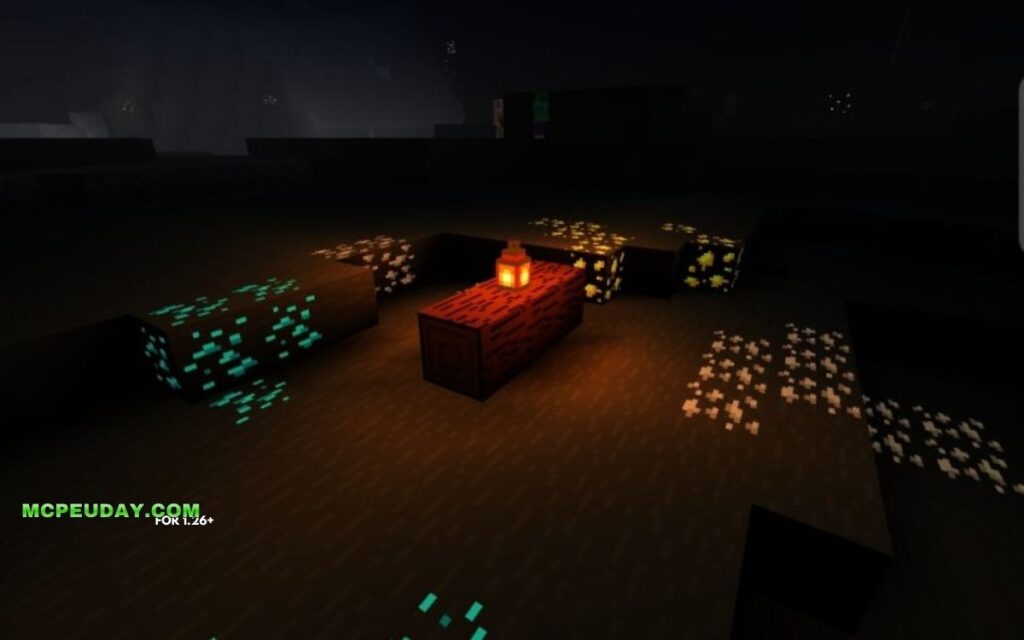
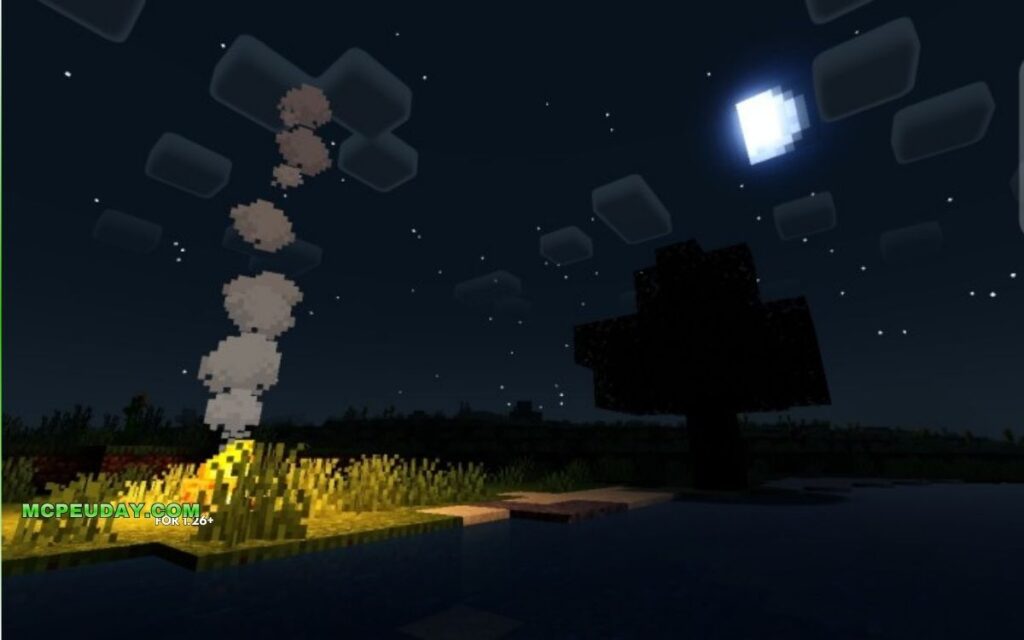
Newb X Linett SHADER is a BSL-based shader for Minecraft Bedrock Edition that transforms your game to look like the official Minecraft trailers — with vibrant skies, soft shadows, realistic lighting, and smooth water visuals.
Here’s a quick snapshot of what it offers:
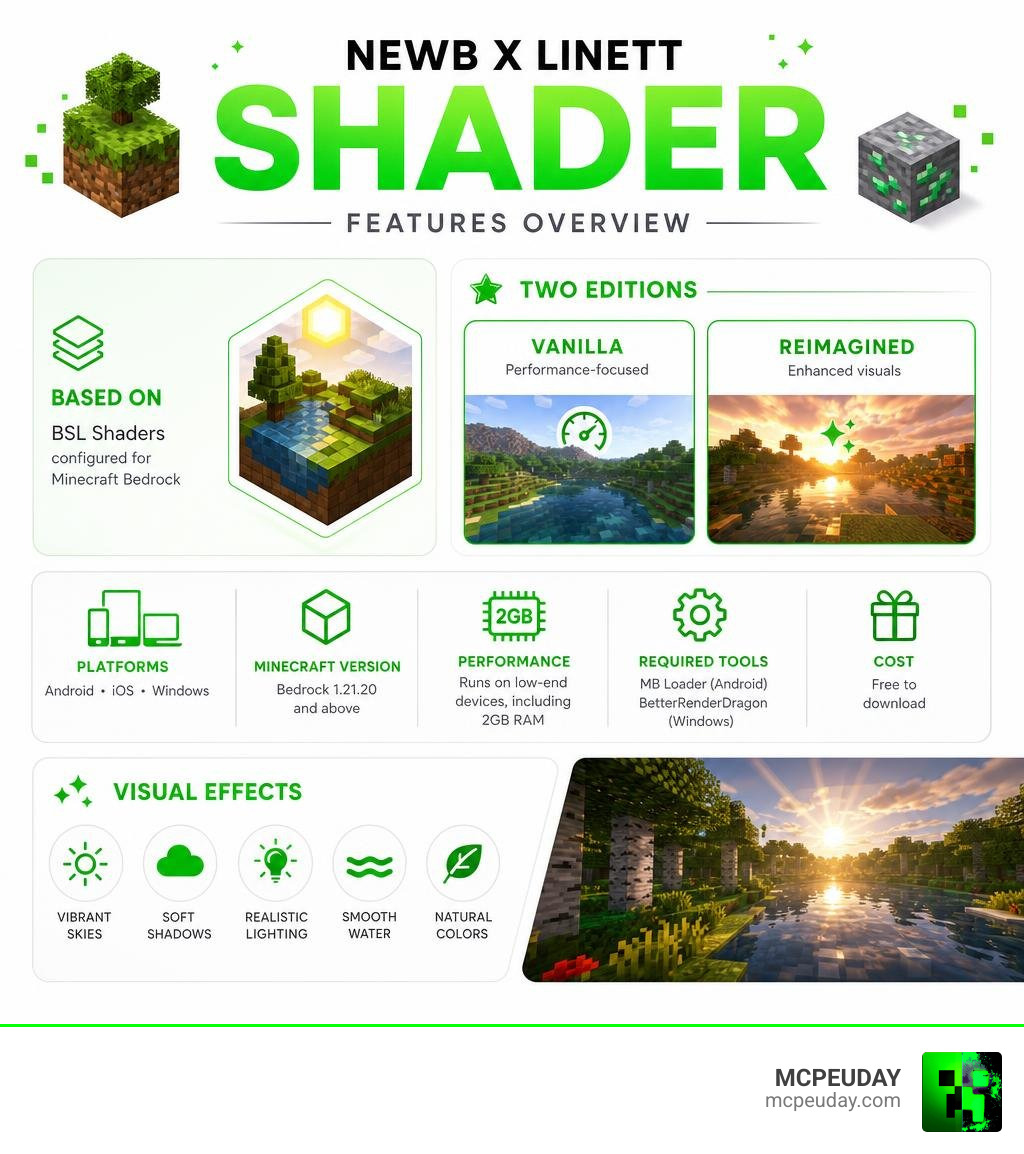
- Based on: BSL Shaders, configured for Minecraft Bedrock/MCPE
- Two editions: Vanilla (performance-focused) and Reimagined (enhanced visuals)
- Best paired with: Bare Bones texture pack for authentic trailer-style looks
- Platforms: Android, iOS, Windows
- Minecraft version: Bedrock 1.21.20 and above
- Performance: Runs on low-end devices, including those with 2GB RAM
- Required tools: MB Loader (Android), BetterRenderDragon (Windows)
- Cost: Free to download
If you just want the basics — download the shader, pick your edition (Vanilla for performance, Reimagined for visuals), and add it to your global resource packs. That’s it.
Minecraft Bedrock doesn’t officially support custom shaders. So most players stick with default graphics — even though better options exist. Newb X Linett SHADER changes that, and it does it without destroying your frame rate.
What makes it stand out in a sea of Newb variants? It’s built specifically to recreate the clean, cinematic look from official Minecraft promotional trailers. Think golden sunsets, deep shadows, and skies that actually look alive.
And unlike heavier shaders, it’s designed to be lightweight. No overblown bloom. No stuttering on older phones. Just a noticeable upgrade that feels natural.
One player summed it up well: “Subtle, calm, and clean — exactly what I want in a shader.”
This guide covers everything — features, editions, installation steps for every platform, and how to fix it when things go wrong.
What is the Newb X Linett SHADER?
To understand what the Newb X Linett SHADER is, we first have to look at its family tree. The original Newb Shader – Minecraft Bedrock Texture Packs – CurseForge was created by the developer devendrn. It quickly became a legend in the bedrock community, racking up over 907,000 downloads because of its lightweight, soft-aesthetic approach to vanilla enhancements.
Because the original Newb project is open-source (released under the MIT license), it allowed the community to build their own custom spin-offs. The official GitHub repository for Newb X Legacy has earned 183 stars and 98 forks, serving as the foundation for dozens of community variants.
The Newb X Linett SHADER is one of the most popular community variants. It is a specialized, lightweight version based on Java’s famous BSL Shaders, originally configured and modified by the YouTuber LowresBones to capture that clean, official Minecraft trailer look. Linett took this configuration and optimized it further for mobile and low-end Bedrock platforms. If you want to experience this beautiful setup yourself, you can read our detailed breakdown of the Newb X Linett Shader For Minecraft Pe 1 21.
Key Visual Features of Newb X Linett SHADER
The core philosophy of this pack is to provide a clean, modern aesthetic without drifting too far from the classic Minecraft feel. When you load up the shader, you will immediately notice several massive visual upgrades:
- Soft, Natural Lighting: Say goodbye to harsh, flat lighting. This shader introduces gentle light scattering, warm torch glows, and beautifully soft transitions during sunrise and sunset.
- Cinematic Skies and Clouds: The skies feature gorgeous color gradients, realistic sun and moon sizing, and atmospheric fog that shifts depending on the time of day.
- Subtle, Clean Shadows: Instead of blocky, dark voids, you get smooth, realistic shadows that add depth to your builds.
- Dynamic Weather and Auroras: Rainy weather feels incredibly atmospheric with adaptive rain clouds. At night, you can even witness beautiful, colorful auroras dancing across the sky.
- The “Trailer” Aesthetic: When paired with the Bare Bones texture pack, the game mimics the flat, vibrant, and highly stylized look seen in Mojang’s official game trailers.
If you are a fan of ultra-realistic lighting but want to keep your game running smoothly, you might also want to check out the Newb X Supplementary Shader For Minecraft Ultra Realistic Lighting Water Fps Friendly Graphics 2026 Guide.
Vanilla vs. Reimagined Editions
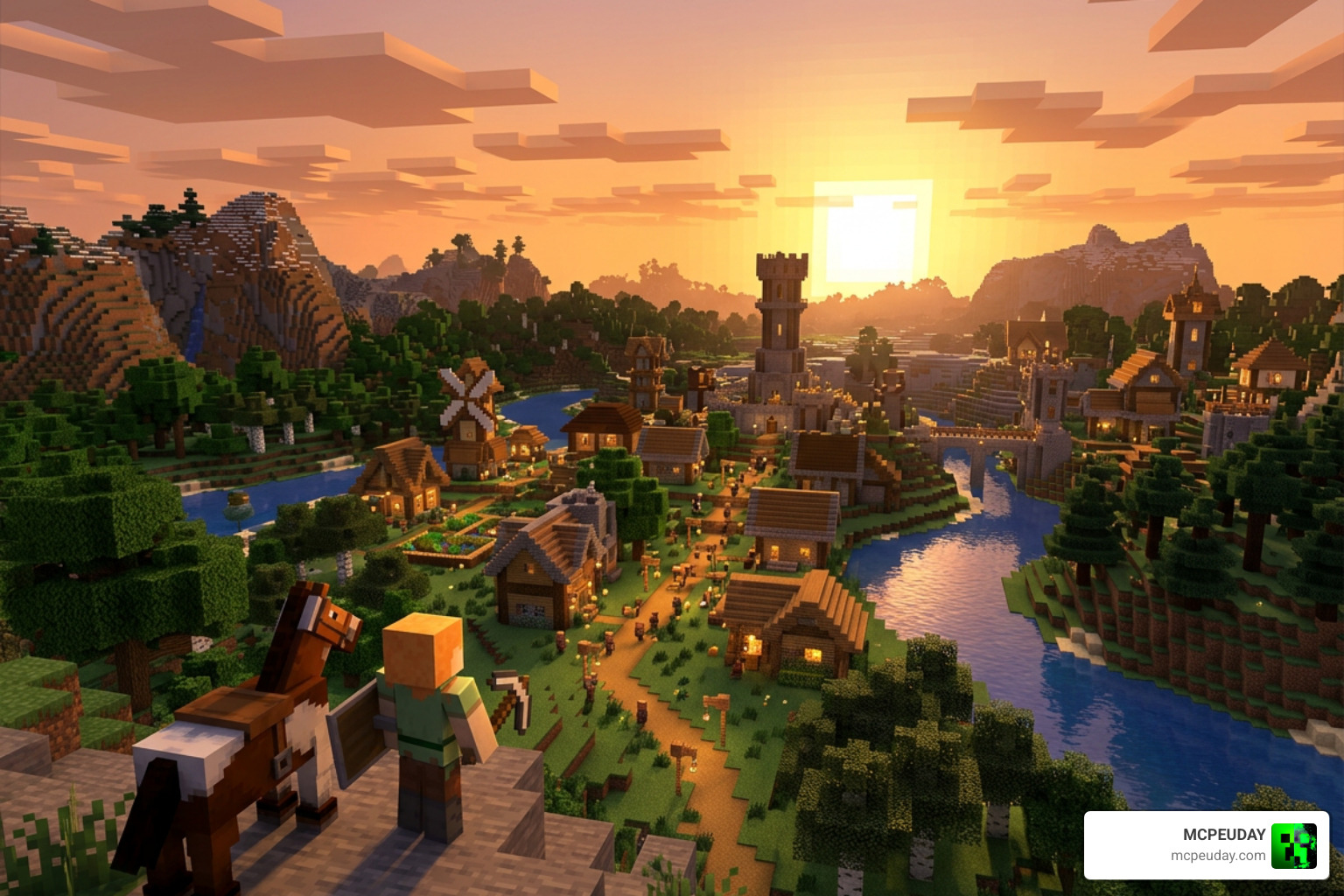
To cater to different player preferences and device capabilities, the shader is split into two distinct editions: Vanilla and Reimagined.
| Feature | Vanilla Edition | Reimagined Edition |
|---|---|---|
| Primary Focus | Performance & Classic Feel | Enhanced Visual Effects |
| Water Waves | Disabled (Static, clean look) | Enabled (Dynamic waves & reflections) |
| Plant Movement | Disabled | Enabled (Swaying leaves & grass) |
| Performance Impact | Extremely Low (Ideal for 2GB RAM) | Low to Medium |
| Aesthetic | Flat, clean, official trailer-like | Rich, atmospheric, and dynamic |
If you are playing on an older mobile device, we highly recommend selecting the Vanilla edition to keep your gameplay smooth and lag-free. If you have a mid-range or high-end device and want maximum eye candy, go with the Reimagined edition.
Compatibility and Performance Optimization
One of the biggest hurdles for Bedrock players is Minecraft’s rendering engine, RenderDragon. For a long time, RenderDragon made it incredibly difficult to run custom shaders. Fortunately, the Newb X Legacy framework is built specifically to work within these modern constraints.
The Newb X Linett SHADER is highly optimized. It runs beautifully on devices with just 2GB to 4GB of RAM without causing your phone to overheat or drop frames. If you are looking for other lightweight alternatives for low-end devices, we have reviewed several incredible options, including:
- The ultra-smooth Newb X Ale Shader For Minecraft Pe Bedrock Best Realistic Shader For Low End Devices
- The incredibly lightweight Newb X Amethyst Shader Best Lightweight Shader For Minecraft Pe Mcpe
- The atmospheric Newb X Ambient Shader For Minecraft Pe Realistic Lighting Smooth Shadows Fps Friendly
- The stunningly vibrant Newb X Sapphire Shader For Minecraft Pe Mcpe Ultra Realistic Graphics Fps Friendly Stunning Visuals
How to Install Newb X Linett SHADER on Bedrock
Because Minecraft Bedrock does not officially support custom shader files, installing them requires a few extra steps depending on your platform.
Android Installation
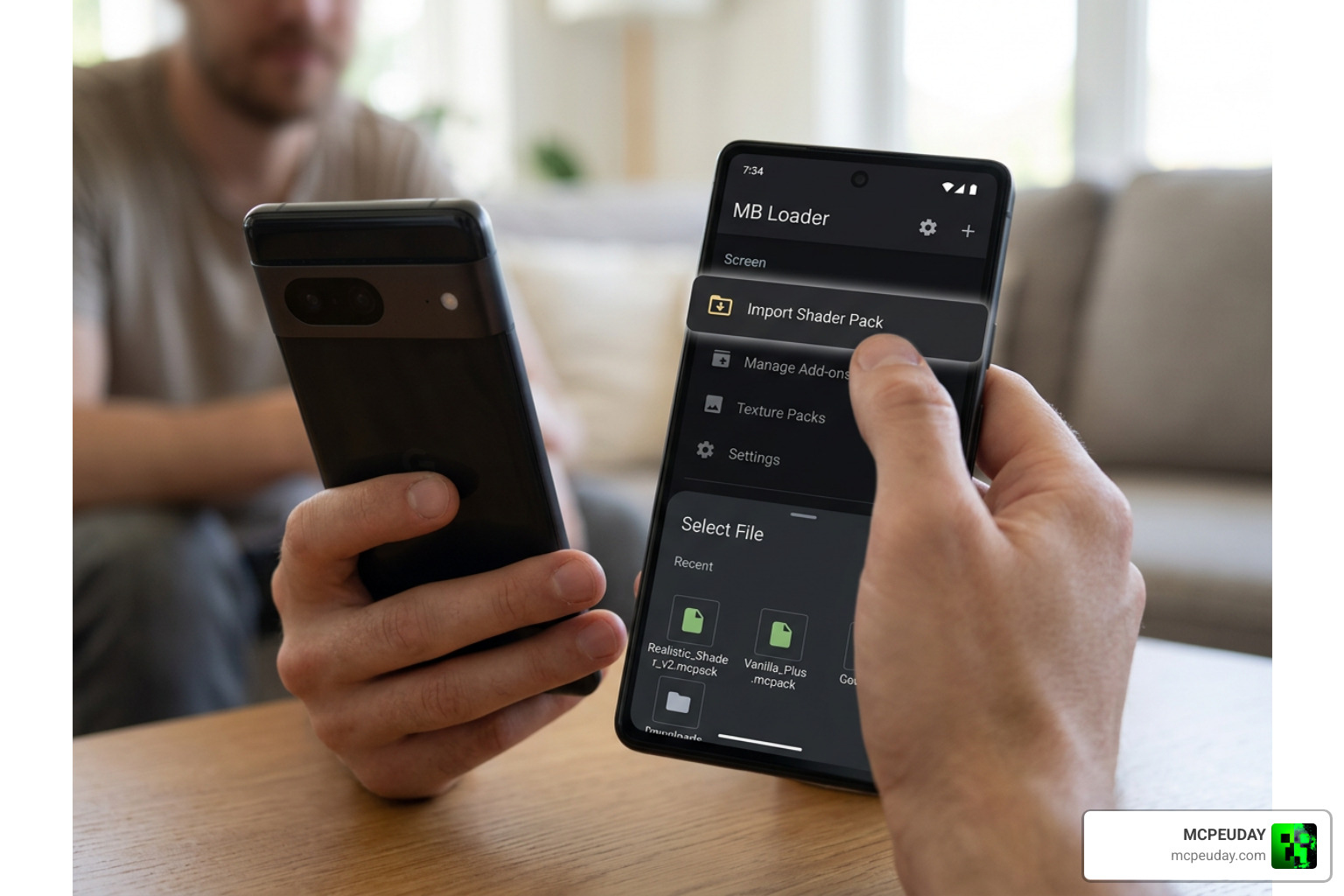
- Download the
.mcpackfile for your preferred edition (Vanilla or Reimagined). - Install the MB Loader app from the Google Play Store (this is required to patch the RenderDragon engine to load custom materials).
- Launch Minecraft through the MB Loader app.
- Import the downloaded shader pack.
- Go to Settings > Global Resources, activate the shader, and make sure it is placed at the very top of your active resource packs list.
If you are looking for an alternative performance shader setup on Android, check out the Newb X Unwind Shader For Minecraft Pe Mcpe Best Realistic Shader For Low End Devices.
Windows Installation
- Download the shader pack.
- Use a tool like BetterRenderDragon or Matject to enable MaterialBinLoader on your system.
- Import the shader into Minecraft and activate it in your Global Resources.
For those playing on high-end PCs or seeking the absolute peak of Bedrock graphics, the Newb X Future Shader For Minecraft Best Realistic Shader For Low End High End Devices is another fantastic choice to explore.
Troubleshooting and Required Patches
If you activate the shader and your game looks completely vanilla, don’t panic! This is the most common issue players face. Because of RenderDragon, the shader will not work without the required patches.
- Always use a loader: On Android, you must launch the game through MB Loader or use a patched version of MCPE. On Windows, you must use BetterRenderDragon.
- Check your pack order: Keep the shader resource pack at the absolute top of your Global Resources list. If another texture pack is placed above it, it may overwrite the shader materials.
- Recommended Graphics Settings: For the best visual results, go to your in-game Video settings and ensure the following are turned On:
- Beautiful Skies
- Smooth Shading
- Fancy Graphics
If you still encounter issues, you might want to try other highly stable community variants like the Newb X Maz Shader For Minecraft Pe Mcpe Ultra Realistic Graphics Smooth Performance or consult our detailed Newb X Columbus Shader For Minecraft Ultra Realistic Graphics With Smooth Performance Download Guide.
Frequently Asked Questions
Is Newb X Linett SHADER free to use?
Yes! The shader is completely free to download and use. Because it only runs locally on your client, it is 100% safe to use in multiplayer worlds, realms, and external servers without getting banned or affecting other players.
Does it support Minecraft Bedrock 1.21 and 1.26?
Yes, the shader is fully compatible with Minecraft Bedrock 1.21.20+ and supports RenderDragon updates up to version 1.26+. The active development community behind the Newb X Legacy project ensures that compatibility patches are regularly updated.
Can I combine it with other resource packs?
Absolutely! The shader only changes lighting, skies, and environmental effects; it does not replace block textures. It pairs beautifully with the Bare Bones texture pack to achieve the iconic trailer aesthetic. Just remember to place the shader pack above your texture packs in the resource menu.
Conclusion
The Newb X Linett SHADER is one of the absolute best ways to upgrade your Minecraft Bedrock graphics in 2026. It perfectly bridges the gap between high-end Java aesthetics and mobile-friendly performance, giving you those clean, nostalgic trailer-style visuals without causing your device to lag.
Whether you choose the ultra-optimized Vanilla edition or the beautifully animated Reimagined edition, your worlds will look warmer, cleaner, and more atmospheric than ever before.
Ready to explore more incredible graphics options for your game? Check out our curated list of the Best Shaders for MCPE 1.21-2026 to find the perfect fit for your device!