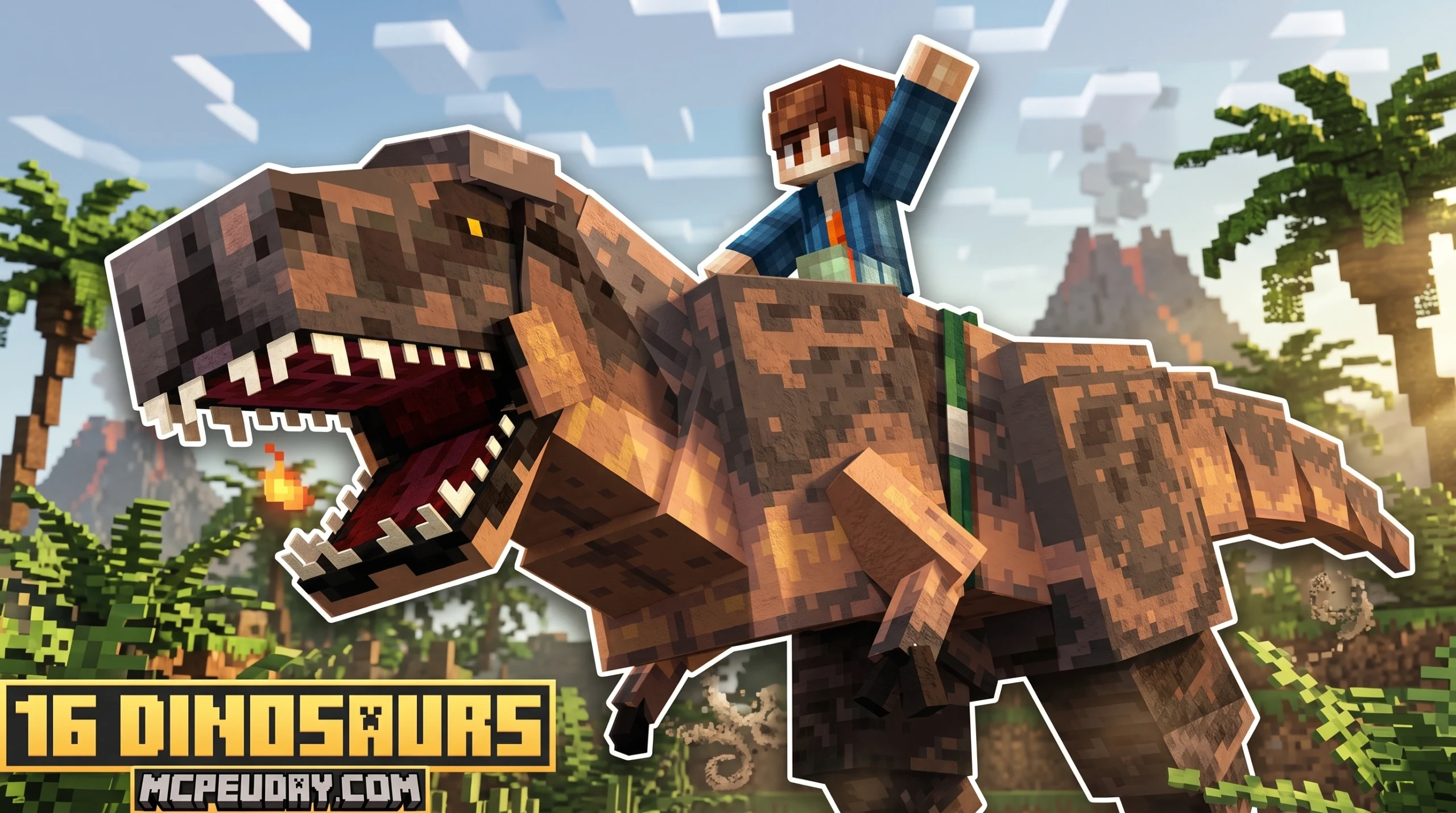
The Best Dinosaur Add-Ons for Minecraft Bedrock in 2026
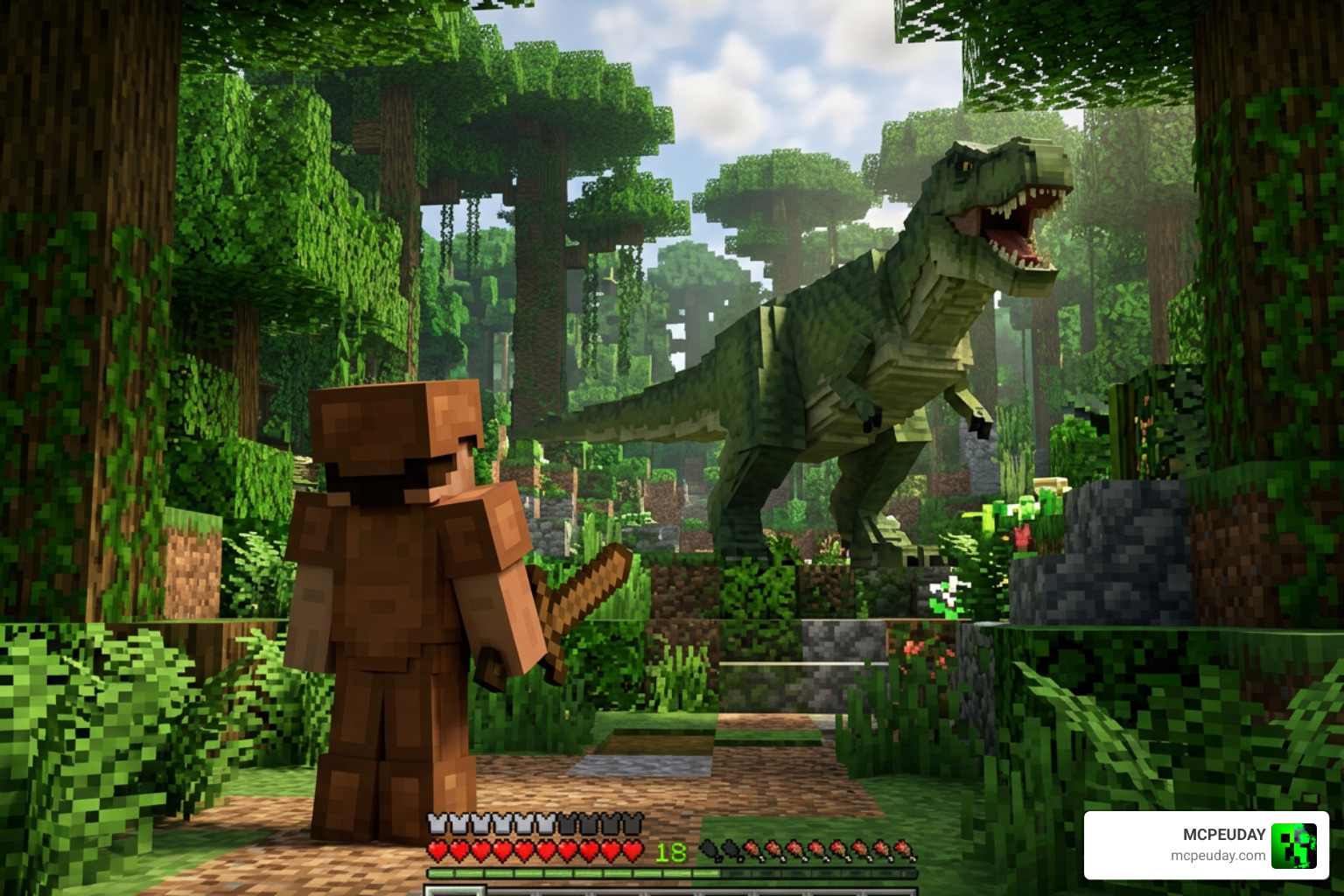
Looking for the best Dinosaur Add-On for Minecraft Bedrock? Here’s a quick overview of the top options:
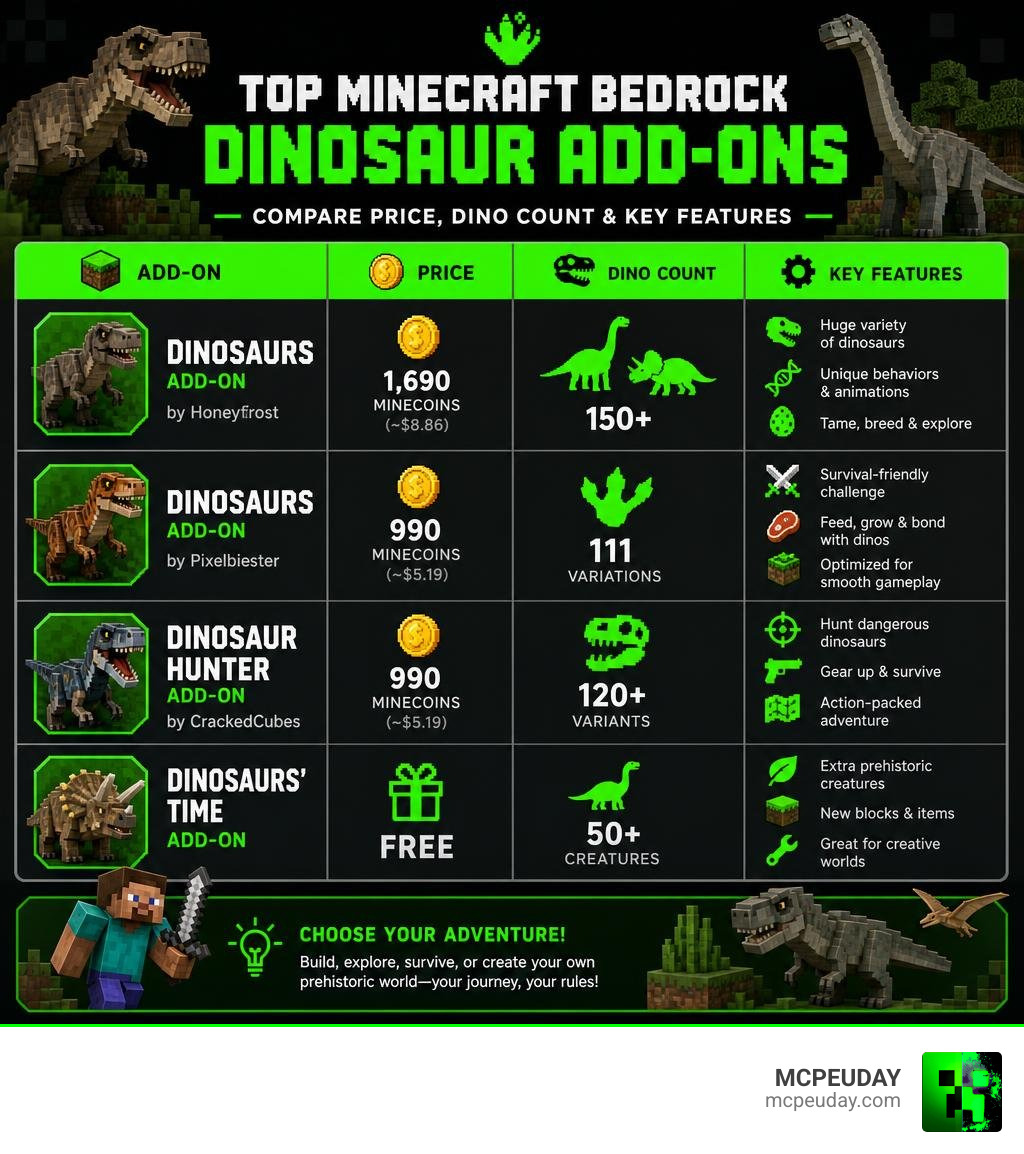
| Add-On | Platform | Price | Dinosaurs | Rating |
|---|---|---|---|---|
| Dinosaurs Add-On by Honeyfrost | Minecraft Marketplace | 1,690 Minecoins (~$8.86) | 150+ | 4.8/5 |
| Dinosaurs Add-On by Pixelbiester | Minecraft Marketplace | 990 Minecoins (~$5.19) | 111 variations | 4.6/5 |
| Dinosaur Hunter Add-On by CrackedCubes | Minecraft Marketplace | 990 Minecoins (~$5.19) | 120+ variants | 4.4/5 |
| Dinosaurs’ Time Add-on | CurseForge (free) | Free | 50+ creatures | 34,594 downloads |
Minecraft’s world gets a whole lot wilder when you drop dinosaurs into it. Whether you want to tame a Velociraptor, ride a Triceratops, or just survive long enough to not get eaten by a T-Rex, there’s a dinosaur add-on built for that.
The Bedrock Marketplace alone has multiple well-rated options. The community has also built free alternatives. Each one takes a different angle — some focus on sheer dinosaur variety, others on survival challenge, and some on creative park-building inspired by Jurassic Park.
This guide breaks them all down so you can pick the right one for your playstyle.
Choosing the Best Dinosaur Add-On for Minecraft Bedrock
Picking the perfect Dinosaur Add-On depends heavily on what you want out of your survival experience. Are you looking to build a massive prehistoric zoo, or do you want terrifying predators stalking you through the jungle biomes?
For players who love customizing their worlds, we have a range of options from official Minecraft Marketplace content to community-curated packages on CurseForge. Let’s look at the three most popular options available for Bedrock players today.
Option 1: Comprehensive Prehistoric Expansion
If your goal is to completely transform your world into a living, breathing prehistoric ecosystem, the Dinosaurs Add-On 2.1 – Minecraft by Honeyfrost is the gold standard. As the official Bedrock Edition of the famous “Lost World Dinosaur Modpack,” this package features over 150 different dinosaur species and colorful variants.
What makes this expansion truly stand out is its deep progression system. Instead of just running away from a wild Tyrannosaurus rex, you can actually uncover ancient fossil nodes buried deep underground, extract their DNA, and clone your own prehistoric companions. The cloning process is incredibly detailed: you must first mine fossilized amber blocks, process them in a specialized DNA Extractor, and then inject the recovered genetic material into a high-tech Incubator.
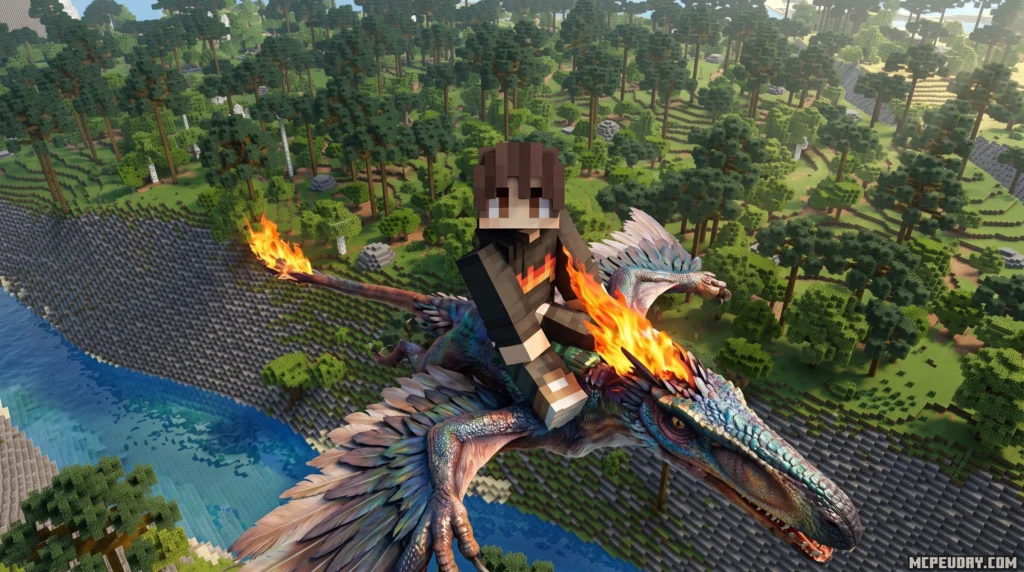
It even features a morphing mechanic that lets you transform into the dinosaurs yourself to acquire their unique survival abilities! Imagine soaring through the clouds as a Pterodactyl or swimming through deep oceans as a Mosasaurus. If you want to keep your creations safe, the add-on includes craftable electric fences, heavy-duty steel gates, and security cameras to build the ultimate high-security dino park.
Option 2: Paleontology and Vehicles
For players who prefer a mix of paleontology, survival crafting, and high-tech exploration, the Dinosaurs Add-On by Pixelbiester is an incredible choice. This pack introduces 111 unique dinosaur variations alongside custom-crafted vehicles, prehistoric weapons, and specialized armor sets.
The gameplay loop here focuses on hunting and taming. You can knock out wild dinosaurs and tame them using Araucaria Sprouts. Once tamed, several species serve as incredibly fast mounts. To help you traverse the massive distances of your Minecraft world, the add-on provides craftable off-road jeeps, helicopters, and dirt bikes that make exploring prehistoric landscapes a breeze.
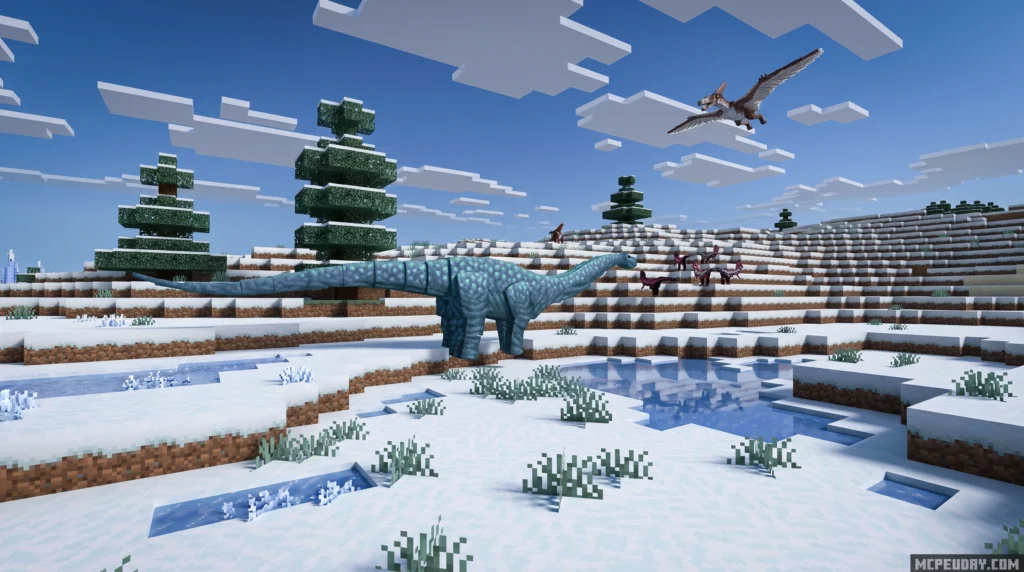
The recent Paleogene Update even added Ice Age creatures to the mix, including Woolly Mammoths and Saber-toothed Cats, giving you a wonderful variety of beasts to encounter across different biomes. You can also craft specialized hunting gear, such as tranquilizer rifles and reinforced bone armor, to protect yourself during dangerous expeditions.
Option 3: Dinosaur Hunter Challenge
If you want a difficult, survival-focused struggle where dinosaurs integrate directly into your existing Overworld, look no further than the Dinosaur Hunter Add-On (1.0) by CrackedCubes. Rather than forcing you to start a brand-new custom world, this add-on is designed to work seamlessly in your current survival setup.
It introduces over 120 land, air, and sea variants—including massive aquatic beasts like the Mosasaurus and soaring giants like the Quetzalcoatlus. Survival is tough, but you aren’t entirely alone; you can gain a loyal companion Ankylosaurus to help defend you from wild predators.
It also adds a reward progression system with over 50 levels, custom trades, prehistoric food sources, and specialized hunting gear. As you level up your hunter rank, you unlock access to rare trading partners—specialized paleontologist villagers who will trade valuable resources, high-tier weapons, and unique dinosaur eggs for your hard-earned hunter tokens.
Core Gameplay Mechanics: Taming, Riding, and Combat
Integrating dinosaurs into Bedrock Edition changes the core loop of Minecraft survival. No longer are you just dodging skeletons and zombies; now you have to worry about apex predators hunting you—and each other—in real-time.
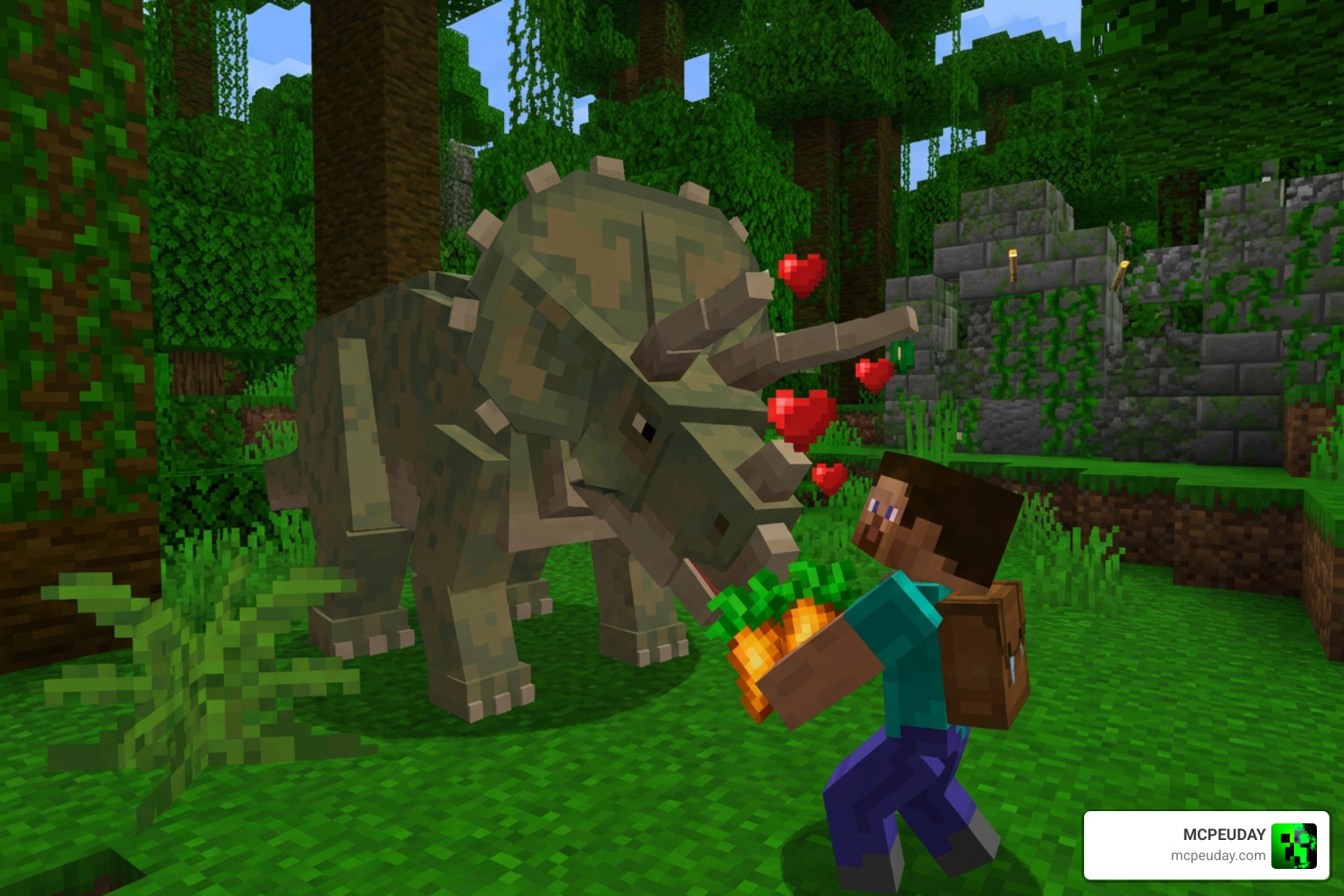
Most high-quality dinosaur add-ons feature interactive mechanics such as:
- Knock-Out Taming: Instead of simply feeding a creature, you often have to carefully battle and knock out larger dinosaurs before taming them. This involves crafting specialized tranquilizer darts or blunt weapons to deplete the creature’s torpor level without killing it. Once unconscious, you must feed them specialized items like Araucaria Sprouts, prime meats, or sweet berries while protecting them from other wild predators during the vulnerable taming process.
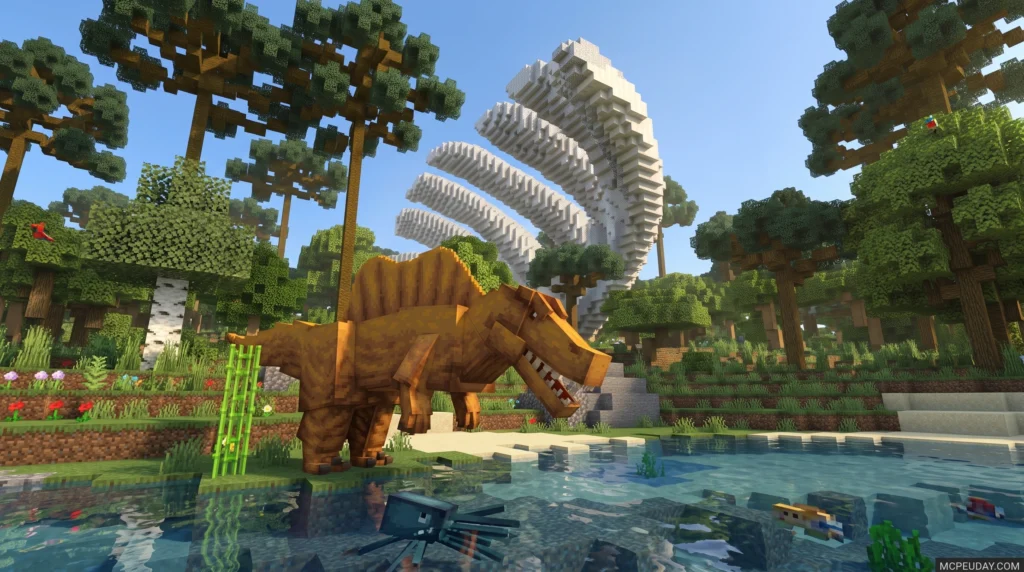
- Biome-Specific Spawning: Dinosaurs spawn with unique visual variants depending on their home biome, making exploration highly rewarding. For instance, you might find a feathered, camouflaged variant of a raptor in colder taiga areas, while massive, scaly spinosaurs dominate the swamp biomes, and long-necked brachiosaurs roam the vast savanna plains.
- Prehistoric Crafting: Defeating wild dinosaurs allows you to harvest rare resources like scales, heavy bones, and tough hides. These can be used to craft high-tier armor sets that offer unique status effects, powerful prehistoric weapons like bone daggers and heavy clubs, or even specialized dinosaur saddles that let you ride your tamed beasts into battle.
If you love expanding Bedrock’s vanilla survival mechanics with deep crafting and powerful creatures, you might also want to check out the Better on Bedrock Addon 1 21 Best Survival Expansion for MCPE to turn your world into the ultimate survival RPG.
How to Install and Configure Dinosaur Add-Ons
Getting these prehistoric beasts up and running in your Bedrock world is simple, but you must follow a few technical rules to avoid glitches.
- Download and Apply Packs: If you purchased your add-on via the Marketplace, simply apply the Resource and Behavior packs to your active world settings. If you are using community creations like the Dinosaurs’ Time Add-on from CurseForge, make sure to download the
.mcpackor.mcaddonfiles and open them directly with Minecraft to import them into your game. - Enable Experimental Toggles: This is the most crucial step! Many advanced features—such as custom entity behaviors, custom items, custom biomes, and morphing mechanics—will not work unless you enable “Experimental Gameplay” toggles in your world settings before loading in. Make sure to toggle on options like “Holiday Creator Features,” “Upcoming Creator Features,” and “Beta APIs” to ensure all custom scripts run smoothly.
- Manage Device Memory: Adding over a hundred highly-detailed entities with custom animations and complex AI behaviors can strain low-end devices. If you are playing on a mobile device or older console, ensure you have sufficient RAM. You can optimize performance by reducing your render distance, disabling fancy graphics, and considering disabling natural spawning if you notice significant frame rate drops.
If you enjoy modifying your game with massive, mythical beasts, you can also explore our guides on the Dragon Evolution Addon to add flying companions to your skyward adventures.
Frequently Asked Questions About Minecraft Dinosaur Add-Ons
Can you use a Dinosaur Add-On in existing worlds?
Yes! Many options, like the Dinosaur Hunter Add-On, are specifically optimized to integrate directly into your existing survival worlds. Wild dinosaurs will begin spawning naturally in their respective biomes without requiring you to reset your progress. However, to find dinosaurs that spawn in newly introduced custom biomes or structures, you may need to travel to previously unexplored chunks of your world where new terrain generation can take place.
How do you find free dinosaur add-ons for Bedrock Edition?
While premium Marketplace options offer excellent polish, there are great community-made alternatives. You can find free downloads on CurseForge or utilize mobile tools like the Dinosaur Jurassic Mod – Apps on Google Play to find community-made files. Always download from trusted sources to keep your device safe. Be sure to read user reviews and installation guides, as community mods sometimes require manual file placement in your device’s games folder.
For those interested in the real-world history behind these magnificent creatures, you can also check out Exploring India’s Dinosaur History – video Dailymotion to learn more about actual paleontological discoveries.
Do these add-ons work on mobile devices?
Absolutely. Minecraft Bedrock add-ons are fully compatible with iOS and Android devices. However, because of the complex models, high-resolution textures, and custom AI behaviors, we recommend closing background apps to free up system memory for a smoother frame rate. If you experience crashes, try lowering your in-game simulation distance to reduce the number of active dinosaurs being processed by your device at one time.
Conclusion
Adding a Dinosaur Add-On to your Bedrock world completely revitalizes the survival experience. Whether you’re cloning raptors from fossilized DNA, cruising past a brachiosaurus in a custom jeep, or fighting for your life in a dense jungle, these prehistoric expansions offer endless hours of fun.
At MCPEUDAY, we love sharing the absolute best resources, mods, and guides to help you build your dream world. To discover even more amazing expansions, custom creatures, and survival overhauls, Explore more Bedrock Addons on our platform today!