Why Fresh Animations Bedrock Makes Your Minecraft World Feel Alive
Fresh Animations Bedrock is a texture pack that ports the hugely popular Java Edition animation overhaul to Minecraft Bedrock Edition — giving mobs smoother, more lifelike movements without changing how the game plays.
Quick answer:
- What it is: A Bedrock port of the Java pack Fresh Animations by FreshLX
- What it does: Replaces stiff default mob movements with fluid, realistic animations
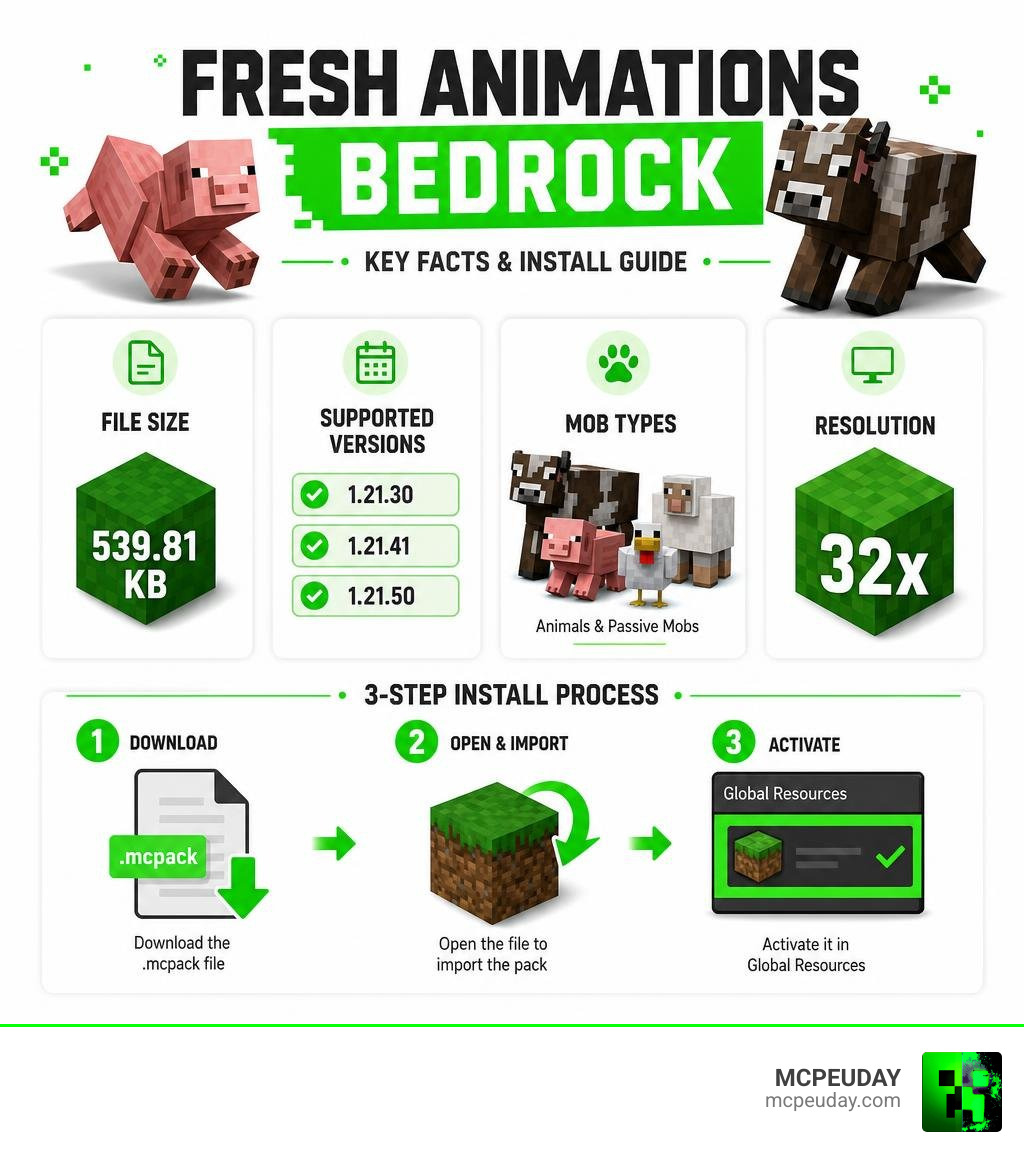
- File size: 539.81 KB
- Supported versions: Minecraft Bedrock 1.21.30, 1.21.41, and 1.21.50
- Resolution: 32x
- How to get it: Download the
.mcpackfile and activate it in Global Resources
If you’ve ever watched an official Minecraft trailer and thought the mobs looked way more alive than in your actual game — this pack closes that gap for Bedrock players.
The original Java version has racked up over 85.6 million downloads, making it one of the most-downloaded resource packs ever made. The Bedrock version brings that same energy to mobile, Windows, and console players.
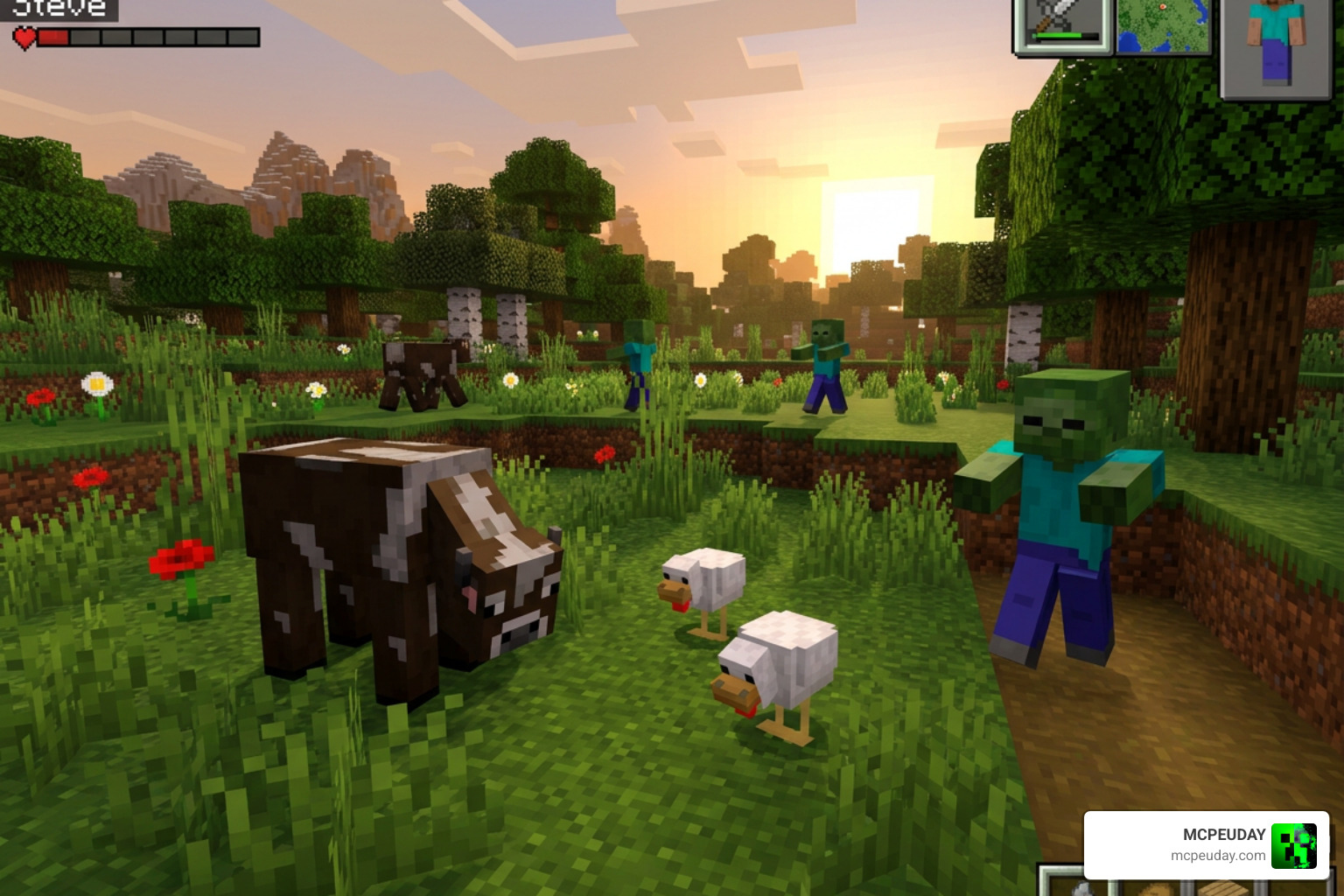
Cows shift their bodies. Chickens peck naturally. Pigs actually look like they’re moving. It’s a small change that makes a big difference in how immersive your world feels.
What is Fresh Animations Bedrock?
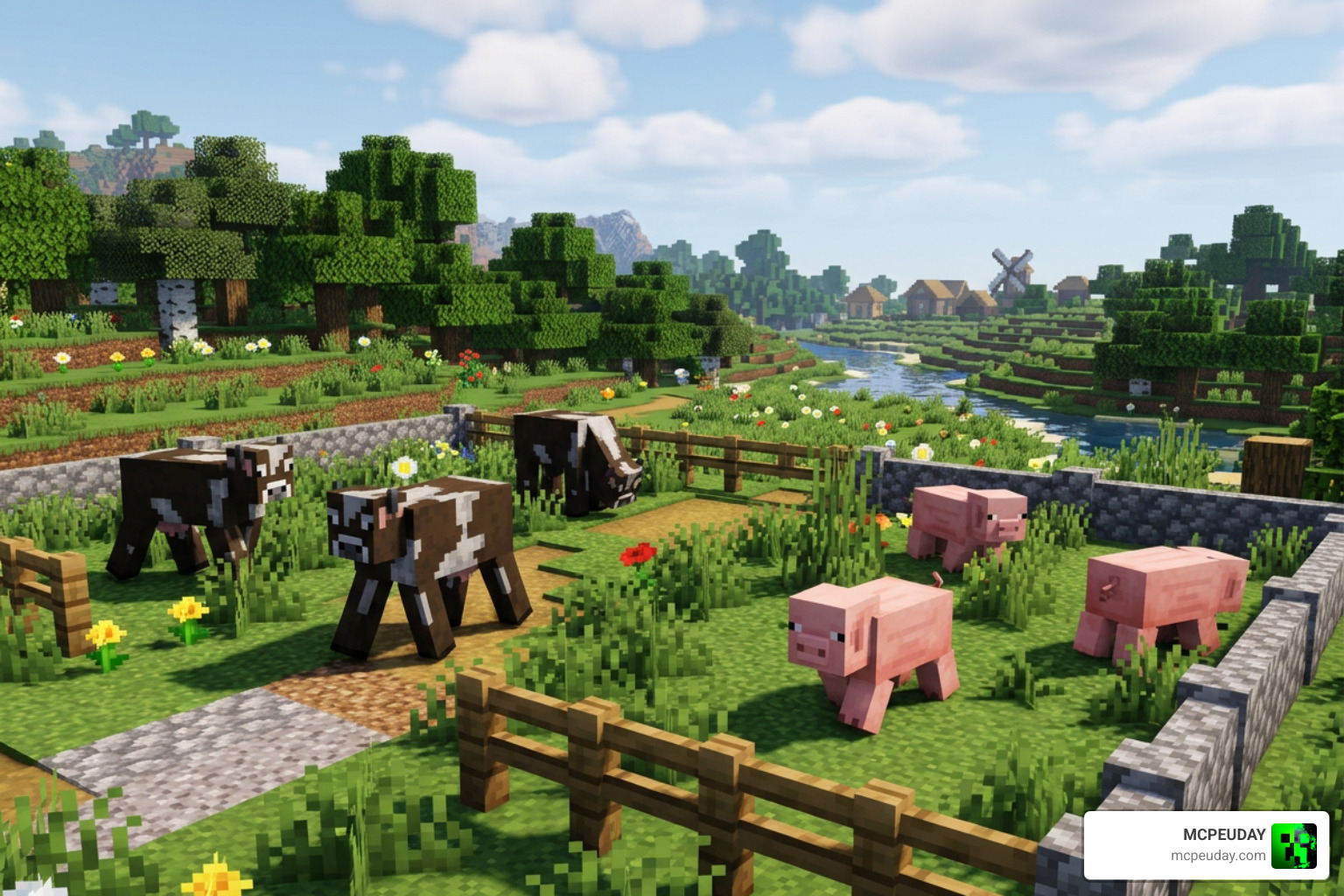
The original Java version of Fresh Animations, created by the brilliant developer FreshLX, completely changed how players interact with their worlds. However, because Java and Bedrock render entity models differently, porting these animations wasn’t a simple copy-paste job. In Java Edition, custom entity models (CEM) rely heavily on OptiFine or similar mods to inject custom geometry and animations. Bedrock Edition, on the other hand, uses a native JSON-based system for entity models, animations, and render controllers. In fact, FreshLX initially mentioned that a Bedrock port would require starting from scratch due to these fundamental engine differences.
Thankfully, dedicated community developers stepped up to bridge this gap, painstakingly translating the complex Java math into Bedrock’s native animation format. They created a faithful port specifically optimized for Bedrock Engine devices. Today, Fresh Animations Bedrock brings those exact expressive, trailer-style movements to pocket edition (MCPE), Windows 10/11, and consoles.
At a lightweight file size of just 539.81 KB (for version 1.10.6), the pack does not require a heavy-duty device to run. It supports a crisp 32x resolution, giving the entity models enough detail to express blinking eyes, breathing chests, and dynamic limb movements while preserving the core pixelated charm of vanilla Minecraft. This optimization ensures that even players on older mobile devices can enjoy fluid 60 FPS animations without experiencing thermal throttling or severe battery drain.
If you love adding realistic movements to your game, you should also check out our guide on the New Player Animation Addon 26 X 1 21 Realistic Movement Mod For Mcpe to upgrade your own character’s movements alongside the mobs! You can also read more about the original project on the Fresh Animations – Official Website .
Key Features of the Spring In Motion Update
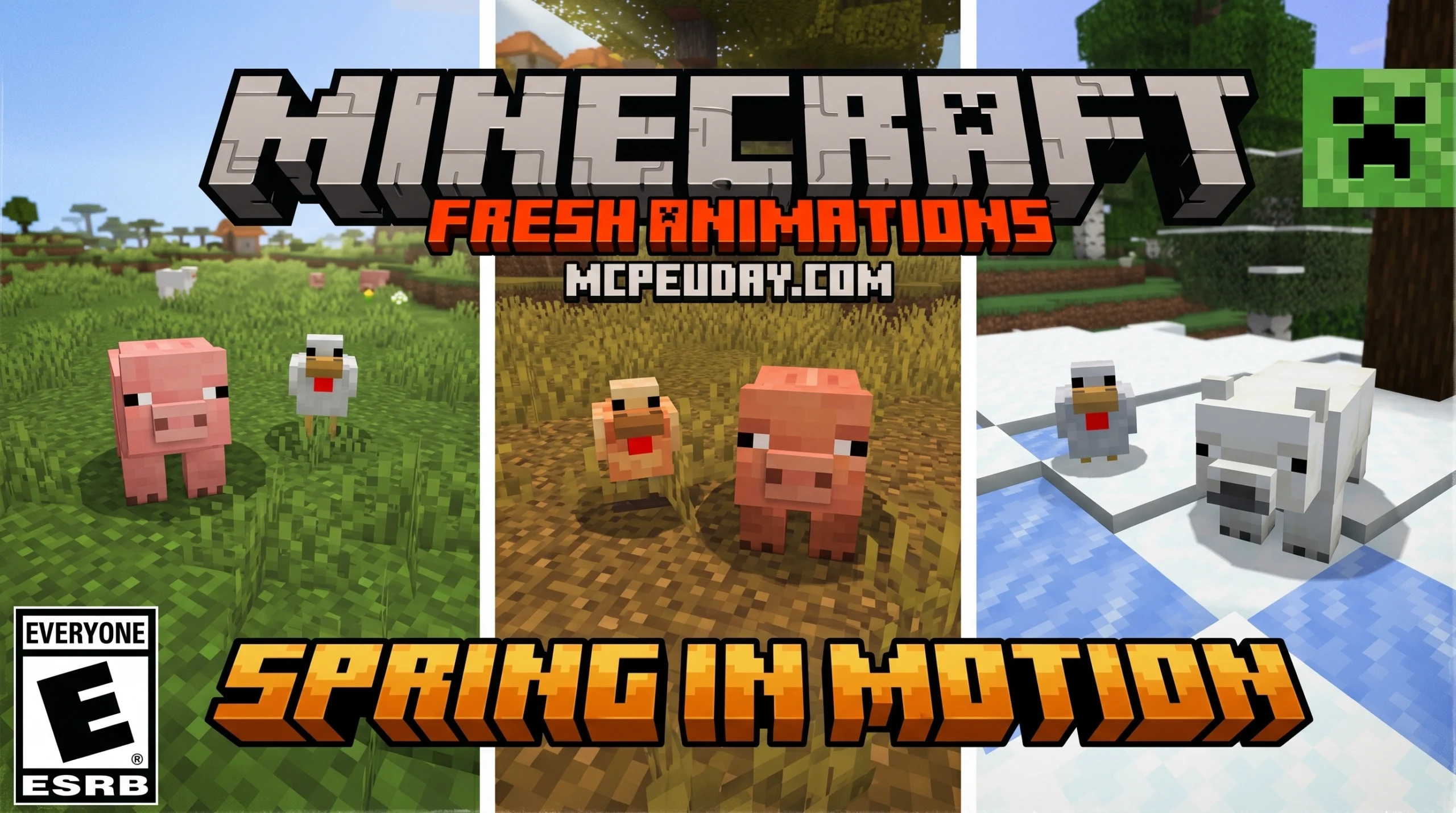
The Spring In Motion Update is one of the most exciting releases for the Bedrock port. It expands the catalog of animated creatures and introduces subtle regional variations that make exploring different biomes much more rewarding. By adding these nuanced behaviors, the update bridges the gap between static blocky entities and living, breathing creatures.
Here are some of the standout features included in this update:
- Regional Mob Variants: Cows now have distinct visual behaviors based on where they spawn. You will notice unique idle animations for warm-biome cows versus cold-biome cows, such as shivering in snowy tundras or panting in hot deserts.
- Realistic Bird Behaviors: Chickens no longer wander aimlessly with static heads. They now peck at the ground dynamically, tilt their heads in curiosity when looking at players, and flap their wings realistically when falling from high ledges.
- Expressive Pigs: Pigs walk with a joyful waddle, sniff the ground in search of food, and twitch their snout and ears dynamically when idle.
- Wiggling Creepers: Even your worst enemies get a makeover. Creepers now waddle forward with a slightly menacing yet oddly cute snake-like sneak animation, making their sudden ambushes feel much more organic and terrifying.
- Idle Breathing and Blinking: Most passive and hostile mobs now breathe dynamically while standing still and blink their eyes, removing the “frozen statue” look from the game and making your farms feel like bustling, active homesteads.
These subtle details completely transform the atmosphere of your survival worlds. Walking through a forest or managing a pasture feels less like interacting with simple code and more like exploring a living ecosystem. To make your world even more interactive, we highly recommend pairing these mob animations with the More Body Actions Addon V26 1 21 For Minecraft Pe Full Guide Features How To Use to give your player character complex physics and reactions!
How to Download and Install Fresh Animations Bedrock in 3 Steps
Getting these smooth animations onto your device is incredibly simple. Follow our quick 3-step guide to install the pack on Android, iOS, or Windows 10/11.
Step 1: Download the .mcpack File
First, make sure you download the official Fresh Animations Bedrock .mcpack file. Ensure you are downloading the correct version for your game. The pack currently supports Minecraft Bedrock versions 1.21.30, 1.21.41, and 1.21.50.
Step 2: Import the Pack into Minecraft
Once the download is complete, importing it depends on your platform:
- Android & iOS: Simply tap on the downloaded
.mcpackfile. Your device should automatically give you the option to open it with Minecraft. The game will launch and display an “Import Started” message followed by a success notification. - Windows 10/11: Double-click the downloaded
.mcpackfile. Minecraft will boot up automatically and import the resource pack.
Step 3: Activate in Global Resources
To see the animations in your worlds, you must activate the pack:
- Open Minecraft and go to Settings.
- Scroll down to Global Resources on the left menu.
- Click on My Packs, locate Fresh Animations Bedrock, and click Activate.
- Crucial Tip: Ensure that Fresh Animations is placed at the very top of your active resource pack load order so its custom models override any default configurations.
Compatibility, Subpacks, and Alternatives
One of the biggest concerns players have is whether Fresh Animations Bedrock will break their favorite custom texture packs.
Fortunately, the pack is designed to be highly compatible. Because it only edits the entity models and animations rather than the actual skin files, you can layer your favorite 16x or 32x texture packs underneath it. This means you can keep your favorite medieval, modern, or faithful textures while still enjoying the fluid movements of Fresh Animations.
To make things even easier, the creators have included subpack options. By clicking the gear icon next to the active pack in your settings, you can toggle compatibility subpacks. This allows you to smoothly combine the animations with popular classic textures or fantasy resource packs without causing visual glitches like missing textures or the infamous purple-and-black checkerboard blocks. These subpacks act as built-in patches, adjusting the model geometry to align perfectly with custom resolution skins.
Comparison Table: Fresh Animations vs. Alternatives
| Feature | Fresh Animations Bedrock | Fresh Moves | Actions and Stuff |
|---|---|---|---|
| Focus | Faithful vanilla mob animations | Player and mob movements | Action-packed cinematic animations |
| File Size | 539.81 KB (Highly optimized) | ~1.2 MB | ~4.5 MB |
| Performance Impact | Very Low (Great for mobile) | Low | Medium (Can lag older phones) |
| Aesthetic | Vanilla-faithful | Modern trailer style | Over-the-top expressive |
While alternatives like Actions and Stuff offer highly cinematic, over-the-top movements, they often come at the cost of performance, especially on budget mobile devices. Fresh Animations Bedrock strikes the perfect balance, offering a lightweight, vanilla-friendly aesthetic that runs flawlessly on almost any hardware.
If you are looking to overhaul your entire visual experience beyond just mob movements, check out our Dynamic First Person Model Addon 26 X 1 21 Realistic Mcpe Gameplay Guide to bring immersive perspective changes to your survival adventures.
Frequently Asked Questions about Fresh Animations Bedrock
Does Fresh Animations Bedrock change mob behavior?
No. The pack is purely cosmetic and handles only visual resource rendering. Mobs will walk, attack, flee, and interact exactly as they do in vanilla Minecraft. Your automated farms, villager trading halls, and mob grinders will continue to function perfectly.
Is Fresh Animations Bedrock compatible with custom texture packs?
Yes, it is! However, you must make sure that Fresh Animations Bedrock is placed above your custom texture packs in the Global Resources load order. If you encounter rendering bugs (like floating eyes or blank faces), check the pack’s settings gear to see if a custom subpack patch is required for your specific resolution.
Will more mobs be added to Fresh Animations Bedrock in future updates?
Yes! The Bedrock port is an ongoing, work-in-progress project. The developers frequently update the pack to optimize performance, squash bugs, and introduce animations for newer mobs added in recent Minecraft updates.
Conclusion
Bringing your Minecraft world to life has never been easier. With Fresh Animations Bedrock, you can enjoy the fluid, cinematic charm of Java’s most celebrated animation pack right on your phone, tablet, or PC. It is lightweight, incredibly easy to install, and fully compatible with your vanilla survival worlds.
To elevate your gameplay even further, pair these stunning animations with our handpicked Minecraft Shaders to add realistic shadows, waving leaves, and beautiful water reflections to your newly animated world! Happy crafting!
1 thought on “Fresh Animations Bedrock Addon (26.x, 1.21) — MCPE/Bedrock Mod”