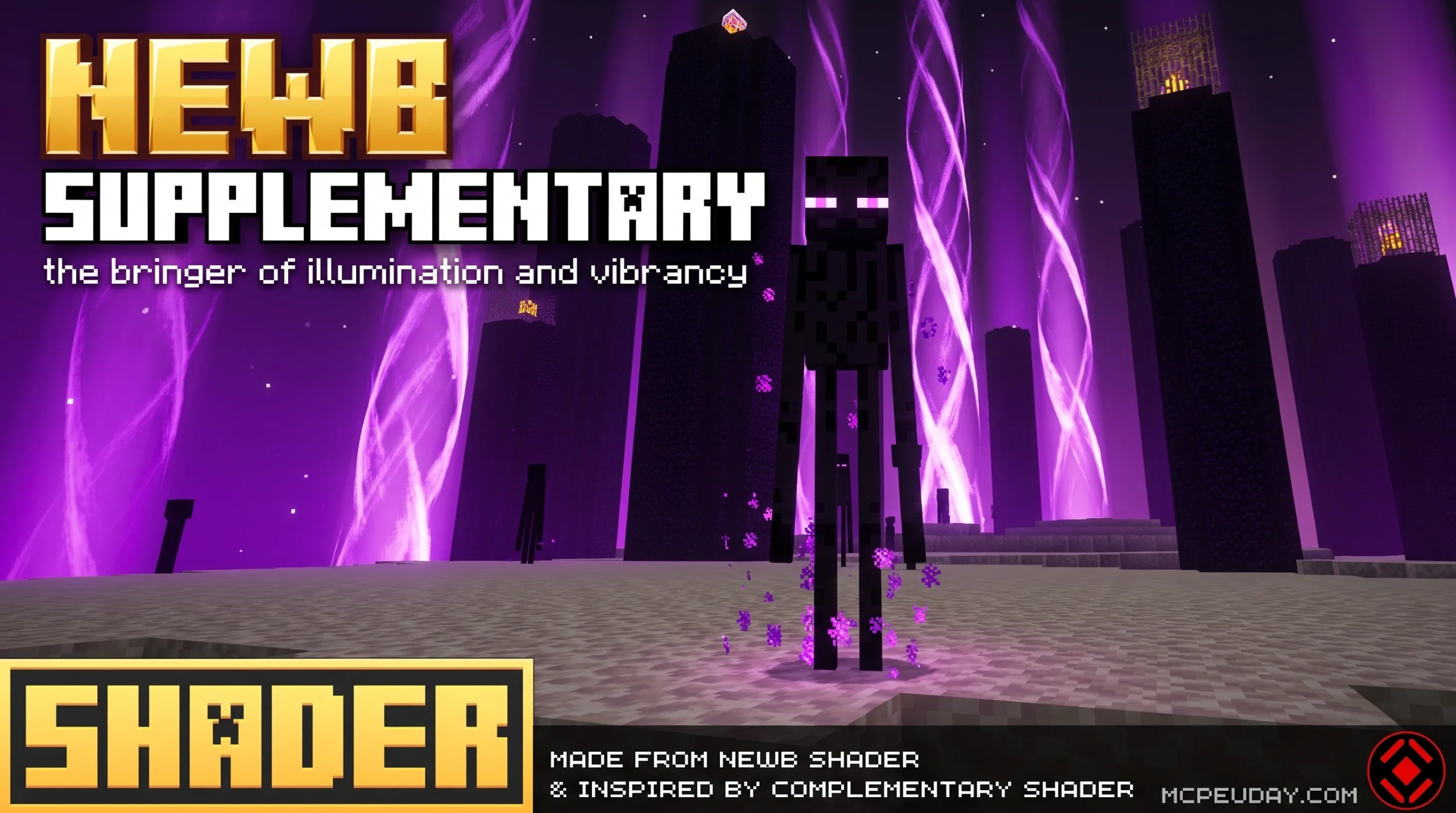
What the Newb X Supplementary Shader Does for Minecraft Bedrock
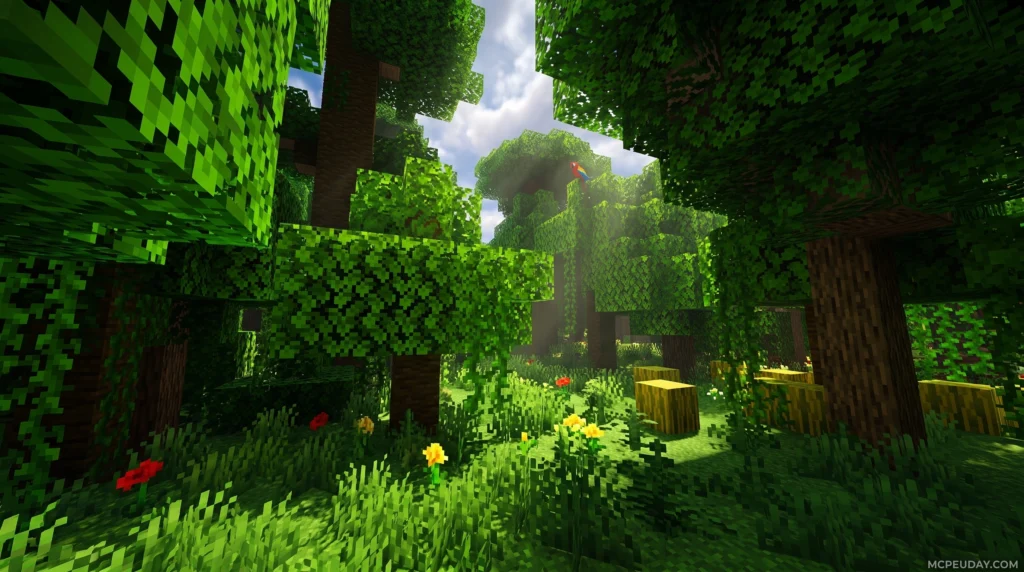
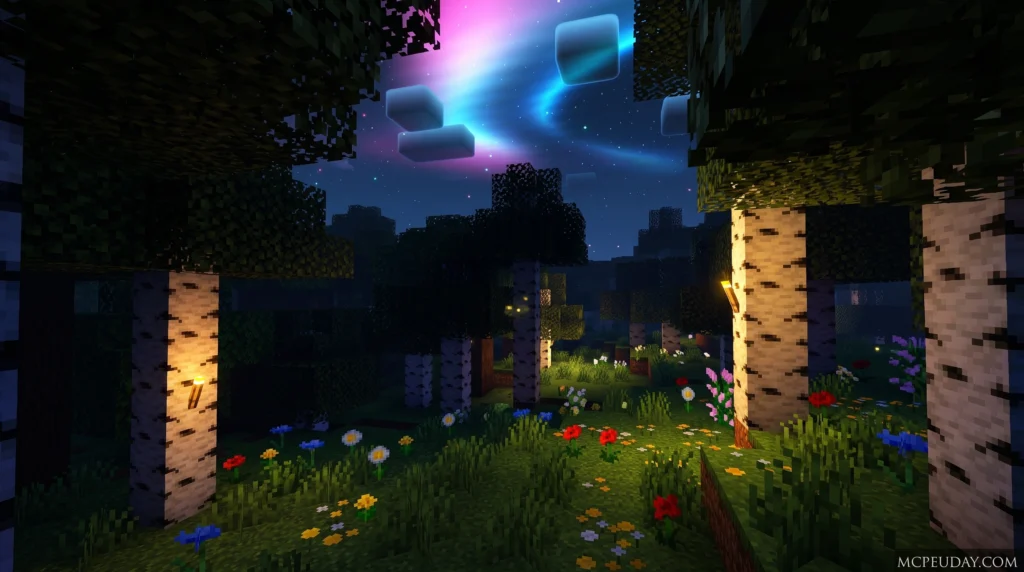
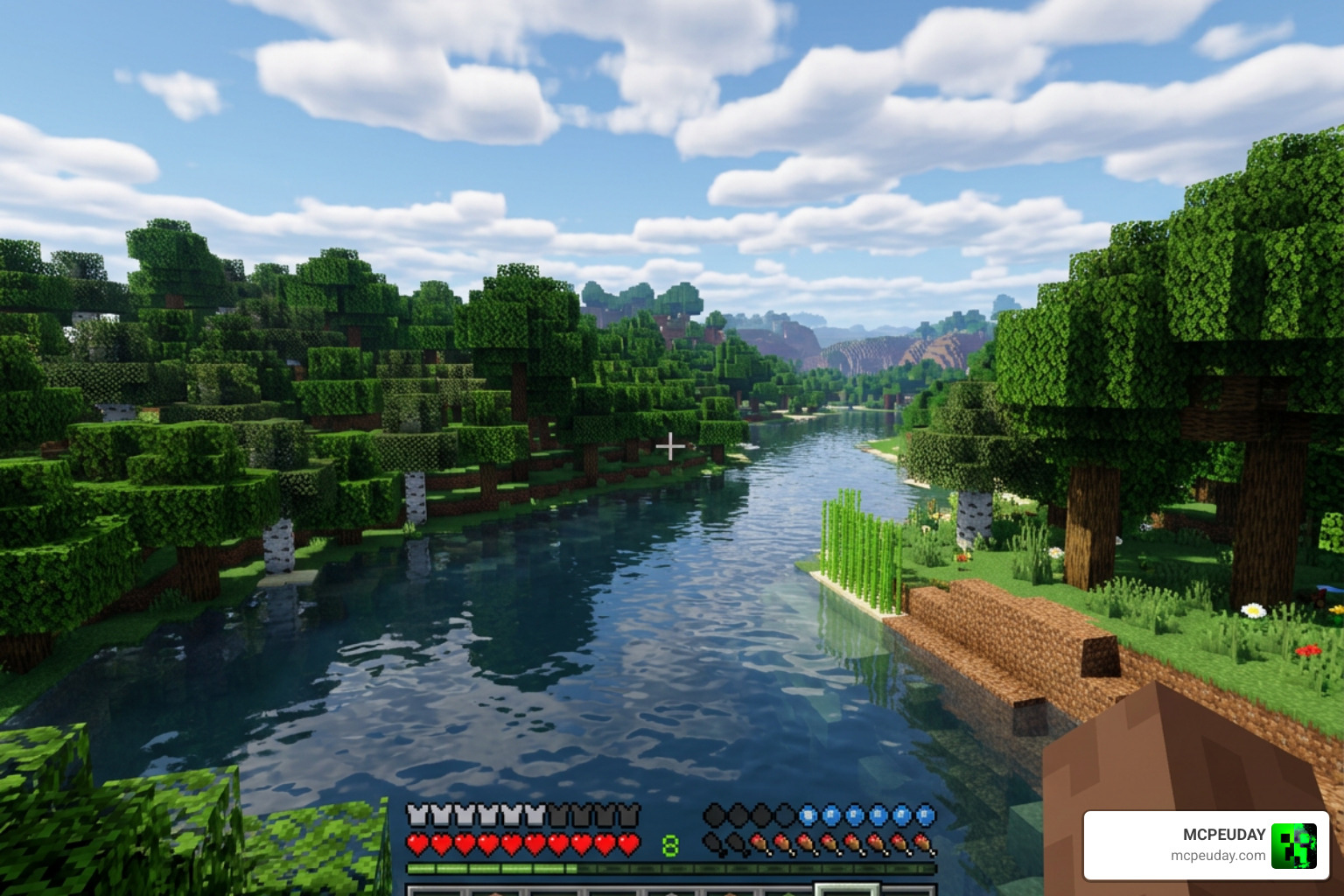
The Newb X Supplementary Shader is a modified version of Newb X Legacy, built specifically for Minecraft Bedrock Edition using the RenderDragon rendering engine. For background on why Bedrock shader installation is different from older shader methods, Minecraft has discussed the RenderDragon rendering engine in its official updates.
Quick answer:
- Creator: IndeedItzGab
- Based on: Newb X Legacy (193 stars on GitHub)
- Latest release: V4.0 (December 2023)
- Platforms: Android, Windows, iOS
- Requires: MaterialBinLoader (via patched APK, MB Loader, or BetterRenderDragon)
- License: MIT for source code; compiled packs have separate copyright restrictions
It adds visual upgrades on top of Newb X Legacy – things like side-shadow effects, rounded cloud shadows, revamped dawn and sunset skies, and improved end dimension visuals.
One important thing to know upfront: Minecraft Bedrock does not officially support RenderDragon shaders. You will need a third-party tool to load this shader, depending on your device.
Getting this shader running takes a few extra steps compared to standard resource packs, but once it is set up, the visual difference is noticeable. This guide walks you through everything.
What is the Newb X Supplementary Shader?
If you have spent any time trying to make Minecraft Bedrock look beautiful, you have likely run into the RenderDragon engine. When Mojang introduced this engine, it famously broke traditional GLSL shaders, leaving the community in a bit of a visual drought.
Enter the open-source hero, Newb X Legacy. It was designed to bring back lightweight, soft-aesthetic shaders to Bedrock. To take things even further, developer IndeedItzGab created a modified variant called the Newb X Supplementary Shader.
This project was meticulously designed to complement and amplify the intricate details of Newb X Legacy. It bridges the gap between vanilla performance and high-end visual flair. If you want a deep dive into how this looks in action, you can read our Newb X Supplementary Shader For Minecraft Ultra Realistic Lighting Water Fps Friendly Graphics 2026 Guide to see why it remains a top choice for players in 2026.
Development History of Newb X Supplementary Shader
The development of the shader is hosted on GitHub, where the repository holds a modest but dedicated 2 stars and 0 forks. It is a highly specialized community tweak of Newb X Legacy, which itself is a massive project with 193 stars and 108 forks.
The definitive release of Newb X Supplementary is V4.0, which was published on December 23, 2023. While the original creator of the base Newb Shader eventually moved on from active updates due to a lack of time, community developers like IndeedItzGab have kept the spirit alive by building these custom variants.
Licensing and Distribution Terms
Understanding the legal side of shaders is helpful if you plan to share your gameplay or build your own pack:
- Source Code: The underlying source code for the Newb shader family is generally released under the permissive MIT License. This allows programmers to inspect, modify, and build their own versions.
- Compiled Packs: The actual compiled resource packs (the .mcpack files you download and play) carry copyright restrictions. You cannot simply re-distribute the compiled packs under your own name without permission.
- Community Variants: Because of the open-source nature of the code, we have seen dozens of community-made spin-offs, making the Newb ecosystem incredibly diverse.
Key Visual Enhancements and Features
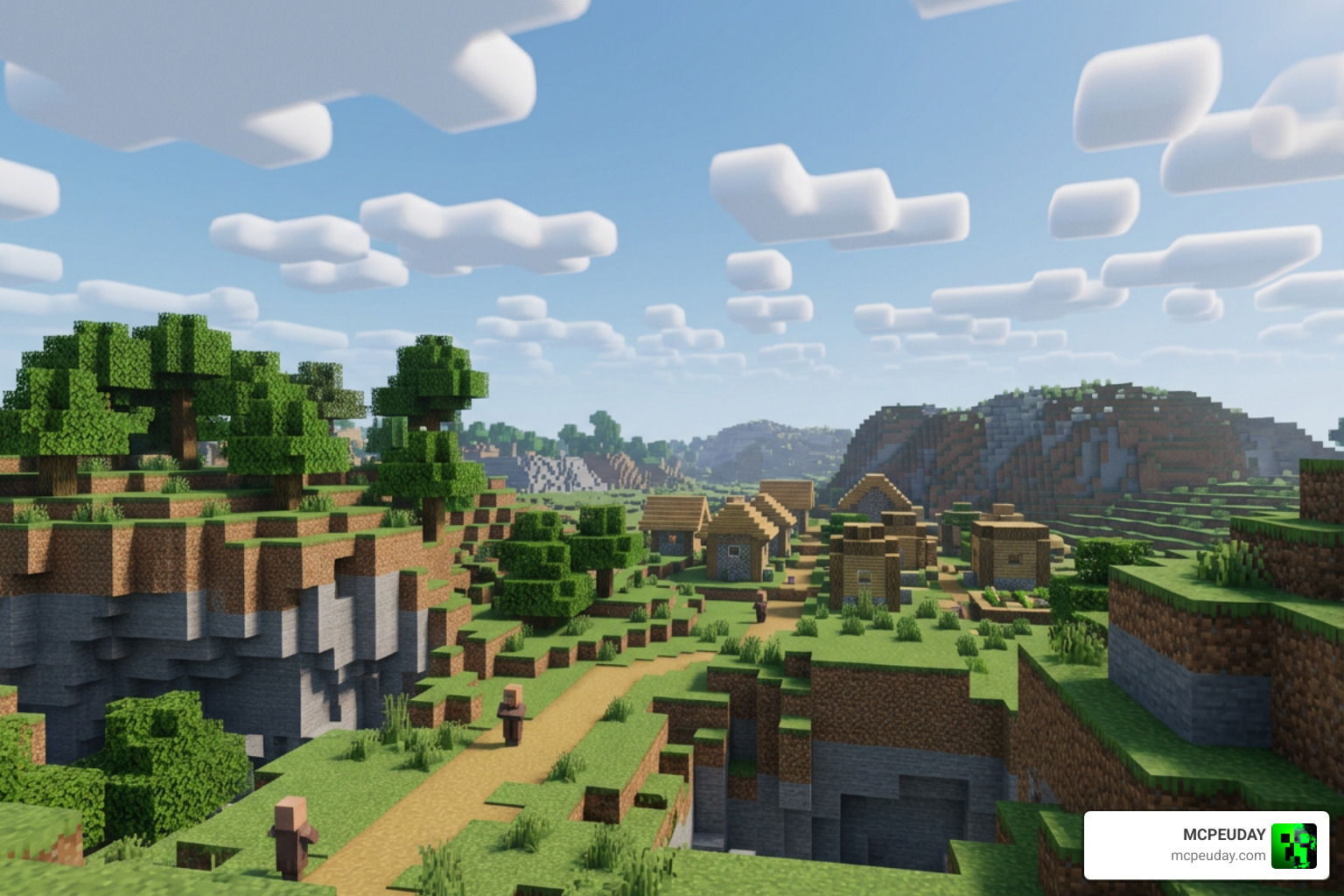
The primary reason to choose the Supplementary version over the base Newb X Legacy is the sheer attention to atmosphere. The developer wanted the world to feel more dynamic without sacrificing the lightweight, high-performance feel.
Here are the standout visual upgrades:
- Side-Shadow Effects: Blocks in the overworld now cast subtle side shadows, adding depth to cliffs, buildings, and hillsides.
- Rounded Cloud Shadows: Clouds actually cast soft, rounded shadows onto the terrain below, moving as the sky moves.
- Multilayer Clouds: Rather than flat shapes, the sky features layered cloud formations that look incredibly realistic during weather transitions.
- Dawn and Sunset Revamp: Horizon gradients during golden hour are slightly brightened and blended beautifully.
- Legacy Water: The water system has been optimized and renamed from Water V2 to Legacy Water, offering calm, clear, and reflective surfaces.
- The End Sky: The End dimension gets a brightened horizon effect and a denser field of stars, making the void feel genuinely infinite.
Feature Comparison
| Feature | Newb X Legacy (Base) | Newb X Supplementary (V4.0) |
|---|---|---|
| Aesthetic Theme | Lightweight & Soft Vanilla | Enhanced Atmospheric Realism |
| Cloud Shadows | Standard | Rounded Terrain Shadows |
| Block Shadows | Basic | Overworld Side-Shadows |
| The End Sky | Default Sky | Bright Horizon & Extra Stars |
| Water Style | Standard Shader Water | Legacy Water Option |
Visual Upgrades in Newb X Supplementary Shader V4.0
The V4.0 release ironed out several annoying visual bugs that plagued older versions. It fixed the transition bug where sky colors would mismatch during night-to-day rain cycles.
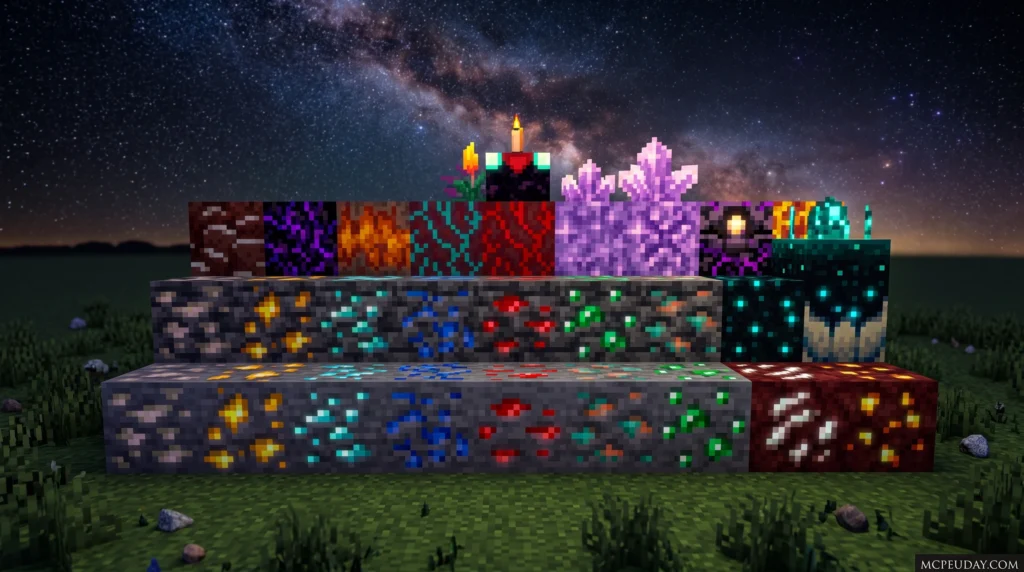
Additionally, it introduced beautiful glowing ores that illuminate dark caves, a realistic wet rain effect that makes the ground look slick during storms, and custom cubemaps to keep the skybox looking crisp and seamless.
Platform Compatibility and Installation Guide
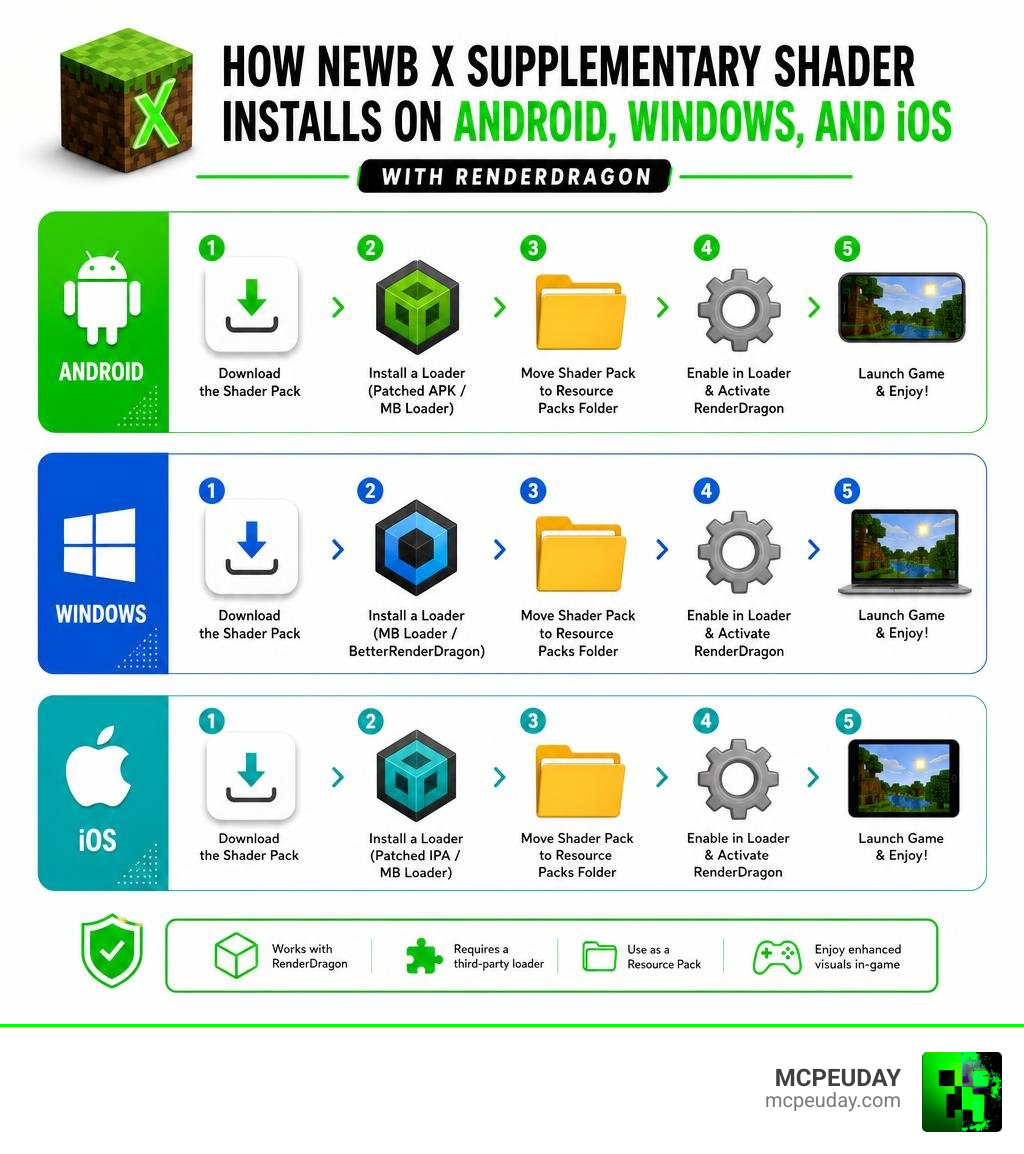
Because RenderDragon does not officially support custom shaders, you cannot simply double-click an .mcpack file and expect it to work on a vanilla game. You must use a workaround to load the custom materials.
How to Install on Android and iOS
To run the Newb X Supplementary Shader on mobile devices, you will need modified game clients or external loaders to bypass RenderDragon restrictions.
For Android:
- Download a patched Minecraft APK that has MaterialBinLoader injected into it, or download the MB Loader app. (Note: Modifying your APK is technically against Mojang’s Terms of Service, so proceed at your own discretion).
- Launch Minecraft through your loader app.
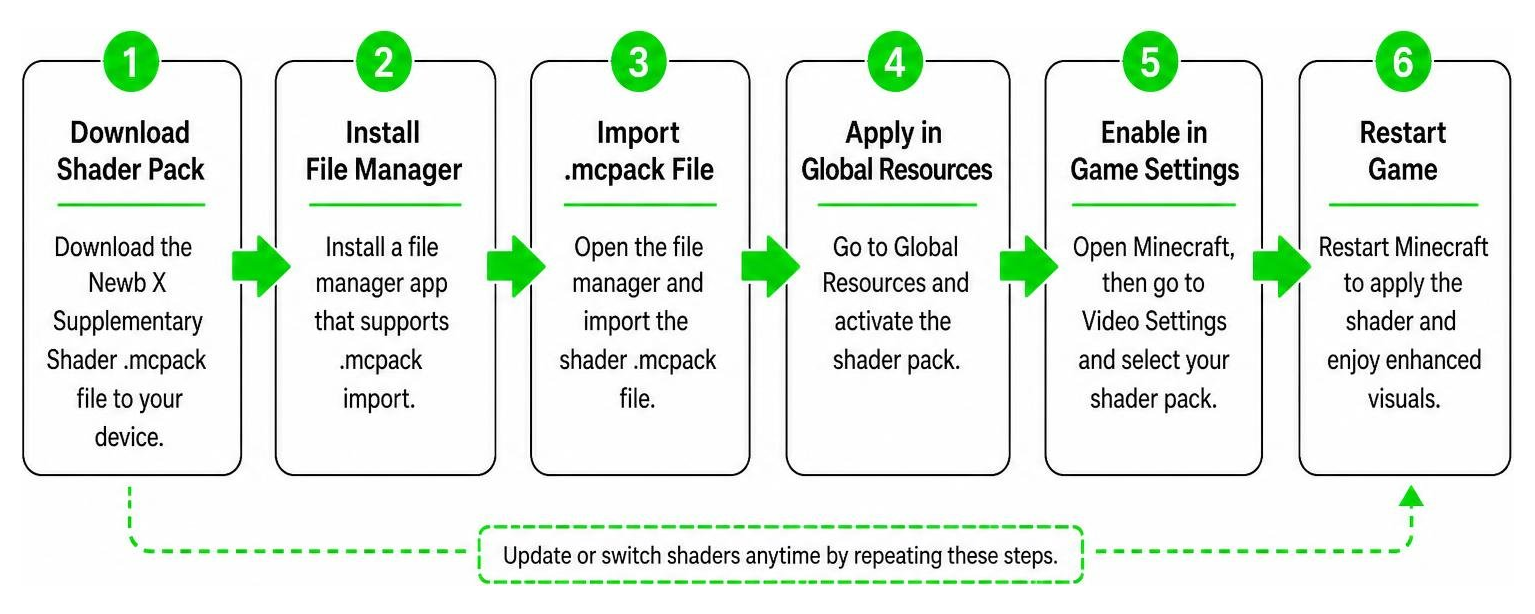
- Download the Newb X Supplementary V4.0 .mcpack file.
- Import the pack into Minecraft and activate it under your Global Resources.
- If the skybox looks broken, simply restart the game to fix the cubemap.
For iOS:
- You will need to sideload a modified IPA file (such as the Hynis IPA) using a tool like AltStore or Sideloadly.
- Once installed, import the shader resource pack.
- Activate it in your global settings and enjoy.
How to Install on Windows PC
Playing on Windows is highly recommended because it offers the most stable performance and the easiest setup using MaterialBinLoader mods.
- Download and install BetterRenderDragon (or Matject), which allows Minecraft to read custom material files.
- Enable the MaterialBinLoader option within the BetterRenderDragon menu.
- Download the Windows-specific version of the Newb X Supplementary shader.
- Open the .mcpack file to import it into Minecraft Bedrock.
- Move the shader to the very top of your active resource pack list.
Performance, Known Bugs, and Comparisons
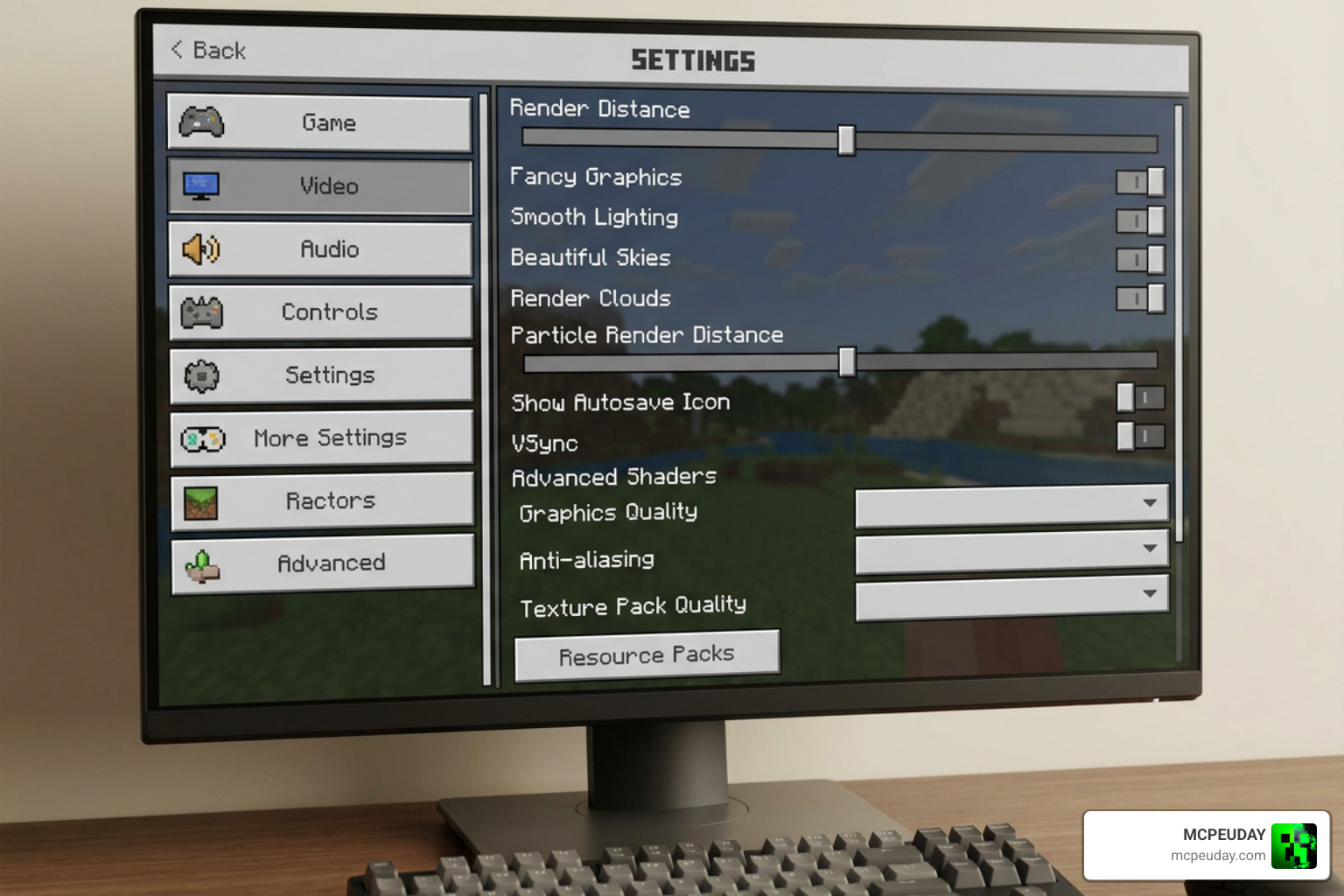
One of the best things about the Newb family of shaders is that they are incredibly FPS-friendly. Even on mid-range Android devices, you can expect a smooth, lag-free experience.
However, you should keep a few configuration tips in mind:
- Fancy Graphics Toggle: If you prefer vanilla clouds, turn Fancy Graphics OFF. If you want to use the shader’s custom multilayered clouds, make sure Fancy Graphics is turned ON.
- Cubemap Glitch: Sometimes when you first load a world, the horizon or sky might look disconnected. A quick restart of the Minecraft client always fixes this.
- The Rain Bug: In older versions, rain transitions could cause flickering. Updating to V4.0 completely resolves this issue.
Comparison with Other Newb Variants
If you are exploring the wider world of Bedrock shaders, you might have heard of other popular variants:
- Newb Complementary Reimagined: This is a massive project designed to mimic the famous Java Edition “Complementary Shaders”. It features auroras, bright glowing minerals, and realistic water acoustics, pushing Bedrock graphics to its absolute limits.
- Newb X LMI: This variant focuses heavily on saturated colors, dramatic biome transformations, and a built-in night vision tweak, making it a favorite for survival players who spend a lot of time underground.
- Newb X Supplementary: This strikes the perfect middle ground. It keeps the soft, lightweight performance of the base game but introduces elegant, realistic shadows and cloud systems.
Frequently Asked Questions about Newb Shaders
Is Newb X Supplementary safe to use on official Minecraft?
Yes, the shader files themselves are completely safe. However, because RenderDragon requires a patched client (like an APK with MaterialBinLoader on Android or BetterRenderDragon on Windows), you are using third-party modifications. While these tools do not contain malware, using modified clients is technically against Mojang’s Terms of Service, so we always recommend backing up your worlds first.
What are the recommended graphics settings for this shader?
To get the absolute best visual output, we recommend using these settings in your Minecraft video menu:
- Beautiful Sky: ON
- Smooth Shading: ON
- Clouds: ON
- Fancy Graphics: ON (Required for multilayered clouds)
- In-game Brightness: 10% to 90% (Adjust to your personal preference for night-time visibility)
How does this shader compare to Newb Complementary Reimagined?
While Newb Complementary Reimagined aims for a heavy, Java-like aesthetic with thick fog and bright neon-glowing ores, the Supplementary shader is much closer to an “enhanced vanilla” look. Supplementary is lighter on system resources, making it the better choice for older mobile devices, whereas Complementary Reimagined is perfect for high-end PCs and modern tablets.
Conclusion
If you want to breathe new life into your Minecraft Bedrock worlds without turning your device into a pocket heater, the Newb X Supplementary Shader is an exceptional choice. With its gorgeous side shadows, rounded clouds, and optimized performance, it stands as one of the finest community-driven RenderDragon modifications available.
We at MCPEUDAY are committed to bringing you the absolute best resources, guides, and download links for your gaming setup. Ready to see what else is out there? Explore the best shaders for MCPE 1.21 in 2026 and find the perfect look for your next blocky adventure!