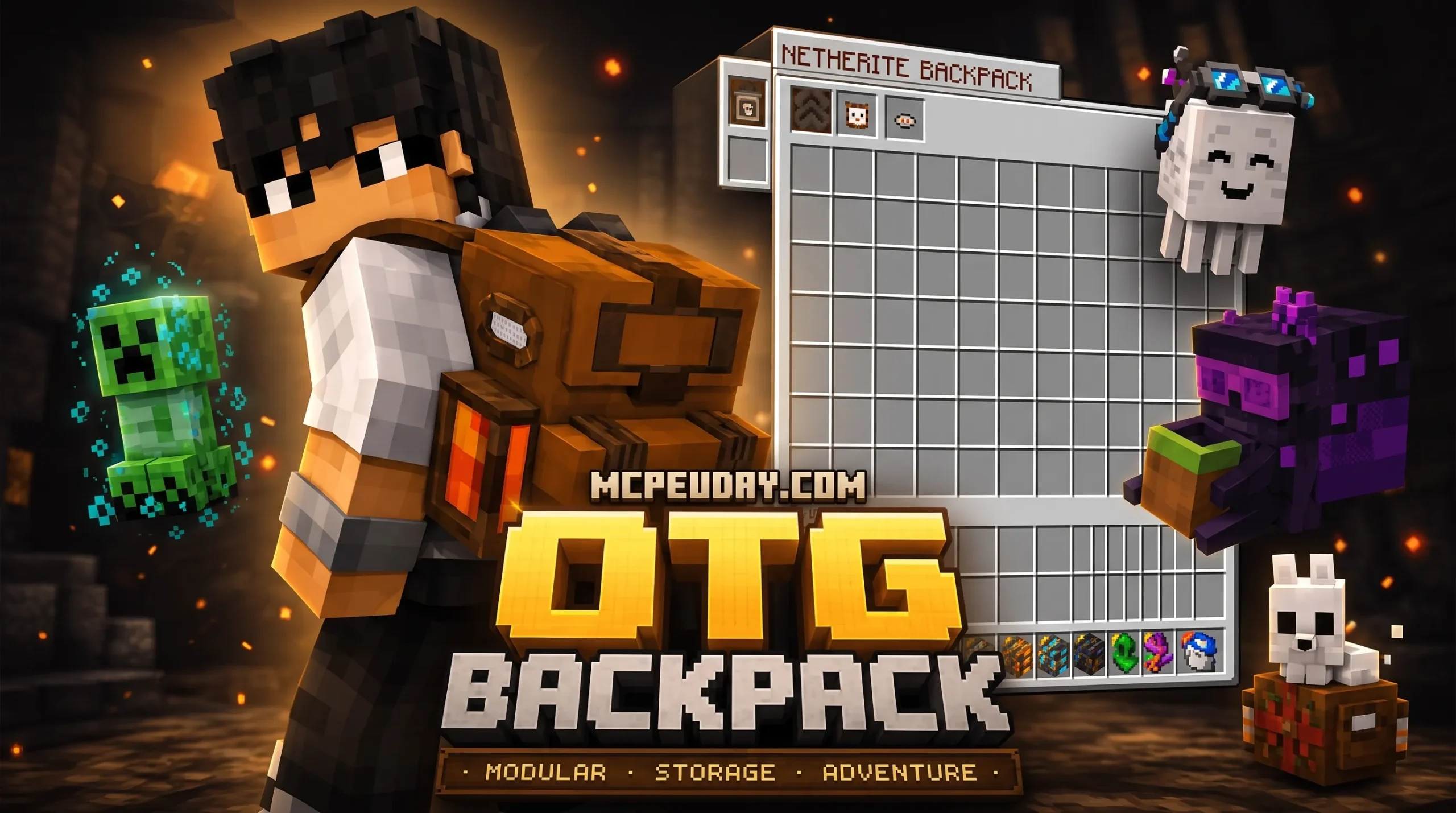
What Is the OTG Backpack Addon and Why Every Minecraft Player Needs It
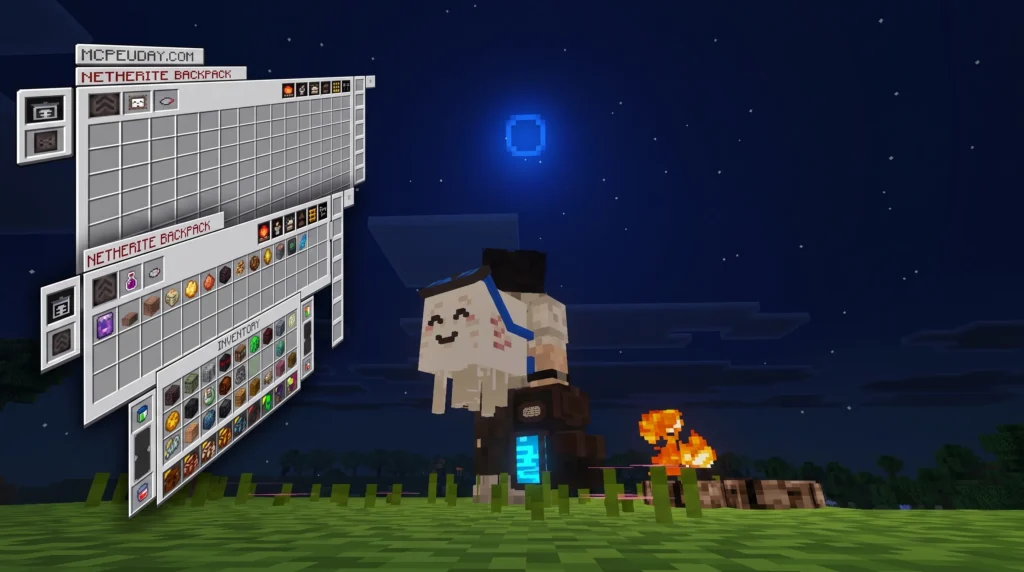
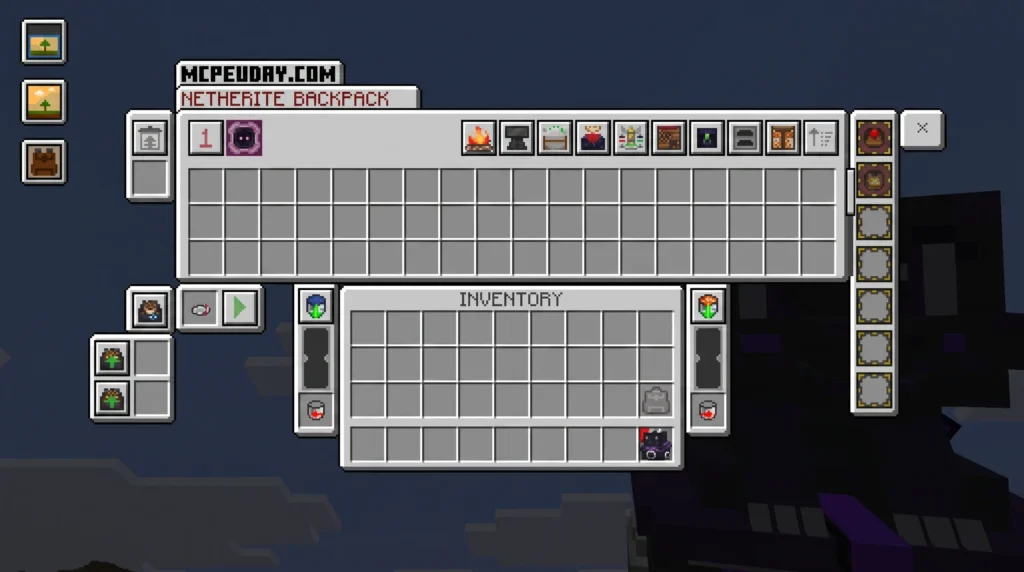
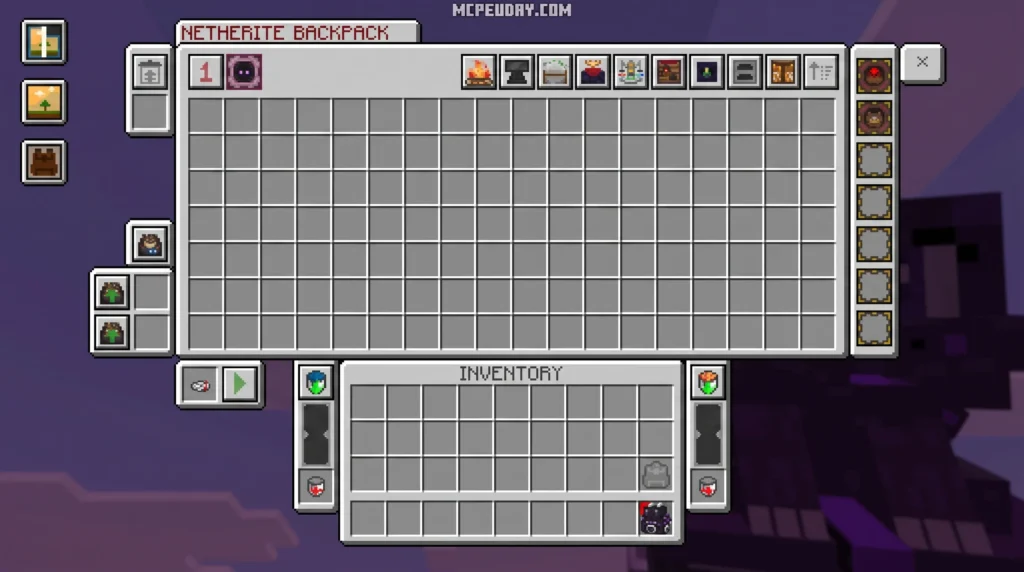
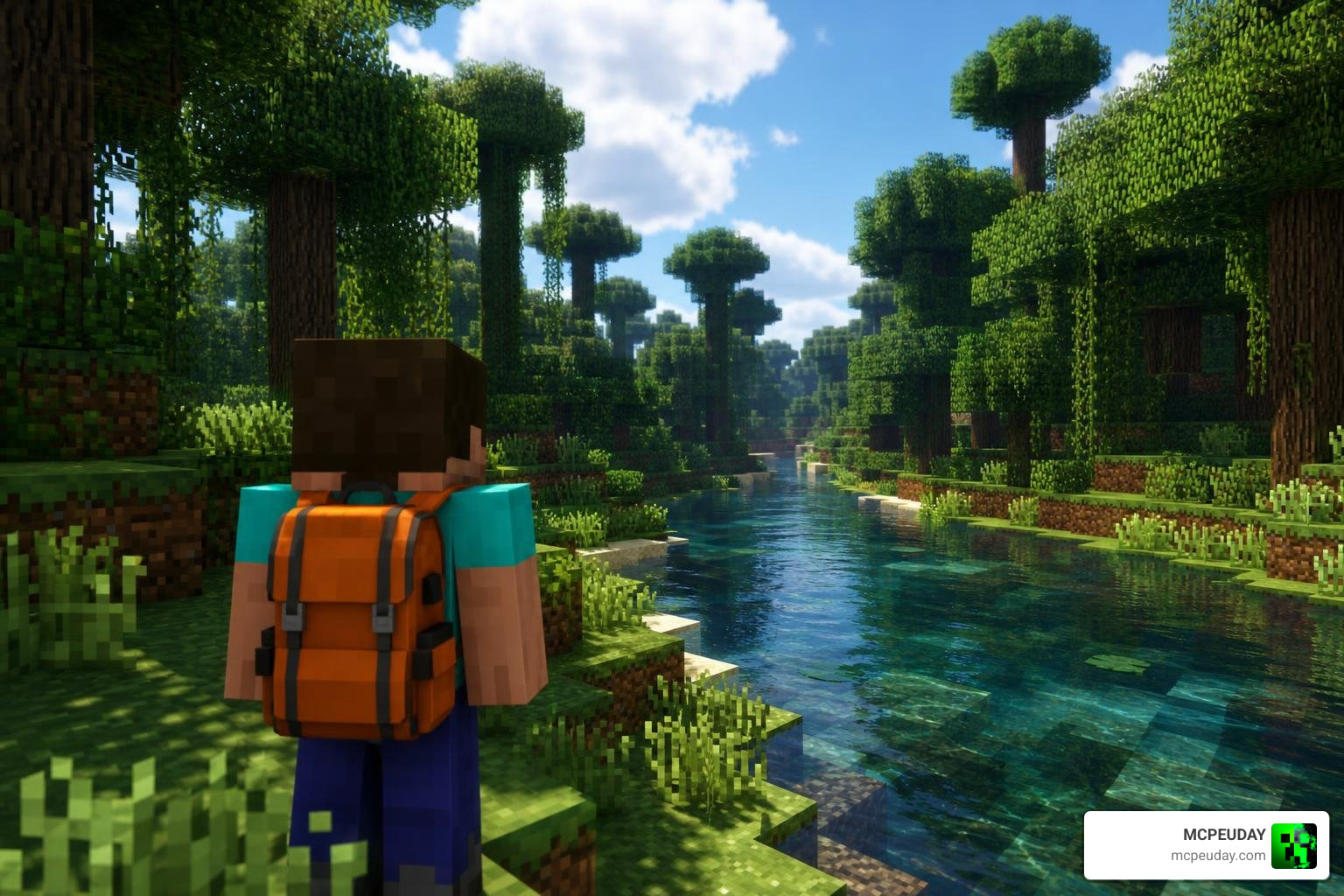
The OTG Backpack Addon refers to portable storage mods and addons for Minecraft that expand your inventory so you can carry more items without running back to base every five minutes.
Here is a quick breakdown of what you need to know:
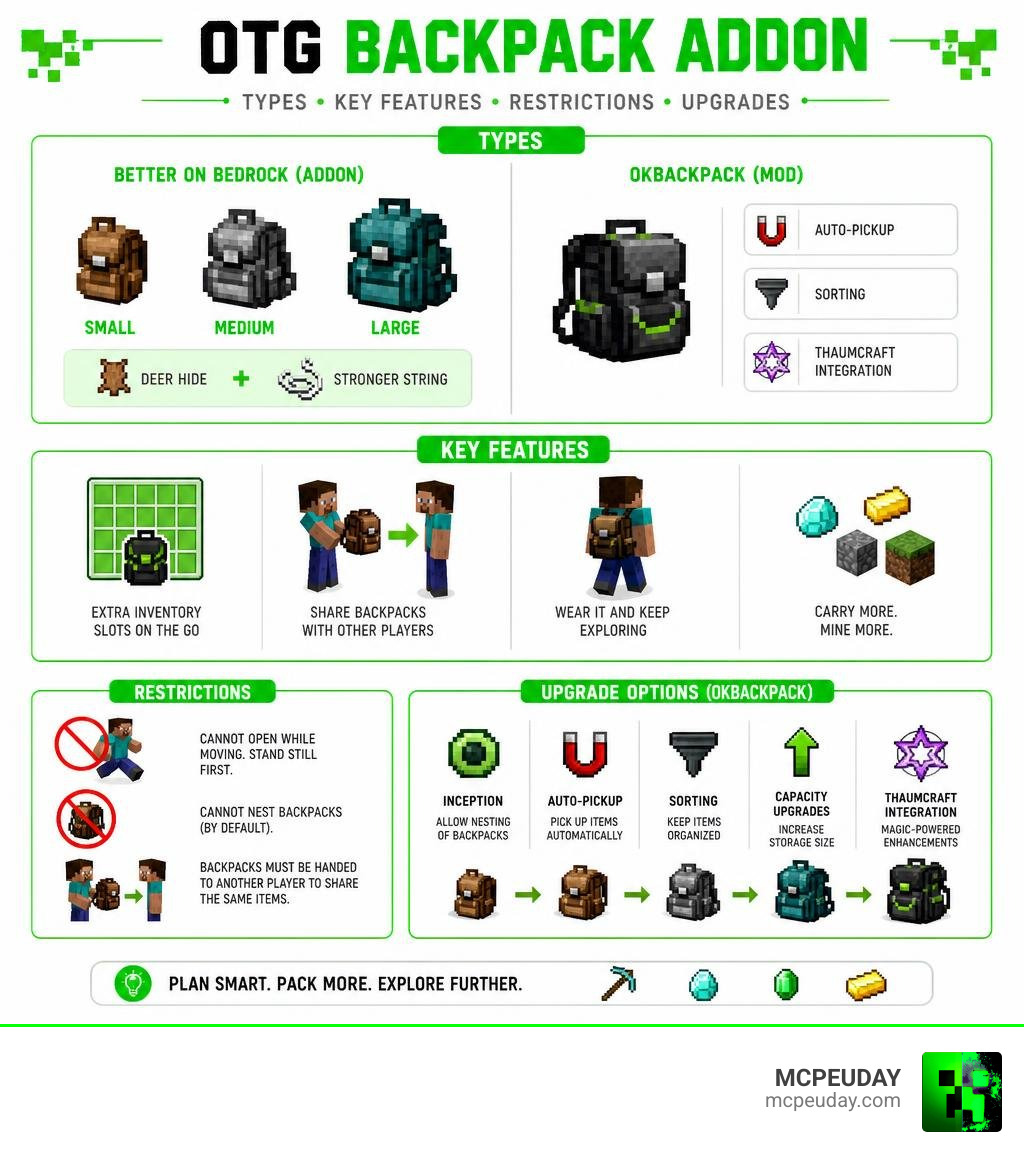
- Better on Bedrock version — A Minecraft Bedrock addon with small, medium, and large backpacks crafted from Deer Hide and Stronger String
- OKBackpack mod version — A modded Minecraft (Java/legacy) mod with advanced upgrades like auto-pickup, sorting, and even Thaumcraft integration
- Key restriction — You cannot open your backpack while moving; you must stand still first
- Sharing — You can hand a filled backpack to another player and they will see the exact same items inside
- Nesting — By default, you cannot put a backpack inside another backpack (except with the special Inception upgrade in OKBackpack)
Running out of inventory space on a long mining trip is one of the most frustrating parts of Minecraft. Backpack addons solve that problem directly, giving you extra slots without needing to build a storage room underground.
I’m UDAY GAMER, your guide here at MCPEUDAY, and in this article I’ll walk you through everything — from crafting your first backpack to unlocking the most powerful upgrades available.
Core Mechanics: Crafting, Sizes, and Usage Restrictions
When you are exploring deep underground in Bedrock Edition, managing your inventory is a constant battle. The portable storage system in the Better on Bedrock framework provides an elegant solution. Instead of leaving valuable ores behind, we can craft dedicated backpacks to carry our extra blocks.
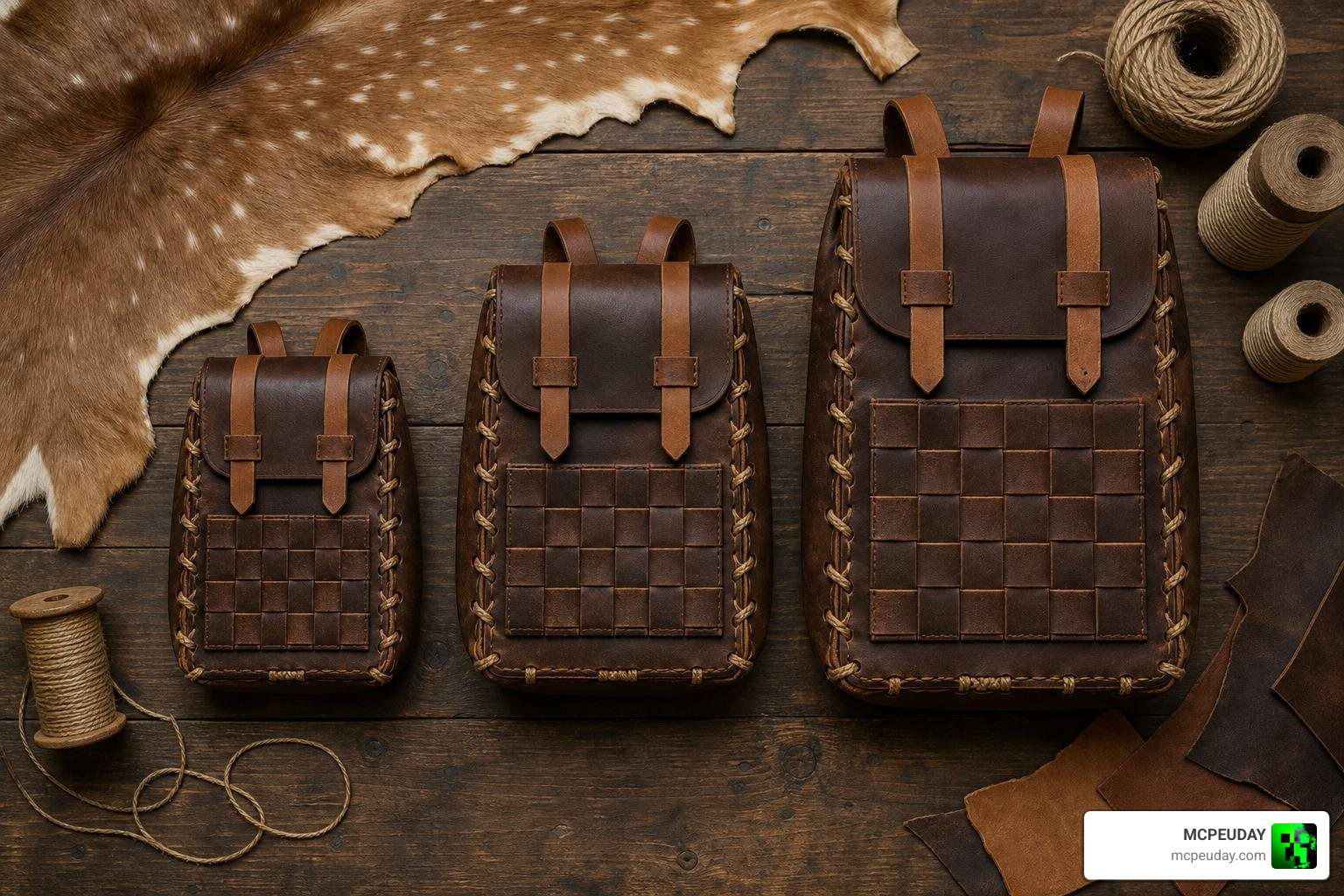
In this system, backpacks come in three distinct sizes: small, medium, and large. To craft these handy storage items, you will need to gather unique materials introduced by the addon.
Crafting Materials
To get started with your first backpack, you will need to hunt down two essential items:
- Deer Hide: Obtained by finding and hunting Deer in forest biomes.
- Stronger String: Crafted using standard string and specific binding materials to ensure your backpack can handle heavy loads.
Once you have gathered your materials, you can craft the three tiers of backpacks. The small backpack provides a modest inventory expansion, while the medium and large backpacks require upgrading your previous tier with more Deer Hide and Stronger String to unlock maximum storage slots.
Key Rules and Restrictions
To keep gameplay balanced and prevent game-breaking bugs, several strict mechanics are built into the addon:
- The Movement Restriction: You must stand completely still before attempting to open your backpack. If you try to open it while walking or running, the interaction will fail. This prevents players from easily accessing their entire inventory mid-fight.
- No Nesting: By default, you cannot place a backpack inside another backpack. This restriction is critical to prevent infinite inventory exploits that could crash your world or corrupt your save files.
- Dynamic Sharing: One of our favorite features is the player-sharing mechanic. If you place 32 blocks of stone into your backpack and hand the physical item to another player, they can open it and see the exact same 32 blocks. This makes backpacks excellent secure trading containers for bulk resource transfers.
If you are looking for even more ways to carry your gear on Bedrock, you should also check out the Bony162s Backpacks Addon and the Multi Backpack Addon for alternative storage layouts!
Advanced Features and Upgrades of the OKBackpack Mod
If you are playing on Java Edition or using custom legacy modpacks, you are likely familiar with the incredibly powerful Shigure-Ruiseki/OKBackpack mod. This mod serves as a highly compatible utility fork, bringing the beloved features of the Sophisticated Backpacks Mod to older and highly customized modpacks.
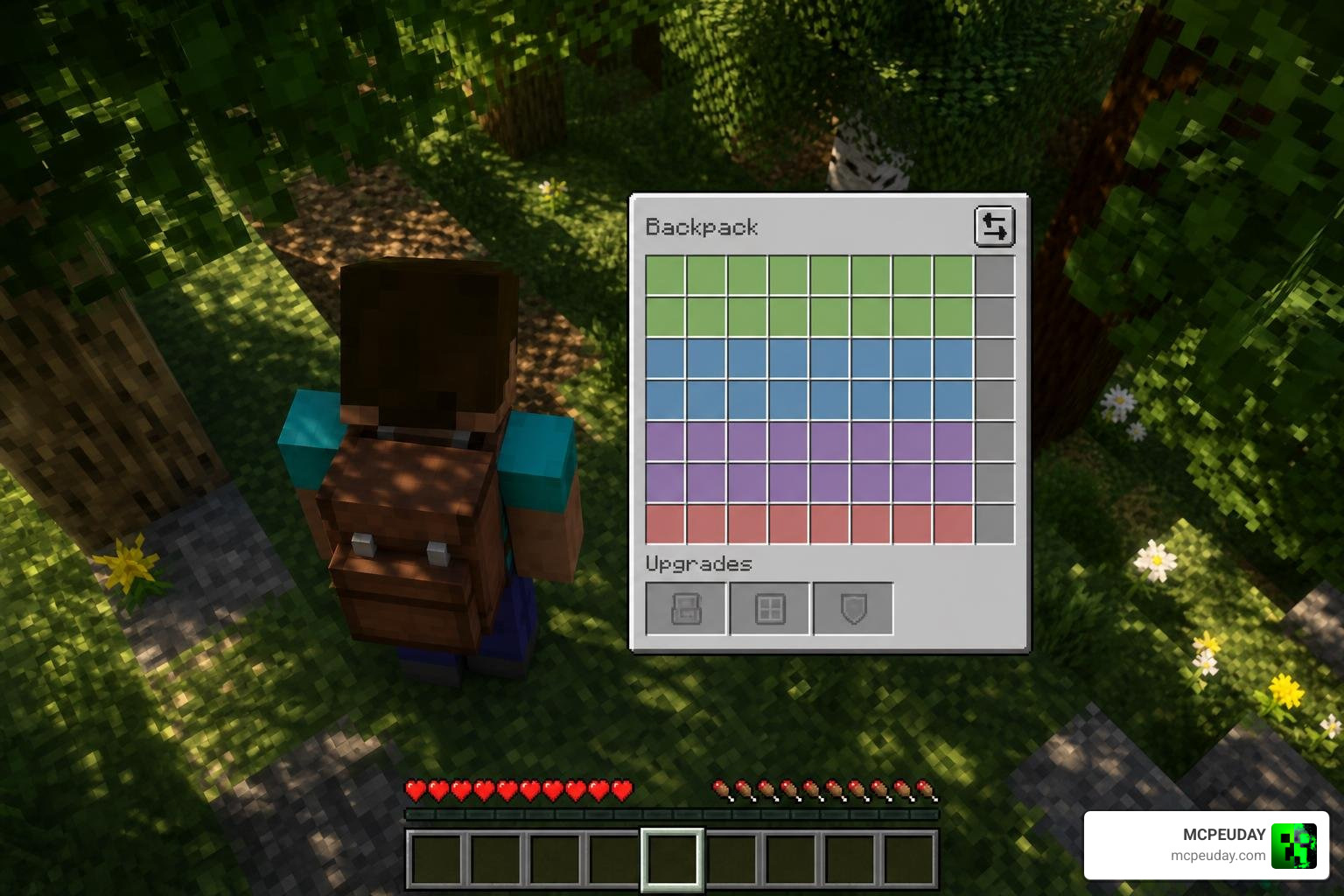
The OKBackpack mod is packed with built-in quality-of-life features:
- Smart Sorting: Sort your entire backpack inventory with a single click.
- Custom Naming & Colors: Color-code your backpacks using dyes and name them so you always know which one holds your tools, food, or rare gems.
- Model Rendering: Your backpack actually shows up on your player model’s back!
Powerful Functional Upgrades
What makes OKBackpack truly stand out in July 2026 is its massive list of functional upgrades. By slotting these upgrades into your backpack, you can transform it into an automated mobile base:
- Inception Upgrade: Bypasses the default nesting restriction, allowing you to store backpacks inside other backpacks for ultimate storage.
- Magnet & Auto-Pickup Upgrades: Automatically pull nearby dropped items directly into your backpack without filling up your hotbar.
- Void Upgrade: Automatically deletes useless junk blocks (like excess cobblestone or dirt) while you mine.
- Cow Upgrade: Keeps a virtual “cow” in your pack to instantly clear negative status effects like poison or wither.
- Jukebox Upgrade: Turn your backpack into a portable party by playing your favorite music discs on the go.
- Everlasting Upgrade: Ensures your backpack and its contents are never lost or destroyed, even if you fall into lava or die.
Mod Integrations: Travelers Upgrades and Thaumcraft
For tech and magic players, OKBackpack features seamless integration with classic mods. If you use Travelers Upgrades, you can apply environmental protections directly to your pack.
Even better, the built-in Thaumcraft Integration allows you to perform Arcane Crafting on the go and interact with Energized Nodes directly from your backpack interface. This is a game-changer for magic-focused players who hate traveling back to their main wizard tower just to craft basic magical components.
Comparing the OTG Backpack Addon to Other Storage Mods
How does our virtual OTG Backpack Addon stack up against other options? Interestingly, the term “OTG Backpack” is heavily inspired by real-world, high-performance physical gear designed for “on-the-go” lifestyles.
For instance, the physical Rains® OTG Backpack in Bark for $195 | Free Shipping is an elite commuter bag boasting a 5-gallon capacity, an 8000 mm water column pressure rating for high water resistance, and a padded sleeve that fits a 16-inch laptop. Similarly, the OTG Hybrid backpack – onthego weighs just 1 kg, featuring a ventilated shoe compartment and a dual-purpose design to transition from work to the gym.
In Minecraft, we want that same level of sleek, reliable utility. Let’s look at how these concepts translate into gameplay.
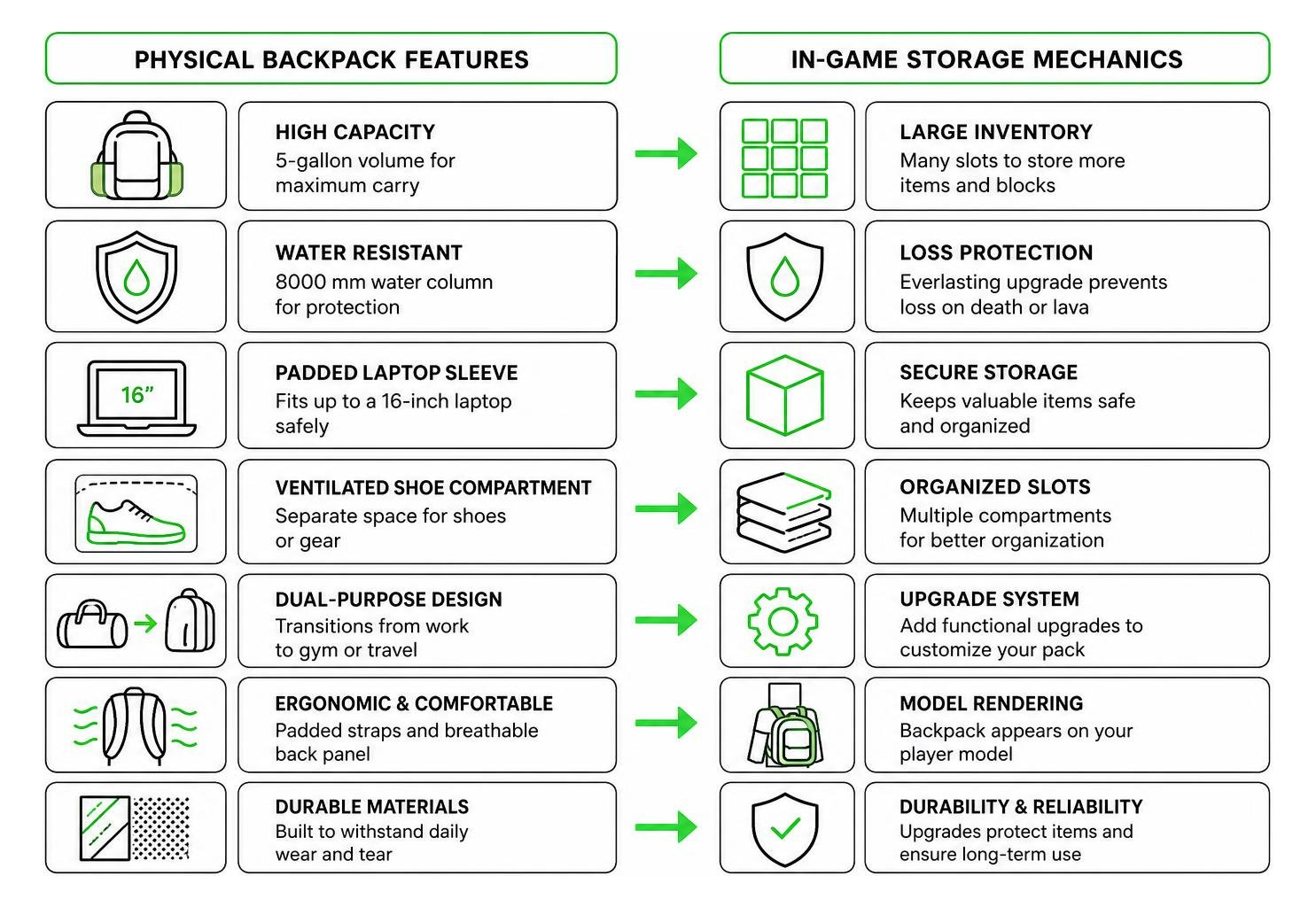
If you want a backpack that acts as protective gear, the Backpacked Armor Addon is a fantastic choice that merges armor values with storage. However, if you want pure storage capacity and upgrade options, the OTG-style addons are unmatched.
Physical vs. Virtual Storage Comparison
| Feature / Spec | Physical Rains® OTG Backpack | In-Game OTG Backpack Addon (Large) |
|---|---|---|
| Capacity | 5 Gallons (fits 16-inch laptop) | Up to 54+ slots (expandable with upgrades) |
| Weight / Load | 1.28 kg | Weightless (does not slow player down) |
| Water Resistance | 8000 mm pressure rating | 100% lava & water proof (with Everlasting Upgrade) |
| Special Pocket | Ventilated shoe compartment | Auto-sorting & trash-voiding slots |
| Price / Cost | $195 | Free to download on MCPEUDAY! |
Frequently Asked Questions
What is the OTG Backpack Addon and how does it work?
The OTG Backpack Addon (often utilized within the Better on Bedrock framework) is a portable inventory expansion for Minecraft Bedrock. It allows you to carry extra items in dedicated slots. To use it, you must hold the backpack and press your interaction button while standing completely still. It also supports dynamic player-to-player sharing, preserving all stored items when handed to a friend.
What are the required dependencies for the OTG Backpack Addon?
If you are running the advanced OKBackpack mod version on Java/legacy setups, you must install the following dependencies to prevent game crashes:
- ModularUI2 (version 2.3.73 or higher)
- GTNHLib (version 0.11.9 or higher)
- OKCore (version 26.06.26.3 or higher)
Can you store a backpack inside another backpack?
In the standard Bedrock addon, nesting is strictly disabled to prevent infinite inventory exploits. However, if you are playing with the OKBackpack mod, you can bypass this restriction by crafting and installing the Inception Upgrade into your backpack.
Conclusion
Whether you are playing on Bedrock with a lightweight survival pack or running a massive modpack with automated storage upgrades, utilizing a high-quality backpack addon is the ultimate way to play Minecraft in 2026.
At MCPEUDAY, we pride ourselves on providing the absolute best, safest, and most up-to-date downloads for your world. Ready to upgrade your inventory? Explore more Minecraft Bedrock addons and utility mods on MCPEUDAY to enhance your gameplay experience!
Download the OTG Backpack Addon for Minecraft Bedrock 1.21. Learn crafting recipes, backpack upgrades, storage features, OKBackpack mod support, and installation steps.
