Scroll down to D0vvnl0ad
Get Java-Style Healing in Minecraft PE/Bedrock
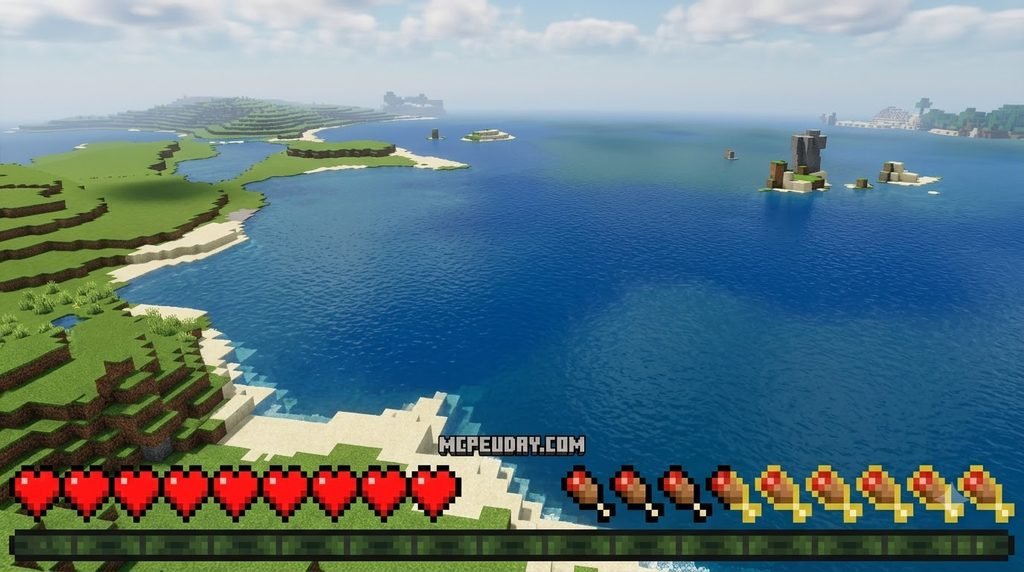
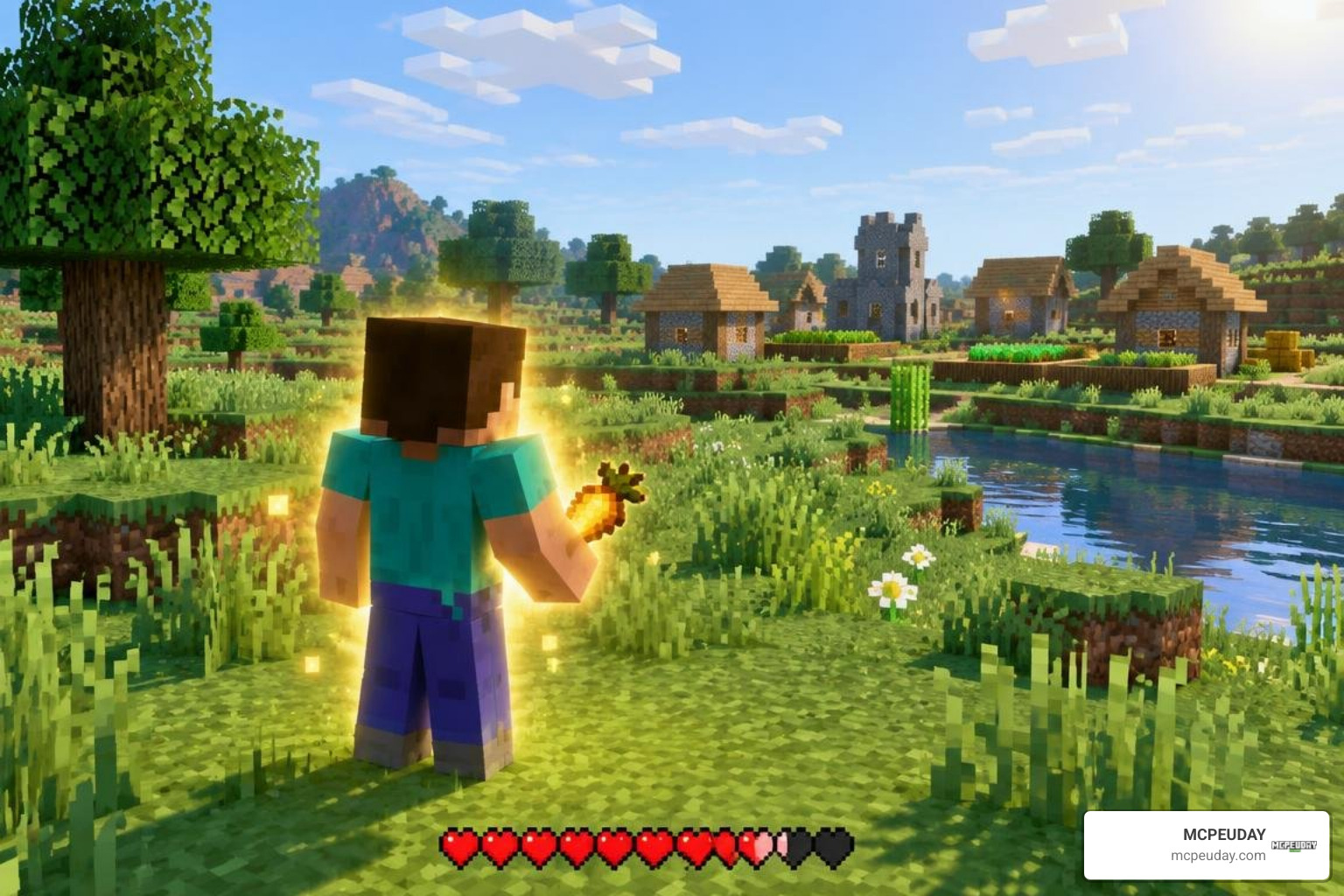
To get the Java Saturation & Regeneration Addon for Minecraft PE/Bedrock, download a .mcaddon file that matches your game version, open it with Minecraft, then enable its behavior pack and resource pack in your world settings. Back up your world before testing it.
The addon aims to make food and healing feel more like Java Edition. With full hunger and enough saturation, you can heal faster than in standard Bedrock survival. Some versions also add a HUD that shows saturation, while others keep the usual display. Check the download page for your exact Bedrock version and any extra setup the release requires. For more background on how Bedrock hunger and healing work, see the Minecraft Wiki saturation page.
What is the Java Saturation & Regeneration Addon for Minecraft PE/Bedrock?
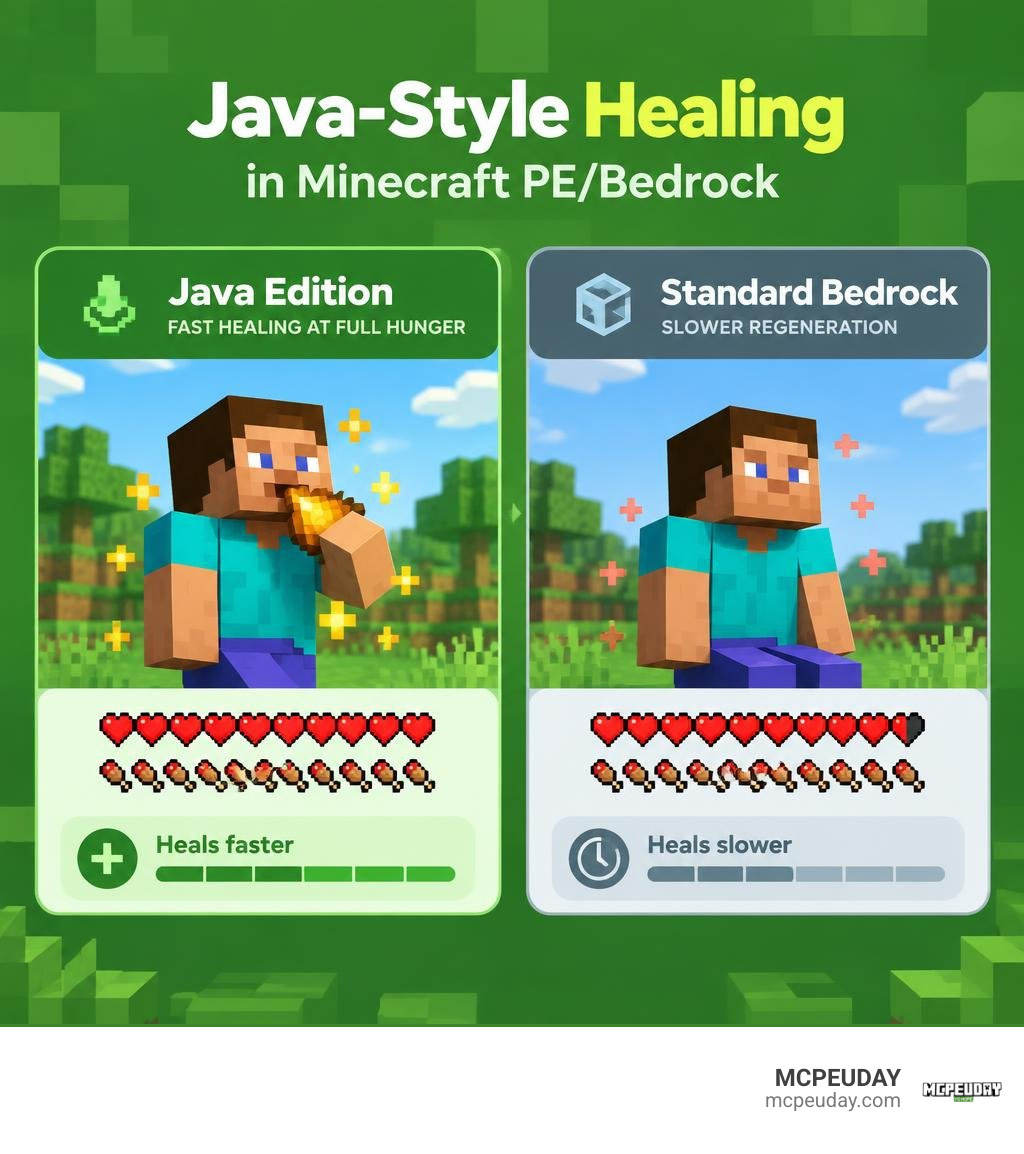
If you have ever swapped between playing Minecraft on PC and mobile, you have probably noticed a major difference in how healing feels. In standard Bedrock Edition, recovering health after taking damage feels sluggish. Even when your hunger bar is completely full, your health points tick back slowly.
The Java Saturation Regeneration Addon bridges this gap. It replaces the default Bedrock health replenishment logic with Java Edition’s exact saturation, exhaustion, and healing mechanics.
In Java Edition, your food bar is not the only thing keeping you alive—there is also an invisible buffer called saturation. When both your hunger and saturation pools are topped off, your character consumes that hidden energy rapidly to restore health at lightning speed. This addon brings that responsive healing directly to your Pocket Edition and Bedrock worlds, creating a smoother survival and combat balance.
How Java Saturation & Regeneration Addon for Minecraft PE/Bedrock Changes Health Mechanics
The core engine of this addon rewrites how health exhaustion interacts with food consumption. In vanilla Bedrock, healing occurs at a flat, steady pace as long as your hunger bar stays above 18 points (9 drumsticks).
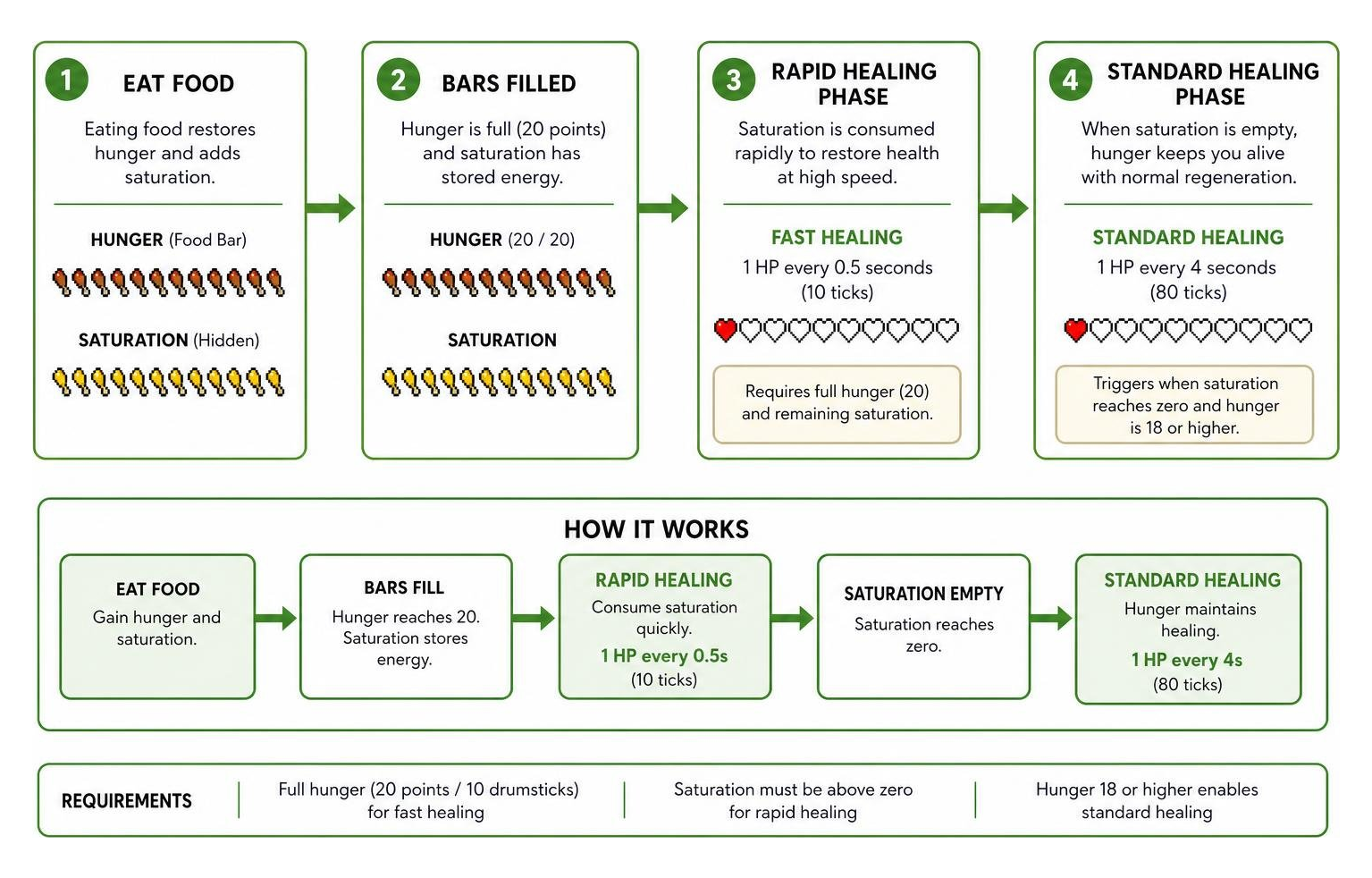
With this addon active, the healing process splits into two distinct phases matching Java Edition:
- Fast Saturation Healing (0.5-second ticks): When your hunger bar is completely full (20 points) and you have remaining saturation points, the game heals 1 health point (half a heart) every 10 game ticks (0.5 seconds). It drains saturation quickly to provide instant recovery during intense skirmishes.
- Standard Hunger Regeneration (4-second ticks): Once your saturation hits zero but your hunger remains at 18 points or higher, health regenerates at the classic rate of 1 health point every 80 game ticks (4 seconds).
Additionally, the addon integrates full status effect support. If you consume a Suspicious Stew with a saturation buff or receive the effect through potions and in-game commands, the addon immediately processes the bonus saturation points and triggers rapid healing.
| Feature / Mechanic | Vanilla Bedrock Edition | Java Edition / Addon Active |
|---|---|---|
| Peak Healing Rate | ~1 HP every 4 seconds | 1 HP every 0.5 seconds (10 ticks) |
| Baseline Healing Rate | 1 HP every 4 seconds | 1 HP every 4 seconds (80 ticks) |
| Saturation Exhaustion | Flat hunger reduction | Consumes saturation rapidly for bursts of healing |
| Minimum Hunger for Fast Heal | Not available | Full hunger bar (20 points / 10 drumsticks) |
| Status Effect Compatibility | Standard Bedrock timers | Instant saturation processing (e.g., Suspicious Stew) |
Comparing UI Variants: Standard UI vs No-UI HUD
Different players prefer different visual styles, so the addon comes in multiple display variants designed to suit various screen sizes and mod setups:
- Standard UI (Custom Saturation Display): This variant introduces a dedicated HUD overlay. It adds a golden outline over your hunger drumsticks to represent your current saturation value. When you hold food in your main hand, it provides a preview with ghost drumsticks showing exactly how much hunger and saturation you will gain upon eating.
- No-UI HUD (Clean Vanilla Look): If you prefer a completely untouched screen or play on a smaller smartphone where extra interface elements feel crowded, the No-UI version keeps the visual display completely vanilla while running all rapid healing mechanics in the background.
If you love clean, Java-inspired interfaces, you can pair the No-UI version with our Java Desktop UI Pack or add comprehensive item descriptions using the Java Tooltips With A Texture Pack for an authentic PC aesthetic. Community-created custom foods are also supported, provided their data definitions include standard food nutrition components.
Step-by-Step Installation Guide for Mobile and PC
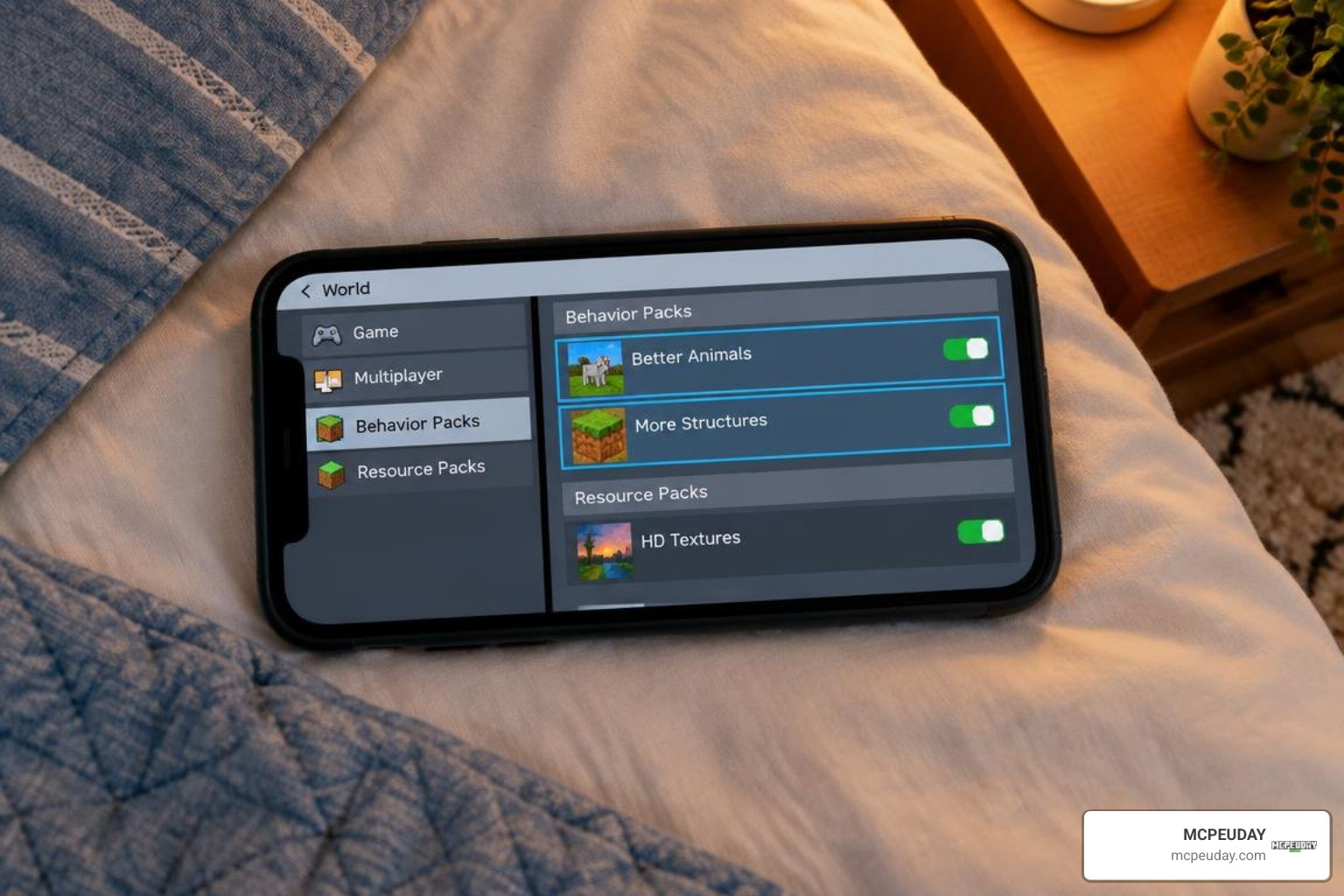
Installing community addons on Minecraft Bedrock is simple thanks to the .mcaddon packaging standard. Whether you are playing on Android, iOS, or Windows 10/11, here is how to get everything up and running.
How to Install the Java Saturation & Regeneration Addon for Minecraft PE/Bedrock
Follow these steps to download and apply the addon to your game:
- Download the File: Grab the latest
.mcaddonbuild of the addon for your target Minecraft version (such as versions 1.21 through 26.x). - Import into Minecraft:
- Android / iOS: Tap the downloaded
.mcaddonfile in your browser downloads or file manager. Select “Open with Minecraft.” The game will launch automatically and display an “Import Started” notification followed by “Successfully Imported.” - Windows 10/11: Double-click the
.mcaddonfile, and Minecraft will launch and import both the resource and behavior packs automatically.
- Android / iOS: Tap the downloaded
- Open World Settings: In the Minecraft main menu, click Play, choose an existing world to edit (click the pencil icon), or click Create New World.
- Activate Resource Packs: Scroll down on the left-hand sidebar to Resource Packs, go to Available, find the Java Saturation pack, and click Activate.
- Activate Behavior Packs: Navigate to Behavior Packs, locate the matching pack under Available, and click Activate.
Enabling Experimental Features and Server Setup
Because this addon modifies core player health loops and hunger processing, certain versions rely on Bedrock’s creator scripting engine.
- Toggle Experimental Features: Inside your world settings menu, scroll down to the Experiments tab. Turn on Beta APIs and Upcoming Creator Features if prompted by the specific build you downloaded.
- Multiplayer and Dedicated Servers: When running a Bedrock Dedicated Server (BDS) or hosting a local multiplayer session, only the world host needs the behavior pack installed. When players join your game, Minecraft automatically syncs the required resource pack files to their devices.
- Realms Compatibility: You can upload worlds containing this addon directly to Minecraft Realms. Ensure you apply and test the packs locally on your single-player save before uploading the world to your Realm slot.
Customization Settings, HUD Previews, and Gameplay Balance
Many modern releases of the Java Saturation addon include subpack configuration options and pre-world sliders. In your world resource settings, clicking the gear icon on the activated pack lets you switch between visual modes (such as standard saturation outlines, numeric counters, or clean vanilla displays).
When building a complete survival overhaul, this addon pairs exceptionally well with other parity mods:
- Combine it with Raiyons Java Combat Addon or the Java Combat Addon 26.x for MCPE to get Java-style weapon cooldowns, sweeping edge attacks, and offhand shield mechanics alongside fast healing.
- Enhance combat precision further by incorporating the Java Hitbox Addon.
- Integrate quality-of-life improvements using the Nics Common Sense Addon or explore expanded world generation with Better On Bedrock Addon 1.21.
- If you want straightforward survival refinements, the Nics Common Sense Addon 1.26 1.21 Download Features Installation Guide offers great companion tweaks.
That rapid healing changes survival balance significantly. High-saturation foods like golden carrots, cooked porkchops, and steak become vastly more valuable than low-saturation snacks like sweet berries or melon slices.
Troubleshooting Common Issues and Performance Optimization
If you encounter hiccups while using the addon, check these common fixes:
- HUD Overlapping or Glitches: If your hunger bar flickers or clashes with custom UI packs, adjust your resource pack loading hierarchy. Place your main UI texture packs at the top of the active list and position the saturation pack beneath them, or switch the saturation pack to its No-UI subpack variant.
- Double Healing or No Fast Regen: Ensure experimental toggles (Beta APIs) are enabled if required by your addon version. Also, avoid stacking multiple health-modifying behavior packs at the same time to prevent competing healing scripts.
- Dead Player Healing Bug: Early script versions occasionally attempted to apply health ticks right as a player respawned. Updating to the latest release resolves this issue.
- Low-End Mobile Performance: The lightweight scripts consume minimal device memory (typically under 1 MB). The addon automatically handles memory cleanup on player disconnect, ensuring steady frame rates even on budget mobile devices.
Frequently Asked Questions About Java Saturation Addons
Does the Java Saturation addon work on multiplayer servers and Realms?
Yes. The addon works smoothly across local LAN multiplayer, Bedrock Dedicated Servers, and Minecraft Realms. The world host or server administrator needs to install the behavior pack, and joining players will automatically download the matching visual resource pack upon connecting.
Can you earn achievements while using this addon?
In most cases, applying a custom behavior pack to a Bedrock world disables Xbox achievements. However, standalone visual resource packs that only display food previews without modifying underlying behavior logic can be used without disabling achievements.
Why is health regenerating slower when hunger drops below full?
This behavior is intentional and replicates Java Edition accurately. Rapid healing (0.5 seconds per half heart) only triggers when your hunger bar is at 20 points (completely full) and you have remaining saturation. Once saturation runs out or hunger drops to 18–19 points, health regenerates at the baseline rate of 1 health point every 4 seconds.
Conclusion
Bringing your Bedrock survival worlds into alignment with PC mechanics transforms combat, boss battles, and speedrunning. With rapid health recovery and transparent saturation tracking, you get a much more responsive survival experience on mobile and console.
At MCPEUDAY, our mission is to provide clear, reliable guides and curated downloads for all your Bedrock needs. Ready to expand your game further? Explore our complete library of MCPE Bedrock mods and addons to find top-rated combat expansions, visual packs, and survival overhauls.
