Why the Java/Desktop UI PACK Is a Game-Changer for Bedrock Players
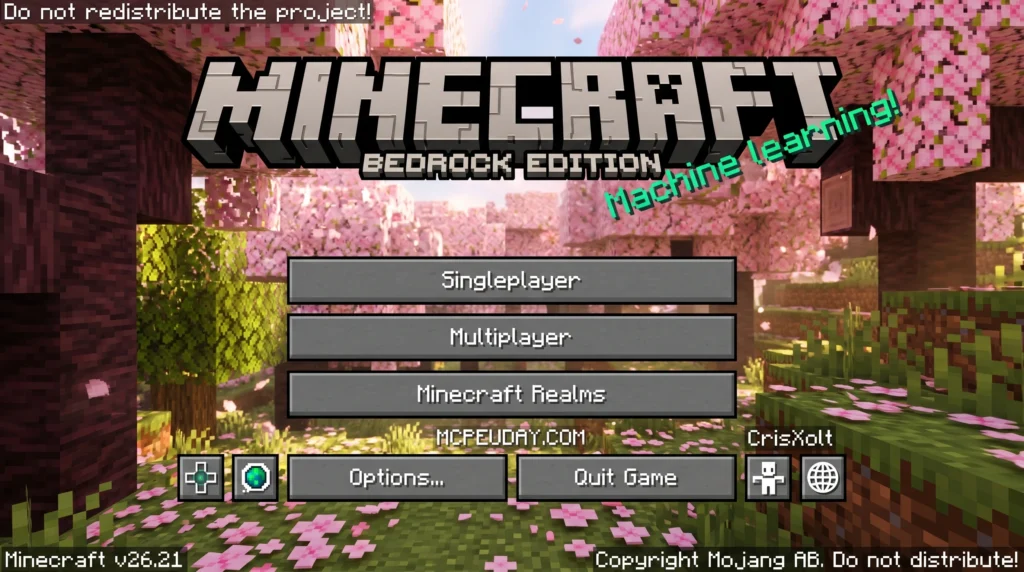
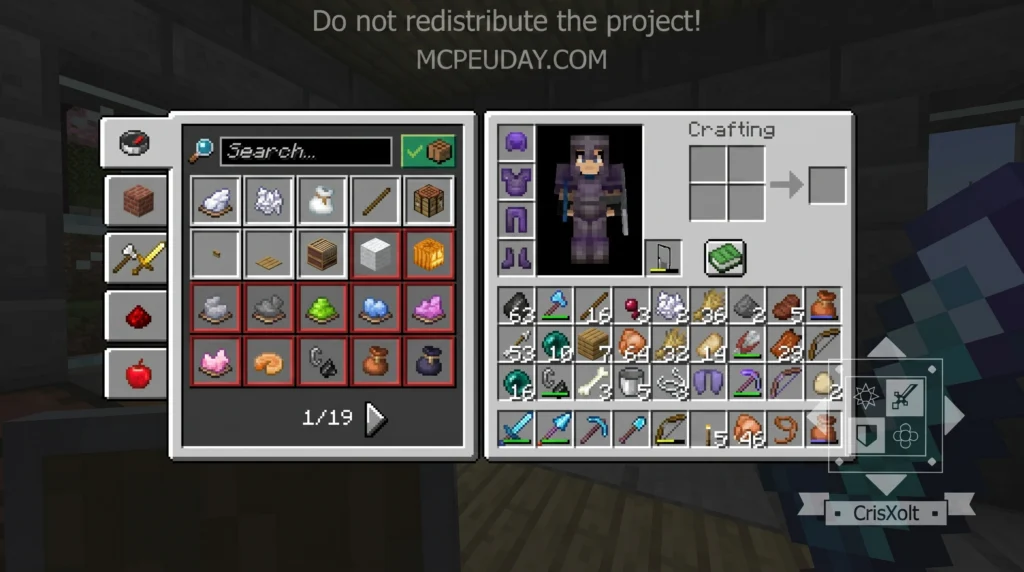
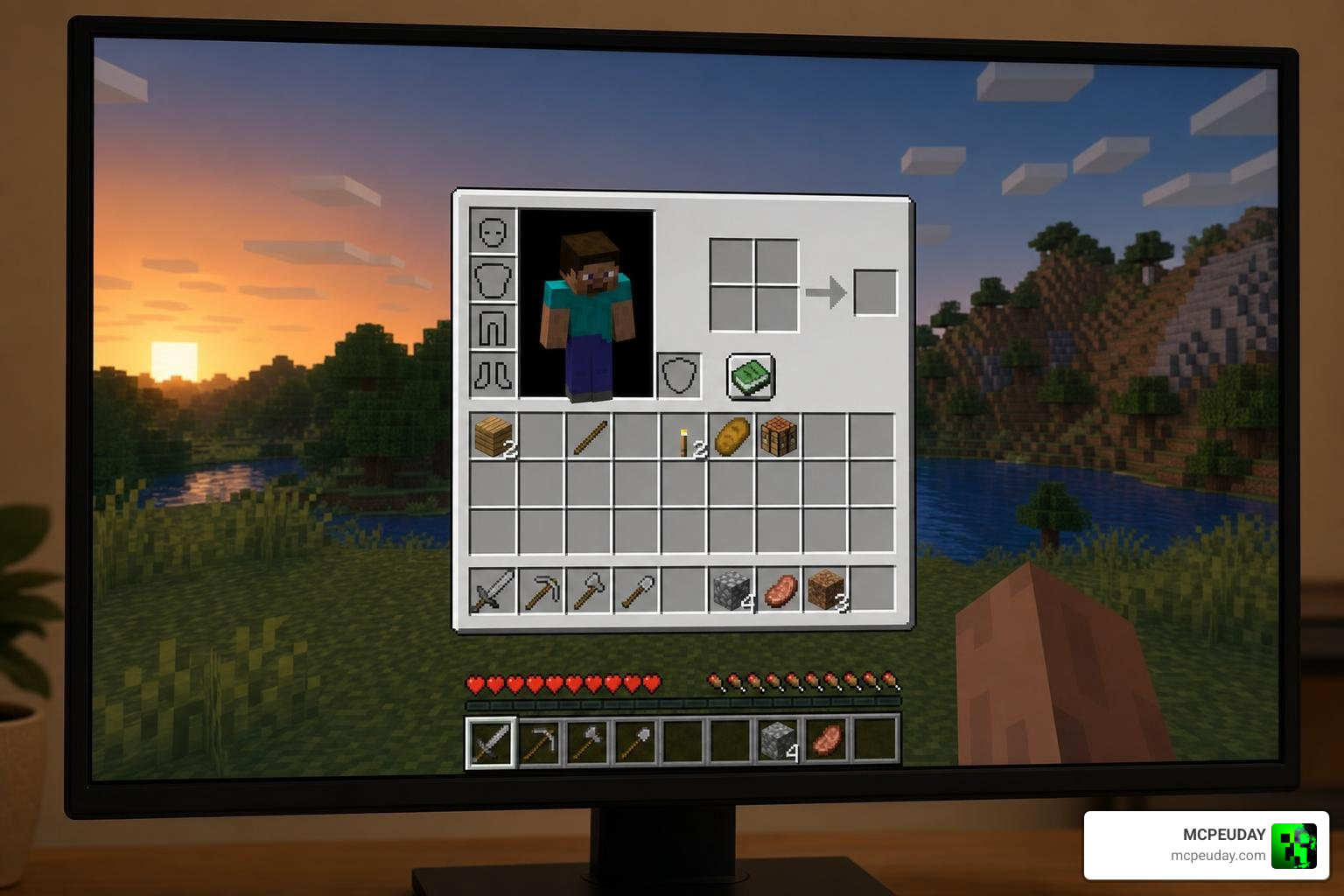
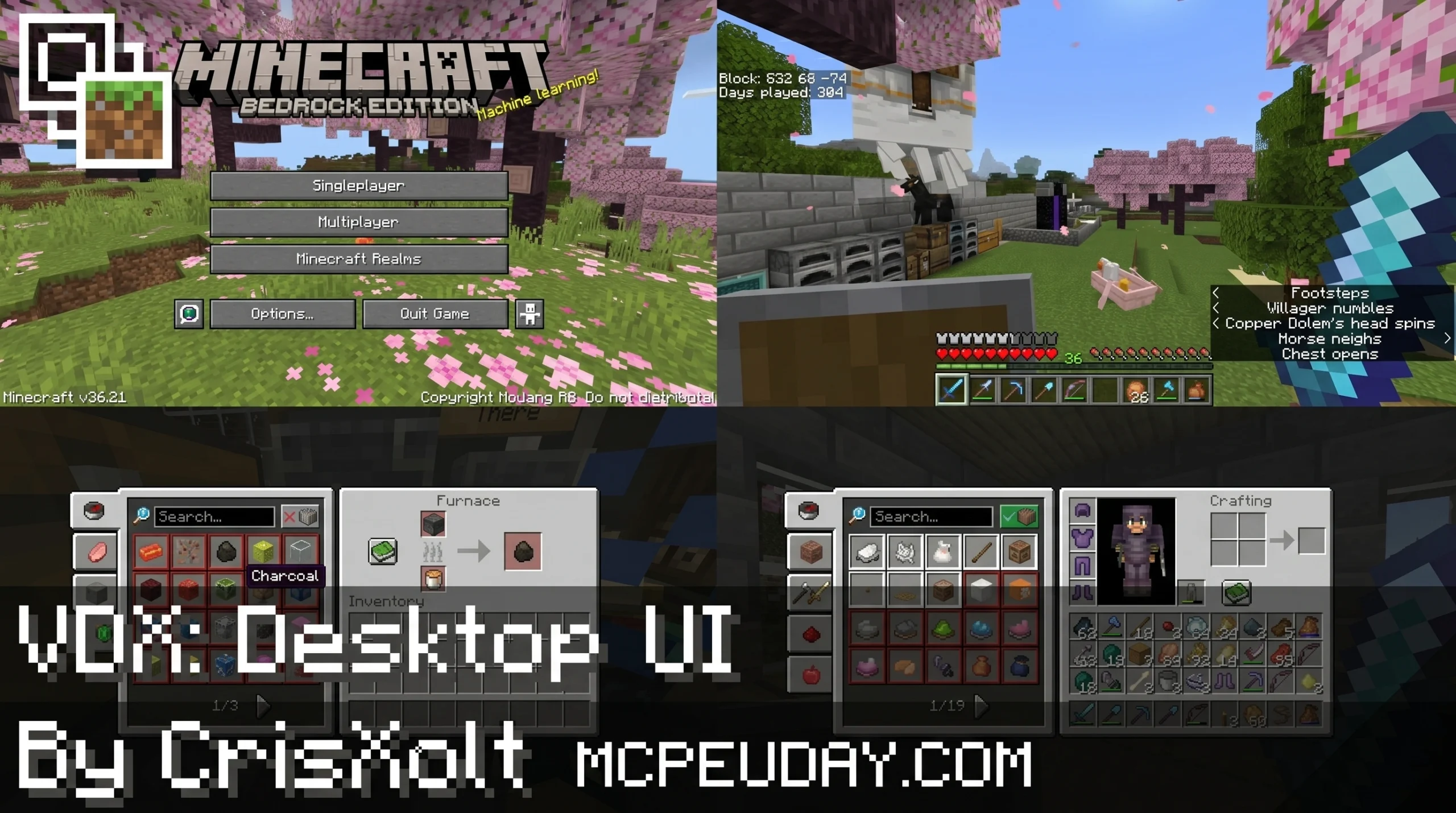
The Java/Desktop UI PACK is a resource pack that replaces Minecraft Bedrock Edition’s default interface with visuals that closely match the look of Java Edition — giving mobile and console players the desktop experience they’ve always wanted.
Here’s a quick breakdown:
- What it is: A texture pack that swaps Bedrock’s UI for Java Edition-style menus, inventory screens, and HUD elements
- Who makes it: The most popular version is VDX by @CrisXolt, with nearly 2 million downloads on CurseForge
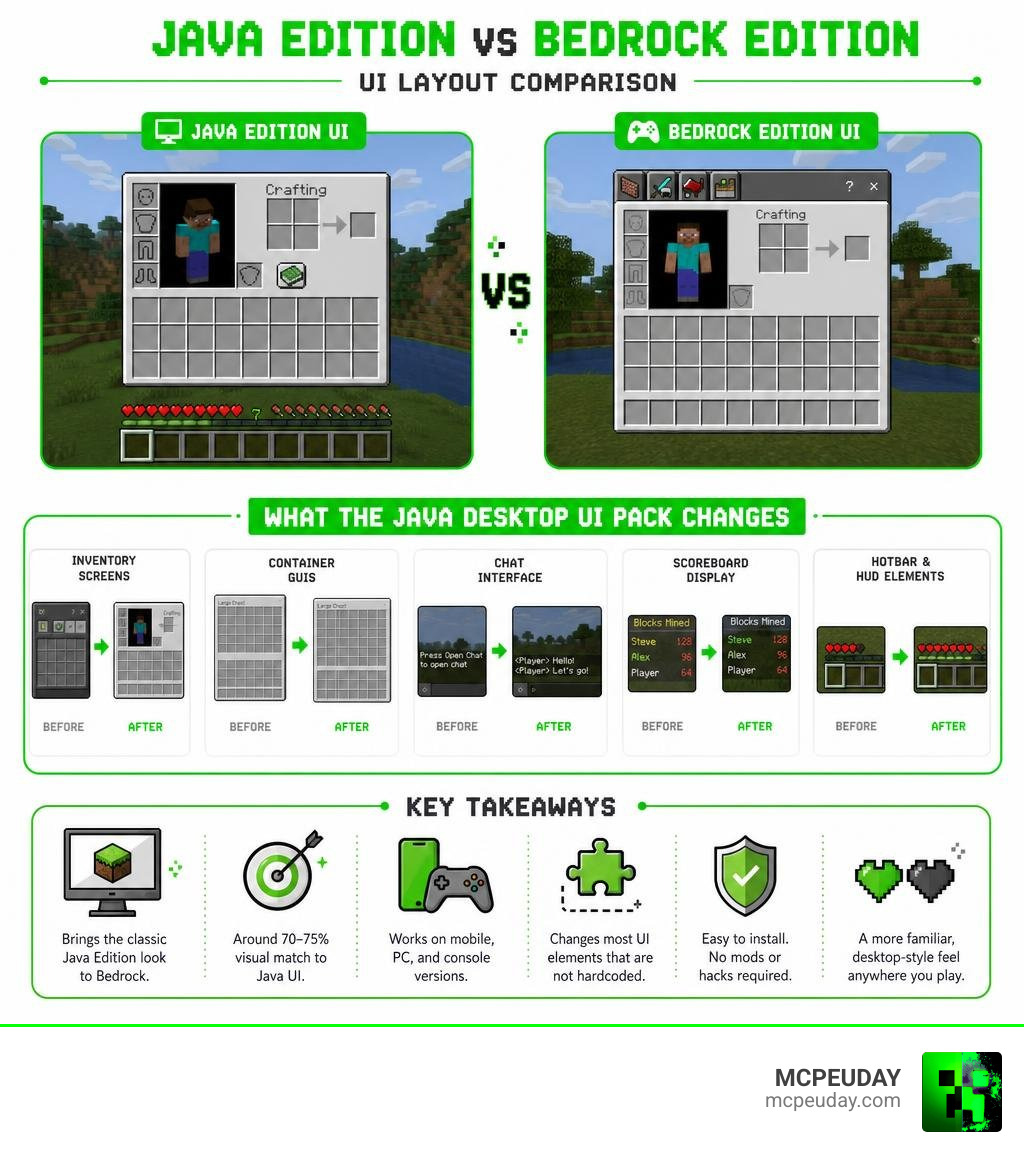
- What it changes: Inventory screens, container GUIs, chat, scoreboards, and more
- What it can’t change: Certain screens (like “You Died” and the Play menu) are hardcoded by Mojang’s Ore UI engine
- How accurate is it: Around 70–75% visual match to Java Edition UI
- Is it official: No — it is not made or approved by Mojang
It works on mobile, PC, and console versions of Bedrock Edition. No mods or hacks required — just a resource pack.
Millions of players use these packs to get a more familiar, desktop-style feel while playing on phones or tablets. Whether you’re used to Java Edition and just switched to Bedrock, or you simply prefer the cleaner Java look, this pack is one of the most downloaded UI overhauls in the Minecraft community.
What is the Java/Desktop UI PACK?
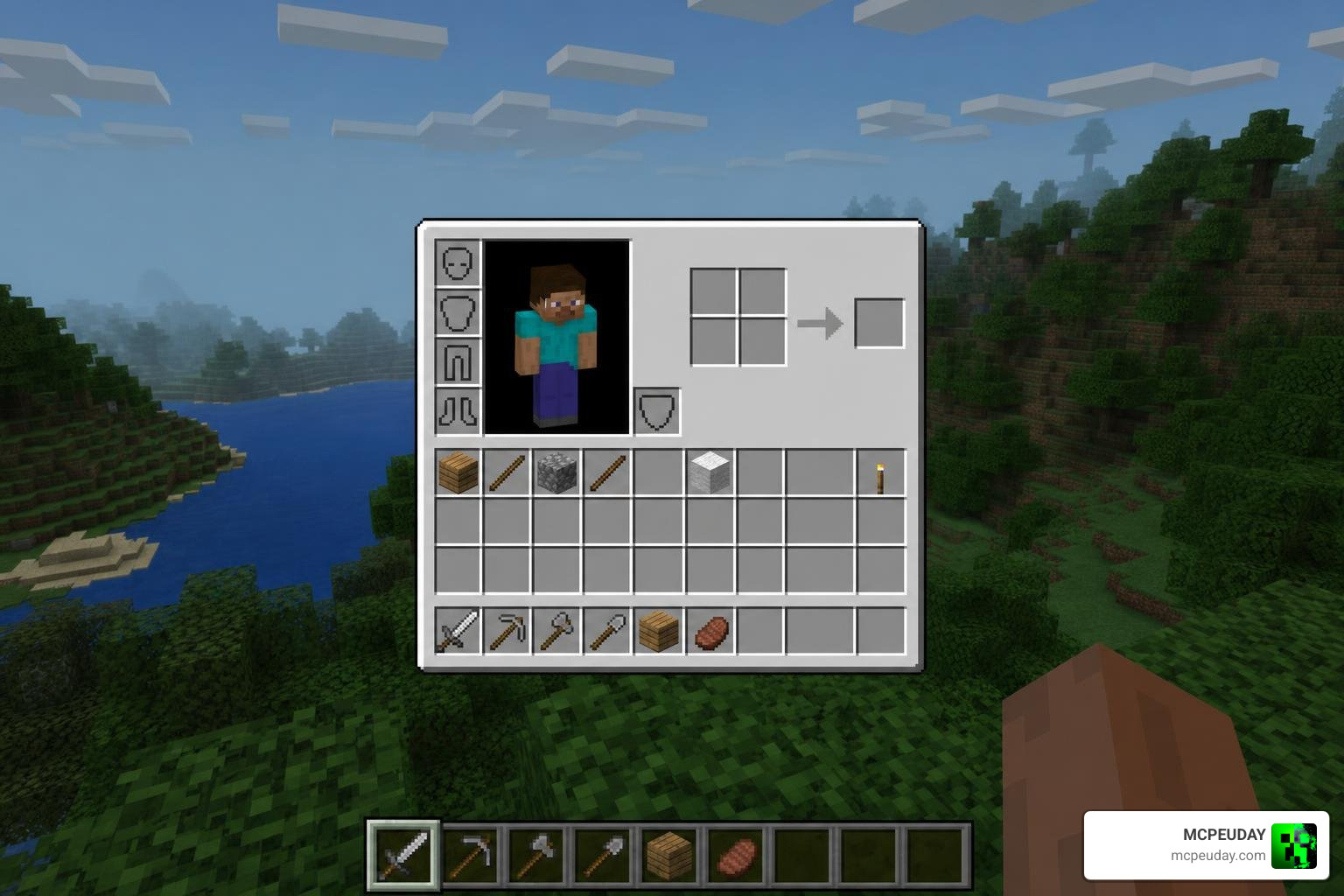
At its core, the Java/Desktop UI PACK (often distributed under the name Vanilla Deluxe or VDX) is a comprehensive interface overhaul designed for Minecraft Bedrock Edition. Bedrock’s native user interface is famously built to accommodate mobile touchscreens and console controllers, which frequently results in oversized buttons, bulky menus, and a layout that desktop purists find cluttered.
By utilizing the power of custom resource packs, the Java/Desktop UI PACK replaces Bedrock’s container screens, inventory panels, and HUD layouts with high-fidelity ports of the Java Edition designs. This visual conversion achieves approximately 70% to 75% accuracy, transforming everything from the classic chest interface to the brewing stand, furnace, and anvil screens.
While the pack focuses heavily on mimicking the desktop look, it is remarkably smart about touch controls. It adapts the classic point-and-click Java style so that mobile players can still comfortably tap and drag items on their screens.
However, it is important to understand the technical limitations. Modern Bedrock updates utilize an engine called Ore UI. Because of this, certain screens—such as the Play screen, World Creation menu, Achievements page, and the “You Died” screen—are hardcoded into the game client and cannot be altered by resource packs. If you want to pair this desktop aesthetic with other unique interface styles, you can also check out the Animated Shiroko Skyfall UI Pack for an entirely different visual twist.
For players looking to restore the complete classic feel, getting the Vanilla Deluxe: Java/Desktop UI Pack is the ultimate way to bridge the gap between Bedrock and Java.
Key Features of the Java/Desktop UI PACK
- Authentic Container Screens: Every major interactive block—including chests, hoppers, dispensers, beacons, and crafting tables—receives a dedicated Java Edition container skin.
- Custom JSON Configuration: Advanced users can easily tweak settings, toggle HUD elements, and adjust safe-area scaling by editing the global variables file located at ui/globalvariables.json.
- Extensive Language Support: The pack is built for a global audience, fully supporting English, Spanish, Japanese, Korean, Portuguese, Chinese, and many other languages.
- Polished HUD Customization: It repositions the hotbar, experience bar, and status effects to match the precise coordinates of the Java PC client.
How to Install the Java/Desktop UI PACK on Mobile and PC
Installing the pack is a straightforward process, but mobile players must pay close attention to their device settings to avoid issues.
For Mobile (Android & iOS):
- Before importing any files, open Minecraft Bedrock, go to Settings > Profile, and ensure your File Storage Location is set to External. If it is set to Application, you risk losing access to your downloaded packs.
- Download the .mcpack file.
- Open your device’s file manager, locate the downloaded file, and tap it to run. The game should launch automatically and display an “Import Started” message.
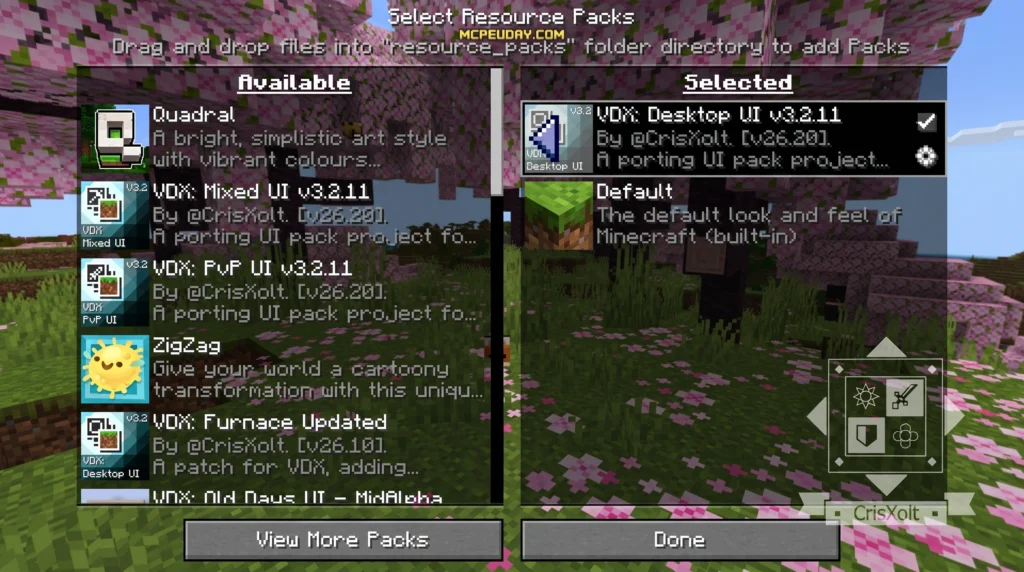
- Once imported, go to Settings > Global Resources, expand the “My Packs” section, select the UI pack, and click Activate.
- Make sure to enable Experimental Mode features in your world settings if you encounter any missing layout elements.
For PC (Windows 10/11):
- Download the .mcpack directly.
- Double-click the file to launch Minecraft and automatically import the resource pack.
- Navigate to Settings > Global Resources and activate the pack.
- Restart your game client to ensure all Java-style assets load correctly.
Comparing Java UI Variants: Desktop, Mixed, and PvP
Depending on how you play Bedrock Edition, a single UI style might not fit your needs. That is why creators offer three distinct variants of the pack to match your playstyle.
- Legacy Desktop UI: This is the flagship variant. It aims for maximum Java Edition accuracy, bringing the clean, pixel-perfect desktop look to your Bedrock client. It is best suited for PC players, keyboard-and-mouse mobile users, or those who want the pure Java look.
- Legacy Mixed UI: A brilliant hybrid design that blends Java Edition aesthetics with the intuitive layout of the Legacy Console Edition (Xbox 360, PS3, etc.). This is highly recommended for players who use controllers on PC or mobile, as it retains easy-to-navigate circular menus and larger grid selections.
- Legacy PvP UI: Specifically optimized for competitive servers. Based on the classic Java Edition 1.8 layout, this variant cleans up the chat overlay, repositions the scoreboard to prevent screen clutter, and minimizes HUD elements to maximize your field of view during intense battles.
| UI Variant | Primary Inspiration | Best Input Method | Key Feature |
|---|---|---|---|
| Legacy Desktop UI | Java Edition PC | Keyboard & Mouse / Touch | 75% visual layout accuracy |
| Legacy Mixed UI | Java + Console Edition | Gamepad / Controller | Console-style quick navigation |
| Legacy PvP UI | Java 1.8 PvP Layout | All Inputs | Minimalist HUD & clean scoreboard |
Technical Frameworks and Desktop Java UI Libraries
While Minecraft players enjoy these visual conversions inside the game, developers in the real world build actual desktop software using robust Java UI toolkits.
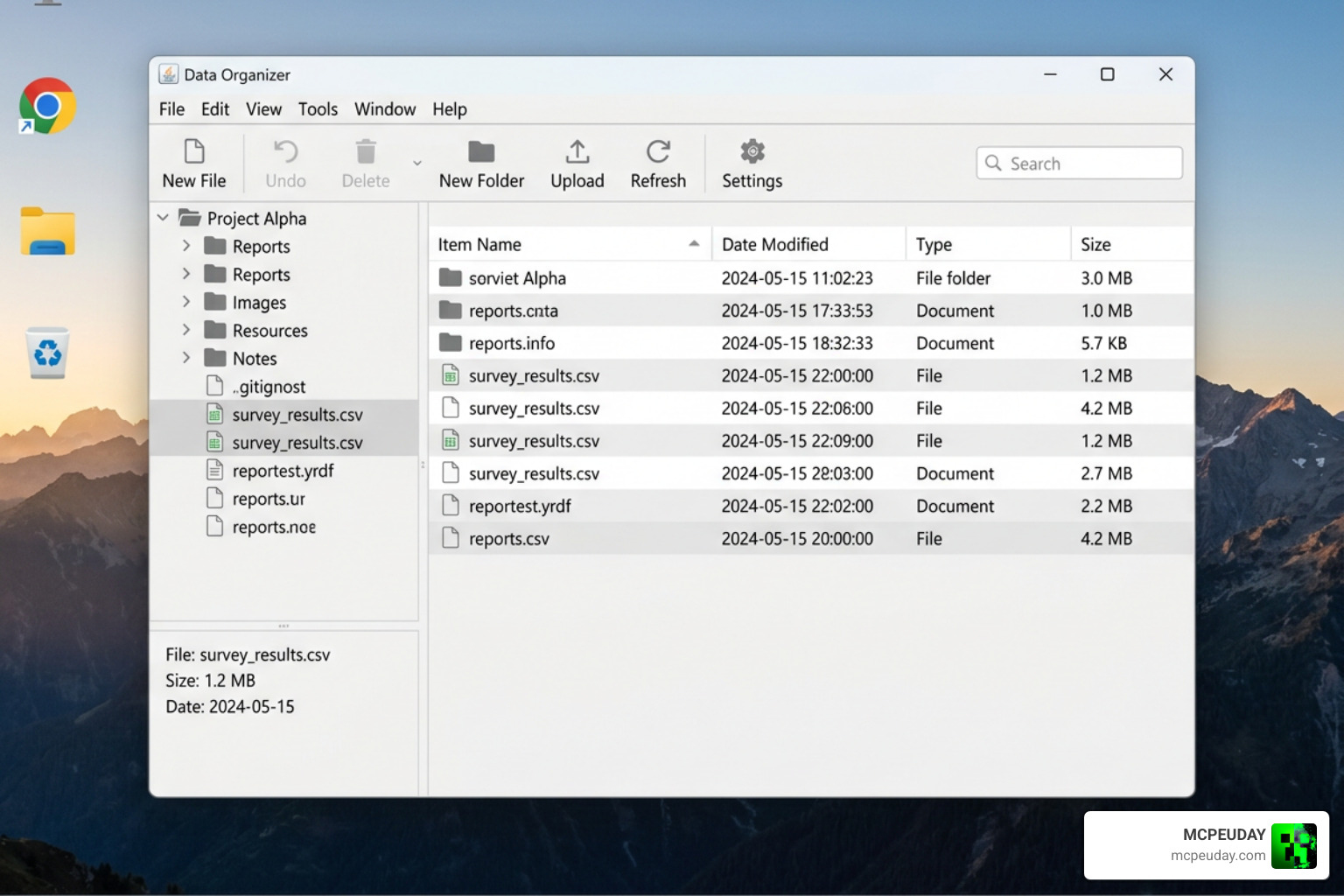
If you are interested in how actual Java desktop applications are styled outside of gaming, libraries like DJ-Raven/java-swing-pack show how modern developers build flat, customizable components using Swing and FlatLaf. Swing remains a standard for cross-platform Java development, especially when paired with modern “look and feel” libraries that bring outdated layouts into the modern era.
For deeper operating system integration, developers utilize core platform modules. For instance, the java.awt.desktop API (JDK 26) provides interfaces for interacting with native desktop capabilities, such as handling system sleep events, file printing requests, and user session changes directly from a Java application.
Additionally, lightweight frameworks like DumiJDev/jamba-ui combine the productivity of Spring Boot with the rapid UI capabilities of Vaadin. These modular desktop frameworks allow developers to use dependency injection and event-driven architectures to build sleek, enterprise-grade desktop software with minimal boilerplate code.
Frequently Asked Questions
Does the Java UI pack affect Minecraft gameplay mechanics?
No. The pack is purely a client-side resource pack. It only changes the visual textures, button layouts, and menus. Your movement speed, block-breaking physics, redstone behavior, and combat mechanics remain exactly the same as vanilla Bedrock Edition. Because it is client-side, you can use it on public multiplayer servers without worrying about compatibility issues or bans.
Why are some screens like the “You Died” screen not modified?
Mojang uses a modern UI rendering engine called Ore UI for specific screens. These screens—including the death screen, main play menu, and achievements—are hardcoded deep within the Bedrock client. Resource packs are currently unable to override these files, which is why you will occasionally see a mix of classic Java menus and modern Bedrock screens.
How do I troubleshoot lag or import errors with UI packs?
If you experience lag, try lowering your game’s render distance or disabling fancy graphics in your video settings. If you receive an import error on mobile, verify that your File Storage Location is set to External in your profile settings. Additionally, always make sure the UI pack is placed at the very top of your Active Resource Packs list to prevent other texture packs from overwriting its custom JSON layouts.
Conclusion
The Java/Desktop UI PACK is an outstanding addition to any Bedrock player’s toolkit, offering a clean, nostalgic, and incredibly functional alternative to the standard mobile interface. Whether you are seeking the competitive edge of the PvP UI, the controller-friendly comfort of the Mixed UI, or the pure desktop aesthetic of the Legacy Desktop UI, these packs completely transform your daily survival and multiplayer sessions.
At MCPEUDAY, we love sharing the absolute best creations the community has to offer. Ready to overhaul your game’s visuals even further? Explore more Minecraft Texture Packs on our site and discover custom skies, visual enhancements, and unique UI designs today!
Do you mind if I quote a few of your posts as long as
I provide credit and sources back to your webpage?
My website is in the exact same area of interest as yours and my visitors would certainly
benefit from some of the information you provide here.
Please let me know if this okay with you. Cheers!
my web site … Daily Links